BMW 5 Series G30 CarPlay Retrofit Review
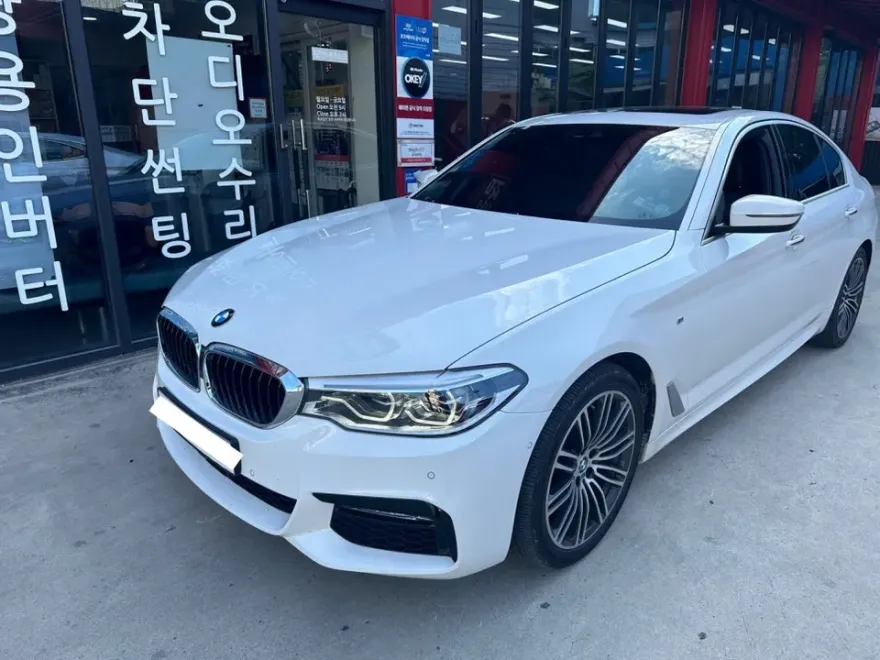
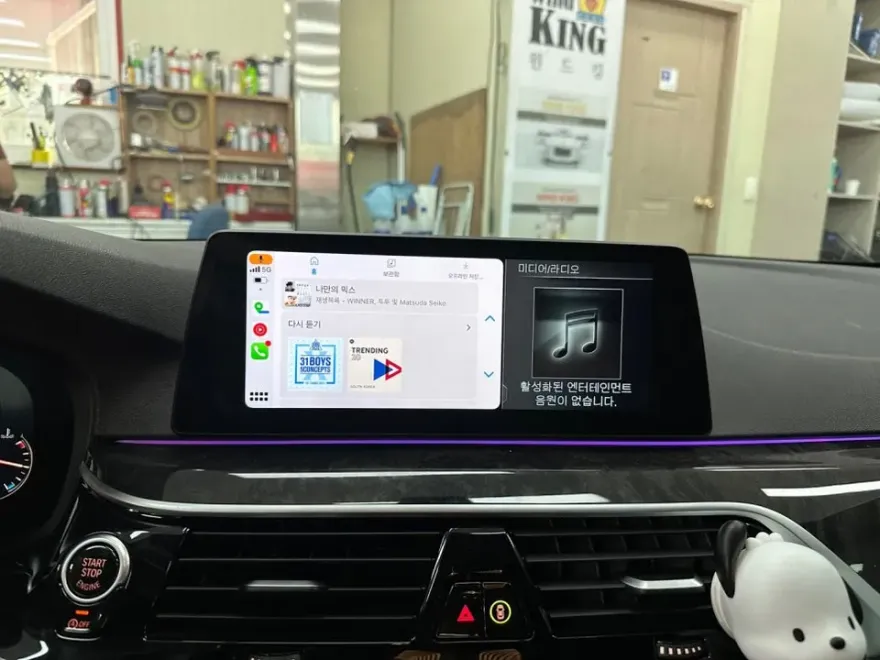
BMW 5 Series G30 CarPlay retrofit: Full-screen activation and firmware update. Enhances navigation and connectivity.
Upgrade Your BMW 5 Series G30 Infotainment System
Many BMW 5 Series G30 owners, especially those with earlier models like the 2017 520d, find the stock navigation system and the split-screen CarPlay interface to be less than ideal. This review details a common upgrade: activating full-screen Apple CarPlay and updating the head unit firmware. This process addresses the limited visibility of split-screen mode and potential software glitches like Bluetooth disconnections, which were more prevalent in earlier firmware versions.
The CarPlay Full-Screen Upgrade Process
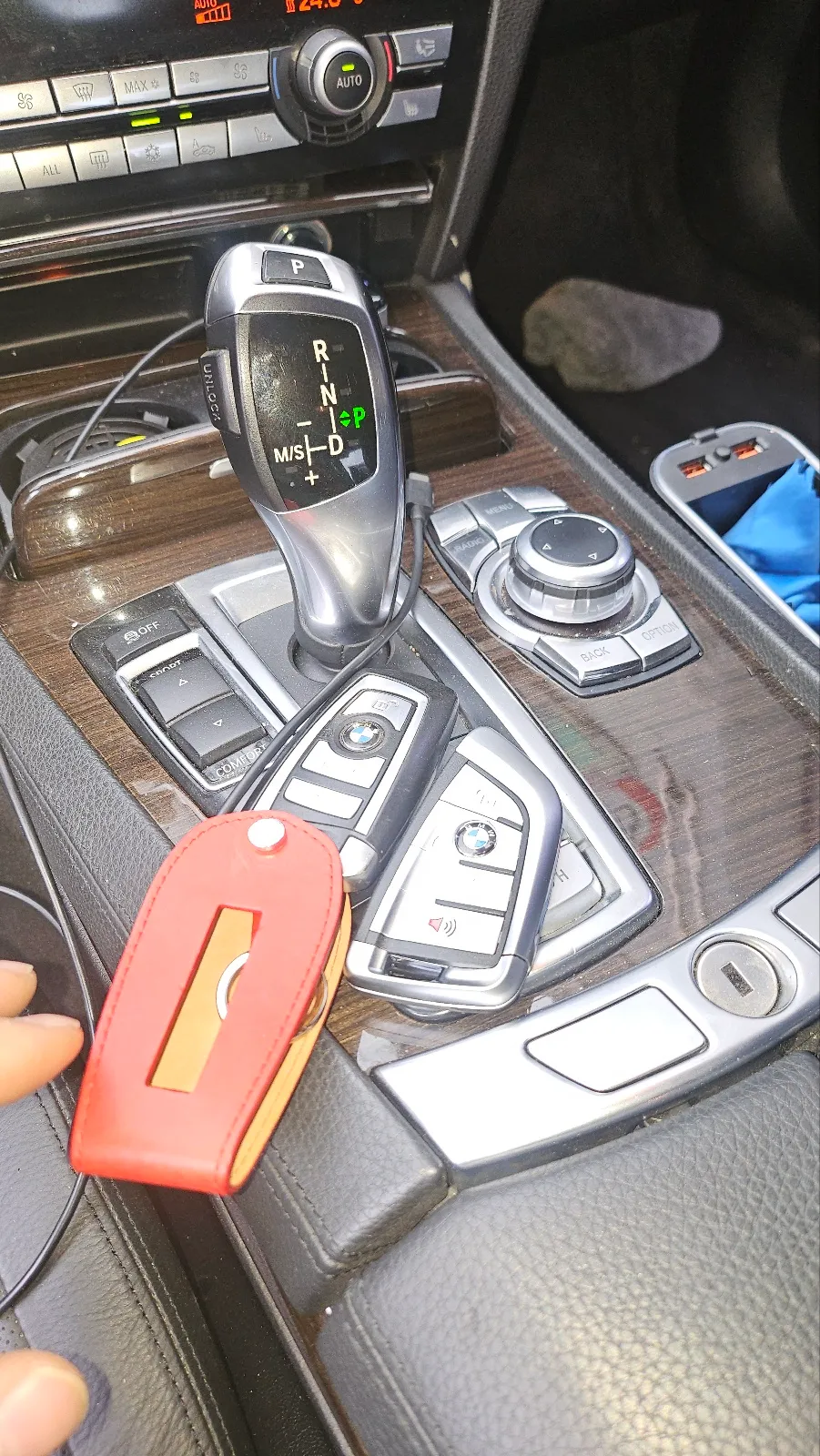
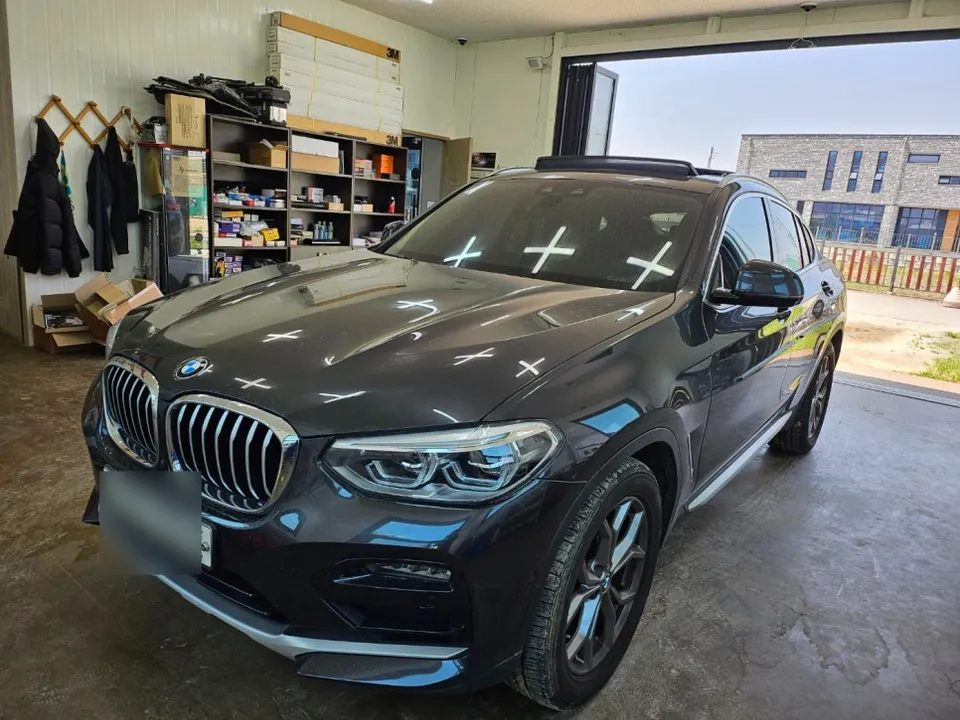
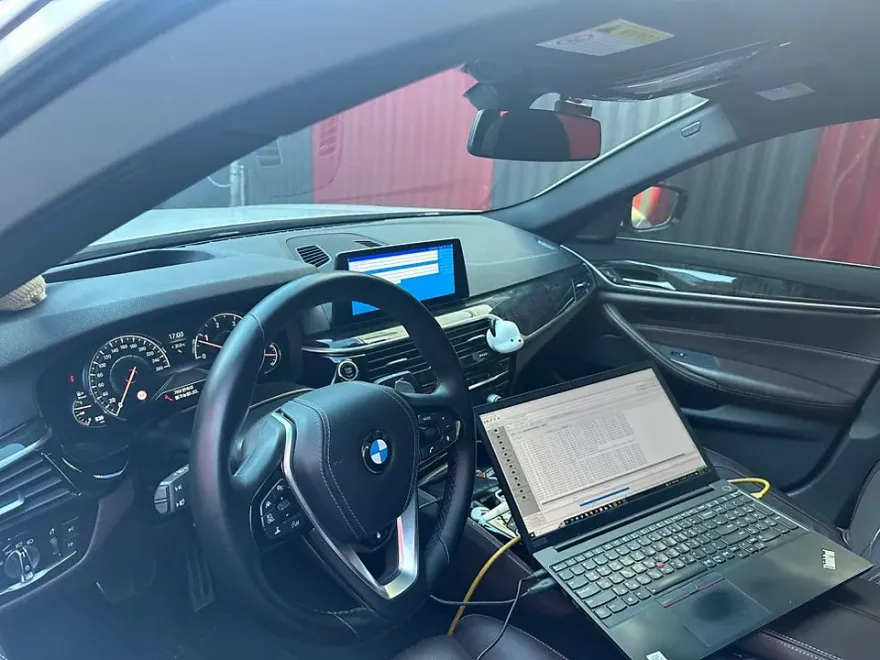
The upgrade begins with a thorough diagnostic of the vehicle's software. For this 2017 BMW 5 Series G30 (G30 chassis), the car was equipped with a basic Apple CarPlay function, but it was limited to a split-screen display. The primary goal was to enable full-screen CarPlay and update the head unit's firmware to the latest stable version. This is crucial because older firmware can lead to connectivity issues and a less-than-optimal user experience. The process involves using specialized BMW software to carefully inject the latest firmware. It's vital to understand that firmware updates are delicate operations; an incorrect procedure can render the vehicle's system inoperable, a state often referred to as 'bricking' the unit. Therefore, professional expertise is essential. The firmware update itself typically takes about 30-40 minutes. Following the update, a separate coding process is performed to unlock the full-screen CarPlay functionality. For vehicles that didn't originally have CarPlay as an option, this same process can often activate the feature.
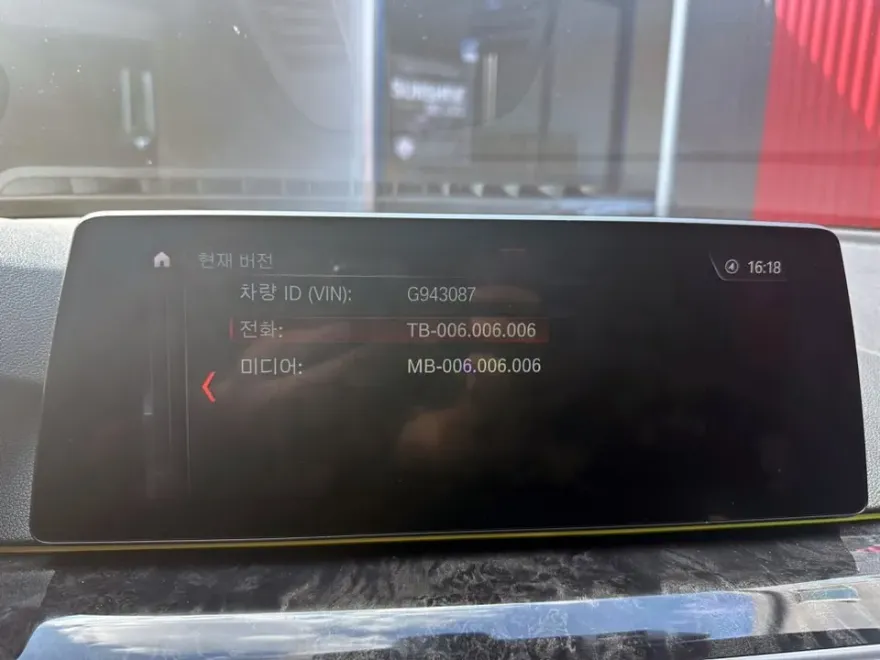
Benefits of Full-Screen CarPlay and Firmware Updates
Once the upgrade is complete, all compatible CarPlay applications will display across the entire native monitor. A significant advantage for G30 models is the support for wireless CarPlay, eliminating the need to connect a USB cable every time you enter or exit the vehicle. This seamless integration enhances convenience dramatically. Using navigation apps like Naver Map through CarPlay provides real-time map data, ensuring you always have the most current information, including new locations and road changes. Unlike some integrated navigation systems, CarPlay's real-time updates mean you're always aware of traffic conditions and roadwork. The system is operated directly through the car's original iDrive controller and screen, maintaining the factory look and feel. For iPhone users, this upgrade is highly recommended, offering a substantial improvement in usability and access to information for a cost often comparable to a single navigation system update at a dealership.
Installation Process:
- Connect the vehicle to BMW-specific diagnostic software.
- Carefully upload the latest stable firmware version to the head unit.
- Perform coding adjustments to enable full-screen CarPlay functionality.
- Test all features, including Bluetooth connectivity and CarPlay performance.
This entire process, performed by a specialist in Korea, typically takes around 1-1.5 hours. The result is a significantly enhanced infotainment experience, making your BMW 5 Series G30 feel more modern and user-friendly.
Frequently Asked Questions
Q. How much does an Android head unit or CarPlay installation cost for a BMW 5 Series G30?
The cost for this specific CarPlay full-screen activation and firmware update service in Korea was comparable to a single dealership navigation update. While exact US pricing varies, similar infotainment upgrades can range from $500 to $1500 depending on the complexity and features.
Q. How long does an Android head unit installation take on a BMW 5 Series G30?
This specific firmware update and CarPlay activation process typically takes about 1 to 1.5 hours. For long-term durability, ensure your system software is kept up-to-date and avoid third-party modifications that could compromise stability.
Q. Is a CarPlay or Android Auto retrofit worth it for a BMW 5 Series G30?
A CarPlay or Android Auto retrofit is highly recommended for BMW 5 Series G30 owners who find the stock infotainment system lacking, especially regarding navigation visibility and connectivity. It offers a significant upgrade in user experience and functionality for a reasonable investment.
Q. How is an Android head unit installed in a BMW 5 Series G30?
This process involves updating the vehicle's head unit firmware using specialized BMW software, which takes about 30-40 minutes. Following the firmware update, coding is performed to enable full-screen CarPlay. The entire procedure, including testing, usually takes 1-1.5 hours.
Q. What is the difference between an Android head unit and a factory infotainment system for a BMW 5 Series G30?
An Android head unit replaces the factory system entirely, offering a different operating system and potentially more features, while this service enhances the existing factory infotainment system by enabling full-screen CarPlay and updating firmware. For most users seeking improved native integration, enhancing the factory system is often the more seamless and cost-effective choice.
OhCar Partner Shop