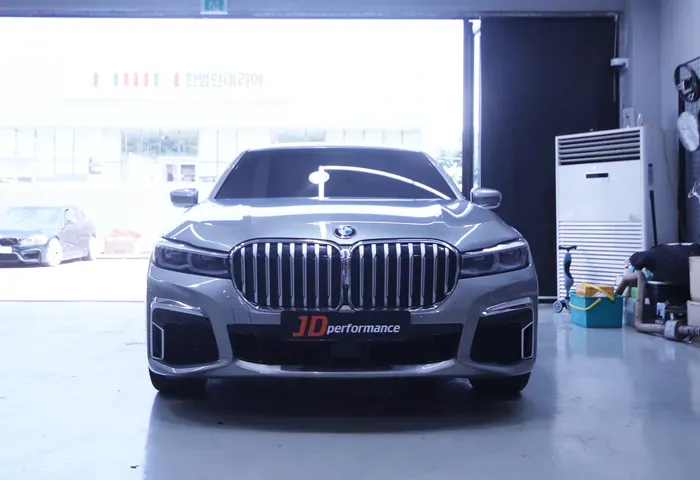
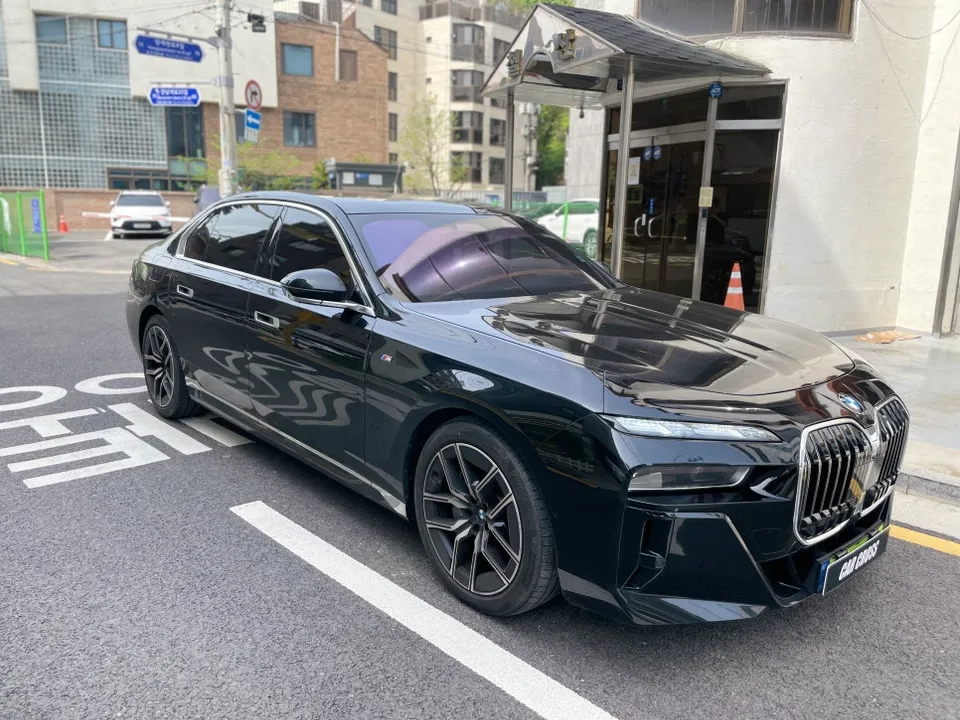
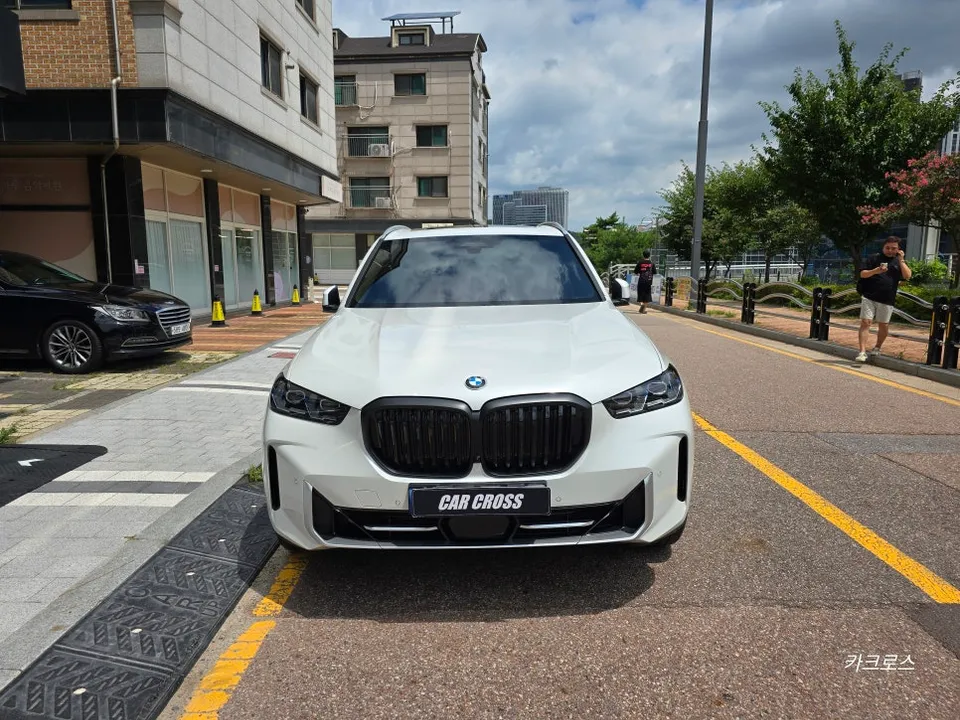
BMW 5GT Android Head Unit CarPlay Module Installation
Service Price
$150+
Estimated price · Actual price may vary by shop
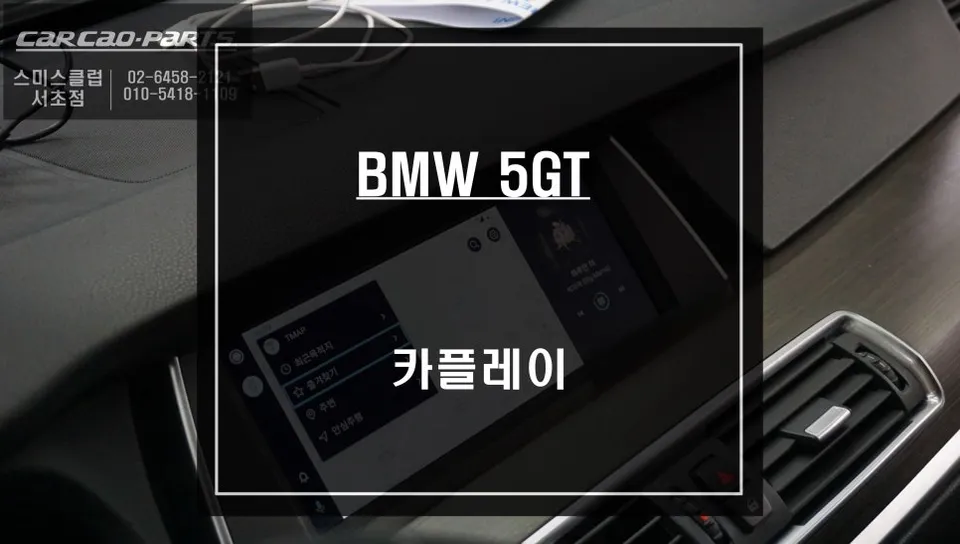
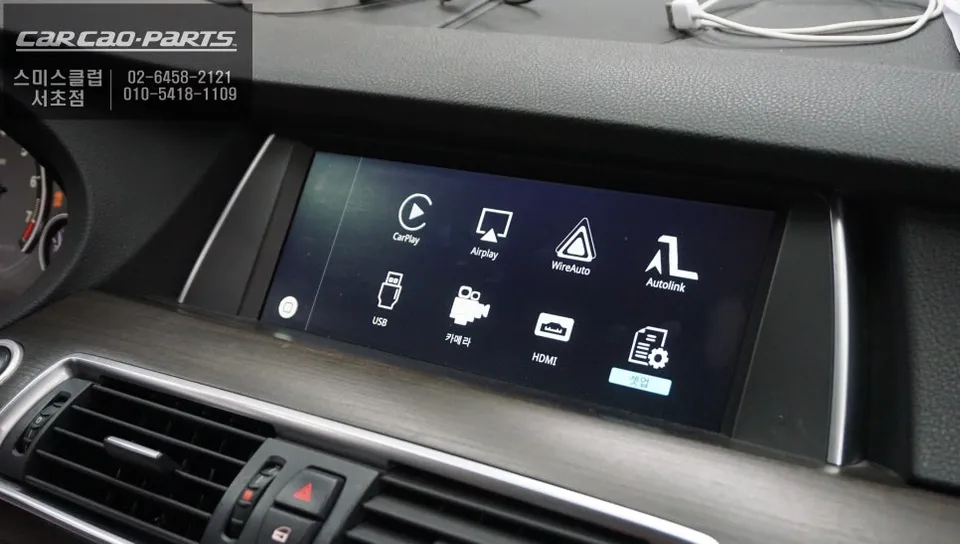
BMW 5GT CarPlay module installation provides high-definition smartphone navigation on the original screen. Seamless integration, real-time traffic.
Why Your BMW 5GT Needs a CarPlay Module
Are you tired of outdated navigation systems in your BMW 5 Series GT? Many imported car navigation systems, including those in the 5GT, suffer from infrequent map updates and limited real-time traffic information. The most effective solution is installing a CarPlay module. This upgrade allows you to utilize your smartphone's navigation apps like T-Map or KakaoMap directly on your car's original screen, transforming your driving experience. Let's explore a real-world installation on a BMW 5GT to see the benefits.
Original Navigation vs. CarPlay: Key Differences
Original navigation systems rely on manufacturer-provided maps with update cycles that can span months. This often leads to inaccurate directions due to unreflected road changes or closed businesses. In contrast, a CarPlay module leverages your smartphone, providing real-time updates. Apps like T-Map and KakaoMap constantly gather live traffic data, ensuring you always have the most current route information. A significant difference is the user interface: original monitors typically lack touch functionality, relying on control dials or voice commands. While CarPlay also uses these input methods, its primary advantage lies in delivering up-to-the-minute information.
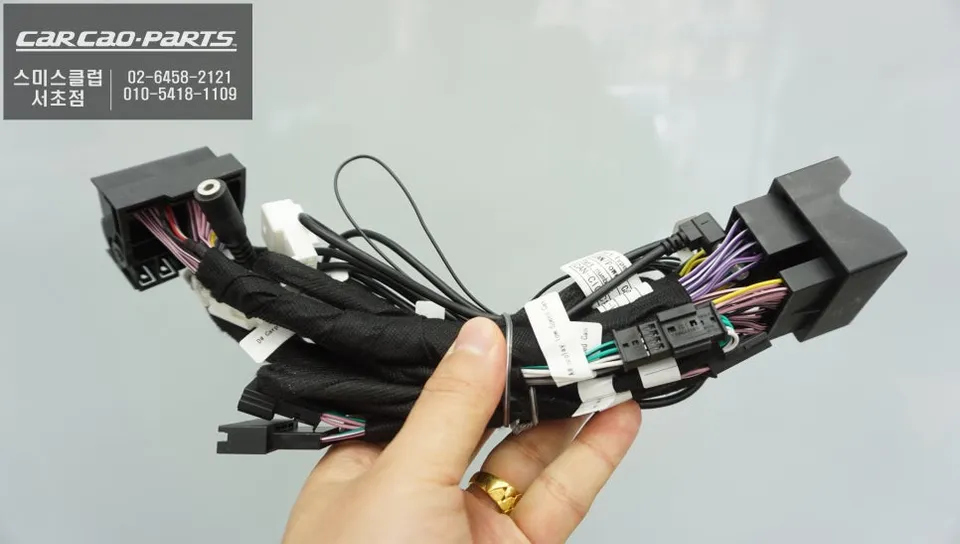
BMW 5GT CarPlay Module Installation Process
The key highlight of this installation is preserving the original wiring. The BMW-specific CarPlay module integrates seamlessly with the OEM interface using a plug-and-play connector system. This means no cutting or modification of existing wires is necessary; it connects like any original component.
Installation process:
- Disconnect the original monitor's wiring harness.
- Connect the CarPlay module's plug-and-play connectors to the OEM harness.
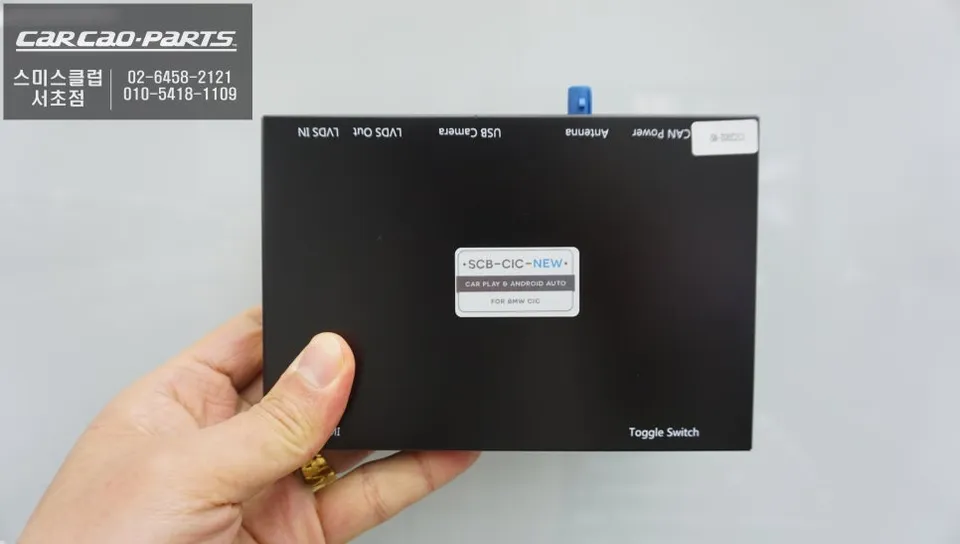
- Link the module to the monitor using the LVDS cable for high-definition signal transmission.
- Connect the module's audio output to the car's AUX input for sound.
- Reassemble the dashboard components neatly.
The module connects via the original connectors and the LVDS cable, which transmits the display signal. This high-definition connection minimizes signal loss, ensuring excellent picture quality. Audio signals are routed through the car's AUX input, utilizing the original sound system without needing extra speakers. Wiring is managed meticulously to maintain a clean interior look.
After installation, switching between the original BMW interface and CarPlay is simple: press the MENU button for two seconds. The system transitions smoothly, allowing you to access your smartphone apps instantly. Connecting your smartphone is done via Bluetooth or USB, selecting either Android Auto or Apple CarPlay based on your device. Initial setup takes about a minute.
With CarPlay, navigation apps like T-Map display real-time traffic conditions – red for congestion, orange for delays, and green for clear roads – providing optimal routing. KakaoMap also benefits from real-time data, showing new businesses and closures, making destination searches more accurate. You can even use voice commands like "Search for cafes" to find nearby points of interest.
Frequently Asked Questions
Q. How much does a CarPlay module installation cost for a BMW 5 Series GT?
The installation cost for a CarPlay module on a BMW 5 Series GT in Korea was covered in the original system, with typical US prices ranging from $300 to $800 depending on the module and installation complexity. This upgrade offers significant value by modernizing your infotainment system.
Q. How long does a CarPlay module installation take on a BMW 5 Series GT?
CarPlay module installation typically takes 1-3 hours, ensuring all connections are secure and tested. Proper maintenance involves keeping your smartphone's operating system and navigation apps updated for optimal performance.
Q. Is a CarPlay module worth it for a BMW 5 Series GT?
A CarPlay module is highly recommended for BMW 5 Series GT owners who frequently use smartphone navigation apps. It provides a modern, user-friendly interface with real-time traffic and map updates, significantly enhancing the driving experience and convenience.
Q. How is a CarPlay module installed on a BMW 5 Series GT?
Installation involves connecting a specialized CarPlay module using plug-and-play connectors, preserving the original wiring. The module interfaces with the car's existing screen via an LVDS cable for high-definition output and utilizes the AUX input for audio.
Q. What is the difference between a CarPlay module and the original navigation for a BMW 5 Series GT?
The primary difference is real-time data access: CarPlay modules use smartphone apps for live traffic and map updates, while original navigation relies on periodic, often outdated, map data. CarPlay offers a more dynamic and accurate navigation experience.
Kakao Parts