BMW 520d G30 Apple CarPlay Activation Review
Service Price
$40–80
Estimated price · Actual price may vary by shop
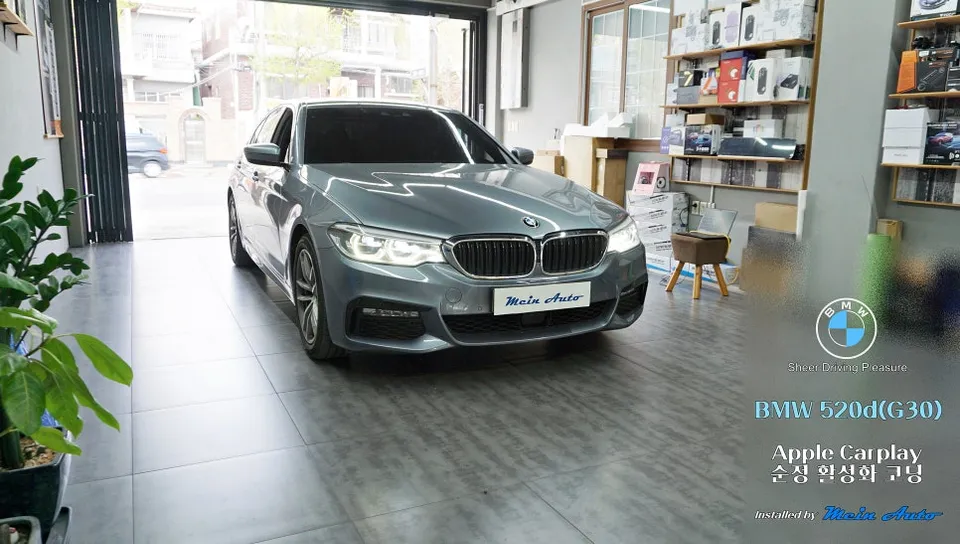
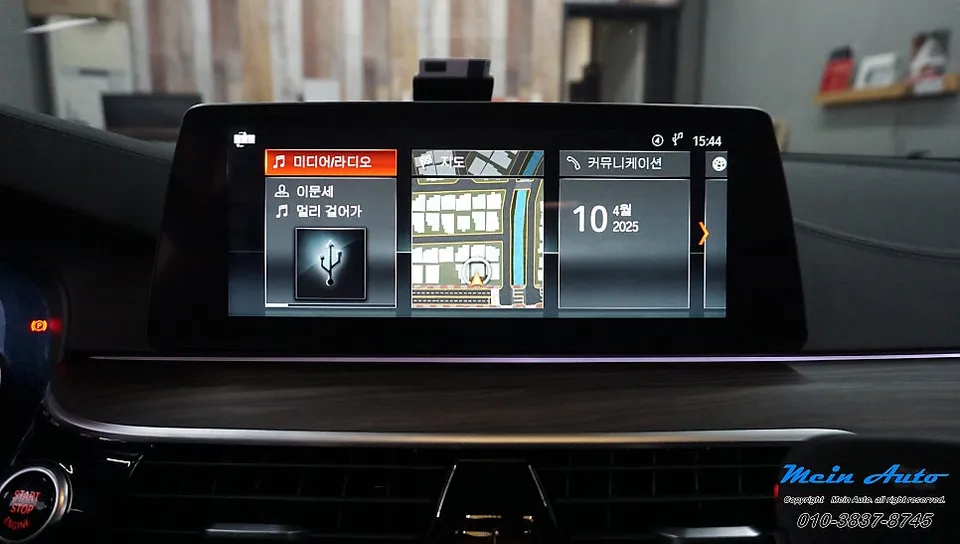
Activate native Apple CarPlay on BMW 520d G30 via coding. Cost: Approx. ₩100,000. Enables TMAP/Kakao Navi use on the car's screen.
Why Activate Native Apple CarPlay on Your BMW 520d (G30)?
The BMW 520d, specifically the G30 generation produced between 2016 and 2023, often comes equipped with a 10.2-inch monitor and the EVO ID6 head unit. While this system is capable, the native navigation can be cumbersome to update, and real-time traffic information is often slow. Fortunately, for this BMW generation, the native Apple CarPlay functionality is already built-in but remains inactive, requiring only a simple coding activation. This allows you to use your iPhone's familiar interface directly on the car's screen without any physical modifications.
A 2017 520d owner recently visited our shop with this exact concern. They desired the convenience of using navigation apps like TMAP or Kakao Navi with live traffic data displayed on their car's monitor, but found the existing methods inconvenient. Activating the native Apple CarPlay via coding provides a clean and efficient solution to this problem.
The Hidden Potential of the G30 520d Head Unit
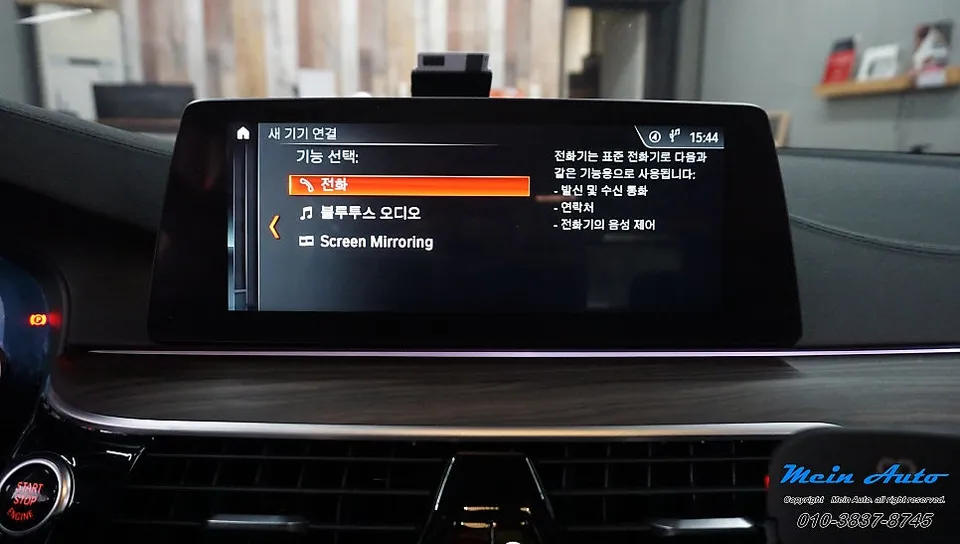
The EVO ID6 system in the BMW 520d (G30) inherently supports Apple CarPlay. The feature is simply disabled at the software level. Before the coding process, a scan confirmed the absence of the 'Connect New Device' option in the vehicle's menu, indicating that coding was necessary.
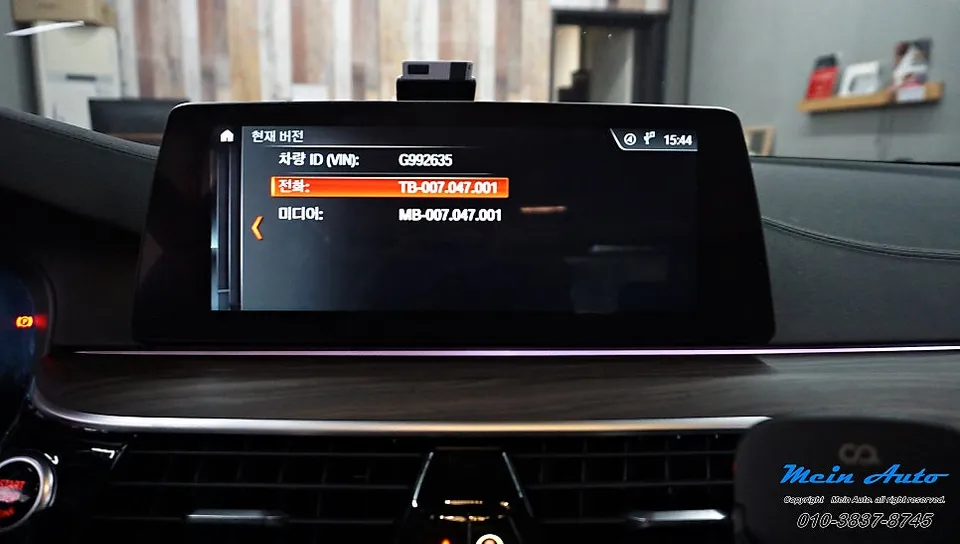
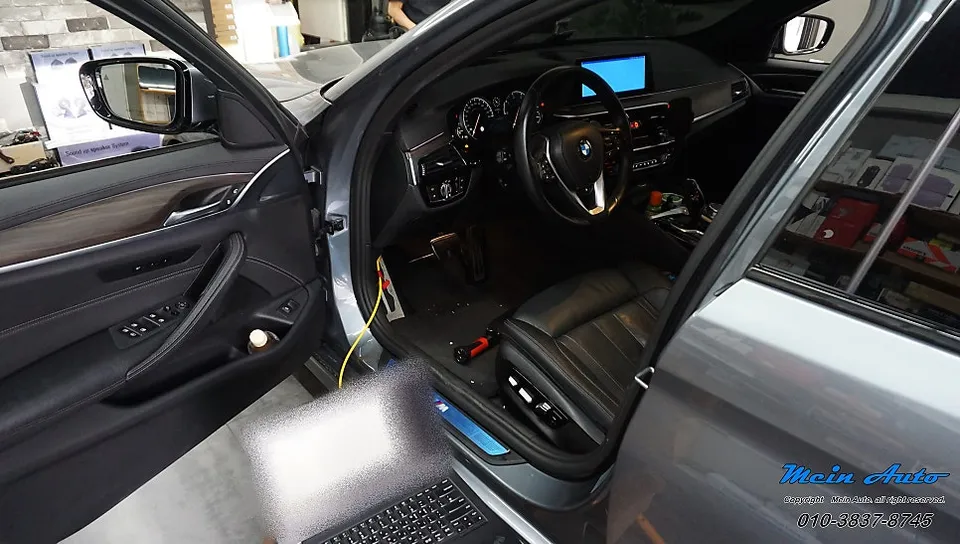
The activation coding process is remarkably quick, typically completed within 20 minutes. It involves verifying the vehicle's current software version, checking for compatibility, and then safely reprogramming the relevant signals using specialized coding equipment. Since no physical parts are removed or added, this method significantly saves both cost and time.
The Activation Process: How it Works
The coding procedure involves connecting diagnostic equipment to the vehicle and utilizing BMW's proprietary diagnostic protocols. Essentially, the inactive Apple CarPlay flag, set to '0', is changed to '1'. This is purely a software modification, unlocking a feature already present in the car's original system, and therefore does not affect the vehicle's warranty.
During the coding, the head unit will automatically restart several times. This is a normal part of the process as the system integrates and applies the changes. The entire procedure, including initial diagnostics, usually takes approximately 20 to 30 minutes.
Confirmation: Apple CarPlay Activated
Once the coding is complete and the head unit restarts, you will notice a new 'Apple CarPlay' option within the settings menu. Navigating to 'Connect New Device' will now present the 'Add Device' option. Your iPhone will be automatically detected when placed nearby, allowing for seamless connection and immediate use of Apple CarPlay.
Frequently Asked Questions
Q. How much does Apple CarPlay activation cost for a BMW 520d G30?
The activation coding for Apple CarPlay on a BMW 520d G30 typically costs around ₩100,000 in Korea. In the US, similar activations can range from $100 to $300 depending on the service provider.
Q. How long does Apple CarPlay activation last on a BMW 520d G30?
Once activated via coding, the Apple CarPlay feature is permanent and will last for the lifetime of the vehicle's head unit. Ensure your iPhone's iOS is kept up-to-date for optimal compatibility.
Q. Is Apple CarPlay activation worth it for a BMW 520d G30?
Activating native Apple CarPlay is highly recommended for BMW 520d G30 owners who frequently use navigation apps like TMAP or Kakao Navi. It offers a seamless, integrated experience for using your iPhone's features directly on the car's display, enhancing convenience and safety.
Q. How is Apple CarPlay activated on a BMW 520d G30?
Apple CarPlay is activated through a software coding process. 1. Connect diagnostic equipment to the vehicle. 2. Access the head unit's software via BMW's proprietary protocols. 3. Modify the inactive CarPlay flag from '0' to '1'. 4. The system restarts to apply the changes, typically within 20-30 minutes.
Q. What is the best way to get Apple CarPlay on a BMW 520d G30?
The most effective method is activating the native, built-in Apple CarPlay feature through coding, as it requires no hardware changes and uses the car's original system. Aftermarket head unit replacements are an alternative but are more costly and complex.
OhCar Partner Shop