BMW 528i Android Head Unit Upgrade: Seamless CarPlay Integration
Service Price
$115–150
Estimated price · Actual price may vary by shop
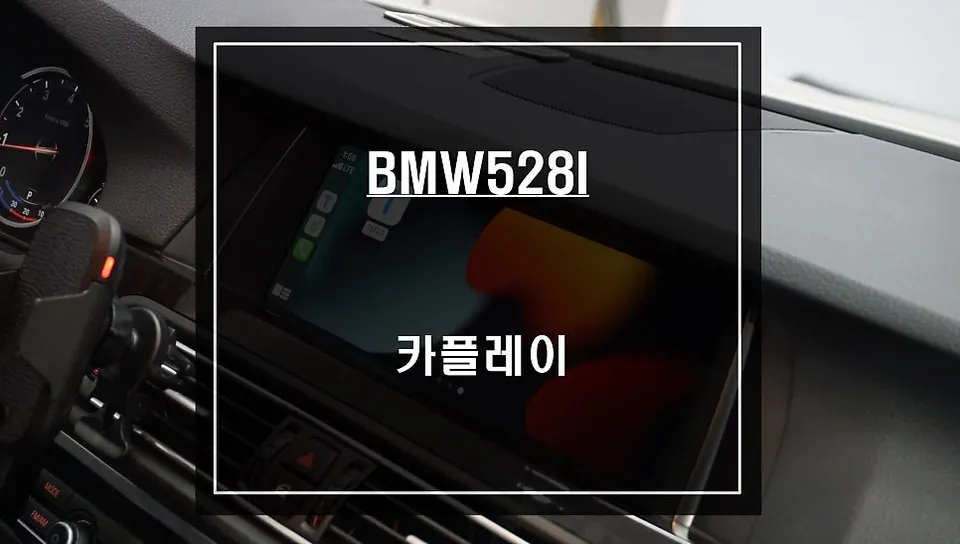
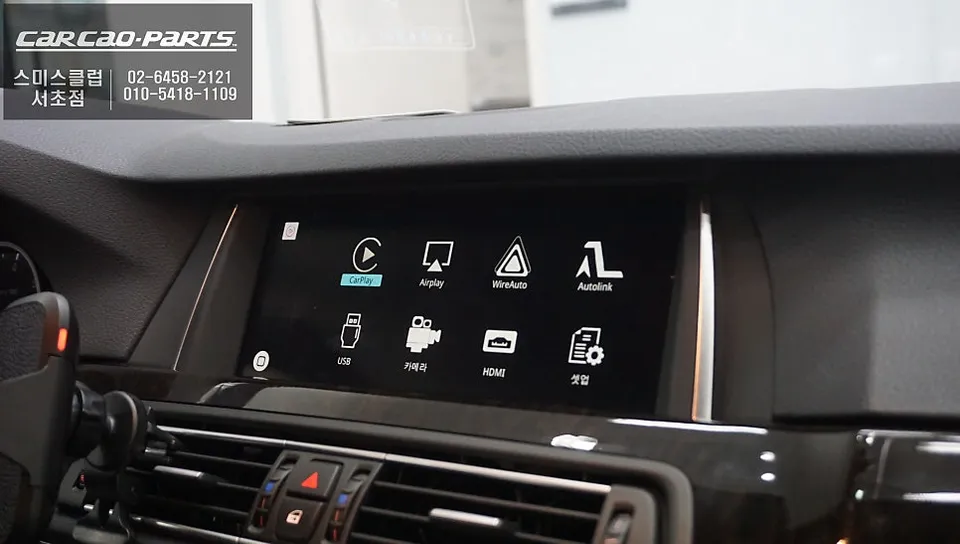
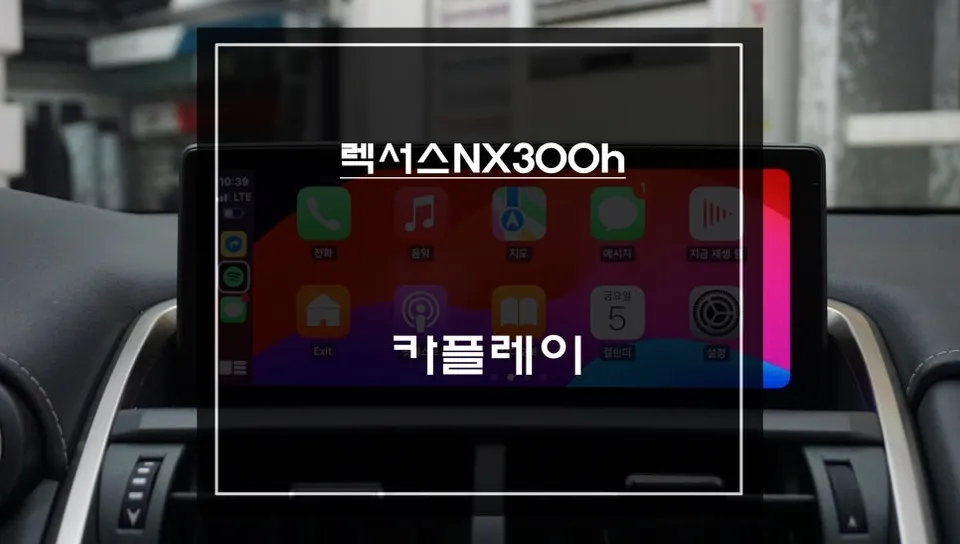
BMW 528i F10 CarPlay module installation enhances navigation with TMAP/KakaoMap. Retains all original functions. Price varies.
Tired of the BMW 528i's Stock Navigation? Upgrade with a CarPlay Module
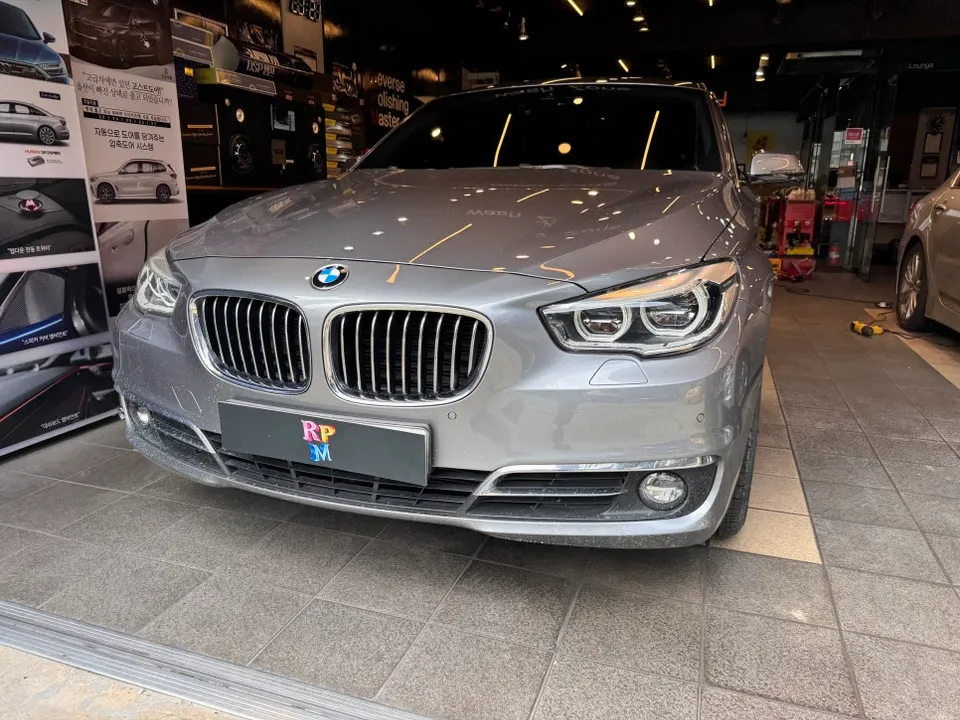
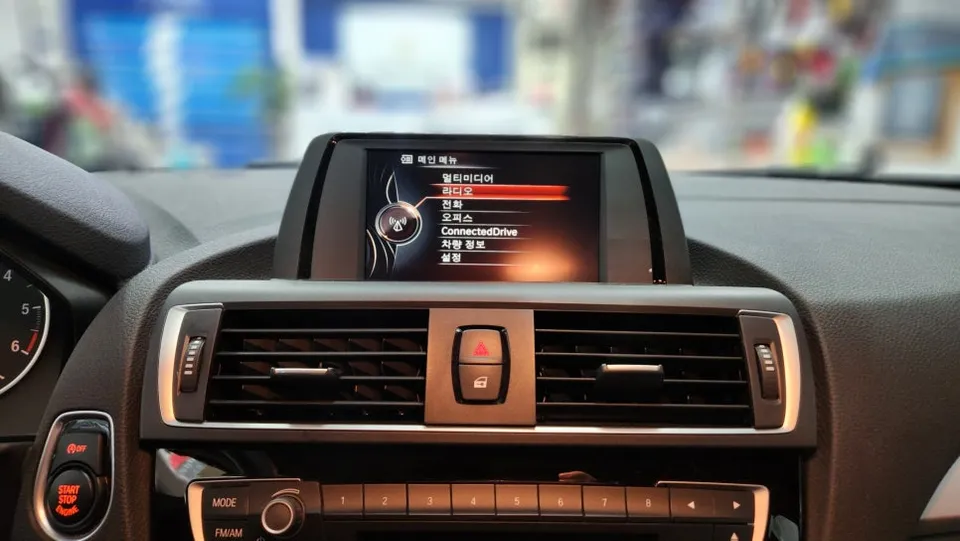
Vehicle: BMW 528i (2015 Model) Service: CarPlay Module Installation Installation Method: BMW-specific integrated CarPlay module with plug-and-play wiring Key Features: TMAP/KakaoMap integration, Android Auto & Apple CarPlay support Installation Location: Today's Car Seocho Branch
The native BMW navigation system in your 528i offers basic functionality, but it often falls short in terms of real-time traffic updates and the speed of map refreshes compared to modern smartphone apps. The inability to easily use services like TMAP or KakaoMap, with their superior real-time data and intuitive interfaces, is a common frustration for BMW drivers. Installing a BMW 528i CarPlay module is the perfect solution to overcome these limitations and significantly enhance your in-car infotainment experience.
Why Your BMW 528i Needs a CarPlay Upgrade
While BMW's integrated navigation is engineered for precision, it doesn't always align with Korea's dynamic traffic infrastructure. Services like TMAP and KakaoMap leverage real-time local data, offering a level of accuracy and responsiveness that stock systems often lack. Replacing the entire head unit isn't always feasible or advisable due to the complex integration of BMW's electronics. A CarPlay module offers a non-invasive, highly compatible upgrade path.
How the CarPlay Module Works
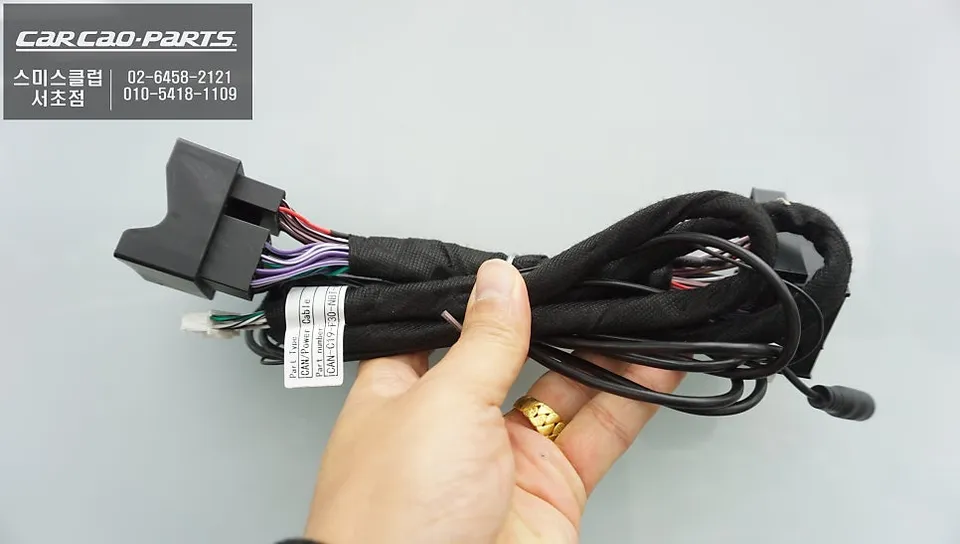
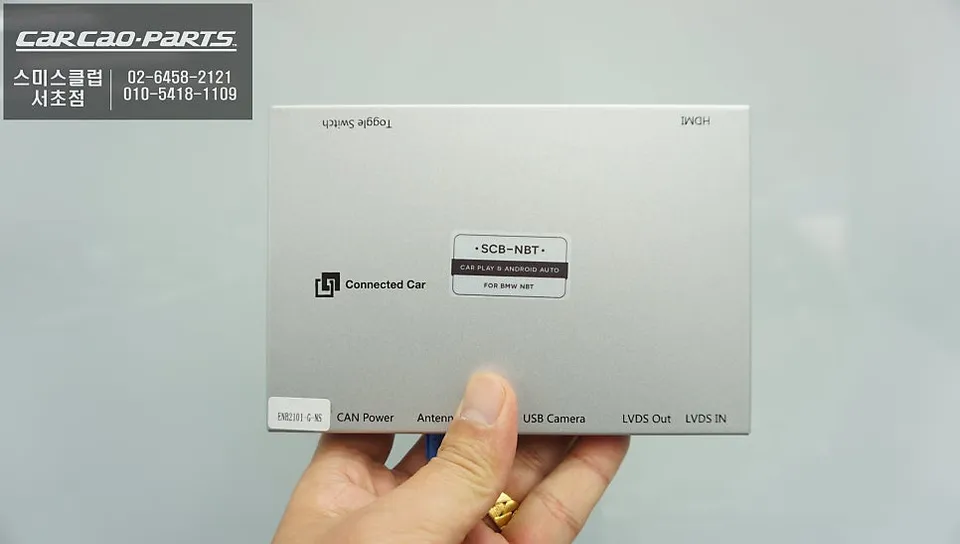
The core of this upgrade is a seamless integration process. A dedicated BMW CarPlay module is installed alongside your existing system, connecting via plug-and-play wiring that avoids any modification to the original vehicle harness. This module acts as an intermediary, allowing your smartphone's navigation and media apps to display and operate through your car's original screen.
Installation Process:
- The CarPlay module is discreetly installed behind the original infotainment screen.
- Wiring is connected using BMW-specific connectors, ensuring no damage to the factory harness.
- A USB port is added for smartphone connectivity.
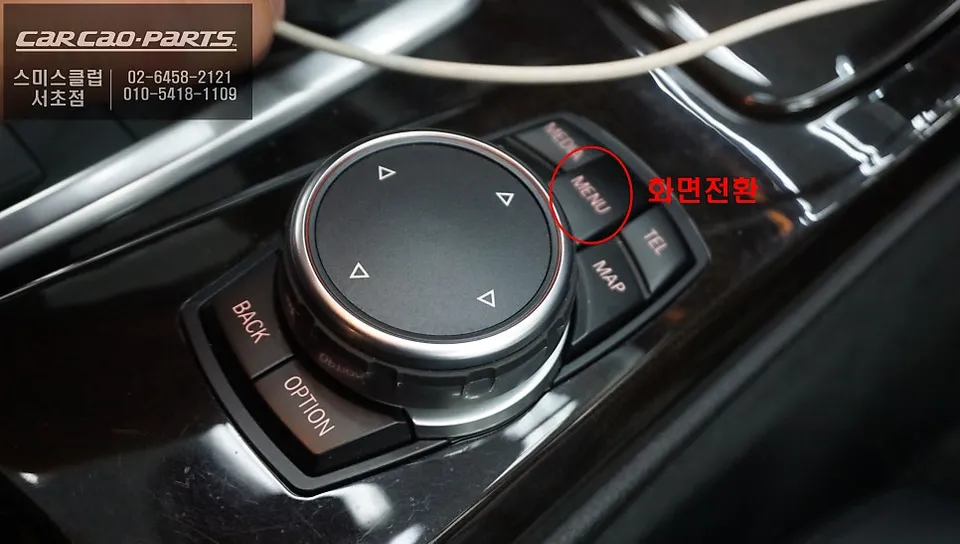
- Activation is simple: press and hold the original iDrive MENU button for two seconds to switch between the stock interface and CarPlay.
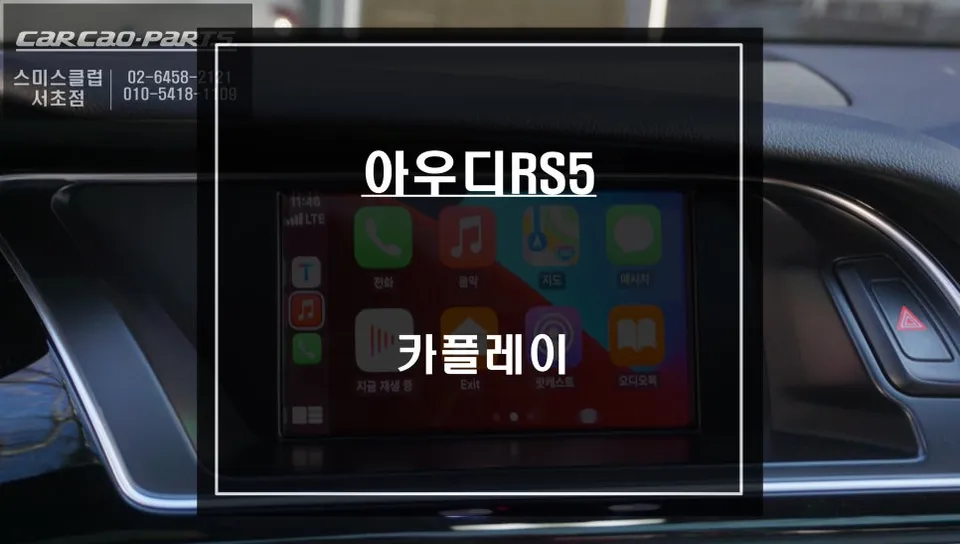
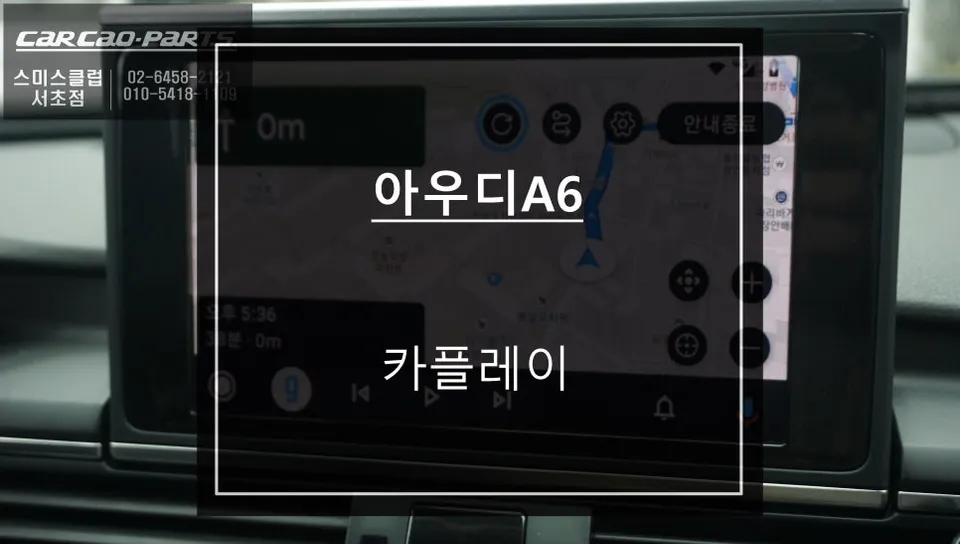
Once activated, you can connect your smartphone via USB to access Apple CarPlay or Android Auto. This allows you to use your preferred navigation apps like TMAP or Google Maps, stream music, and access other essential smartphone functions directly on your BMW's display.
Maintaining Full Functionality
A common concern is whether installing a CarPlay module will compromise existing features. Rest assured, this module operates in parallel with your BMW's original system. All original functions, including the stock navigation, media player, climate controls, and vehicle settings, remain fully accessible and operational. You can switch back to the original BMW interface at any time by simply exiting the CarPlay application, ensuring complete compatibility and the ability to revert to stock settings if needed.
While the original BMW 528i screen does not support touch input, the CarPlay interface is fully controllable using the intuitive iDrive rotary dial and buttons. Navigate menus, select destinations, and control media playback safely and conveniently while driving.
Frequently Asked Questions
Q. How much does a CarPlay module installation cost for a BMW 528i F10?
The cost for this CarPlay module installation in Korea typically ranges from 300,000 to 500,000 KRW. In the US, similar aftermarket CarPlay integration solutions can range from $300 to $800 depending on the specific module and installation complexity.
Q. How long does a CarPlay module installation take on a BMW 528i F10?
The installation process for a CarPlay module typically takes about 1 to 2 hours to complete. To ensure longevity, keep the module's firmware updated and avoid exposing it to extreme temperatures.
Q. Is a CarPlay module upgrade worth it for a BMW 528i F10?
A CarPlay module is highly recommended for BMW 528i F10 owners who find the stock navigation system outdated or inconvenient. It provides a significant value upgrade by integrating modern smartphone navigation and media capabilities seamlessly.
Q. How is a CarPlay module installed on a BMW 528i F10?
Installation involves connecting a dedicated BMW-specific CarPlay module behind the original infotainment screen using plug-and-play wiring that doesn't alter the factory harness. A new USB port is added for smartphone connection, and the system is activated via the iDrive MENU button.
Q. What is the difference between a CarPlay module and replacing the entire head unit for a BMW 528i F10?
A CarPlay module integrates smartphone features into the existing screen without replacing the entire head unit, preserving all original BMW functions and requiring simpler installation. Replacing the head unit involves a full system swap, which can be more complex and may affect vehicle integration.
Kakao Parts