BMW 528i Android Head Unit Upgrade Review
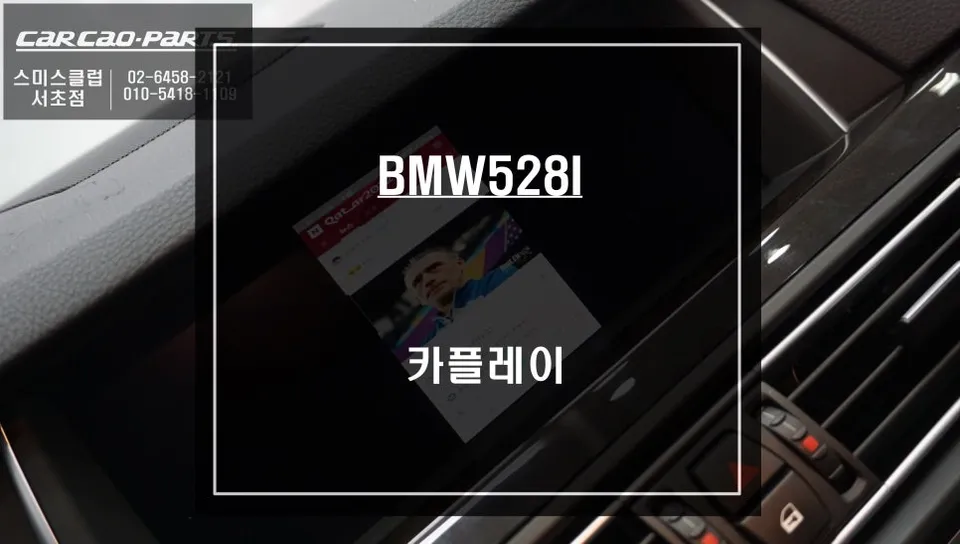
BMW 528i F10 Android Head Unit upgrade offers Apple CarPlay & Android Auto. Seamless integration, voice control, and modern navigation.
Upgrade Your BMW 528i F10 with an Android Head Unit
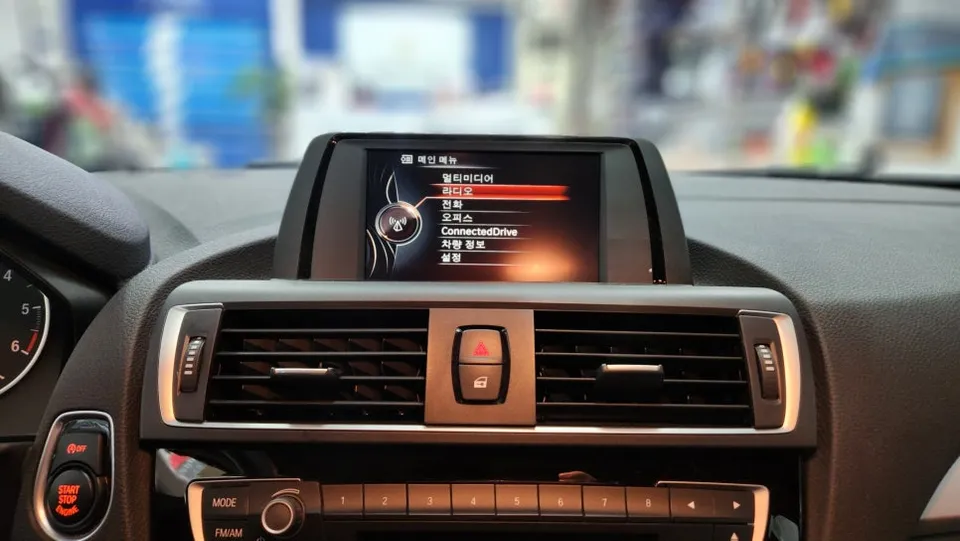
Many BMW 528i F10 owners find the factory navigation system lacking for modern driving needs. Issues like outdated maps, limited real-time traffic data, and a cumbersome interface can detract from the driving experience. Fortunately, upgrading to an Android Head Unit with Apple CarPlay and Android Auto integration offers a significant improvement, bringing your infotainment system up to date.
This review focuses on the installation and benefits of an Android Head Unit for the BMW 528i F10, specifically addressing the limitations of the original iDrive system and providing a modern solution.
Addressing the Limitations of the Stock BMW Navigation
The original navigation system in the BMW 528i F10, while functional, was designed with European road conditions in mind. This often translates to a less-than-ideal experience in other regions, particularly concerning complex road layouts and real-time traffic updates. Unlike popular mobile navigation apps such as Google Maps or Waze, the stock system may not offer the most efficient routes or timely rerouting around traffic congestion.
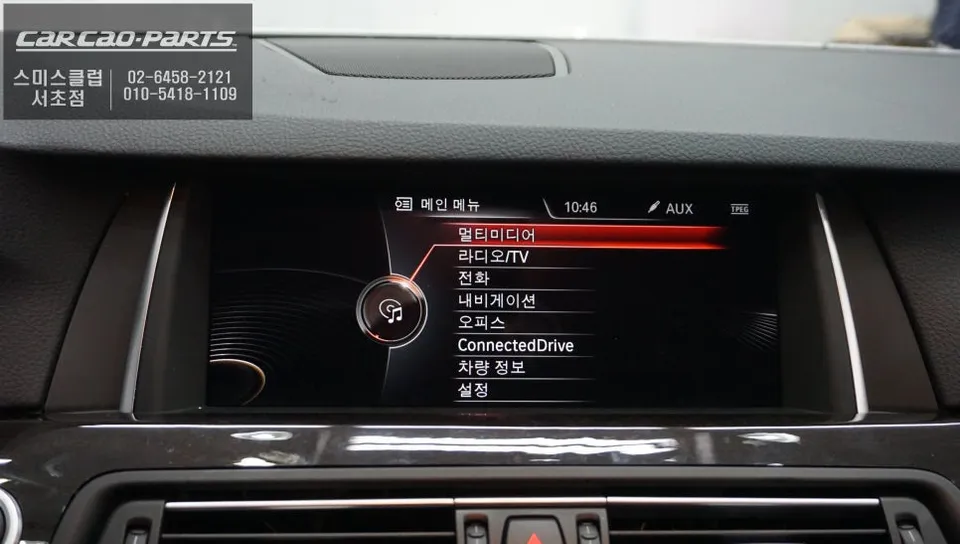
Furthermore, the iDrive system's control scheme, relying on a rotary dial and buttons, can be less intuitive and more distracting while driving compared to the touch-based interfaces of modern smartphones. Integrating an Android Head Unit allows for voice command operation for navigation and media, and seamless control via the iDrive dial, enhancing both convenience and safety.
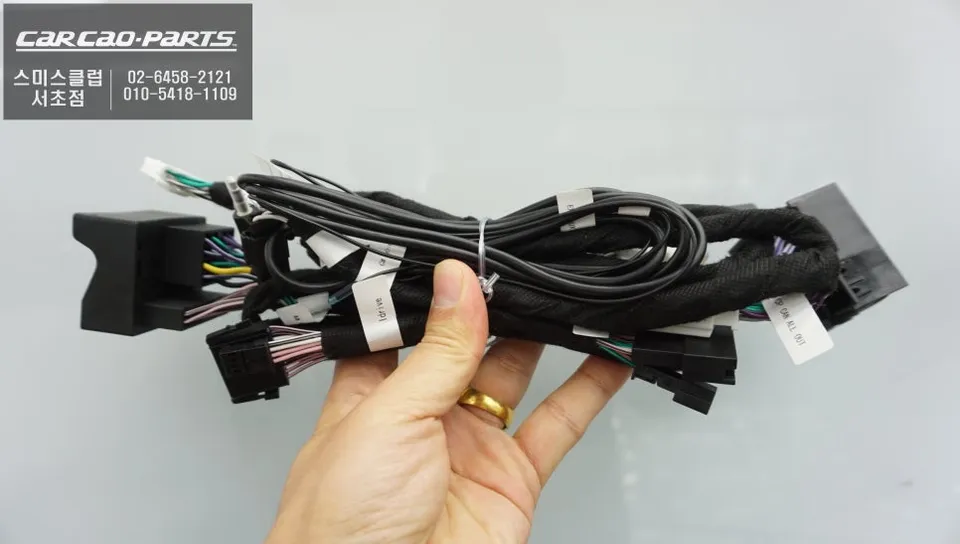
Android Head Unit Installation and Features
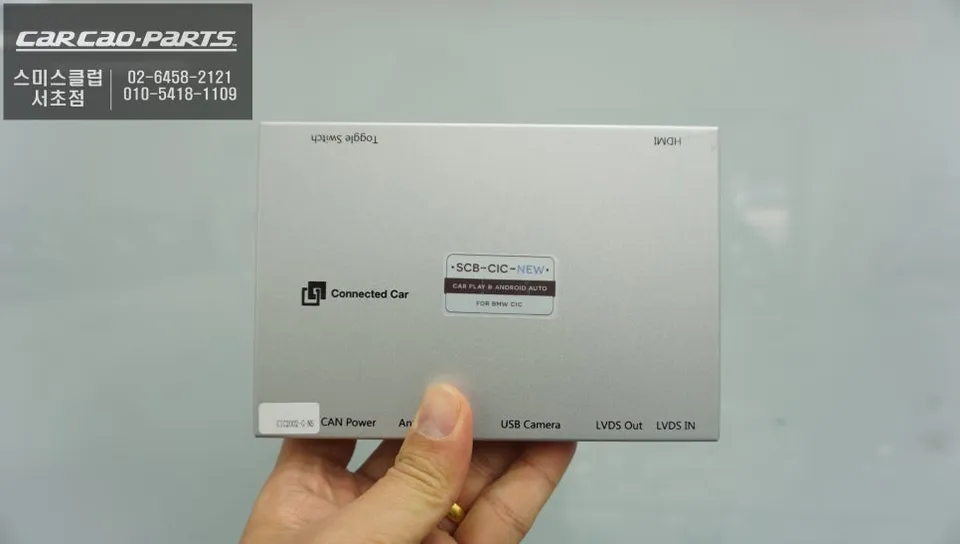
The installation process for an Android Head Unit in a BMW 528i F10 is designed to be non-invasive, utilizing a "hack by chip" method that ensures the original wiring harness remains untouched. This preserves the vehicle's original state and allows for easy reversion if needed. The process involves integrating a dedicated CarPlay module that interfaces with the existing iDrive screen.
Installation Process:
- Disconnect the vehicle's battery for safety.
- Carefully remove the factory iDrive display unit.
- Connect the new Android Head Unit module using the provided wiring harness, ensuring a plug-and-play connection.
- Reinstall the iDrive display and reconnect the battery.
- Test the new system by accessing CarPlay/Android Auto via the iDrive menu.
Once installed, switching between the new Android interface and the original BMW iDrive system is typically achieved by a long press of the iDrive MENU button. This seamless transition ensures that all original vehicle functions remain accessible while providing access to a world of modern smartphone integration.
The system supports both Apple CarPlay for iPhone users and Android Auto for Android users, offering a familiar interface for navigation, music, messaging, and more. While both wired and wireless connections are possible, a wired connection is generally recommended for optimal stability and to prevent excessive smartphone battery drain.
Frequently Asked Questions
Q. What is the typical cost for an Android Head Unit upgrade on a BMW 528i F10?
The cost for an Android Head Unit upgrade on a BMW 528i F10 typically ranges from $500 to $1000 in the US, depending on the specific unit and features. This review does not provide a specific price, but the Korean context suggests a significant improvement over stock navigation.
Q. How long does the Android Head Unit installation take for a BMW 528i F10?
Installation of an Android Head Unit for a BMW 528i F10 usually takes between 2 to 4 hours. To ensure longevity, keep the system's software updated and avoid exposing the unit to extreme temperatures.
Q. Is an Android Head Unit upgrade worth it for a BMW 528i F10?
An Android Head Unit upgrade is highly recommended for BMW 528i F10 owners seeking modern infotainment features like Apple CarPlay and Android Auto. It significantly enhances usability and access to real-time navigation and media compared to the stock system.
Q. How is the Android Head Unit installed in a BMW 528i F10?
Installation involves carefully removing the factory iDrive display, connecting a dedicated CarPlay module using a plug-and-play harness without altering original wiring, and then reinstalling the display. The system is then tested to ensure seamless switching between the new interface and the original iDrive.
Q. Android Auto vs. Apple CarPlay: Which is better for my BMW 528i F10?
The choice between Android Auto and Apple CarPlay depends on your smartphone; Android Auto is for Android users, and Apple CarPlay is for iPhone users, offering a native experience. Both provide access to essential apps like navigation and music, controlled via voice or the iDrive dial.
Kakao Parts