BMW 7 Series Android Head Unit CarPlay Activation
Service Price
$150+
Estimated price · Actual price may vary by shop
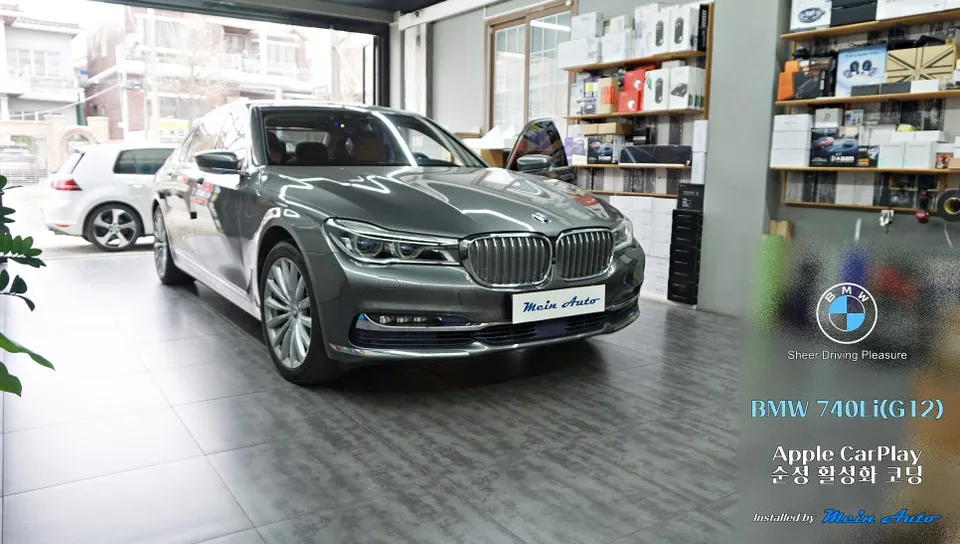
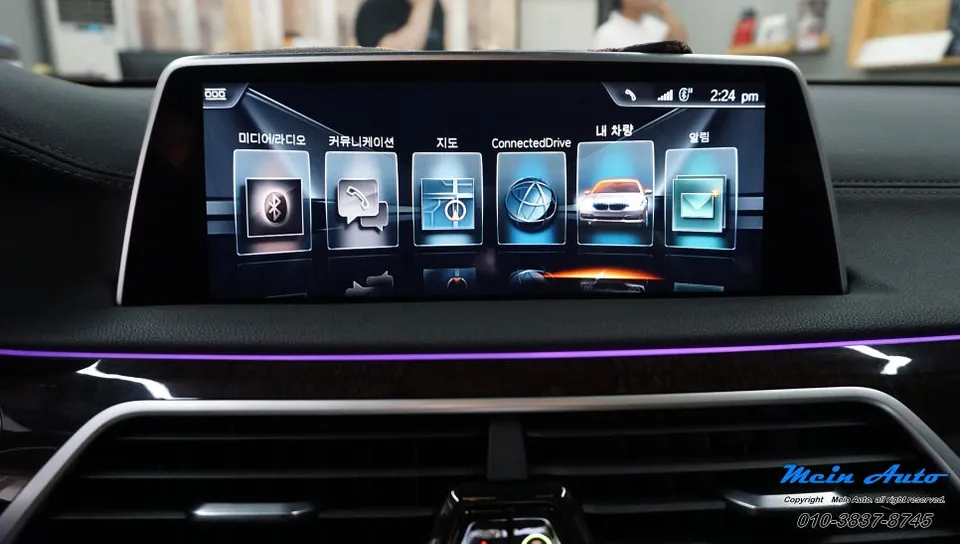
Activate Apple CarPlay on BMW 7 Series G12 via coding. Seamless navigation and streaming. Takes 20-30 mins.
Unlock Apple CarPlay on Your BMW 7 Series G12
The 2016 BMW 740Li (G12) came equipped with the EVO id5 system, which, despite its capabilities, often left owners seeking better navigation options. The native system's interface can be clunky, and updates are slow. A common frustration for G12 owners is that the factory Apple CarPlay functionality was disabled by default. Fortunately, this feature can be awakened with a straightforward coding process, allowing you to use popular navigation apps like TMAP, Kakao Navi, and Naver Map directly on your car's screen. This method leverages the original system, ensuring stability without external hardware.
Understanding the EVO id5 System
The EVO id5 infotainment system, found in BMW 7 Series (G11, G12) models from 2016 onwards, was designed to support both Apple CarPlay and Android Auto. However, early software versions only enabled Android Auto. This meant that many iPhone users couldn't utilize the integrated Apple CarPlay, even though Bluetooth connectivity for calls and music streaming (like Melon or Spotify) worked perfectly. The inability to control navigation apps on the car's display from the iPhone presented a significant safety concern, especially while driving.
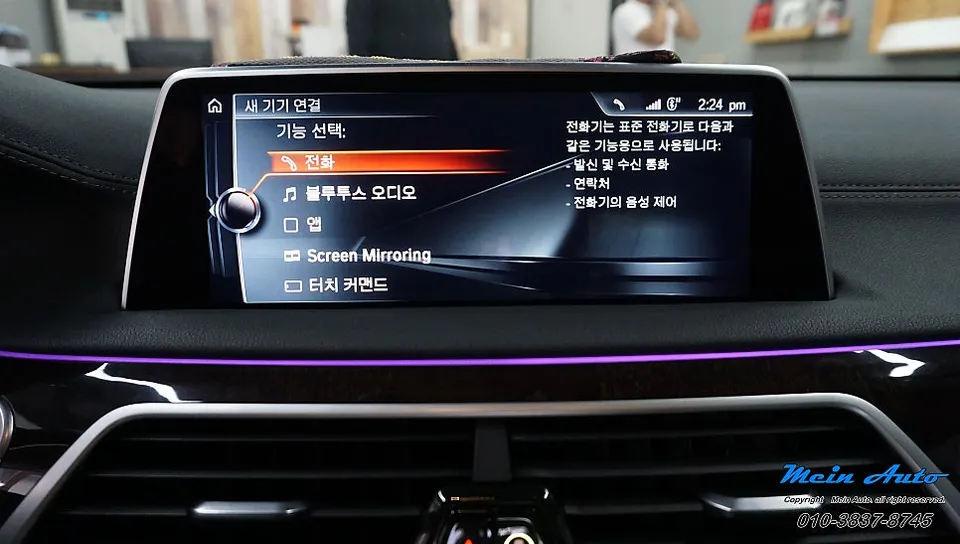
Before Coding: The CarPlay Gap
Prior to the coding procedure, the 2016 BMW 740Li's head unit showed no sign of Apple CarPlay. The mobile device connection menu only offered options for phone calls and Bluetooth audio. Consequently, drivers had to rely on their iPhone screens for navigation, a practice that is both inconvenient and dangerous, particularly during night drives or on highways. This limitation was the primary driver for many owners seeking to activate the native Apple CarPlay feature.
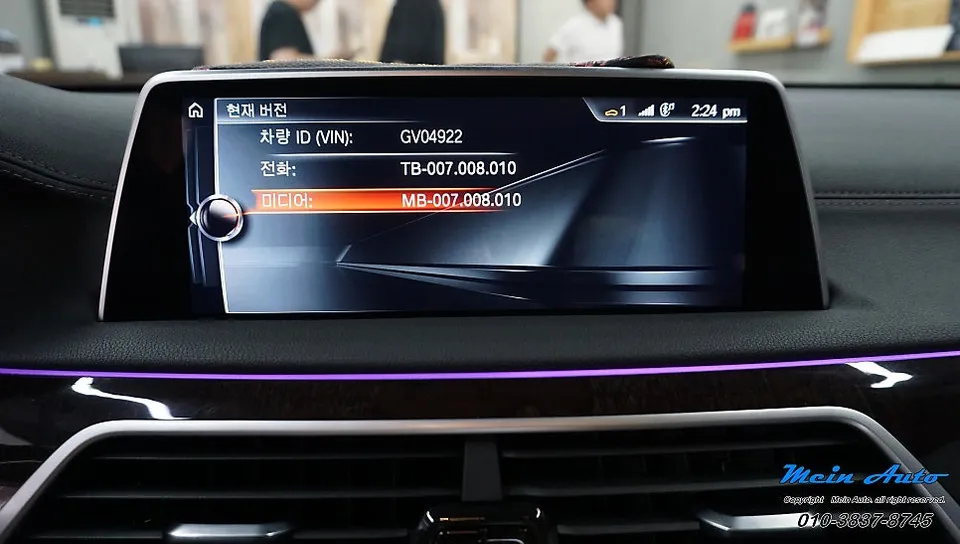
The Coding Process for Apple CarPlay Activation
The activation is achieved through a diagnostic device and specialized software. The process begins by connecting the diagnostic tool to the vehicle to read the head unit's current software version and system information. For the BMW 7 Series G12, the software is typically backed up two to three times before the coding command is executed. This command modifies the specific flag within the system that controls Apple CarPlay, changing it from 'disabled' to 'enabled'. The entire procedure usually takes about 20 to 30 minutes. After coding, the head unit is forced to reboot, and its stable startup is verified.
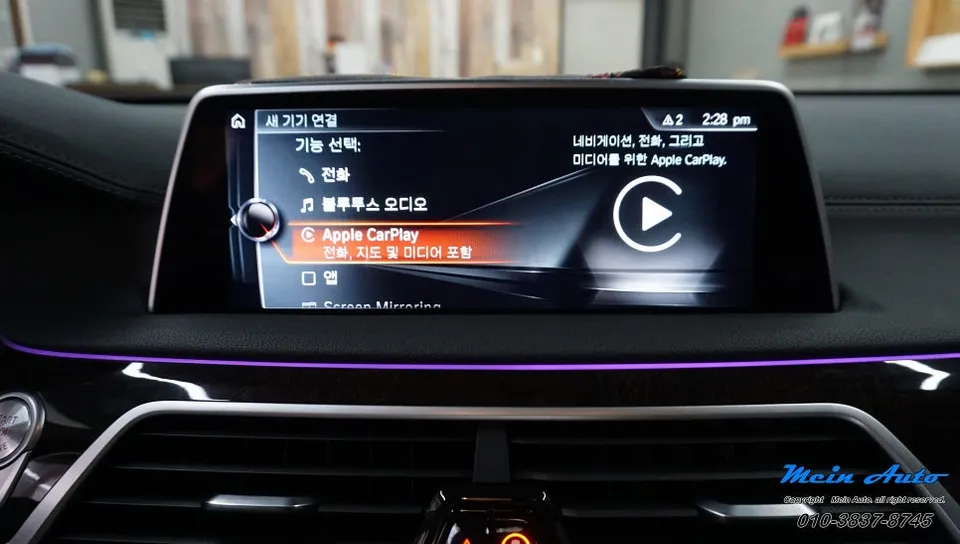
Post-Coding: CarPlay Enabled
Once the head unit restarts, the 'Apple CarPlay' option reappears in the mobile device management menu, confirming the successful activation of the native feature. Since no external components are added, the car's interior remains unchanged. The enhancement is purely a software-level upgrade.
Real-World Usage: Navigation and Streaming Combined
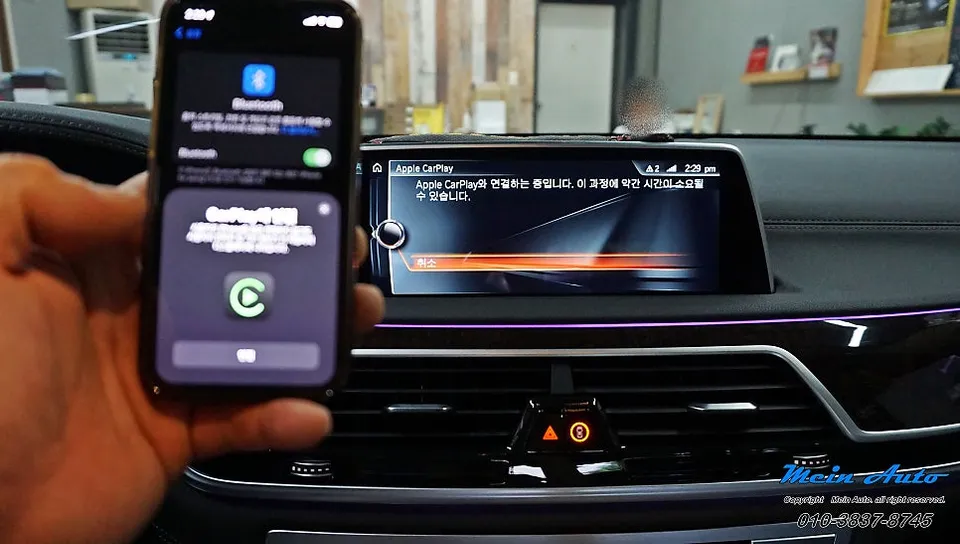
With Apple CarPlay activated, you can now seamlessly use navigation apps like TMAP or Kakao Navi on the large car display. Simultaneously, you can stream music from services like Spotify or Melon, all controlled directly from the head unit. This integration significantly enhances the driving experience by providing convenient access to essential apps without compromising safety.
Frequently Asked Questions
Q. How much does Apple CarPlay activation cost for a BMW 7 Series G12?
The cost for activating Apple CarPlay via coding on a BMW 7 Series G12 typically ranges from ₩100,000 to ₩200,000 in Korea. In the US, similar coding services can range from $150 to $300.
Q. How long does Apple CarPlay activation take on a BMW 7 Series G12?
The coding process to activate Apple CarPlay on a BMW 7 Series G12 usually takes between 20 to 30 minutes. Regular maintenance involves ensuring your iPhone's iOS is up-to-date for optimal compatibility.
Q. Is activating Apple CarPlay worth it for a BMW 7 Series G12?
Activating Apple CarPlay is highly recommended for BMW 7 Series G12 owners, especially iPhone users, as it significantly enhances navigation and entertainment options. It provides a safer and more convenient way to use essential apps while driving.
Q. How is Apple CarPlay activated on a BMW 7 Series G12?
1. Connect a diagnostic tool to the vehicle's OBD-II port. 2. Use specialized software to access the head unit's coding parameters. 3. Modify the relevant flag to enable Apple CarPlay functionality. 4. Reboot the head unit to apply the changes.
Q. What is the difference between activating Apple CarPlay via coding and using a separate Android head unit for a BMW 7 Series?
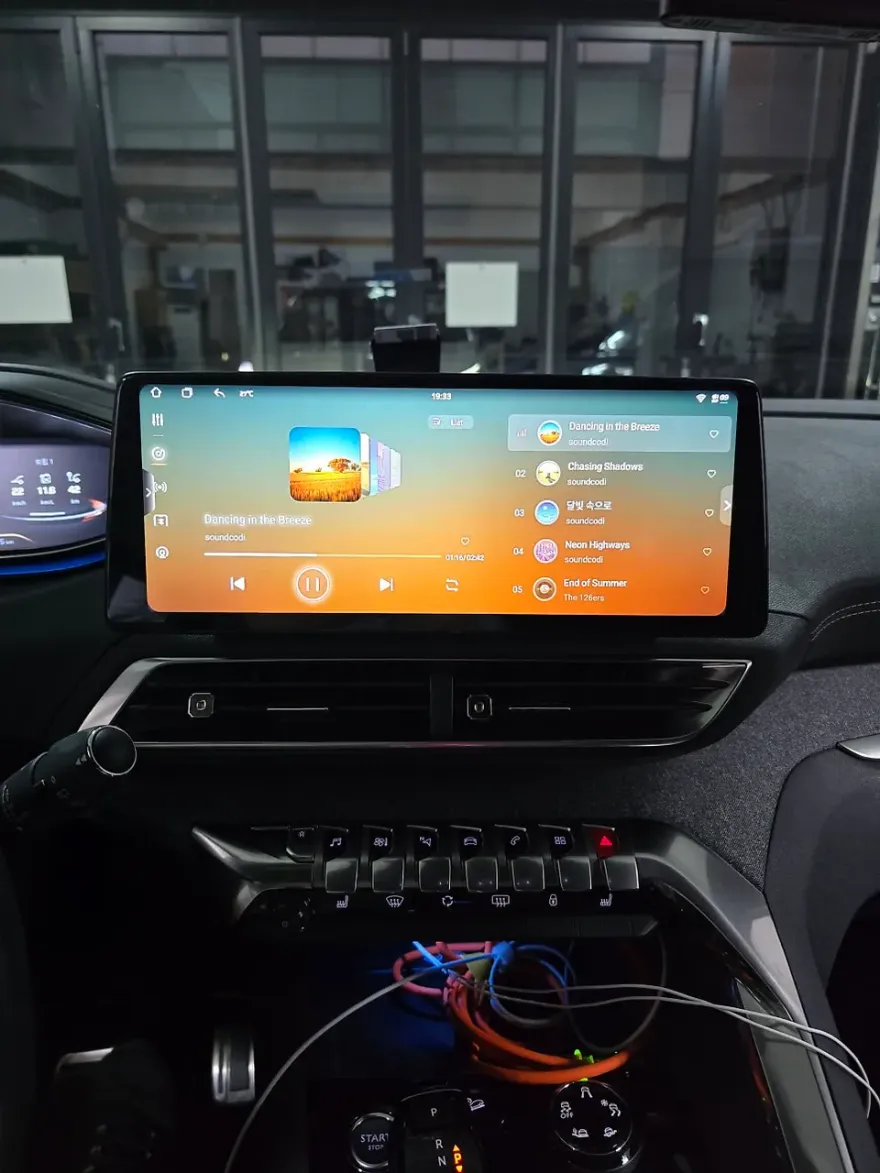
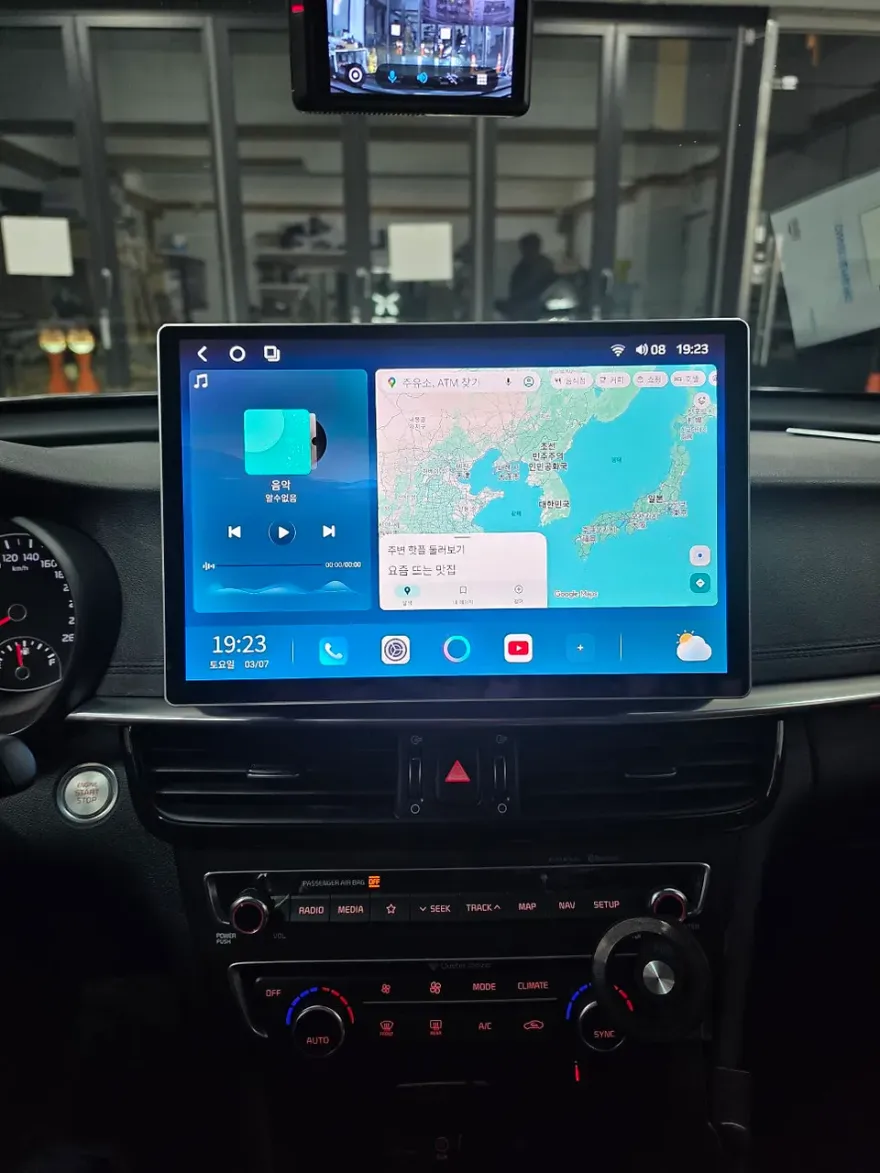
Activating Apple CarPlay via coding integrates the feature into your existing BMW infotainment system, maintaining the original look and feel. Installing a separate Android head unit replaces your factory system entirely, offering a different interface and potentially more features but altering the car's original aesthetics.
OhCar Partner Shop