BMW i3 Android Head Unit Upgrade Review
Service Price
$40–80
Estimated price · Actual price may vary by shop
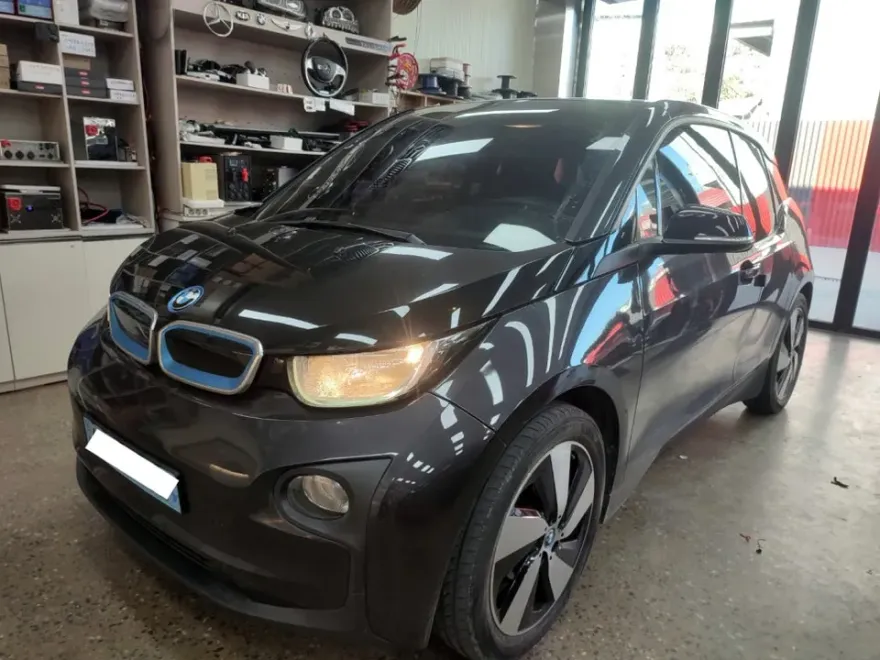
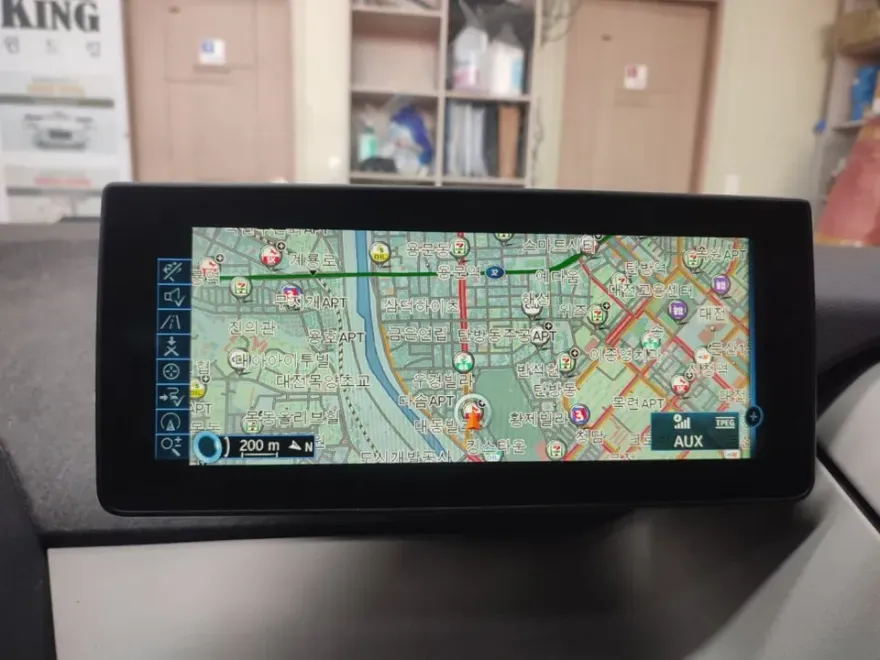
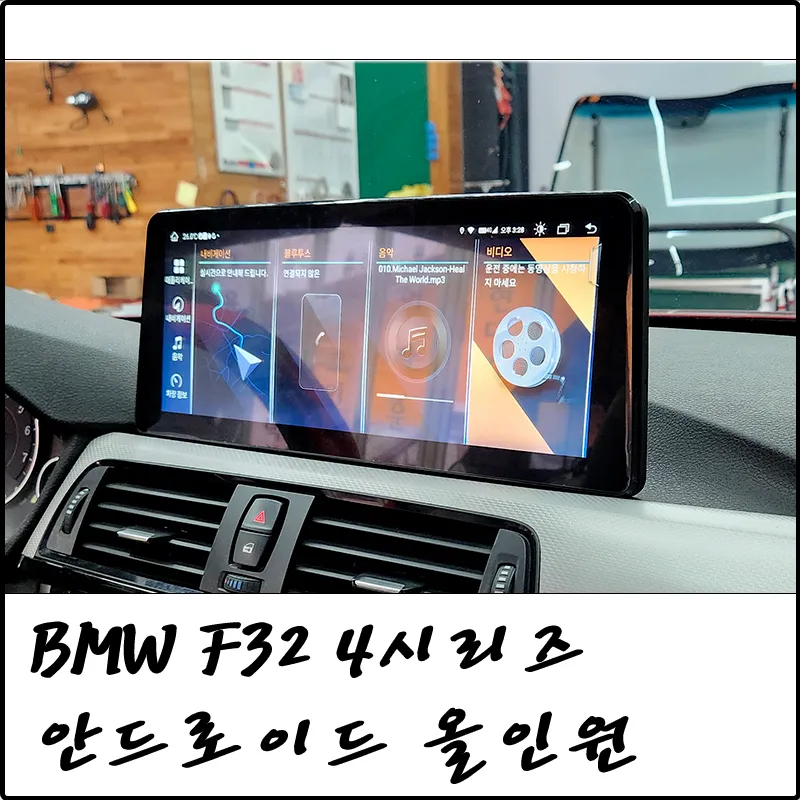
BMW i3 Android Head Unit upgrade adds CarPlay/Android Auto. Cost approx. $200-$400 USD. Enjoy seamless smartphone navigation.
Upgrade Your BMW i3 Infotainment System
Many BMW i3 owners find the factory navigation system lacking in usability and up-to-date information. If you frequently rely on your smartphone for navigation, you're not alone. This review explores the process and benefits of retrofitting an Android head unit, specifically adding Apple CarPlay and Android Auto functionality to your BMW i3. We'll cover what to expect, the installation process, and whether this infotainment upgrade is a worthwhile investment for your electric vehicle.
Why Upgrade Your BMW i3's Navigation?
The integrated navigation in earlier BMW i3 models, particularly from 2015, often suffers from poor screen visibility and cumbersome controls. Owners frequently report issues with inaccurate search results and outdated road maps, making it impractical for daily use. This leads many to mount their smartphones on the dashboard, using apps like Waze, Google Maps, or Apple Maps. A dedicated Android head unit or a CarPlay/Android Auto retrofit kit offers a much cleaner and more integrated solution, bringing the familiar interface and real-time data of your smartphone directly to your car's built-in display.
The Android Head Unit Retrofit Process
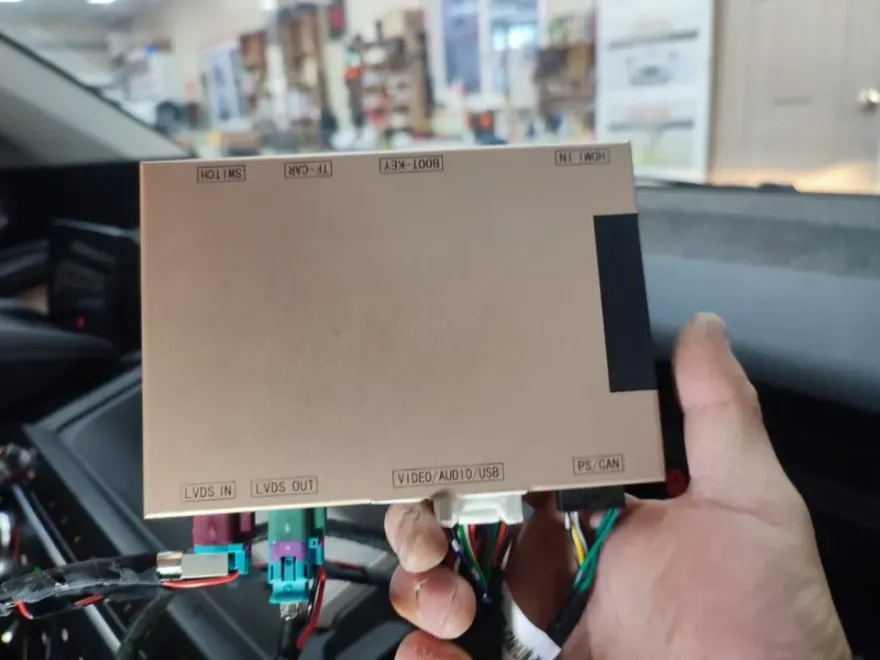
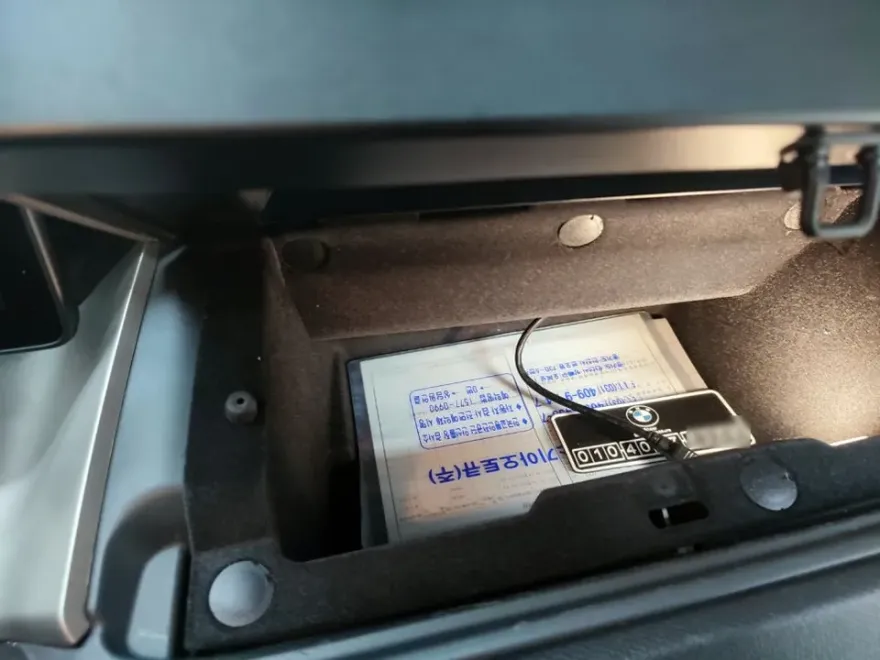
This upgrade involves installing a separate set-top box interface that seamlessly integrates with your existing i3 monitor. This allows you to access a wide range of navigation and media apps from your smartphone directly on the car's screen. The system supports both wireless and wired connections. Wireless CarPlay and Android Auto connect automatically via Bluetooth once paired, offering a convenient, cable-free experience. For reliability or charging, a wired connection option is also provided, typically routed discreetly into the glove compartment. Switching between the car's original menu and the CarPlay/Android Auto interface is usually as simple as pressing and holding the vehicle's menu button for a few seconds. Audio output for CarPlay and Android Auto is channeled through the car's original AUX input to ensure high-quality, lossless sound. If your vehicle lacks an AUX input, it can often be activated as part of the installation.
Installation Process:
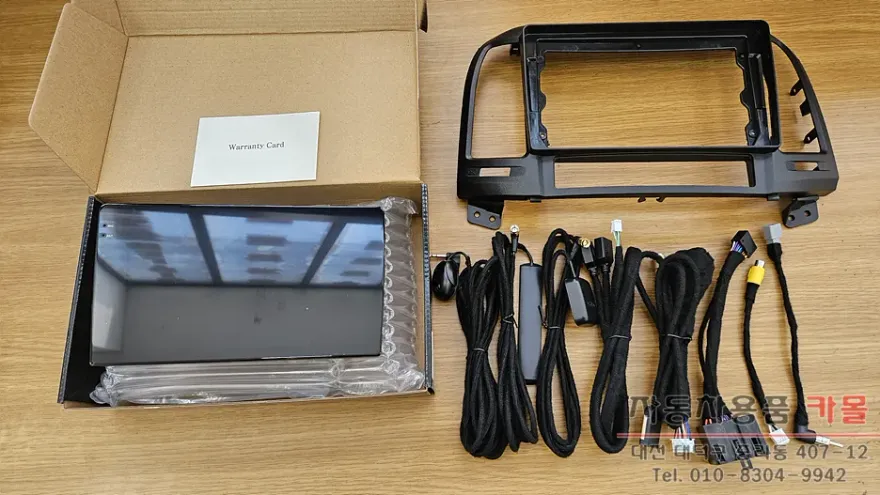
- Integration of the set-top box module behind the existing infotainment screen.
- Connection of necessary wiring for power, audio, and data transfer.
- Configuration of wireless (Bluetooth) and wired connectivity options.
- Testing of all functions, including screen mirroring, audio output, and app compatibility.
The result is a fully functional smartphone mirroring system that provides access to real-time traffic data, updated maps, and your favorite driving apps directly on your BMW i3's display. This significantly enhances the driving experience, offering a modern and intuitive navigation solution.
Frequently Asked Questions
Q. How much does Android head unit or CarPlay installation cost for a BMW i3?
In Korea, the cost for a BMW i3 CarPlay/Android Auto set-top installation typically ranges from 300,000 to 500,000 KRW (approximately $220-$370 USD). Prices can vary based on the specific kit and vehicle options.
Q. How long does Android head unit installation take on a BMW i3?
Installation of an Android head unit or CarPlay retrofit for a BMW i3 usually takes about 3 to 4 hours. These systems are designed for durability and generally require minimal maintenance beyond software updates for the connected smartphone apps.
Q. Is a CarPlay or Android Auto retrofit worth it for a BMW i3?
A CarPlay or Android Auto retrofit is highly recommended for BMW i3 owners dissatisfied with the factory navigation. It provides a significant upgrade in usability, access to real-time data, and a modern interface, making it a valuable enhancement for daily driving.
Q. How is an Android head unit installed in a BMW i3?
Installation involves integrating a specialized set-top box interface that connects to your BMW i3's existing infotainment screen. This process typically includes routing power and data cables, configuring wireless Bluetooth connectivity, and ensuring proper audio output through the car's AUX system.
Q. What is the difference between an Android head unit and a factory infotainment system for a BMW i3?
An Android head unit retrofit adds smartphone mirroring capabilities like Apple CarPlay and Android Auto to your BMW i3's factory screen, offering access to modern apps and real-time data. The factory system is limited to its original, often outdated, navigation and media functions.
OhCar Partner Shop