Hyundai Azera Android Head Unit Review — Enhanced Infotainment
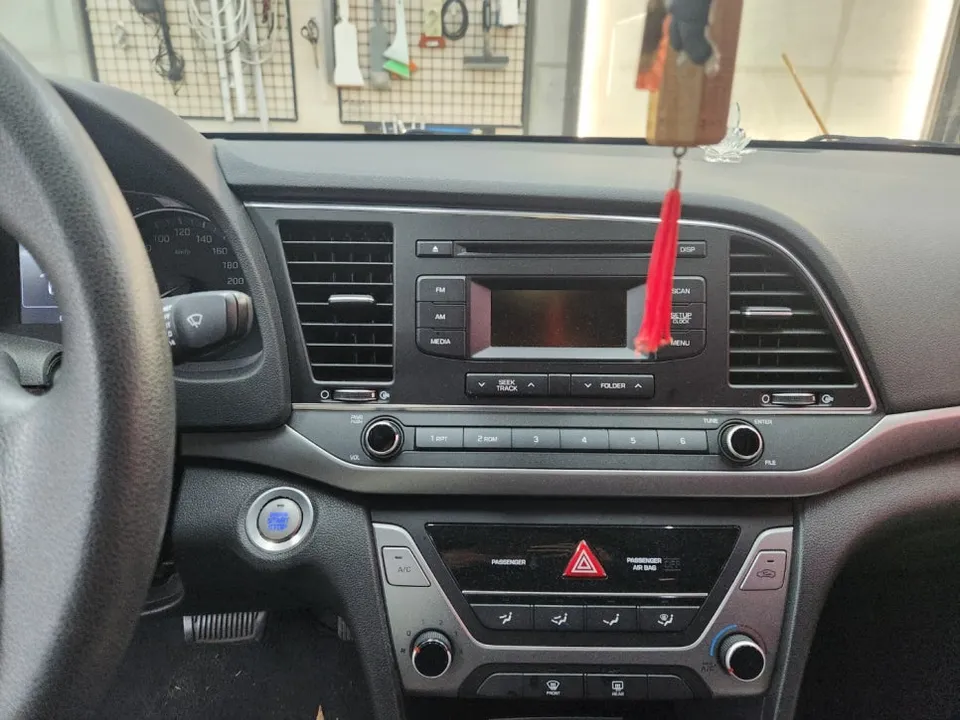
Before

After
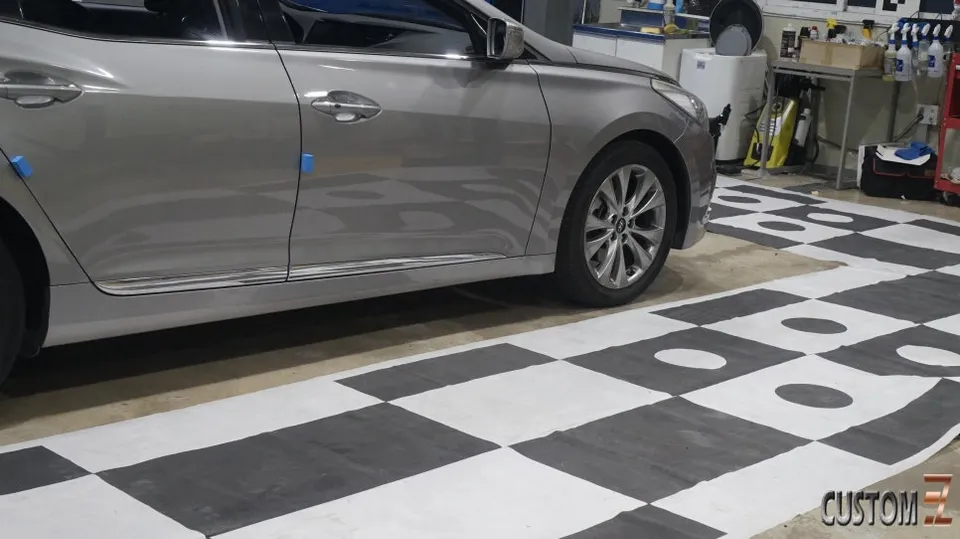
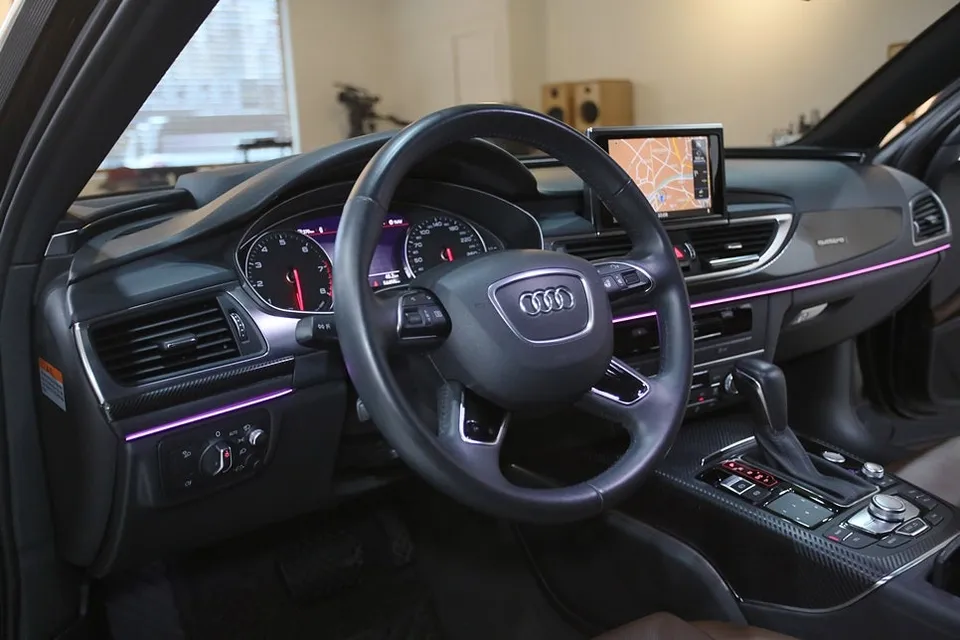
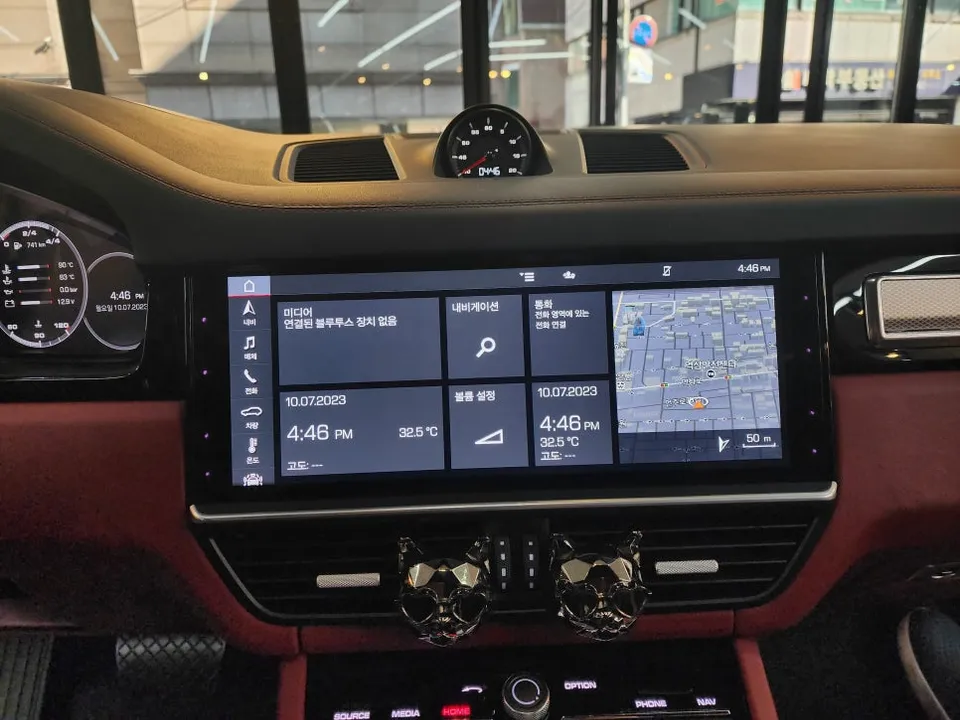
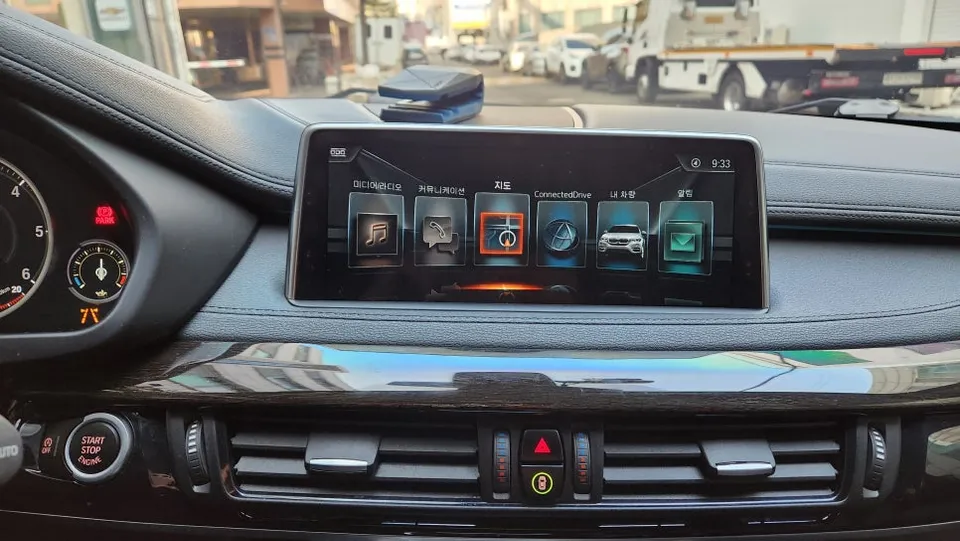
Process photos
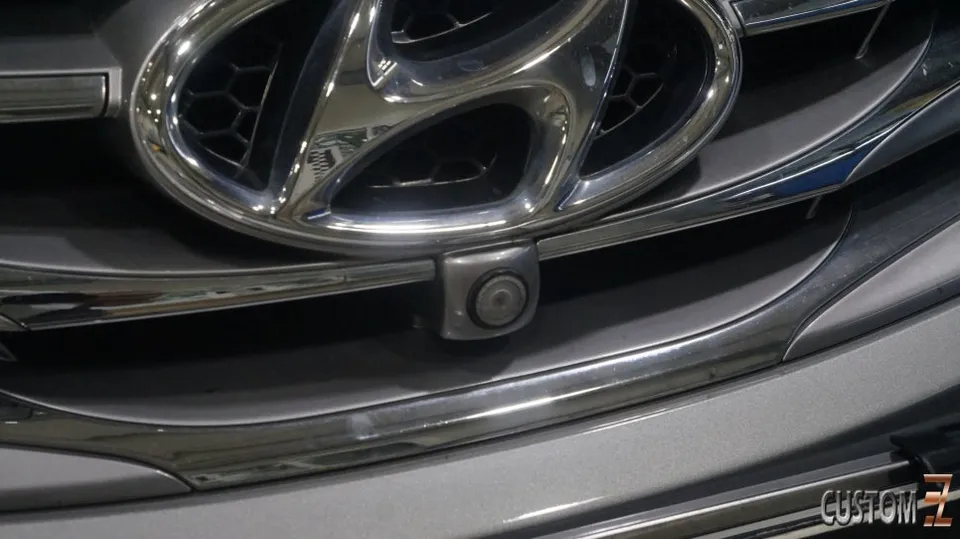
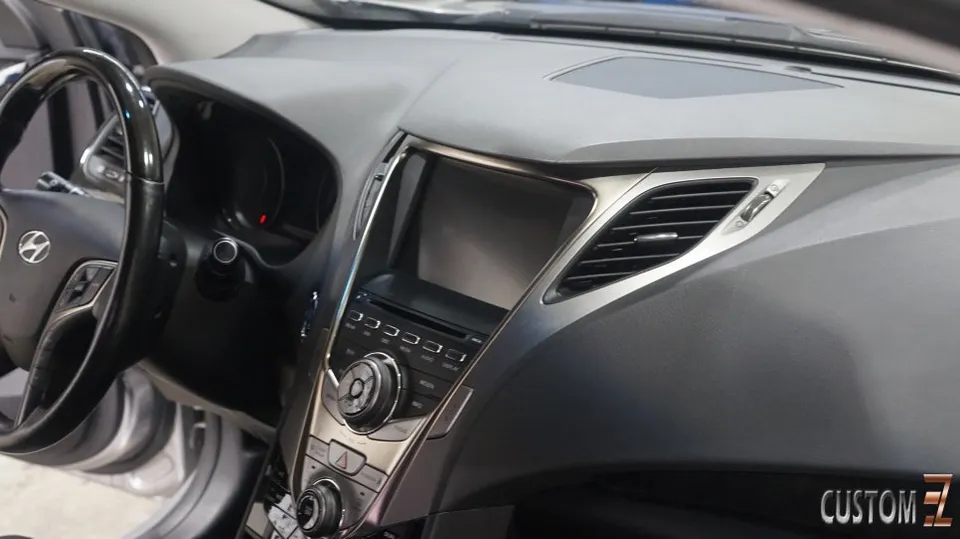
Hyundai Azera Android head unit upgrade with 360° camera: KRW 1,290,000. Enhanced infotainment and safety.
Modernizing Your Hyundai Azera's Infotainment
The Hyundai Azera, a comfortable and capable sedan, can feel a bit dated when it comes to its in-car technology. Fortunately, an Android head unit upgrade offers a significant leap forward, bringing modern features and a sleek interface to your dashboard. This review explores the installation, results, and overall value of fitting an Android head unit, specifically the KanaRo X PLUS with 360° surround view, into a Hyundai Azera. This type of infotainment upgrade transforms the driving experience, offering enhanced navigation, entertainment, and safety features.
Before and After: A Dramatic Transformation
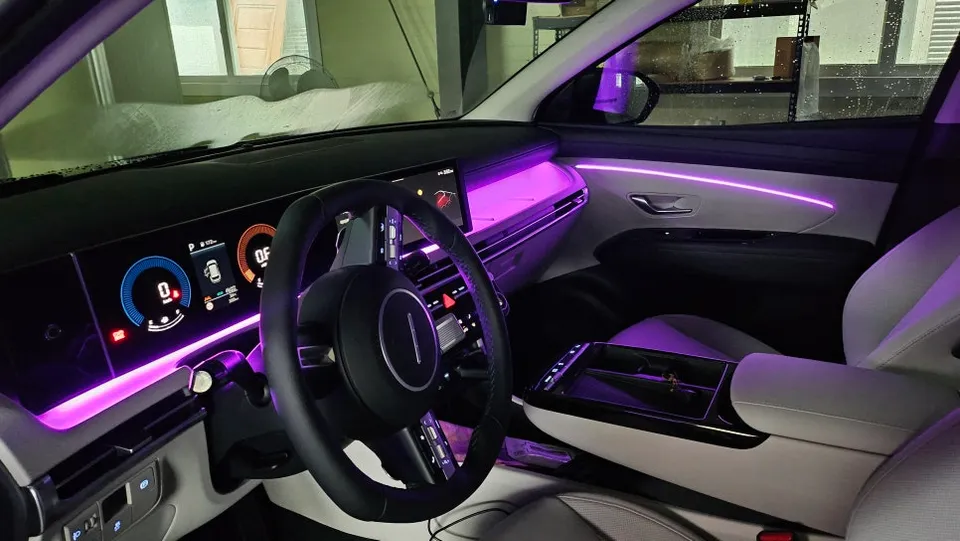
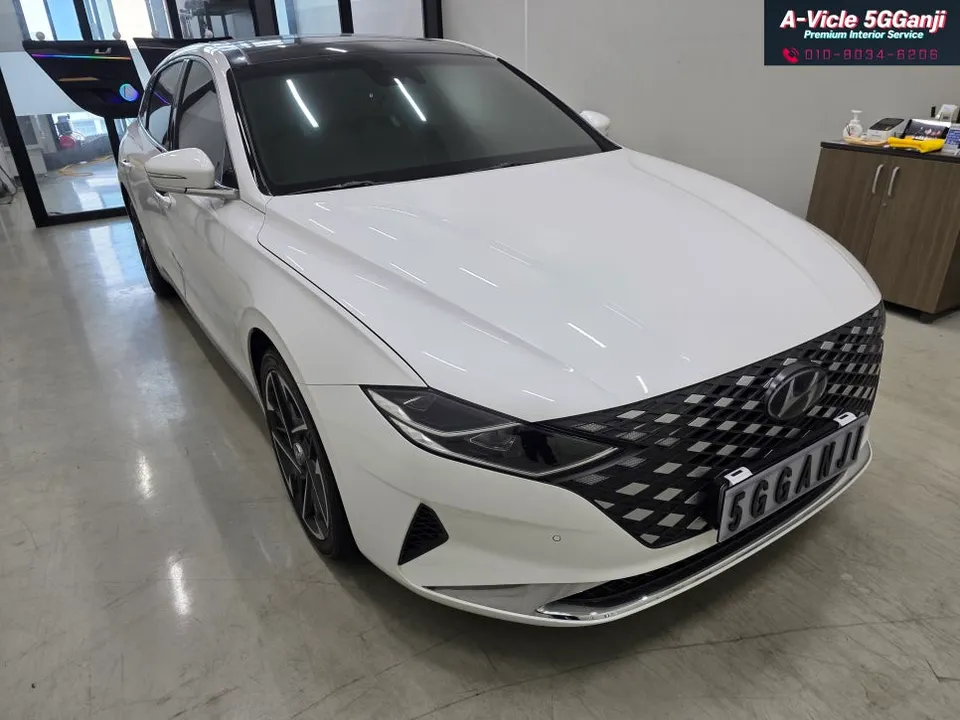
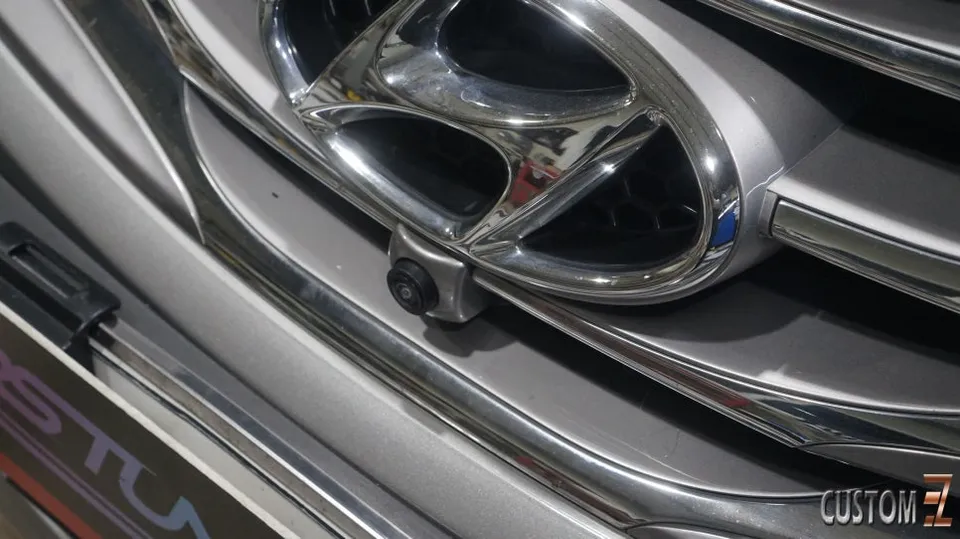
The most striking aspect of this upgrade is the visual and functional transformation. The factory infotainment system in the Azera is replaced by a larger, high-resolution touchscreen that integrates seamlessly into the dashboard. The 'before' picture shows a standard, often smaller, factory screen with limited functionality. The 'after' reveals a vibrant, responsive display that supports features like Apple CarPlay and Android Auto, allowing for seamless smartphone integration. The addition of a 360° surround view camera system is a game-changer for parking and maneuvering, providing a comprehensive bird's-eye view of the vehicle's surroundings. This not only enhances convenience but significantly boosts safety, especially in tight parking situations. The system's responsiveness and the clarity of the display are a marked improvement over the original unit.
Installation Process and Durability Considerations
Installing an Android head unit involves carefully removing the factory unit and integrating the new system. This process requires precision to ensure all connections are secure and the unit fits perfectly. The KanaRo X PLUS system, for instance, is designed for specific vehicle models like the Hyundai Azera, ensuring a factory-like fit. The installation typically includes wiring for power, speakers, and any additional cameras or sensors. The durability of these aftermarket units is generally good, with modern components designed for automotive use. Regular maintenance is minimal, usually involving software updates and keeping the screen clean. The longevity depends on the quality of the unit and the professional installation. While specific pricing details for this installation in Korea were KRW 1,290,000 (approximately $930 USD at the time of review), the cost can vary based on the specific model of the Android head unit and the complexity of the installation, especially when adding features like the 360° camera system.
Installation process:
- Removal of the factory head unit and surrounding trim pieces.
- Connection of wiring harnesses for power, speakers, and new features like cameras.
- Mounting the new Android head unit and ensuring a secure fit.
- Testing all functions, including touch response, audio, navigation, and camera views.
- Reassembly of trim pieces for a clean, integrated look.
Frequently Asked Questions
Q. How much does Android head unit or CarPlay installation cost for a Hyundai Azera?
This specific installation in Korea cost KRW 1,290,000 (approx. $930 USD). Typical US installation costs for a comparable Android head unit upgrade can range from $500 to $1500, depending on the unit's features and vehicle complexity.
Q. How long does Android head unit installation take on a Hyundai Azera?
Android head unit installations typically take between 2 to 4 hours. To ensure longevity, keep the unit's software updated and clean the screen regularly with appropriate cleaning solutions.
Q. Is a CarPlay or Android Auto retrofit worth it for a Hyundai Azera?
A CarPlay or Android Auto retrofit is highly recommended for Azera owners seeking modern smartphone integration and advanced navigation. It significantly enhances the infotainment experience, making it a worthwhile investment for many drivers.
Q. How is an Android head unit installed in a Hyundai Azera?
Installation involves removing the factory head unit, connecting the new unit's wiring harness for power and features, mounting the new unit securely, and testing all functions. Finally, dashboard trim pieces are reassembled for a factory-finished look.
Q. What is the difference between an Android head unit and a factory infotainment system for a Hyundai Azera?
An Android head unit offers a larger touchscreen, access to a wider range of apps, and seamless smartphone integration (CarPlay/Android Auto), unlike the often more limited factory system. For enhanced functionality and a modern interface, the Android head unit is the superior choice.
OhCar Partner Shop