BMW MINI Android Head Unit CarPlay Retrofit Review
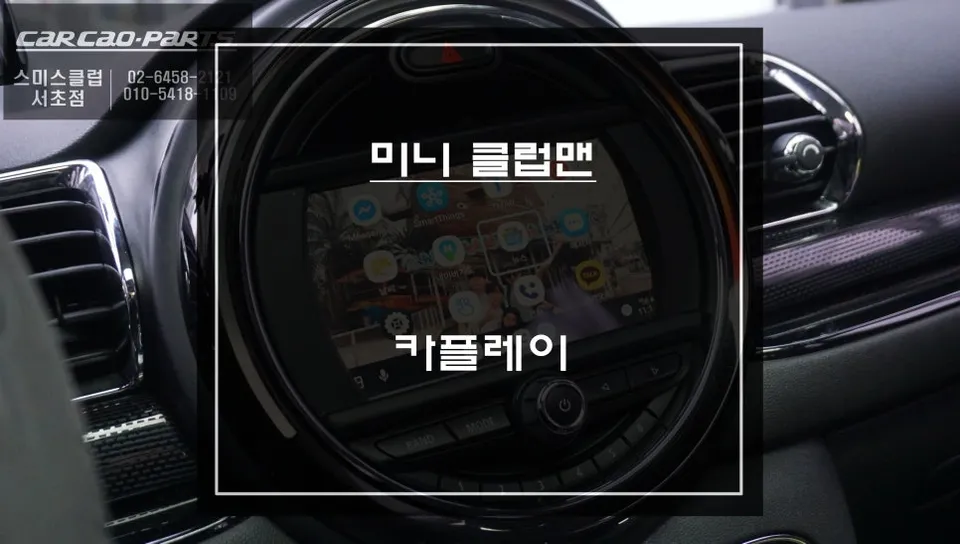
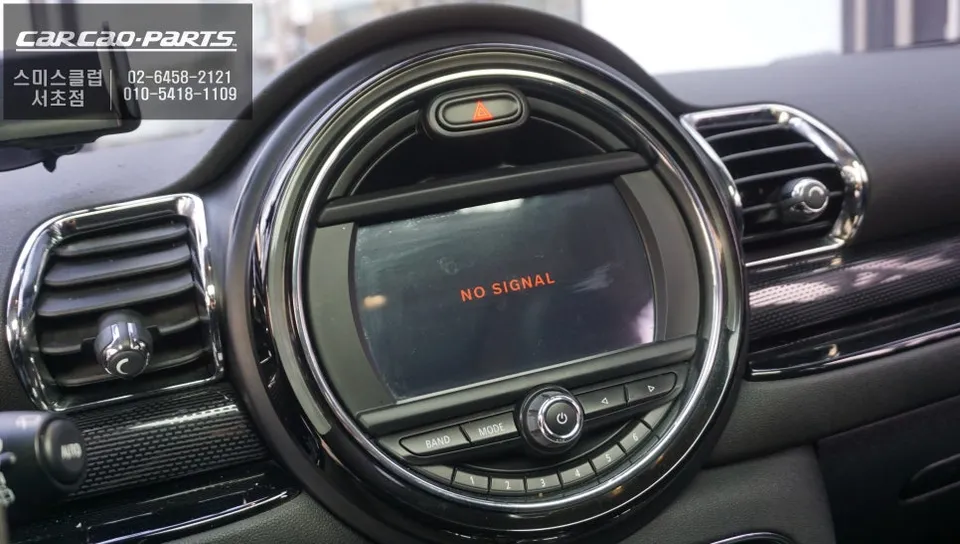
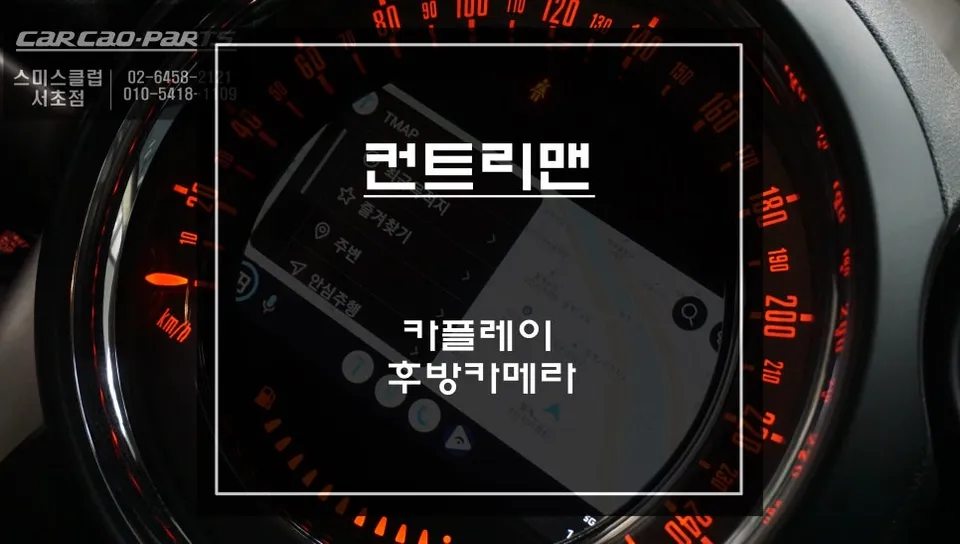
BMW MINI F54 CarPlay module upgrade resolves 'No Signal' issue. Installation cost approx. ₩700,000 (USD $500). Restores display and adds CarPlay.
BMW MINI F54 'No Signal' Issue Resolved with CarPlay Module Upgrade
This review details a common problem faced by some BMW MINI F54 owners: the dreaded 'No Signal' message on the factory display, often accompanied by a non-functional backup camera. We'll walk through how a specialized CarPlay module installation not only resolved this issue but also provided a significant infotainment upgrade. This particular repair and upgrade was performed in South Korea, addressing a specific technical fault.
Diagnosing the 'No Signal' Problem: Faulty Aftermarket Interface
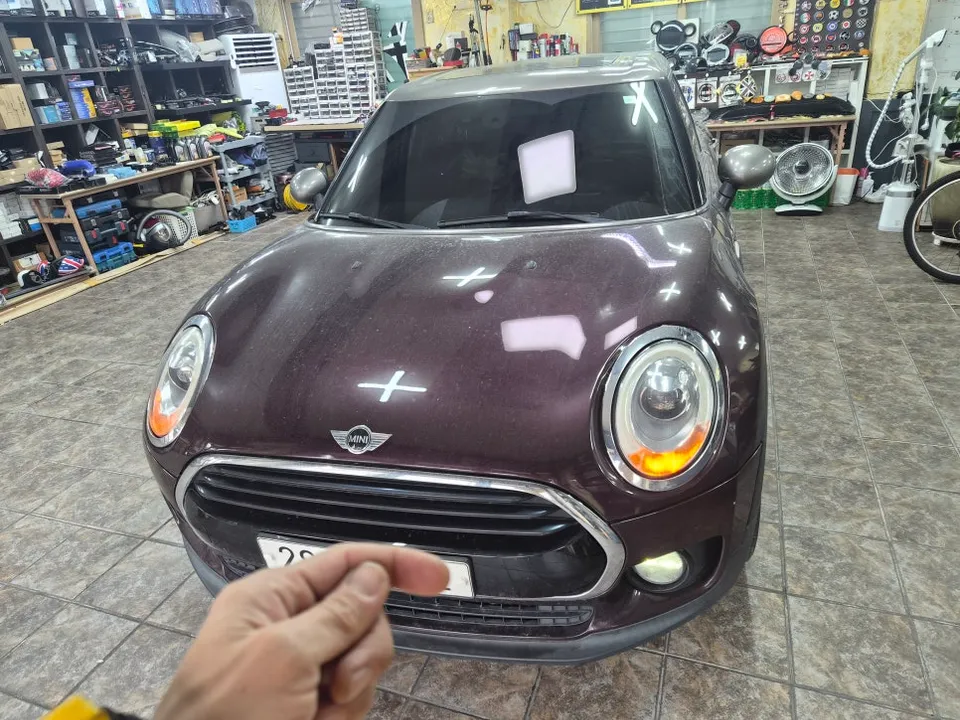
Upon arrival, the BMW MINI F54 displayed a 'No Signal' error, rendering the screen useless. While it might seem like a simple screen malfunction, the critical issue was the inoperable backup camera. This poses a serious safety risk during parking and reversing. Our diagnosis pinpointed the cause: a faulty aftermarket navigation interface module. This is a known, albeit infrequent, issue for MINI F54 owners who opt for unverified, budget-friendly interfaces. Accurate diagnosis is paramount in these situations to avoid further complications.
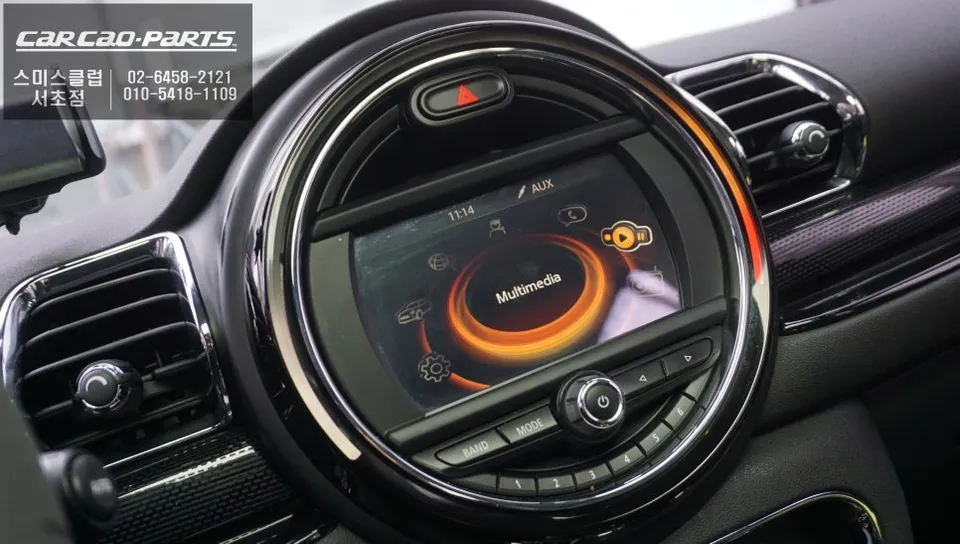
Restoring Factory Functionality and Upgrading Infotainment
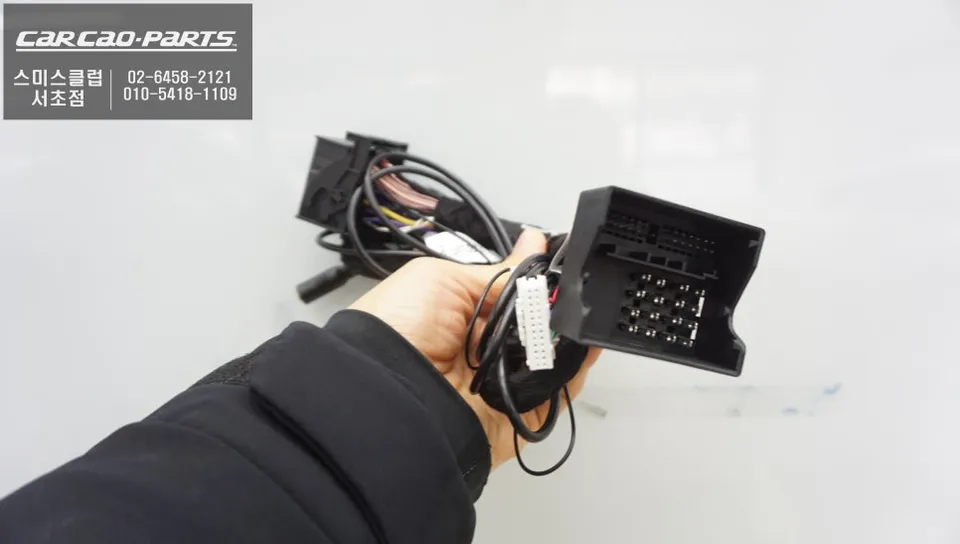
The first step involved carefully removing the defective aftermarket navigation interface and its associated components. Extreme caution was taken to prevent any damage to the original wiring harness. Once the aftermarket parts were removed, the original wiring was meticulously restored to its factory condition. We then verified that the original MINI display was functioning correctly. Fortunately, the factory screen itself was undamaged, confirming the aftermarket interface as the sole culprit. Following the restoration, we proceeded with installing a dedicated CarPlay module specifically designed for the BMW MINI F54. This module utilizes a plug-and-play (jack-by-jack) installation method, ensuring a seamless integration without cutting or splicing factory wires. This upgrade not only rectifies the 'No Signal' issue but also introduces modern smartphone integration capabilities like Apple CarPlay and Android Auto, transforming the car's infotainment system.
Installation Process:
- Carefully remove the existing faulty aftermarket navigation interface and associated wiring.
- Meticulously restore the original factory wiring harness, ensuring no damage.
- Connect the new, vehicle-specific CarPlay module using its plug-and-play connectors.
- Test the factory display and the new CarPlay functionality to confirm proper operation.
The result is a fully functional display, a restored backup camera, and the added benefit of modern smartphone connectivity. This type of infotainment upgrade is a worthwhile investment for MINI owners looking to enhance their driving experience and ensure the safety and functionality of their vehicle's display system.
Frequently Asked Questions
Q. How much does an Android head unit or CarPlay installation cost for a BMW MINI?
The installation described in this review, which included a CarPlay module to fix a 'No Signal' issue on a BMW MINI F54, cost approximately ₩700,000 (around $500 USD). Typical CarPlay retrofit costs for a BMW MINI can range from $400 to $1000 USD depending on the system and vehicle specifics.
Q. How long does Android head unit installation take on a BMW MINI?
While this specific repair and upgrade focused on a CarPlay module, similar infotainment installations on a BMW MINI typically take between 2 to 4 hours. These systems are designed for durability, often lasting the lifetime of the vehicle with no special maintenance required beyond standard car care.
Q. Is a CarPlay or Android Auto retrofit worth it for a BMW MINI?
A CarPlay or Android Auto retrofit is highly recommended for BMW MINI owners who want to modernize their infotainment system, especially if experiencing issues like the 'No Signal' problem. It significantly enhances usability by integrating familiar smartphone apps for navigation, music, and communication, offering a substantial value proposition.
Q. How is an Android head unit installed in a BMW MINI?
Installation typically involves removing the existing faulty aftermarket interface, restoring the original wiring harness, and then connecting a new, vehicle-specific module. For BMW MINI models, this often utilizes a plug-and-play system, meaning it connects directly to existing connectors without cutting or splicing wires.
Q. What is the difference between an Android head unit and a factory infotainment system for a BMW MINI?
An Android head unit or CarPlay retrofit replaces or supplements the factory system with a more modern interface, offering features like Apple CarPlay and Android Auto that may not be standard. While the factory system is integrated and reliable, aftermarket units provide enhanced connectivity and access to a wider range of apps.
Kakao Parts