BMW MINI Android Auto Head Unit Review — Real-time Navigation
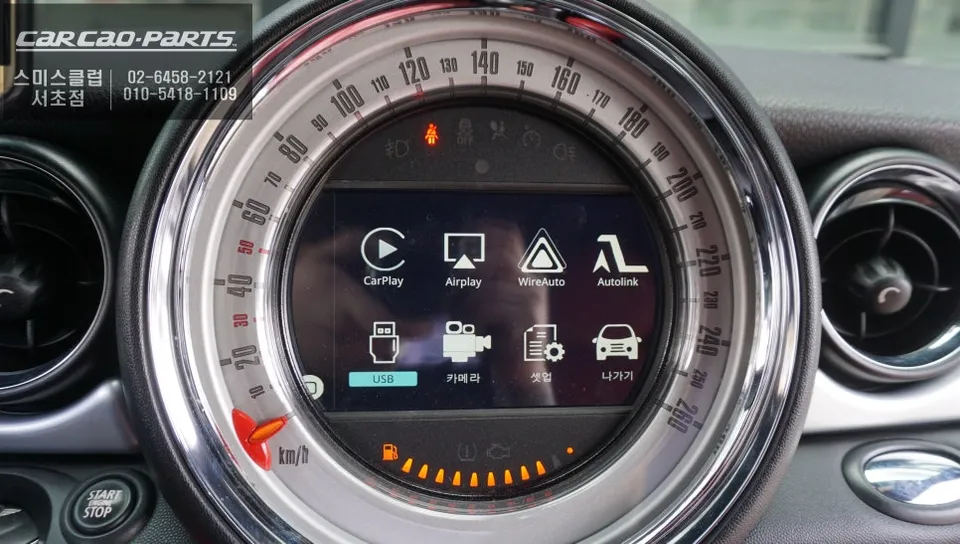
Android Auto head unit on BMW MINI: Price not specified. Enjoy real-time navigation and full smartphone app integration while retaining all original c
Why Your BMW MINI Needs Smartphone Integration
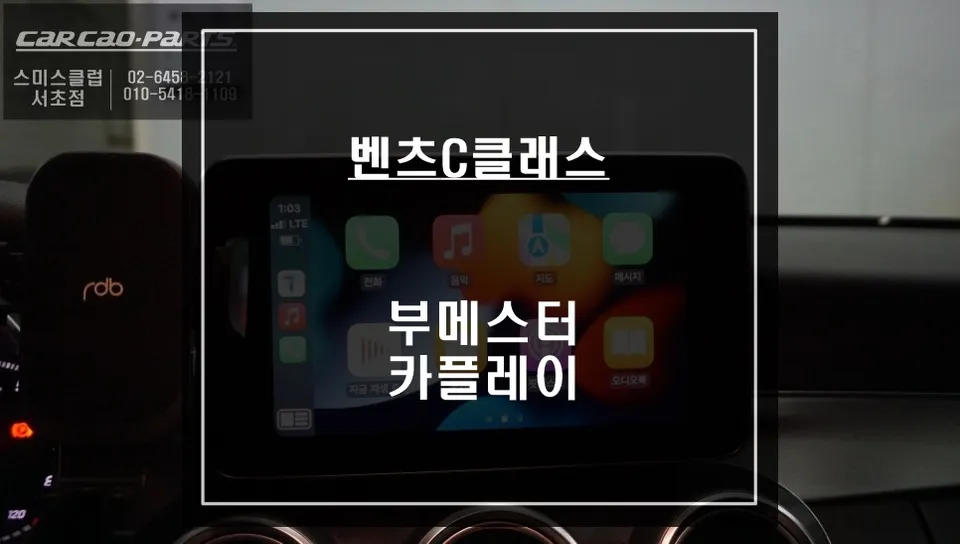
Many car owners today grapple with a common question: "Can my car support CarPlay?" This is especially true for vehicles like the BMW MINI, which might have a factory monitor but lack native smartphone connectivity. The BMW MINI CarPlay installation we're discussing today directly addresses this very concern. Through a real-world installation case study performed at Ojun-cha SEOCHO, we'll demonstrate the transformative benefits of adding CarPlay to your MINI.
CarPlay vs. Factory Navigation: What's the Difference?
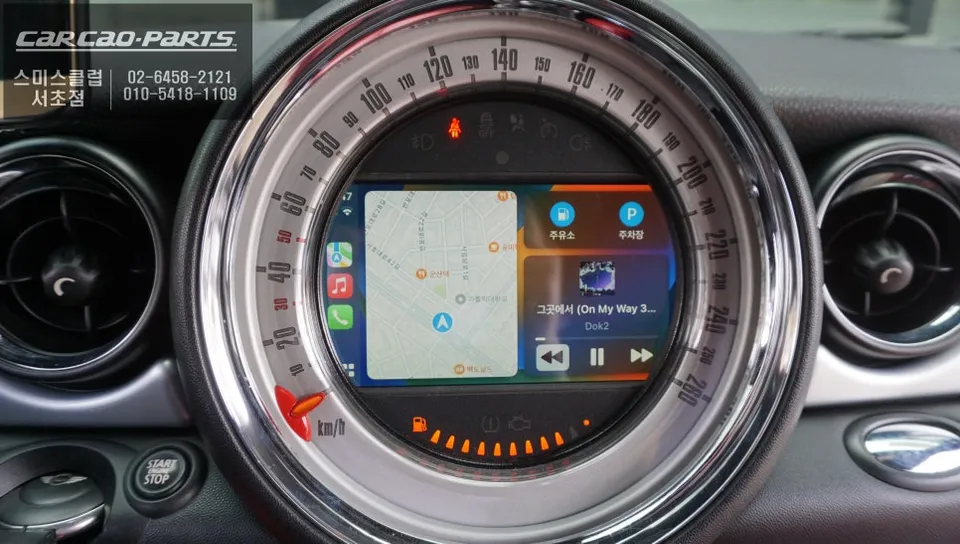
Let's first highlight the key distinctions between a standard BMW MINI factory monitor and the integration of a CarPlay module. While the original monitor serves basic functions, its primary limitation is the lack of 'real-time updates.' Factory navigation systems only receive periodic map updates. In contrast, navigation apps like T Map or Kakao Map, accessed via CarPlay, reflect live traffic conditions instantaneously. This means arrival times can differ significantly, even for the same destination.
Furthermore, you gain the ability to use all your familiar smartphone apps directly on your car's display. Music streaming services like Melon or YouTube Music can play through your car's speakers, and you can conveniently control them using voice commands (via Android Auto or Apple CarPlay). Even track skipping is possible using the original steering wheel buttons.
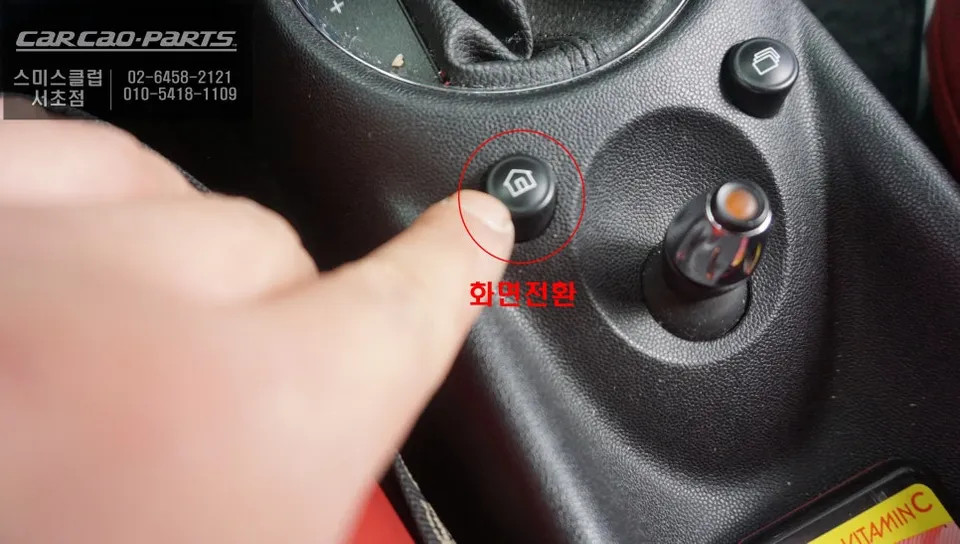
Crucially, your original factory functions remain fully intact. Installing a CarPlay module doesn't disable any existing features. A simple 2-second press of the screen transition button switches you to the CarPlay interface, and you can easily revert to the original screen whenever needed. This ensures complete user flexibility.
How is the BMW MINI CarPlay Module Installed?
Technically, the core of this installation focuses on 'minimizing wiring damage.' Ojun-cha SEOCHO employs a 'plug-and-play' method, avoiding any modification to the original wiring harness. This means the new module connects via adapters to existing connectors, adding CarPlay functionality without compromising the factory setup. This is vital for straightforward removal or repair in the future.
The connection between the monitor and the CarPlay module utilizes the 'LVDS IN/OUT' high-definition transmission standard. This signifies reduced signal loss and clearer image quality compared to conventional video signal methods. For those who spend significant time viewing the screen, such detailed considerations greatly impact eye comfort during extended use.
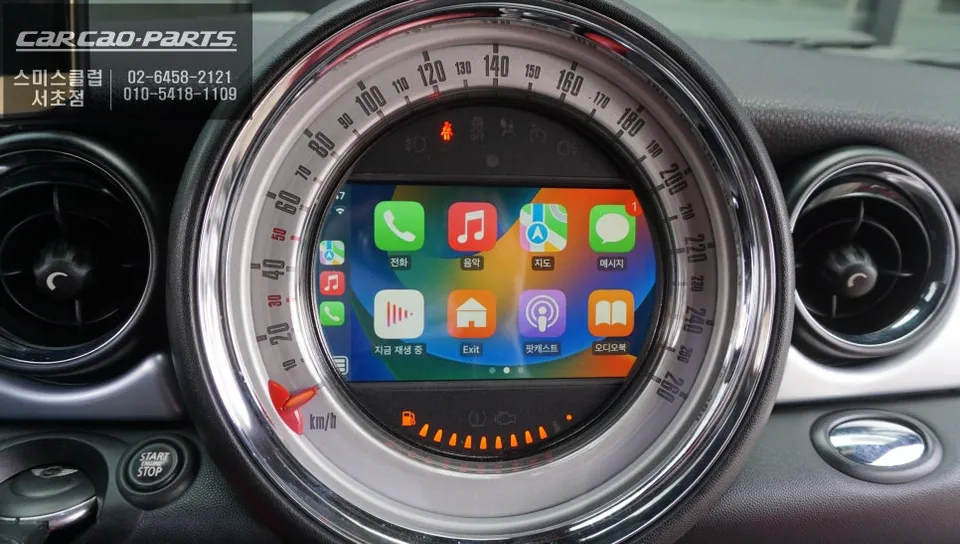
Actual Installation Process: Changes Seen in a BMW MINI
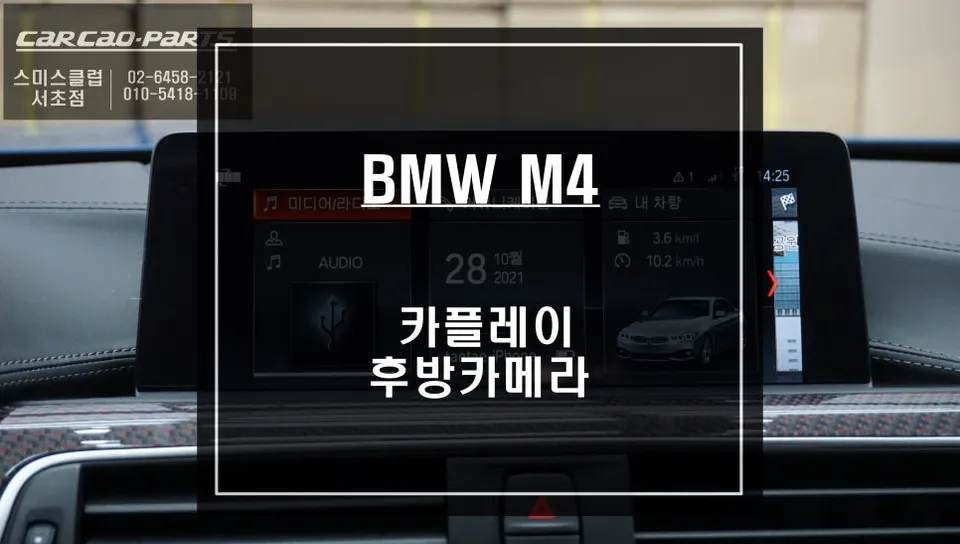
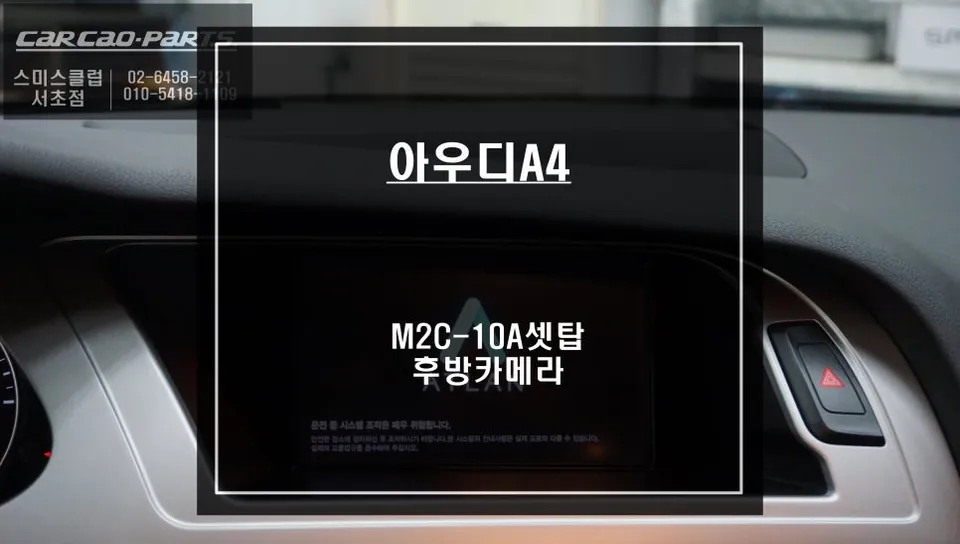
This particular BMW MINI not only received a CarPlay module but also had a rear-view camera installed simultaneously. Previously, parking relied solely on the rearview and side mirrors. Now, the driver can view the rear situation in real-time on the monitor.
The rear-view camera was precisely fitted into the garnish (exterior trim) using a 'Korean-made Interview M16 matte camera.' Its matte finish minimizes glare from strong sunlight, a practical advantage that enhances usability.
A key feature highlighted is the 'PAS (Parking Assistance System) implementation.' As the steering wheel turns, the parking lines on the monitor also move, providing a visual guide of the vehicle's projected parking trajectory. This is particularly beneficial in tight parking spaces or when reversing, allowing for accurate judgment of the distance between the car's rear corners and obstacles, thereby practically preventing accidental collisions.
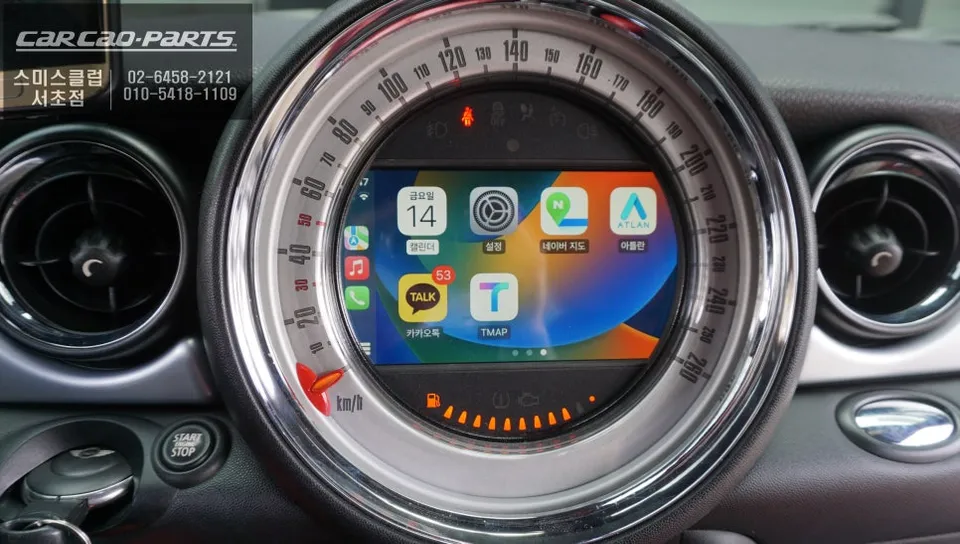
MINI CarPlay: Why Navigation Choice Matters
Ultimately, the most satisfying aspect of the CarPlay feature is the 'freedom to choose your navigation app.' Drivers can select between T Map and Kakao Map based on their current needs and preferences, ensuring the best navigation experience for every journey.
Frequently Asked Questions
Q. How much does Android all-in-one system cost for a BMW MINI?
This review does not specify the exact cost of the Android all-in-one system for the BMW MINI. Typically, these systems can range from $400 to $1,000+ for parts and installation in the US, depending on features and brand.
Q. How long does Android all-in-one system last on a BMW MINI?
A well-installed Android all-in-one system can last 5-10 years, often outliving the vehicle's original infotainment. To ensure longevity, keep the software updated and avoid extreme temperature exposure.
Kakao Parts