BMW X5 CarPlay Retrofit Installation Review — Cost
Before
After
Process photos
BMW X5 F15 CarPlay activation: leverages existing screen for navigation and music. Cost varies, typically $300-$800 in the US.
BMW X5 F15 CarPlay Activation: A Seamless Infotainment Upgrade
Many BMW X5 owners, particularly those with the F15 model running the ID5 system, find themselves missing the convenience of modern smartphone integration. This review details the process and benefits of activating native Apple CarPlay, transforming the driving experience. Unlike aftermarket units, this upgrade leverages your existing iDrive screen, providing a factory-integrated feel. The primary goal is to bring essential smartphone features like navigation and music streaming directly to your car's display, enhancing both convenience and safety. This particular F15 X5 was already running a software version that supported full-screen CarPlay, a key factor for optimal user experience.
The CarPlay Experience: Before and After
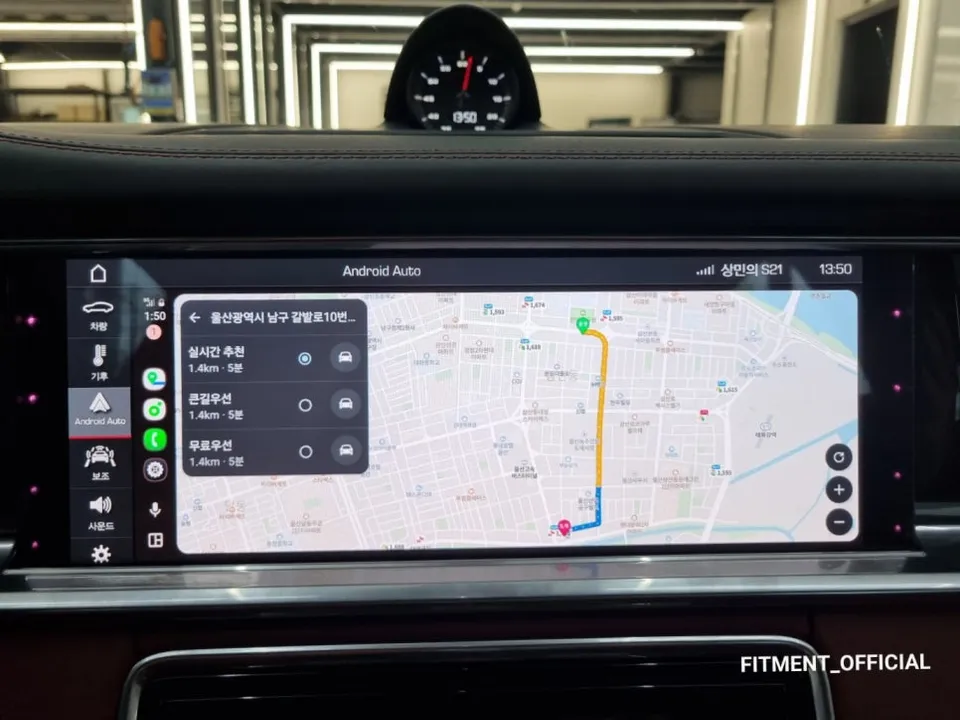
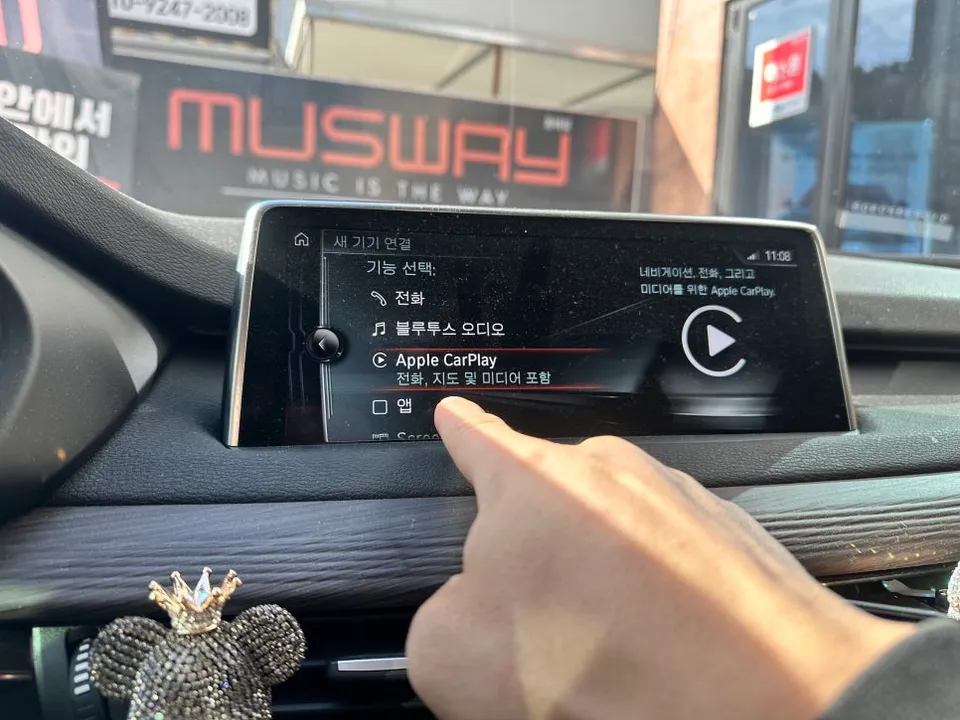
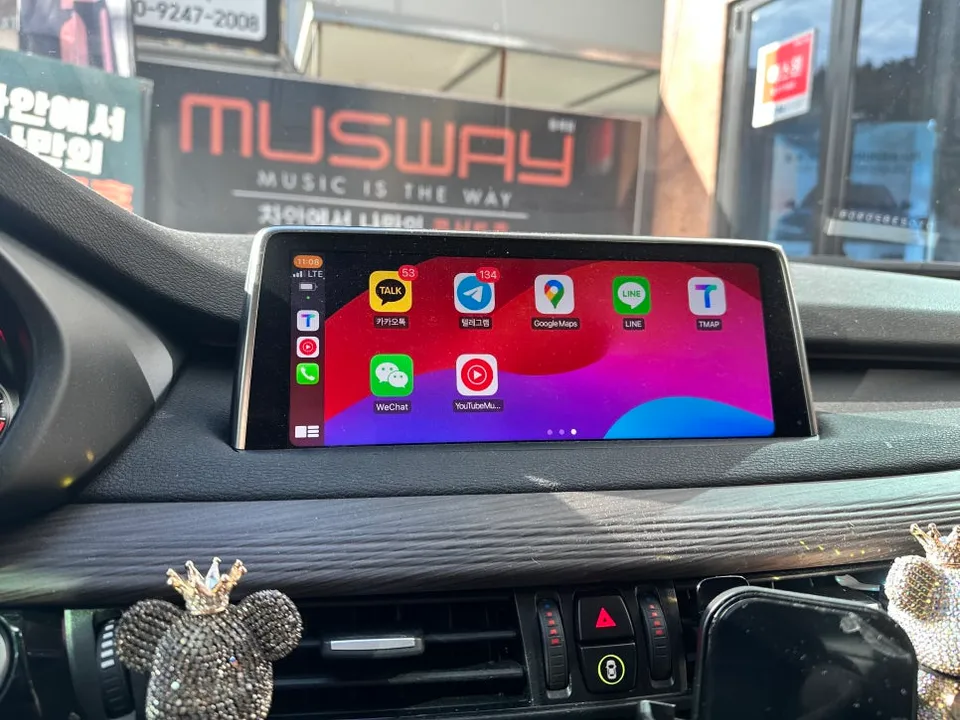
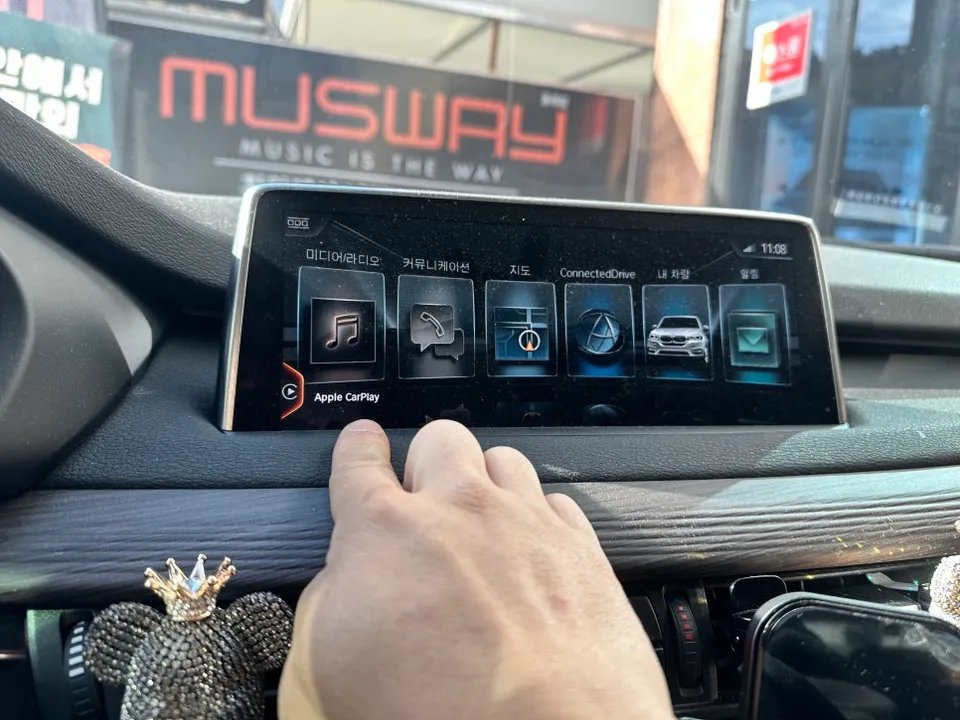
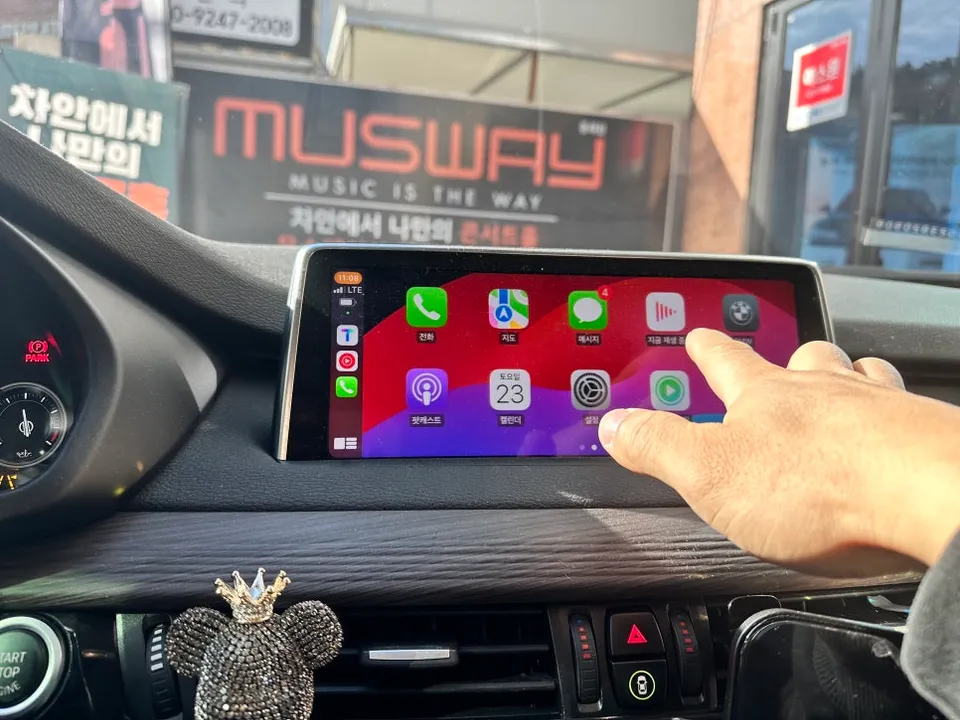
Before the activation, the owner relied on a phone mount for navigation, which was inconvenient and less integrated. After the CarPlay retrofit, the BMW X5's infotainment system gained a dedicated CarPlay icon on the monitor, typically located at the 7 o'clock position. Since the factory iDrive monitor is touch-enabled, the CarPlay interface is fully responsive to touch inputs, making it intuitive and easy to use. Popular navigation apps like T-Map and Kakao Map are fully supported, alongside music streaming services. The transformation significantly improves the daily drive, making it more enjoyable and less reliant on external phone holders. The activation process itself is relatively quick, taking about an hour, and includes additional coding for functional improvements.
Installation Process and Technical Details
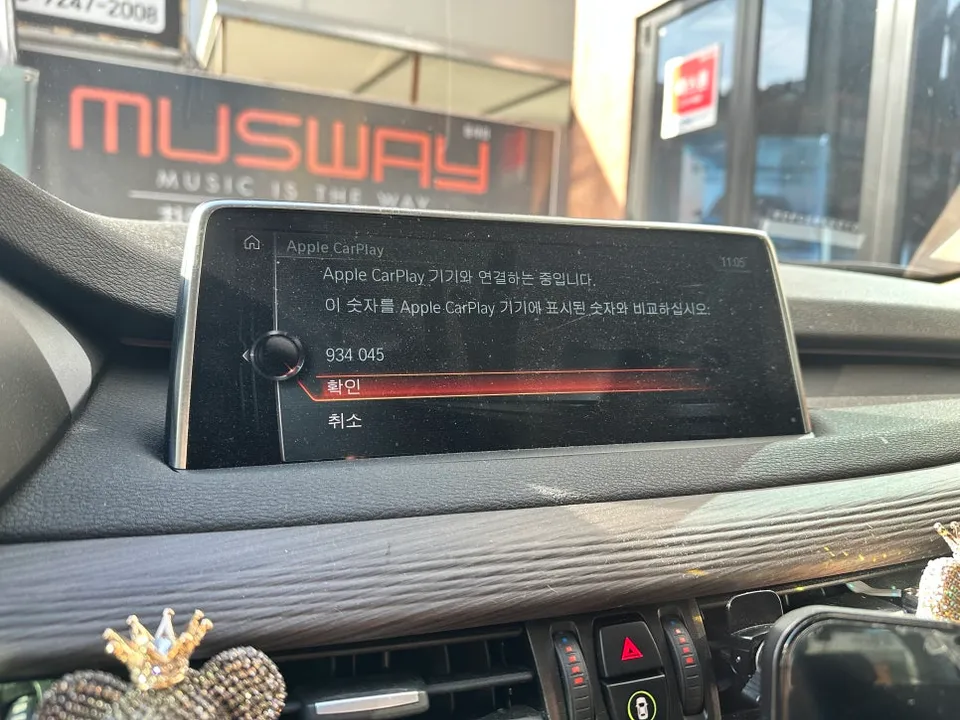
The activation of native Apple CarPlay for the BMW X5 F15 involves a software-based procedure. The key requirement for full-screen CarPlay functionality is a specific software version. For the BMW X5 F15 with ID5, versions TB - 006.016.02 or MB - 006.016.02, or higher, are necessary. Additionally, the iPhone must be an iPhone 6S or newer, running iOS version 13 or later. Once these conditions are met, CarPlay automatically activates upon connecting the iPhone via Bluetooth, provided both Bluetooth and Wi-Fi are enabled on the phone. The service was performed by RPM Car Multi-shop in Busan, South Korea. Pickup services are available in Dongnae-gu, Busan, with towing services offered throughout the entire Busan region.
Installation process:
- Ensure your BMW X5 F15 meets the minimum software version requirements (TB/MB - 006.016.02 or higher).
- Verify your iPhone is an iPhone 6S or newer, running iOS 13 or later.
- Enable Bluetooth and Wi-Fi on your iPhone.
- Connect your iPhone via Bluetooth to the car's infotainment system.
- The CarPlay icon will appear on the iDrive screen, allowing touch control.
The durability of this activation is tied to the vehicle's software and the iPhone's operating system. Maintenance primarily involves ensuring your iPhone is updated and that Bluetooth/Wi-Fi connections remain stable. The cost for this specific activation in South Korea was not explicitly stated in KRW but is generally considered a cost-effective infotainment upgrade compared to full aftermarket unit replacements. For context, similar activations in the US can range from $300 to $800 depending on the vehicle and specific features.
Frequently Asked Questions
Q. How much does Android head unit or CarPlay installation cost for a BMW X5?
The specific cost for activating native CarPlay on this BMW X5 F15 was not detailed in KRW, but similar activations in the US typically range from $300 to $800. This price reflects the software-based nature of the upgrade rather than a full hardware replacement.
Q. How long does Android head unit installation take on a BMW X5?
The activation of native CarPlay on a BMW X5 F15 takes approximately one hour. Durability is excellent as it uses the factory system, and maintenance mainly involves keeping your iPhone's software updated.
Q. Is a CarPlay or Android Auto retrofit worth it for a BMW X5?
A CarPlay or Android Auto retrofit is highly worth it for BMW X5 owners who frequently use their smartphones for navigation and entertainment, significantly enhancing the driving experience. It's especially valuable for those who find the factory navigation system lacking or prefer the familiar interface of their phone apps.
Q. How is an Android head unit installed in a BMW X5?
This review details the activation of native Apple CarPlay, not a full Android head unit installation. The process involves a software update and coding to enable CarPlay on the existing iDrive screen. It requires specific software versions on the vehicle and a compatible iPhone.
Q. What is the difference between an Android head unit and a factory infotainment system for a BMW X5?
An Android head unit is a complete aftermarket replacement for your factory system, offering a different operating system and interface. Activating native CarPlay or Android Auto, as done here for the BMW X5, integrates your smartphone's interface directly into the existing factory infotainment system, providing a seamless and familiar user experience.
Q. What should I know before getting Android Head Unit on a BMW X5? (common regrets and mistakes)
A common regret is choosing a low-quality aftermarket Android head unit that may have poor integration or reliability. It's often better to activate native CarPlay or Android Auto if your BMW X5 supports it, as this uses the factory hardware and provides a more seamless experience.
OhCar Partner Shop