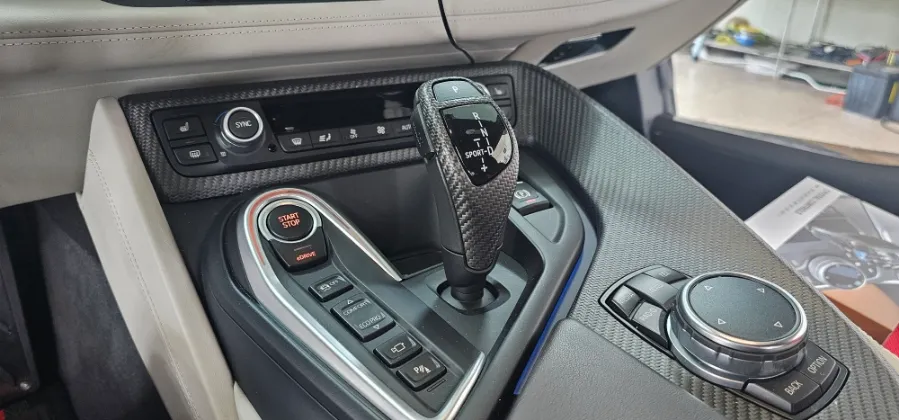
BMW X5 F15 Android Head Unit Installation & CarPlay
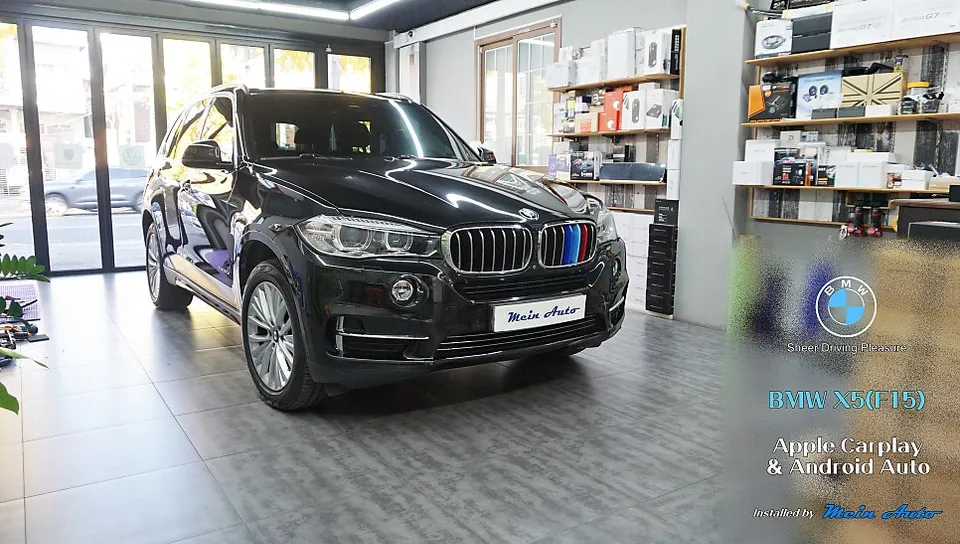
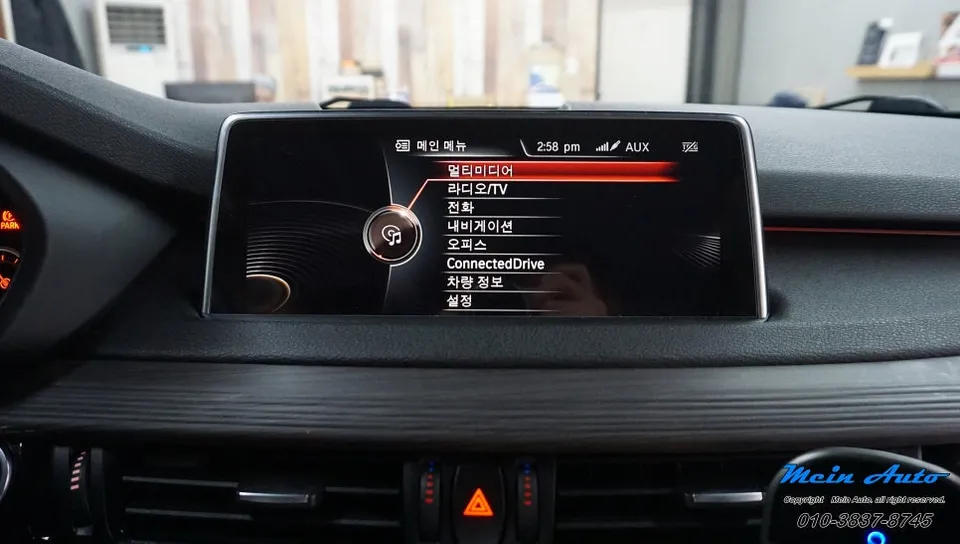
BMW X5 F15 Android Head Unit upgrade with CarPlay/Android Auto. Enhances navigation with Tmap, Kakao, Naver. Includes center speaker replacement.
Enhance Your BMW X5 (F15) with an Advanced Android Head Unit
The BMW X5 F15, a 2016 model, can be significantly upgraded with a modern Android Head Unit. This installation not only brings your infotainment system into the 21st century but also unlocks seamless integration with popular navigation apps like Tmap, Kakao Navi, and Naver Maps. This review focuses on the SCB-NBT module and the AVI BM-100 unit, offering a comprehensive solution for drivers seeking enhanced connectivity and navigation capabilities. Beyond just navigation, this upgrade often includes Apple CarPlay and Android Auto, allowing for familiar smartphone interfaces on your car's display. Additionally, the process involves replacing the center speaker to ensure optimal audio performance, complementing the new multimedia experience.
Installation Process and Notable Features
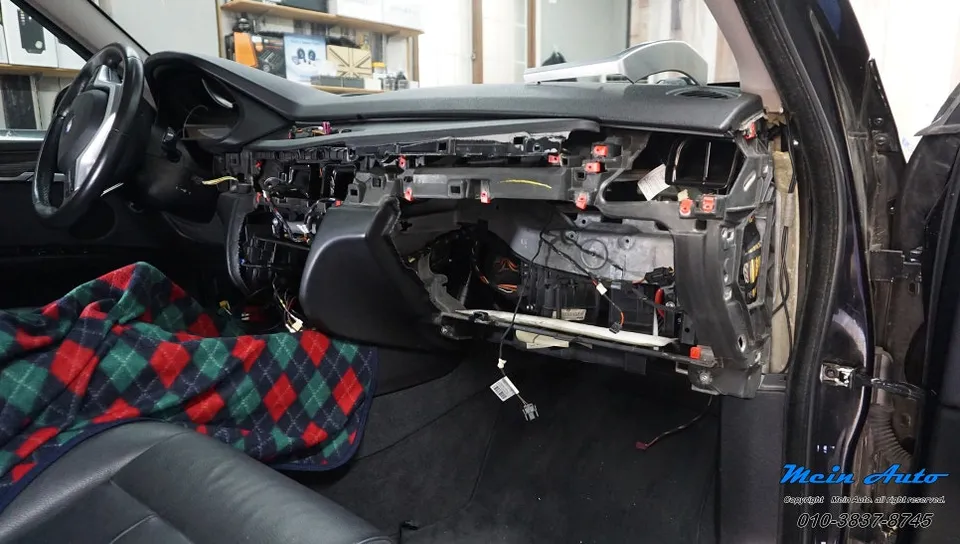
The installation of an Android Head Unit in a BMW X5 F15 is a detailed process that requires precision. While specific steps can vary slightly depending on the exact module and vehicle configuration, the general procedure involves integrating the new unit with the existing iDrive system. This typically includes connecting the module behind the factory screen and ensuring all necessary wiring harnesses are properly secured. The AVI BM-100, for instance, is designed for a clean integration, often utilizing the car's original display and controls where possible. The replacement of the center speaker is a crucial step, as it ensures that audio output, especially from navigation prompts and calls, is clear and well-balanced within the cabin. Post-installation, the system boots up to an Android interface, offering access to a wide range of apps via the Google Play Store, alongside the integrated navigation and smartphone mirroring features.
- Disconnect the vehicle's battery for safety.
- Carefully remove the factory iDrive display and trim pieces.
- Connect the new Android Head Unit module and wiring harness to the original display and vehicle connectors.
- Install the replacement center speaker, ensuring proper fitment and connection.
- Reassemble the interior trim and reconnect the battery.
- Power on the system and complete the initial setup and configuration.
The result is a vastly improved user experience, with faster processing, a more intuitive interface, and access to real-time traffic information through your preferred navigation apps. The ability to use Tmap, Kakao Navi, or Naver Maps directly on the car's screen, along with the convenience of CarPlay or Android Auto, transforms daily driving and long journeys alike. The improved audio from the new center speaker further enhances the overall premium feel of the upgraded system.
Frequently Asked Questions
Q. How much does an Android Head Unit cost for a BMW X5 F15?
The cost for this specific Android Head Unit installation on a BMW X5 F15, including the AVI BM-100 module and center speaker replacement, is approximately 990,000 Korean Won. Typical US pricing for similar Android head unit upgrades can range from $500 to $1500, depending on features and installation complexity.
Q. How long does an Android Head Unit last on a BMW X5 F15?
Android Head Units are generally designed for the lifespan of the vehicle, typically lasting 5-10 years or more with proper care. Regular software updates and avoiding extreme temperature fluctuations can help maintain optimal performance and longevity.
Q. Is an Android Head Unit worth it for a BMW X5 F15?
An Android Head Unit is highly recommended for BMW X5 F15 owners who frequently use navigation apps like Tmap, Kakao Navi, or Naver Maps, or desire Apple CarPlay/Android Auto. It significantly enhances the vehicle's infotainment system, offering modern functionality and a superior user experience compared to the original system.
Q. How is an Android Head Unit installed on a BMW X5 F15?
Installation involves carefully removing the original iDrive display, connecting the new Android module and its wiring harness to the factory connectors, and integrating the replacement center speaker. Finally, interior trim is reassembled, and the system is configured.
Q. What is the best Android Head Unit option for a BMW X5 F15?
For BMW X5 F15 models, the AVI BM-100 module with SCB-NBT compatibility offers a robust solution, especially when paired with a center speaker upgrade for enhanced audio. This combination provides seamless integration and access to essential navigation and smartphone features.
OhCar Partner Shop