BMW X5 F15 Android Head Unit Upgrade Review
Service Price
$150+
Estimated price · Actual price may vary by shop
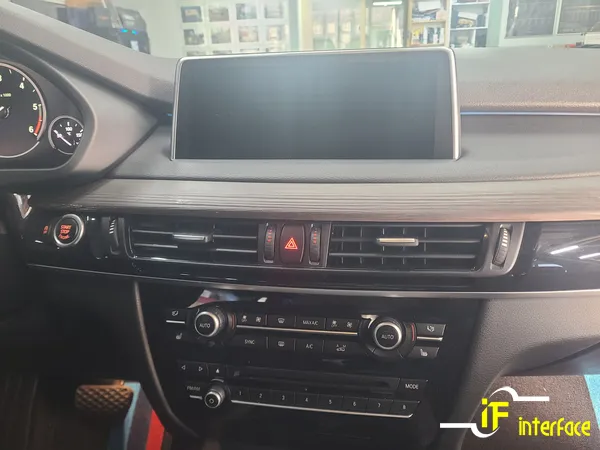
Before
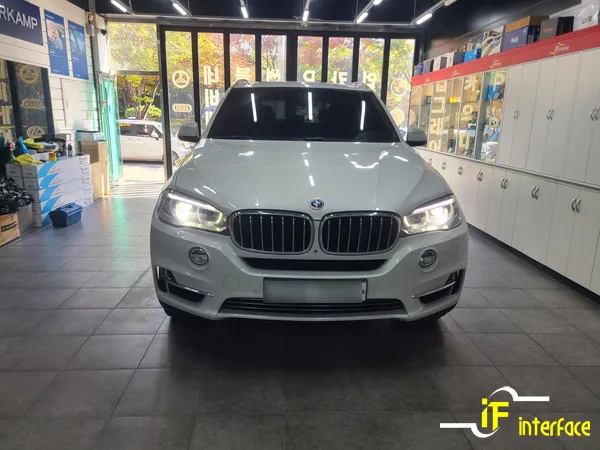
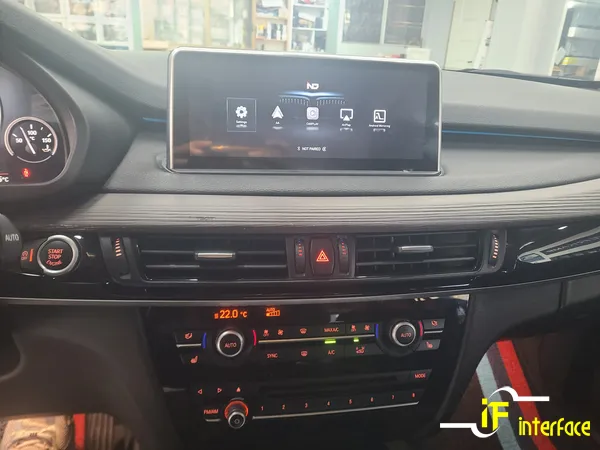
After
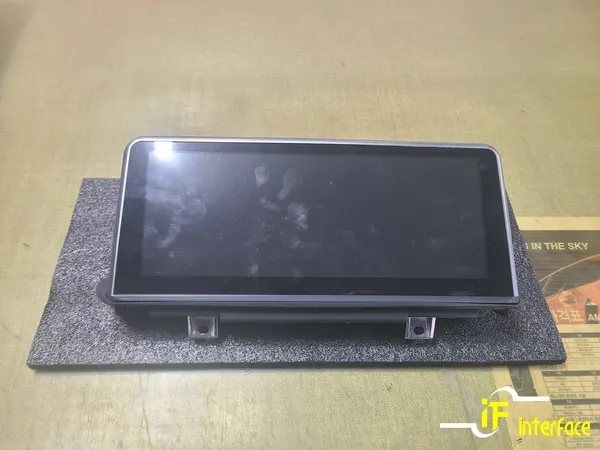
Process photos

Upgrade BMW X5 F15 with a touch Android head unit. Seamless smartphone integration for safer navigation. Approx. 1-hour installation.
Why Your BMW X5 F15 Needs an Android Head Unit Upgrade
Even a decade-old BMW X5 F15 boasts a timeless design, but its original navigation system can feel outdated. The German-native system lacks touchscreen functionality, making it cumbersome to operate while driving. This often leads drivers to mount their smartphones, which poses a safety risk due to distraction. Upgrading to an Android head unit with Apple CarPlay and Android Auto support is the solution. This upgrade not only enhances convenience but significantly improves driving safety by offering intuitive, touch-based control.
This review covers:
- The limitations of the BMW X5 F15's stock navigation.
- How a monitor-replacement Android head unit works.
- The installation process and user experience.
- Key differences between stock and upgraded systems.
BMW X5 F15 Stock Navigation vs. Android Touch Unit
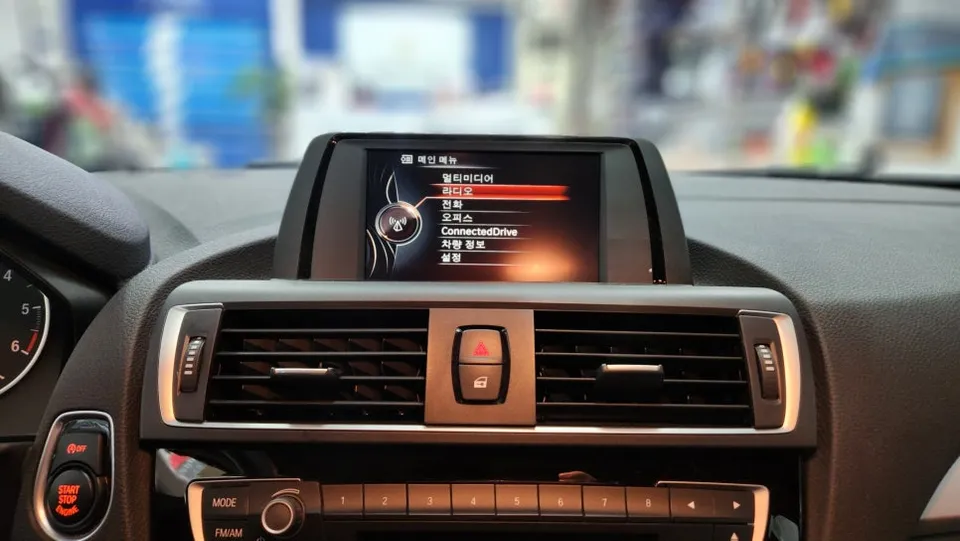
While the BMW X5 F15's original navigation system is a premium feature, its reliance solely on the iDrive controller for all operations can be distracting. In contrast, Android head units with CarPlay and Android Auto offer touch-based, intuitive control. The core differences lie in the user interface: stock systems use only the controller, while upgraded units allow both touch and controller input. Compatibility is another major advantage; CarPlay works with iPhones and Android Auto with Android devices, granting access to modern navigation apps like Google Maps, Waze, or local alternatives. Furthermore, the voice command capabilities are vastly superior, leveraging your smartphone's full potential rather than limited built-in data.
Monitor Replacement vs. Interface Integration
There are two primary methods for upgrading your BMW X5 F15's infotainment system. Historically, interface modules were common, but newer monitor-replacement units offer a much simpler installation. The monitor-replacement approach involves swapping out the original screen for a compatible touchscreen unit. This is typically a plug-and-play solution, minimizing the need to tamper with the vehicle's wiring. The benefits include shorter installation times, reduced risk of vehicle damage, and a factory-like appearance as the new screen often matches the original dimensions. This method is generally preferred for its ease and minimal invasiveness.
Installation Process: BMW X5 F15 Android Head Unit
- Carefully remove the original factory monitor from the dashboard.
- Disconnect the original monitor's wiring harness.
- Connect the new Android head unit's harness using the existing connectors (plug-and-play).
- Mount the new touchscreen monitor securely into the dashboard opening.
- Test all functions, including touch, CarPlay/Android Auto, and iDrive controller integration.
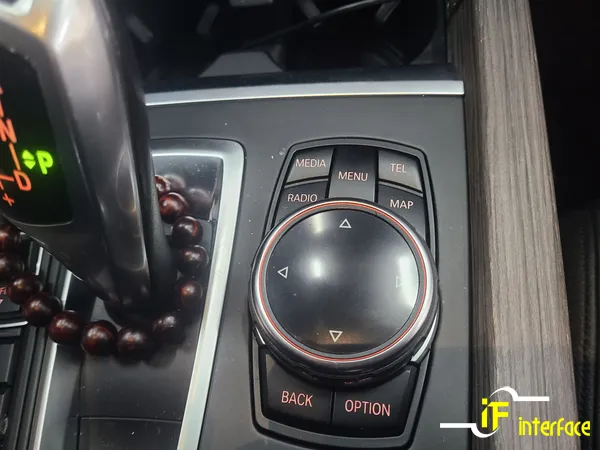
Experiencing the Android Head Unit on Your BMW X5 F15
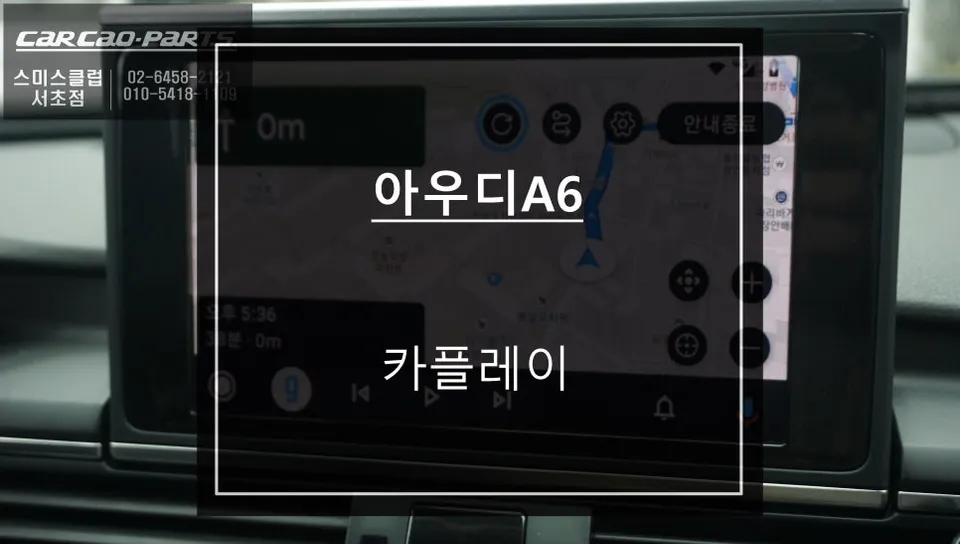
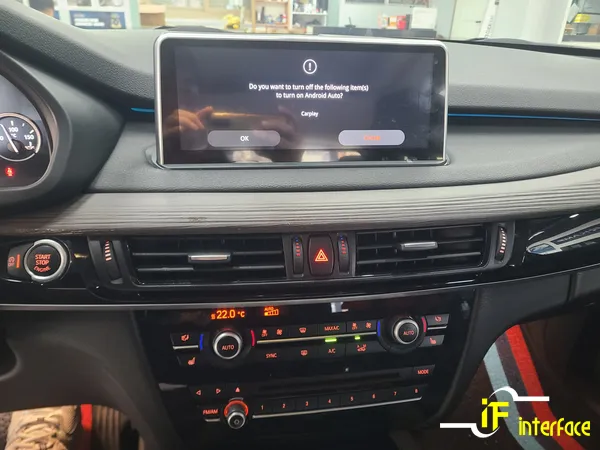
Upon starting the vehicle, the original BMW interface appears. A long press of the iDrive controller's menu button seamlessly switches the display to the Android head unit interface, enabling CarPlay or Android Auto. From this point, you can navigate using either touch controls or the familiar iDrive controller. Connecting your smartphone allows you to use your preferred navigation apps, stream music, and access other essential smartphone functions directly on the car's display, transforming your driving experience.
Frequently Asked Questions
Q. How much does an Android Head Unit upgrade cost for a BMW X5 F15?
The monitor replacement Android head unit upgrade for a BMW X5 F15 typically costs around ₩800,000 to ₩1,200,000 in Korea. In the US, similar upgrades can range from $600 to $1,000 depending on the specific unit and features.
Q. How long does the Android Head Unit installation take on a BMW X5 F15?
The installation process for a monitor-replacement Android head unit on a BMW X5 F15 usually takes about 1 hour. To ensure longevity, always use reputable installers and avoid excessive force during operation.
Q. Is an Android Head Unit upgrade worth it for a BMW X5 F15?
An Android Head Unit upgrade is highly recommended for BMW X5 F15 owners who desire modern navigation and smartphone integration. It significantly enhances usability and safety compared to the stock system.
Q. How is the Android Head Unit installed on a BMW X5 F15?
Installation involves removing the original monitor, disconnecting its wiring, and connecting the new Android head unit using plug-and-play harnesses. The new touchscreen monitor is then mounted, and functions are tested.
Q. What's the difference between the stock navigation and an Android Head Unit for a BMW X5 F15?
The stock system lacks touch input and modern app support, relying solely on the iDrive controller. The Android Head Unit offers intuitive touch control, seamless smartphone integration for apps like Google Maps or Waze, and superior voice commands.
OhCar Partner Shop