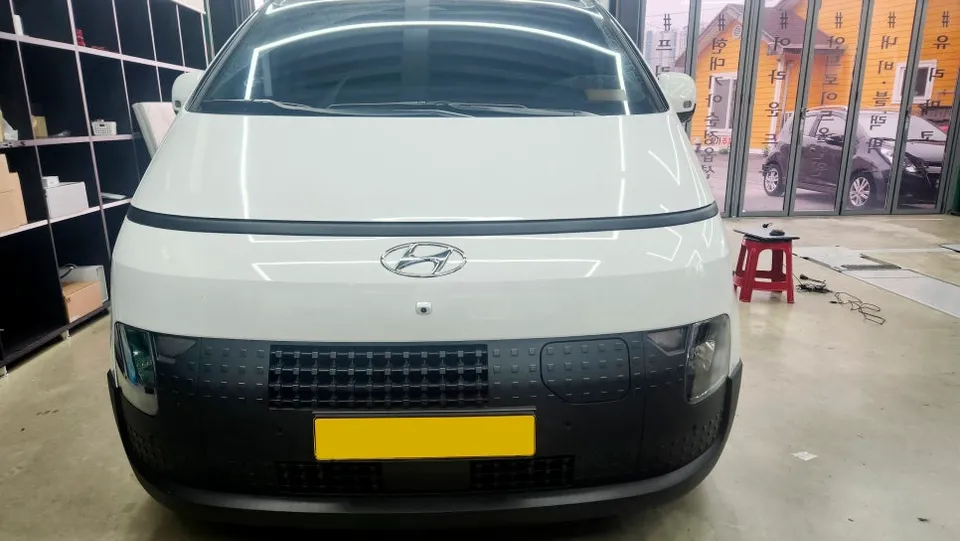
Chevrolet Malibu Android Head Unit Review — Cost & Results
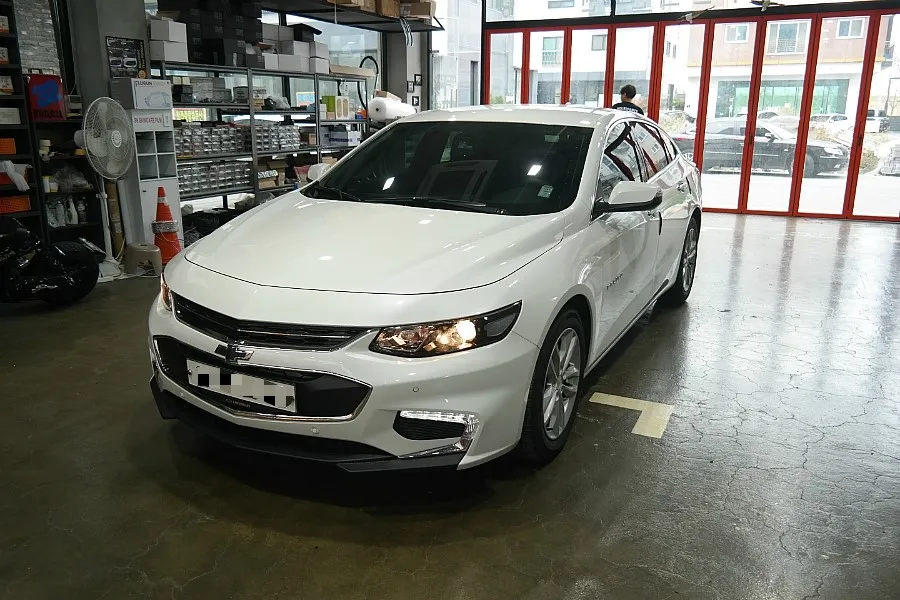
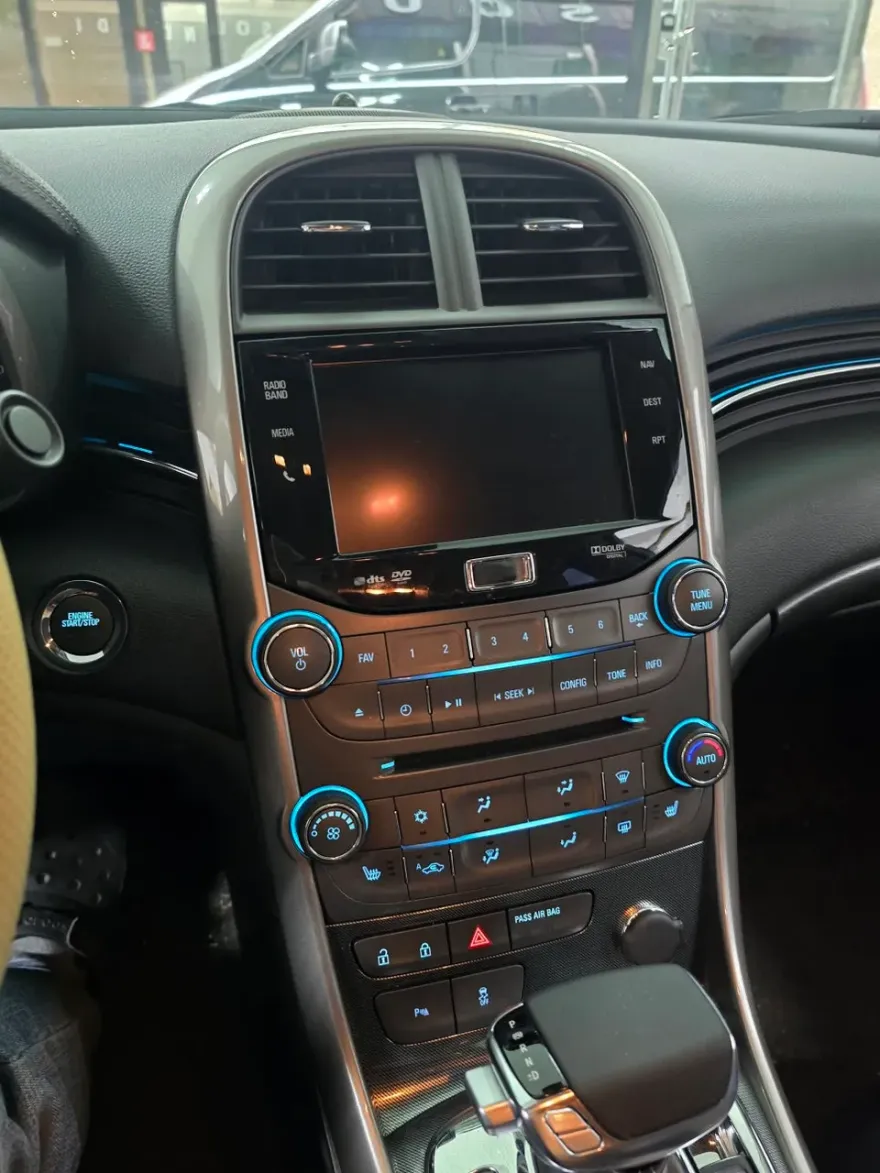
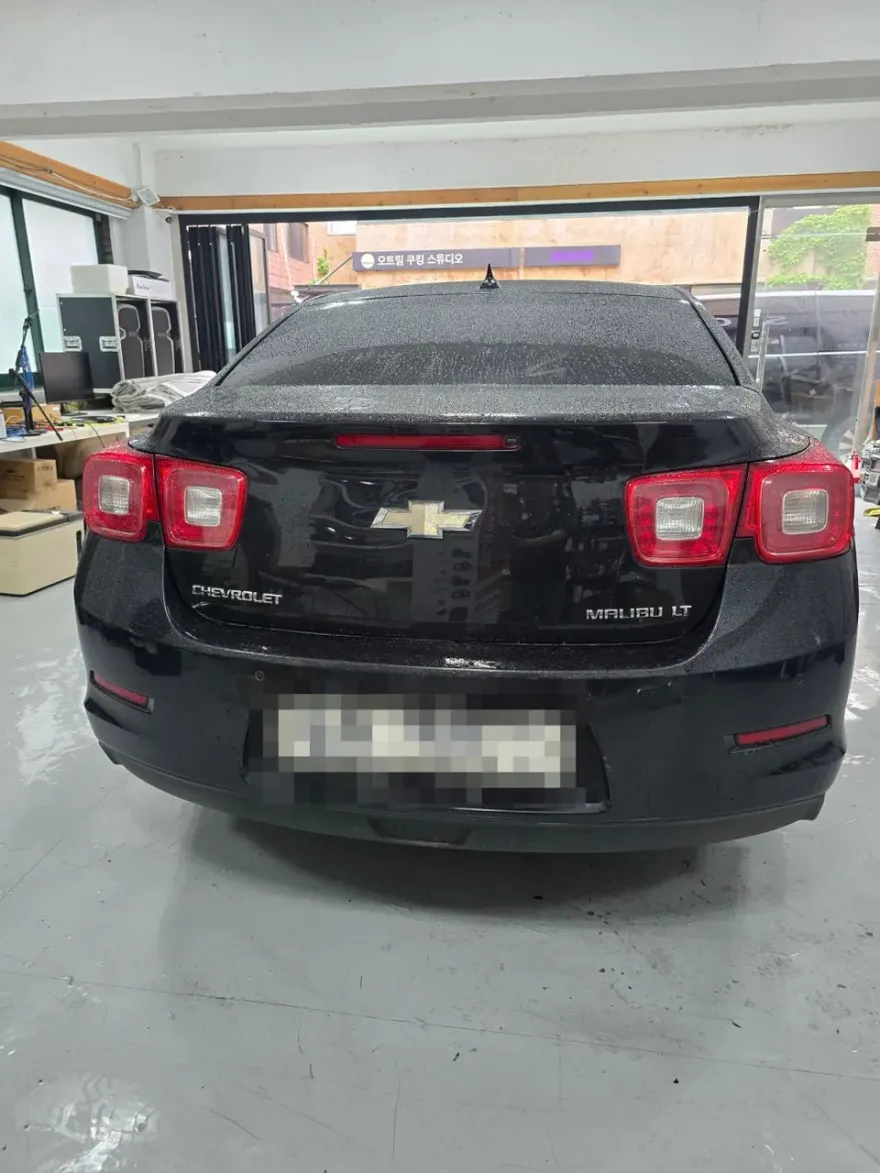
Before
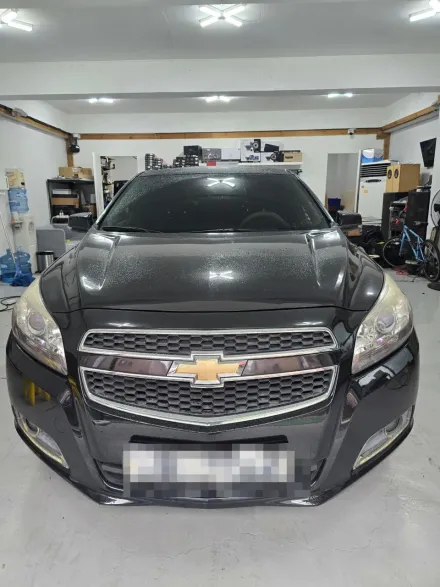
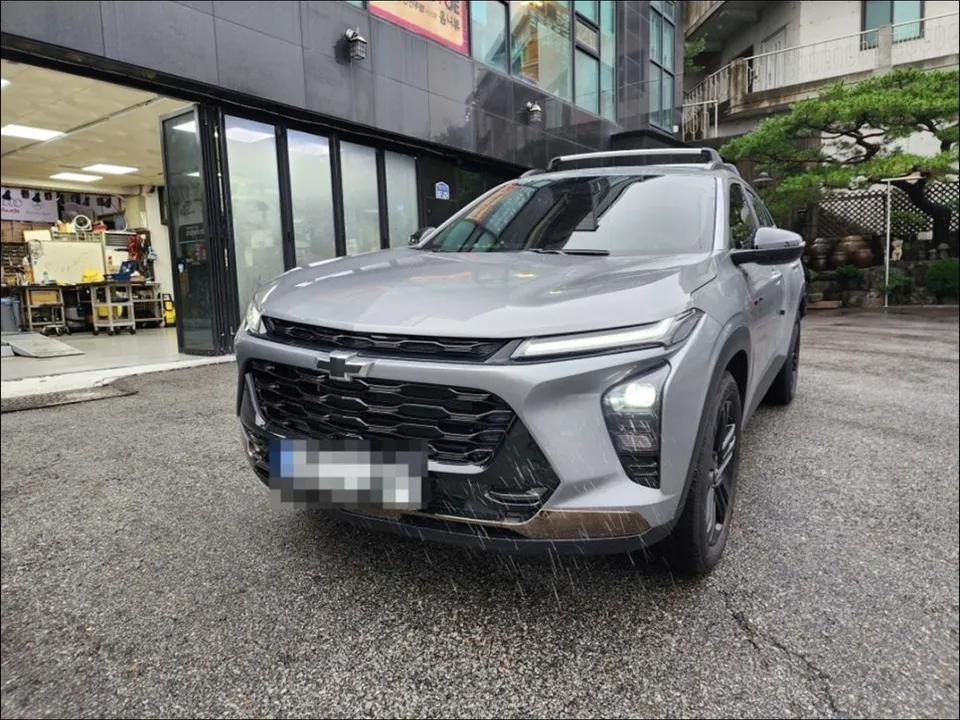
After
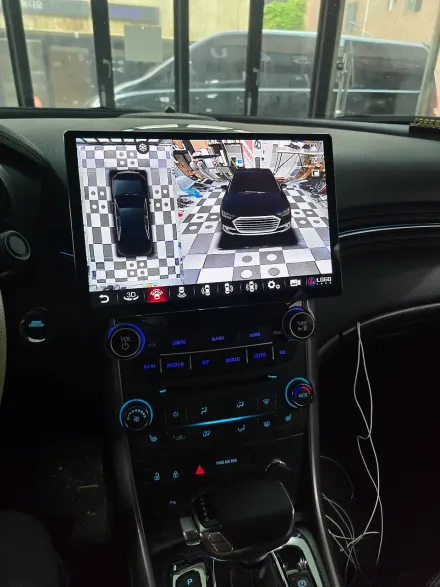
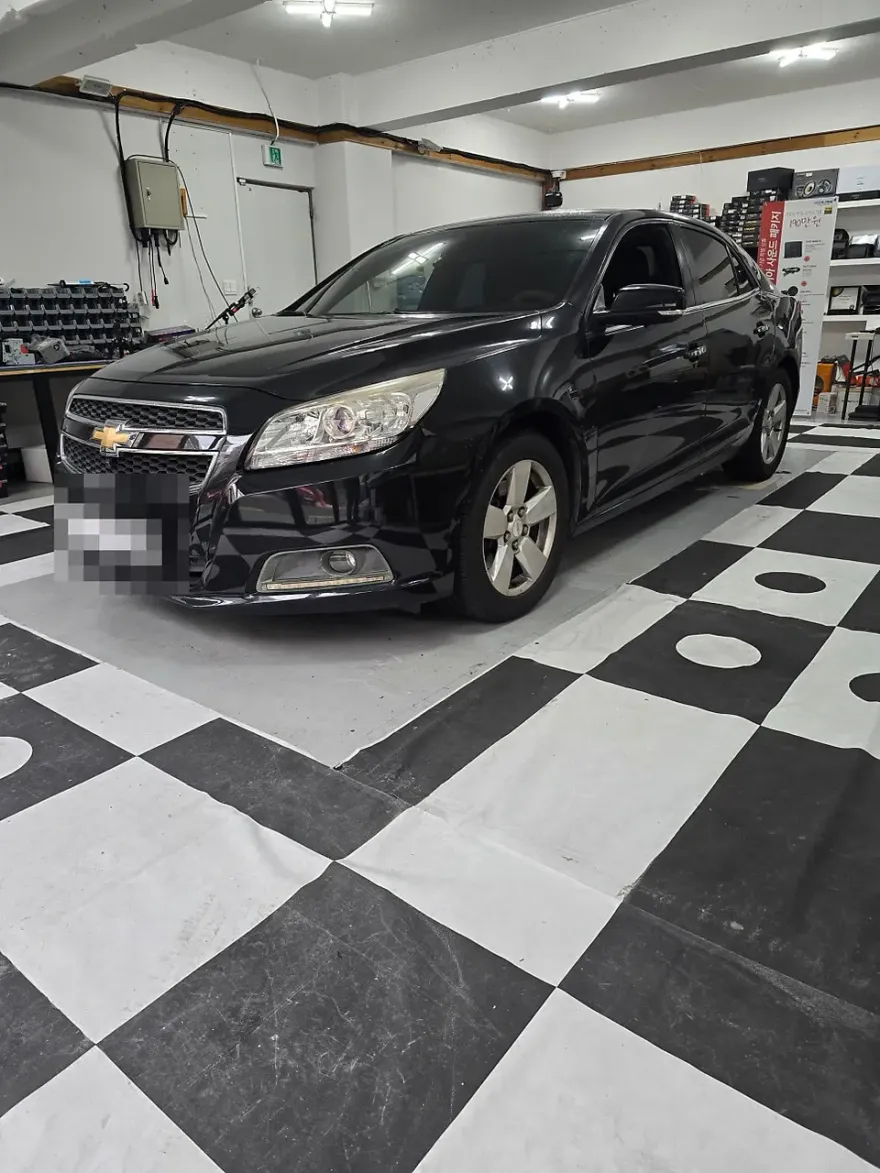
Process photos
Chevrolet Malibu Android head unit & surround view upgrade: Cost varies, offers enhanced navigation, entertainment, and safety. Improves driving exper
Chevrolet Malibu Android Head Unit & Surround View Upgrade
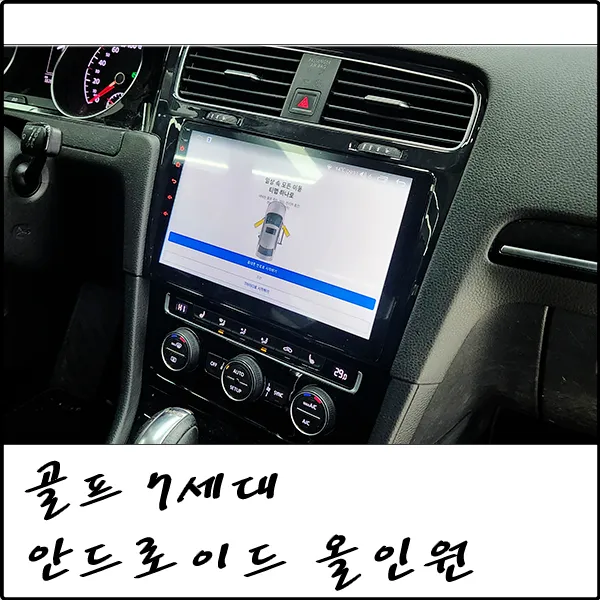
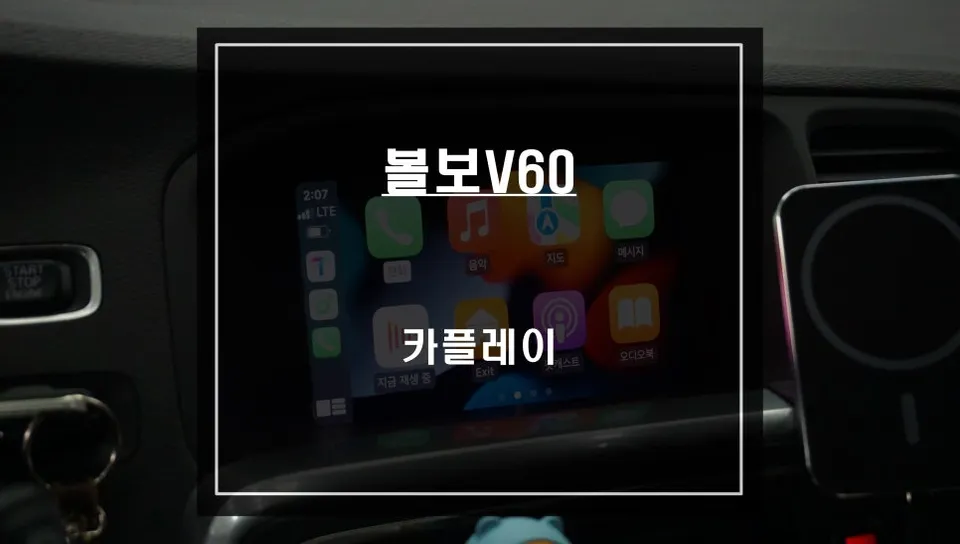
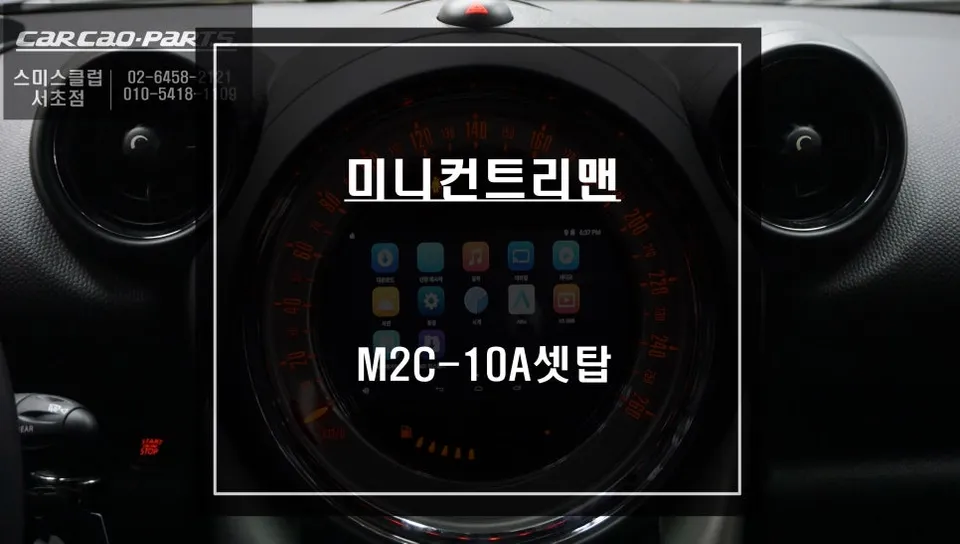
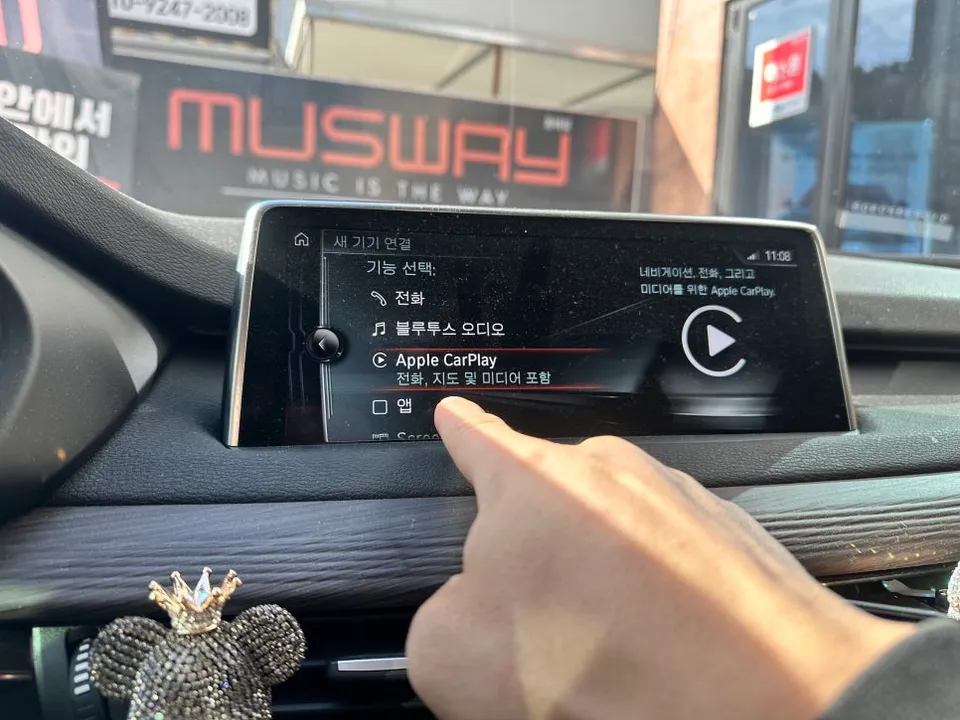
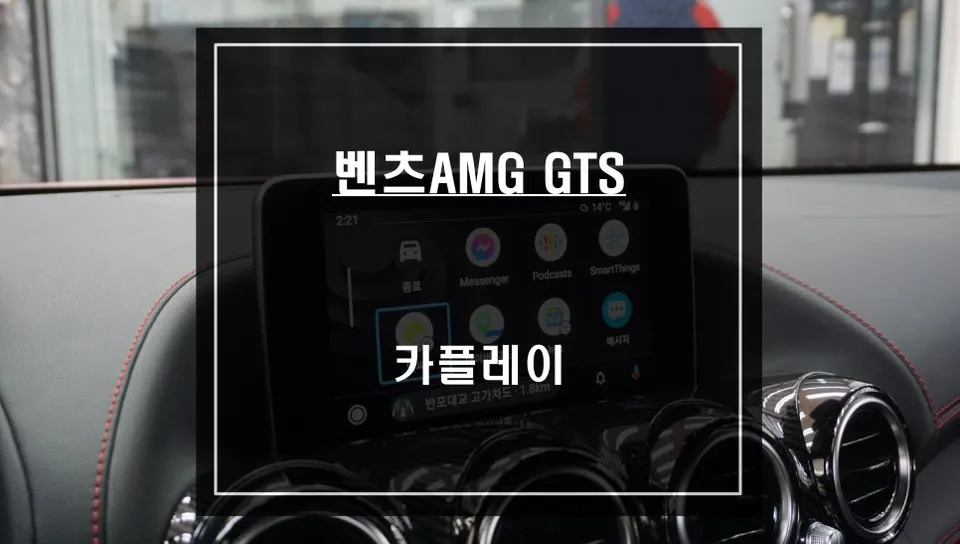
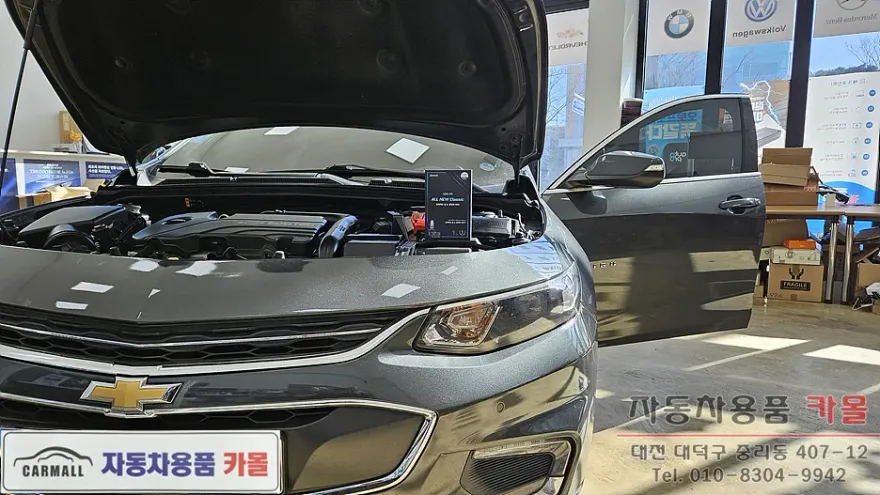
This review covers the installation of an Android All-in-One head unit and a 360-degree surround view system on a Chevrolet Malibu. The original context comes from a Korean installer, SoundCody, based in Seoul. This upgrade transforms the Malibu's infotainment system, offering smartphone-like functionality and enhanced safety features. The Android head unit acts as a central hub, allowing users to install various apps, stream media, and utilize advanced navigation. The surround view system, also known as Around View or Top View, provides a bird's-eye perspective of the vehicle's surroundings, significantly aiding in parking and maneuvering in tight spaces. The AHD camera support ensures a clearer picture than standard systems, bringing a modern feel to older vehicles.
Key Features and Benefits
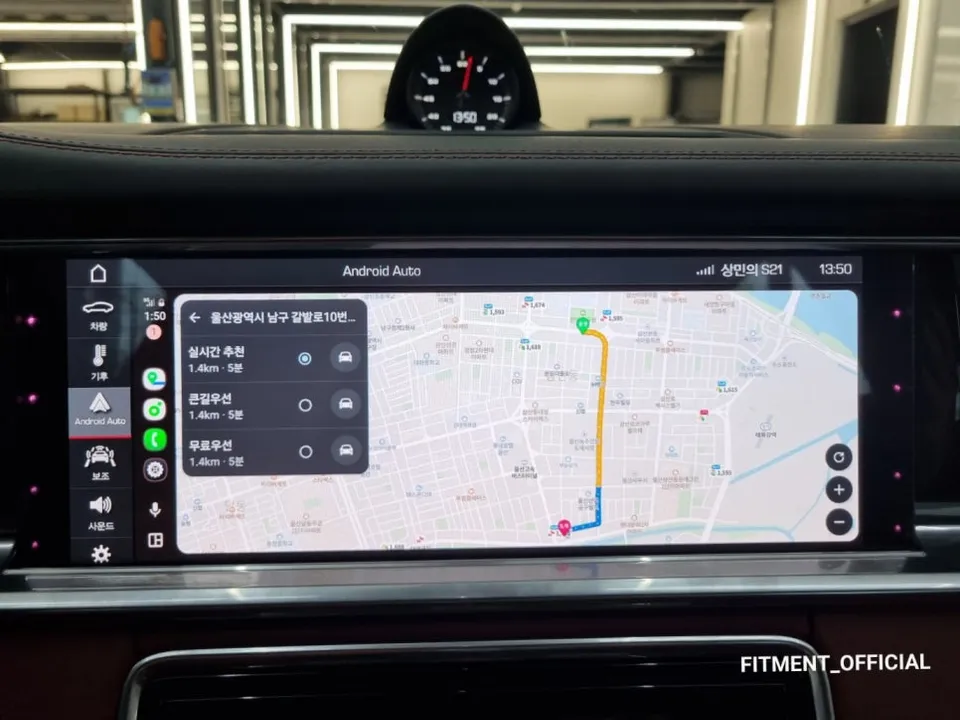
The Android All-in-One unit offers a significant leap in functionality compared to factory infotainment systems. Users gain the freedom to choose their preferred navigation apps like T Map, Kakao Navi, or Google Maps, all with smartphone-level performance. For entertainment, especially during stops or on family trips, streaming services like YouTube and Netflix are readily available via the Google Play Store. Beyond entertainment, the unit supports a wide range of Android apps, including messaging and music streaming services like Melon and Bugs. Connectivity is seamless, with support for rear camera integration, Bluetooth hands-free calling, and music streaming. Furthermore, it enables smartphone mirroring and wireless CarPlay/Android Auto, making the driving experience more convenient and integrated. The surround view system is a major safety enhancement, displaying a 360-degree view from cameras mounted around the car. This 'Top View' or 'Bird's Eye View' drastically reduces blind spots, making parking easier, especially for novice drivers, and minimizing the risk of accidents. While the initial cost and installation time for the surround view can be considerable, the benefits in safety and convenience often outweigh these drawbacks, making it a popular upgrade.
Installation Process and Considerations
The installation process for an Android head unit and surround view system is typically handled by professional car audio and electronics specialists. While the exact steps can vary depending on the specific unit and vehicle model, the general procedure involves:
- Removing the factory infotainment system or head unit.
- Wiring the new Android head unit, connecting power, speakers, and any necessary data cables.
- Mounting and connecting the cameras for the surround view system (front, rear, and side mirrors).
- Integrating the head unit with the vehicle's existing systems, such as steering wheel controls and backup camera signals.
- Calibrating the surround view cameras to stitch the images together accurately for a seamless 360-degree view.
- Testing all functions, including navigation, media playback, Bluetooth, and camera views.
Frequently Asked Questions
Q. How much does Android head unit or CarPlay installation cost for a Chevrolet Malibu?
The cost for an Android head unit and surround view installation on a Chevrolet Malibu can vary significantly, but expect prices in South Korea to range from approximately ₩700,000 to over ₩1,500,000 (roughly $500-$1100 USD). Professional installation is recommended to ensure proper function and integration.
Q. How long does Android head unit installation take on a Chevrolet Malibu?
Installation time for an Android head unit and surround view system typically takes several hours, often a full day, depending on the complexity of the vehicle's wiring and the specific components installed. Proper calibration of the surround view cameras is crucial for optimal performance.
Q. Is a CarPlay or Android Auto retrofit worth it for a Chevrolet Malibu?
An Android head unit or CarPlay/Android Auto retrofit is highly recommended for Chevrolet Malibu owners seeking modern infotainment features, enhanced navigation, and entertainment options. It significantly boosts the car's tech appeal and daily usability, especially if the factory system is outdated.
Q. How is an Android head unit installed in a Chevrolet Malibu?
Installation involves removing the factory head unit, connecting the new Android unit's wiring harness for power and audio, integrating camera feeds for surround view, and potentially adapting dash trim. Finally, the system is calibrated for optimal display and functionality.
Q. What is the difference between an Android head unit and a factory infotainment system for a Chevrolet Malibu?
An Android head unit offers open access to apps, customizable interfaces, and modern features like wireless CarPlay/Android Auto, unlike the typically closed and limited factory system. For most users, the enhanced functionality and app support make the Android unit a superior choice.
Q. What should I know before getting Android Head Unit on a Chevrolet Malibu? (common regrets and mistakes)
The most common regret is underestimating the importance of professional installation, leading to glitches or poor performance. Always choose a reputable installer who can properly calibrate the system and ensure all features work seamlessly.
OhCar Partner Shop