Chevrolet Malibu Android Head Unit Review
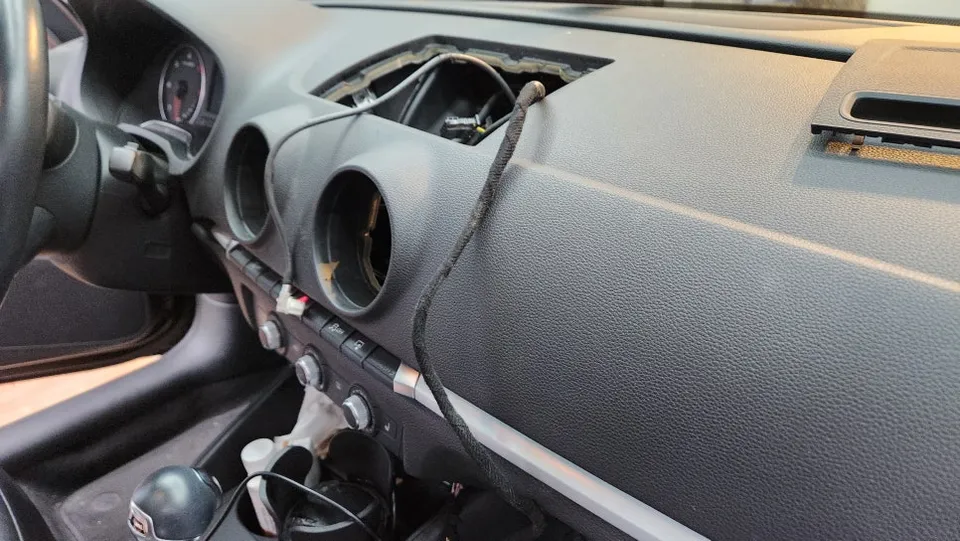
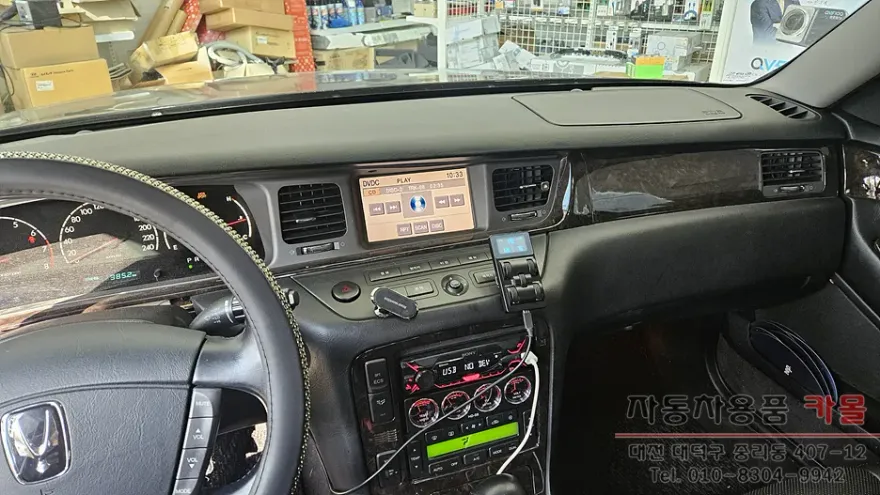
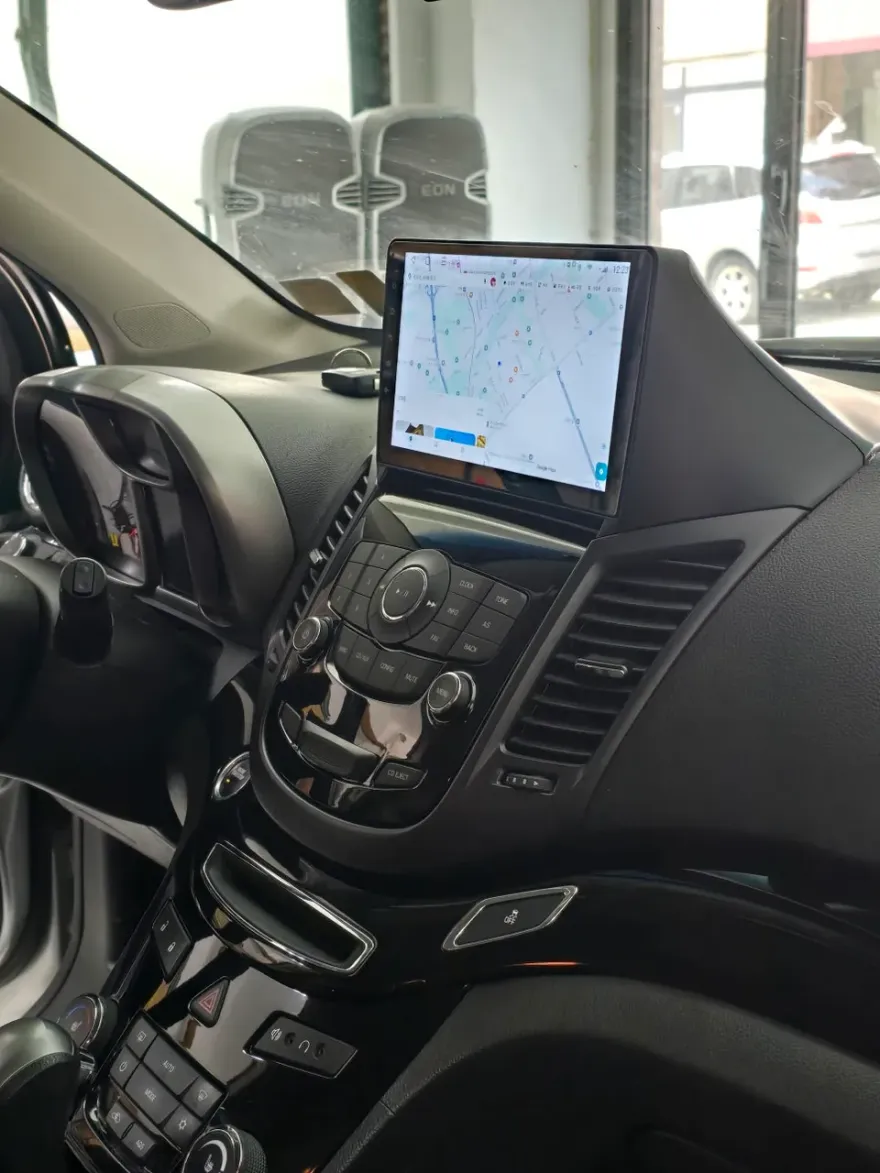
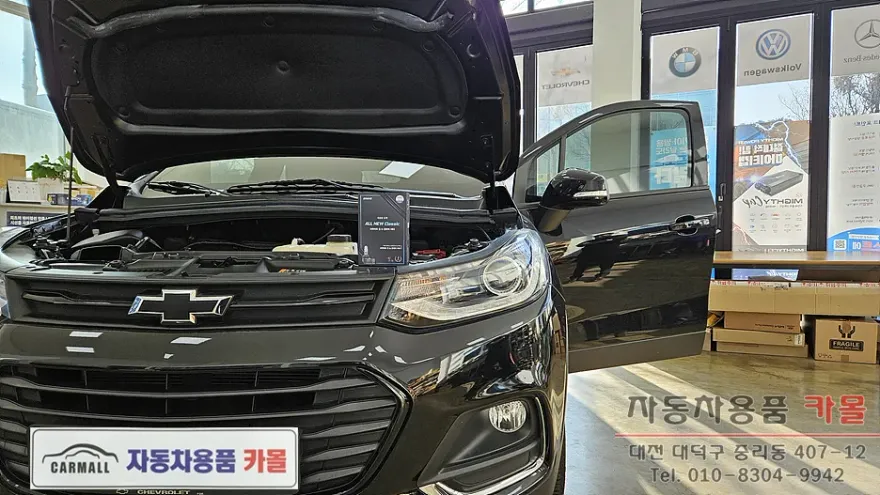
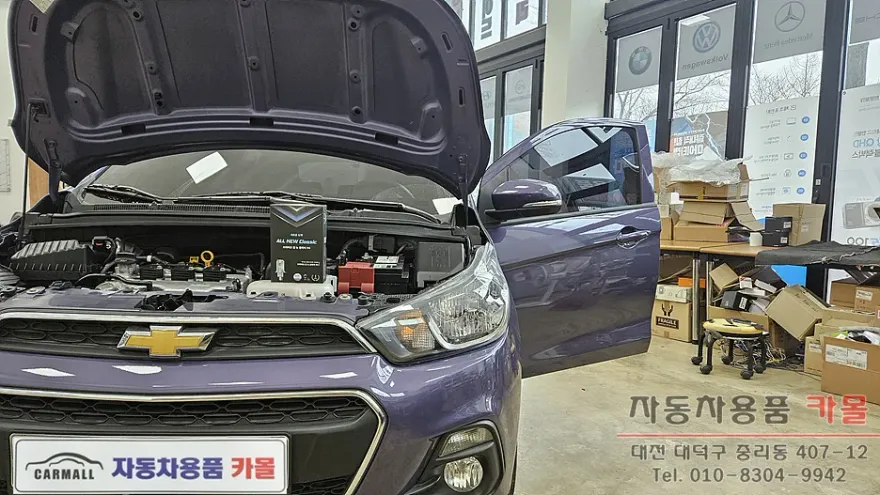
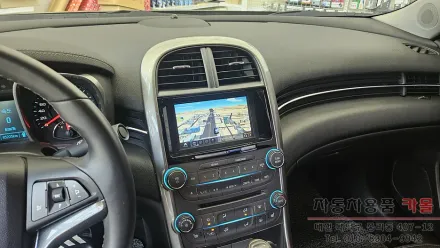
Before
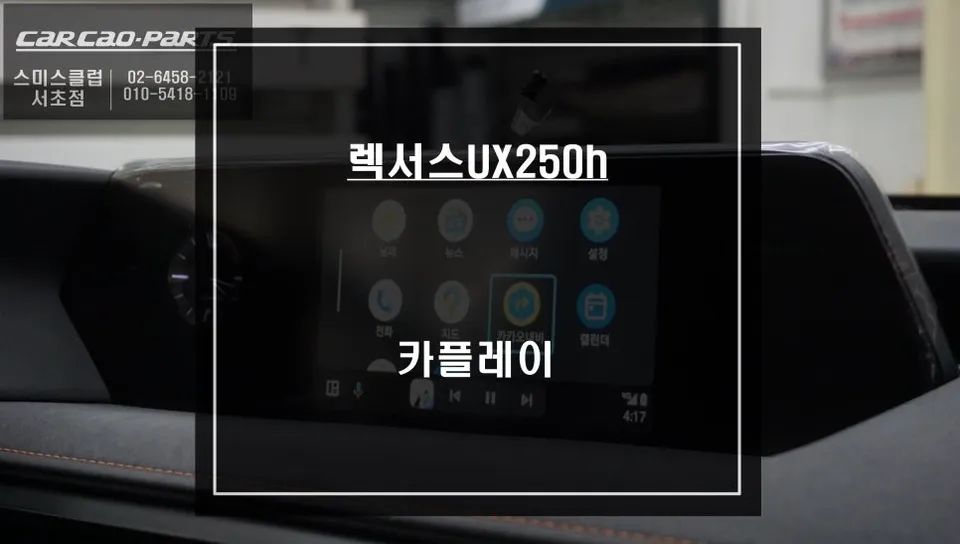
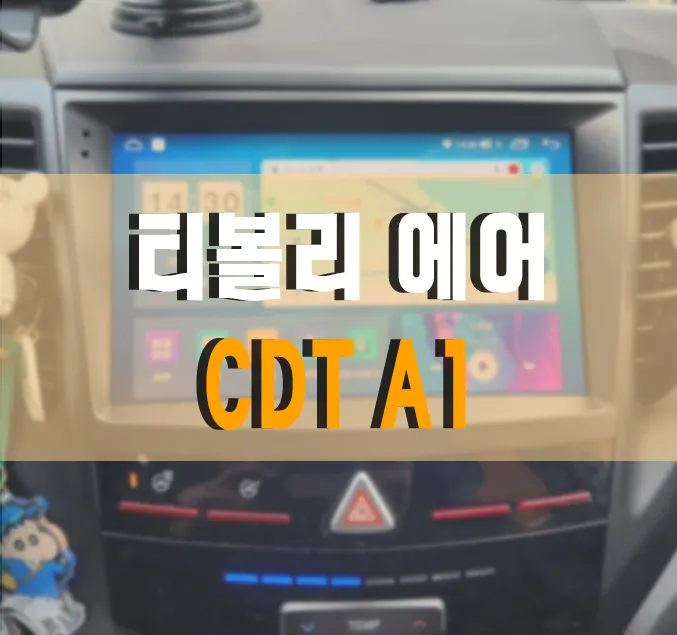
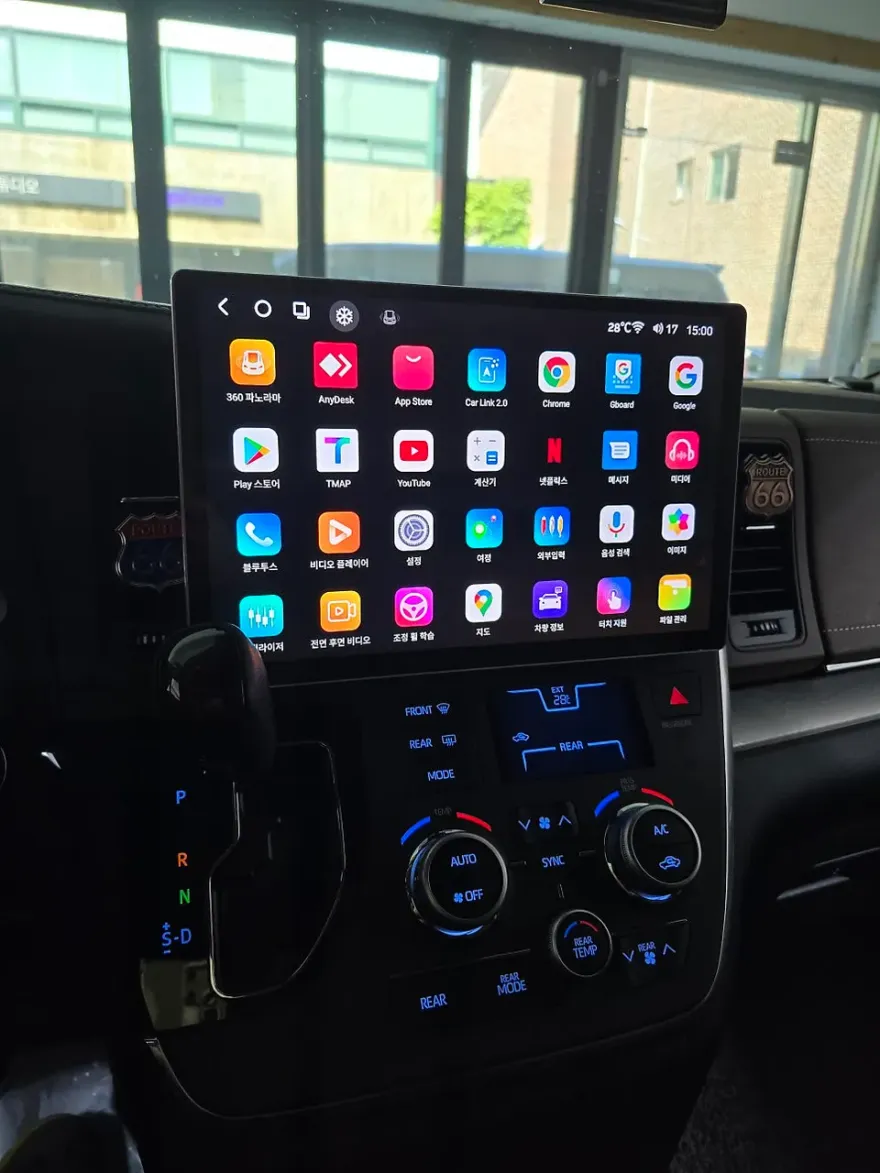
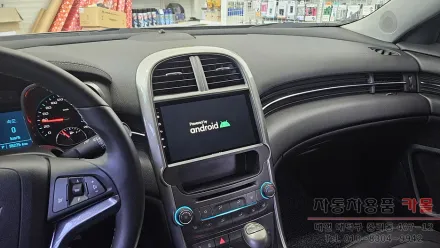
After
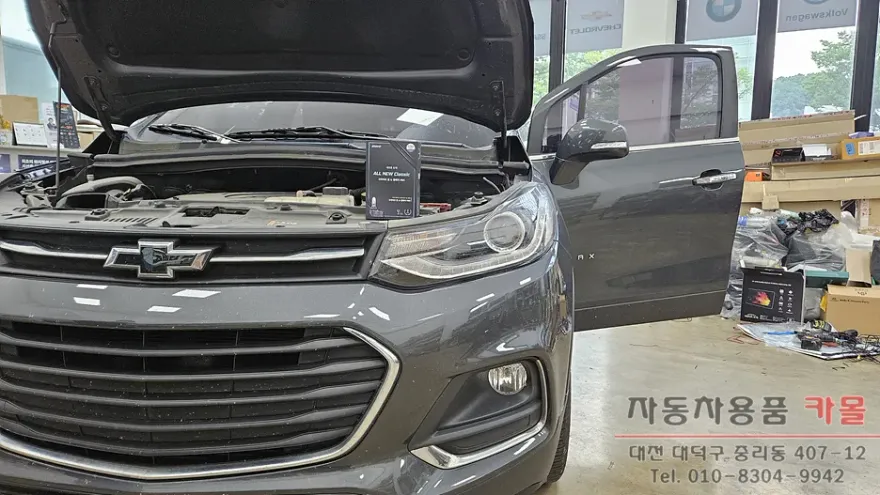
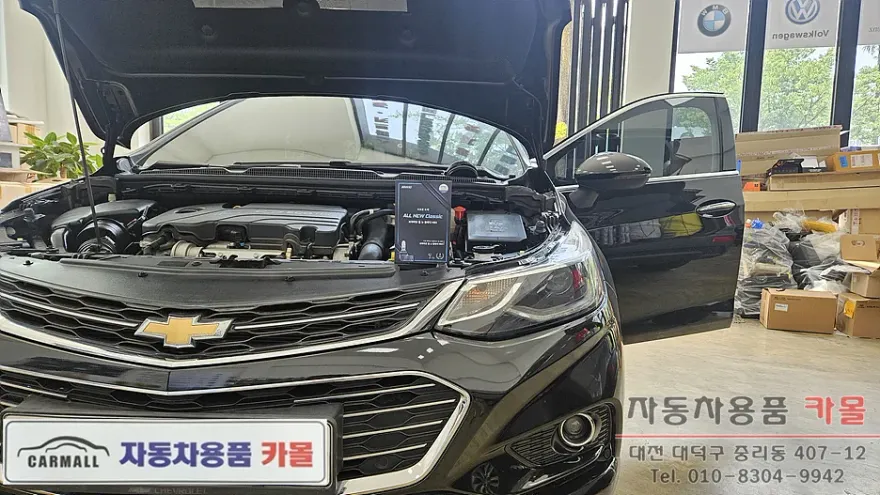
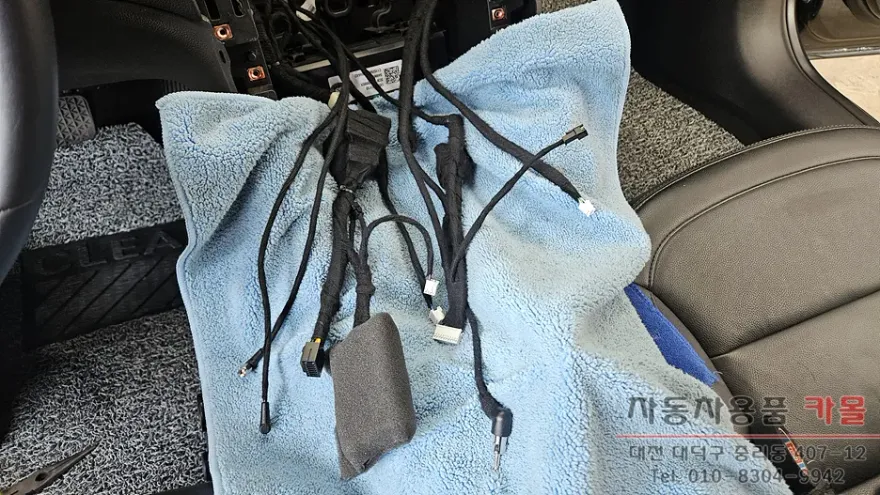
Process photos
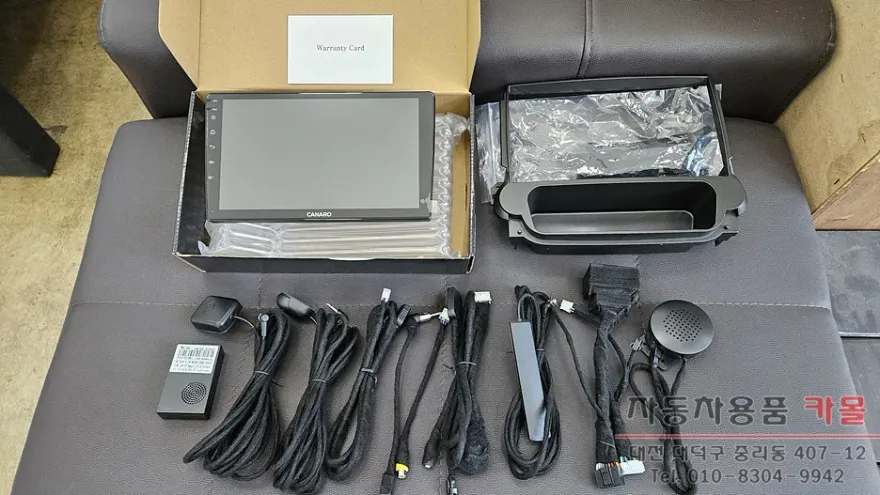
2016 Chevrolet Malibu Android head unit upgrade: Enjoy navigation, streaming, and Bluetooth. Seamless integration for enhanced driving.
Transform Your Chevrolet Malibu's Infotainment
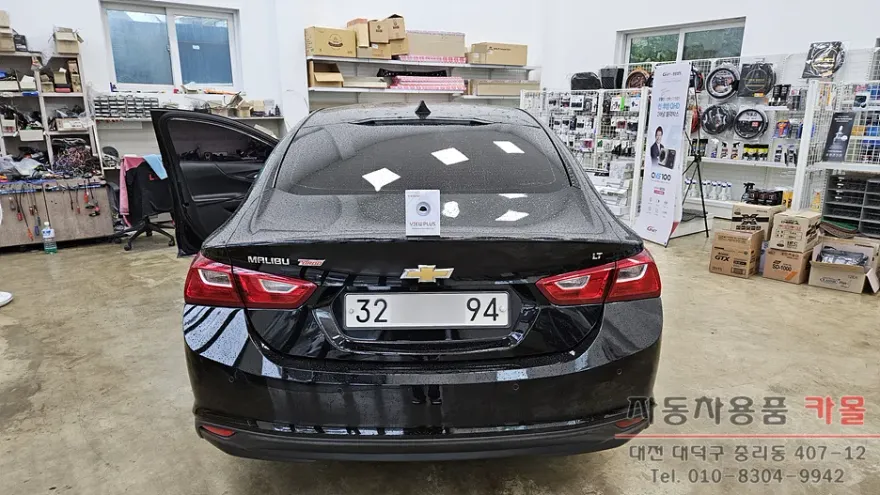
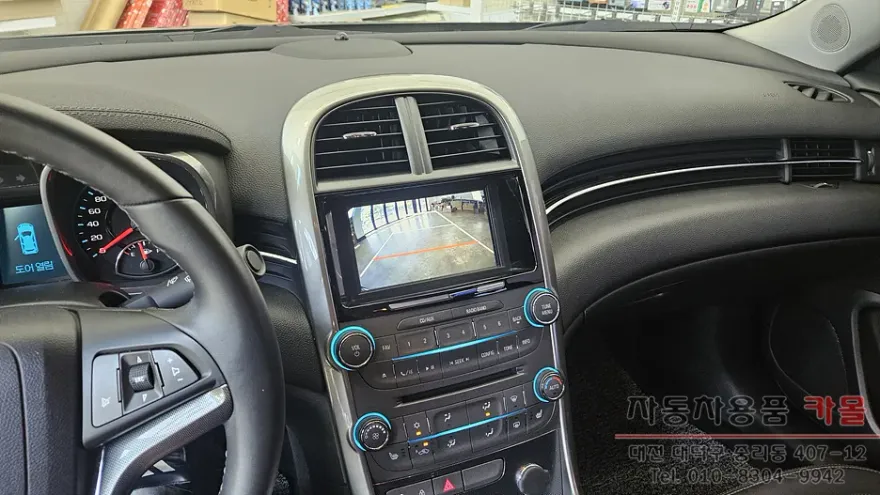
This review covers the installation of a KanaroX-PLUS 9-inch Android All-in-One head unit in a 2016 8th generation Chevrolet Malibu. The owner visited Kamol, an automotive accessories shop in Daejeon, South Korea, seeking an infotainment upgrade. The existing setup included a built-in navigation system and a rear-view camera, both of which were retained and integrated with the new Android unit. The KanaroX-PLUS model features 4GB RAM and 64GB storage, offering a significant leap in functionality over the factory system.
Seamless Integration and Enhanced Features
The installation process involved meticulously wiring the new head unit, ensuring all connections were secured with sound-dampening tape for durability. The unit boots up quickly, presenting a user-friendly interface similar to a smartphone. The primary advantage of an Android head unit is its internet connectivity, achieved via a smartphone hotspot or a dedicated SIM card. This allows for real-time updates and access to a vast array of applications directly on the car's display. Navigation apps like TMAP, Kakao Map, and Naver Map provide always-current traffic information, a significant improvement over outdated factory navigation systems. Beyond navigation, users can stream music and videos from platforms like YouTube and Netflix. For this particular Malibu, which lacked Bluetooth, the new unit added full Bluetooth functionality for calls and audio streaming. Wireless Apple CarPlay and Android Auto are also supported, offering further connectivity options. The system integrates with steering wheel controls and displays climate control information on the screen. The existing rear-view camera was utilized, providing clear visuals, with the option to upgrade to a higher-resolution AHD camera. For the 8th gen Malibu, the system also supports dynamic parking lines that move with the steering wheel and displays parking sensor alerts.
Is an Android Head Unit Worth It for Your Malibu?
For Chevrolet Malibu owners experiencing limitations with their factory infotainment system, an Android head unit offers a compelling solution. The ability to use familiar navigation and entertainment apps with up-to-date information, coupled with enhanced connectivity features like Bluetooth and wireless CarPlay/Android Auto, significantly improves the daily driving experience. The ease of use, mirroring smartphone operation, makes the transition straightforward. If your current system feels outdated or lacks essential features, considering an Android head unit upgrade is a practical step towards a more modern and enjoyable vehicle interior. The installation, as performed at Kamol in Daejeon, was thorough, ensuring all components were integrated correctly and safely.
Installation Process:
- Careful removal of the existing infotainment system.
- Meticulous wiring of the new Android head unit, using sound-dampening tape for all connections.
- Installation of necessary antennas (GPS, 4G, Microphone).
- Integration with existing vehicle systems, including steering wheel controls and rear-view camera.
- Thorough testing of all functions before reassembling the dashboard.
Frequently Asked Questions
Q. How much does Android head unit or CarPlay installation cost for a Chevrolet Malibu?
The installation in South Korea cost approximately ₩799,000 (around $600 USD). Prices in the US can vary significantly based on the specific unit and installation complexity, typically ranging from $400 to $1,000.
Q. How long does Android head unit installation take on a Chevrolet Malibu?
The installation process typically takes a few hours to complete. Proper maintenance involves keeping the software updated and ensuring clean connections, similar to maintaining any electronic device.
Q. Is a CarPlay or Android Auto retrofit worth it for a Chevrolet Malibu?
Yes, it's highly worth it for Malibu owners who want modern navigation, streaming, and app integration. It transforms an older infotainment system into a smart, connected hub.
Q. How is an Android head unit installed in a Chevrolet Malibu?
Installation involves removing the factory unit, connecting the new Android head unit's wiring harness (often with custom adapters), mounting the unit securely, and integrating components like GPS and microphones. Finally, all dashboard trim is reassembled.
Q. What is the difference between an Android head unit and a factory infotainment system for a Chevrolet Malibu?
An Android head unit offers open access to Google Play Store apps, real-time internet connectivity, and smartphone-like features, whereas factory systems are typically closed, with limited app support and often outdated navigation.
Q. What should I know before getting Android Head Unit on a Chevrolet Malibu? (common regrets and mistakes)
The most common regret is not upgrading sooner due to perceived complexity or cost. To avoid this, research reputable installers and choose a unit with features that genuinely enhance your driving experience.
OhCar Partner Shop