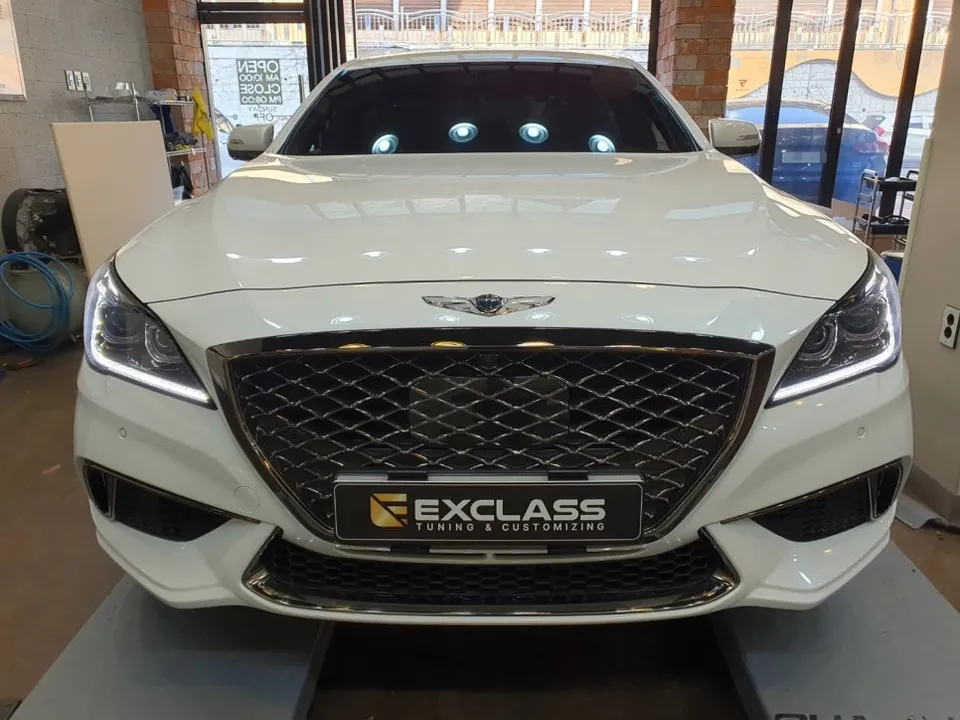
Genesis EQ900 Android Head Unit Review: Smart Upgrade
Service Price
$115–150
Estimated price · Actual price may vary by shop
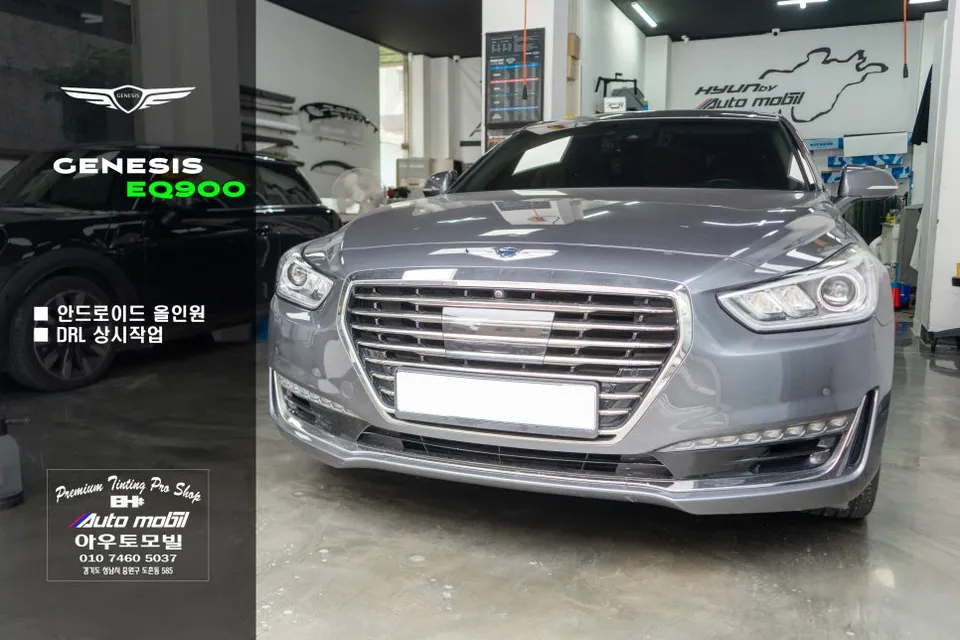
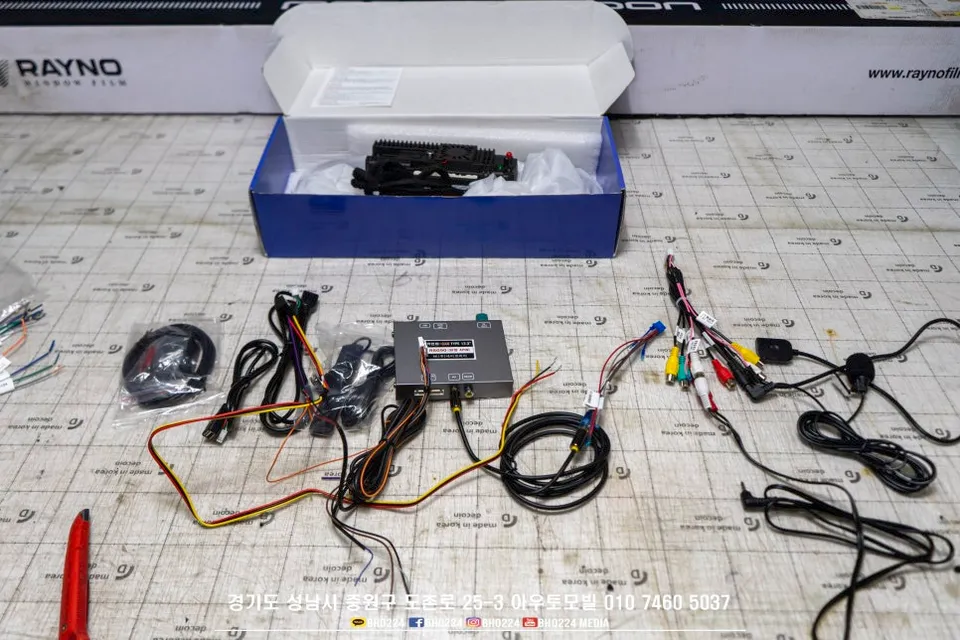
Genesis EQ900 Android All-in-One installation resolves native navigation issues and display problems. Enhances smart features.
Genesis EQ900: Overcoming Native Navigation Limitations
Many Genesis EQ900 owners have expressed frustration with the factory navigation system. Unlike other vehicles released around 2016 that featured Android Auto and Apple CarPlay, the EQ900 lacked these modern conveniences. Based on personal experience driving the EQ900 for three years, the native navigation's usability definitely needed improvement. While aftermarket navigation systems were an option, the emergence of Android All-in-One units offers a compelling solution. These units not only address common display issues like the 'cloud phenomenon' but also significantly enhance the vehicle's smart capabilities.
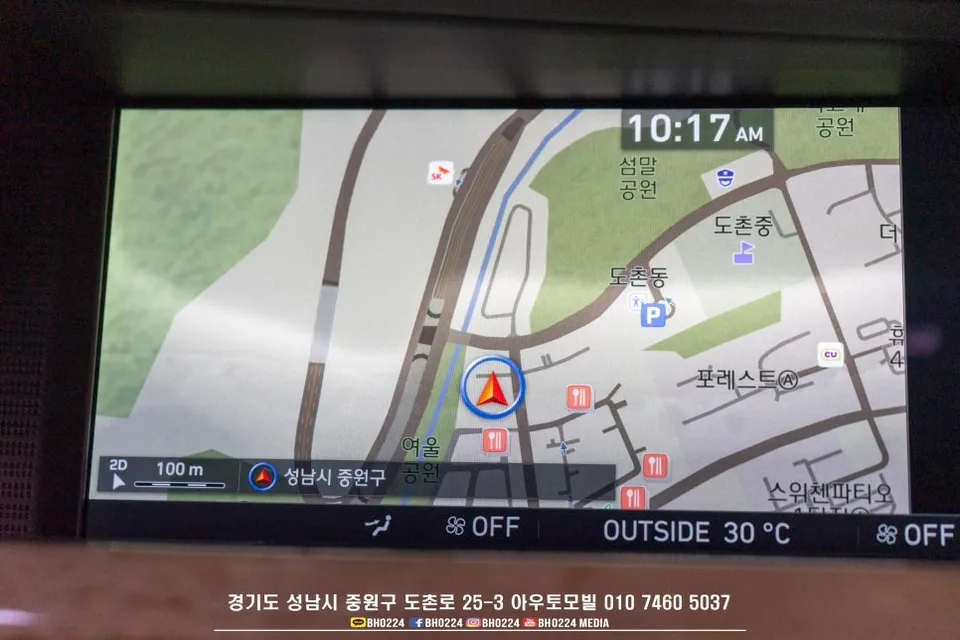
The 'cloud phenomenon,' a common issue on the EQ900's original display, appears on nearly nine out of ten vehicles. While it doesn't impede functionality, these blemishes detract from the premium feel of a car that originally cost over $100,000, especially after a few years. Warranty covers replacement during the warranty period, but out-of-warranty repairs can be costly. An Android All-in-One installation provides an excellent alternative, resolving the clouding issue while modernizing the infotainment system.
Android All-in-One Installation and Features
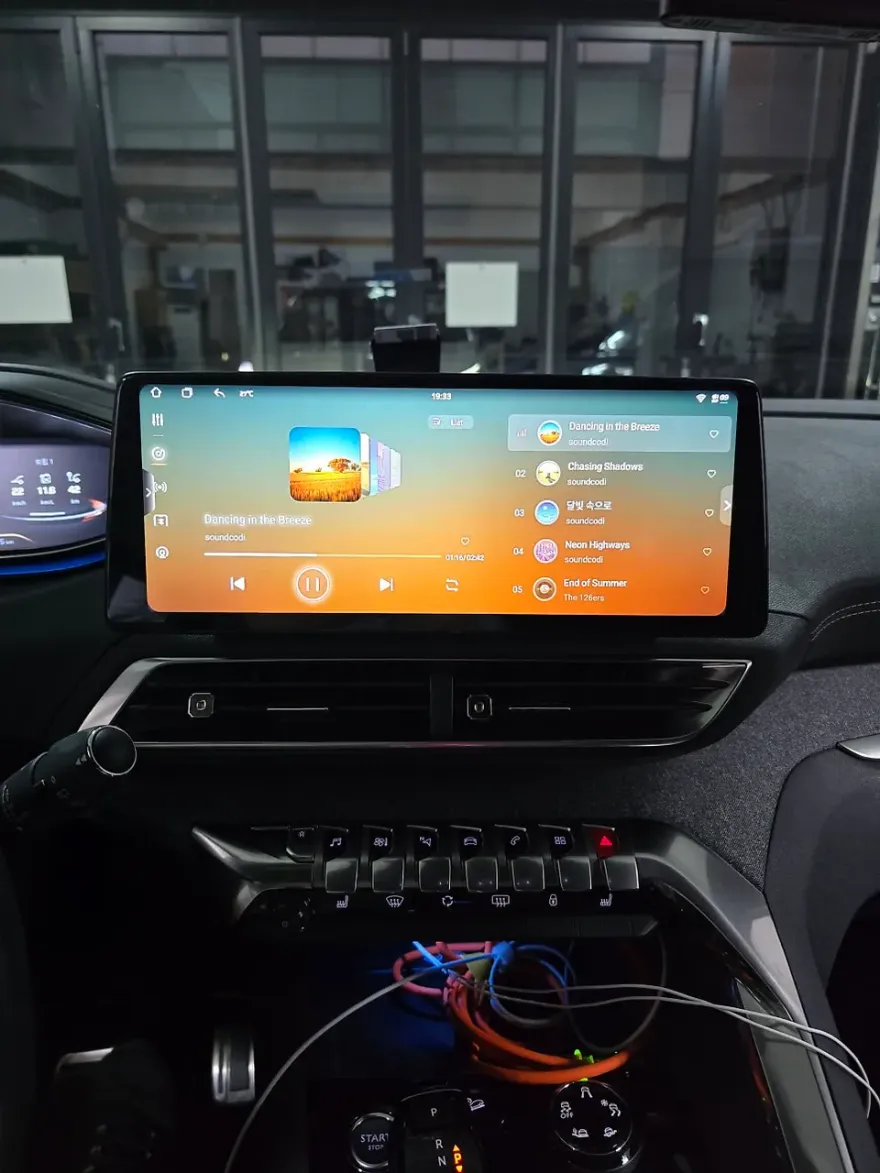
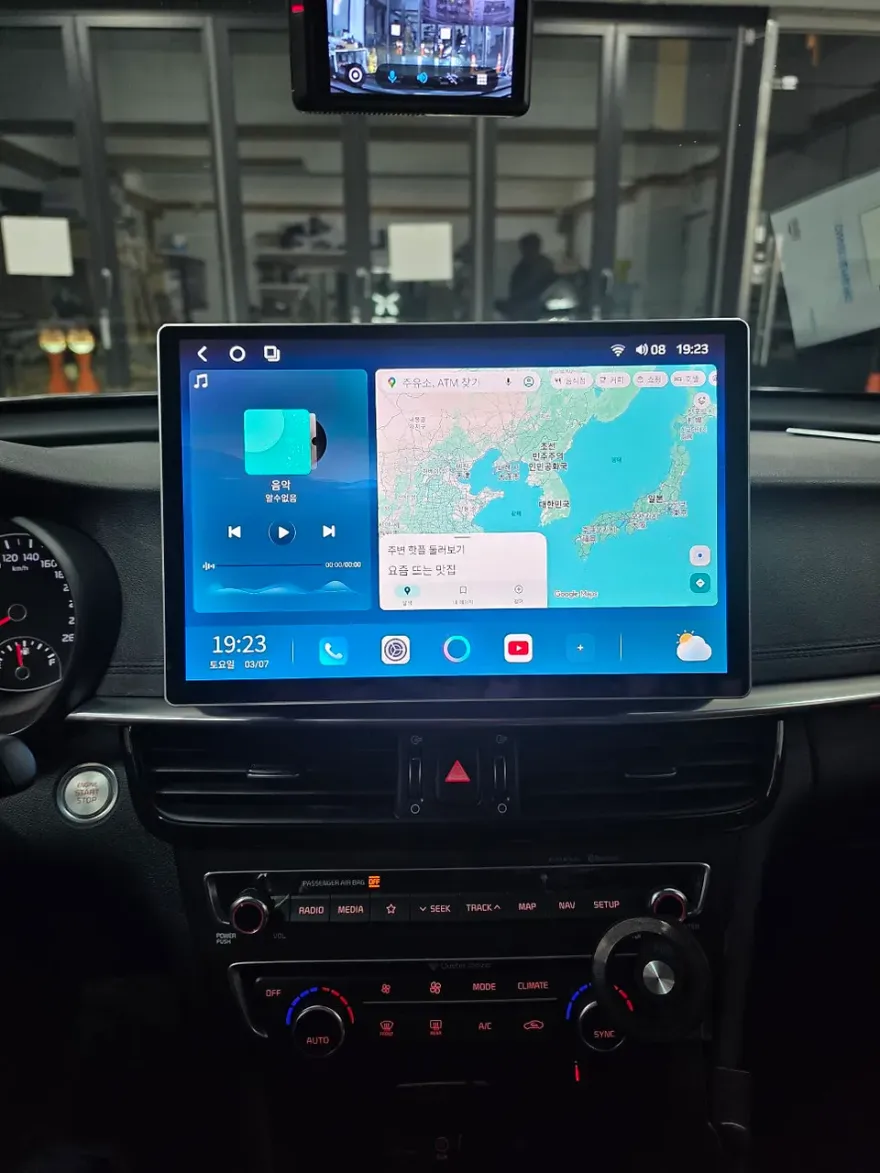
This installation involves integrating a 12.3-inch Android All-in-One unit with the existing factory monitor interface. The process replaces the original monitor with the aftermarket unit. Crucially, it requires careful wiring for power and CAN communication to ensure seamless integration with the car's systems. The Android All-in-One screen is set as the primary display, with the option to revert to the original factory screen by holding the jog dial or a button for three seconds. This transformation effectively resolves the navigation drawbacks and unlocks a world of Android applications for a smarter driving experience.
However, there are a couple of points to consider. Firstly, there might be a slight degradation in image quality when viewing the original factory screen through the Android interface. This is due to the conversion of the LVDS signal to an analog RGB signal, which can introduce minor noise, particularly noticeable on the rearview or front cameras. While this is a current limitation, future interface updates could potentially mitigate this. Secondly, managing phone calls requires attention. For uninterrupted navigation display, Bluetooth calls should be initiated through Android Auto. If a call is made before connecting, only the call screen will appear, obscuring the navigation.
Installation Process:
- Careful removal of the original factory display unit.
- Installation of the 12.3-inch Android All-in-One unit, ensuring a secure fit.
- Connection of power, CAN communication lines, and interface modules for seamless integration.
- Configuration of the system to prioritize the Android interface with an easy switch back to the factory display.
The upgrade not only resolves the persistent 'cloud phenomenon' on the original screen but also brings modern smartphone integration and a vast array of apps to the Genesis EQ900, significantly enhancing the in-car experience.
Frequently Asked Questions
Q. How much does an Android All-in-One installation cost for a Genesis EQ900?
The cost for this specific Android All-in-One installation on a Genesis EQ900 was detailed in Korean Won within the original context. Typical US pricing for similar Android head unit installations can range from $500 to $1500, depending on the unit's specifications and installation complexity.
Q. How long does an Android All-in-One installation take on a Genesis EQ900?
The installation process typically takes a few hours, usually between 2 to 4 hours, depending on the complexity of the wiring and integration. To ensure longevity, it's recommended to periodically clear the cache of the Android unit and check for software updates.
Q. Is an Android All-in-One upgrade worth it for a Genesis EQ900?
This upgrade is highly recommended for EQ900 owners frustrated with the native navigation and display issues like the 'cloud phenomenon.' It offers significant value by modernizing the infotainment system and adding smart capabilities.
Q. How is the Android All-in-One installed on a Genesis EQ900?
1. The original factory display is carefully removed. 2. The new 12.3-inch Android All-in-One unit is fitted into place. 3. Power, CAN communication lines, and necessary interface modules are connected for system integration. 4. The system is configured for primary Android use with an easy toggle back to the factory screen.
Q. What is the difference between an Android All-in-One and the factory navigation for a Genesis EQ900?
The Android All-in-One replaces the factory system, offering access to modern apps, improved navigation interfaces (like Google Maps or Waze), and enhanced connectivity, whereas the factory system is limited in features and suffers from issues like the 'cloud phenomenon'.
OhCar Partner Shop