Genesis G70 Dash Cam Installation Review
Service Price
$40–80
Estimated price · Actual price may vary by shop
Before
After
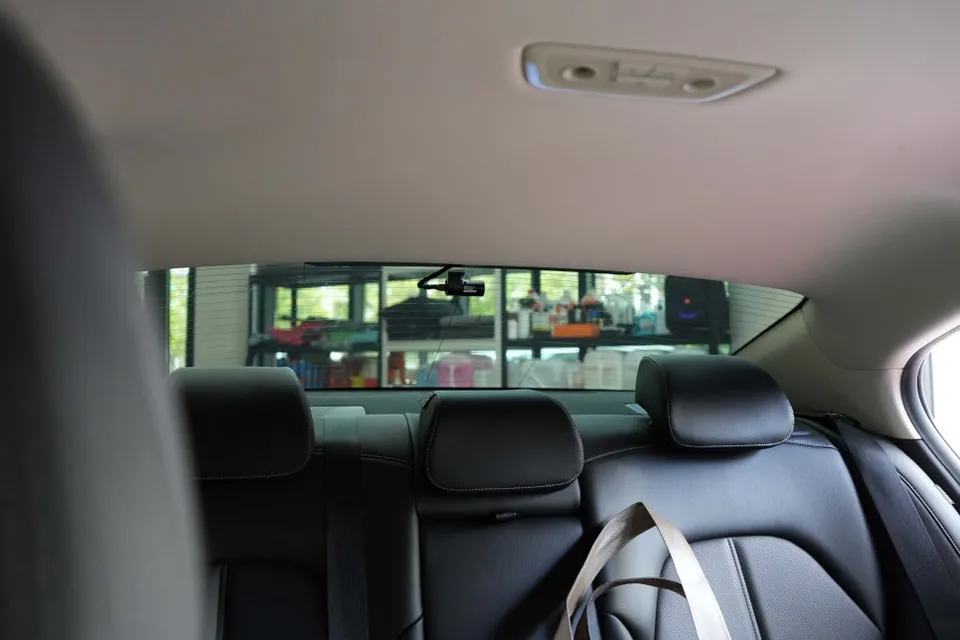
Process photos
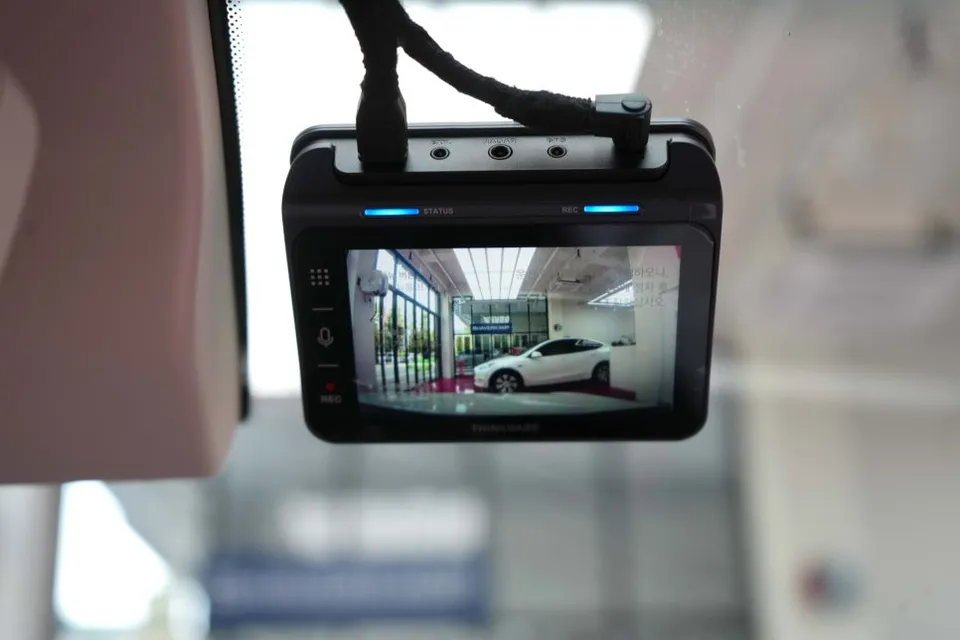
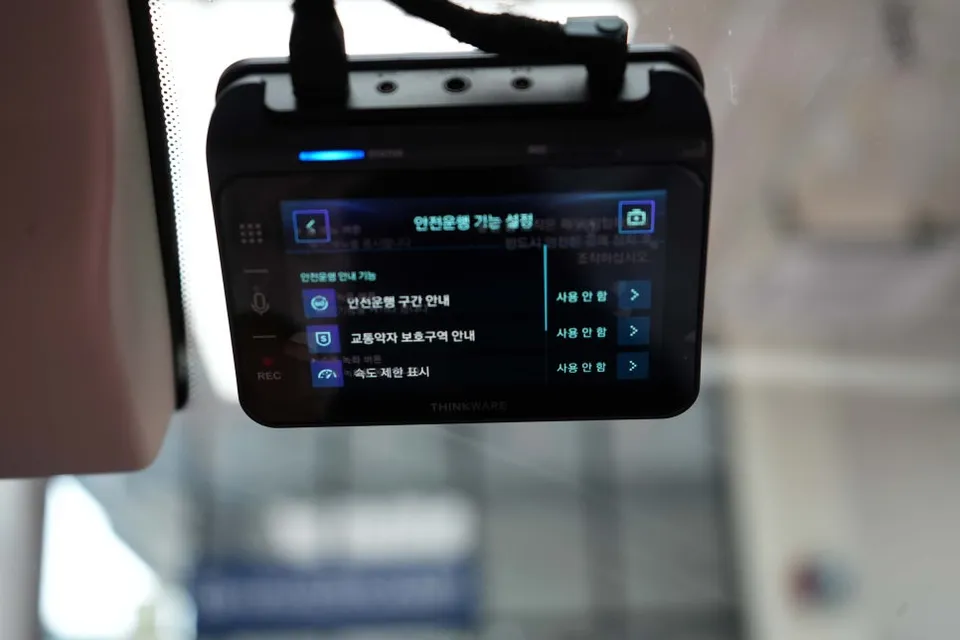
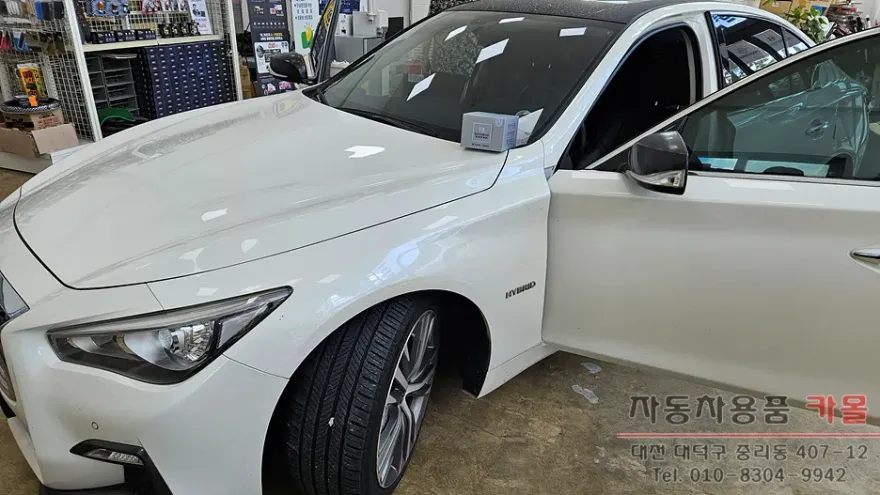
Dash cam and auxiliary battery installation for Genesis G70: Enhances safety with QHD recording and AI ADAS features. Price not specified.
Why a Dash Cam and Auxiliary Battery are Essential for Your Genesis G70
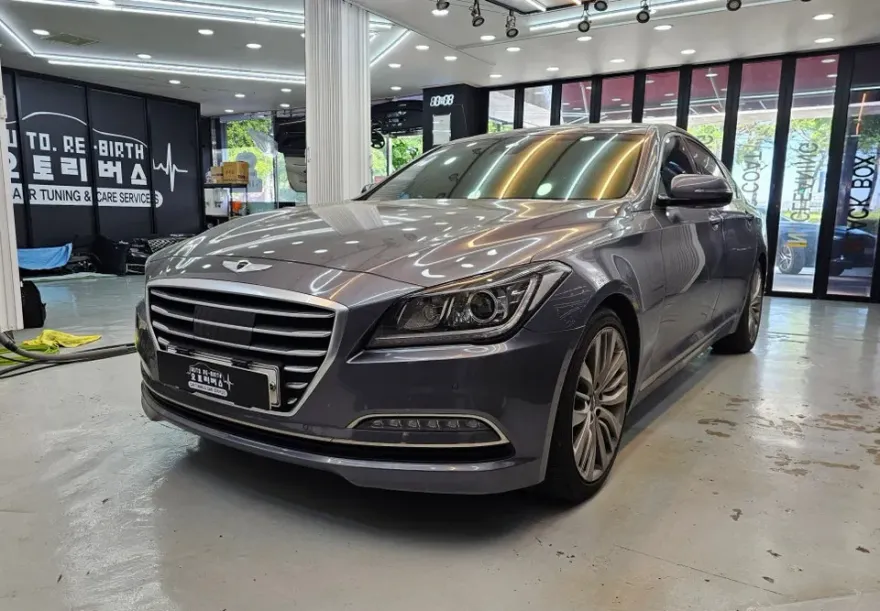
When acquiring a new or pre-owned vehicle like the Genesis G70, one of the first considerations for many owners is the installation of a dash cam. For those who prioritize peace of mind, especially during parking, an auxiliary battery for the dash cam is not just an option but a necessity. This Genesis G70 owner sought professional installation to ensure safety and continuous recording, even when the vehicle is off. A dash cam serves as a crucial witness in the event of an accident, providing vital evidence. Furthermore, it can capture incidents like hit-and-runs or vandalism while parked. However, running a dash cam when the engine is off directly drains the car's main battery, posing a risk of discharge. An auxiliary battery system circumvents this issue, allowing for extended parking surveillance without compromising the vehicle's primary power source. This is particularly beneficial for drivers who have short commutes or frequently park their vehicles for extended periods. Beyond preventing battery drain, it also contributes to the longevity of the car's battery and offers unparalleled security.
A Closer Look at the Chosen Dash Cam and Battery System
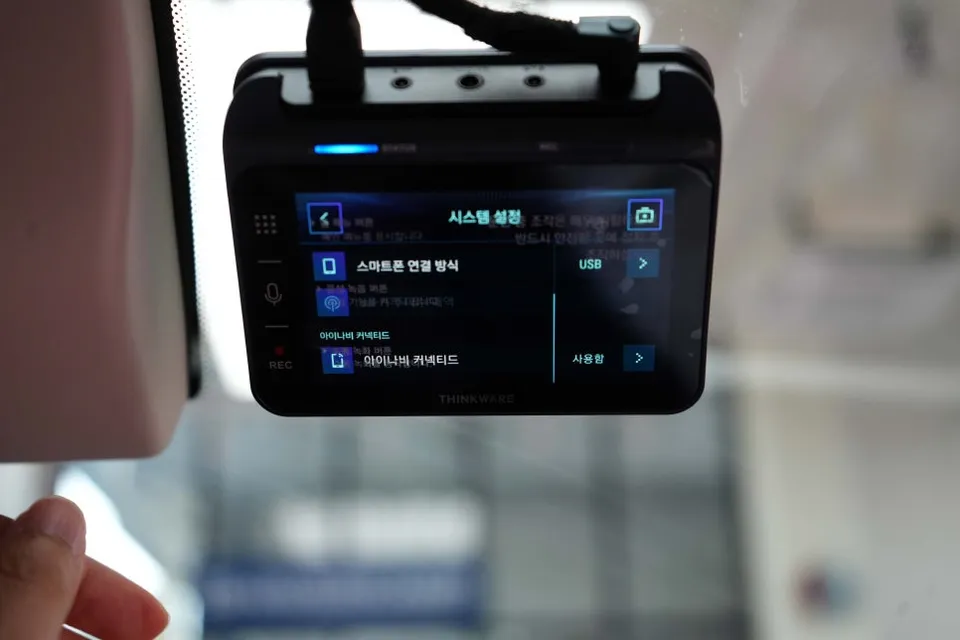
The Genesis G70 featured in this installation was equipped with the iNnic QXD1 Plus dash cam, a recent release boasting advanced capabilities. Its key features include front and rear QHD high-definition recording for crystal-clear footage, a 3.5-inch IPS touchscreen for intuitive operation, and intelligent parking recording modes that optimize power consumption. Notably, the QXD1 Plus integrates AI ADAS (Advanced Driver-Assistance Systems), offering features like traffic light change alerts, front vehicle departure warnings, forward collision warnings, lane departure warnings, and pedestrian collision warnings. These AI-powered safety features actively assist the driver by detecting potential hazards and providing timely alerts, significantly enhancing road safety. The accompanying auxiliary battery is the Cellstar NX50, a popular choice for its cost-effectiveness and reliability. It utilizes NMC battery technology, known for its safety and environmental friendliness, minimizing risks of explosion or fire. The NX50 also features an LED indicator for real-time battery status monitoring, allowing the owner to easily check the remaining charge and identify any potential issues.
Genesis G70 Dash Cam and Auxiliary Battery Installation Process
The professional installation ensures that both the dash cam and the auxiliary battery are seamlessly integrated into the Genesis G70's electrical system. This process involves careful routing of wires to maintain a clean aesthetic and prevent any interference with the vehicle's existing components. The auxiliary battery is typically installed discreetly, often under the dashboard or in a similar out-of-the-way location, while the dash cam is mounted near the rearview mirror for an optimal field of view. Technicians ensure all connections are secure and that the system is properly configured to charge the auxiliary battery when the car is running and power the dash cam when it is parked. This meticulous approach guarantees reliable performance and longevity for the installed equipment.
Frequently Asked Questions
Q. How much does dash cam installation cost for a Genesis G70?
The cost for this specific installation on a Genesis G70 was not detailed in the original content, but professional dash cam installations in the US typically range from $100 to $300, depending on the complexity and features.
Q. How long does dash cam installation take on a Genesis G70?
Professional dash cam and auxiliary battery installations are generally completed within 2-4 hours, ensuring all components are securely fitted and tested. Regular maintenance involves checking camera lens clarity and ensuring the auxiliary battery is charging correctly.
Q. Is a hardwired dash cam worth it over a self-install for a Genesis G70?
A professionally hardwired dash cam is highly recommended for a Genesis G70 to ensure proper integration with the vehicle's electrical system and optimal performance. The value lies in professional expertise, preventing potential electrical issues, and ensuring reliable, long-term operation.
Q. How is a dash cam professionally installed on a Genesis G70?
1. The installer carefully routes wiring from the dash cam to the fuse box and auxiliary battery, often concealing it behind interior panels for a clean look. 2. Connections are made to the vehicle's power source and the auxiliary battery, ensuring proper charging and discharge cycles. 3. The dash cam is securely mounted, typically near the rearview mirror, and tested to confirm recording and playback functionality.
Q. What is the difference between a 1-channel and 2-channel dash cam for a Genesis G70?
A 1-channel dash cam records only the front view, while a 2-channel system includes a second camera for rear recording, providing comprehensive coverage. For enhanced safety and evidence collection on a Genesis G70, a 2-channel system is generally recommended.
OhCar Partner Shop