Genesis G90 Android Head Unit Review — Samsung DeX Integration
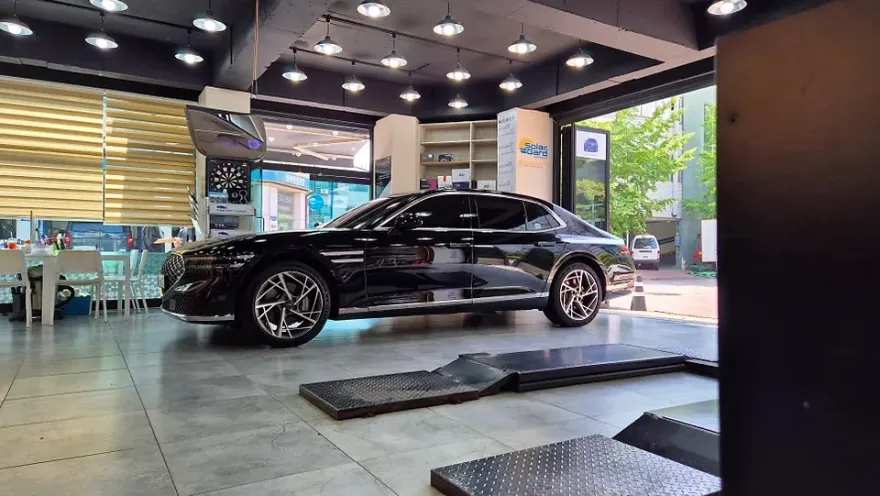
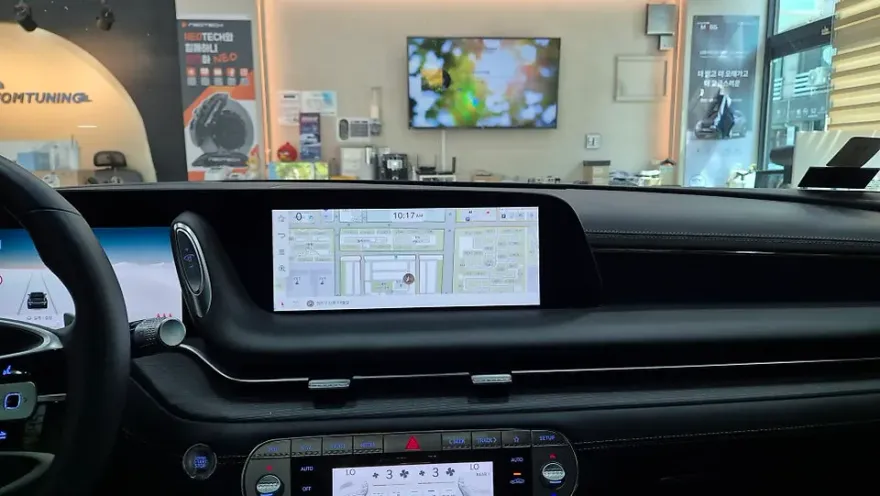
Genesis G90 Samsung DeX integration: ₩300k-₩500k. Turns native screen into PC-like interface for YouTube & apps.
Seamlessly Integrate Your Smartphone for Enhanced Infotainment
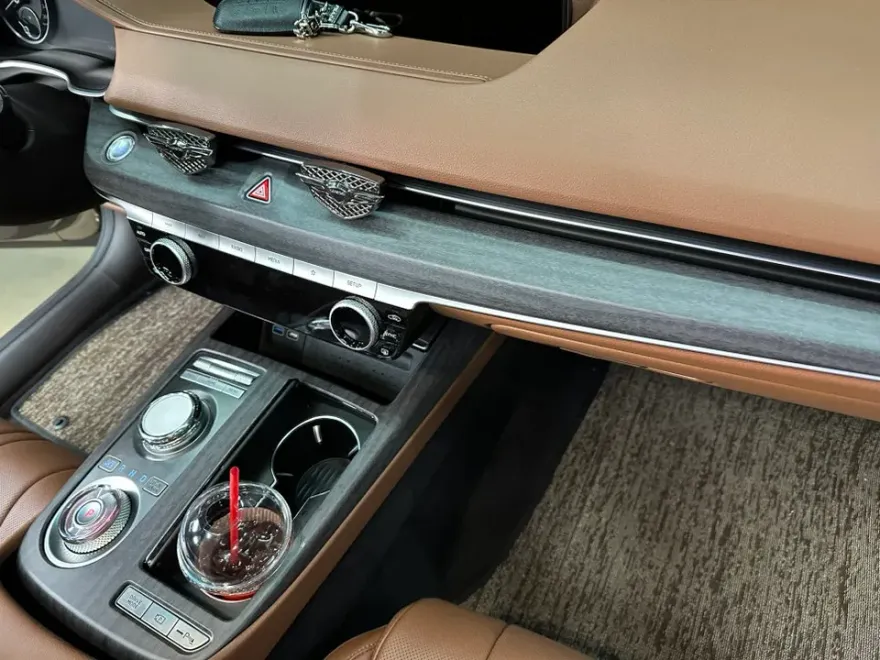
The Genesis G90 boasts a large, impressive factory navigation screen, but its utility can feel limited to just navigation, especially during commutes. For G90 owners with a Samsung Galaxy smartphone, a clever solution exists: integrating Samsung DeX. This allows you to transform your native infotainment display into a full-fledged PC-like environment, unlocking a world of entertainment and productivity right from your car's dashboard. Imagine streaming YouTube or Netflix on that expansive screen during a break or while waiting. This review explores the process, benefits, and considerations of this popular infotainment upgrade.
Samsung DeX Installation and User Experience
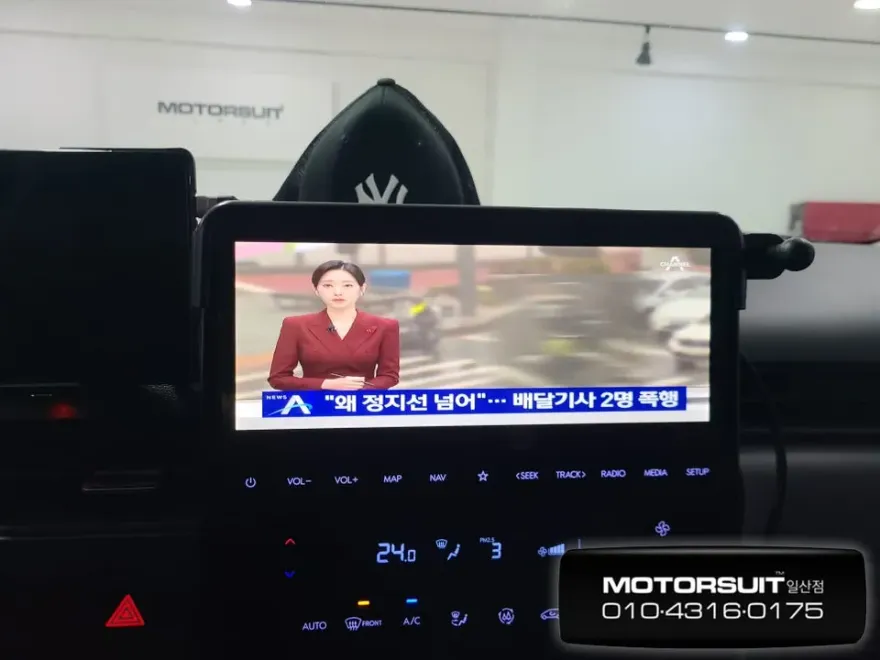
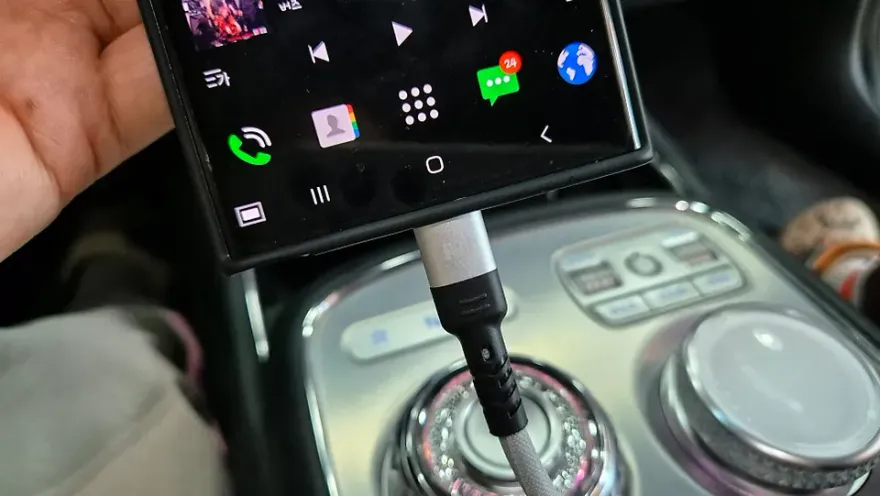
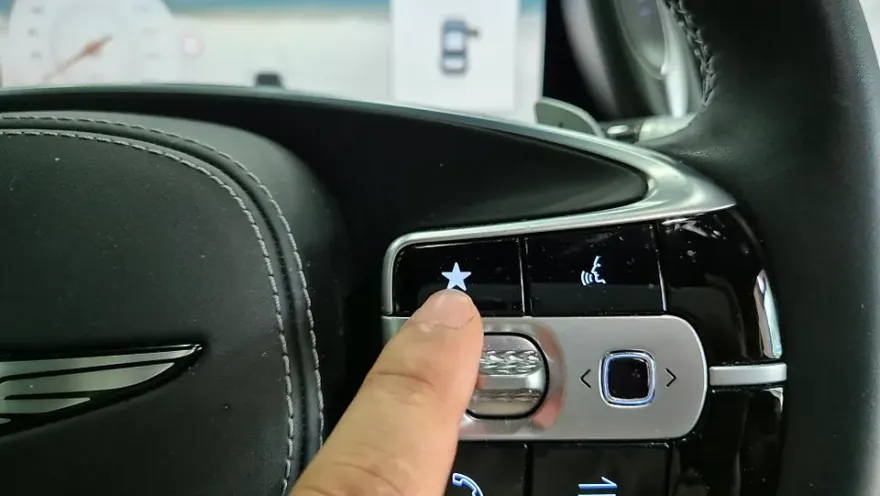
The installation process for Samsung DeX on a Genesis G90 is surprisingly straightforward. It primarily involves connecting your compatible Galaxy smartphone to the car's system using a USB-C cable. No complex wiring or permanent modifications are typically needed, making it a non-invasive upgrade. The entire procedure usually takes around two hours to complete. Once installed, switching between the native navigation interface and the DeX environment is as simple as pressing a dedicated button. Crucially, all original G90 functions, including the navigation system and climate controls, remain fully accessible and operational. The DeX interface simply overlays or replaces the display temporarily, offering a PC-like experience where you can run smartphone apps directly on the car's screen. This means you can easily access YouTube, Netflix, and other streaming services, enjoying your favorite content on the large, high-resolution display. The experience is immersive, turning your car into a mobile entertainment hub. Even when using DeX, the system intelligently switches to the rearview camera when you engage reverse gear, ensuring safety is never compromised. Once you shift out of reverse, it seamlessly returns to your DeX session.
Benefits, Costs, and Considerations
Samsung DeX is widely praised for its compatibility and stability, often considered superior to other aftermarket solutions. It significantly enhances the daily driving experience, especially for commuters, by alleviating boredom and providing access to a vast array of applications. Beyond entertainment, DeX allows for tasks like making calls or using other productivity apps. The estimated cost for this integration typically ranges from ₩300,000 to ₩500,000 (approximately $220-$370 USD, subject to exchange rates), though the exact price can vary based on specific installation details and any additional components required. The installation time is generally around two hours. It's important to note that this solution is exclusive to Samsung Galaxy devices; iPhone users cannot utilize Samsung DeX. For G90 owners seeking to maximize their vehicle's advanced infotainment system, this Android head unit functionality via DeX offers a compelling upgrade, providing a versatile and enjoyable in-car experience.
Frequently Asked Questions
Q. How much does Android head unit or CarPlay installation cost for a Genesis G90?
The cost for integrating Samsung DeX, which provides Android-like functionality, on a Genesis G90 typically ranges from ₩300,000 to ₩500,000 (approx. $220-$370 USD). Professional installation for similar aftermarket Android head units or CarPlay retrofits in the US can range from $500 to $1500 or more, depending on the system's complexity and features.
Q. How long does Android head unit installation take on a Genesis G90?
The installation of Samsung DeX on a Genesis G90 generally takes about two hours to complete. For long-term durability, ensure the USB-C connection is secure and free from debris; regular cleaning of the port can prevent connection issues and maintain optimal performance.
Q. Is a CarPlay or Android Auto upgrade worth it for a Genesis G90?
An Android head unit functionality upgrade like Samsung DeX is particularly worth it for Genesis G90 owners who frequently use their smartphone for entertainment or productivity apps during drives. It significantly enhances the native infotainment system's capabilities, offering a more versatile and engaging user experience.
Q. How is an Android head unit installed in a Genesis G90?
The Samsung DeX integration for a Genesis G90 involves connecting a compatible Galaxy smartphone to the vehicle's system via a USB-C cable. 1. Connect your Galaxy phone to the car's USB port. 2. Initiate the DeX interface on your phone. 3. The car's native screen will display the DeX environment, allowing app usage. 4. All original vehicle functions remain accessible.
Q. What is the difference between an Android head unit and a factory infotainment system for a Genesis G90?
The factory infotainment system in a Genesis G90 is designed for specific vehicle functions like navigation and media playback, whereas an Android head unit (or functionality like Samsung DeX) essentially turns your car's screen into a smartphone interface, allowing you to run a vast range of third-party apps. For enhanced entertainment and app access, the DeX integration is a valuable addition.
Q. What should I know before getting Android Head Unit on a Genesis G90? (common regrets and mistakes)
The most common regret is not confirming phone compatibility; Samsung DeX only works with specific Galaxy smartphones. Always verify your phone model is supported before proceeding with the installation to avoid disappointment.
OhCar Partner Shop