Honda CR-V Surround View Camera Installation Review
Honda CR-V Surround View Camera installation enhances parking safety with a 360-degree view integrated into the factory monitor.
Honda CR-V 360-Degree Surround View Camera System Installation
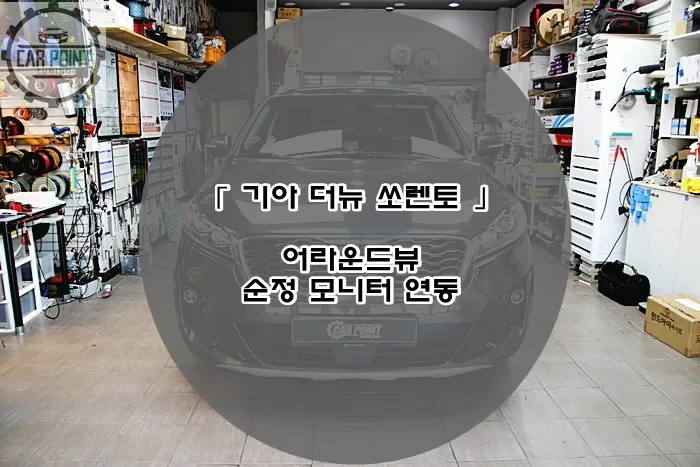
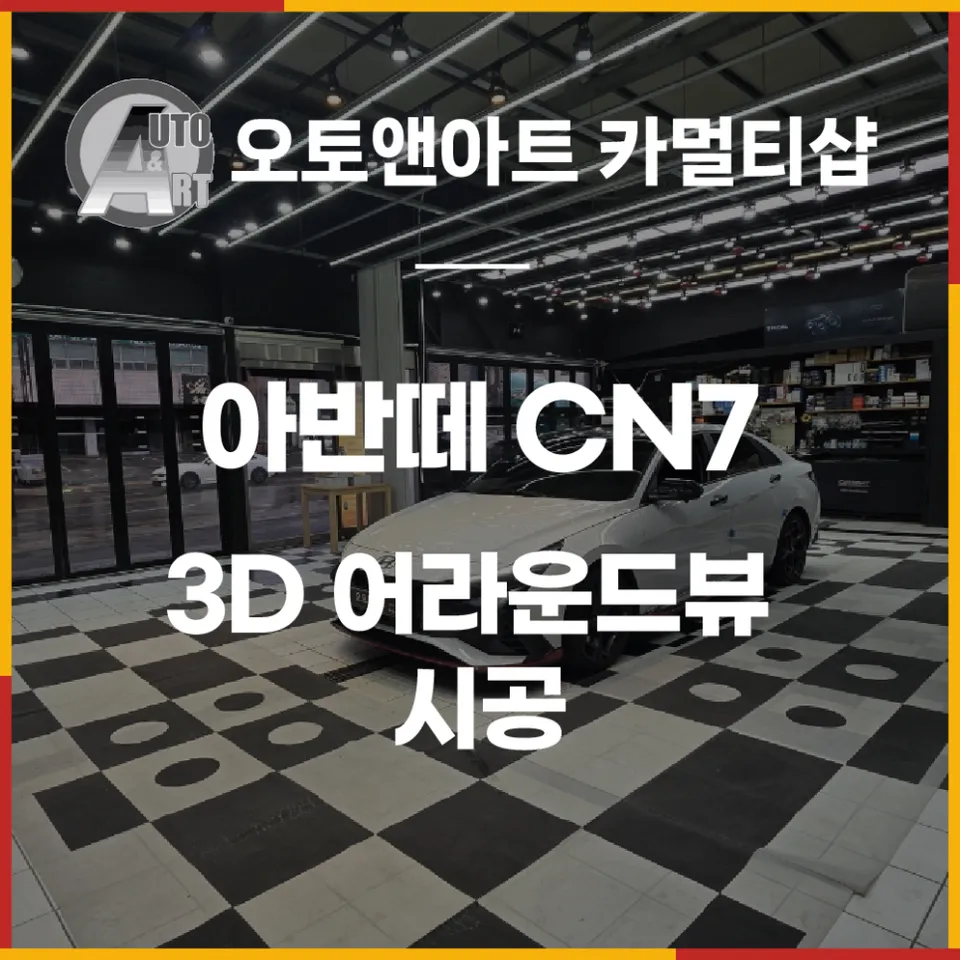
This installation focuses on equipping a 2022 Honda CR-V with a 3D 360-degree top-down view camera system, known as 3D Plus View. This premium parking assistance option integrates with the vehicle's original factory monitor, providing drivers with real-time awareness of blind spots around the vehicle, significantly enhancing parking and maneuvering safety. This detailed guide showcases the process completed by certified specialists.
Why a Surround View System is Essential for the Honda CR-V
The Honda CR-V, like many SUVs, has a higher hood line and can present limited forward visibility from the driver's seat. Navigating tight parking spaces or complex urban environments can be challenging due to these inherent visibility limitations. While a standard backup camera offers some assistance, it often falls short in covering the extensive blind spots around the vehicle.
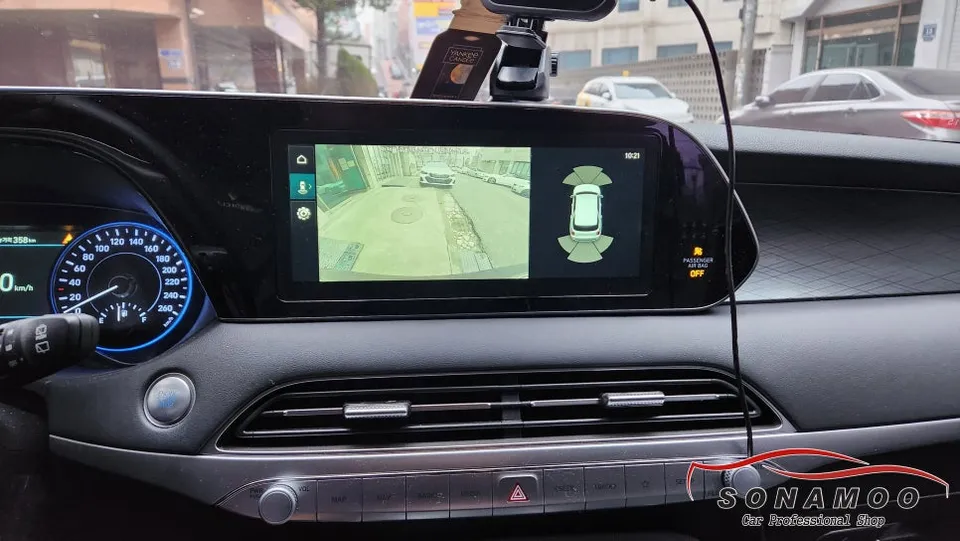
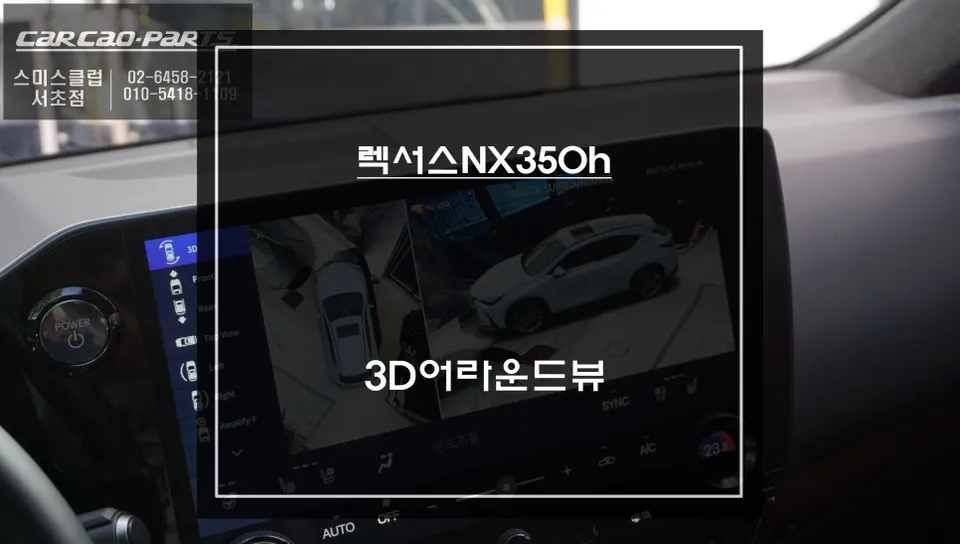
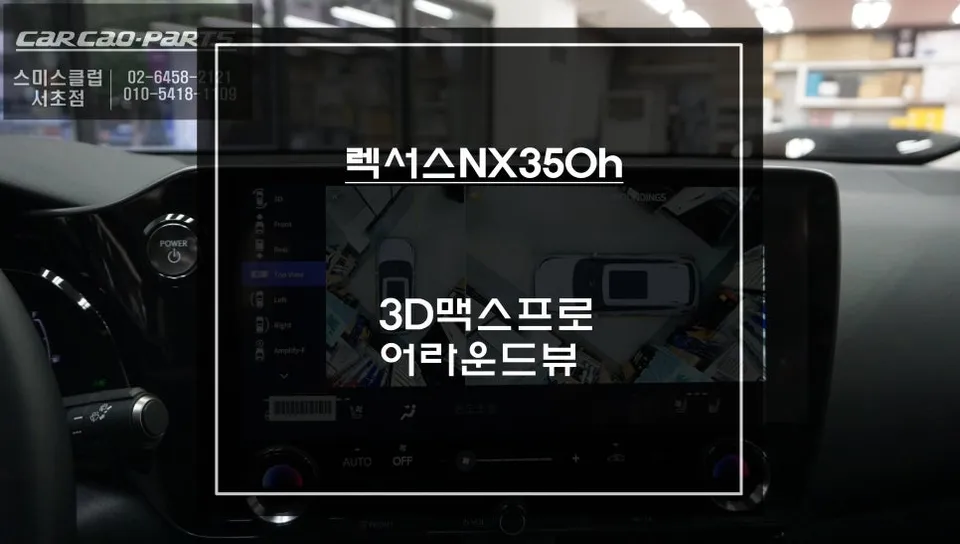
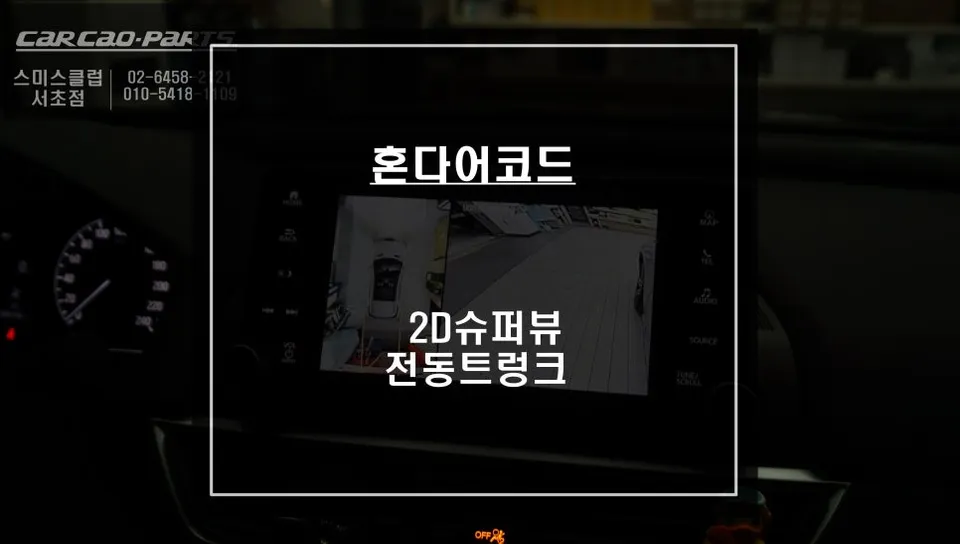
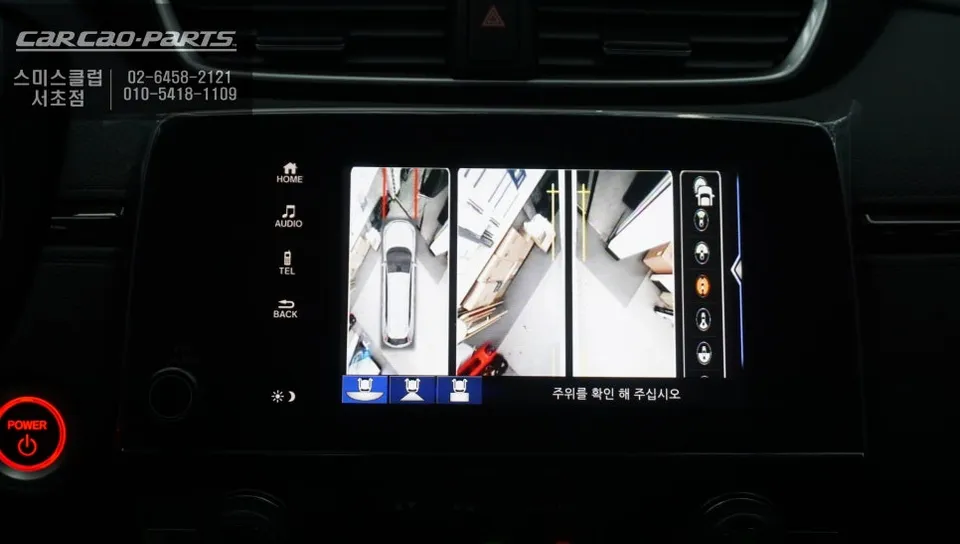
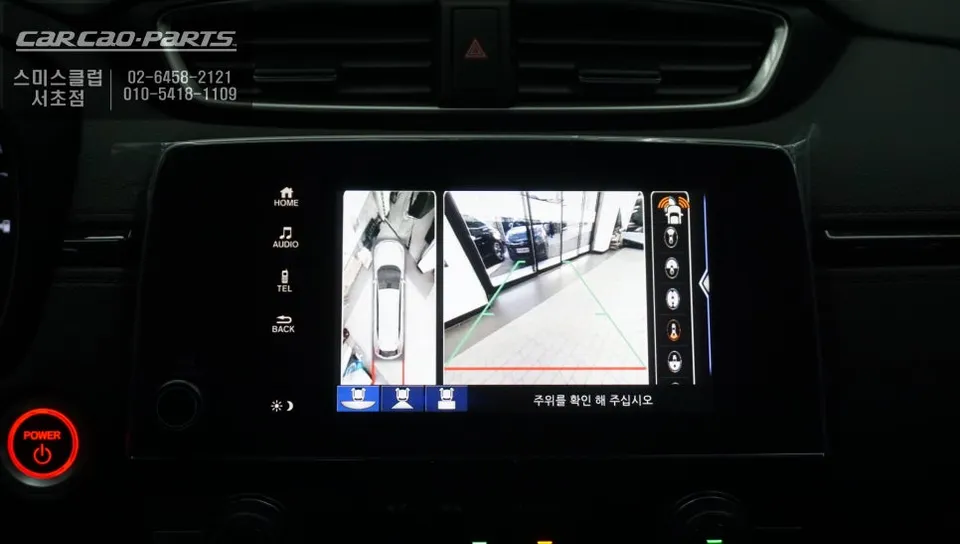
The 3D Plus View system addresses this by utilizing four cameras strategically placed around the CR-V. These cameras work in unison to create a bird's-eye view, projecting a comprehensive 360-degree image onto the factory infotainment screen. This seamless integration means no additional display is needed, leveraging the existing dashboard setup for a clean and functional upgrade.
How the 3D Plus View Surround Camera System Works
Understanding the system's operation is key to appreciating its benefits. A dedicated interface module is crucial for enabling compatibility with the Honda CR-V's factory monitor. This module intelligently manages the camera feeds and display transitions.
The system features an automatic switching mechanism based on gear selection. When reverse (R) is engaged, the display instantly switches to a top-down view combined with the rear camera feed, offering a clear perspective for parking. When in drive (D), it automatically displays the top-down view along with the front camera feed, mitigating forward blind spots. The system intelligently reverts to the factory display at higher speeds for convenience.
For situations requiring an immediate view, a discreetly installed switch allows the driver to manually activate the surround view at any time. Additionally, a wireless jog dial remote provides flexible control over various viewing modes, including top-down, side views, and 3D perspectives, allowing the driver to select the optimal angle for any driving scenario.
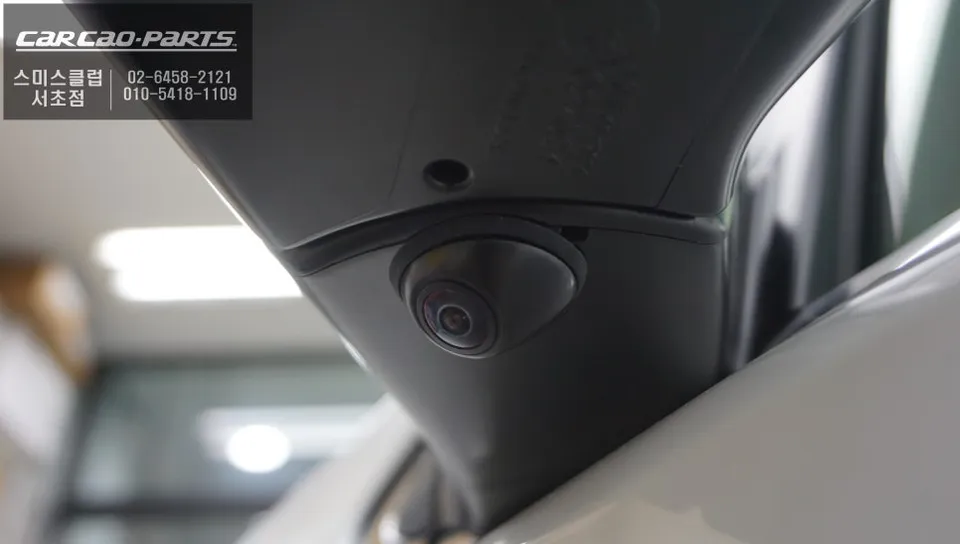
Strategic Camera Placement for Comprehensive Coverage
The effectiveness of the 3D Plus View system hinges on the precise installation of its four cameras. For the Honda CR-V, the placement is as follows:
- Rear Camera: The original rear camera is replaced with a high-resolution, wide-angle (minimum 180 degrees) camera. This ensures a broad view of the area behind the vehicle, crucial for safe reversing, especially at night, requiring at least 720p resolution for clarity.
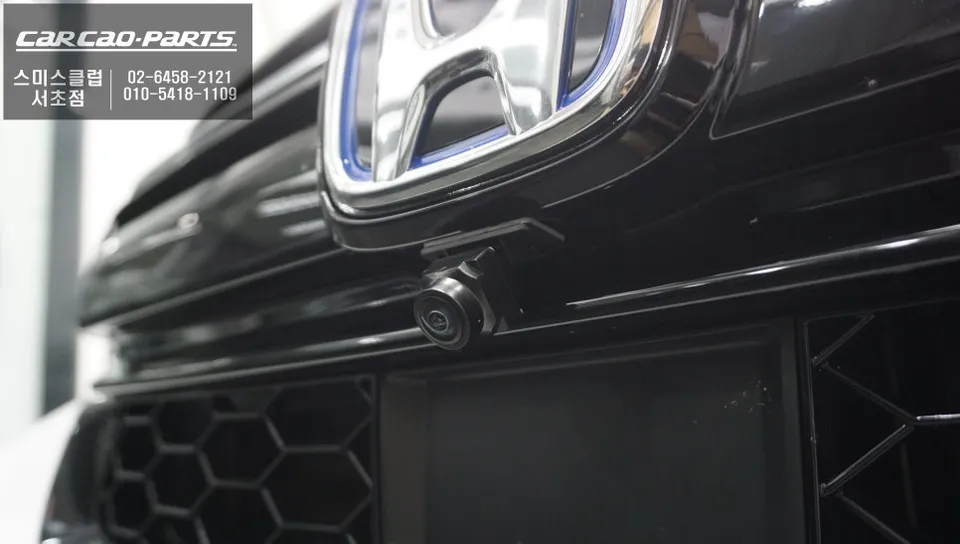
- Front Camera: Installed discreetly within the front grille or lower bumper, this camera covers the forward blind spot (approximately 3-4 meters). It is particularly useful for detecting oncoming traffic on blind corners or narrow streets, significantly reducing the risk of frontal collisions.
- Side Cameras (Left & Right): Positioned near the side mirrors on both the driver and passenger sides, these cameras are vital for constructing the top-down view. Equipped with wide-angle lenses (around 160 degrees), they provide a clear view of the vehicle's flanks, covering curbs, pedestrians, and adjacent vehicles.
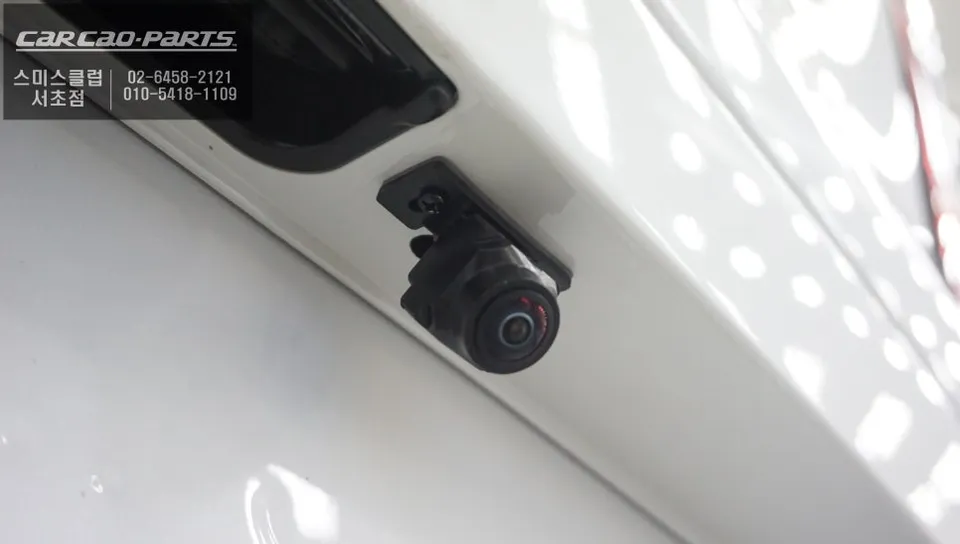
Integrating with the Factory Monitor via Interface Module
The interface module is the linchpin connecting the surround view cameras to the Honda CR-V's factory display. Without this specialized module, the video signals from the cameras cannot be processed and shown on the original screen. The module receives input from all four cameras, stitches the individual feeds into a cohesive panoramic image, and interprets vehicle signals like gear selection and speed from the CAN-BUS system to automate display transitions.
Frequently Asked Questions
Q. How much does a Surround View Camera system cost for a Honda CR-V?
The installation for this specific 3D Plus View system on the Honda CR-V was completed by 'Todays Car' and details were not provided in the original context. Typical professional installations for similar 360-degree surround view camera systems in the US can range from $500 to $1500, depending on the vehicle and system complexity.
Q. How long does a Surround View Camera system last on a Honda CR-V?
A professionally installed surround view camera system, when properly maintained, can last for many years, often matching the lifespan of the vehicle's other electronic components. Regular cleaning of the camera lenses and ensuring connections are secure can help prolong its functionality.
Q. Is a Surround View Camera system worth it for a Honda CR-V?
A surround view camera system is highly beneficial for Honda CR-V owners who frequently navigate tight parking spaces or drive in congested urban areas, significantly reducing the risk of minor collisions and scratches. The enhanced visibility and parking confidence it provides offer substantial value for peace of mind.
Q. How is a Surround View Camera system installed on a Honda CR-V?
Installation involves mounting four cameras: one replacing the rear camera, one in the front grille/bumper, and one on each side near the mirrors. These cameras feed into a specialized interface module that stitches the images together and integrates with the factory monitor, with automatic switching based on gear selection.
Q. What is the best Surround View Camera option for a Honda CR-V?
The 3D Plus View system, as detailed in this review, offers seamless integration with the factory monitor and versatile viewing modes, making it a strong option. For those prioritizing ease of use and comprehensive blind-spot elimination, systems offering automatic gear-based switching and manual override are generally recommended.
Kakao Parts