Hyundai Azera Android Head Unit Review — Enhanced Infotainment
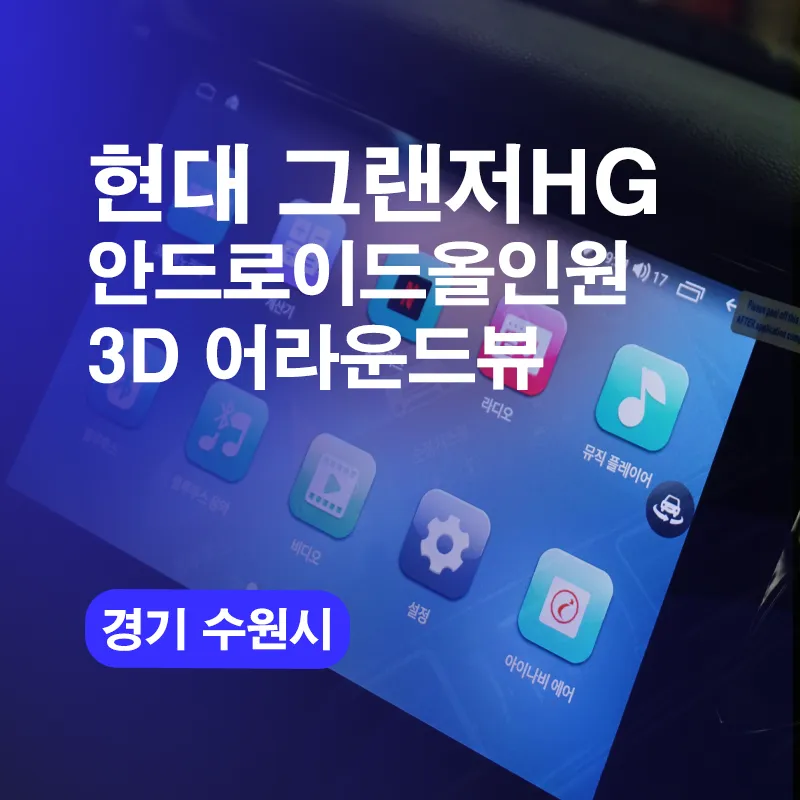
Hyundai Azera Android Head Unit upgrade: Enhances infotainment with navigation and 3D Around View. Modernizes the driving experience.
Upgrading Your Hyundai Azera with an Android Head Unit
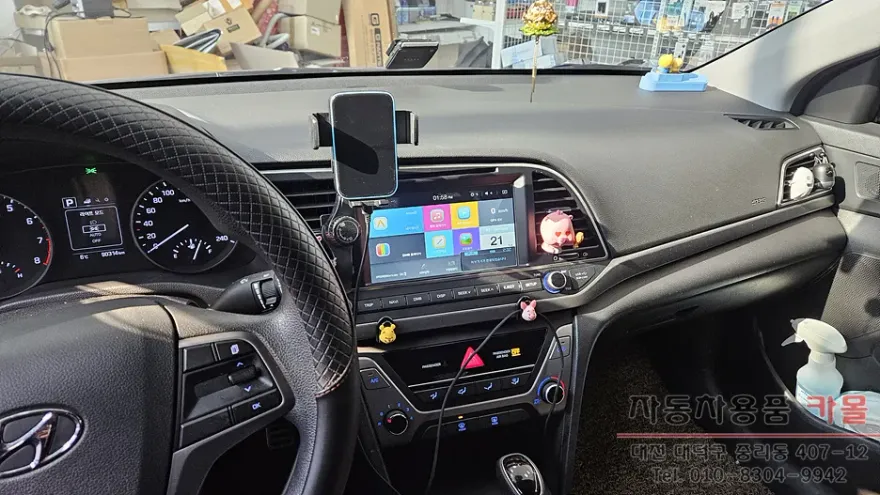
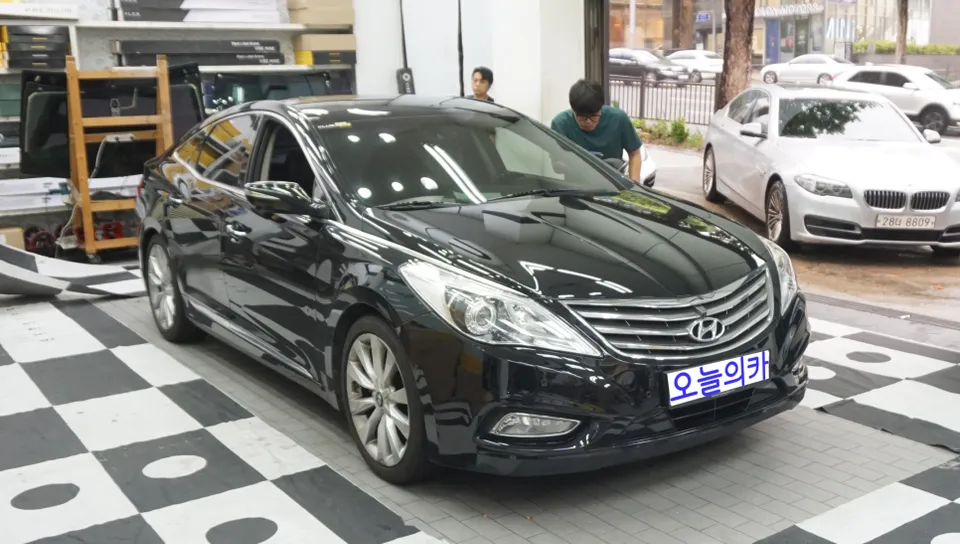
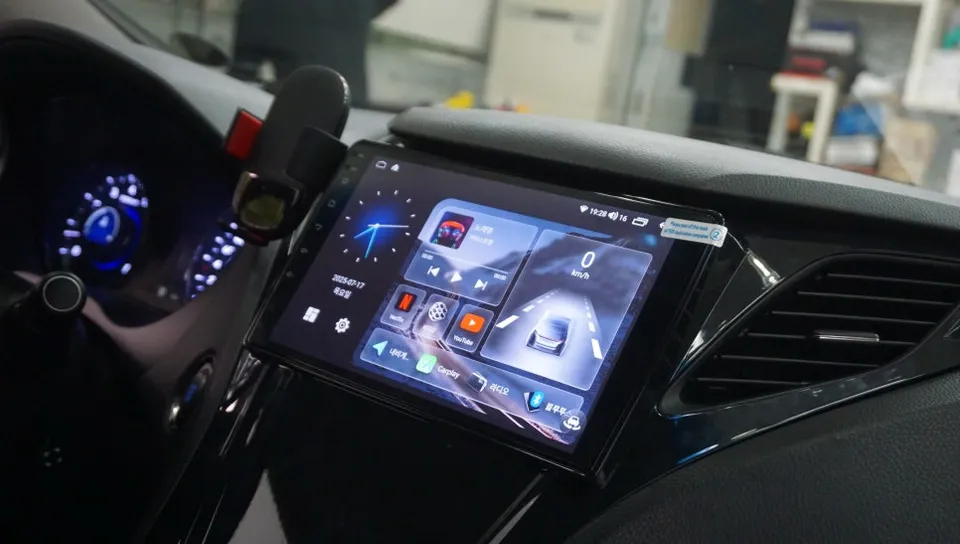
This review details the installation and benefits of an Android Head Unit for a 2011 Hyundai Azera. The upgrade replaces the factory system with a modern, feature-rich Android-based infotainment solution, often referred to as an 'Android All-in-One' or 'Android Carplay'. This particular installation in Suwon, South Korea, focused on enhancing the driving experience with advanced navigation, entertainment, and connectivity options. The process involves integrating a new unit that offers a familiar smartphone-like interface, allowing for easy access to apps, music streaming, and real-time traffic information.
Installation Process and Notable Features
The installation of an Android Head Unit in a Hyundai Azera is a significant upgrade that transforms the car's interior functionality. This process typically involves removing the existing factory radio and carefully integrating the new unit, ensuring all wiring harnesses are correctly connected. For the 2011 Azera, this upgrade also included a 3D Around View system, providing a comprehensive visual of the vehicle's surroundings, which is invaluable for parking and maneuvering in tight spaces. The Android system itself offers a vast array of possibilities, from GPS navigation apps like Waze and Google Maps to media players and Bluetooth connectivity for hands-free calls and audio streaming. The user interface is designed to be intuitive, mimicking the experience of using a tablet or smartphone.
Installation Process:
- Carefully remove the original factory head unit from the dashboard.
- Disconnect all wiring harnesses and antenna cables from the old unit.
- Connect the new Android Head Unit's wiring harness, ensuring all connections are secure.
- Mount the new head unit into the dashboard opening, ensuring a flush fit.
- Install and connect any additional components, such as the 3D Around View cameras.
- Test all functions of the new head unit before reassembling the dashboard trim.
The result is a modern infotainment system that significantly enhances the driving experience, making the older Hyundai Azera feel more contemporary and connected.
Frequently Asked Questions
Q. What is the typical cost for an Android Head Unit installation on a Hyundai Azera?
The cost for this specific installation in Korea was not explicitly stated in KRW, but similar Android Head Unit upgrades in the US can range from $300 to $1000 depending on features and complexity.
Q. How long does an Android Head Unit installation typically take for a Hyundai Azera?
Installation usually takes between 2 to 4 hours, depending on the complexity of the system and any additional features like a 3D Around View camera. Regular maintenance involves keeping the software updated and ensuring camera lenses are clean for optimal performance.
Q. Is upgrading to an Android Head Unit worth it for a Hyundai Azera?
Yes, upgrading to an Android Head Unit is highly recommended for Hyundai Azera owners seeking modern infotainment features. It significantly enhances navigation, entertainment, and connectivity, providing a much-improved user experience compared to the factory system.
Q. How is an Android Head Unit installed in a Hyundai Azera?
Installation involves removing the original head unit, disconnecting its wiring, and connecting the new Android unit's harness. Additional components like cameras are then integrated, and the unit is securely mounted before testing all functions.
Q. What is the difference between an Android Head Unit and the factory system in a Hyundai Azera?
The key difference is functionality: Android Head Units offer access to modern apps, advanced navigation, and a customizable interface, while the factory system is limited to basic radio and CD playback. For enhanced features, the Android Head Unit is the superior choice.
Today's Car