Hyundai Elantra MD Android Head Unit Review — Seamless Upgrade
Service Price
$150+
Estimated price · Actual price may vary by shop

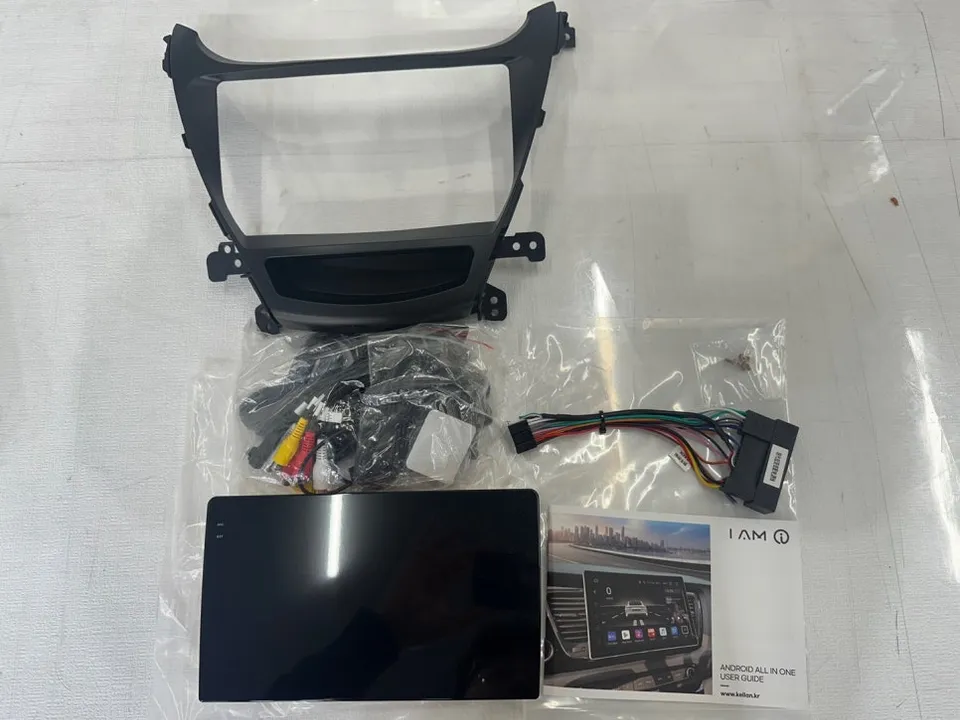
Hyundai Elantra MD Android Head Unit upgrade: 9-inch screen, smartphone integration, AHD camera. Seamless installation.
Revitalizing Your Hyundai Elantra MD with an Android Head Unit
Many older vehicles eventually face the common issue of a malfunctioning navigation system. Owners of the Hyundai Elantra MD are no exception. When the original navigation unit fails, replacing it with a new OEM system can be prohibitively expensive. Fortunately, an increasingly popular and cost-effective solution is the installation of an aftermarket Android Head Unit. This review details the process and benefits of upgrading an Elantra MD with a Kelan Android All-in-One unit, as performed by Today's Car in Daejeon.
Understanding the Kelan Android All-in-One
The Kelan Android All-in-One unit is a popular choice for owners looking to modernize their vehicles. It features a large 9-inch wide display and runs on the Android operating system, offering seamless smartphone integration. A key benefit is the inclusion of an AHD high-definition rear camera. With 6GB of RAM and 128GB of storage, it provides ample power for navigation updates, voice commands, and multitasking. For Elantra MD owners whose factory navigation has failed, this unit offers a compelling upgrade path, integrating essential features like a rear camera and smartphone connectivity at a more accessible price point than a new factory system.
Installation Process: Precision and Care
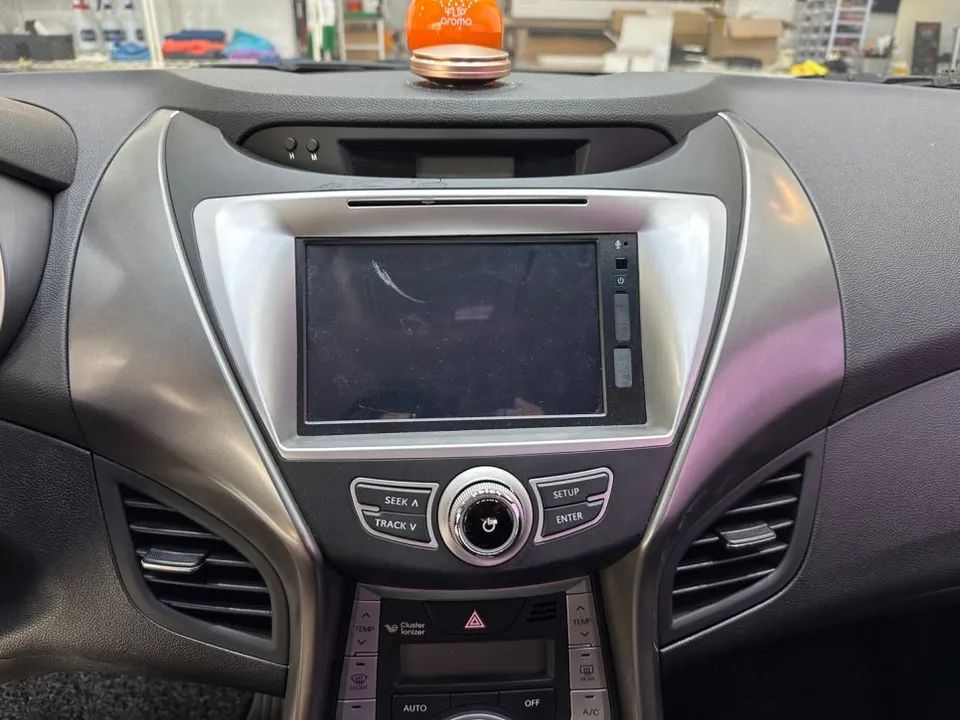
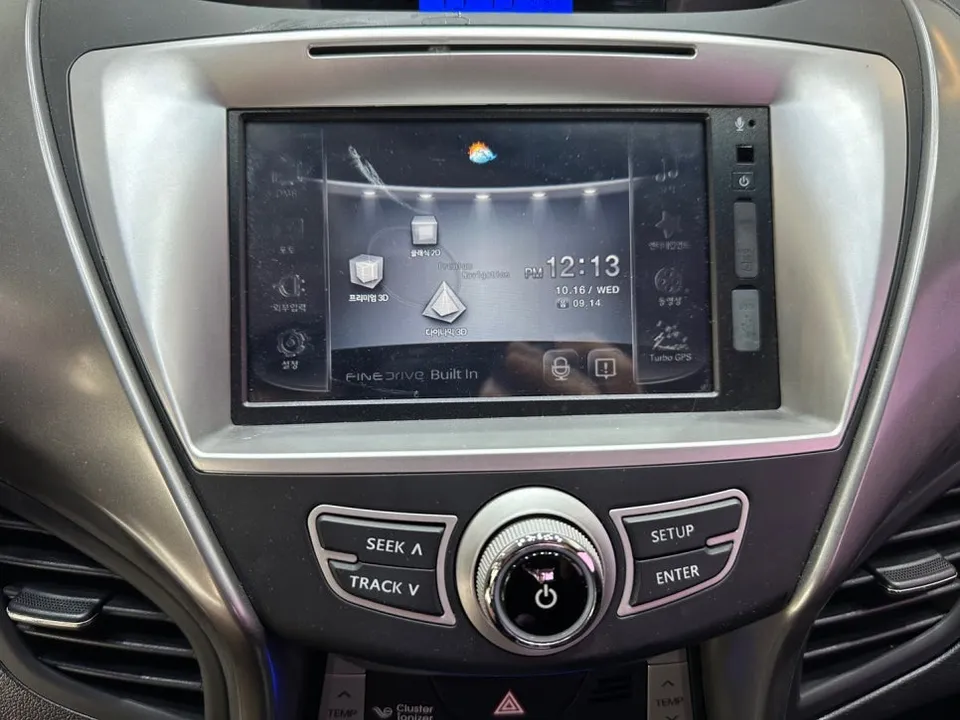
The installation begins with the careful removal of the original, non-functional navigation unit. This is not merely a disconnection; it involves a thorough inspection of the existing wiring harness. Identifying and separating necessary cables from redundant ones is crucial to prevent interference with other vehicle electronics, such as climate control or power seats. This meticulous approach underscores the need for professional installation.
- Wiring Harness Organization: The existing wiring is meticulously organized. Some cables are repurposed for the new unit, while unnecessary ones are removed. This step ensures a clean and professional finish, preventing any components from protruding after installation.
- Noise Reduction and EMI Shielding: The organized wiring harness is wrapped in sound-dampening silk tape. This not only prevents rattles and vibrations during driving but also helps mitigate electromagnetic interference (EMI), which is increasingly important for modern vehicle electronics.
- Secure Cable Management: Cable ties are used to secure the harness neatly. Proper tension is applied to avoid damaging the insulation while ensuring a tidy and organized bundle of wires.
- Unit Mounting: The new 9-inch Kelan Android Head Unit is fitted into the Elantra MD's dashboard. The unit is designed to integrate seamlessly with the factory mounting points, requiring no additional modifications for a perfect fit.
The Result: A Modernized Driving Experience
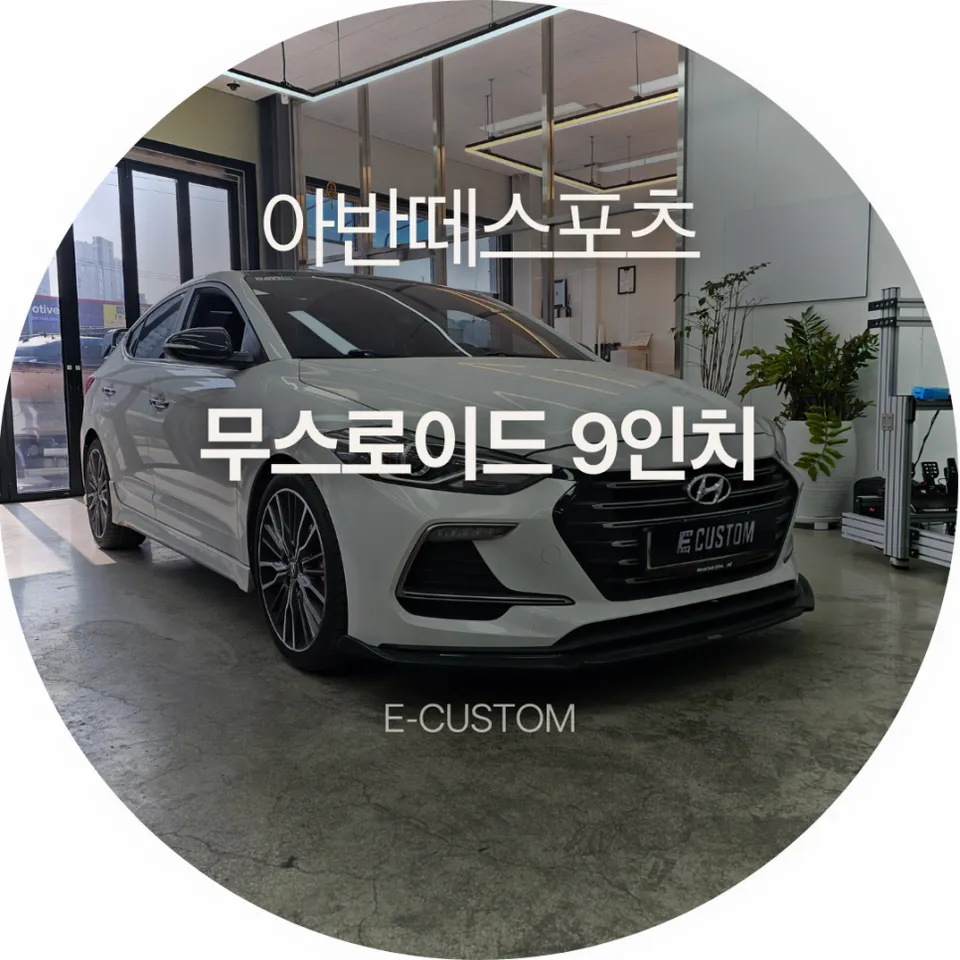
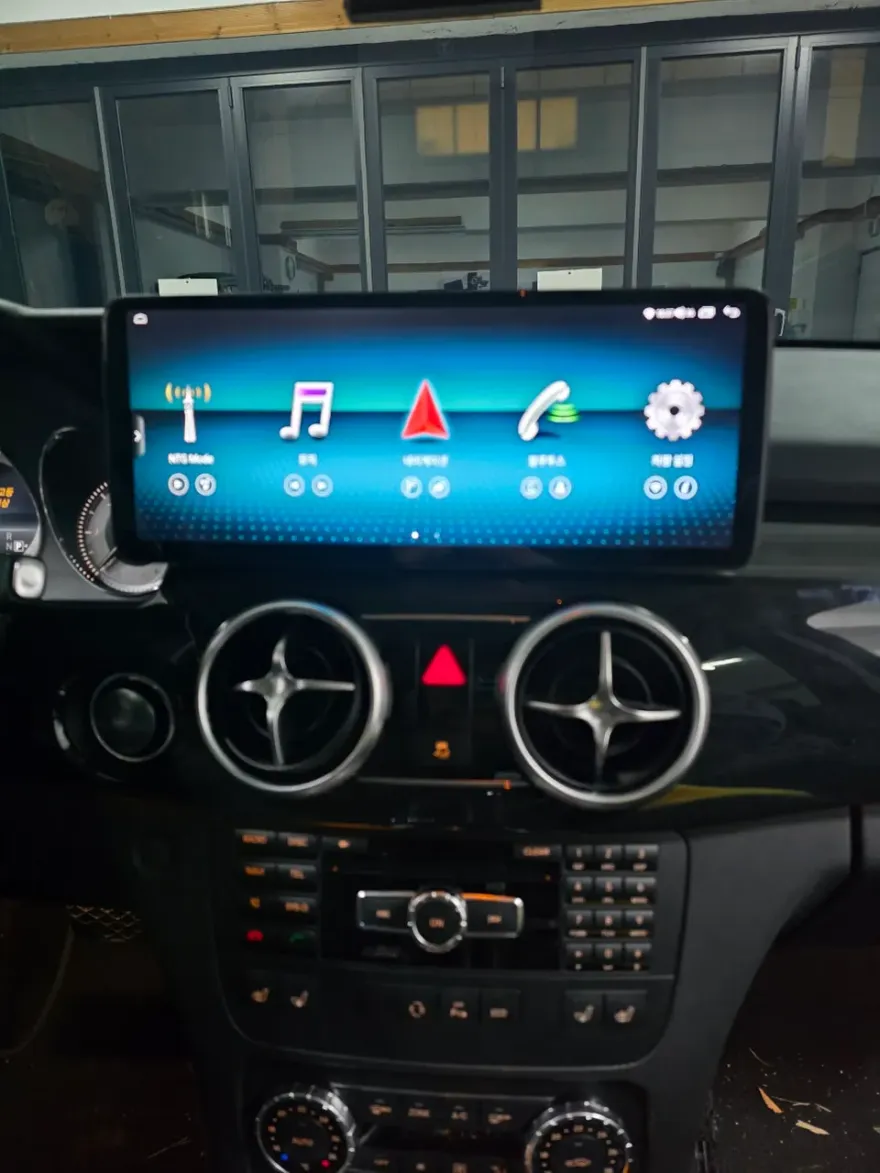
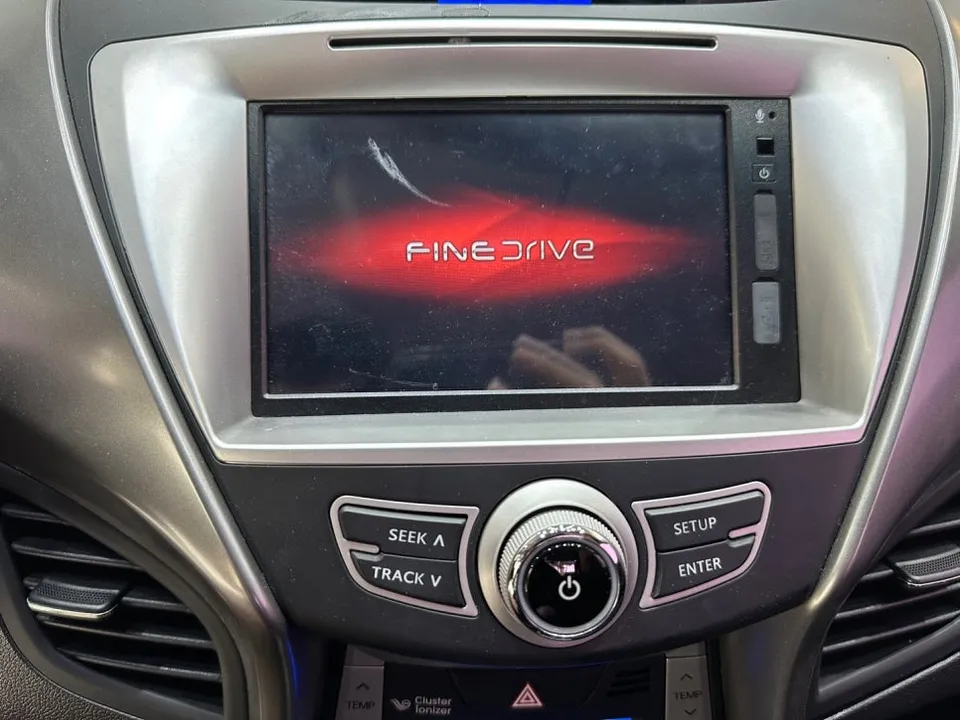
Once installed, the 9-inch wide screen of the Kelan Android All-in-One unit presents a significant visual upgrade. It fits naturally within the dashboard, offering a much larger and more immersive display than the original unit. This upgrade not only restores essential navigation functionality but also enhances the vehicle's overall appeal, making the Elantra MD feel more contemporary and feature-rich.
Frequently Asked Questions
Q. What is the typical cost for installing an Android Head Unit in a Hyundai Elantra MD?
The cost for this specific Kelan Android All-in-One installation in Korea was not explicitly stated in KR Won, but similar aftermarket Android head unit installations in the US typically range from $300 to $800, depending on the unit's features and complexity of installation.
Q. How long does an Android Head Unit installation take on a Hyundai Elantra MD?
The installation process, including careful wiring organization and unit fitting, typically takes between 2 to 4 hours. Proper maintenance involves occasional software updates and ensuring the unit remains free of dust and debris for optimal performance.
Q. Is upgrading to an Android Head Unit worth it for a Hyundai Elantra MD?
Yes, upgrading to an Android Head Unit is highly recommended for Hyundai Elantra MD owners, especially if the original navigation system has failed. It offers a significant enhancement in functionality, user experience, and modern features at a reasonable cost.
Q. How is an Android Head Unit installed in a Hyundai Elantra MD?
Installation involves carefully removing the old unit, organizing and securing the wiring harness with sound-dampening tape and cable ties, and then mounting the new Android head unit into the dashboard's designated slot. The process requires professional attention to ensure proper connections and a clean finish.
Q. What's the difference between an Android Head Unit and a factory navigation system for a Hyundai Elantra MD?
An Android Head Unit offers modern features like smartphone integration, app support, and often a larger screen, while factory systems are typically more basic and integrated. For a failed factory unit, the Android option provides superior functionality and a more up-to-date user experience.
OhCar Partner Shop