Hyundai Elantra MD Android Head Unit Review: Big Screen Upgrade
Service Price
$40–80
Estimated price · Actual price may vary by shop
Before
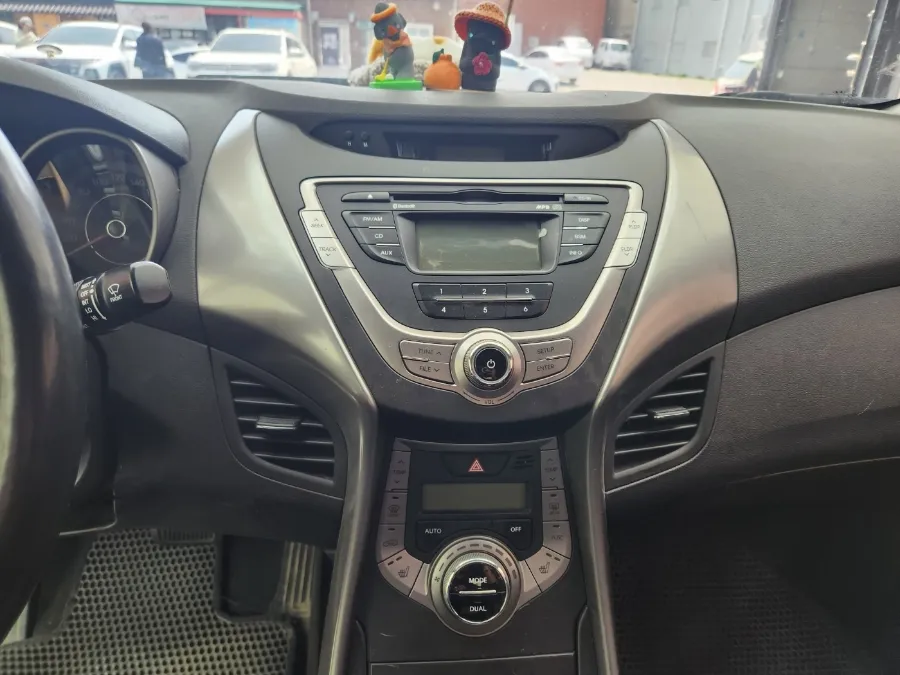
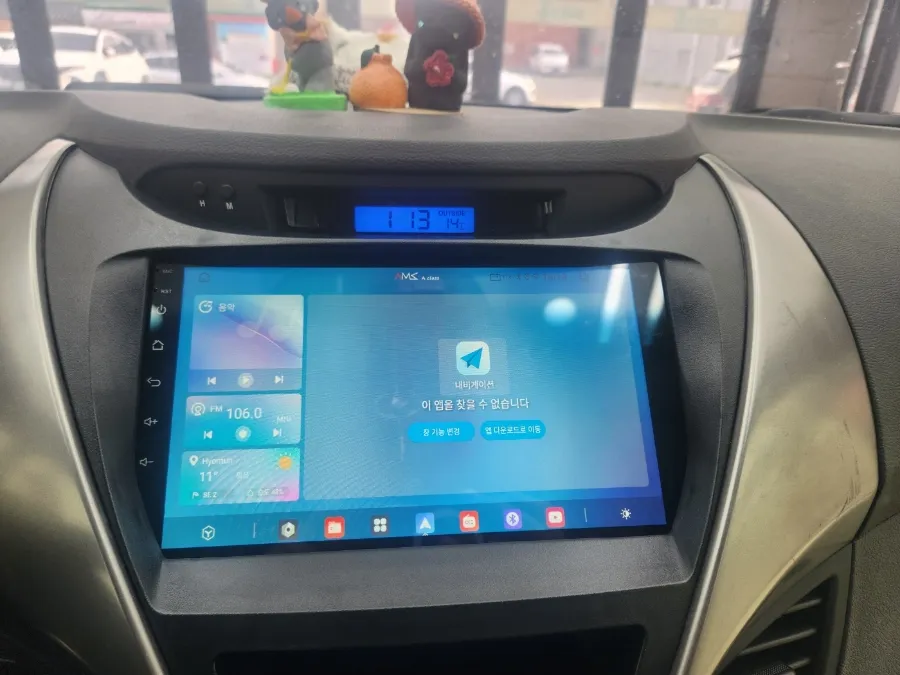
After
Process photos

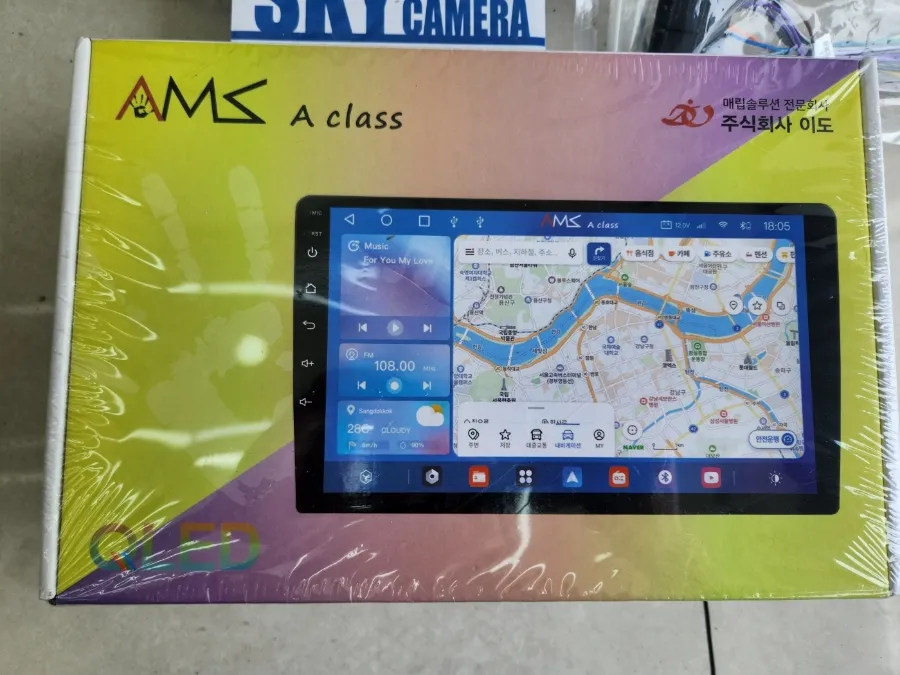
Hyundai Elantra MD Android head unit upgrade: $40-$80. Enjoy a 9-inch screen, apps, and backup camera.
Upgrade Your Drive: The Android Head Unit for Hyundai Elantra MD
Are you tired of squinting at your smartphone's navigation screen or dealing with bulky phone mounts in your Hyundai Elantra MD? Many Elantra MD owners are turning to Android all-in-one navigation units for a seamless, integrated infotainment experience. This review explores the benefits, installation process, and overall value of upgrading your Elantra MD's head unit with an Android system, often paired with a crucial backup camera.
Why Choose an Android Head Unit for Your Elantra MD?
Traditional navigation methods, whether built-in or smartphone-based, often fall short. Small smartphone screens can be distracting, and mounts can obstruct your view. Android all-in-one navigation units solve these problems by offering a large, high-resolution touchscreen – typically 9 inches – that functions much like a tablet. This allows you to run various apps, stream media, and access navigation services with ease. For instance, the AMS A class A900 model, popular among Elantra MD owners, boasts a crisp 9-inch display. When connected to a mobile hotspot, you can stream YouTube or Netflix directly in your car. Bluetooth connectivity for both front and rear audio ensures convenient hands-free calling without fumbling for your phone. The installation process involves removing the existing audio components, meticulously organizing the wiring, and integrating the new Android head unit for a clean, factory-like appearance.
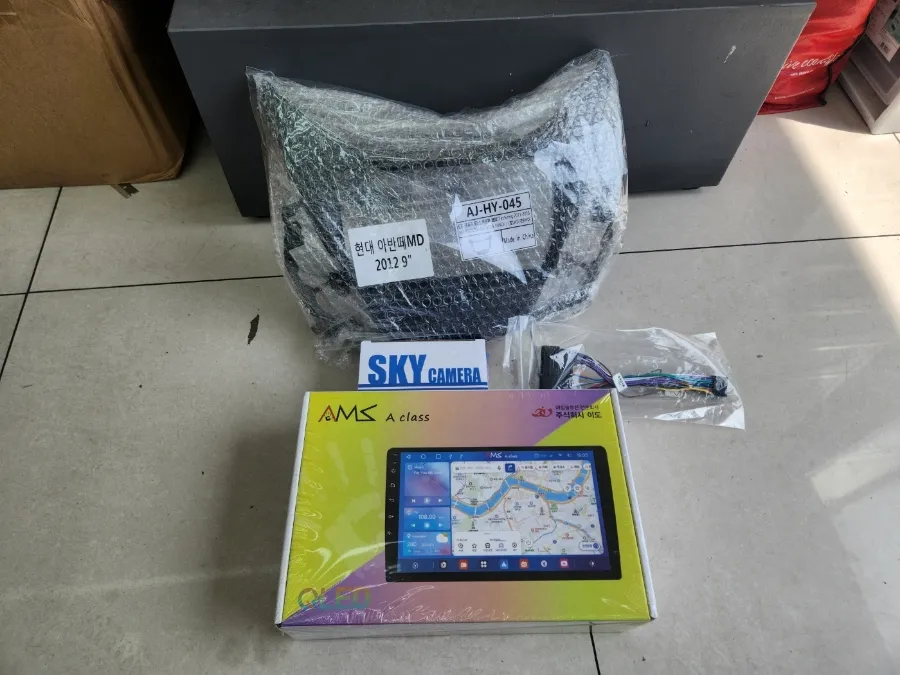
Enhance Safety with a Backup Camera Installation
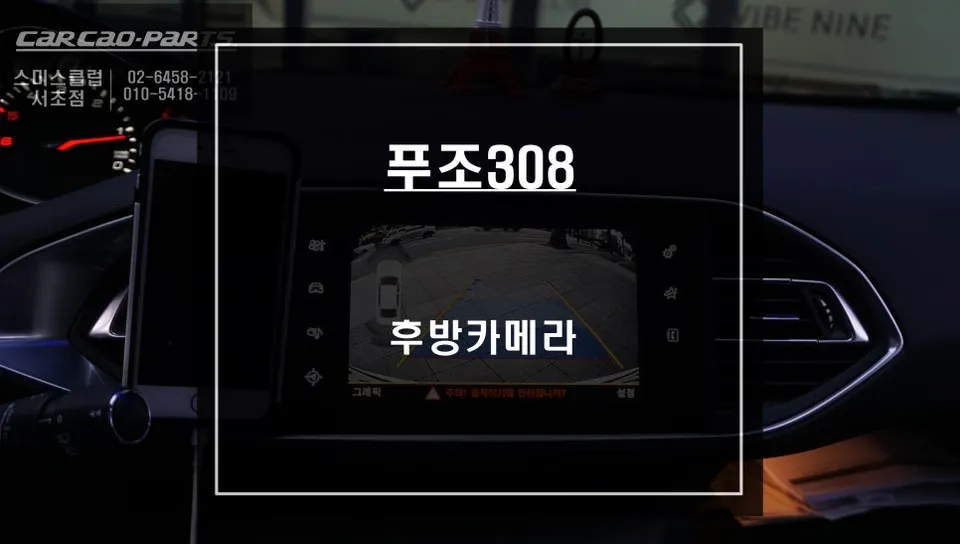
Parking and reversing in tight spaces can be stressful, especially with limited visibility. A high-definition backup camera significantly alleviates this anxiety. Installing a front and rear camera system minimizes blind spots, making reversing safer and more confident. Many systems include parking guide lines that dynamically adjust with your steering, assisting even novice drivers. The clear rear camera feed displayed on the 9-inch navigation screen provides a comprehensive view, reducing the guesswork and stress associated with parking maneuvers.
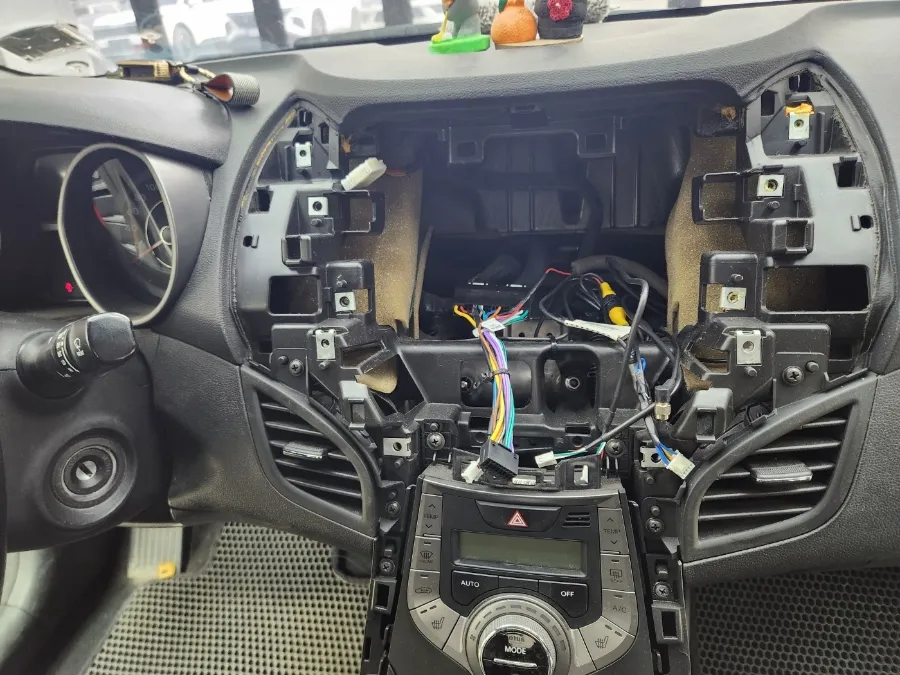
Hyundai Elantra MD Android Head Unit Installation Process:
- Carefully remove the factory audio system, ensuring no wiring damage occurs.
- Connect the new Android head unit, meticulously organizing all wiring for a stable and reliable connection.
- Integrate the 9-inch Android head unit into the dashboard, ensuring a flush, factory-fit appearance.
- Install the backup camera and test its video output and guide line functionality on the new head unit screen.
The entire process typically takes about 3 to 4 hours. While the exact cost can vary based on your specific vehicle and chosen components, the parts themselves often range from $40 to $80 in the US market. It's always best to consult with an installer for a precise quote after they've assessed your Elantra MD. These Android units are generally expected to last 2-3 years, while backup cameras offer near-permanent functionality.
Frequently Asked Questions
Q. How much does Android head unit or CarPlay installation cost for a Hyundai Elantra MD?
In the US, the parts for an Android head unit or CarPlay retrofit for a Hyundai Elantra MD typically range from $40 to $80. Professional installation costs can vary.
Q. How long does Android head unit installation take on a Hyundai Elantra MD?
The installation of an Android head unit and backup camera on a Hyundai Elantra MD usually takes approximately 3 to 4 hours. These units are generally expected to last 2-3 years, while backup cameras offer near-permanent functionality.
Q. Is a CarPlay or Android Auto retrofit worth it for a Hyundai Elantra MD?
An Android Auto or CarPlay retrofit is highly beneficial for Elantra MD owners seeking a modern infotainment experience with a larger screen and app access. It significantly enhances navigation, entertainment, and convenience compared to the factory system.
Q. How is an Android head unit installed in a Hyundai Elantra MD?
Installation involves removing the original audio system, carefully connecting the new wiring harness for the Android unit, integrating the large touchscreen display for a factory-like fit, and finally, installing and testing any associated components like a backup camera.
Q. What is the difference between an Android head unit and a factory infotainment system for a Hyundai Elantra MD?
An Android head unit offers a significantly larger touchscreen, direct app installation (like streaming services), and smartphone integration capabilities that factory systems often lack. It transforms the car's interior into a modern, connected entertainment hub.
OhCar Partner Shop