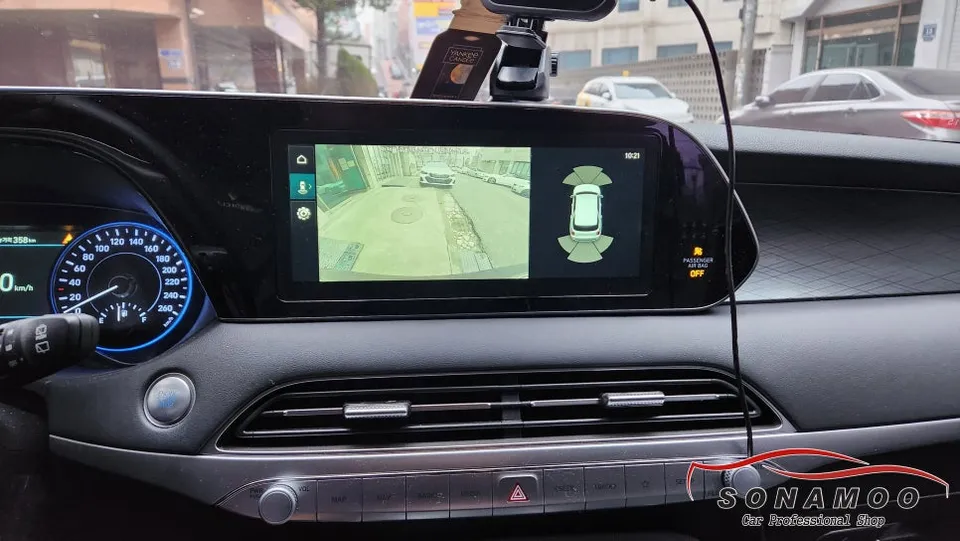
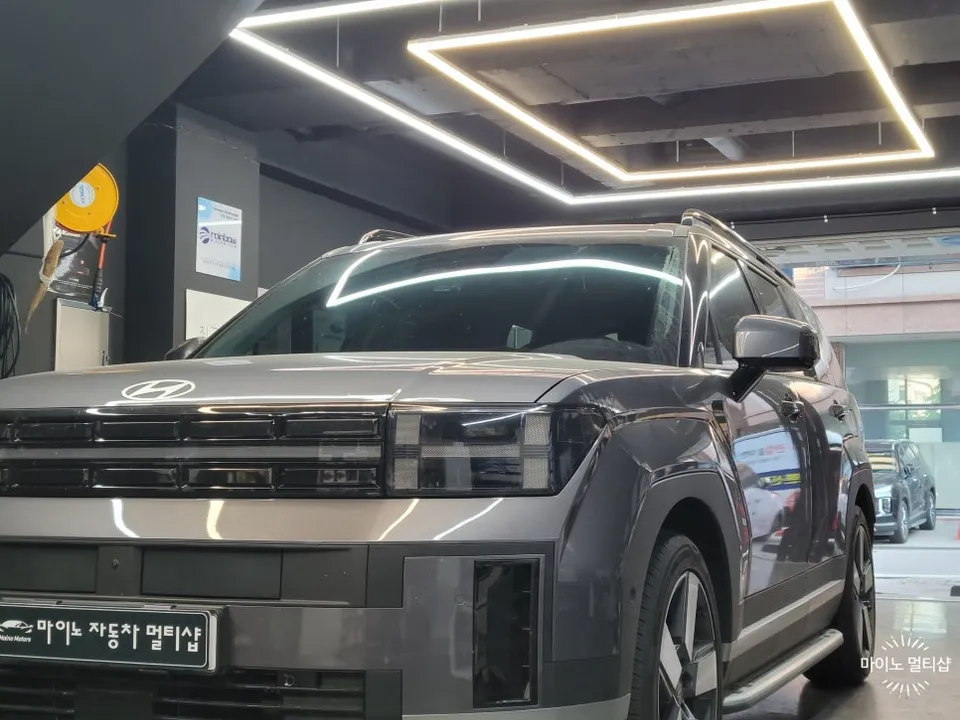
Hyundai IONIQ 5 Car Service Review — Seamless Navigation Integrat
Service Price
$150+
Estimated price · Actual price may vary by shop
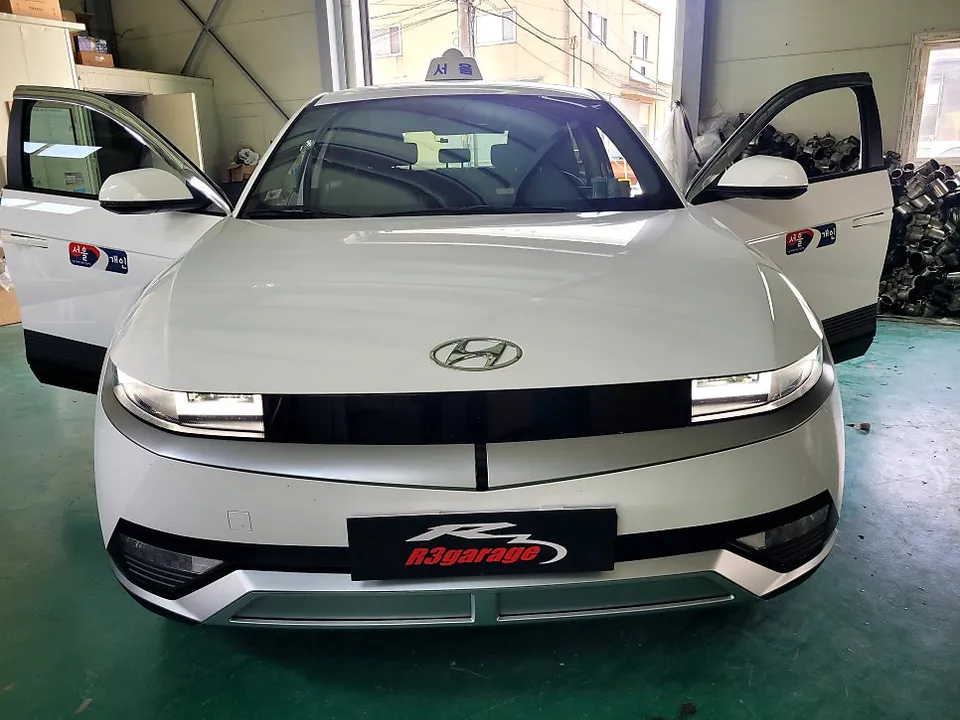
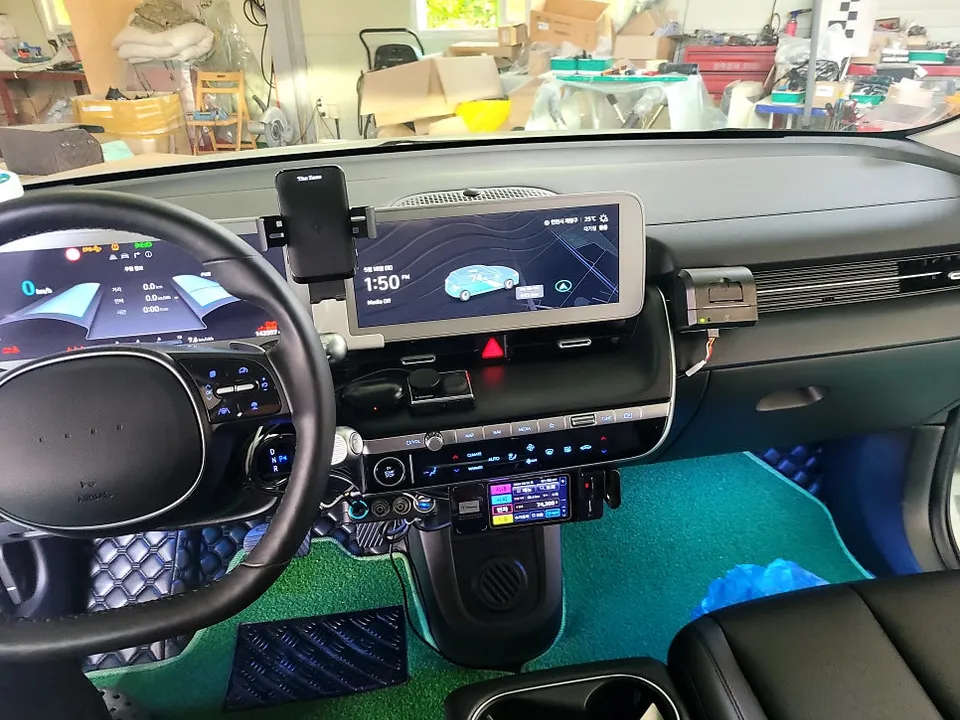
Hyundai IONIQ 5 car service for Kakao/Uber call mirroring: approx. ₩300,000. Seamless integration with factory navigation for taxi drivers.
Integrating Kakao/Uber Calls with Your Hyundai IONIQ 5 Navigation
For Hyundai IONIQ 5 owners, especially those in the taxi business, seamlessly integrating ride-sharing apps like Kakao Taxi or Uber with the factory navigation system is crucial. Many personal taxi drivers are seeking the Kakao Call Mirroring Dex Interface installation to receive calls directly on their OEM navigation screen. This detailed guide covers a real-world installation project on a Hyundai IONIQ 5 at Today's Car Cheonan branch, documenting everything from wiring to final testing. While it may seem complex, understanding the M-CAN wiring points simplifies the process significantly.
This article will cover: 1. What is the IONIQ 5 Kakao Call Mirroring Dex Interface? 2. Key wiring connection points analyzed. 3. Step-by-step installation process and testing. 4. Cost and time estimates. 5. Frequently asked questions.
Today's Car Cheonan: Your IONIQ 5 Dex Interface Specialists
Today's Car Cheonan branch specializes in vehicle modifications for commercial use, particularly for personal taxi operations. They have extensive experience with the latest models like the Hyundai IONIQ 5, focusing on integrating Kakao Call and Uber Call systems with the factory navigation. As a trusted provider for taxi drivers in the Cheonan area, they are known for their precise wiring work and reliable after-sales support.
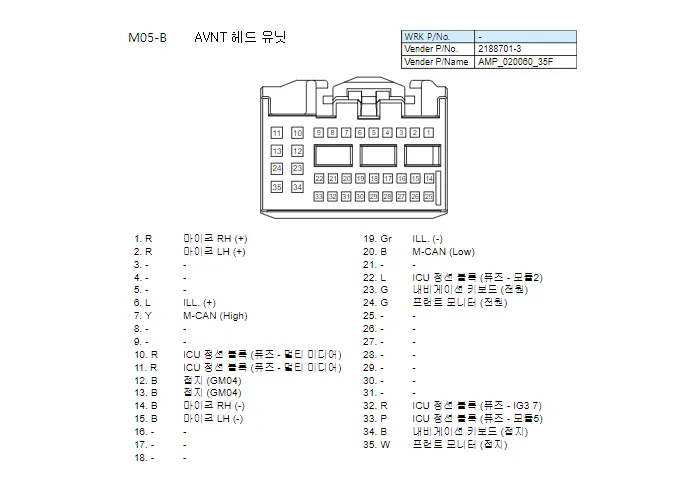
Understanding the Kakao Call Mirroring Dex Interface
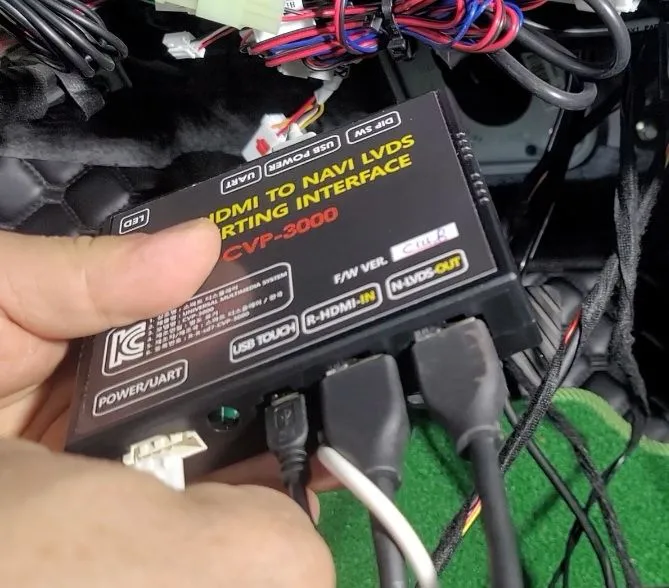
The Kakao Call Mirroring Dex Interface is a device that displays your smartphone's Kakao Call app directly onto the car's factory navigation screen. This allows taxi business owners to view and manage incoming calls without needing to look at their phone separately. Installing this system means you can access all necessary information on a single, integrated display.
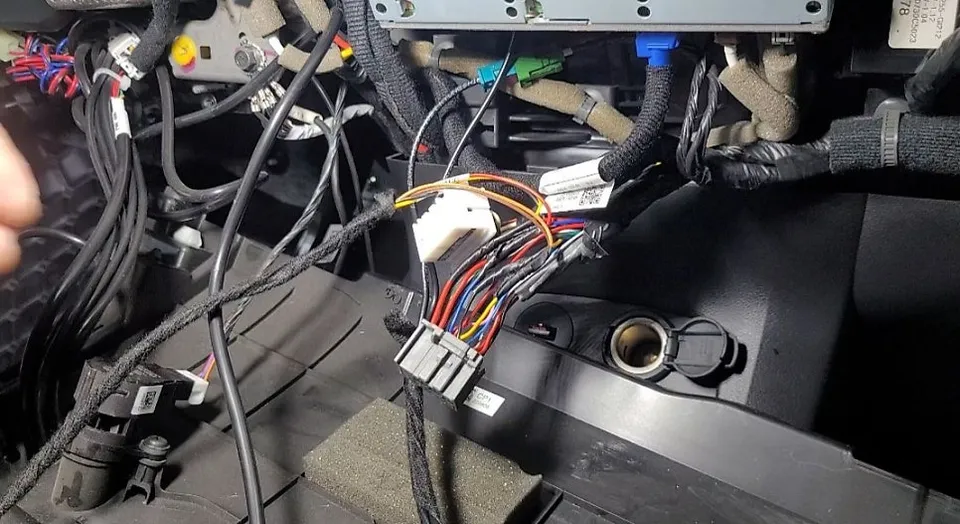
Key Wiring Connections for IONIQ 5 Installation
The wiring process is straightforward once you identify the correct connection points. All necessary signals are accessible from the M05-B connector. Only four essential cables need to be connected. Even without prior experience with circuit diagrams, knowing these four points is sufficient.
1. M-CAN Signal Connection
The M-CAN is the vehicle's communication bus. The HI signal connects to pin 7, and the LOW signal connects to pin 20. These two wires facilitate communication between the vehicle and the Dex Interface.
2. Power (B+) Connection
Constant power is supplied from pin 11. This ensures the Dex Interface remains in standby mode even when the engine is off.
3. Ground (GND) Connection
Connect the ground wire (typically black) to pin 13. Proper grounding is essential for completing the electrical circuit and preventing signal errors.
4. ACC (Accessory) Signal
The ACC signal is received from pin 22. This signal synchronizes the Dex Interface's activation with the car's accessory power, meaning it powers on only when the ignition is turned.
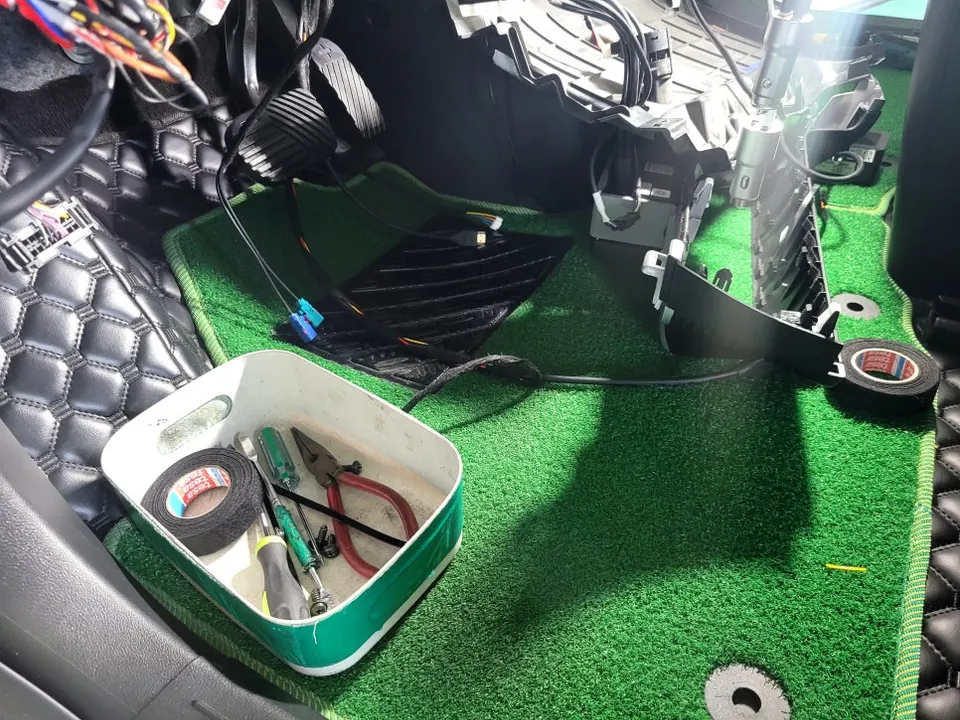
Step-by-Step Installation Process on IONIQ 5
Let's follow the systematic installation process performed by the technician at Today's Car Cheonan. This will provide insights into the specific procedures for the IONIQ 5.
1. Center Fascia Disassembly
Begin by carefully removing the front trim of the center console housing the navigation system. The IONIQ 5's trim is designed for relatively easy removal. Gently pry off the trim pieces, being cautious not to damage the clips.
2. Accessing Rear Navigation Connectors
Once the trim is removed, you will have access to the connectors behind the navigation unit. Locate the M05-B connector where the primary wiring will take place.
3. Wiring the Dex Interface
Connect the four essential cables (M-CAN HI/LOW, B+, GND, ACC) to their respective pins on the M05-B connector as detailed earlier. Ensure all connections are secure and properly insulated.
4. Testing the System
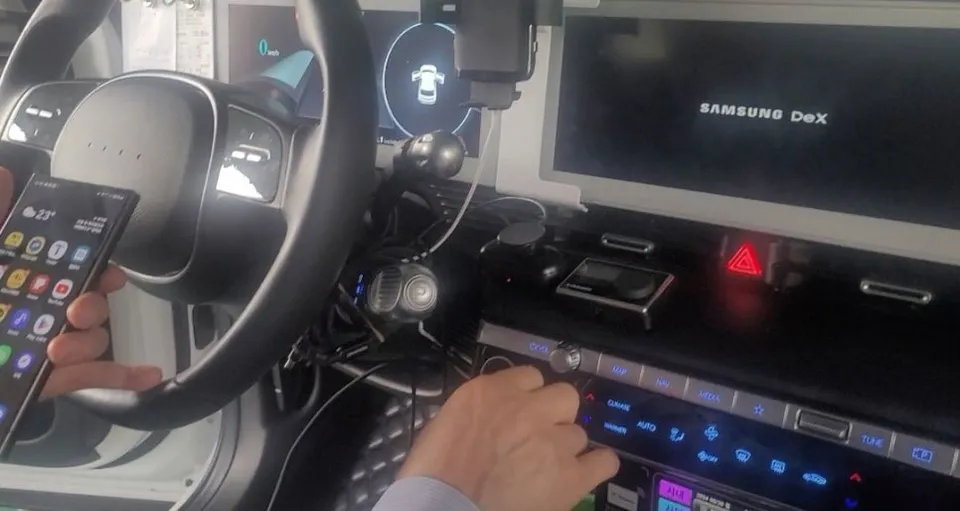
After completing the wiring, reconnect the navigation unit and turn on the vehicle. Test the Dex Interface by connecting your smartphone and launching the Kakao Call or Uber app. Verify that the app displays correctly on the navigation screen and that call functions are operational.
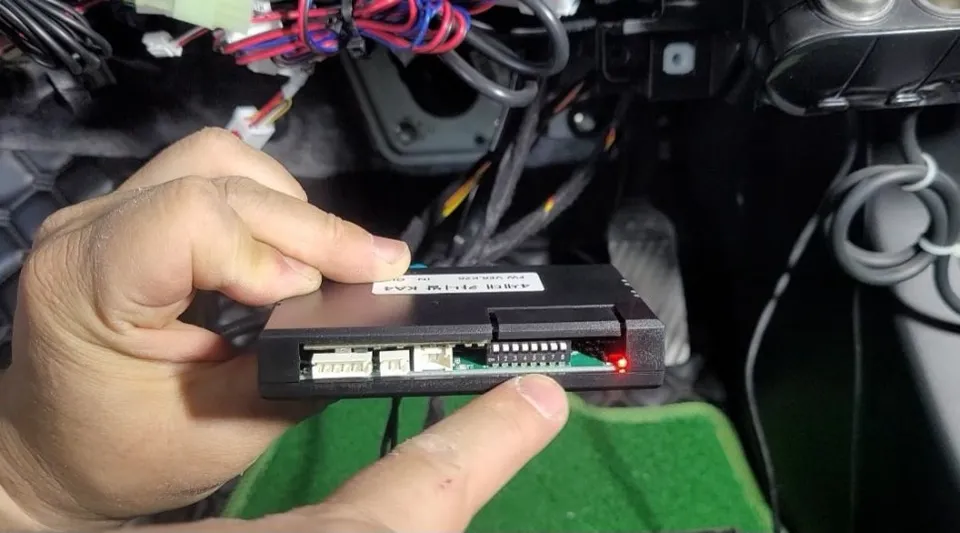
Cost and Duration
The installation of the Kakao Call Mirroring Dex Interface on a Hyundai IONIQ 5 typically costs around 300,000 Korean Won. The entire process, including disassembly, wiring, and testing, usually takes about 1 to 2 hours to complete.
Conclusion: Enhancing Your Taxi Business Efficiency
Integrating a Kakao Call Mirroring Dex Interface into your Hyundai IONIQ 5 offers a significant upgrade for taxi drivers. It streamlines operations by bringing essential app functions directly to your factory navigation screen, improving convenience and safety. The specialized installation services at Today's Car Cheonan ensure a professional and reliable setup.
Frequently Asked Questions
Q. How much does car service cost for a Hyundai IONIQ 5?
The Kakao Call Mirroring Dex Interface installation for the Hyundai IONIQ 5 costs approximately 300,000 Korean Won. Typical US pricing for similar integrated navigation solutions can range from $300 to $800 depending on the system's complexity and features.
Q. How long does car service last on a Hyundai IONIQ 5?
The Dex Interface system is designed for long-term use, typically lasting the lifespan of the vehicle's navigation system. Regular software updates for your smartphone apps are recommended, and ensure the wiring connections remain secure during routine vehicle maintenance.
Q. Is car service worth it for a Hyundai IONIQ 5?
This car service is highly recommended for personal taxi drivers using a Hyundai IONIQ 5, as it significantly enhances operational efficiency. The value lies in consolidating navigation and ride-sharing app functions onto a single screen, improving driver focus and convenience.
Q. How is car service done on a Hyundai IONIQ 5?
The installation involves: 1. Carefully disassembling the center fascia to access the navigation unit. 2. Connecting the Dex Interface's wiring harness to specific pins on the M05-B connector (M-CAN, Power, Ground, ACC). 3. Reassembling the trim and testing the system's functionality with a smartphone.
Q. What is the best car service option for a Hyundai IONIQ 5?
For taxi drivers needing integrated ride-sharing app functionality, the Kakao Call Mirroring Dex Interface is the most direct solution. It offers seamless integration with the factory navigation, unlike generic phone mounts or separate display units.
OhCar Partner Shop