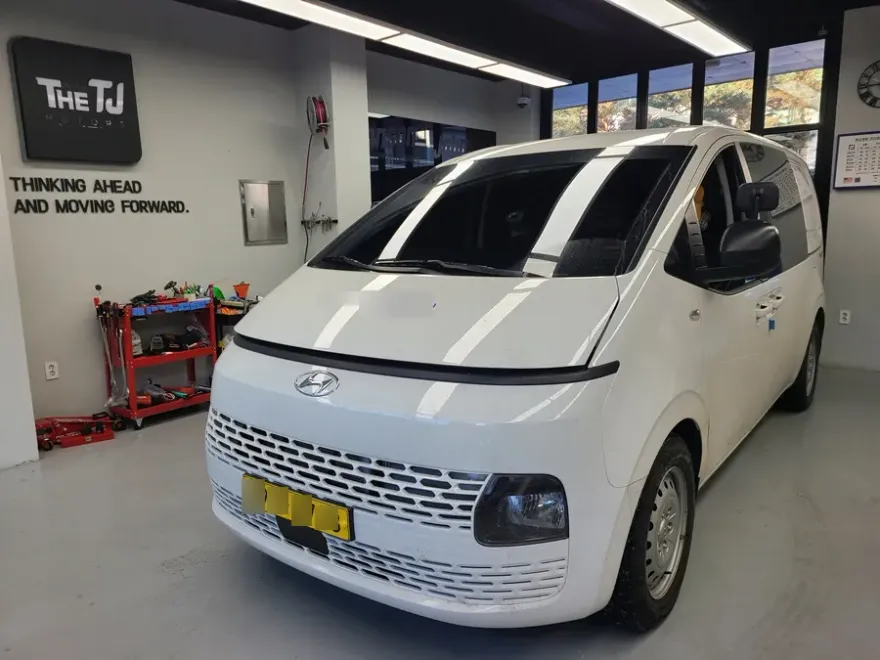
Hyundai Porter 2 Dash Cam Installation Review
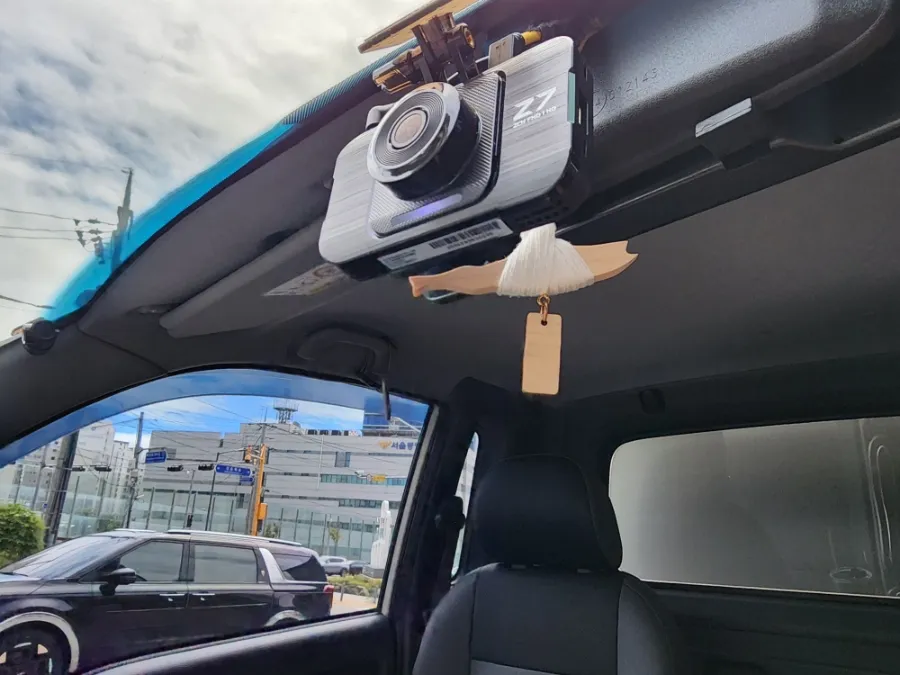
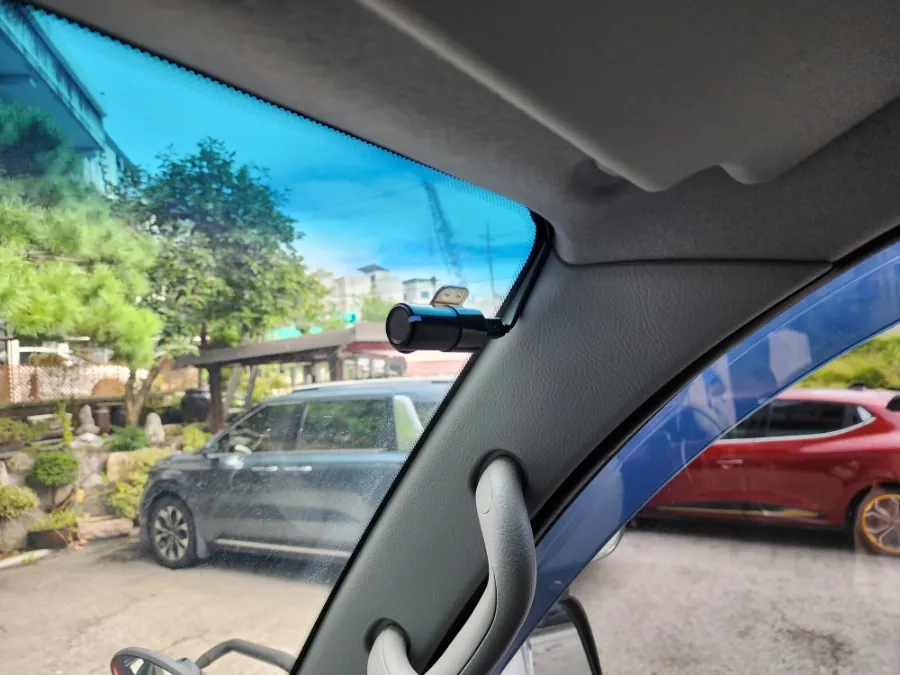
GNET Z7 dash cam & LED cargo light install on Hyundai Porter 2. Improves safety & efficiency. Professional installation recommended.
Upgrading Your Hyundai Porter 2 with Essential Tech
For commercial drivers, especially those operating vehicles like the Hyundai Porter 2, safety and operational efficiency are paramount. This review focuses on the installation of the GNET Z7 dash cam and interior LED lighting in the cargo area, a common and highly beneficial upgrade for delivery vehicles in Korea. The GNET Z7 offers robust recording capabilities, crucial for accident evidence and security, while the LED lighting significantly improves visibility during loading and unloading, particularly in low-light conditions. This combination is not just an accessory; it's an investment in safer, more productive workdays for drivers who spend extensive hours on the road.
GNET Z7 Dash Cam: Optimized for Commercial Use
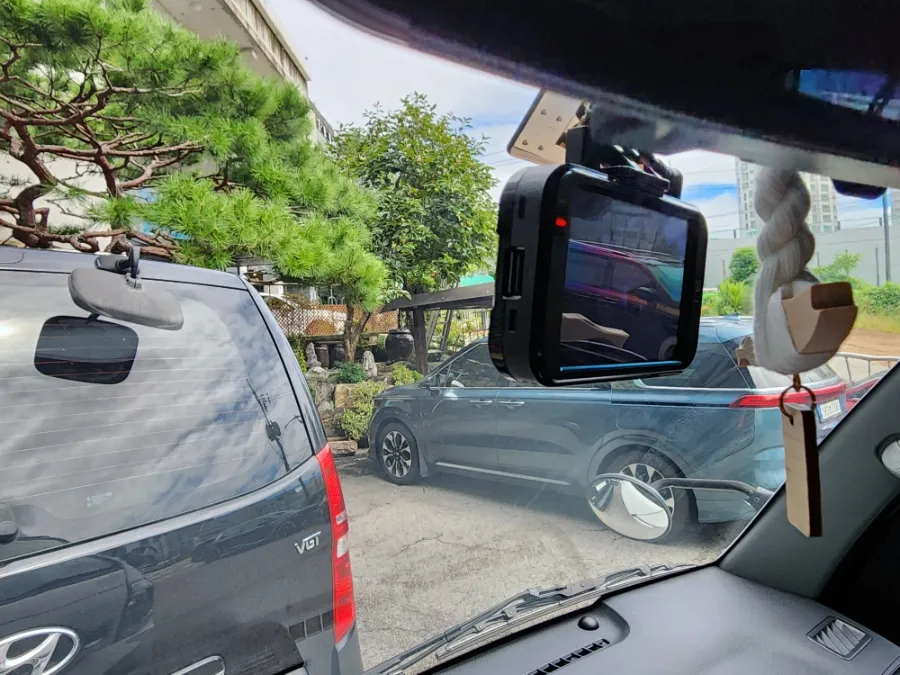
The GNET Z7 dash cam is specifically designed to meet the demanding needs of commercial vehicles. Its wide-angle front camera captures a broad field of view, ensuring that crucial details around the vehicle are recorded, whether driving or parked. This high-resolution recording is vital for documenting any incidents, from minor fender benders in tight urban spaces to more serious collisions. The Z7's ability to support an optional side camera further enhances its utility, providing coverage in blind spots often encountered in narrow alleys or complex parking lots. The rear camera also offers clear, wide-angle views, aiding in safe reversing and lane changes. Features like reliable storage and parking mode monitoring make the GNET Z7 a dependable tool for professional drivers.
Cargo Area LED Lighting: Boosting Nighttime Efficiency
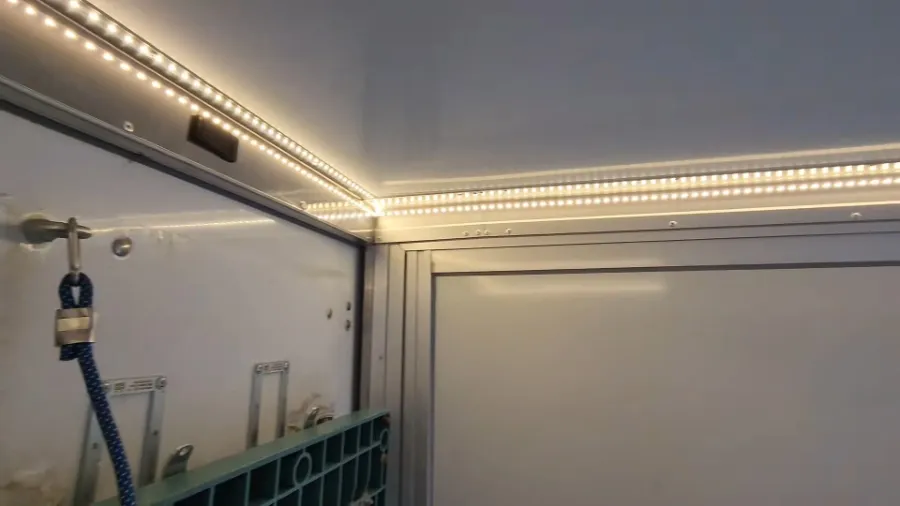
Loading and unloading cargo in dark environments presents significant challenges for delivery drivers. Traditional methods, like using headlamps, can be cumbersome and offer limited illumination. Installing high-brightness LED lights inside the cargo area of a Hyundai Porter 2 dramatically improves visibility. This allows drivers to quickly and accurately identify items, speeding up the loading and unloading process. The inclusion of a dedicated ON/OFF switch for the LED lights is a smart feature, preventing unnecessary battery drain when the lights are not needed. This upgrade directly translates to increased work efficiency and reduced risk of errors or accidents during nighttime operations.
Installation Process:
- Professional Assessment: A technician will assess the Hyundai Porter 2 to determine the optimal placement for the dash cam and LED lighting, considering wiring routes and user accessibility.
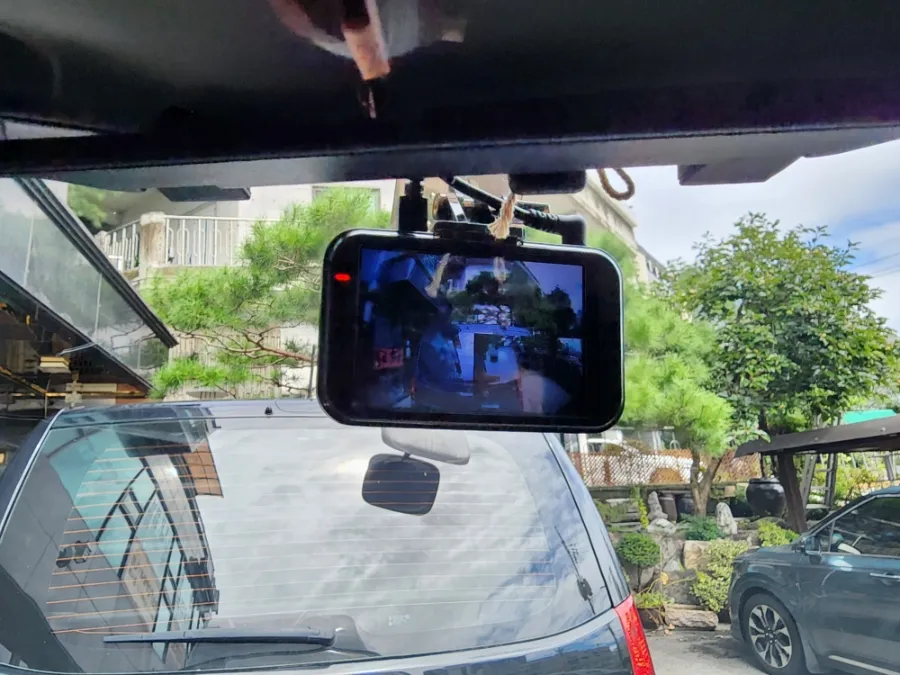
- Dash Cam Mounting: The GNET Z7 front and rear cameras are securely mounted, typically on the windshield and rear window, ensuring a clear, unobstructed view.
- Hardwiring: The dash cam is professionally hardwired into the vehicle's electrical system. This ensures continuous power, especially for parking mode features, and allows for a clean, hidden wire installation.
- LED Installation: LED strips or fixtures are installed within the cargo area, and a switch is strategically placed for easy access by the driver.
- Testing and Finalization: All components are tested to ensure proper functionality, including recording quality, power management, and light operation.
This professional installation ensures the longevity and optimal performance of both the dash cam and the LED lighting system, providing peace of mind for commercial drivers.
Frequently Asked Questions
Q. How much does dash cam installation cost for a Hyundai Porter 2?
Professional dash cam installation for a Hyundai Porter 2 in Korea typically ranges from ₩200,000 to ₩400,000 (approximately $150-$300 USD), depending on the specific model and features. Typical professional installation costs in the US can range from $100 to $300.
Q. How durable is a professionally installed dash cam and cargo light system?
Professionally installed dash cams and LED lighting systems are built for durability, often lasting the lifespan of the vehicle with proper care. Regular maintenance involves checking camera lens clarity and ensuring all connections remain secure.
Q. Is a hardwired dash cam worth it over a self-install for a Hyundai Porter 2?
A hardwired dash cam is highly recommended for Hyundai Porter 2 owners, especially for commercial use, as it enables features like parking mode and ensures a cleaner installation. The value lies in enhanced reliability and continuous recording capabilities, crucial for accident evidence.
Q. How is a dash cam professionally installed on a Hyundai Porter 2?
Professional dash cam installation involves securely mounting the camera(s), routing and concealing wiring through the vehicle's interior panels, and hardwiring the unit to the vehicle's power source for continuous operation. The system is then tested to ensure all functions are operational.
Q. What is the difference between a front-only and a front and rear dash cam for a Hyundai Porter 2?
A front-only dash cam records only the view ahead, while a front and rear dash cam provides comprehensive coverage by recording both forward and backward views. For commercial vehicles like the Porter 2, a front and rear system offers significantly better protection against accidents and incidents from all directions.
OhCar Partner Shop