Hyundai Sonata Android Head Unit Review — Cost & Results


Hyundai Sonata Android head unit upgrade: Enhances infotainment with CarPlay/Android Auto. Professional installation recommended for best results.
Hyundai Sonata Android Head Unit Installation and Review
This review covers the installation and performance of an Android head unit, often referred to as an Android All-in-One, for a Hyundai Sonata. Many Sonata owners seek to enhance their vehicle's infotainment system, moving beyond factory limitations to enjoy modern smartphone integration like Apple CarPlay and Android Auto. This upgrade offers a significant leap in functionality, providing access to navigation apps, streaming services, and hands-free communication.
Before and After: The Infotainment Upgrade
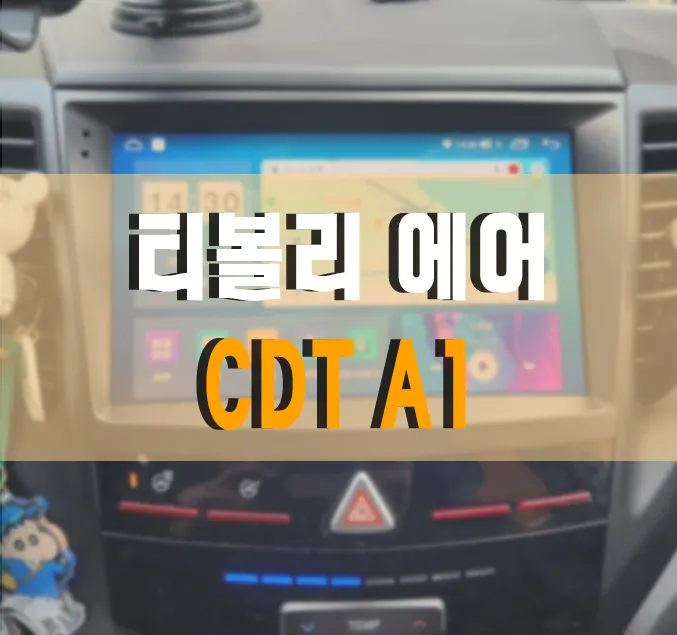
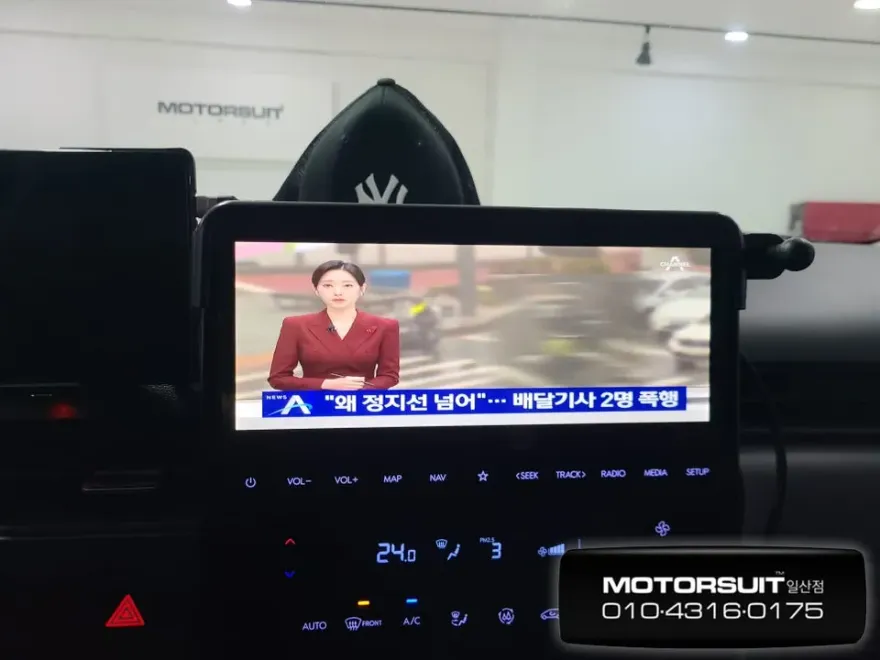
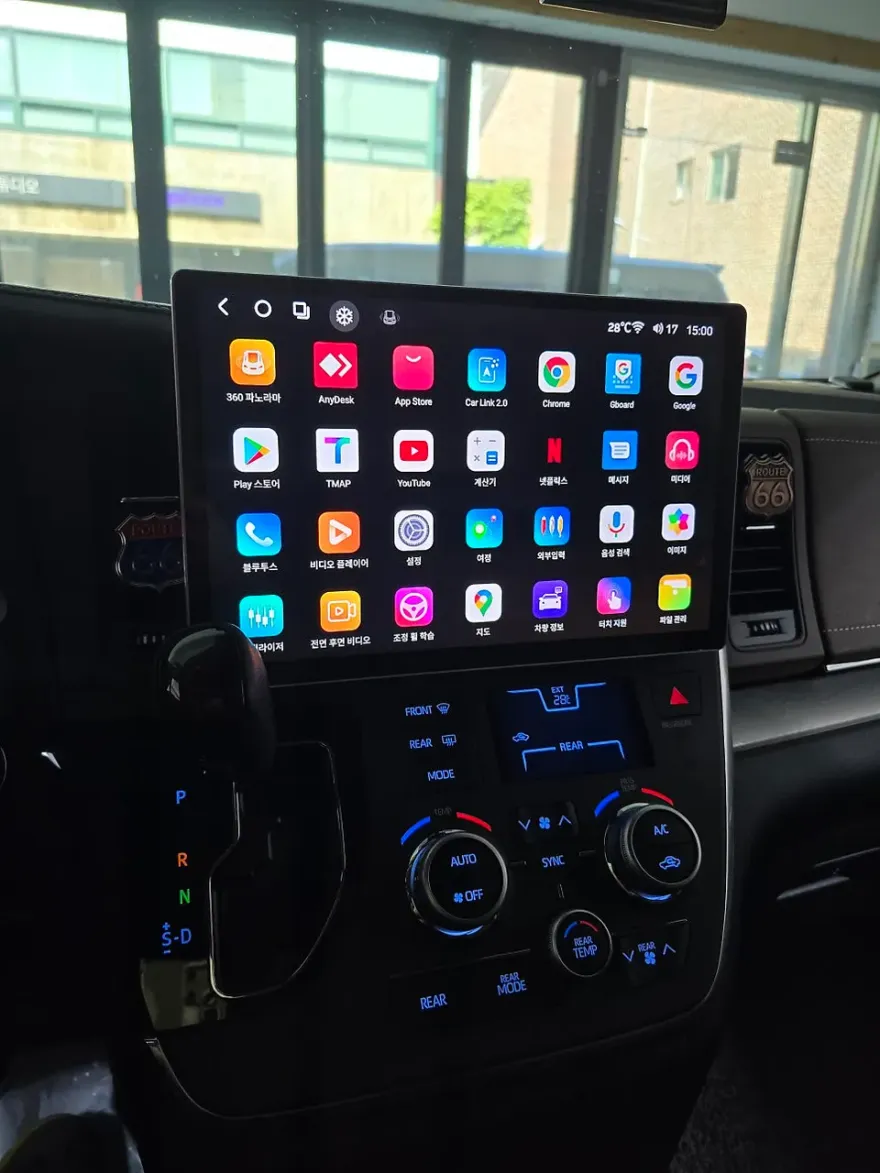
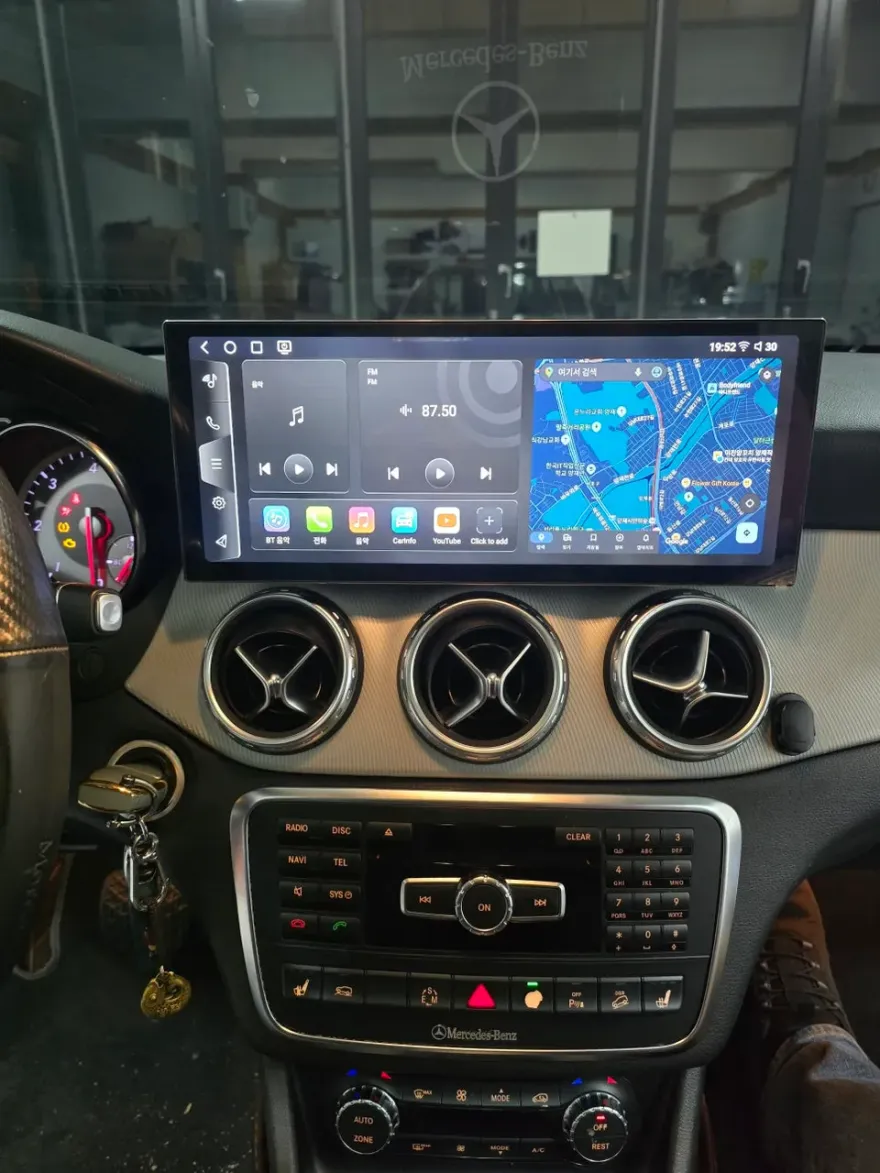
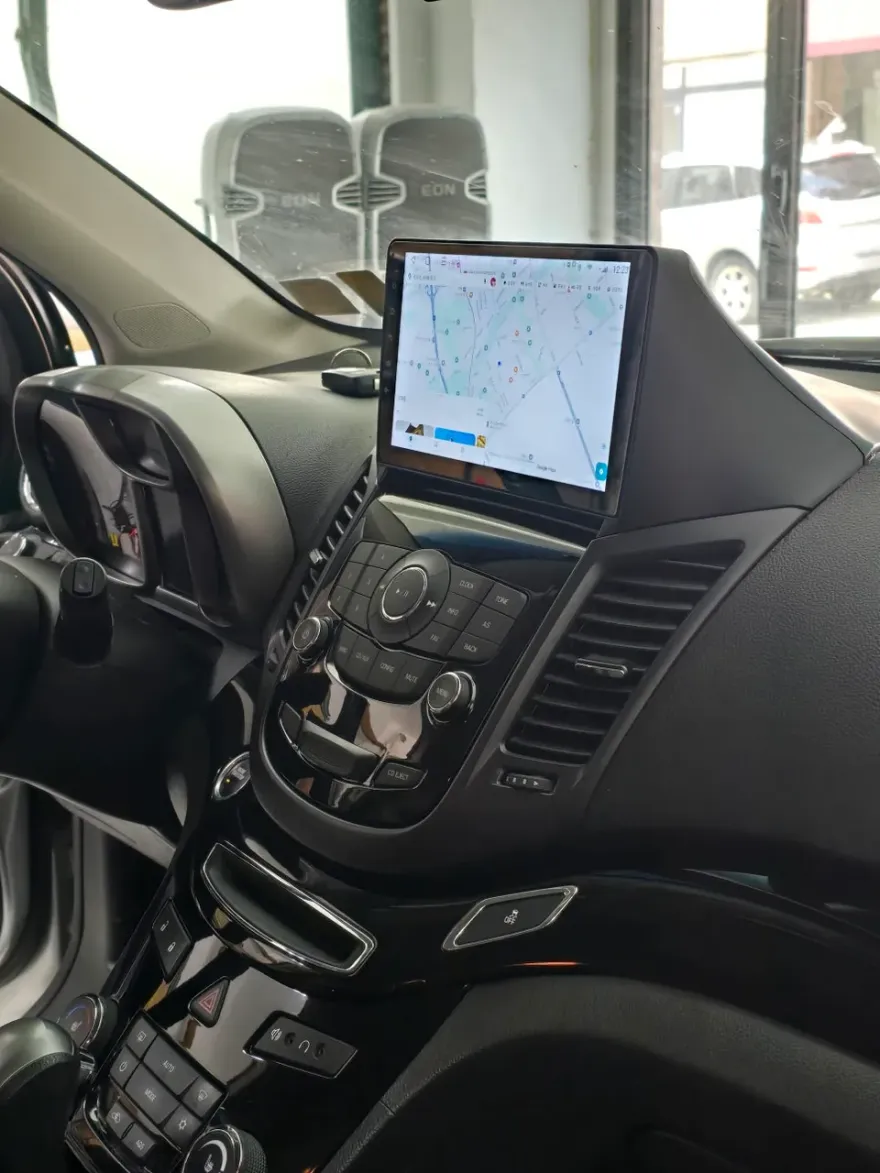
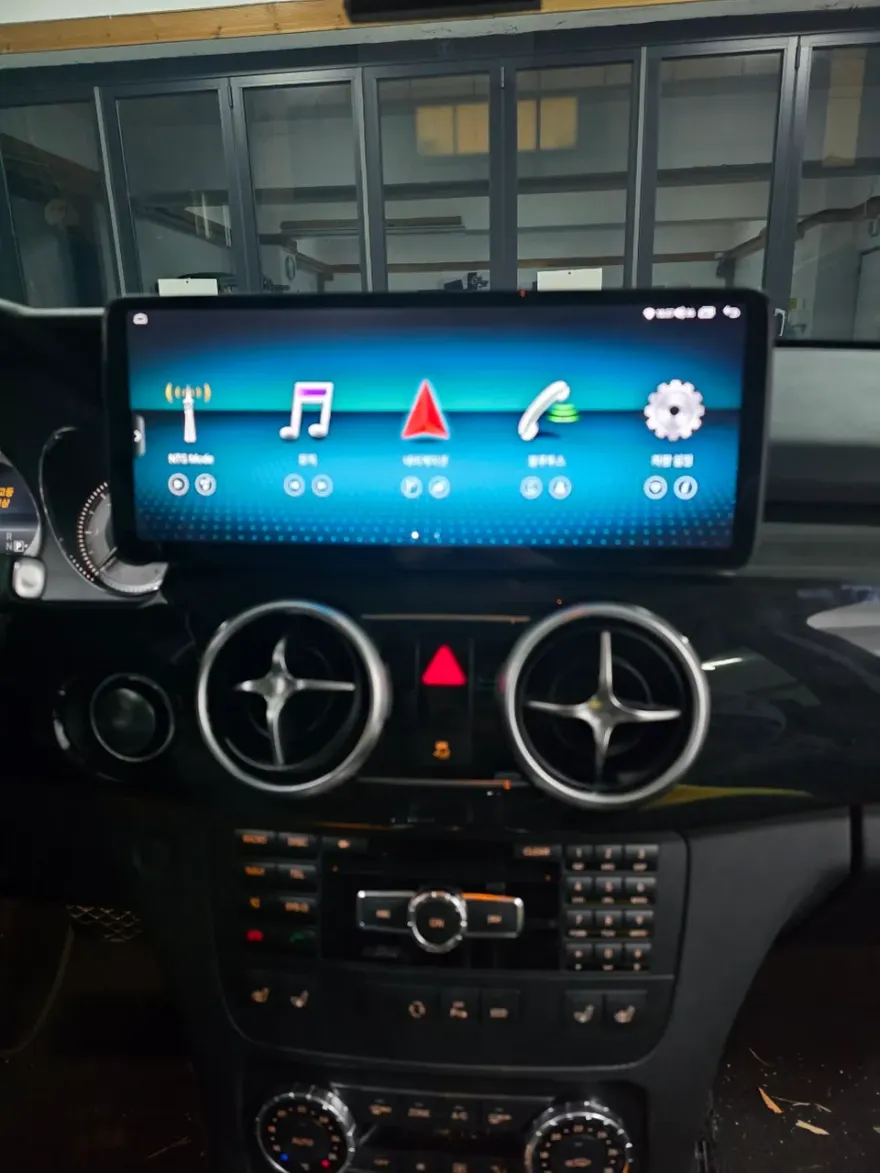
The transformation is striking. Older Hyundai Sonatas often come with basic infotainment systems that lack the responsiveness and features of newer vehicles. Installing an Android head unit replaces the stock display with a larger, more modern touchscreen that runs the Android operating system. This means you get a familiar interface, access to the Google Play Store for apps, and seamless integration with your smartphone. Navigation apps like Google Maps or Waze become primary tools, offering real-time traffic updates and route planning directly on the car's display. The 'before' state is a functional but dated system; the 'after' is a fully connected, feature-rich multimedia hub. The visual upgrade alone, with a larger, brighter screen, significantly modernizes the Sonata's interior.
Installation Process and Durability
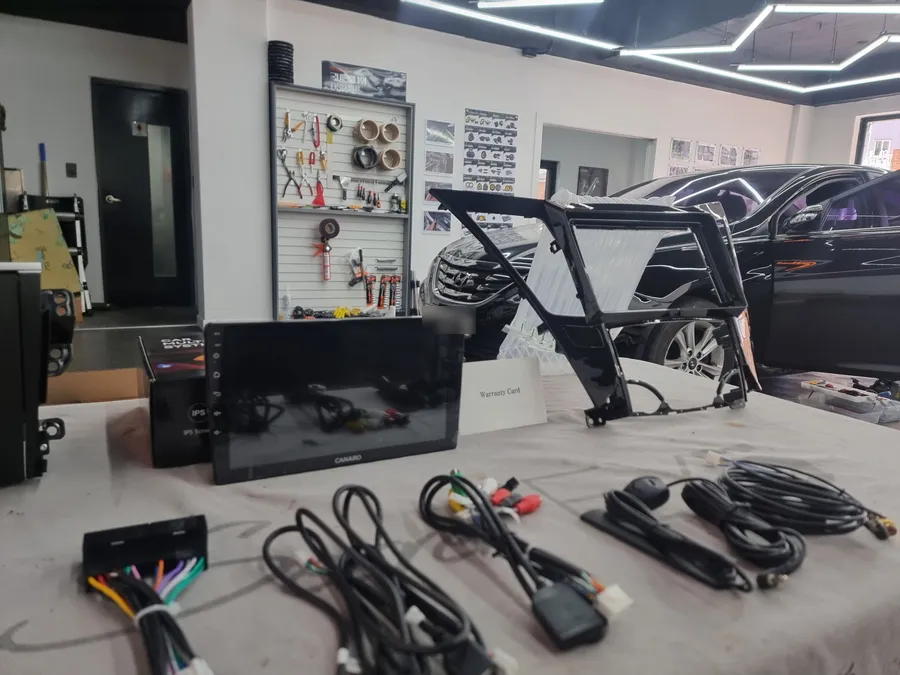
The installation of an Android head unit in a Hyundai Sonata is a specialized process. While the exact steps can vary slightly depending on the specific unit and Sonata model year, the general procedure involves carefully removing the factory radio and climate controls, disconnecting wiring harnesses, and integrating the new unit. This often requires specific adapters and mounting kits to ensure a factory-like fit and finish. The system is designed to be durable, with components built to withstand the vibrations and temperature fluctuations typical of a vehicle environment. Regular maintenance is minimal, usually limited to software updates and occasional screen cleaning. The longevity of the unit depends on the quality of the components and the professional installation. In Korea, where this type of upgrade is popular, reputable shops like 'Good Sound' in Busan specialize in these installations, ensuring a clean and reliable finish.
Installation process:
- Careful removal of the original infotainment system and dashboard trim.
- Connection of the new Android head unit using vehicle-specific wiring harnesses and adapters.
- Integration of the unit into the dashboard, ensuring a secure and flush fit.
- Testing of all functions, including touch screen, audio, navigation, and smartphone connectivity.

Frequently Asked Questions
Q. How much does Android head unit or CarPlay installation cost for a Hyundai Sonata?
The cost for an Android head unit installation in a Hyundai Sonata can vary, but this specific upgrade in Korea was performed by 'Good Sound'. For a general estimate in the US, expect prices ranging from $400 to $1200 depending on the unit's features and installation complexity.
Q. How long does Android head unit installation take on a Hyundai Sonata?
The durability of an Android head unit is generally good, designed for automotive use. For maintenance, ensure software is kept up-to-date and clean the screen with appropriate cleaners.
Q. Is a CarPlay or Android Auto retrofit worth it for a Hyundai Sonata?
A CarPlay or Android Auto retrofit is highly recommended for Sonata owners who frequently use their smartphones for navigation, music, or communication. It significantly modernizes the driving experience and adds substantial value to the vehicle's functionality.
Q. How is an Android head unit installed in a Hyundai Sonata?
Installation involves removing the factory radio, connecting the new Android head unit using specialized wiring harnesses and adapters, and then securely fitting it back into the dashboard for a seamless look. Finally, all functions are tested to ensure proper operation.
Q. What is the difference between an Android head unit and a factory infotainment system for a Hyundai Sonata?
An Android head unit offers a modern, app-based interface with full smartphone integration (CarPlay/Android Auto) and access to the Google Play Store, unlike the typically more limited functionality of a factory system. For most users seeking advanced features, the Android head unit is a superior choice.
OhCar Partner Shop