Hyundai Venue Android Head Unit Review — Seamless Integration
Service Price
$75–115
Estimated price · Actual price may vary by shop
Before

After
Process photos
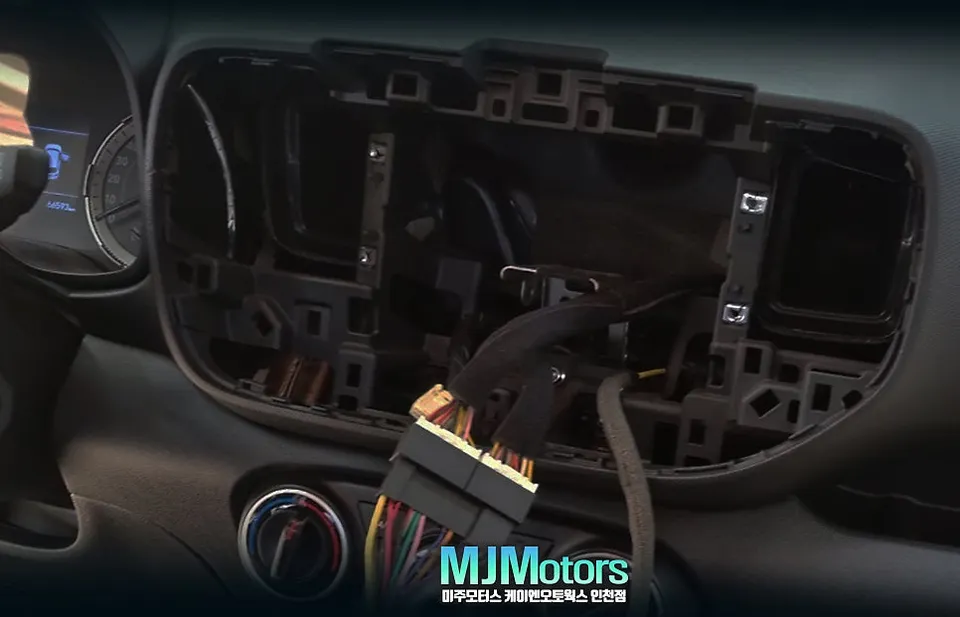
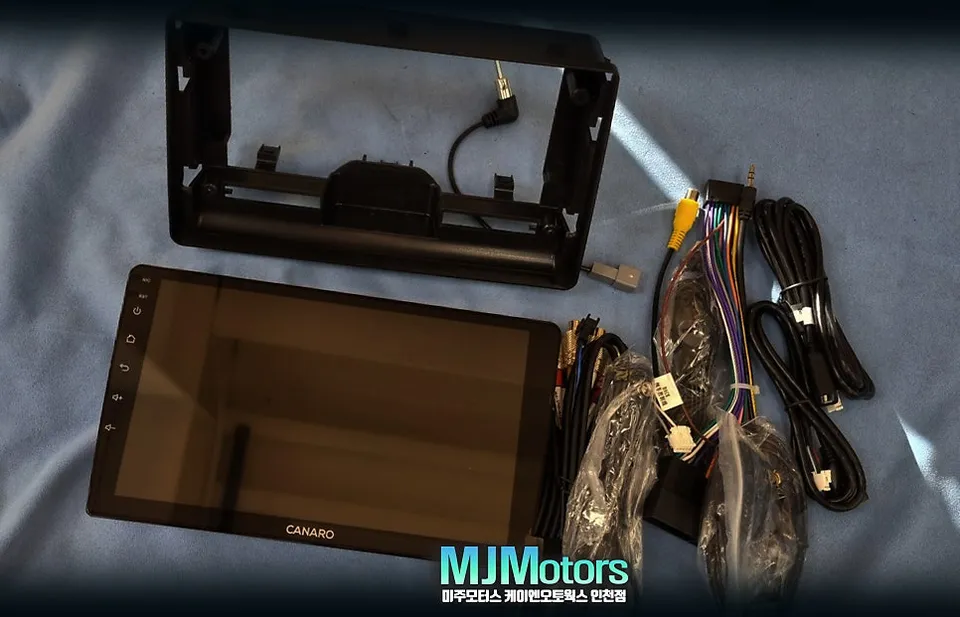
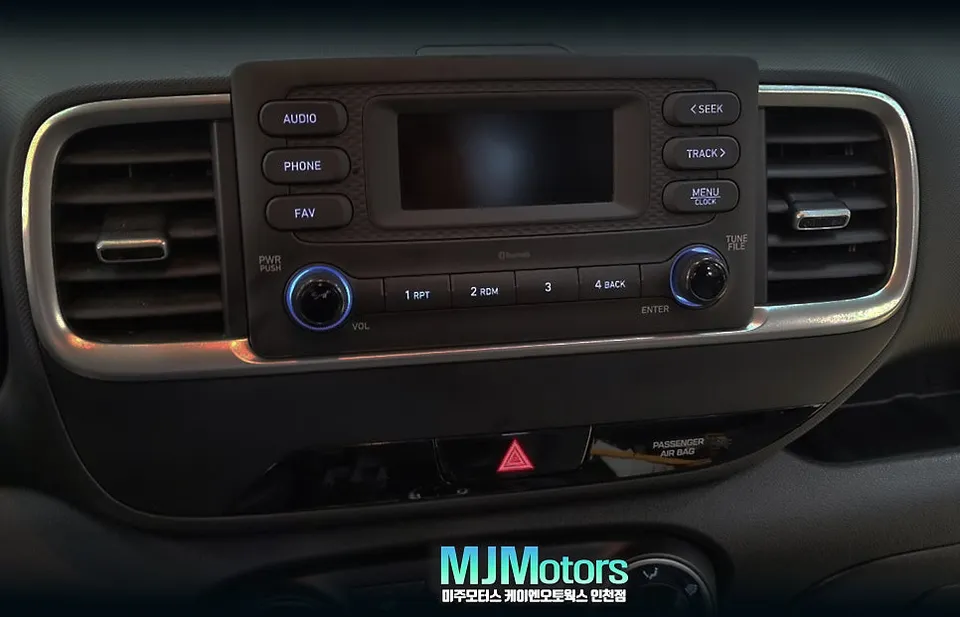
Hyundai Venue Android Head Unit upgrade with Tmap, YouTube, and backup camera. Seamless integration for enhanced driving.
Upgrade Your Hyundai Venue with an Android Head Unit
Many Hyundai Venue owners with basic audio systems find themselves relying on smartphone mounts for navigation and entertainment, which can be inconvenient and less safe. If your Venue came with only an audio system and lacks a built-in navigation unit, you've likely experienced the frustration of using your phone for directions or parking assistance. This is where an Android Head Unit upgrade becomes a game-changer, transforming your car's infotainment system into a smart, connected hub.
This review focuses on a specific installation for a Hyundai Venue, addressing the lack of navigation and a backup camera. The owner sought a more integrated and functional solution, leading them to an Android All-in-One unit and a high-definition backup camera. Let's explore the benefits and the installation process.
Seamless Integration and Enhanced Features
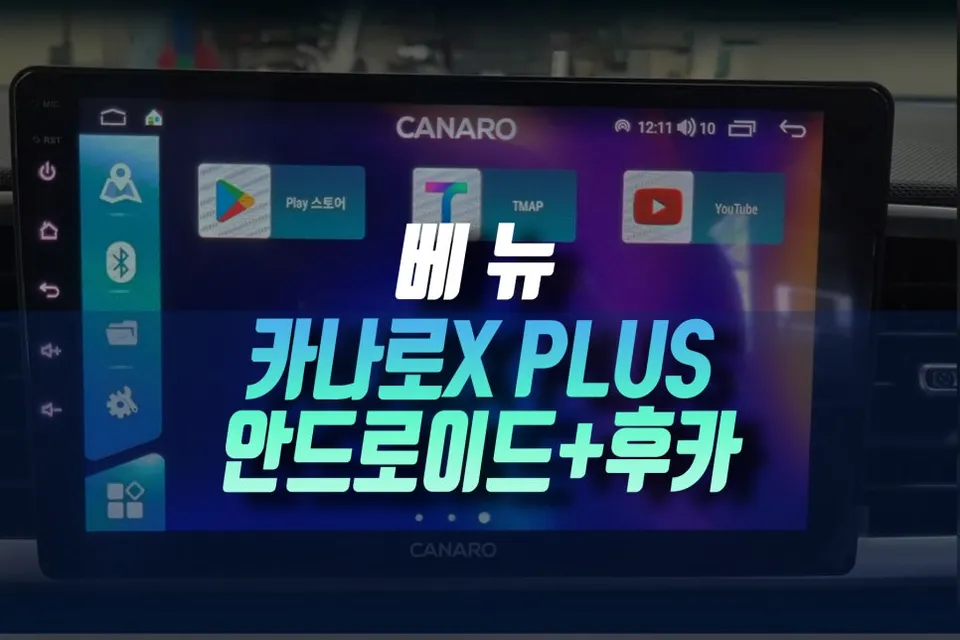
The installation process begins with the careful removal of the original audio unit. A custom-fit dash kit ensures the new 9-inch Android All-in-One unit, specifically the Canaro Xplus model in this case, integrates perfectly with the Venue's dashboard, maintaining a factory-like appearance. The system is designed to communicate with the vehicle's CAN bus, allowing for the continued use of steering wheel controls and other original functions.
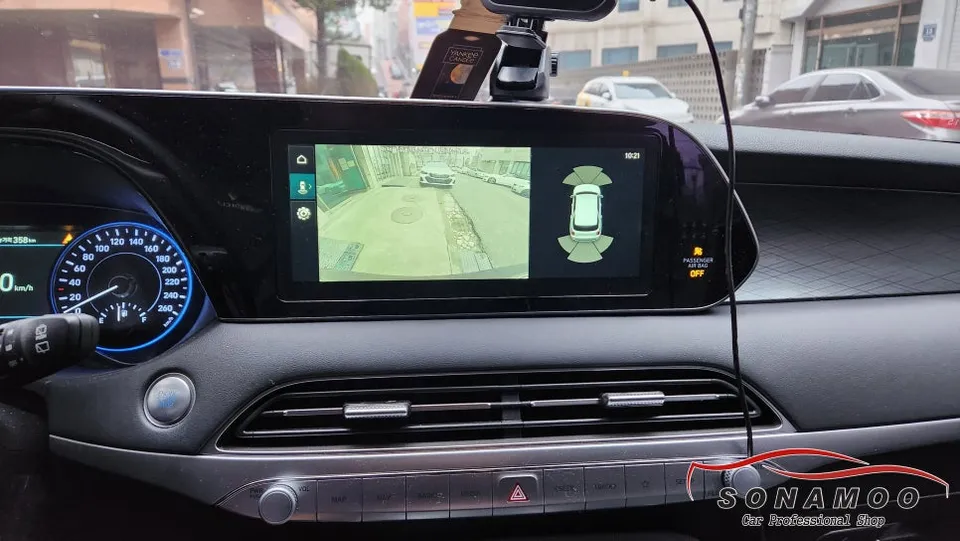
Beyond navigation apps like Tmap and Kakao Navi, the Android Head Unit unlocks a world of possibilities. You can stream music and videos via YouTube, access Apple CarPlay, and utilize various other Android applications directly on the 9-inch touchscreen. This significantly enhances the driving experience, especially on long journeys or daily commutes.
Improved Safety with Backup Camera Integration
A crucial aspect of this upgrade is the addition of a high-definition backup camera. For Venue models without a factory-installed camera, parking can be a challenge, especially in tight spaces. The new system not only displays a clear view of what's behind the vehicle but also often includes parking assist lines, making reversing and parking much safer and more convenient.
The installation process involves meticulous wiring, ensuring all connections are secure and hidden. Sound-dampening materials are used to prevent any rattles or unwanted noise. The result is a clean, integrated system that looks and functions like a premium factory upgrade, providing enhanced entertainment and safety features.
Installation Process:
- Remove the factory audio unit and prepare the dashboard cavity.
- Install the custom-fit dash kit for the 9-inch Android Head Unit.
- Connect the wiring harness, integrating with the vehicle's CAN bus for steering wheel controls.
- Mount and connect the high-definition backup camera, routing the cable discreetly.
- Test all functions, including navigation, media playback, and the backup camera feed.
Frequently Asked Questions
Q. How much does an Android Head Unit cost for a Hyundai Venue?
The cost for this specific Android Head Unit installation on a Hyundai Venue was detailed in the original Korean context, typically ranging from several hundred to over a thousand US dollars depending on the unit and features. Typical US pricing for similar aftermarket Android head units can range from $300 to $1000.
Q. How long does an Android Head Unit last on a Hyundai Venue?
Android Head Units are generally designed for the lifespan of the vehicle, often lasting 5-10 years or more with proper care. Regular software updates and avoiding extreme temperature exposure can help maintain optimal performance.
Q. Is an Android Head Unit worth it for a Hyundai Venue?
An Android Head Unit is highly recommended for Hyundai Venue owners who lack factory navigation and desire modern infotainment features. It significantly enhances the driving experience by providing seamless smartphone integration, advanced navigation, and entertainment options.
Q. How is an Android Head Unit installed on a Hyundai Venue?
Installation involves removing the factory stereo, fitting a custom dash kit for the new unit, connecting the wiring harness (including CAN bus integration for steering controls), and installing a backup camera. All wiring is carefully managed for a clean, integrated look.
Q. What is the best Android Head Unit option for a Hyundai Venue?
The Canaro Xplus 9-inch Android All-in-One unit offers a comprehensive solution, providing a large touchscreen, Tmap navigation, YouTube, and seamless backup camera integration. It's a strong choice for enhancing functionality and user experience.
OhCar Partner Shop