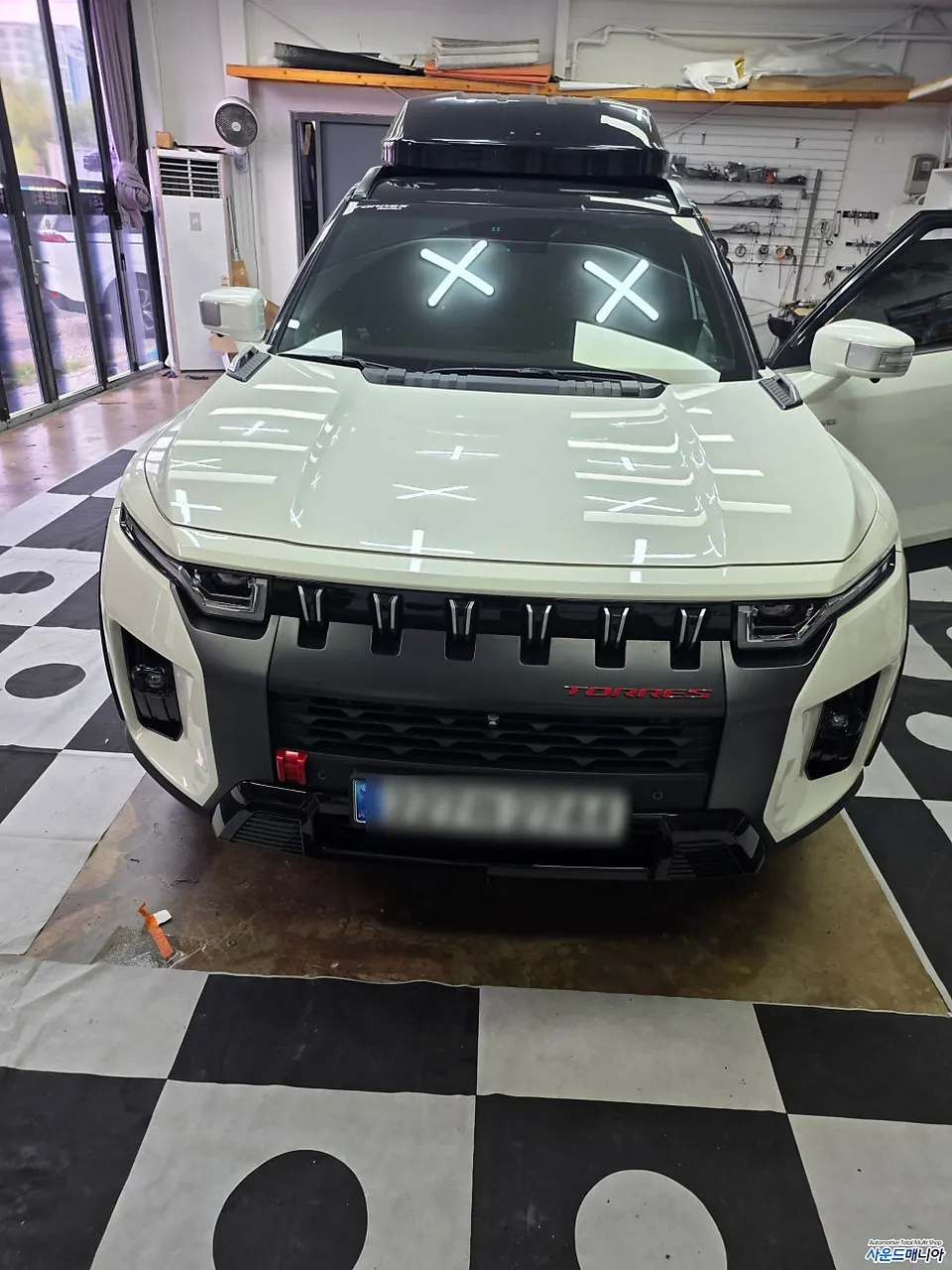
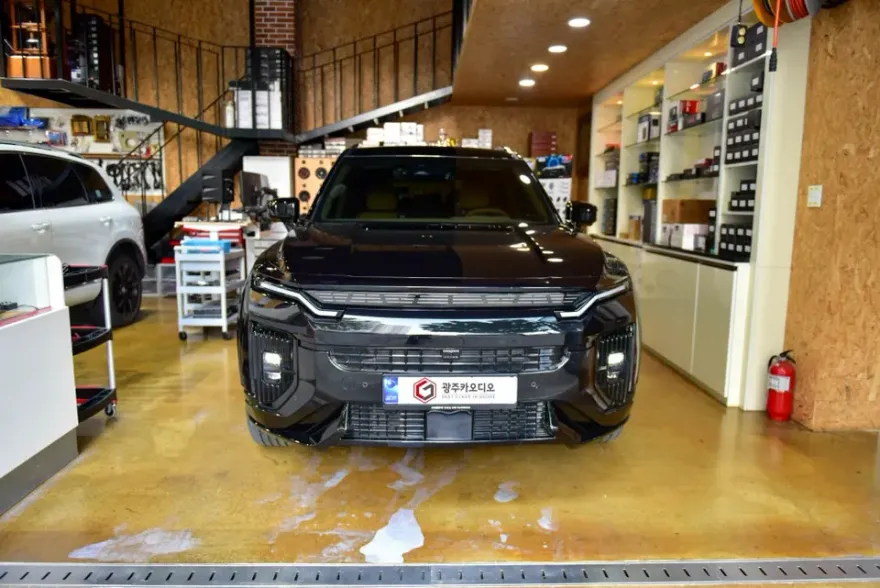
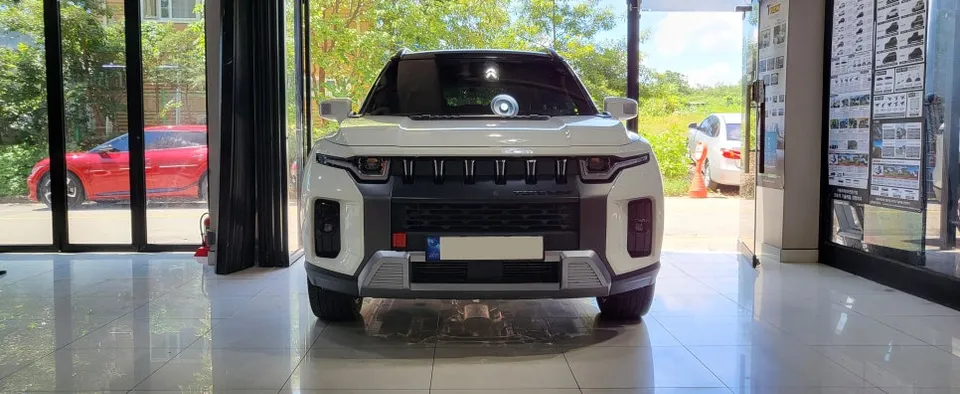
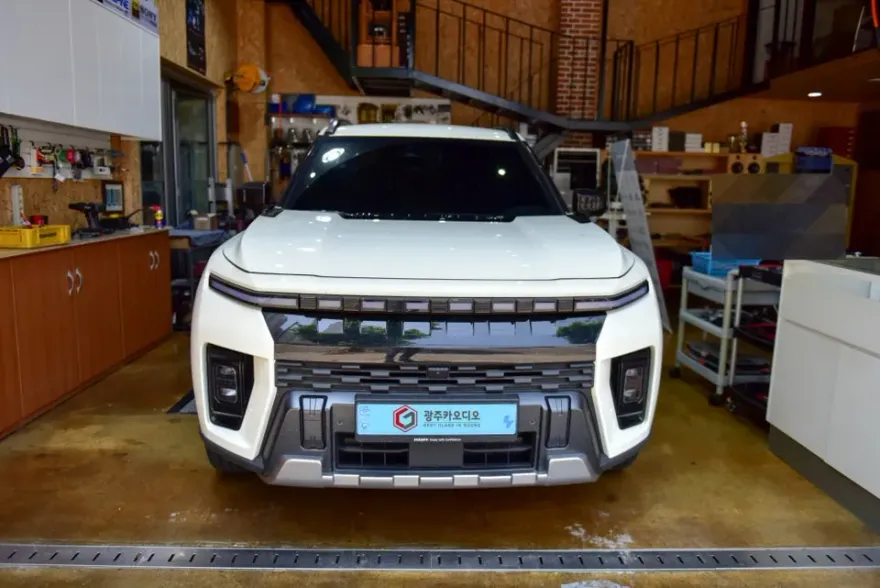
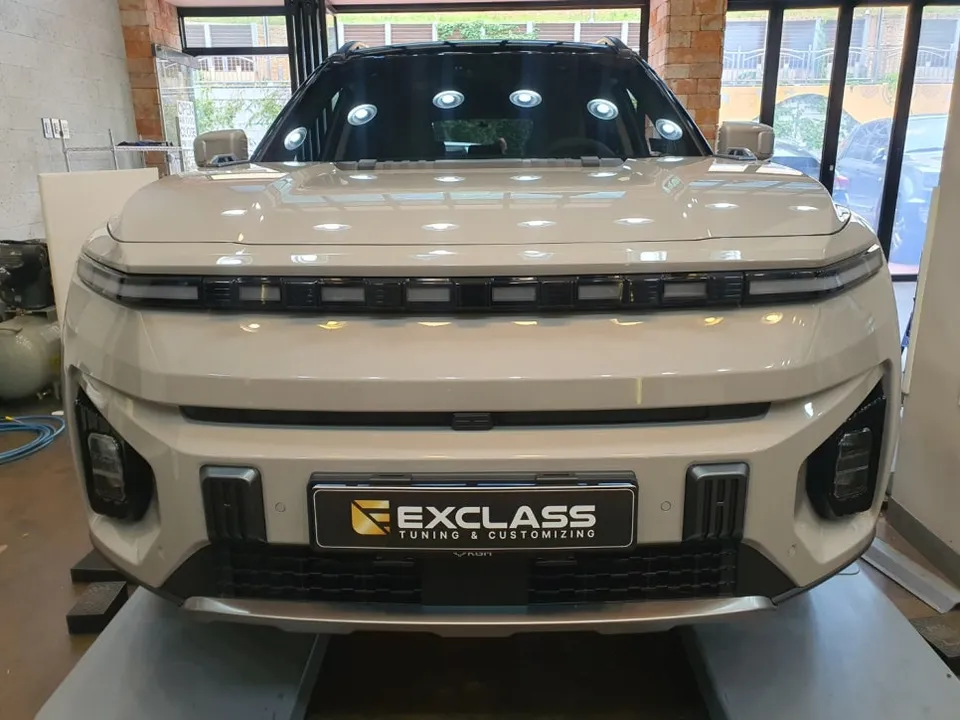
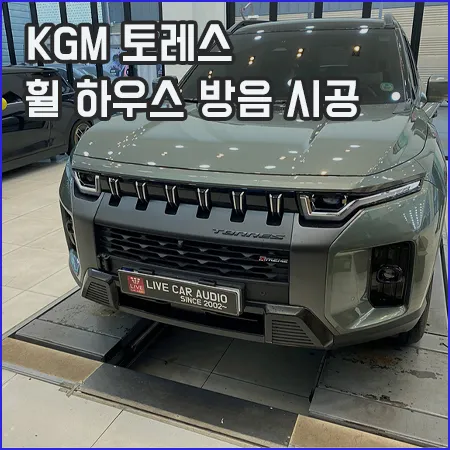
KG Mobility Torres Android Head Unit Review
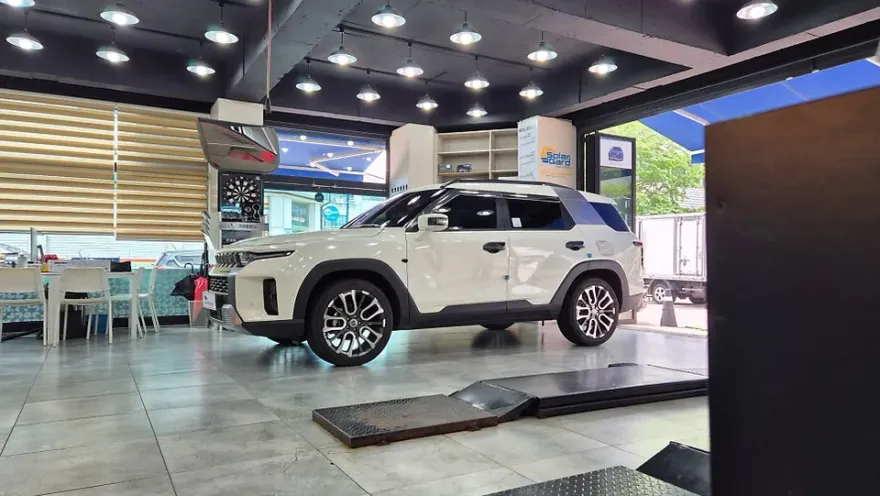
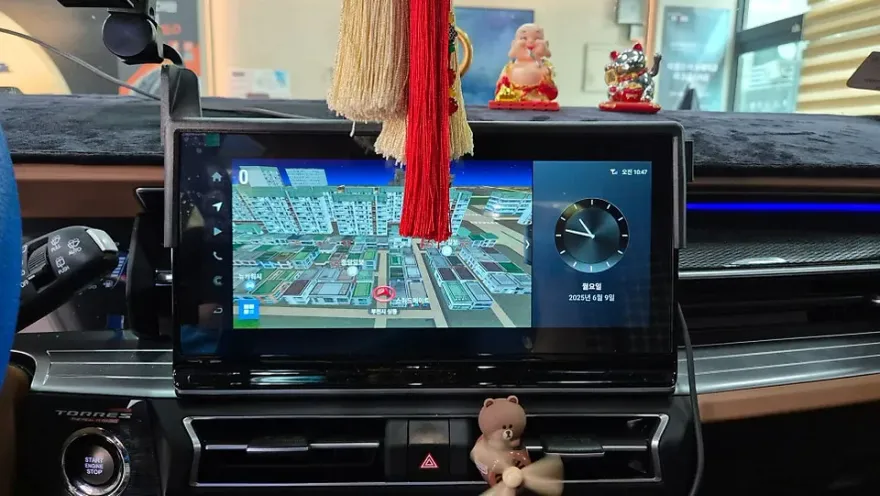
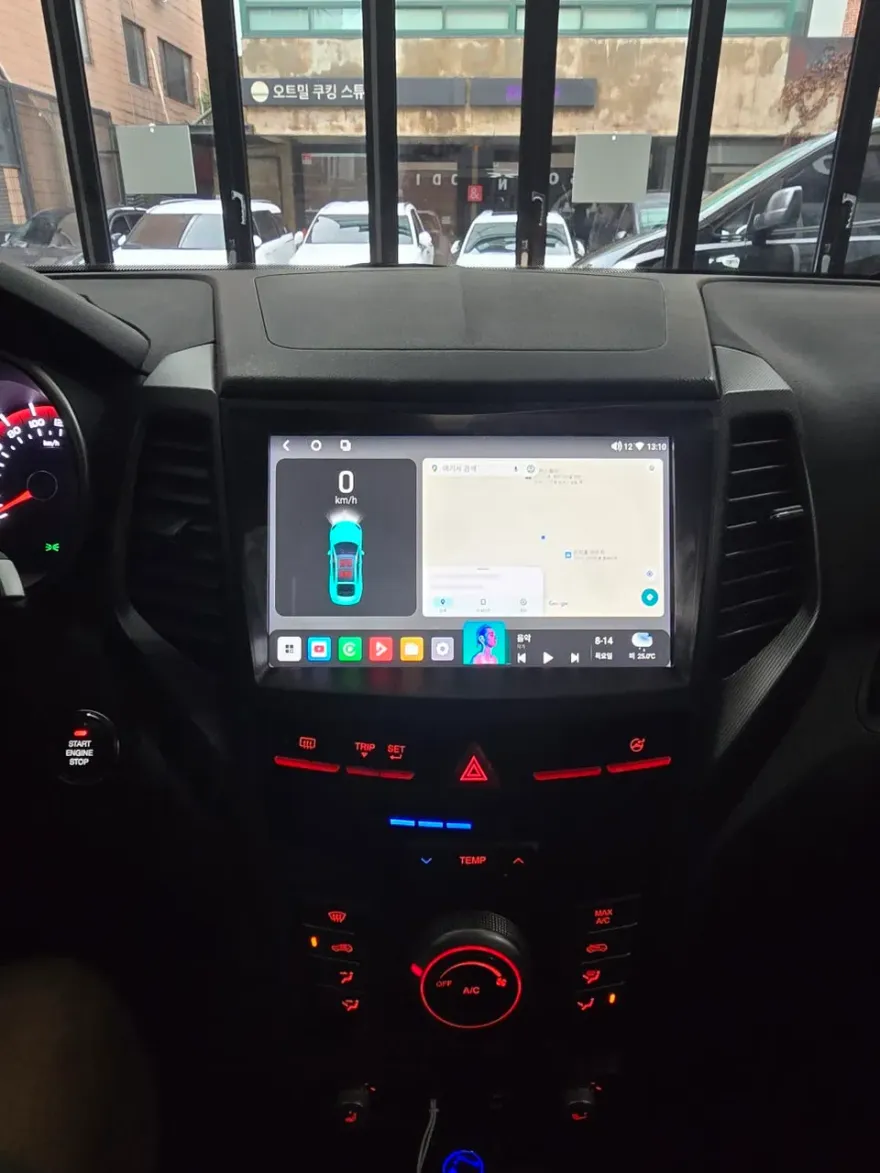
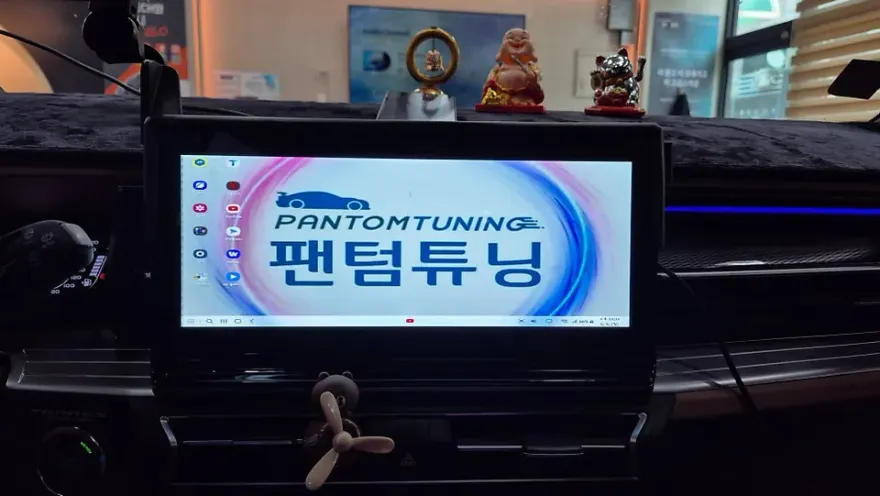
KG Mobility Torres Android Head Unit upgrade using Samsung DeX offers seamless app integration. Installation is straightforward, enhancing navigation
Transform Your KG Mobility Torres Infotainment System
Are you a KG Mobility Torres owner feeling limited by your factory navigation system? Many drivers with large, 12-inch or larger displays find the stock infotainment lacking, especially when wanting to use familiar smartphone apps like YouTube, T Map, or KakaoMap directly on their dashboard. This review explores how an Android head unit, specifically utilizing Samsung DeX, can dramatically enhance your Torres's in-car experience. We'll cover the installation process, real-world benefits, and help you decide if this upgrade is worth the investment.
Why Upgrade to an Android Head Unit in Your Torres?
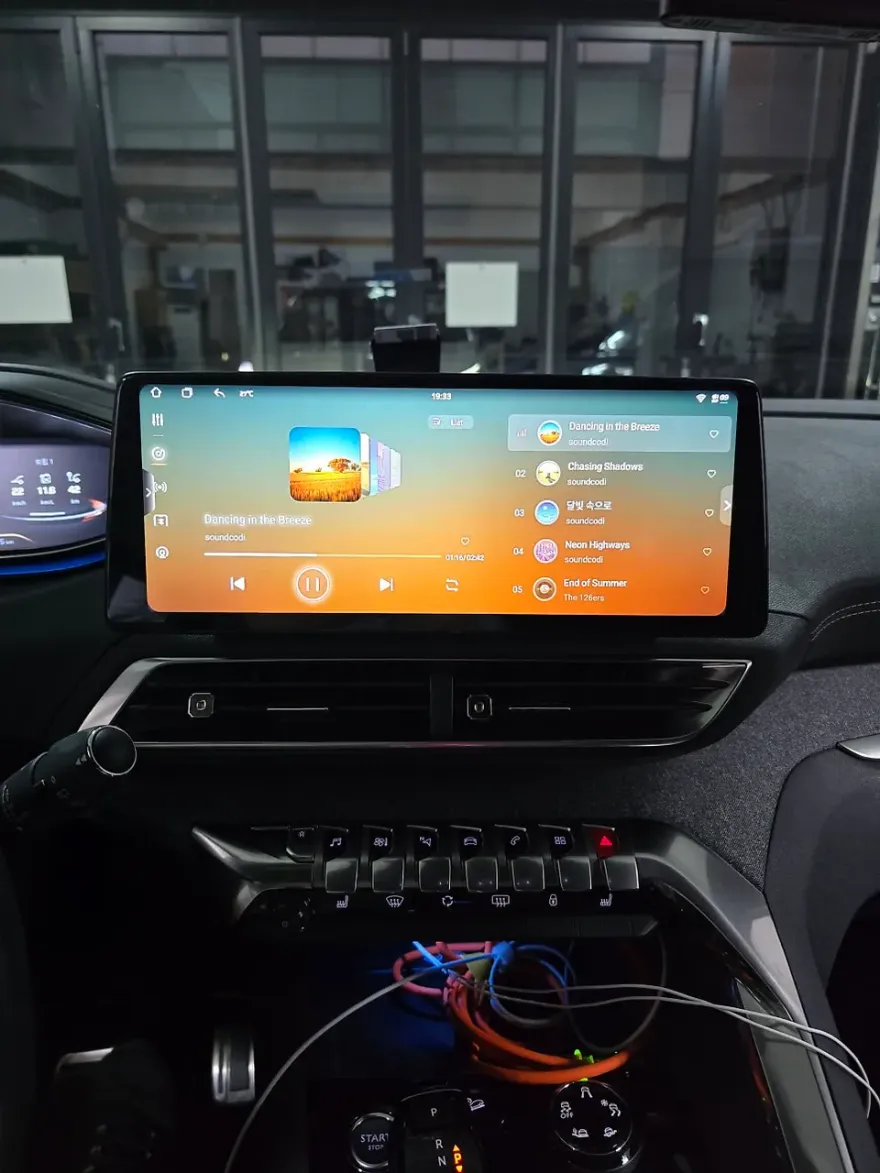
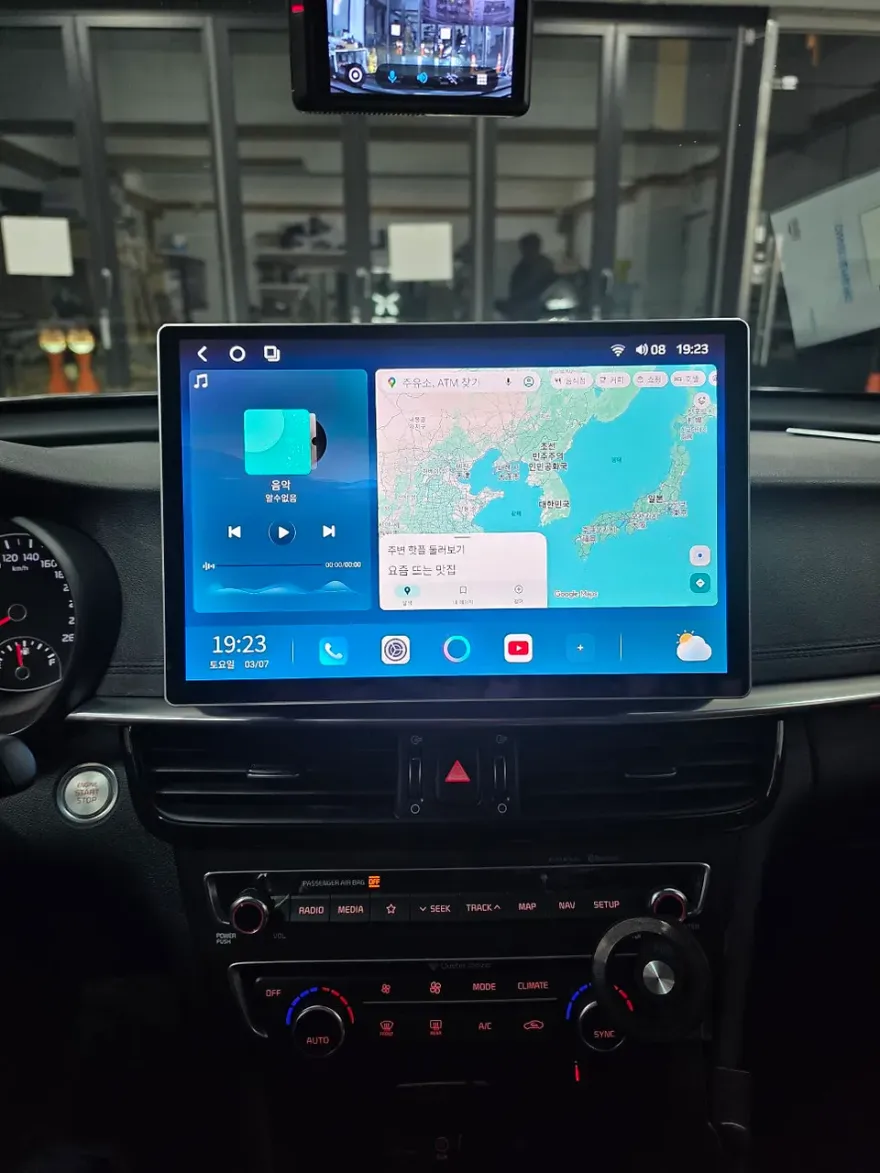
Modern vehicles often come equipped with impressive large-screen displays, but their functionality can be restricted to the manufacturer's software. For KG Mobility Torres owners, the desire to leverage this screen real estate for more than just basic navigation is common. This is where an Android head unit, or a system like Samsung DeX that mirrors your phone's capabilities, shines. Samsung DeX allows your Galaxy smartphone to function like a desktop computer when connected to an external display. In your Torres, this means your navigation screen becomes an extension of your phone, granting access to all your installed apps without needing separate subscriptions or complex setups. It's a significant leap beyond simple screen mirroring, offering a truly integrated and smart driving experience.
Installation Process and How it Works
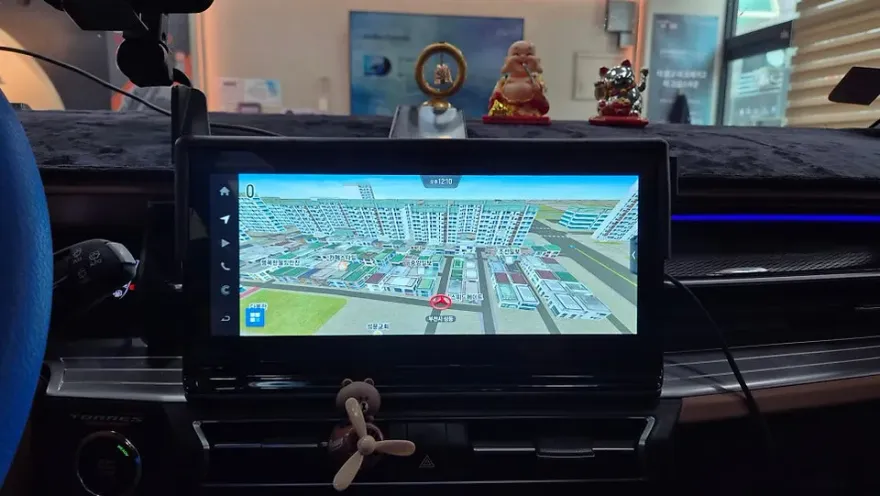
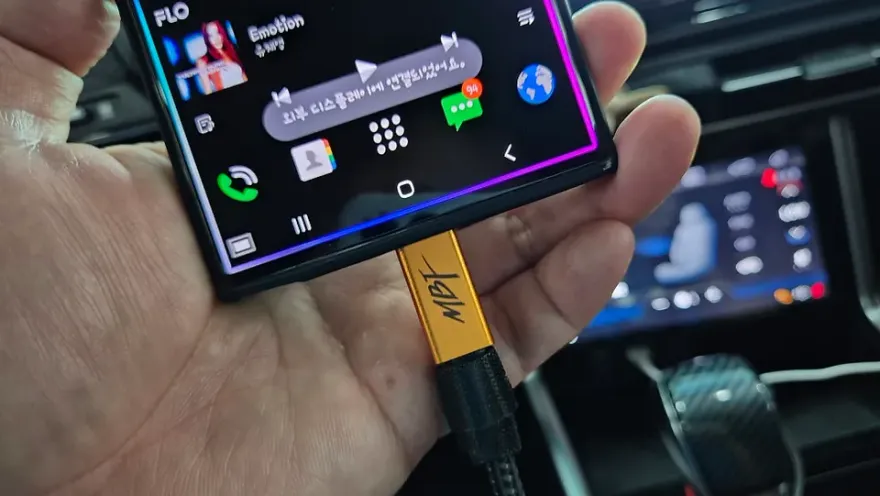
Installing an Android head unit or a Samsung DeX interface in a KG Mobility Torres is surprisingly straightforward. The process typically involves integrating a specialized interface module that connects to your vehicle's existing navigation system. This module provides a USB-C port, allowing you to connect your compatible Samsung Galaxy smartphone via a single cable. This connection not only enables the DeX functionality but also charges your phone simultaneously. Once the hardware is installed, activating the DeX feature is usually done via a dedicated switch in the vehicle. The interface then mirrors your smartphone's optimized Android environment onto the Torres's large infotainment display.
Installation process:
- A dedicated interface module is installed, connecting to the vehicle's factory navigation system.
- A USB-C cable is routed from the module to a convenient location for smartphone connection.
- Your compatible Samsung Galaxy smartphone is connected via USB-C.
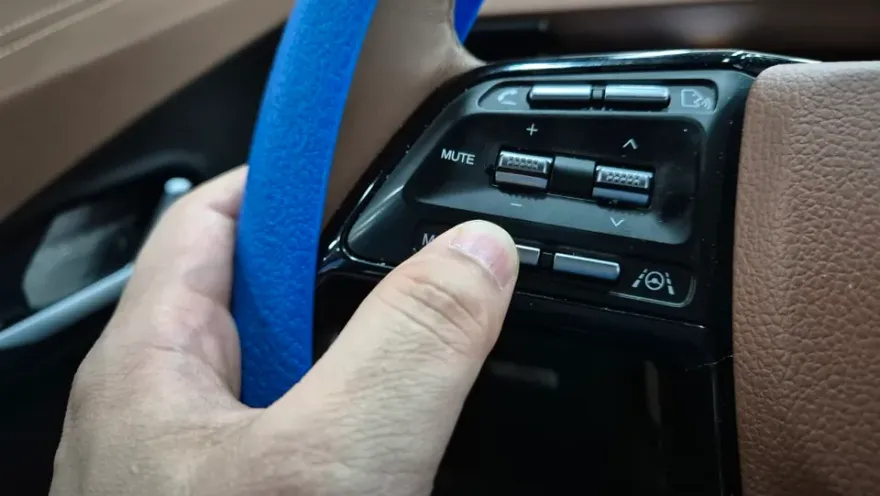
- A vehicle-specific switch is used to activate the Samsung DeX or Android head unit interface.
- Your smartphone's apps are now accessible and controllable on the car's main display.
Unlock Your Smartphone's Potential on the Road
With the Android head unit or DeX system active, your KG Mobility Torres's navigation screen becomes a powerful portal to your digital life. Watching YouTube videos on the large display during breaks or long journeys is seamless and enjoyable. More practically, using navigation apps like T Map or KakaoMap becomes far more convenient when displayed on the expansive screen, offering a familiar and intuitive interface that surpasses many built-in systems. The true advantage lies in the versatility – virtually any app on your Galaxy smartphone can be utilized, from music streaming services to productivity tools, making your commute or road trips more entertaining and efficient.
Samsung DeX vs. Screen Mirroring: Key Differences
It's crucial to understand that Samsung DeX is fundamentally different from standard screen mirroring. Mirroring simply duplicates your phone's screen onto the car display, often with lag and limited interactivity. DeX, however, transforms your phone's interface into a desktop-like environment optimized for larger screens. This means a smoother, more responsive experience with less delay. A significant benefit is the ability to use your phone independently while DeX is active on the car display – you can answer calls or send messages without interrupting the navigation or media playback on the main screen. This advanced functionality offers a superior and more integrated solution compared to basic mirroring.
Frequently Asked Questions
Q. How much does an Android head unit or CarPlay retrofit cost for a KG Mobility Torres?
The installation of an Android head unit or Samsung DeX interface for a KG Mobility Torres in Korea typically costs around ₩500,000 to ₩1,000,000 (approximately $360-$720 USD). Prices can vary based on the specific unit and installation complexity.
Q. How durable is an Android head unit installation in a KG Mobility Torres?
Android head units and their interfaces are generally durable with proper installation, designed to withstand typical vehicle vibrations and temperature changes. Basic maintenance involves keeping the connection ports clean and ensuring software is up-to-date.
Q. Is a CarPlay or Android Auto upgrade worth it for a KG Mobility Torres?
An Android head unit or CarPlay/Android Auto upgrade is highly recommended for KG Mobility Torres owners who frequently use smartphone apps for navigation and entertainment. It significantly enhances the factory infotainment system's functionality and user experience.
Q. How is an Android head unit installed in a KG Mobility Torres?
Installation involves integrating a specialized interface module with the vehicle's existing navigation system. A USB-C cable is then connected from this module to your smartphone, allowing the Android interface or Samsung DeX to display and operate on the car's main screen.
Q. What is the difference between an Android head unit and the factory infotainment system for a KG Mobility Torres?
An Android head unit provides full access to smartphone apps like YouTube and T Map directly on the car's display, offering a much broader range of functionality than the often-limited factory system. It essentially turns your car's screen into a large smartphone interface.
OhCar Partner Shop