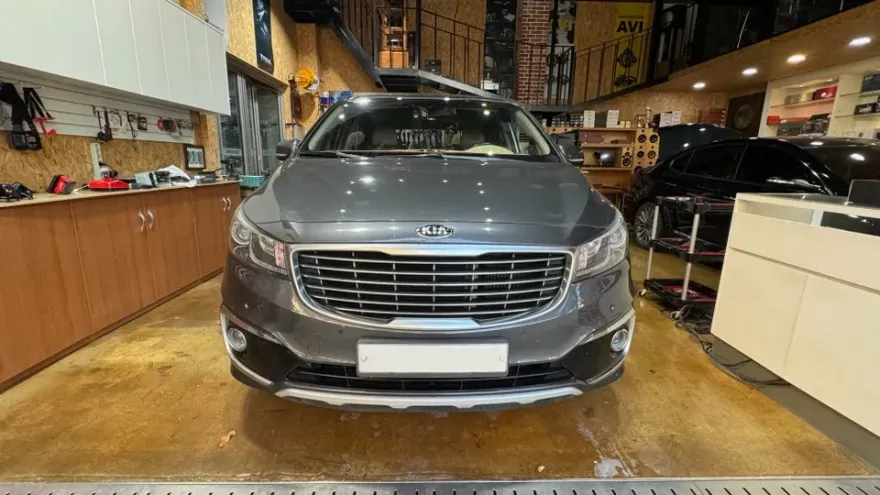
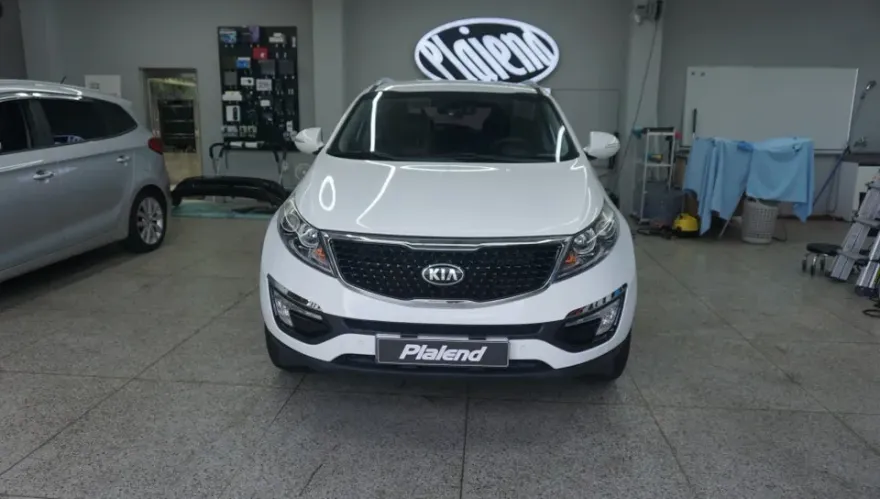
Kia Carnival Android Auto Review — Seamless Smartphone Integratio
Service Price
$75–115
Estimated price · Actual price may vary by shop
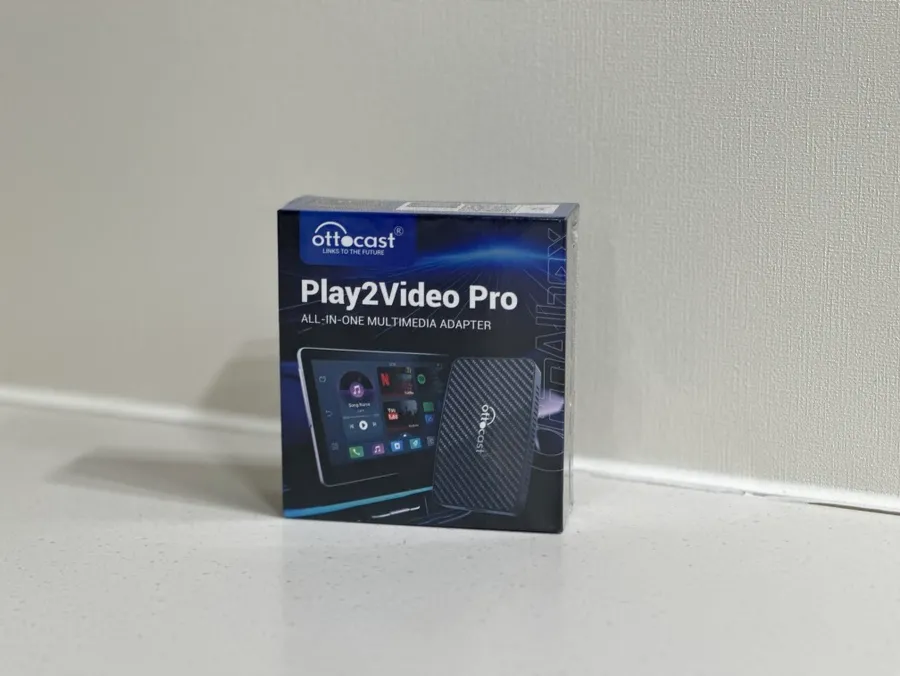
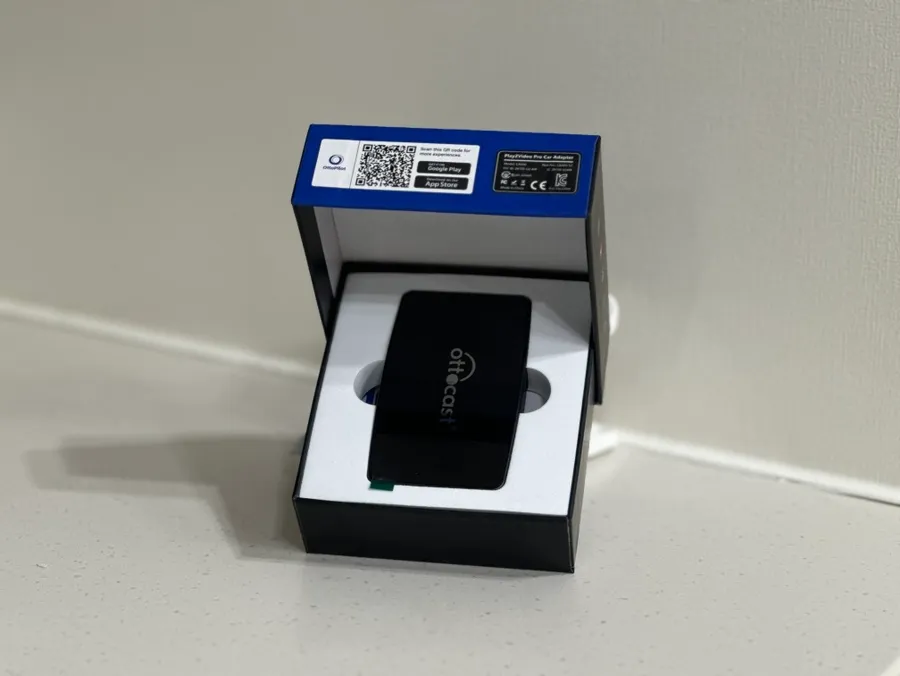
Kia Carnival Android Auto integration: Seamless smartphone connectivity for navigation, music, and calls. Enhances safety and entertainment.
Upgrade Your Kia Carnival with Android Auto
In today's connected world, relying solely on a car's built-in navigation system can feel limiting, especially in older models. The Kia Carnival, a popular family vehicle, can significantly benefit from enhanced connectivity. This is where Android Auto comes in, transforming your car's infotainment system into a smart hub that mirrors your smartphone's capabilities. It allows you to safely access essential apps like navigation, music, and communication tools directly through your car's display, reducing the need to handle your phone while driving. This review explores how to integrate Android Auto into your Kia Carnival, focusing on the benefits and ease of use.
Seamless Smartphone Integration for Your Kia Carnival
Android Auto provides a streamlined interface designed for driving, making it safer and more convenient to use your smartphone's features. Instead of fumbling with your phone, you can utilize the larger, integrated display of your Kia Carnival. This system allows you to use your preferred navigation apps such as Google Maps, Waze, or T Map, which often receive more frequent updates than factory-installed systems. Making calls, sending text messages via voice command, and controlling your music playlists are all simplified. The integration is typically achieved through a USB connection, though some newer systems offer wireless connectivity. For Kia Carnival models from 2015 onwards, compatibility is common, but it's always best to verify with your specific trim and year. The process involves pairing your Android smartphone (version 8.0 or higher) with the car's head unit. Once paired, the system often connects automatically each time you start your vehicle, offering a truly plug-and-play experience.
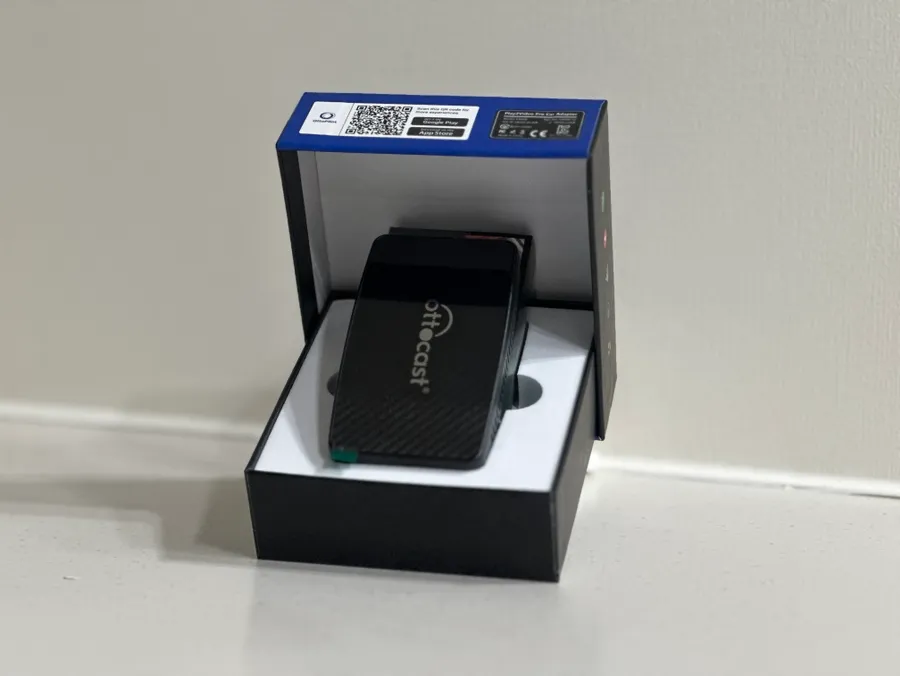
Enhanced Driving Experience with Android Auto Features
The benefits of Android Auto extend beyond basic navigation. Voice control, powered by Google Assistant, is a standout feature. You can ask for directions, send messages, play music, or even get weather updates without taking your hands off the wheel. This significantly enhances safety and allows the driver to remain focused on the road. For a spacious vehicle like the Kia Carnival, this creates a more enjoyable and less distracting environment for everyone. Furthermore, Android Auto supports a wide range of entertainment options. Streaming music services like YouTube Music and Spotify can be easily accessed. For passengers or during breaks, watching videos on platforms like YouTube is also possible, turning your Carnival into a mobile entertainment center. The split-screen functionality is another valuable feature, allowing you to view navigation directions while simultaneously managing your music or checking incoming messages. This multi-tasking capability makes the Kia Carnival's interior a more dynamic and functional space.
Installation Process:
- Ensure your Kia Carnival is compatible with Android Auto (typically 2015 models and newer).
- Connect your Android smartphone (version 8.0+) to the car's infotainment system using a USB cable.
- Follow the on-screen prompts on both your phone and the car's display to complete the initial pairing process.
- Once paired, Android Auto should launch automatically when connected.
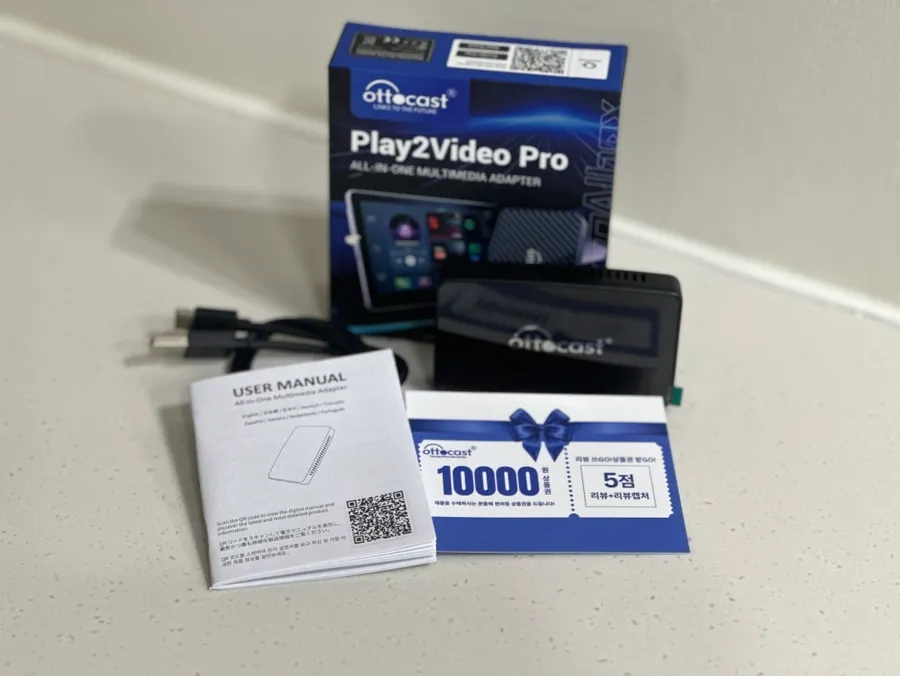
Frequently Asked Questions
Q. How much does Android Auto integration cost for a Kia Carnival?
The cost for Android Auto integration in a Kia Carnival can vary, but typically ranges from $200 to $600 for aftermarket head units. Official integration through a dealership might be higher or included in newer models.
Q. How long does Android Auto integration take on a Kia Carnival?
Integrating Android Auto typically takes between 1 to 3 hours for a professional installation of an aftermarket head unit. Software updates or minor configurations might take less time.
Q. Is Android Auto integration worth it for a Kia Carnival?
Android Auto integration is highly recommended for Kia Carnival owners seeking modern smartphone connectivity, improved navigation, and enhanced entertainment options. It significantly boosts the vehicle's functionality and user experience.
Q. How is Android Auto integrated into a Kia Carnival?
Android Auto is typically integrated by installing an aftermarket head unit compatible with the system or by enabling it via software update on compatible factory units. 1. Connect the head unit to the vehicle's wiring harness. 2. Mount the head unit securely in the dashboard. 3. Connect your Android smartphone via USB to initiate pairing.
Q. What is the difference between Android Auto and Apple CarPlay for a Kia Carnival?
Android Auto is designed for Android smartphones, while Apple CarPlay is for iPhones, offering similar core functionalities like navigation, music, and calls. The choice depends entirely on the smartphone operating system you use.
OhCar Partner Shop