Kia K3 Dash Cam Installation Review: iNavi Z7000
Service Price
$40–80
Estimated price · Actual price may vary by shop

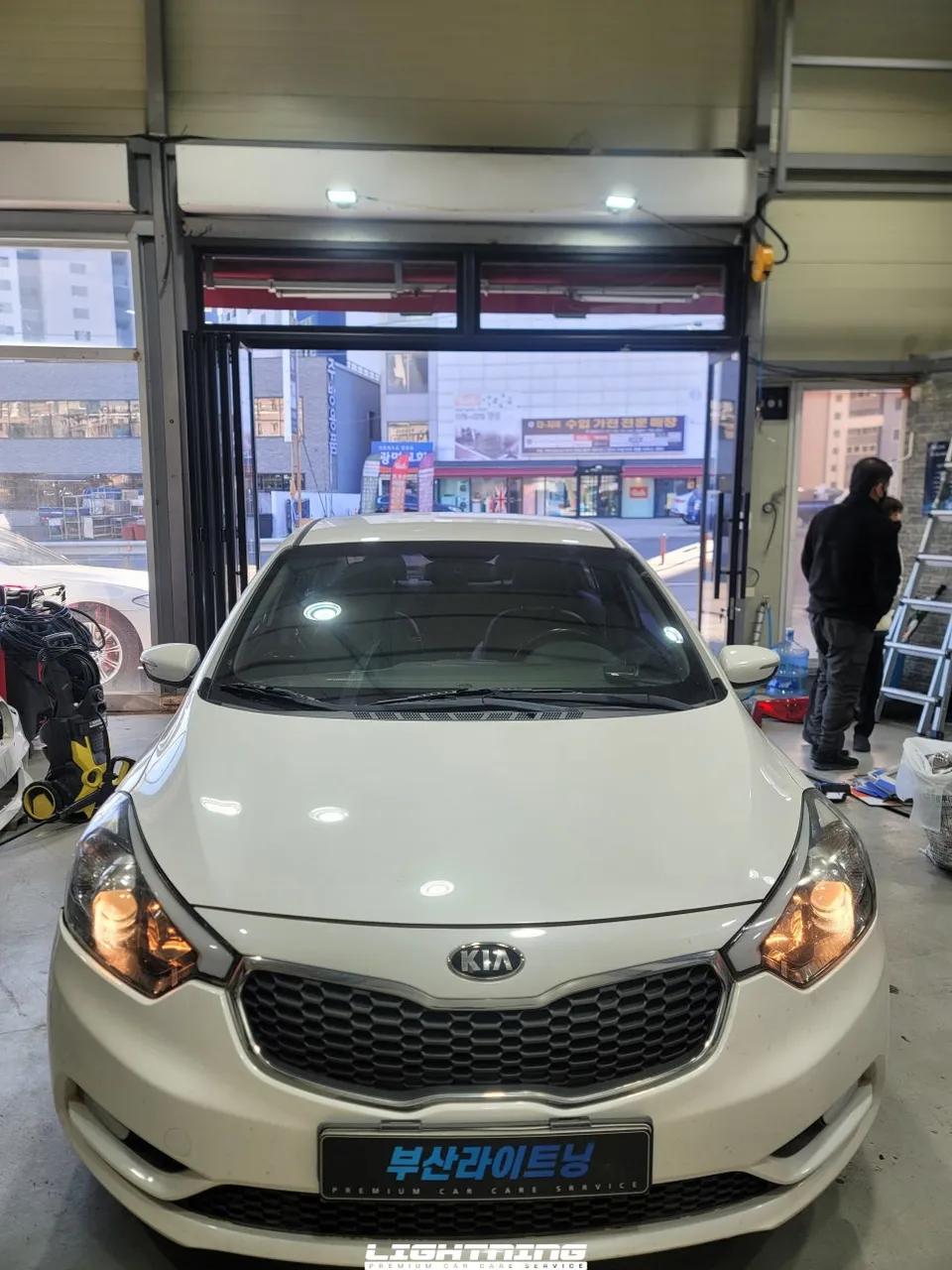
Kia K3 dash cam installation with iNavi Z7000: ~₩250,000-₩300,000. Provides clear QHD front footage for accident evidence.
Why a Reliable 2-Channel Dash Cam is Essential for Your Kia K3
Purchasing a used Kia K3 often means foregoing certain features, and a dash cam is a common omission. In the bustling region of Gijang, drivers increasingly recognize dash cams as a vital safety accessory, especially for insurance purposes. The iNavi Z7000, a popular mid-range 2-channel dash cam, offers front QHD resolution at an accessible price point, making it a favored choice. This review details a recent installation of the iNavi Z7000 on a Kia K3 at the 'Today's Car' Gijang branch, providing insights into the proper installation process and selection criteria.
Key Takeaways:
- iNavi Z7000 specifications and features
- 2-channel dash cam installation process for the K3 (wiring, power)
- Comparison of front QHD vs. rear FHD video quality
- Estimated installation cost and time
- How to verify post-installation performance
Expert Dash Cam Installation at Today's Car Gijang
For Kia K3 owners in the Gijang area seeking professional dash cam installation, the experience at 'Today's Car' Gijang is highly recommended. This branch is a popular destination for those needing to equip their pre-owned vehicles with essential safety tech. They operate on a 1:1 appointment system, ensuring personalized consultation and service tailored to your specific needs.
Conveniently located between the Ilgwang and Jeonggwan new towns, the Gijang branch minimizes wait times through efficient scheduling. While selecting the right dash cam is important, the quality of installation is paramount. Entrusting the job to technicians who understand vehicle-specific wiring routes and power connection methods is crucial for optimal performance and safety.

Dash Cam Installation Process: Starting with the Rear Camera
The installation of a 2-channel dash cam typically begins with the rear camera. This approach simplifies wiring by allowing the rear camera's cable to be routed towards the front, where it can be integrated with the main unit and power source.
Installation Process:
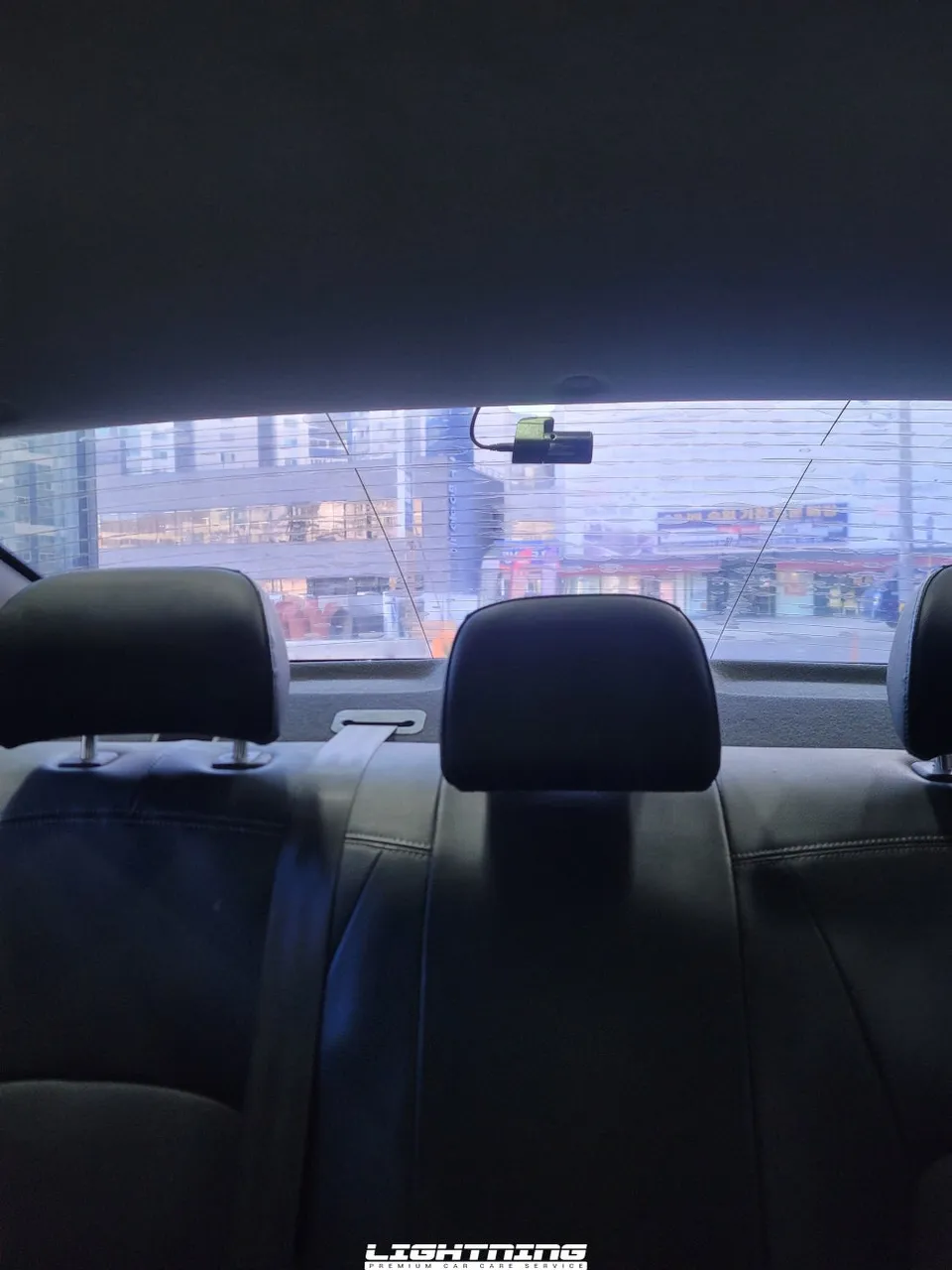
- Rear Camera Mounting: The rear camera is affixed to the vehicle's rear window.
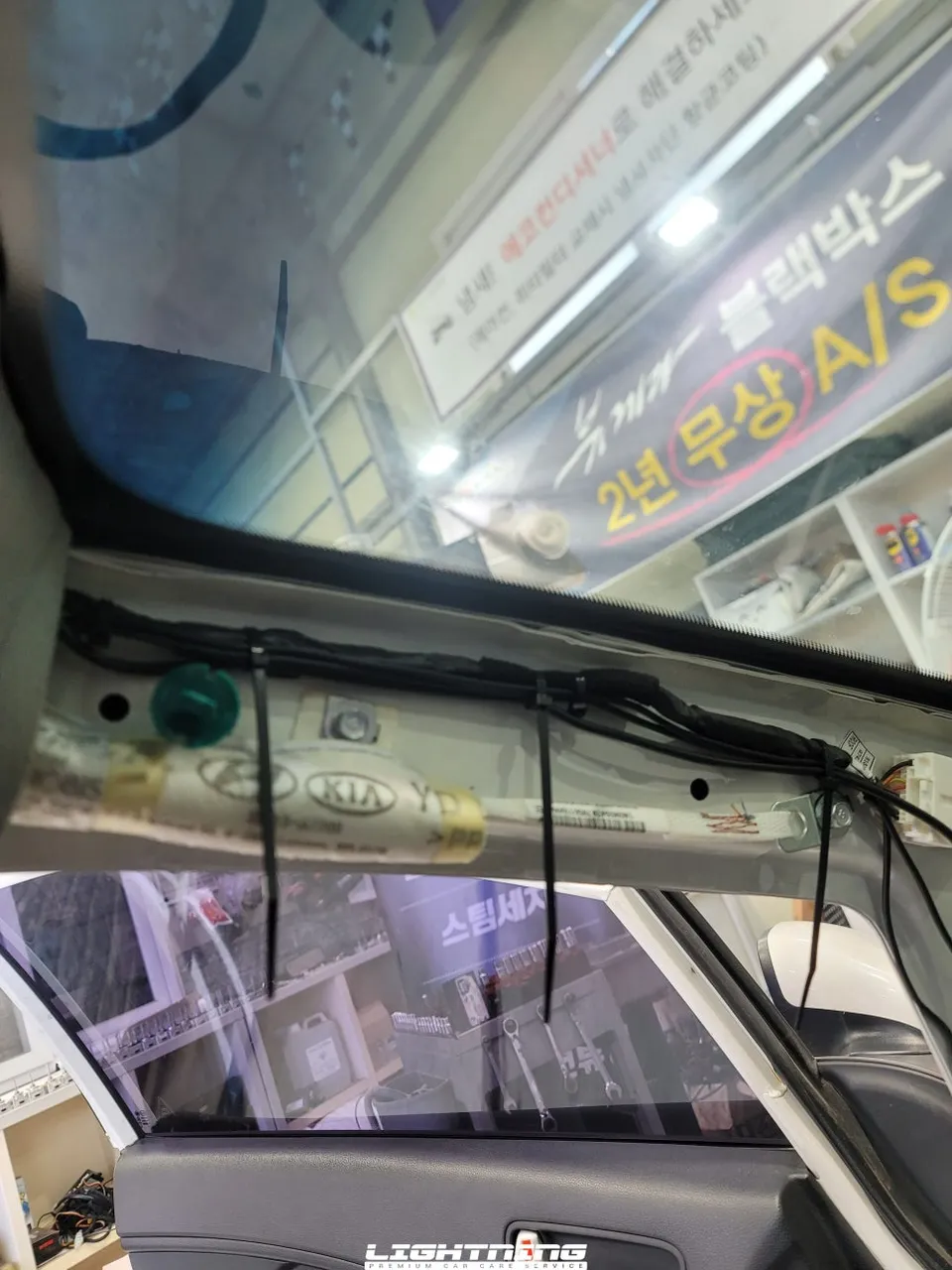
- Cable Routing: The cable is carefully run through the vehicle's interior, often along the headliner and down the A-pillar.
- A-Pillar Wiring: Special attention is paid to routing the cable behind the airbag unit within the A-pillar to ensure safety.
- Front Camera Installation: The main unit is mounted on the windshield, positioned to avoid obstructing the driver's view while capturing a wide field of vision.
- Power Connection: The power cable is connected to the vehicle's fuse box, typically to an accessory fuse to prevent battery drain.
When routing cables through the A-pillar, it's critical to go behind the airbag module. Improper placement could interfere with airbag deployment during an accident, posing a significant safety risk. Prioritizing safety over convenience is the fundamental principle during installation.
Front Camera Installation and Fuse Box Connection
After routing the wiring through the A-pillar, the front camera unit is mounted on the dashboard or windshield. Optimal placement balances unobstructed driver visibility with maximum road coverage. Following cable management, the main power wire is connected to the vehicle's fuse box. For 2-channel systems, power is usually drawn from an accessory fuse rather than directly from the battery. This ensures the dash cam automatically powers down after a set period when the ignition is off, preventing battery drain.
Connecting to the correct fuse is vital; an incorrect connection can affect other vehicle electronics. This step highlights the importance of a technician's expertise and accuracy.
iNavi Z7000: Superior Front QHD Clarity
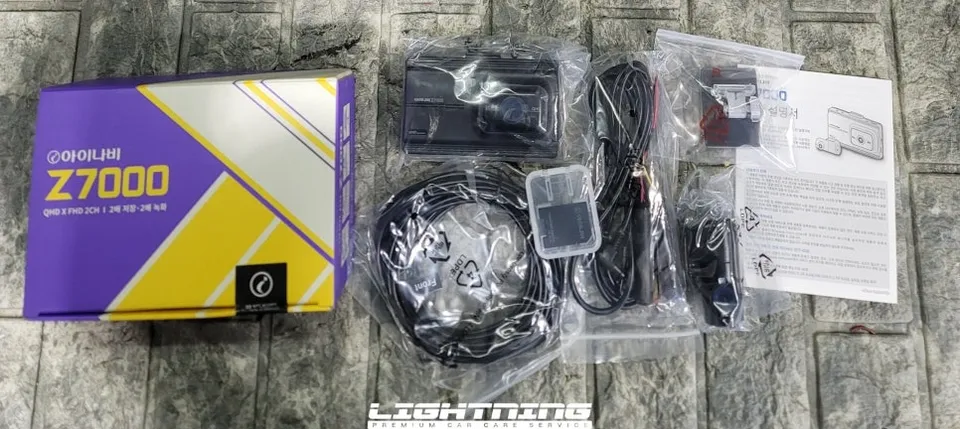
The iNavi Z7000 distinguishes itself with its front QHD (2560x1440) resolution, offering significantly more detail than standard Full HD. This enhanced clarity is crucial for capturing license plates and road details, especially in challenging lighting conditions or at a distance. While the rear camera records in FHD (1920x1080), the primary benefit of the Z7000 lies in its superior front-facing video quality, providing robust evidence in case of an incident. The estimated cost for this installation, including the iNavi Z7000 unit and professional labor, is approximately ₩250,000 to ₩300,000 (around $190-$230 USD), with the installation process typically taking about 1 to 1.5 hours.
Frequently Asked Questions
Q. How much does dash cam installation cost for a Kia K3?
Professional installation for the iNavi Z7000 on a Kia K3 typically costs between ₩250,000 and ₩300,000 KRW. In the US, professional dash cam installation can range from $150 to $300 depending on the system and location.
Q. How long does dash cam installation take on a Kia K3?
Dash cam installation on a Kia K3 usually takes between 1 to 1.5 hours to complete. Ensure the installer checks the camera's field of view and connection stability after installation for optimal performance.
Q. Is a hardwired dash cam worth it over a self-install for a Kia K3?
A professionally hardwired dash cam is recommended for a Kia K3, especially for 2-channel systems, to ensure safe power management and prevent battery drain. The value lies in professional cable routing, correct fuse tapping, and ensuring the system doesn't interfere with vehicle safety features like airbags.
Q. How is a dash cam professionally installed on a Kia K3?
Professional installation involves mounting the rear camera, routing its cable discreetly through the interior (often along the headliner and down the A-pillar, behind the airbag), mounting the front camera, and connecting the power cable to the vehicle's fuse box using an accessory fuse. Finally, the system's functionality is tested.
Q. What is the difference between a 1-channel and 2-channel dash cam for a Kia K3?
A 1-channel dash cam records only the front view, while a 2-channel system records both front and rear views, offering comprehensive coverage. For a Kia K3, a 2-channel system like the iNavi Z7000 is recommended for complete protection against accidents from all directions.
OhCar Partner Shop