Kia K5 1st Gen Android Head Unit Review: Sound Quality Upgrade
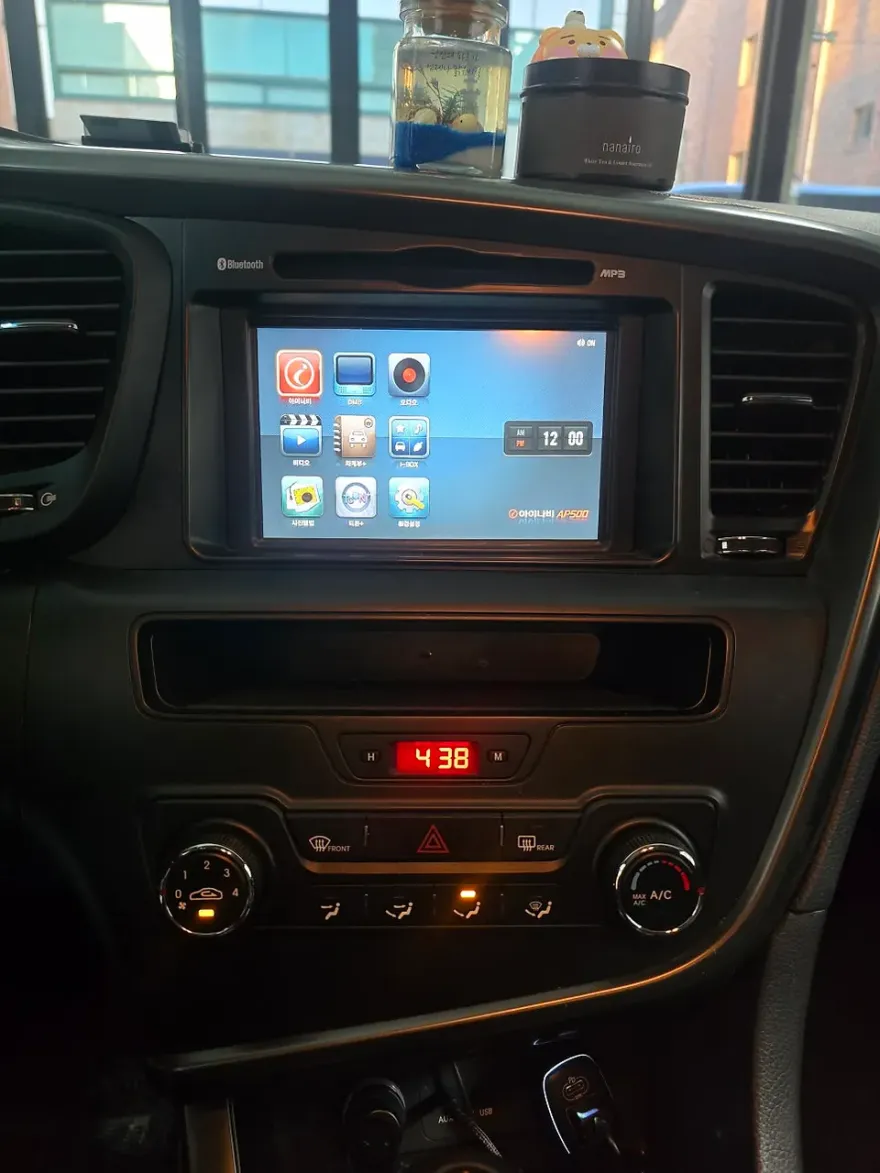
Before
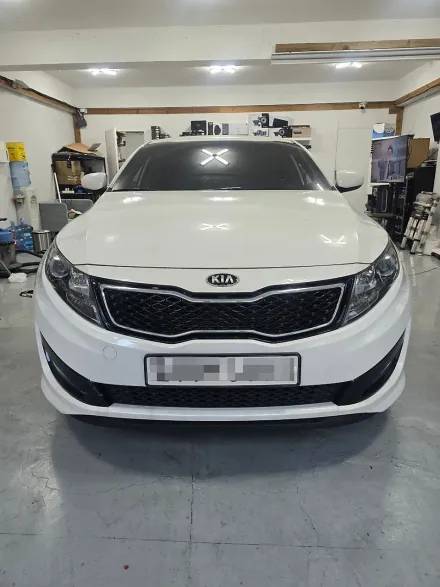
After
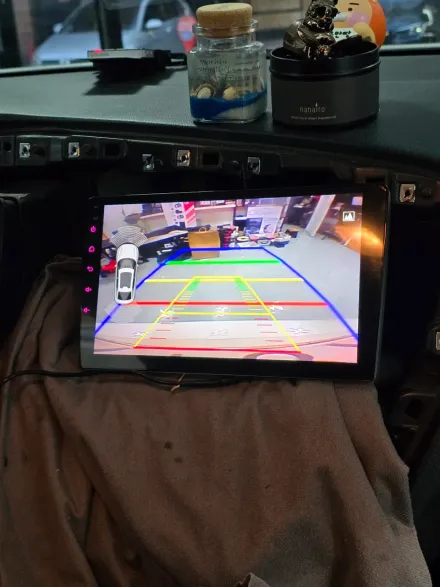
Process photos
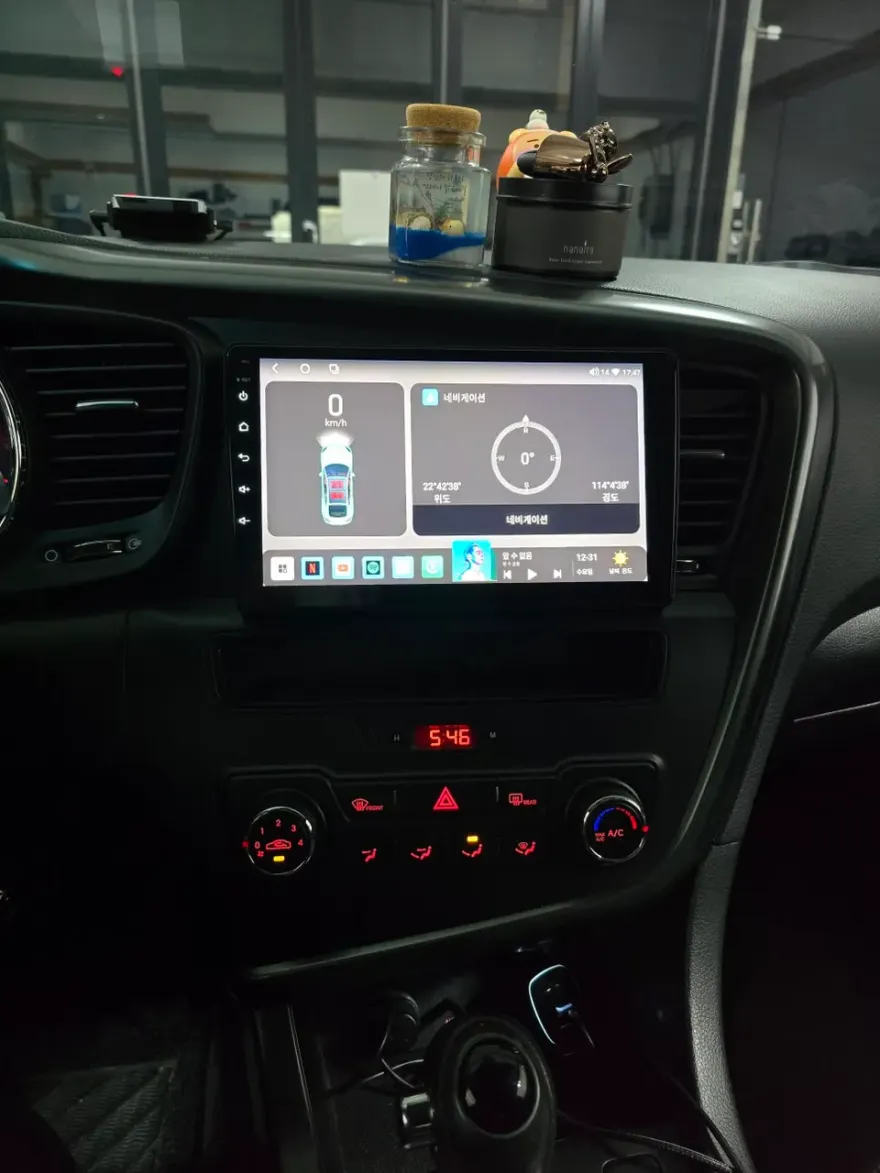
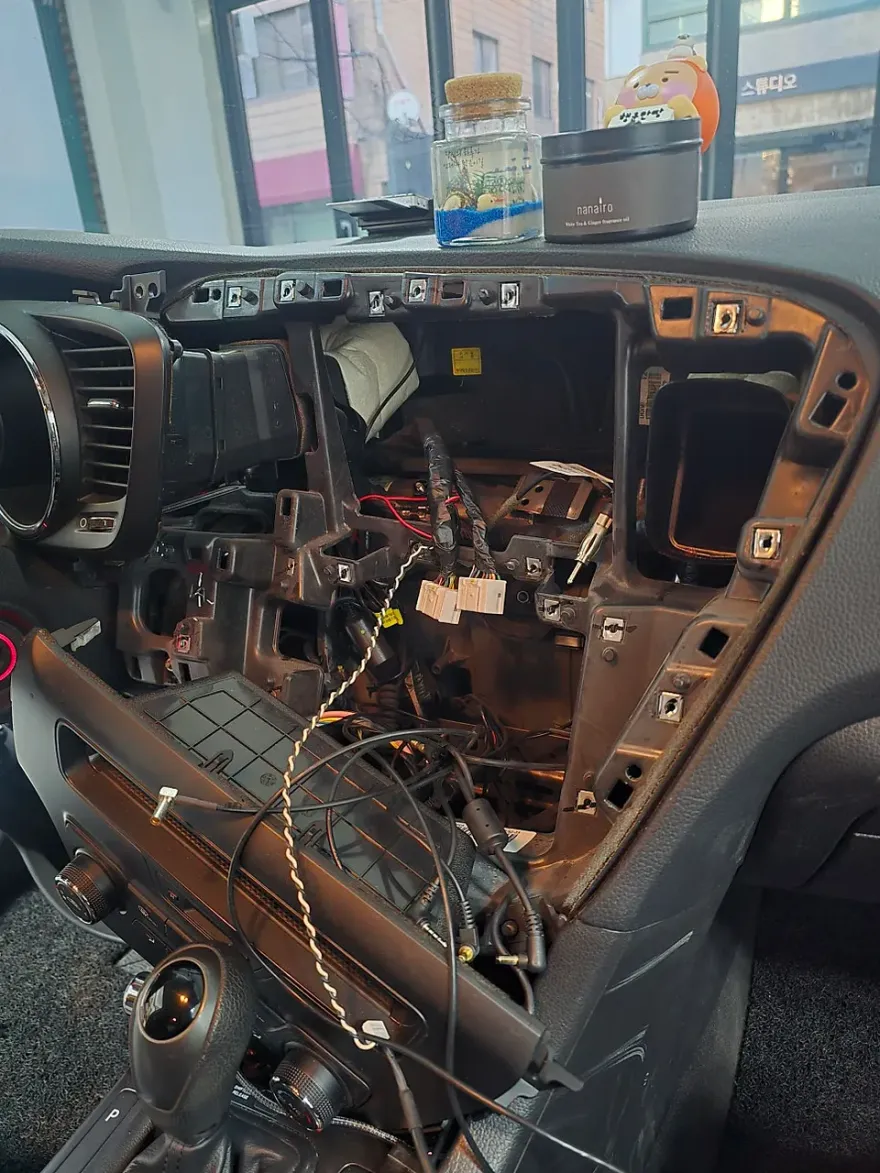
Kia K5 1st Gen Android head unit upgrade with DSP tuning. Enhanced sound and modern features. Professional installation recommended.
Upgrading Your Kia K5 1st Gen Infotainment
Many Kia K5 1st Gen owners look to enhance their driving experience with modern technology. One popular upgrade is replacing the factory infotainment system with an Android head unit. This review focuses on the experience of installing an Android All-in-One unit, specifically the M300S model, and optimizing its DSP (Digital Signal Processor) for improved audio quality. The original installation was performed by SoundCody, a specialist in Yangjae-dong, South Korea. While this review details a Korean installation, the principles and potential outcomes apply to owners in the US and UK considering a similar infotainment upgrade.
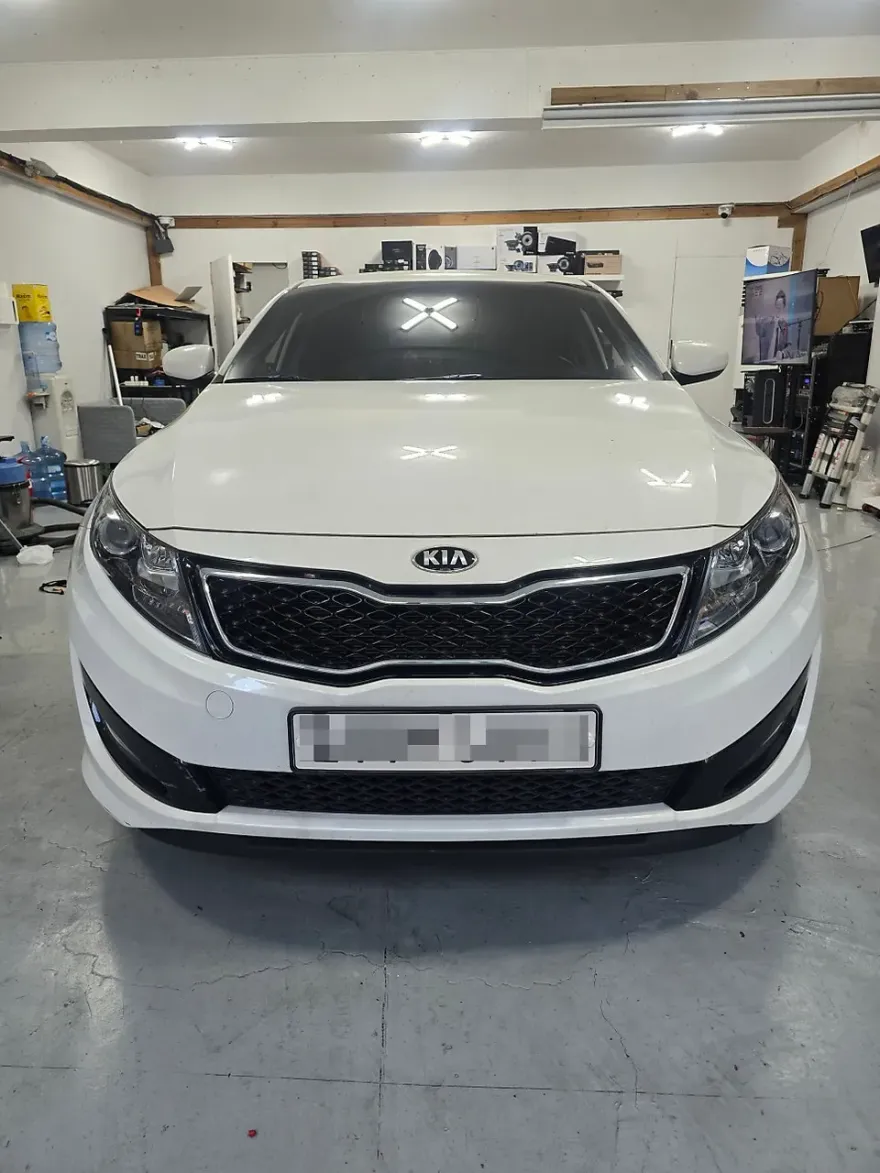
Before and After: The Android Head Unit Transformation
The primary motivation for many is to gain access to modern features like seamless Apple CarPlay and Android Auto integration, along with a more intuitive user interface. The M300S unit offers an all-in-one navigation solution, often surpassing the capabilities of older factory systems. Visually, the new unit typically features a larger, higher-resolution touchscreen that can dramatically modernize the car's interior. Beyond aesthetics, the real magic often lies in the audio. The inclusion of a DSP allows for fine-tuning of sound profiles, enabling users to tailor the audio output to their preferences, potentially achieving a richer and more immersive listening experience than the stock system allowed. This review highlights the significant improvement in sound clarity and customization possibilities after the installation and DSP tuning.
Installation Process and Durability Considerations
Installing an Android head unit involves carefully removing the existing dashboard trim and factory radio, then connecting the new unit's wiring harness. While the exact process can vary by model and vehicle, it generally requires precision to avoid damaging interior components. For those considering a DIY installation, it's crucial to follow detailed guides specific to the Kia K5 1st Gen. Professional installation, as performed by SoundCody, ensures a clean fit and proper integration with the vehicle's electrical system. Regarding durability, modern Android head units are generally built to withstand the rigors of daily use. However, like any electronic component, longevity can depend on the quality of the unit purchased and the installation. Proper ventilation behind the unit can also contribute to its lifespan. Maintenance typically involves keeping the screen clean and ensuring software updates are applied when available to maintain optimal performance and security.
Installation process:
- Carefully remove the factory infotainment unit and surrounding dashboard trim.
- Connect the new Android head unit's wiring harness, ensuring all connections are secure.
- Mount the new Android head unit into the dashboard opening, ensuring a flush fit.
- Test all functions, including audio, navigation, and connectivity, before reassembling the trim pieces.
Frequently Asked Questions
Q. How much does Android head unit or CarPlay installation cost for a Kia K5 1st Gen?
The specific Android All-in-One unit reviewed cost approximately 450,000 Korean Won (around $330 USD at the time of review) in South Korea. Installation costs can vary significantly by region and installer, with US prices typically ranging from $300 to $1000+ depending on the unit's complexity and features.
Q. How long does Android head unit installation take on a Kia K5 1st Gen?
While the review doesn't specify the exact duration, professional installation typically takes 2-4 hours for an Android head unit. Durability is generally good for modern units, but maintenance involves keeping the screen clean and ensuring software is up-to-date.
Q. Is a CarPlay or Android Auto retrofit worth it for a Kia K5 1st Gen?
A CarPlay or Android Auto retrofit is highly recommended for Kia K5 1st Gen owners seeking modern smartphone integration and improved navigation. The value lies in significantly enhancing the user experience and potentially improving audio quality through advanced DSP features.
Q. How is an Android head unit installed in a Kia K5 1st Gen?
Installation involves removing the factory radio and trim, connecting the new unit's wiring harness, mounting the Android head unit, and testing all functions. Professional installation is advised to ensure proper integration and avoid damage.
Q. What is the difference between an Android head unit and a factory infotainment system for a Kia K5 1st Gen?
Android head units offer significantly more features, including modern app support, advanced customization, and superior audio processing via DSP, compared to the often limited functionality of factory systems. For most users, an Android head unit provides a vastly superior and more up-to-date infotainment experience.
OhCar Partner Shop