Kia Sorento Android Head Unit Review — Enhanced Infotainment

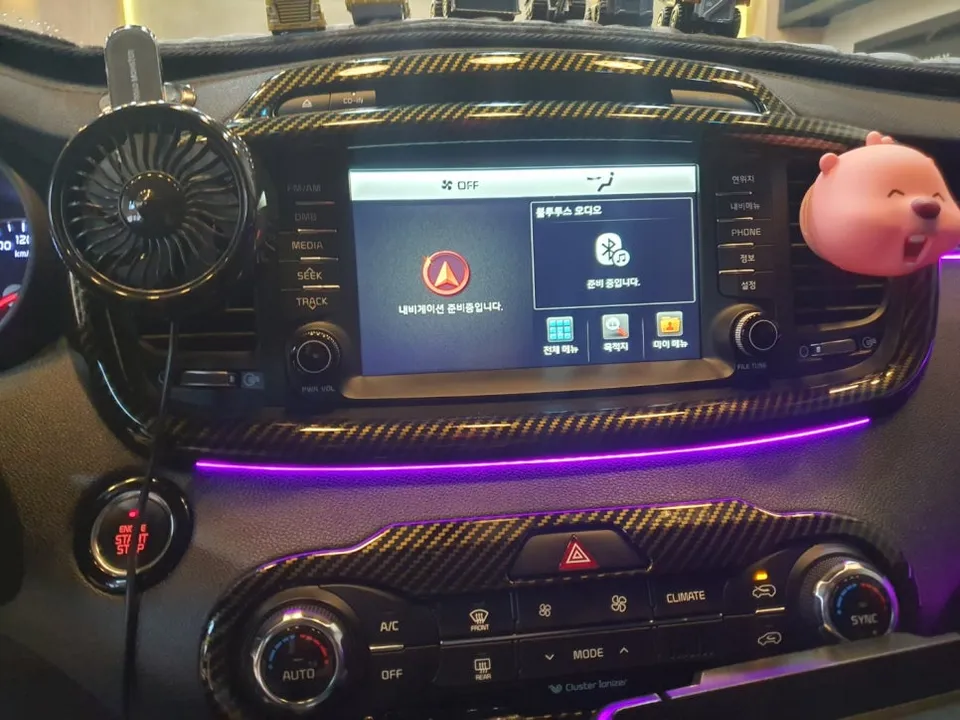
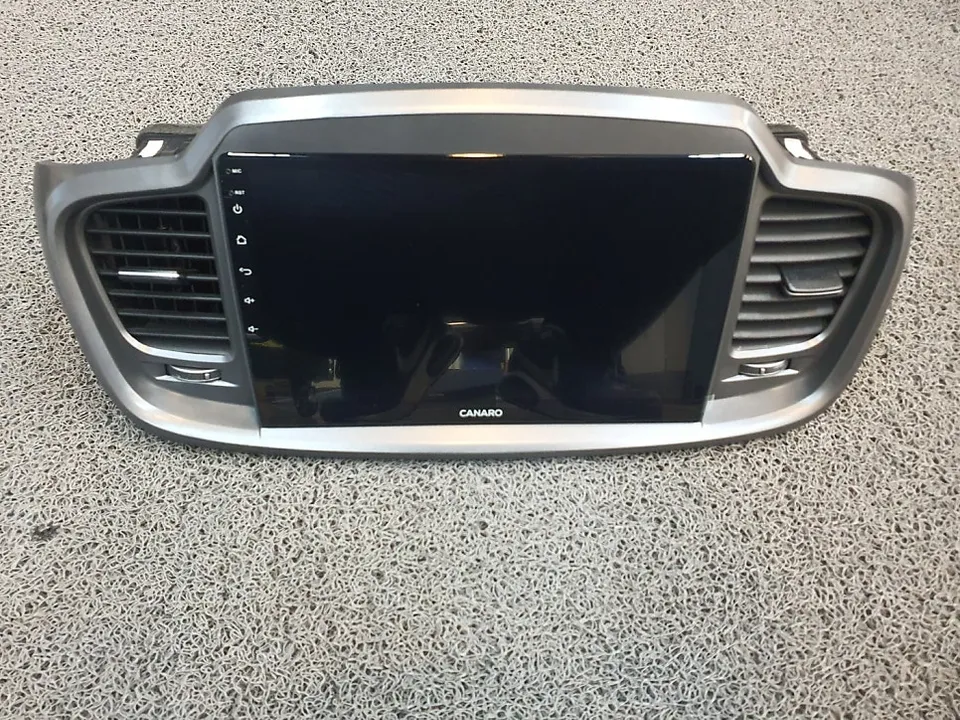
Kanaro Android All-in-One for Kia Sorento UM: Enhanced infotainment with app access, GPS, and improved audio. Seamless integration for a modern drivin
Kanaro Android All-in-One for Kia Sorento UM
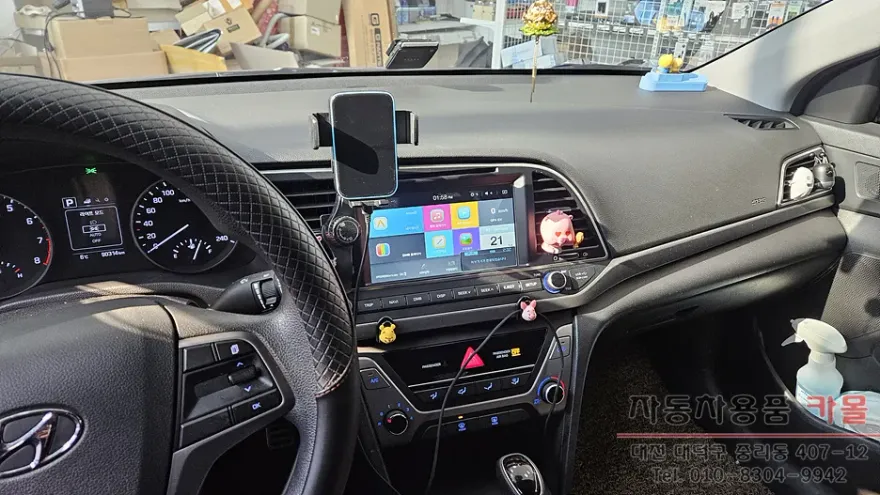
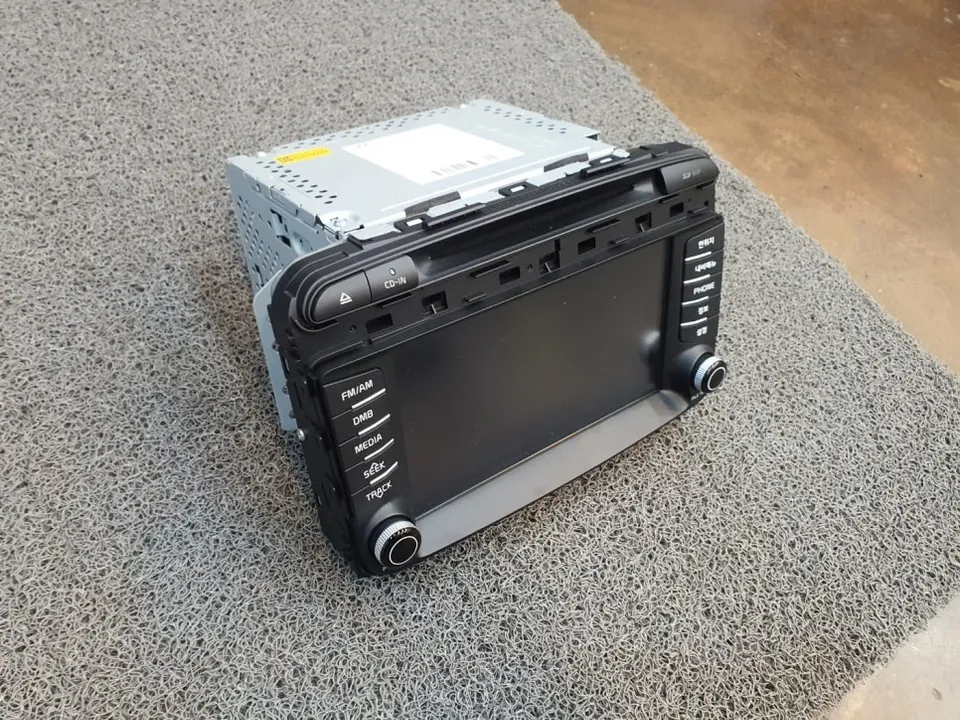
The Kia Sorento UM model receives a significant upgrade with the installation of the Kanaro Android All-in-One head unit. This aftermarket solution replaces the factory infotainment system, offering a modern, feature-rich experience. The unit boasts a large, responsive touchscreen and runs on the Android operating system, providing access to a vast array of applications, navigation tools, and entertainment options. Installation is designed to be a clean integration, maintaining the aesthetic of the Sorento's interior while vastly improving its technological capabilities. This review will cover the installation process, key features, and the overall impact on the driving experience.
Installation Process and Key Features
Installing the Kanaro Android All-in-One head unit in a Kia Sorento UM is a multi-step process that requires careful attention to detail to ensure a seamless fit and optimal performance. While professional installation is recommended for most users, understanding the steps involved provides insight into the complexity and quality of the upgrade.
Installation process:
- Disassembly: Carefully remove the original factory head unit and surrounding trim panels. This typically involves prying off specific clips and unscrewing mounting brackets.
- Wiring Harness Connection: Connect the provided wiring harnesses to the new Android head unit, ensuring all factory connections (power, speakers, antenna, etc.) are properly adapted.
- Unit Mounting: Secure the new head unit into the dashboard cavity, using any provided mounting kits or brackets to ensure a snug and stable fit.
- System Configuration: Power on the unit and perform initial setup, including Wi-Fi connection, account login, and basic system settings.
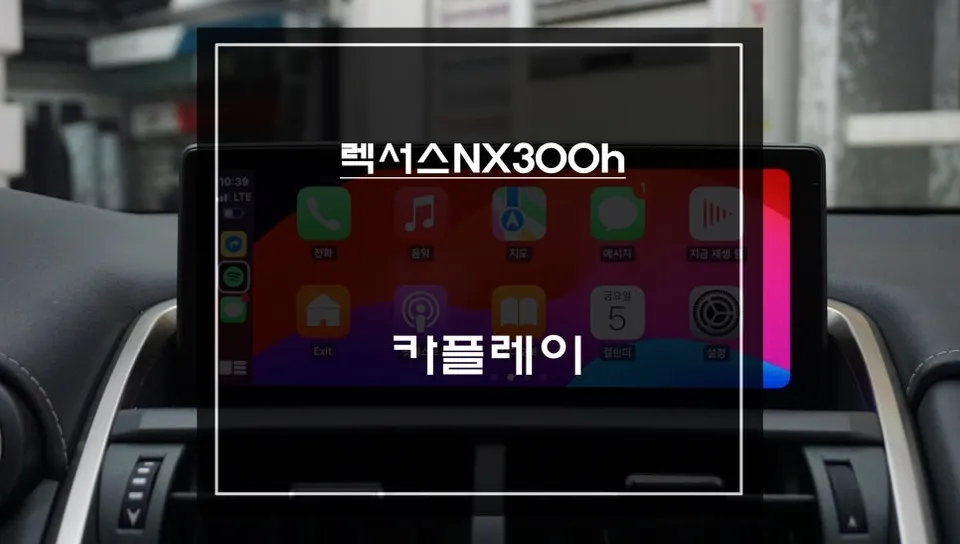
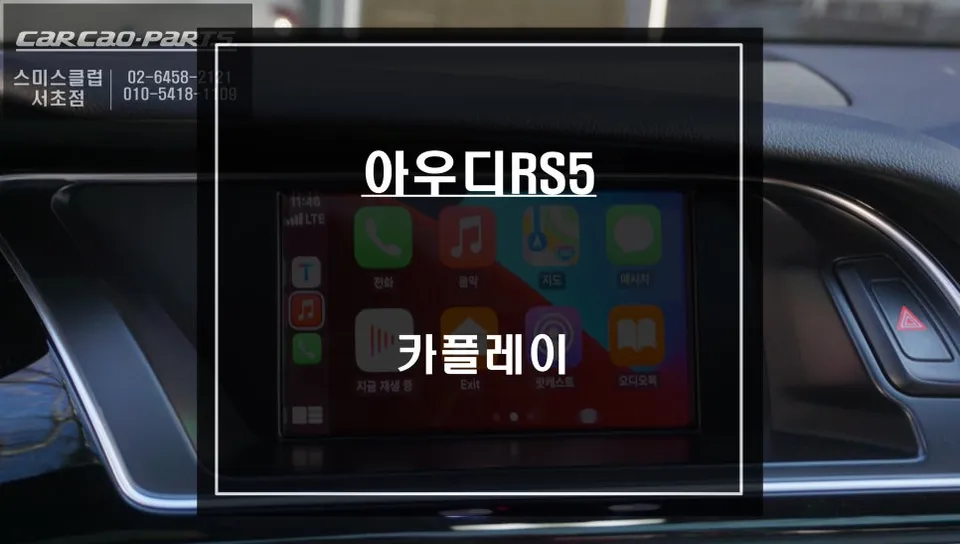
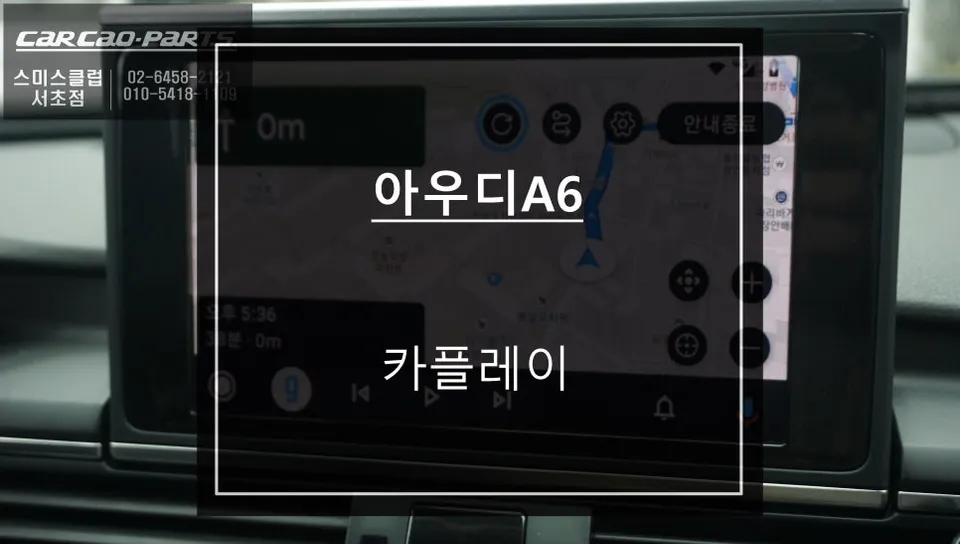
Once installed, the Kanaro unit offers a wealth of features. Its Android OS allows for direct installation of apps like YouTube, Netflix, and various music streaming services. Integrated GPS navigation with real-time traffic updates is a significant advantage over older systems. Bluetooth connectivity ensures hands-free calling and audio streaming, while support for high-resolution audio playback enhances the listening experience. The unit also often includes support for rearview cameras and other vehicle sensors, further integrating it with the Sorento's systems.
Performance and User Experience
The performance of the Kanaro Android All-in-One unit in the Kia Sorento UM is generally impressive. The interface is intuitive and responsive, making navigation through menus and applications smooth. Boot-up times are relatively quick, allowing users to access essential functions shortly after starting the vehicle. The screen resolution is sharp, providing clear visuals for maps, videos, and app interfaces. Sound quality through the factory speakers is often improved due to the unit's better audio processing capabilities. The ability to customize the interface with different widgets and apps means users can tailor the system to their specific needs and preferences, making long drives more enjoyable and connected.
Frequently Asked Questions
Q. What is the price of the Kanaro Android All-in-One for Kia Sorento UM?
The price for the Kanaro Android All-in-One unit for the Kia Sorento UM typically ranges from ₩400,000 to ₩700,000 in Korea. In the US, similar Android head units can range from $300 to $600 depending on features and brand.
Q. How long does the Kanaro Android All-in-One unit last in a Kia Sorento?
With proper installation and care, these units are designed for long-term use, often lasting the lifespan of the vehicle. Regular software updates and avoiding extreme temperatures can help maintain its performance and longevity.
Q. Is the Kanaro Android All-in-One worth it for a Kia Sorento?
The Kanaro Android All-in-One is highly recommended for Kia Sorento owners seeking to modernize their infotainment system with features like app access and advanced navigation. It offers significant value by bringing a smartphone-like experience to the car's dashboard.
Q. How is the Kanaro Android All-in-One installed in a Kia Sorento?
Installation involves carefully removing the original head unit, connecting the new unit's wiring harness to the vehicle's existing connections, and then securely mounting the new unit into the dashboard. Initial system setup and configuration follow.
Q. What is the difference between an Android head unit and a factory infotainment system?
Android head units offer open access to apps, customizable interfaces, and often superior processing power compared to factory systems. Factory systems are typically more integrated but limited in functionality and app support.
OhCar Partner Shop