Land Rover Discovery 4 Android Head Unit Installation Guide
Service Price
$40–80
Estimated price · Actual price may vary by shop
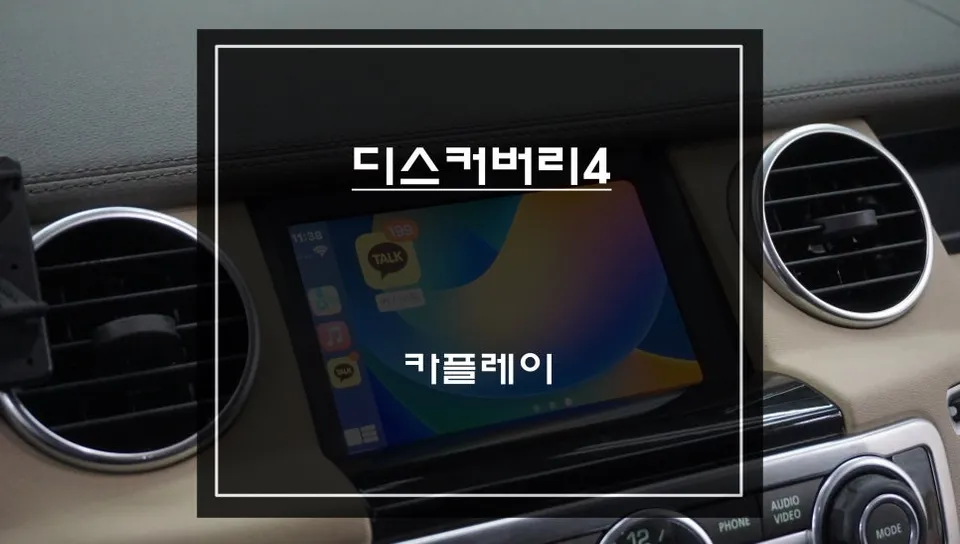
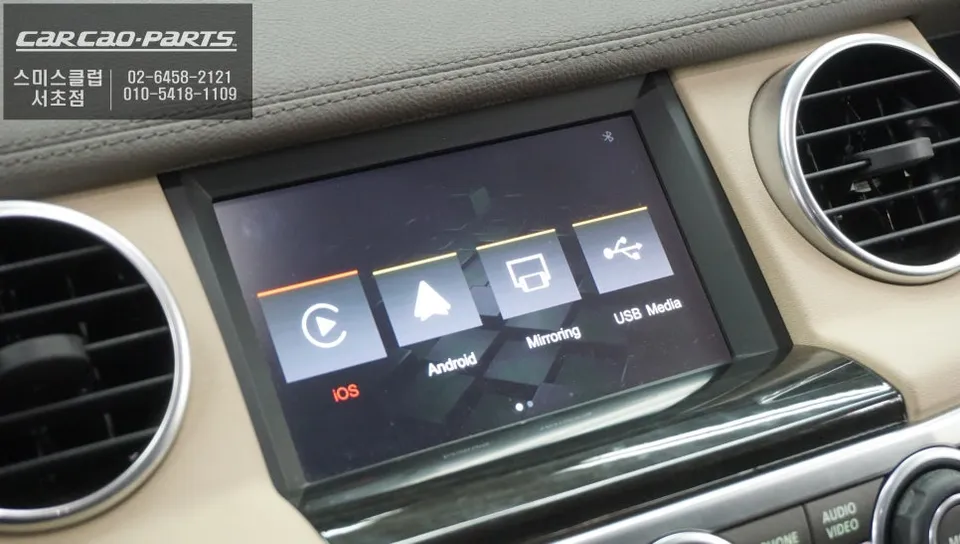
Land Rover Discovery 4 Android Head Unit installation. Seamless Apple CarPlay & Android Auto integration. Non-invasive plug-and-play setup.
Upgrade Your Land Rover Discovery 4 with an Android Head Unit
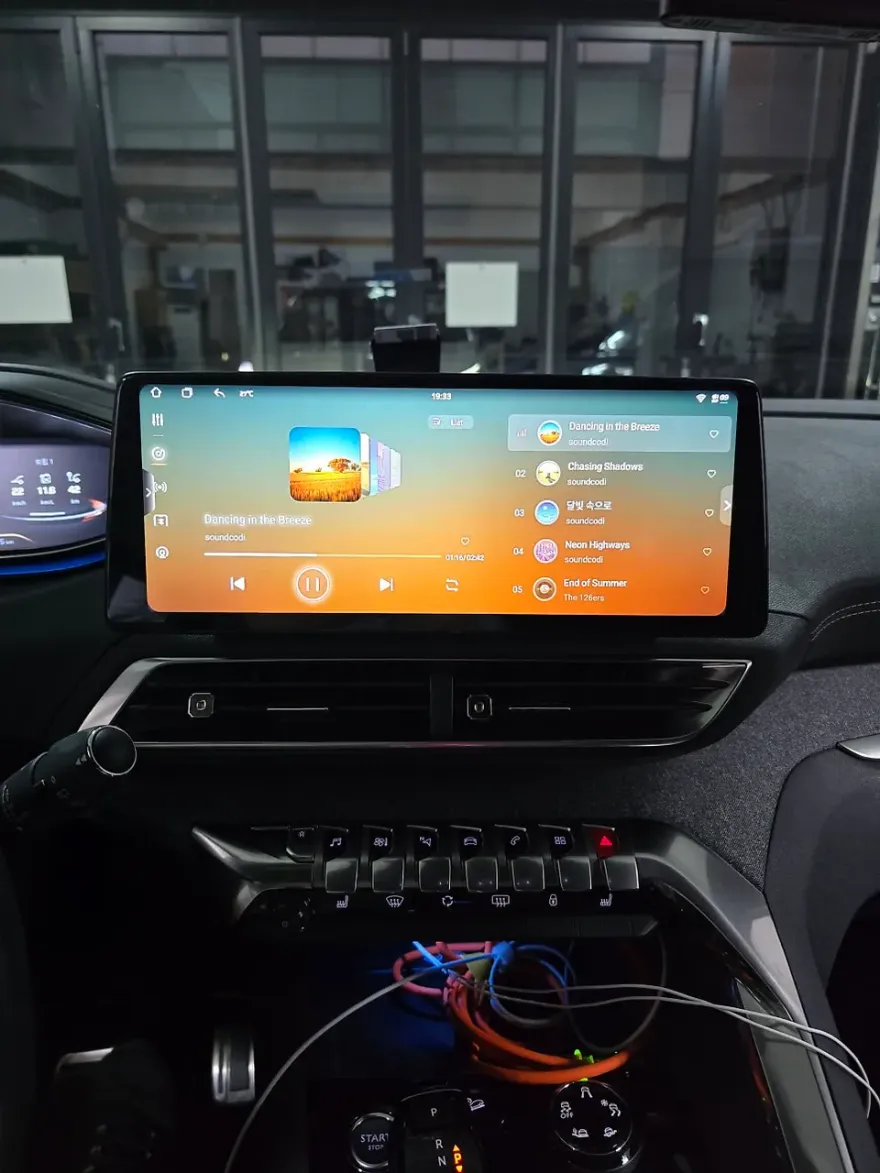
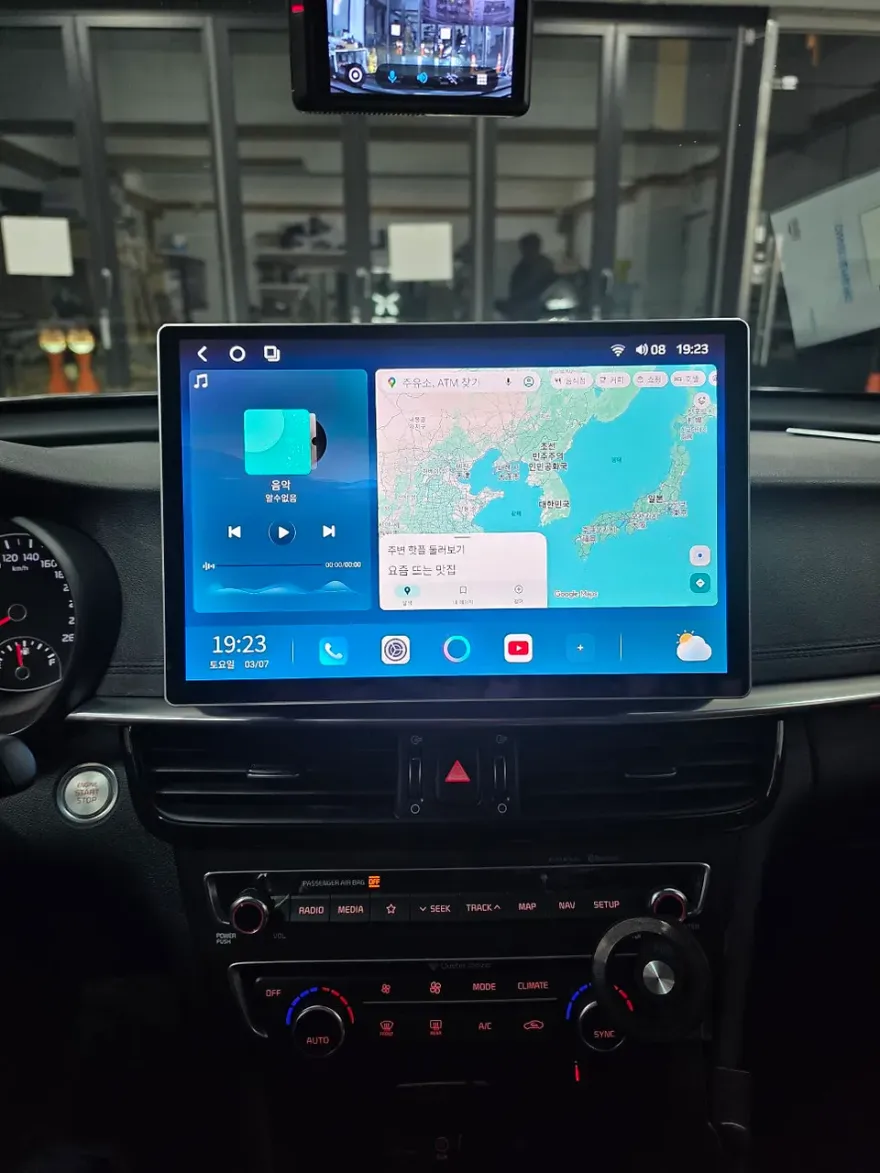
Are you a Land Rover Discovery 4 owner looking to modernize your driving experience? If your current infotainment system feels outdated, installing an Android Head Unit is the perfect solution. This upgrade allows you to seamlessly integrate your smartphone's features, including navigation, music, and calls, directly into your vehicle's display. We'll explore the benefits of Apple CarPlay and Android Auto, installation options, and why this upgrade is a game-changer for your Discovery 4.
Apple CarPlay vs. Android Auto for Your Discovery 4
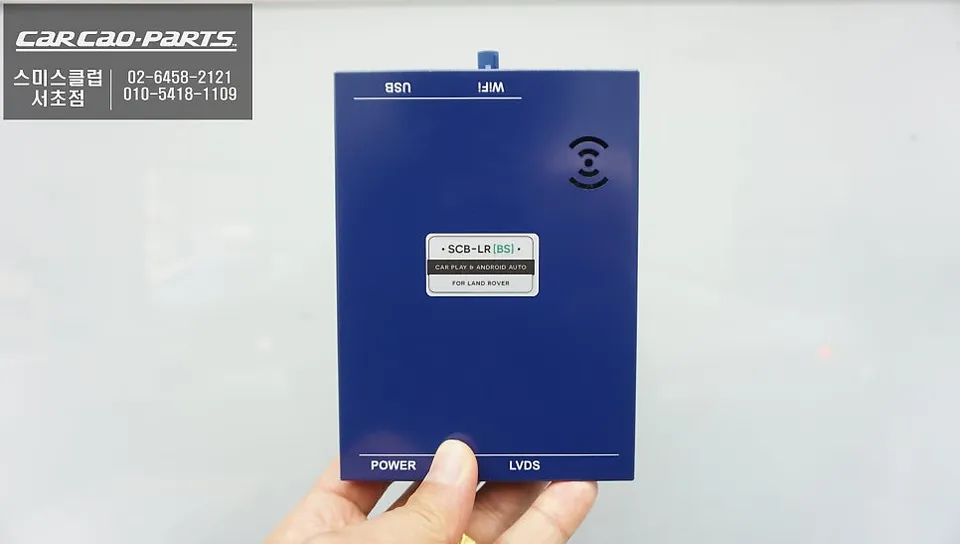
The primary advantage of an Android Head Unit is its compatibility with both Apple CarPlay and Android Auto. Apple CarPlay connects your iPhone, allowing you to use familiar apps like Apple Maps, Waze, Spotify, and Apple Music through your car's interface. You can control everything via touch or voice commands, ensuring a safe and convenient experience. Similarly, Android Auto offers a comparable experience for Android users, providing access to Google Maps, YouTube Music, and other essential apps. Both systems offer real-time traffic updates and seamless audio playback through your car's speakers. The choice between them often comes down to personal preference and your smartphone's operating system, as both deliver excellent navigation and entertainment capabilities.
Installation Process and Benefits
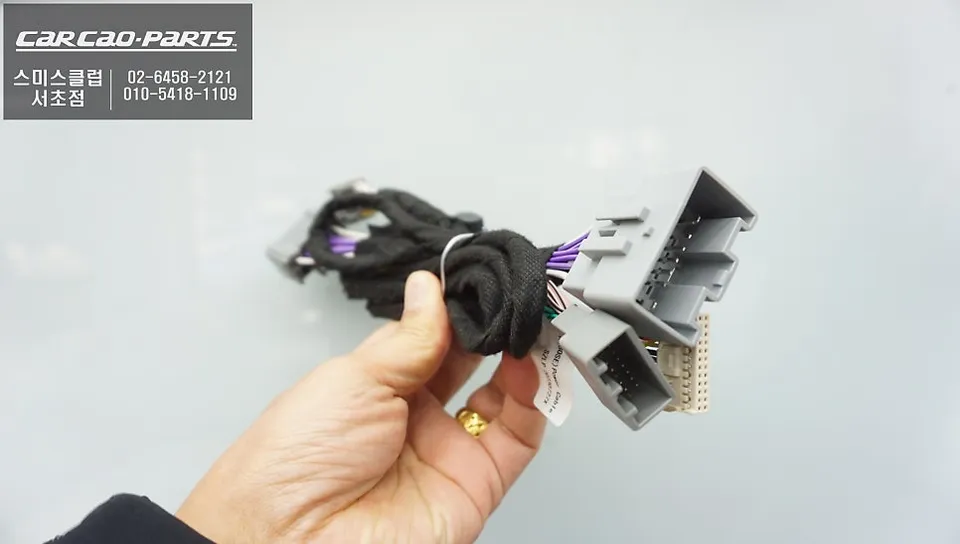
When upgrading your Land Rover Discovery 4, the installation process is designed to be non-invasive. Most modern Android Head Units utilize a 'plug-and-play' or 'jack-by-jack' system, meaning they connect directly to your vehicle's existing wiring harness without requiring any cutting or splicing. This preserves your car's original wiring, ensuring no damage to the factory system and making future servicing or removal straightforward. The installation typically involves removing the original head unit and connecting the new unit's wiring harness, followed by mounting the new unit securely.
Installation process:
- Carefully remove the original factory head unit.
- Connect the new Android Head Unit's wiring harness to the vehicle's existing connectors.
- Mount the new Android Head Unit into the dashboard.
- Test all functions, including touch screen, audio, navigation, and smartphone connectivity.
The result is a modern, responsive infotainment system that enhances your driving pleasure. You'll enjoy features like advanced navigation, hands-free calling, and access to your favorite music and podcasts, all displayed on a larger, high-resolution screen. This upgrade not only adds convenience but also potentially increases the resale value of your Land Rover Discovery 4.
Frequently Asked Questions
Q. How much does an Android Head Unit installation cost for a Land Rover Discovery 4?
The cost for an Android Head Unit installation for a Land Rover Discovery 4 can vary, but typically ranges from ₩500,000 to ₩1,500,000 in Korea. In the US, similar installations can range from $400 to $1200 depending on the unit's features and complexity.
Q. How long does an Android Head Unit installation take on a Land Rover Discovery 4?
The installation typically takes between 2 to 4 hours to complete. Proper maintenance involves ensuring software is up-to-date and periodically checking connections for optimal performance.
Q. Is an Android Head Unit upgrade worth it for a Land Rover Discovery 4?
An Android Head Unit upgrade is highly recommended for Discovery 4 owners seeking modern smartphone integration and enhanced navigation. It significantly improves the user experience and can add value to the vehicle.
Q. How is an Android Head Unit installed on a Land Rover Discovery 4?
Installation is usually a plug-and-play process. 1. The original head unit is carefully removed. 2. The new unit's wiring harness is connected to the vehicle's factory connectors. 3. The new unit is securely mounted into the dashboard, and all functions are tested.
Q. What is the difference between wired and wireless CarPlay/Android Auto on a Discovery 4?
Wired connections offer superior stability and faster response times, ideal for consistent performance. Wireless connections provide greater convenience by eliminating the need for cables, though they can be susceptible to occasional signal interruptions.
Kakao Parts