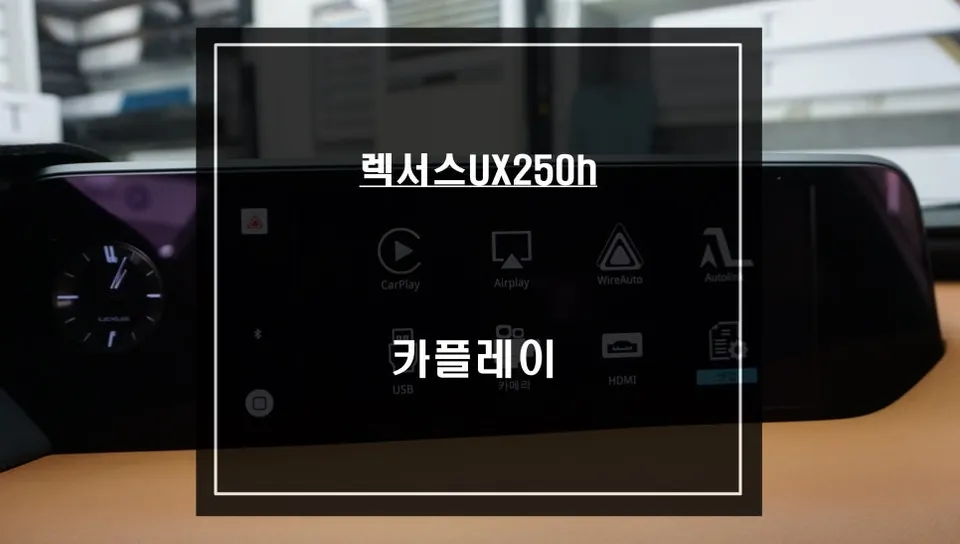
Lexus NX 300h Android Auto/CarPlay Upgrade Review
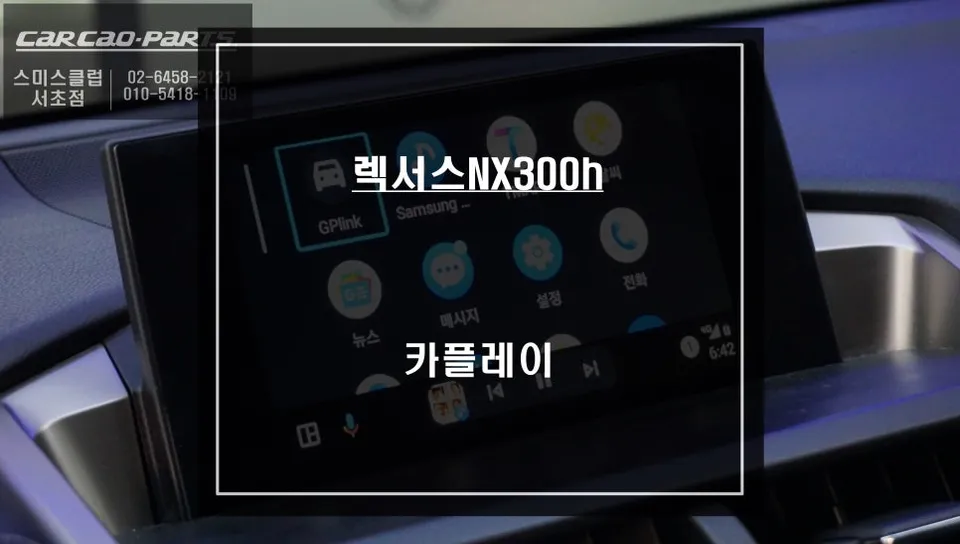
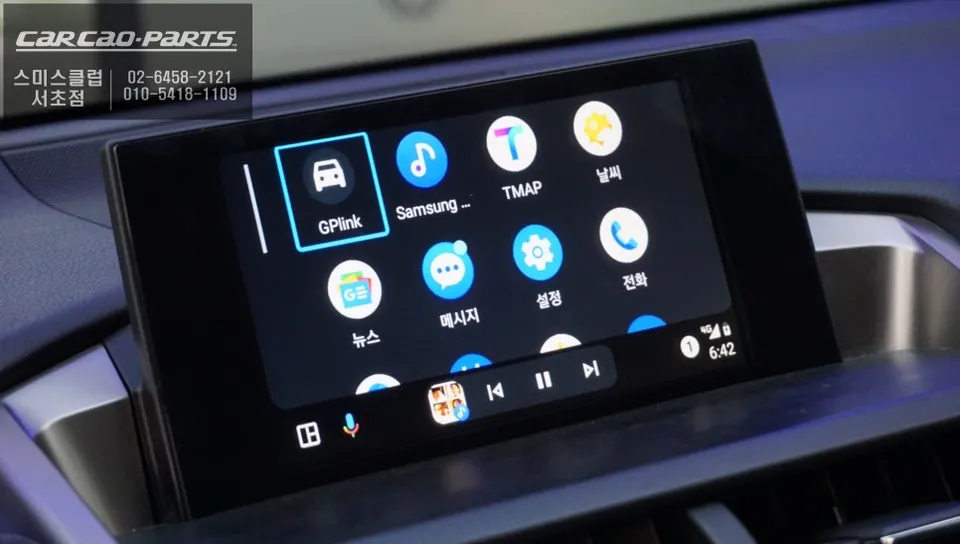
Lexus NX 300h CarPlay/Android Auto upgrade. Seamless integration with voice control for TMAP/KakaoMap. Enhances navigation and media.
Upgrade Your Lexus NX 300h with Seamless CarPlay and Android Auto
Welcome to Today's Car.
Many Lexus NX 300h owners appreciate the refined interior and reliable performance of their vehicles. However, the native navigation system can sometimes feel limited, especially when compared to the real-time traffic data and user-friendly interfaces of smartphone-based navigation apps like TMAP and KakaoMap. This review details how we integrated Apple CarPlay and Android Auto into the Lexus NX 300h, enhancing its functionality without compromising the original system.
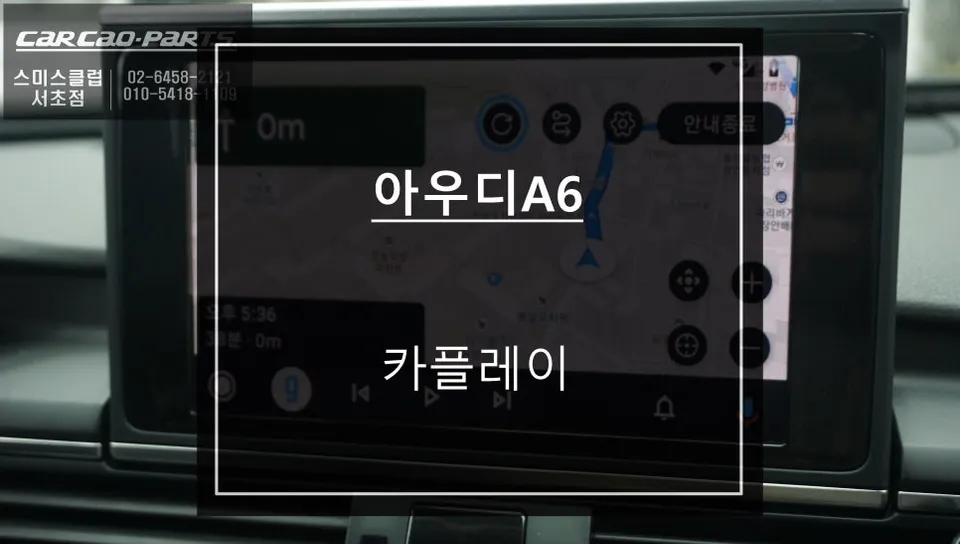
This upgrade allows you to use your favorite navigation apps directly on your car's display, complete with voice control. It's not just about mirroring; it's about a fully integrated experience that leverages the strengths of both your smartphone and your Lexus.
Overcoming Native Navigation Limitations
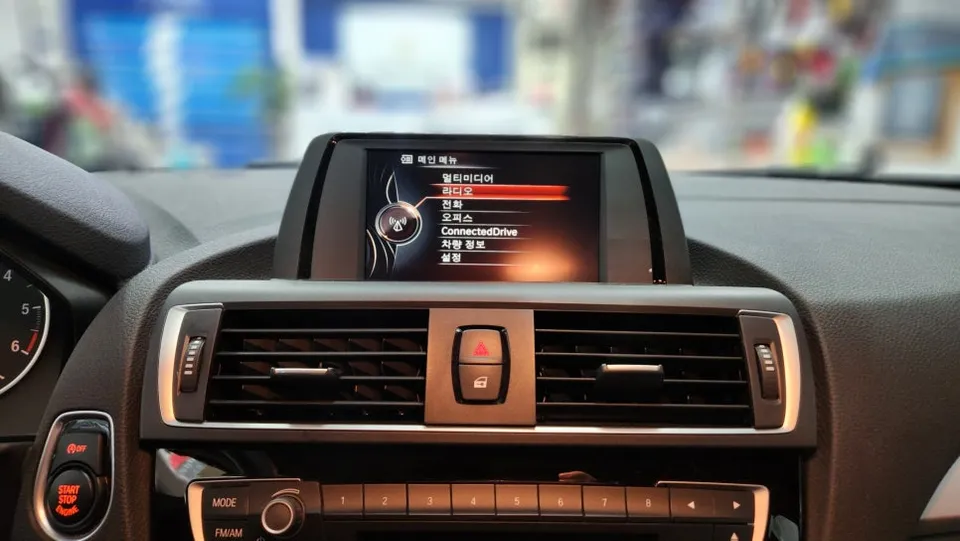
While the Lexus factory navigation is stable and aesthetically pleasing, its reliance on potentially outdated map data can lead to suboptimal routing, especially in areas with heavy or changing traffic. Smartphone navigation apps, on the other hand, benefit from a vast network of users providing real-time data, ensuring you get the fastest routes. CarPlay and Android Auto bridge this gap, bringing these powerful navigation tools to your car's screen.
The solution involves a specialized integration module designed specifically for Lexus vehicles. This module works in parallel with the existing navigation system, allowing for a seamless transition between the native interface and your smartphone's apps. The key benefit is retaining all original functions while adding the advanced capabilities of modern navigation and media apps.
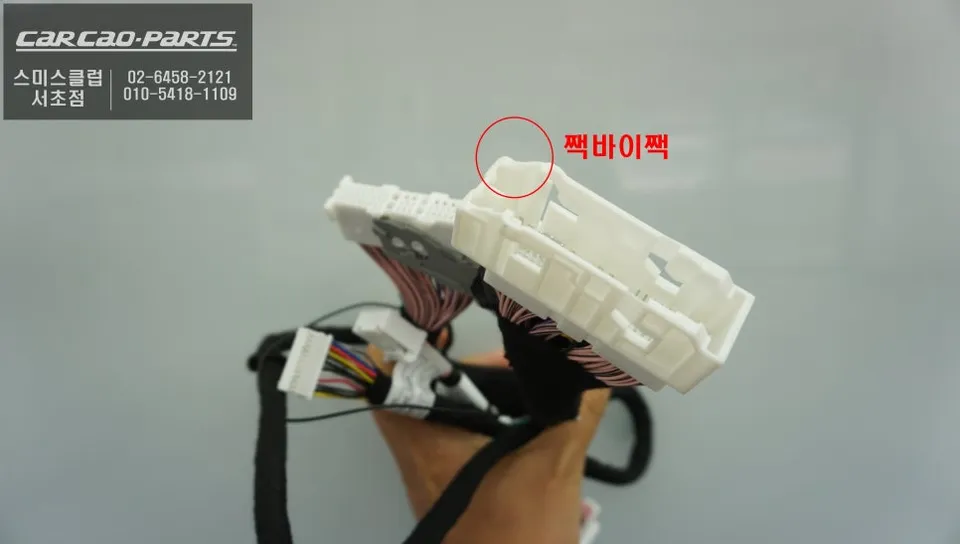
Installation Process: Clean Integration for Lexus NX 300h
Integrating new technology into a vehicle's electronics requires a careful approach. For the Lexus NX 300h, we use a dedicated integration module that connects directly to the factory wiring harness. This plug-and-play method ensures no damage to the original system and maintains a clean, professional installation.
Installation process:
- The dashboard trim around the infotainment screen is carefully removed to access the factory display unit.
- The integration module is connected to the back of the original monitor using custom wiring harnesses that match the factory connectors.
- The module is discreetly mounted behind the dashboard, ensuring no visible changes to the interior.
- The dashboard trim is reassembled, completing the installation.
This method ensures that the vehicle's electronic systems are not overloaded and that the factory warranty remains unaffected. The result is a fully functional CarPlay/Android Auto system that feels like a native part of the car.
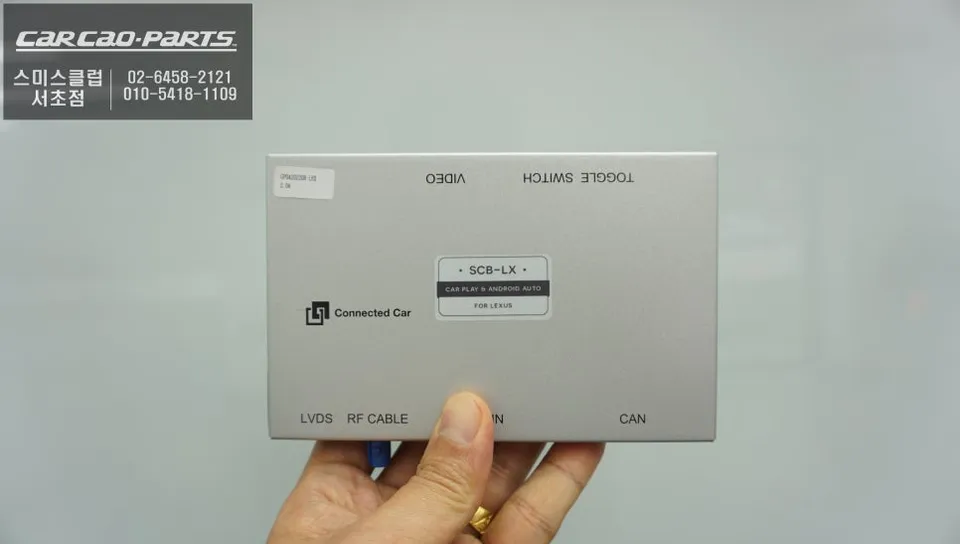
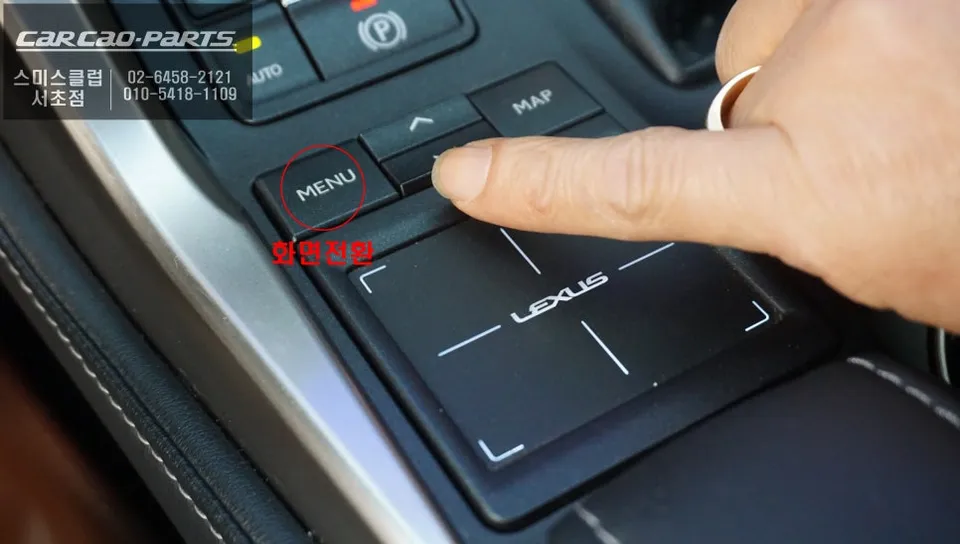
Seamless Operation and Enhanced Driving Experience
Switching between the native Lexus interface and the new CarPlay/Android Auto system is effortless. A simple press of the 'MENU' button on the steering wheel allows you to toggle between screens. Once in CarPlay or Android Auto mode, you can connect your smartphone via USB (wired) or Bluetooth (wireless, depending on module capability). Your phone's apps, including TMAP, KakaoMap, Waze, Google Maps, Spotify, and more, will appear on the car's display.
Voice control is a significant safety feature. By activating your phone's voice assistant (Siri or Google Assistant) through the steering wheel controls, you can set destinations, make calls, send messages, and control music playback without taking your hands off the wheel. For example, simply saying, "Navigate to Gangnam Station," will initiate the route guidance in your chosen navigation app.
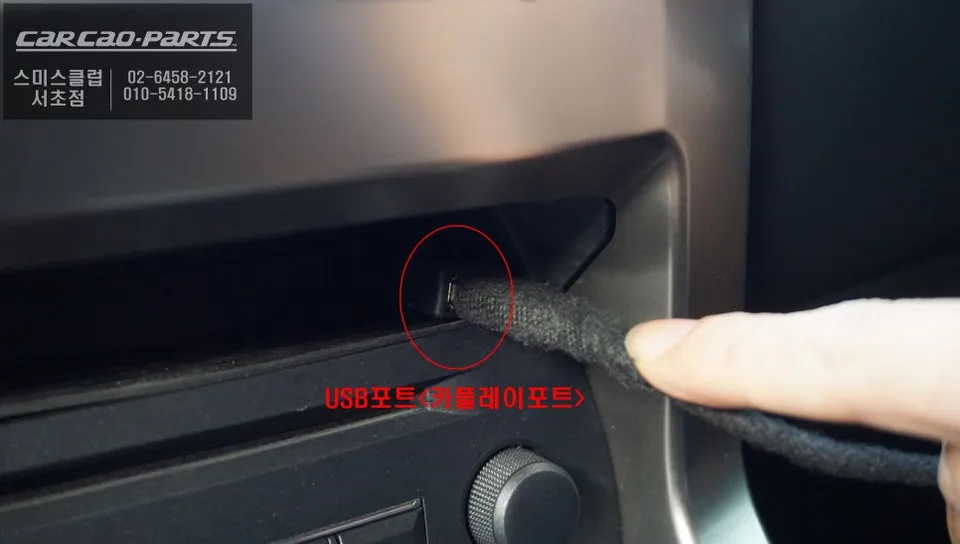
Wired vs. Wireless Connectivity
While wireless CarPlay/Android Auto offers convenience by eliminating the need for cables, a wired connection via USB is often recommended for initial setup and for ensuring the most stable connection. Wired connections typically offer faster data transfer, which can be beneficial for navigation apps that rely on real-time updates and smoother video streaming for media apps. Some advanced modules also support wireless connectivity after the initial wired pairing, offering the best of both worlds.
Frequently Asked Questions
Q. How much does the Android Auto/CarPlay upgrade cost for a Lexus NX 300h?
The cost for this specific Android Auto/CarPlay integration for the Lexus NX 300h typically ranges from ₩400,000 to ₩700,000 in South Korea. In the US, similar professional installations can range from $300 to $600 USD.
Q. How long does the Android Auto/CarPlay installation take on a Lexus NX 300h?
The installation process for the Android Auto/CarPlay module typically takes between 2 to 4 hours to complete. Regular maintenance involves ensuring your smartphone's operating system and navigation apps are up-to-date for optimal performance.
Q. Is the Android Auto/CarPlay upgrade worth it for a Lexus NX 300h?
This upgrade is highly recommended for Lexus NX 300h owners who frequently use smartphone navigation apps like TMAP or KakaoMap. It significantly enhances the infotainment system's usability and value by providing access to modern features.
Q. How is the Android Auto/CarPlay upgrade performed on a Lexus NX 300h?
1. The dashboard trim around the infotainment screen is carefully removed. 2. A dedicated integration module is connected to the factory display's wiring harness. 3. The module is securely mounted behind the dashboard. 4. The trim is reassembled, completing the seamless integration.
Q. What is the difference between wired and wireless Android Auto/CarPlay for a Lexus NX 300h?
Wired Android Auto/CarPlay uses a USB cable for a stable, high-speed connection, ideal for navigation and media. Wireless offers convenience by connecting via Bluetooth/Wi-Fi, though it may sometimes have slightly less responsiveness or require initial wired pairing.
Kakao Parts