Mercedes-Benz C200 CarPlay Retrofit: Real-World Results
Service Price
$approx. $1,500+
Estimated price · Actual price may vary by shop
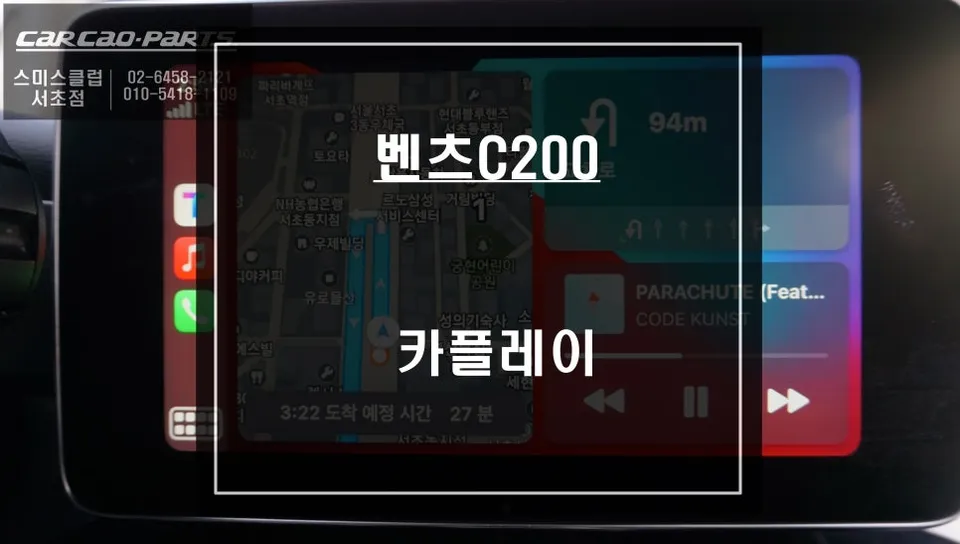
Mercedes-Benz C200 CarPlay retrofit offers real-time navigation and app integration. Installation cost varies, typically starting around ₩500,000 (app
Why Your Mercedes-Benz C200 Needs a CarPlay Upgrade
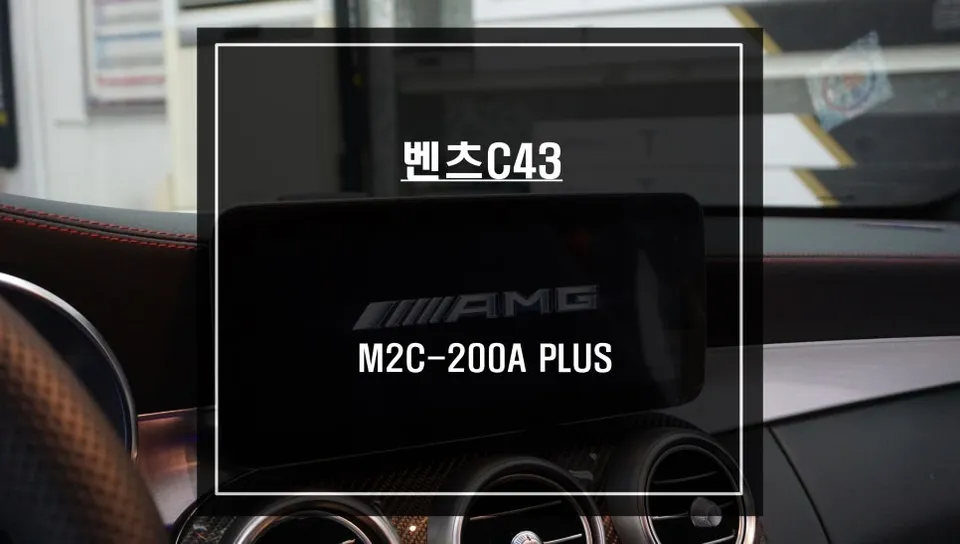
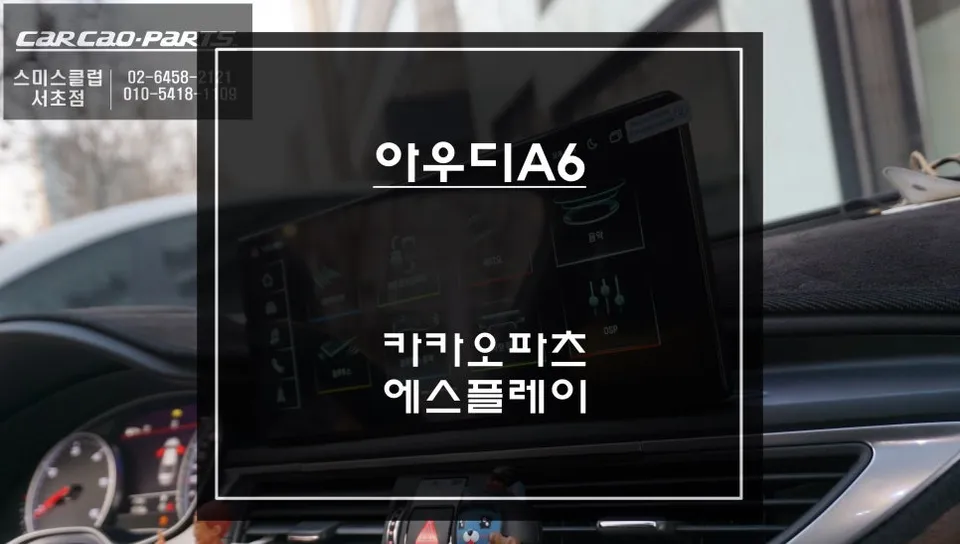
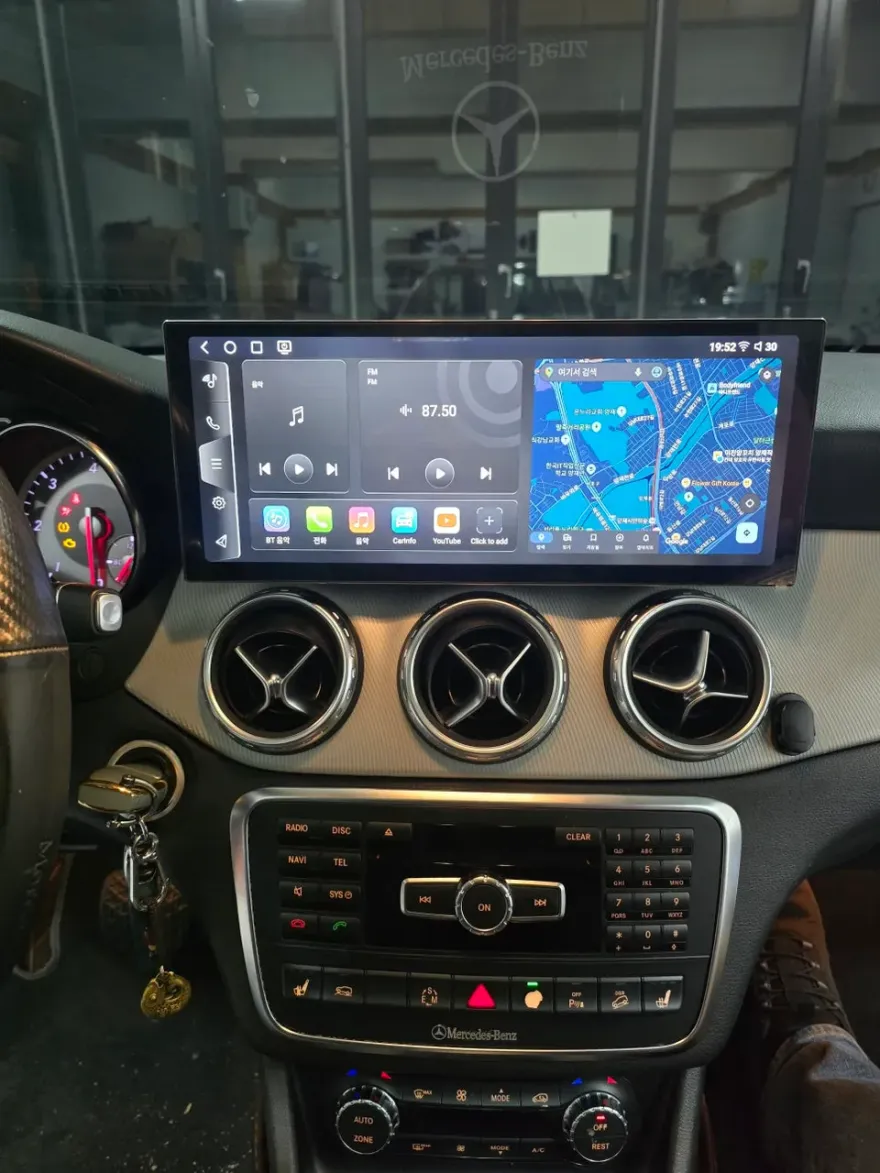
The factory navigation system in many Mercedes-Benz C200 models can feel dated. Slow map updates and a lack of real-time traffic information are common frustrations for owners. Many C200 drivers find the solution in a **CarPlay module installation**. This upgrade allows you to mirror your smartphone's interface, including popular navigation apps like Google Maps, Waze, or Apple Maps, directly onto your car's existing infotainment screen. This review details the experience of upgrading a Mercedes-Benz C200 with this popular infotainment upgrade.
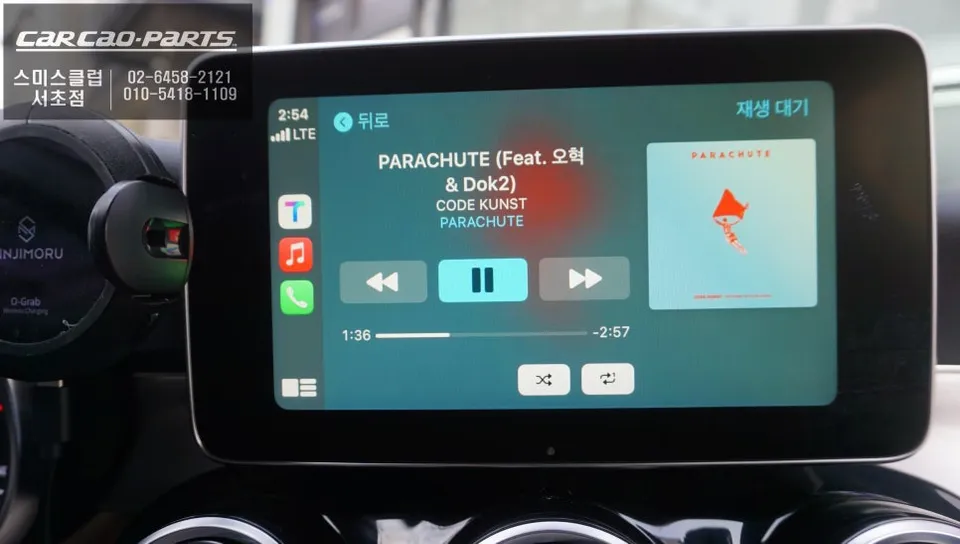
Seamless Integration: CarPlay on Your Factory Screen
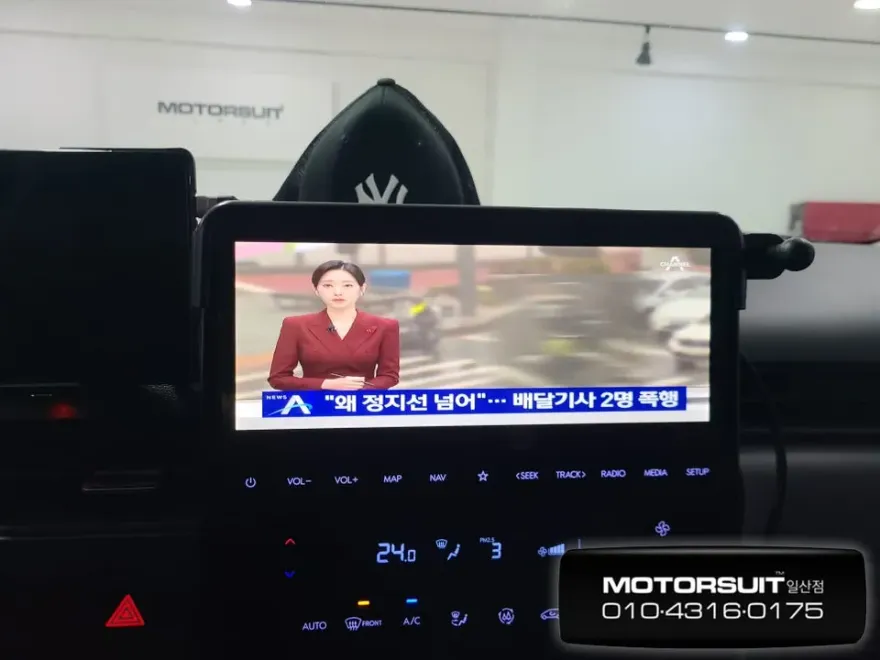
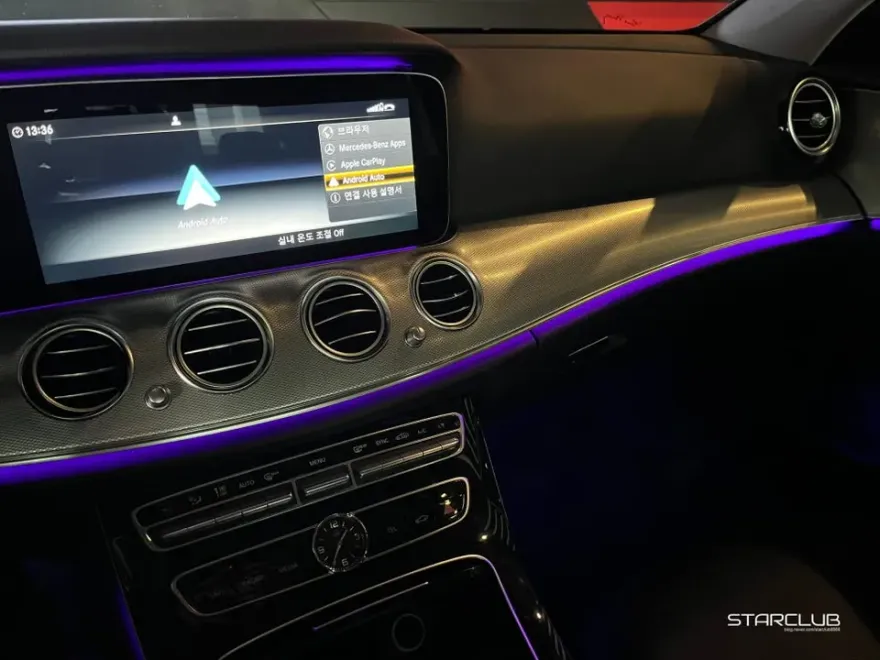
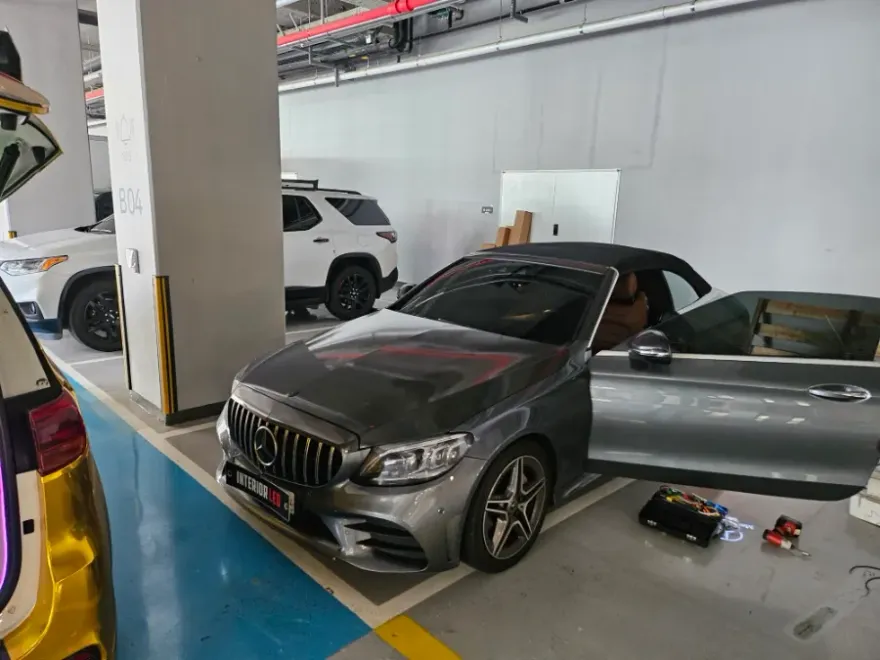
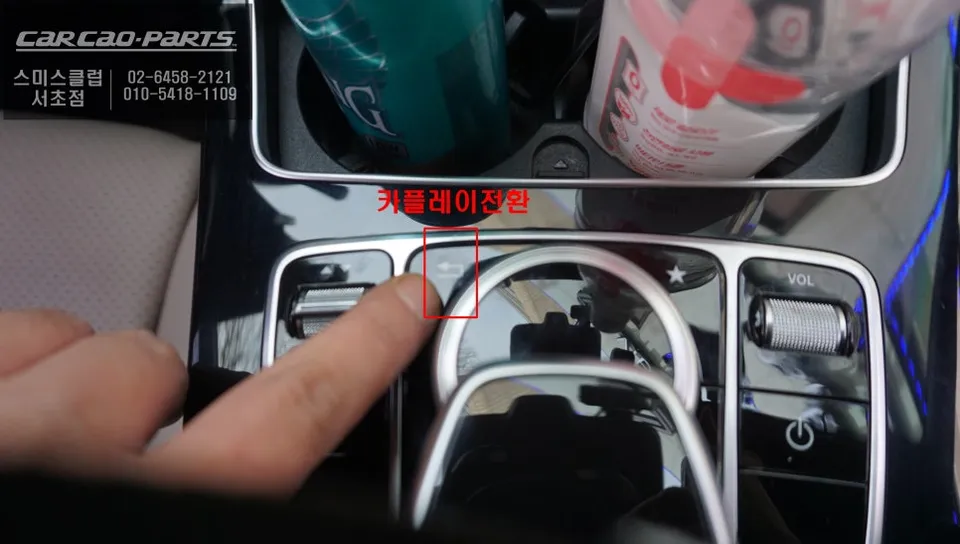
The Mercedes-Benz C200 typically features a high-resolution display that is perfectly suited for an aftermarket CarPlay module. The installation process involves connecting the module via the LVDS cable, essentially running it in parallel with your existing navigation system. This means both your original Mercedes-Benz functions and the new CarPlay interface remain active and accessible. The installation is often a "plug-and-play" process, utilizing the vehicle's existing wiring harness. A common method to switch between the factory system and CarPlay is by pressing and holding the return button for a couple of seconds.
Android Auto or Apple CarPlay? Both Are Supported
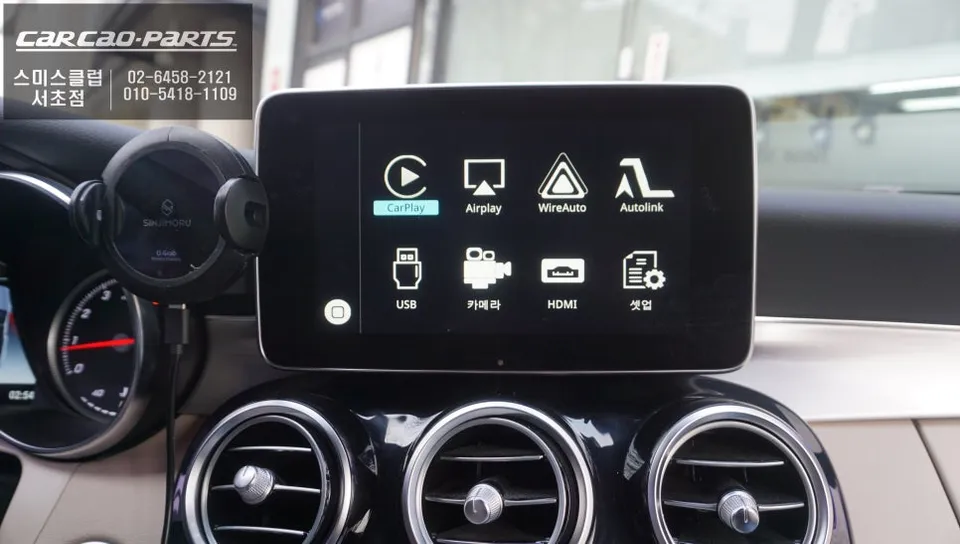
A key benefit of these modern head unit upgrades is their dual compatibility. The modules installed in the Mercedes-Benz C200 support both **Android Auto** and **Apple CarPlay**, ensuring that whether you use an iPhone or an Android device, you can connect seamlessly. While wireless connectivity is an option, a wired USB connection is generally recommended for maximum stability. To ensure a constant connection, it's best practice to hardwire a USB port within the cabin, eliminating potential dropouts during longer drives.
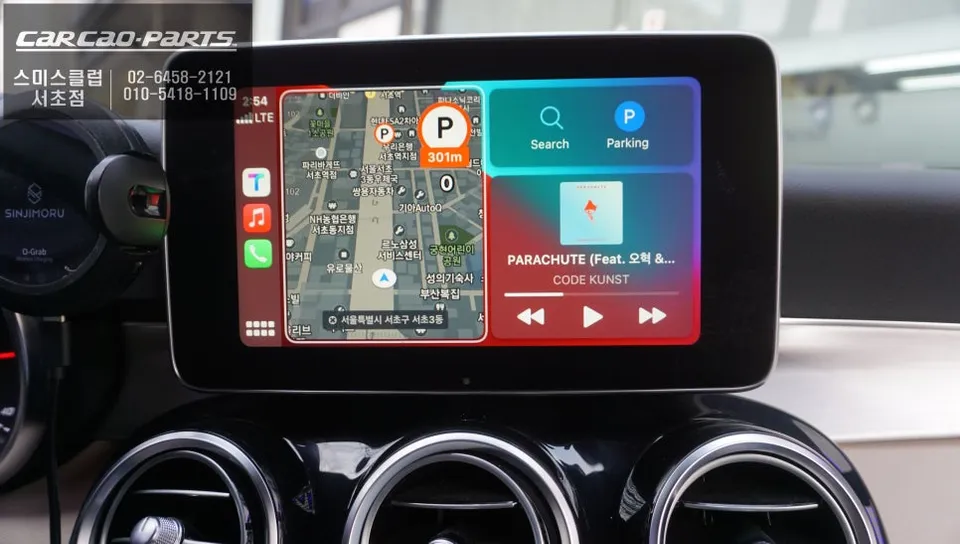
Real-Time Navigation: T-Map, KakaoMap, and More
The primary advantage over the stock Mercedes navigation is access to real-time data. Mobile navigation apps like T-Map and KakaoMap (popular in Korea) are constantly updated with the latest map data, road closures, and traffic conditions, often reflecting changes within seconds. This user-generated data leads to more accurate ETAs and faster route suggestions. Once you experience the convenience of using these advanced navigation apps on your car's large screen, reverting to the factory system becomes difficult.
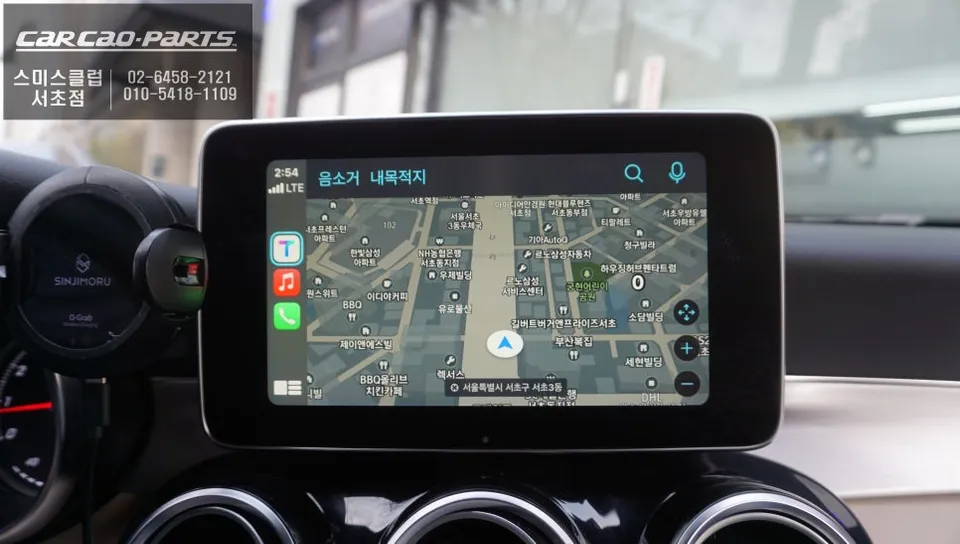
Voice Control and Audio Integration
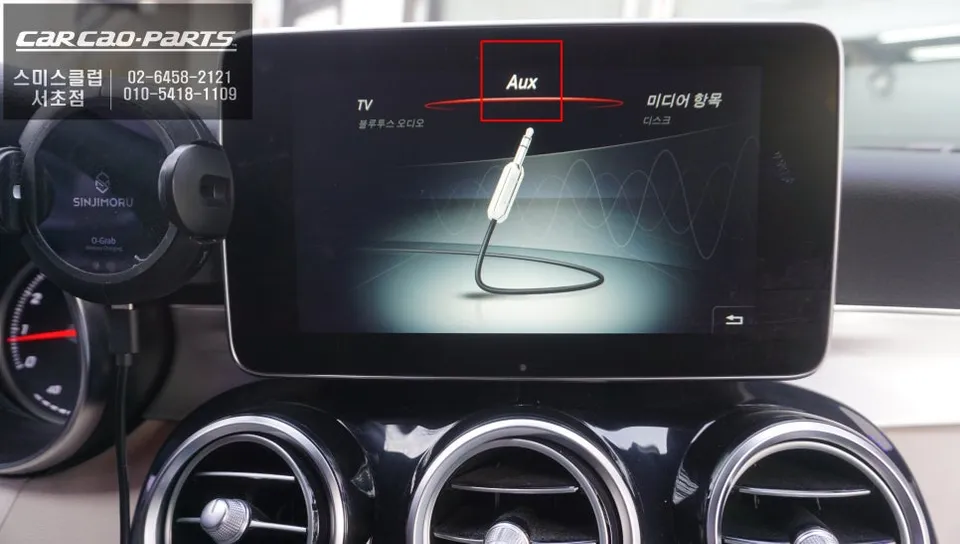
Voice commands for CarPlay work through the Mercedes-Benz C200's original microphone. Simply press the voice button on your steering wheel and issue commands for navigation or music playback. To hear navigation prompts, calls, and audio through your car's speakers, an AUX input coding is typically required. This ensures all audio output is routed through the vehicle's sound system.
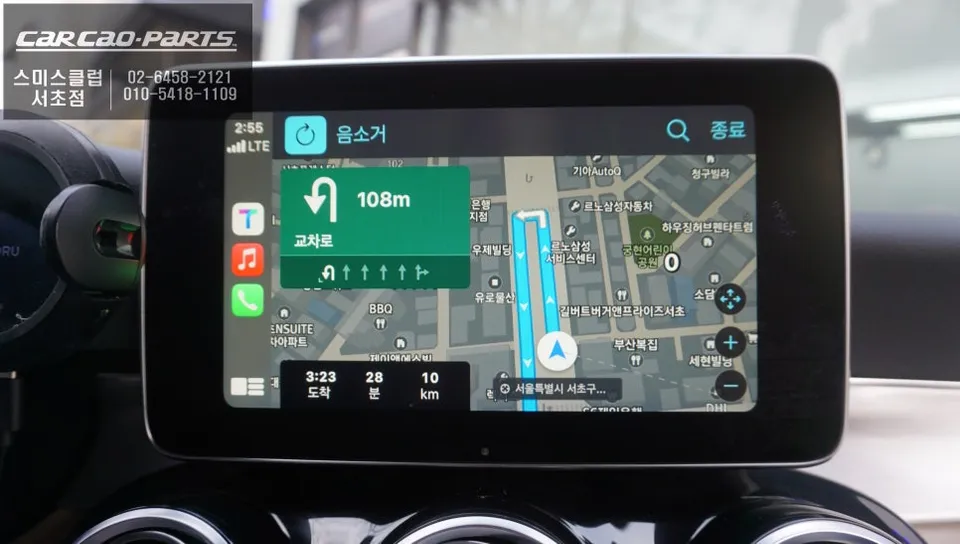
Interface Control: Buttons Over Touch
Most CarPlay displays for the C200 do not feature touch input. Instead, control is managed through the car's original hardware buttons and the voice control system. The rotary dial and directional buttons on the C200's center console allow you to navigate menus. While some might initially worry about the lack of touch, using physical buttons and voice commands is often safer and more intuitive while driving. For example, saying "Navigate to City Hall on Google Maps" eliminates the need for any manual input.
Mirroring Your Smartphone Content
Beyond navigation and music, these advanced head unit systems often include a mirroring function. This allows you to display other smartphone applications, such as YouTube or photo galleries, on the car's screen, further enhancing the infotainment experience.
Frequently Asked Questions
Q. How much does an Android head unit or CarPlay installation cost for a Mercedes-Benz C200?
In Korea, the installation cost for a CarPlay or Android Auto module for a Mercedes-Benz C200 typically starts around ₩500,000 (approximately $360 USD). Prices can vary based on the specific module and installer.
Q. How long does Android head unit installation take on a Mercedes-Benz C200?
The installation process for a CarPlay or Android Auto module is generally quick, often taking around 1-2 hours. Durability is high as it integrates with existing systems, and maintenance usually involves keeping your smartphone's software updated.
Q. Is a CarPlay or Android Auto retrofit worth it for a Mercedes-Benz C200?
A CarPlay or Android Auto retrofit is highly recommended for Mercedes-Benz C200 owners frustrated with the factory navigation, as it provides access to superior real-time navigation and app functionality. The value lies in significantly enhancing the car's infotainment system with modern smartphone integration.
Q. How is an Android head unit installed in a Mercedes-Benz C200?
Installation involves connecting a CarPlay module in parallel with the existing navigation system using the LVDS cable. 1. The installer accesses the vehicle's wiring harness. 2. The module is connected via a "plug-and-play" method, often requiring precise cable alignment. 3. The system is tested, and a method to switch between factory and CarPlay modes is established, usually via a button press.
Q. What is the difference between an Android head unit and a factory infotainment system for a Mercedes-Benz C200?
The primary difference is functionality: factory systems often have outdated maps and slow updates, while an Android head unit or CarPlay retrofit provides real-time navigation via smartphone apps and seamless app integration. For most users seeking modern navigation and connectivity, the retrofit offers a significant upgrade in usability and features.
Kakao Parts