Mercedes-Benz CLA45 Around View Review — Clear Blind Spot View
Service Price
$150+
Estimated price · Actual price may vary by shop
Mercedes-Benz CLA45: Why a High-Definition Around View Monitor is Essential
As parking spaces shrink, blind spots become a major concern for drivers. This is especially true for vehicles like the Mercedes-Benz, which often feature longer hoods, leading to significant blind areas in the front. While factory-installed cameras offer some assistance, relying on low-resolution video can increase the risk of errors. To demonstrate the difference, we'll explore a Mercedes-Benz CLA45 installation of a high-definition around view monitor system. Many ask, "Is an around view monitor truly necessary?" After experiencing it, the answer is a resounding YES.
At Today's Car, we leverage proven installation data to provide a realistic look at the Mercedes-Benz CLA45 around view monitor installation.
Low-Definition vs. High-Definition Around View: Is There Really a Difference?
Around view monitor products are broadly categorized into CVBS (low-definition) and LVDS (high-definition) types. The difference is substantial. CVBS is an older analog technology, prone to significant noise and particularly poor performance at night. In contrast, LVDS utilizes high-speed digital signal transmission, resulting in minimal noise and superior contrast – its key advantage.
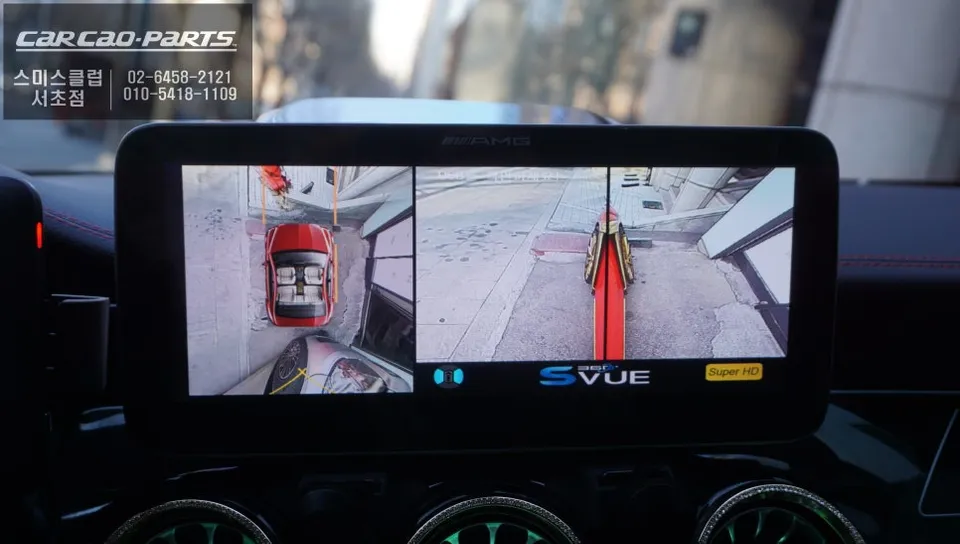
The 2D Super View product installed on this Mercedes-Benz CLA45 features SUPER HD cameras. This ensures clear video quality not only during the day but also for nighttime parking. It even includes a backlight compensation function, preventing glare on the camera lens even in bright sunlight.

Seamless Integration with Android All-in-One Head Units
The Mercedes-Benz CLA45 comes equipped with a factory 8.8-inch widescreen display. This installation involved integrating the around view monitor with an Android All-in-One unit fitted to this screen. The LVDS high-definition signal is perfectly compatible with the Android system, allowing for a crisp, clear video feed on the display without any signal loss.
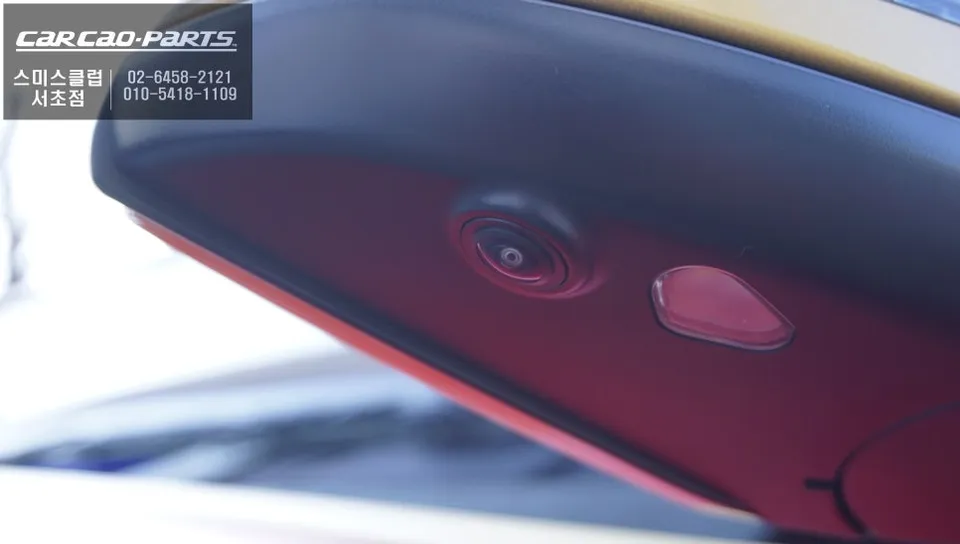
Around View Monitor in Action: Real-World Parking Scenarios
Let's see how it works in practice. When you shift into Reverse (R), the around view monitor automatically activates, displaying a top-down view with rear parking lines. Simultaneously, factory PDC (parking sensor) signals are also displayed, providing a more accurate sense of distance.
Shifting into Drive (D) automatically switches the display to the front camera view. When you turn the steering wheel, the parking lines move dynamically with the steering input, thanks to the PAS (Parking Assist System) function. This is incredibly useful for navigating tight alleyways or making left turns, as you can clearly see where the front wheels will track.
A quick double-press of the factory hazard light button allows you to manually activate the around view monitor even while driving. This is a significant aid for detecting potential collisions in narrow streets at low speeds.
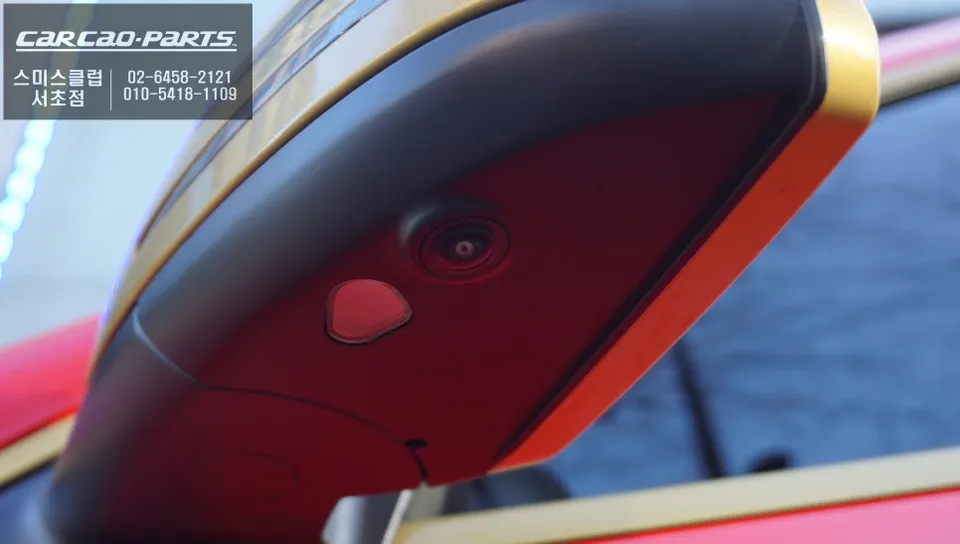
Side View and Turn Signal Integration
Blind spots are a common issue during lane changes. This installation addresses that by automatically responding to the left and right turn signals. When a turn signal is activated, the camera feed from the corresponding side mirror's camera is displayed on the screen. This feature is exceptionally useful for navigating tight turns, such as making a right turn from a narrow alley, or parking in confined entryways.
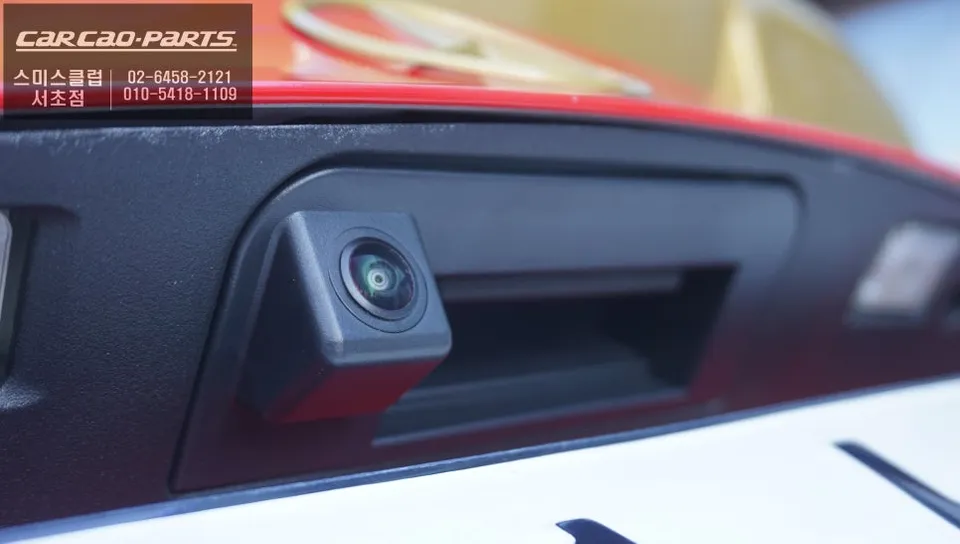
Installation Process:
- Camera Mounting: The most critical aspect of installation is the camera mounting method. Unlike some installers who drill into the bumper or side mirrors, damaging the original paint, this installation uses an integrated mount identical to factory standards. The cameras are precisely fitted into the original locations without any drilling.
- Pattern Calibration: After mounting all four cameras (front, rear, left, right) in their factory positions, a specialized calibration pattern is laid out.
- Vehicle Calibration: A precise vehicle calibration process is then performed. This step is crucial for ensuring the top-down view is accurate and distortion-free.
- System Integration: The cameras are connected to the vehicle's head unit (in this case, an Android All-in-One), ensuring seamless integration with the display and control systems.
The result is a crystal-clear, comprehensive view of the vehicle's surroundings, significantly enhancing safety and confidence during low-speed maneuvers and parking.
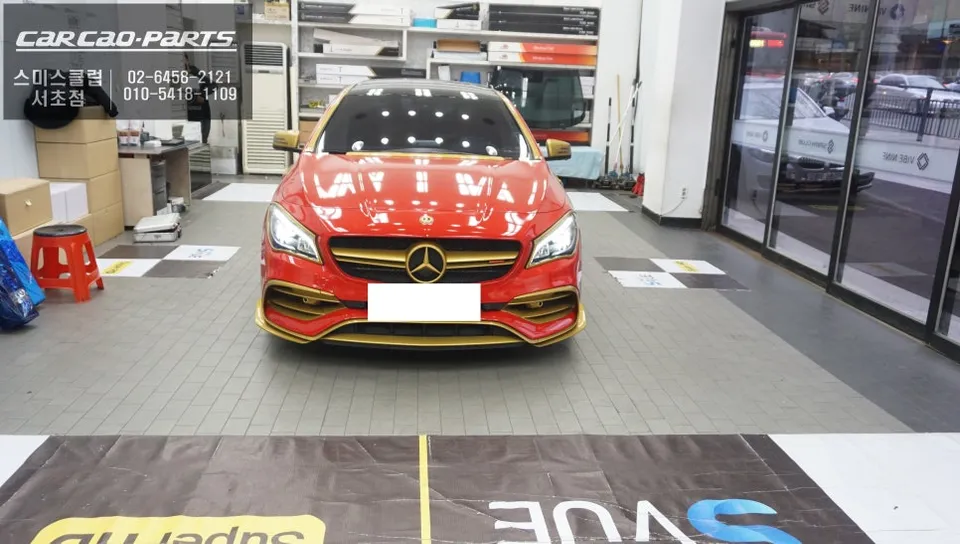
Kakao Parts