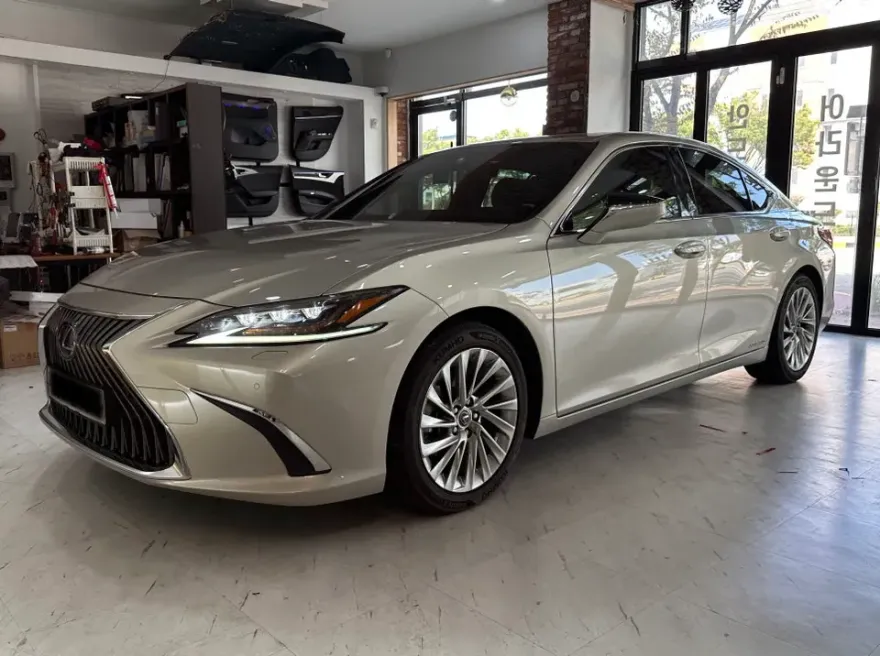
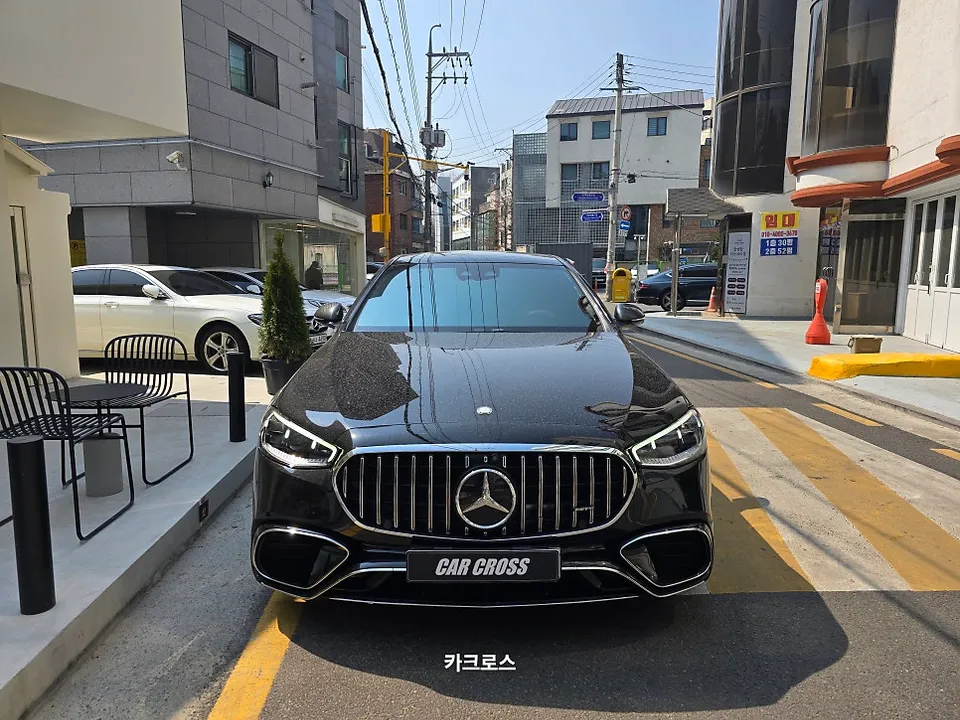
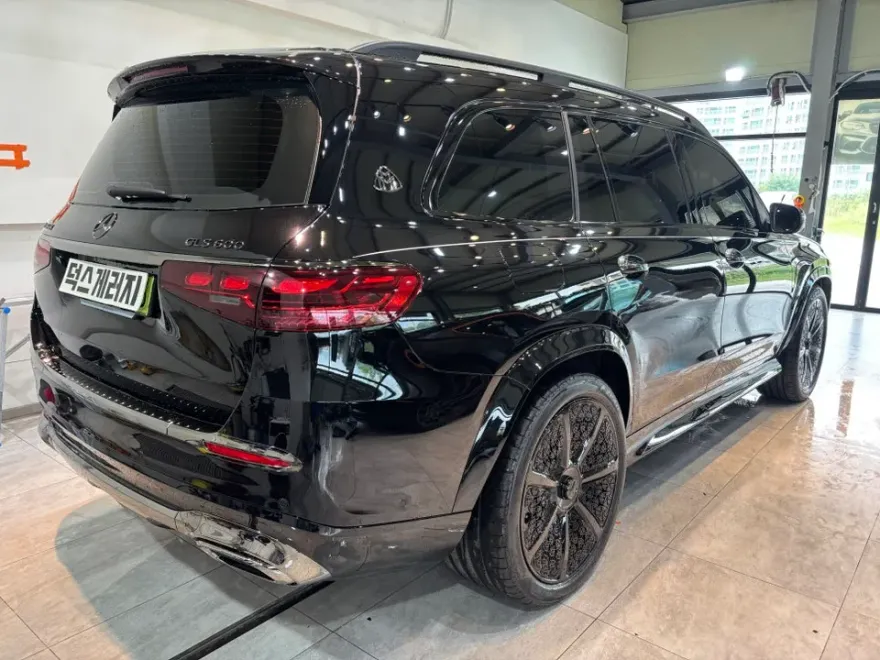
Mercedes-Benz E-Class Android Head Unit Upgrade Review
Service Price
$150+
Estimated price · Actual price may vary by shop
Mercedes-Benz E-Class Android Head Unit upgrade offers a larger screen, app access, and optional surround view. Installation takes 4-6 hours.
Transform Your Mercedes-Benz E-Class with an Android Head Unit
When choosing a vehicle, options are as crucial as the model itself. For many, the navigation system is a non-negotiable feature. However, factory-installed navigation in many luxury and even domestic cars, including the Mercedes-Benz E-Class, often falls short. These systems typically feature small screens with limited functionality, lacking up-to-date maps and the ability to integrate with popular smartphone navigation apps like TMAP or KakaoMap. This often leads owners to rely solely on their smartphones, leaving the built-in navigation system largely unused. The solution? Installing an Android Head Unit, specifically designed to overcome these limitations for your Mercedes-Benz E-Class.
Enhanced Display and Functionality
[IMAGE_1]
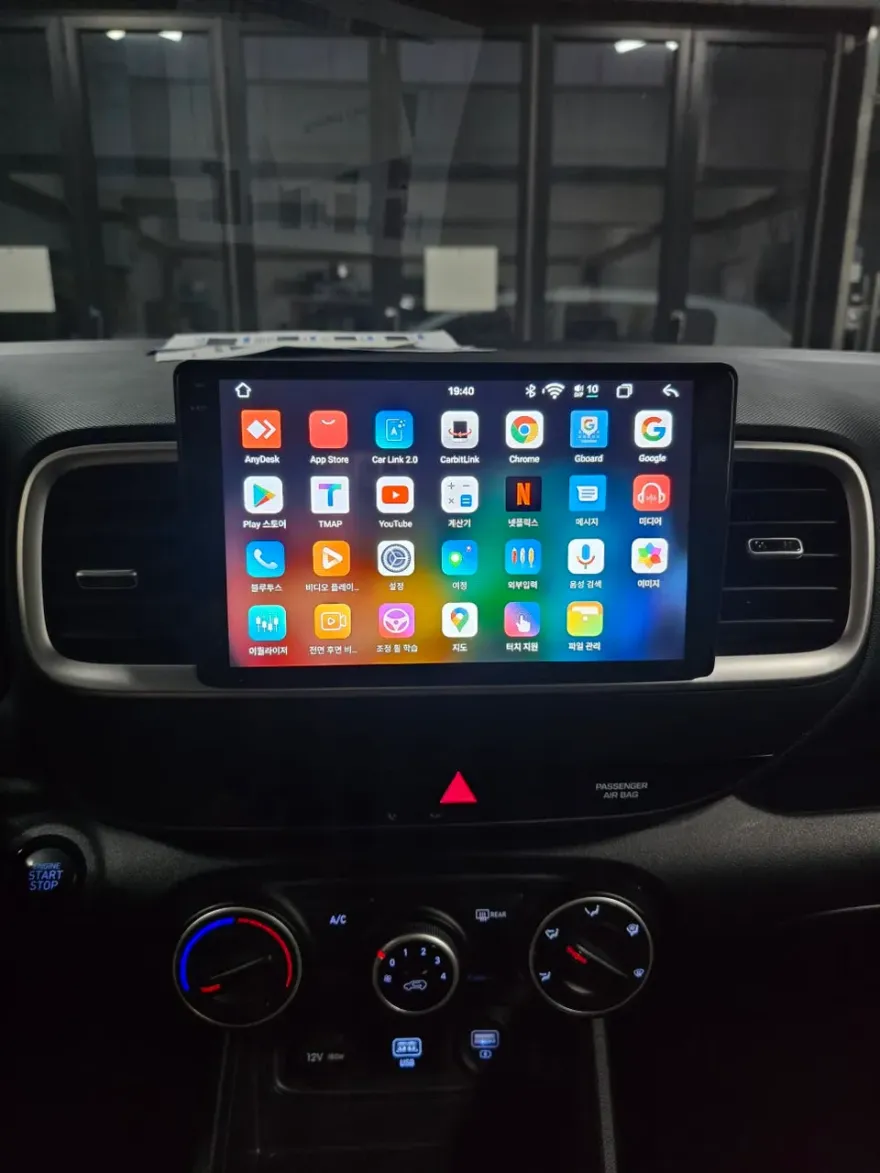
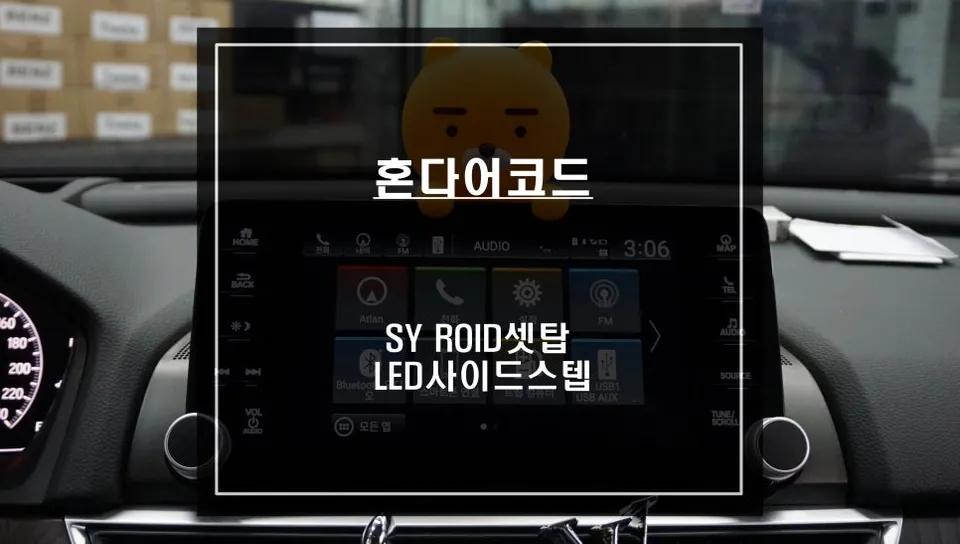
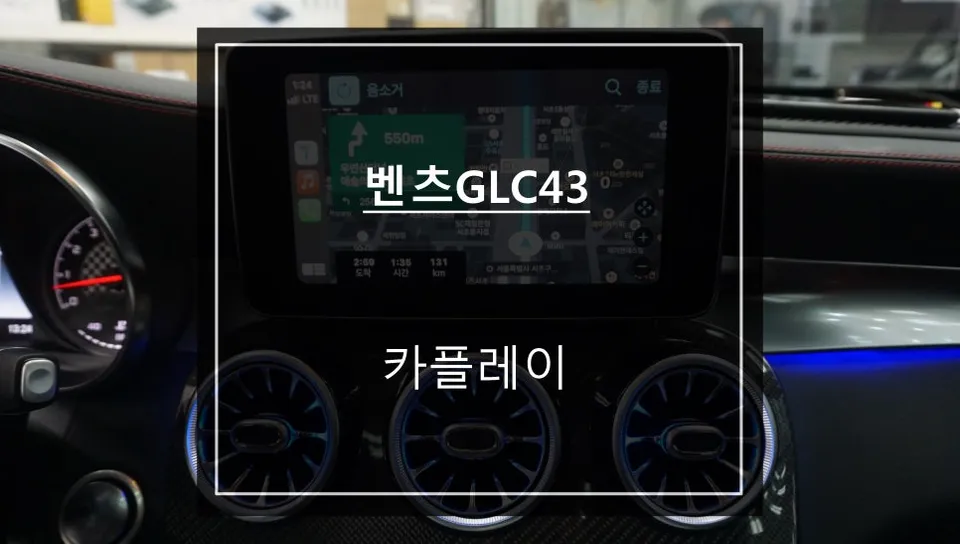
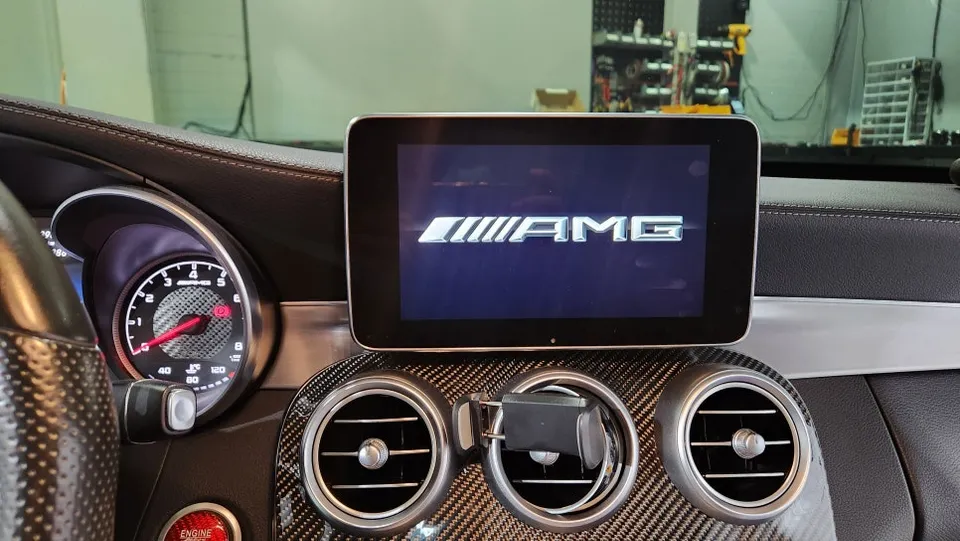
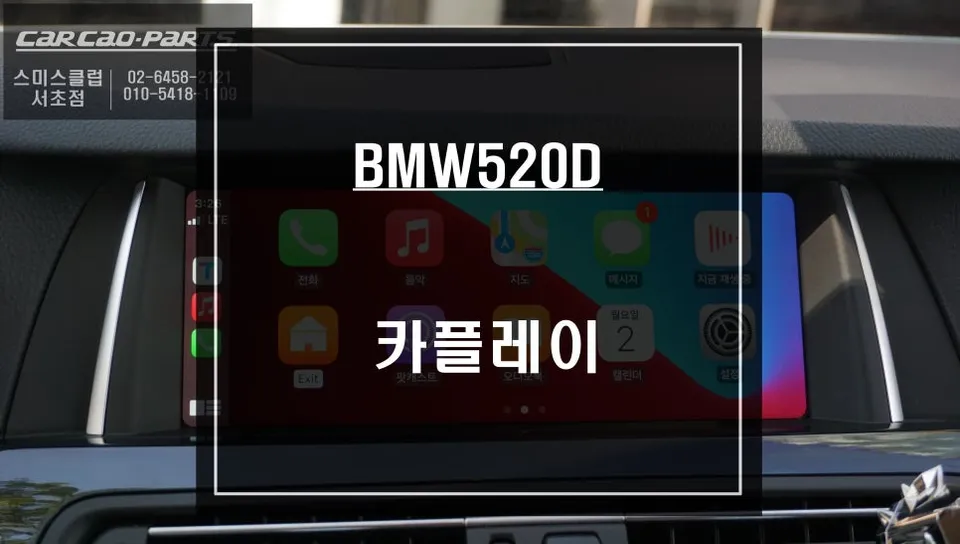
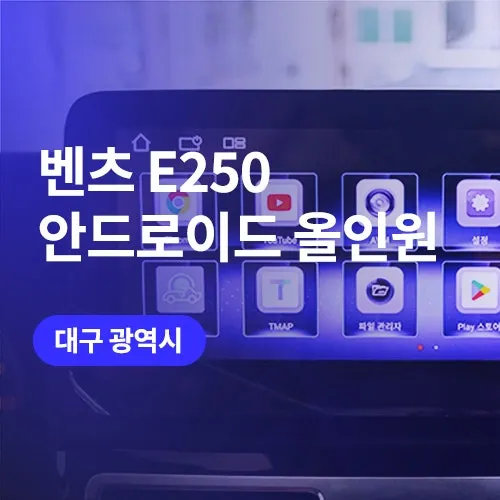
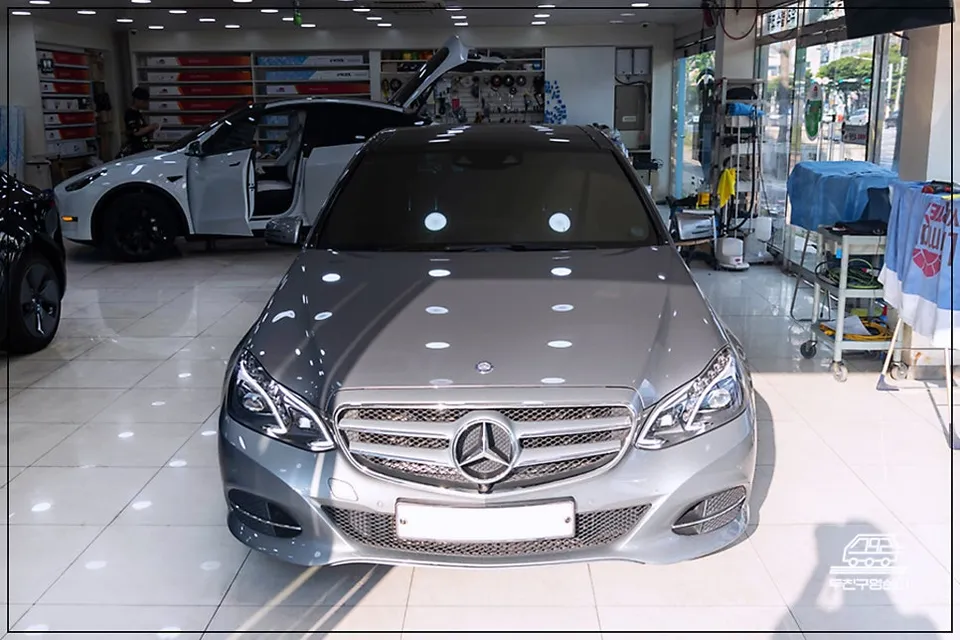
The difference is striking. Compare the original, compact factory navigation screen with the new Android Head Unit. The upgraded unit boasts a significantly larger, higher-resolution display with an intuitive, smartphone-like interface. Crucially, it's a fully functional touchscreen, allowing you to interact with apps, input text, and navigate menus just as you would on a tablet. The real game-changer is the access to the Google Play Store (or equivalent app stores), enabling you to download and install a vast array of applications directly onto your car's infotainment system. Essentially, your car's dashboard becomes a powerful smart tablet.
[IMAGE_2]
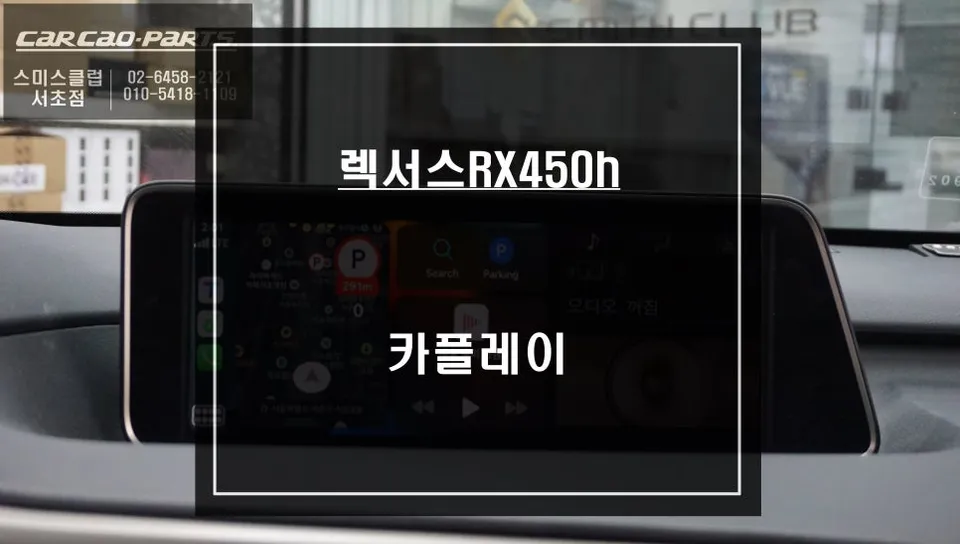
Beyond navigation, the possibilities are extensive. You can stream music, watch videos via apps like YouTube or Netflix, browse the web, and make hands-free calls via Bluetooth. The split-screen functionality is particularly useful for long journeys, allowing passengers to enjoy entertainment while the driver uses navigation, or vice-versa. (Note: Video playback is restricted while driving for safety reasons).
Adding Surround View for Ultimate Parking Assistance
[IMAGE_3]
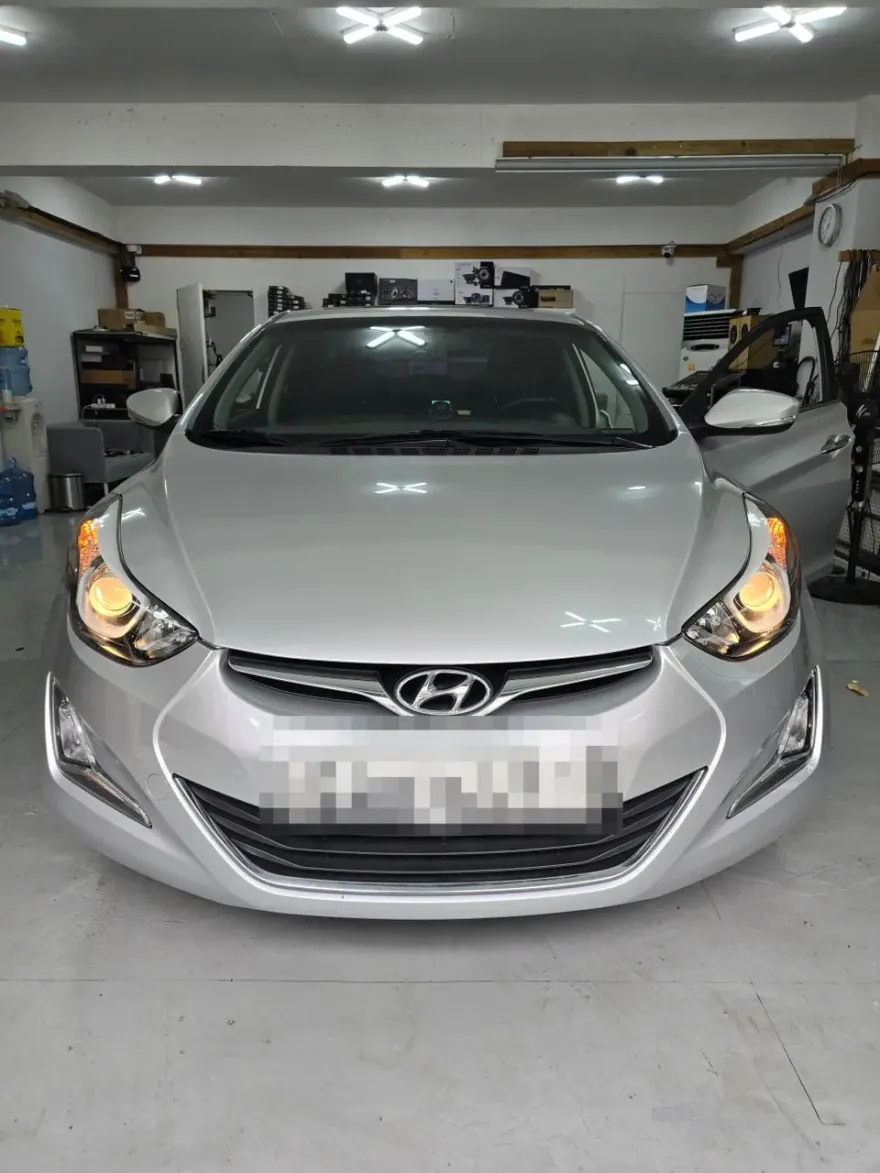
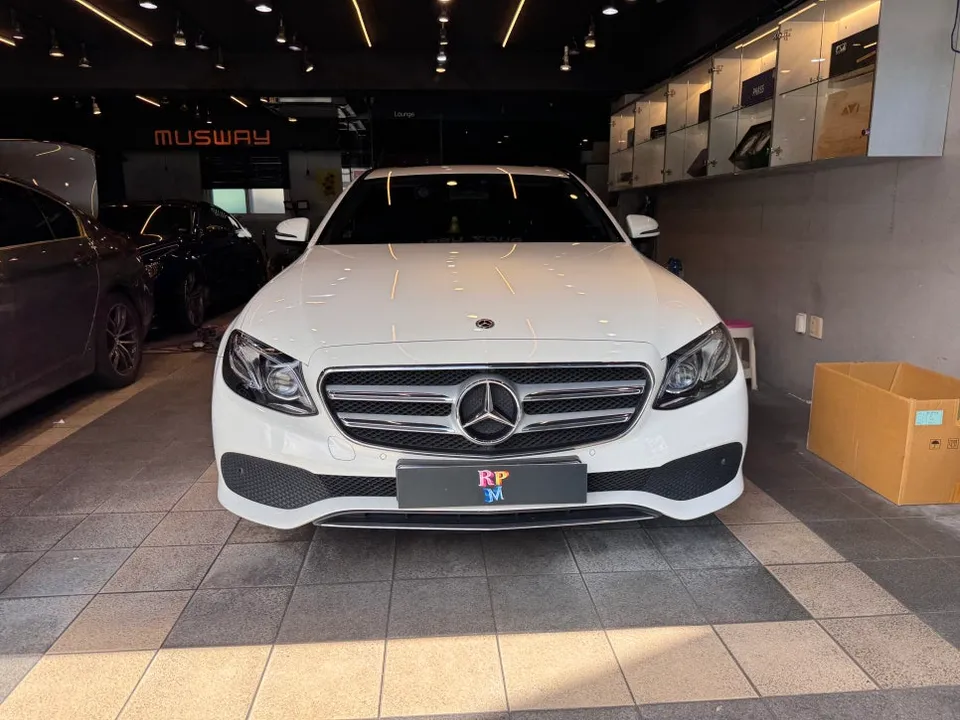
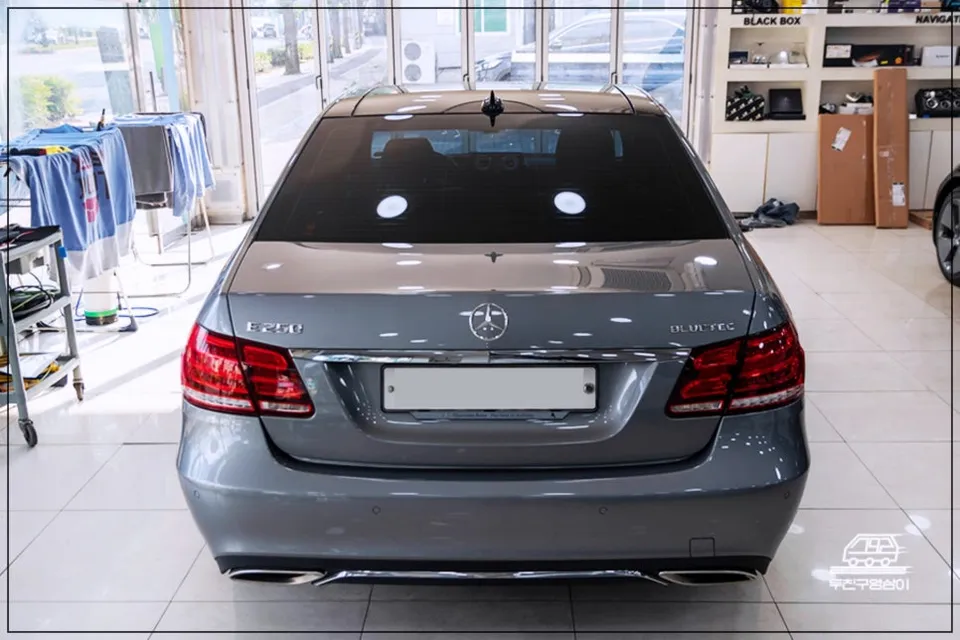
For an even more comprehensive upgrade, consider pairing the Android Head Unit installation with a surround-view camera system. This feature utilizes cameras strategically placed around the vehicle to provide a 360-degree aerial view on the head unit's screen. It's invaluable for navigating tight parking spaces, maneuvering through narrow streets, and avoiding unseen obstacles. For larger vehicles like the Mercedes-Benz E-Class, which have significant blind spots, the surround-view system offers unparalleled confidence and safety.
Installation Process:
- Removal of the factory head unit and trim pieces.
- Integration of the new Android Head Unit, ensuring all wiring harnesses are correctly connected.
- Installation of any additional components, such as surround-view cameras if opted for.
- Testing all functions, including touch response, app compatibility, and camera feeds.
- Reassembly of interior trim for a seamless finish.
The entire process typically takes between 4 to 6 hours, ensuring a professional and thorough installation.
Frequently Asked Questions
Q. How much does an Android Head Unit cost for a Mercedes-Benz E-Class?
The cost for an Android Head Unit installation on a Mercedes-Benz E-Class can vary, but typically ranges from ₩1,000,000 to ₩2,000,000 in Korean Won. In the US, similar installations can range from $800 to $1500 depending on the unit's features and complexity.
Q. How long does an Android Head Unit last in a Mercedes-Benz E-Class?
Android Head Units are generally designed for the lifespan of the vehicle, often lasting 5-10 years or more with proper care. Regular software updates and avoiding extreme temperature fluctuations can help maintain its longevity.
Q. Is an Android Head Unit worth it for a Mercedes-Benz E-Class?
An Android Head Unit is highly recommended for Mercedes-Benz E-Class owners who find their factory navigation system outdated or lacking. It significantly enhances the infotainment experience by providing modern app integration, a larger display, and advanced features like split-screen functionality.
Q. How is an Android Head Unit installed on a Mercedes-Benz E-Class?
Installation involves carefully removing the original head unit, connecting the new Android unit with appropriate wiring harnesses, and integrating any additional features like surround-view cameras. Finally, all trim pieces are reassembled, and the system's functionality is thoroughly tested.
Q. What is the best Android Head Unit option for a Mercedes-Benz E-Class?
The best option depends on your specific needs, but units offering seamless integration with the car's existing systems, high-resolution displays, and access to a wide range of apps via the Google Play Store are generally preferred. Consider models that also support optional features like surround-view cameras for a complete upgrade.
Today's Car