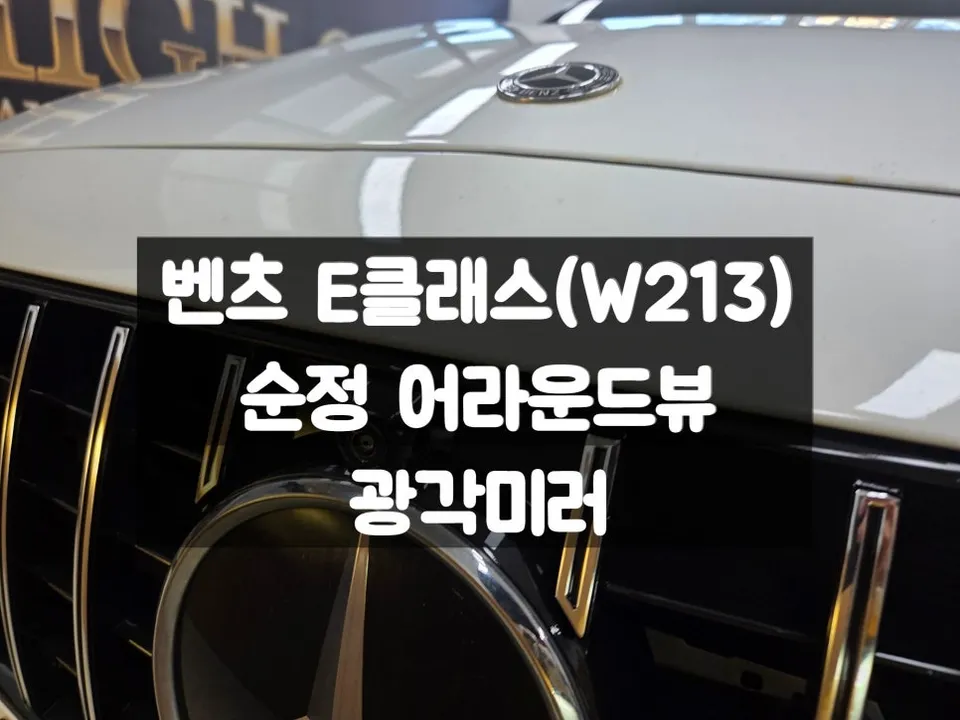
Mercedes-Benz E-Class CarPlay Retrofit Installation Review — Cost
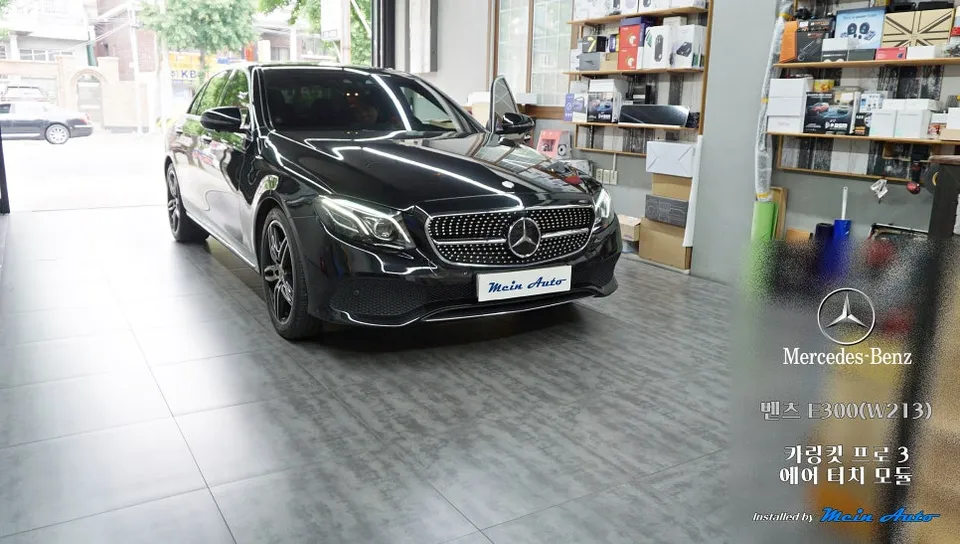
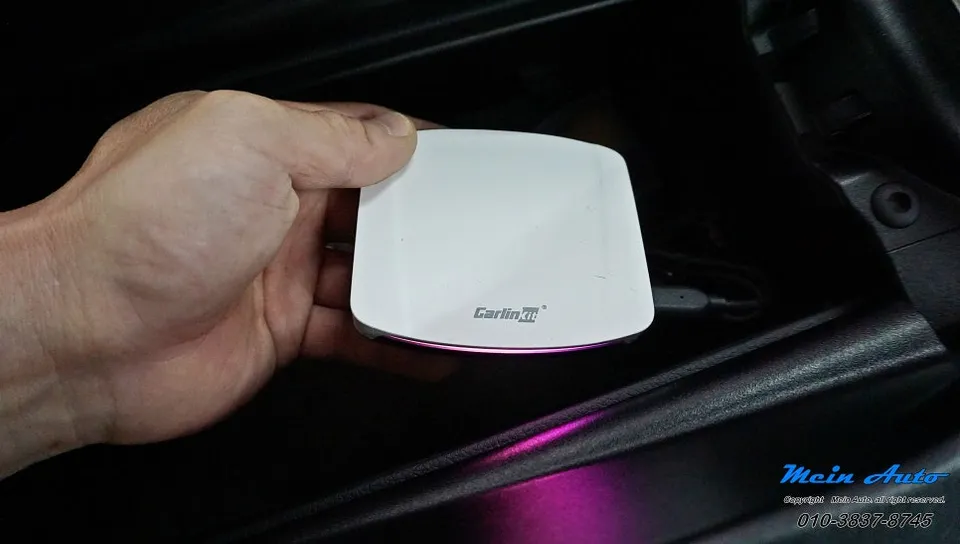
Mercedes-Benz E-Class W213 Air Touch Module upgrade for Carlinkit Pro 3. Enables touchscreen control for AI box features. Enhances navigation and stre
Transform Your Mercedes-Benz E-Class Infotainment
For owners of the 2017 Mercedes-Benz E300 (W213) seeking a more interactive infotainment experience, upgrading to an Android head unit with touchscreen capabilities offers a significant leap forward. This review focuses on the installation of an 'Air Touch Module' for the Carlinkit Pro 3 system, allowing for direct screen interaction with your existing digital wide cockpit. This upgrade is particularly beneficial for models that, like the W213 E-Class, predate native touchscreen support for advanced AI box systems.
Before and After: Enhanced Usability and Features
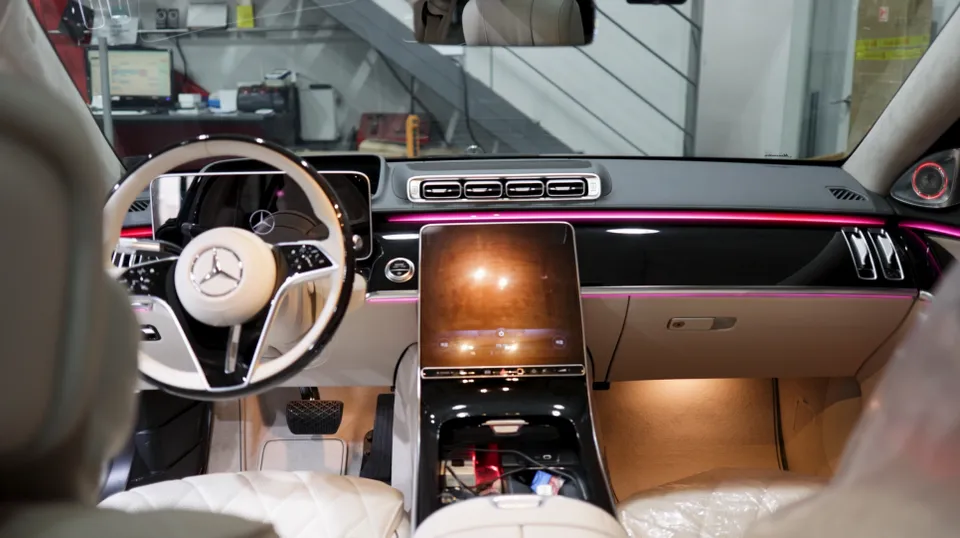
The primary goal of this modification is to enable touch control for the Carlinkit Pro 3, an AI box that runs on the Android operating system. Previously, users relied on the rotary dial controller, which can be cumbersome for tasks like navigating maps or entering search queries. After the Air Touch Module installation, the wide cockpit screen becomes fully responsive to touch, mimicking the experience of using a large smartphone. This means you can directly tap on navigation apps like Tmap, Kakao Navi, or Naver Maps, inputting destinations with ease. The most significant advantage is the ability to run applications not supported by standard Apple CarPlay or Android Auto. This includes streaming services like YouTube, Netflix, Disney+, and TVING, transforming your car's infotainment into a mobile entertainment hub. The installation maintains the original aesthetic of the wide cockpit, with the custom touchscreen seamlessly integrated, offering a responsive feel comparable to a smartphone.
Installation Process and Durability
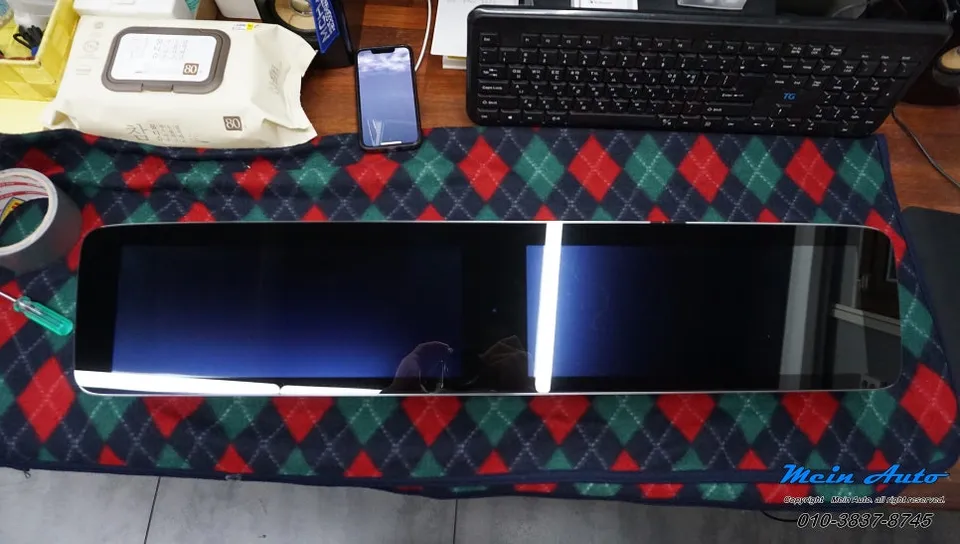
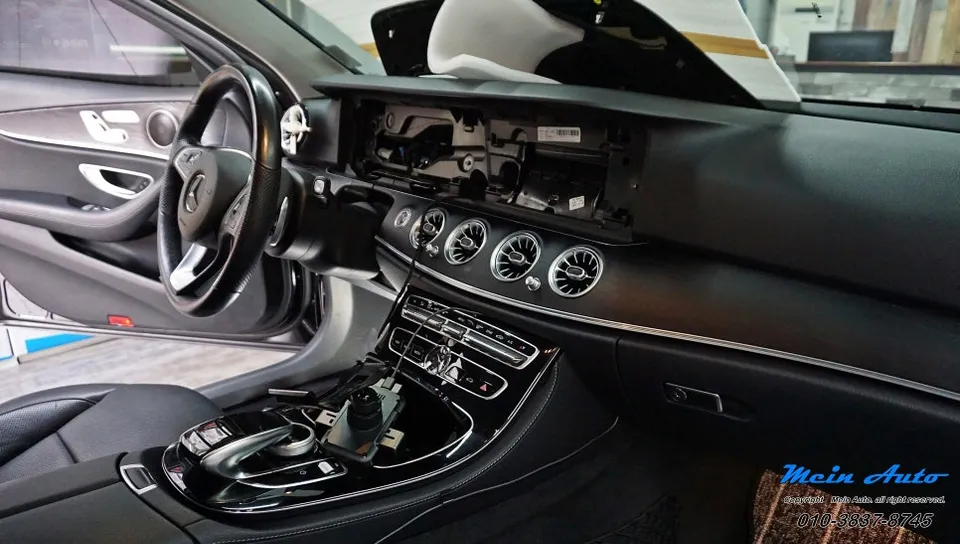
The installation involves adding an Air Touch Module and a capacitive touchscreen overlay to the existing wide cockpit display. While the process requires some wiring, it's described as relatively straightforward. The module is securely fixed after the connections are made, and the touchscreen is carefully applied to the display. The final step involves connecting the module to the Carlinkit Pro 3. The entire process is designed to be non-invasive, with no permanent modifications to the vehicle's original components. The durability of the touchscreen is expected to be high, similar to that of a smartphone screen, offering a responsive and long-lasting user experience. Maintenance primarily involves keeping the screen clean, much like any touch-enabled device.
Installation process:
- Connect the Air Touch Module wiring to the vehicle's infotainment system.
- Carefully apply the custom capacitive touchscreen overlay to the existing wide cockpit display.
- Securely mount the Air Touch Module behind the display.
- Connect the module to the Carlinkit Pro 3 AI box.
- Reassemble the dashboard components.
This upgrade is compatible with other Mercedes-Benz models using a similar infotainment system, including the S-Class, CLS-Class, G-Wagen, and C-Class. The result is a significantly more convenient and feature-rich infotainment system for your Mercedes-Benz E-Class.
Frequently Asked Questions
Q. How much does Android head unit or CarPlay installation cost for a Mercedes-Benz E-Class?
The Air Touch Module installation for the Carlinkit Pro 3 on this Mercedes-Benz E-Class (W213) was performed in Korea. While specific US pricing varies, similar aftermarket infotainment upgrades can range from $500 to $1500 depending on the system and features.
Q. How long does Android head unit installation take on a Mercedes-Benz E-Class?
The installation of the Air Touch Module is described as relatively simple and quick, typically completed within a few hours. The touchscreen overlay is designed for durability, similar to a smartphone screen, and requires minimal maintenance beyond regular cleaning.
Q. Is a CarPlay or Android Auto retrofit worth it for a Mercedes-Benz E-Class?
An Android head unit or AI box retrofit is most beneficial for E-Class owners who want to access a wider range of apps, including streaming services, and prefer direct touchscreen control over rotary dial input. The value lies in unlocking the full potential of Android OS on your car's display.
Q. How is an Android head unit installed in a Mercedes-Benz E-Class?
Installation involves adding an Air Touch Module and a capacitive touchscreen overlay to the existing display. This requires connecting the module's wiring to the infotainment system, applying the touchscreen, and then connecting the module to the AI box, followed by reassembly.
Q. What is the difference between an Android head unit and a factory infotainment system for a Mercedes-Benz E-Class?
An Android head unit, often via an AI box, provides access to the full Android operating system, allowing app downloads and streaming services like YouTube. The factory system is typically limited to pre-approved functions like CarPlay or Android Auto, without direct app installation.
Q. What should I know before getting Android Head Unit on a Mercedes-Benz E-Class? (common regrets and mistakes)
The most common regret is not realizing that the touchscreen functionality typically only applies to the AI box system, not the car's original native menus. Ensure your chosen system and installation method clearly define which functions will be touch-enabled to avoid confusion.
OhCar Partner Shop