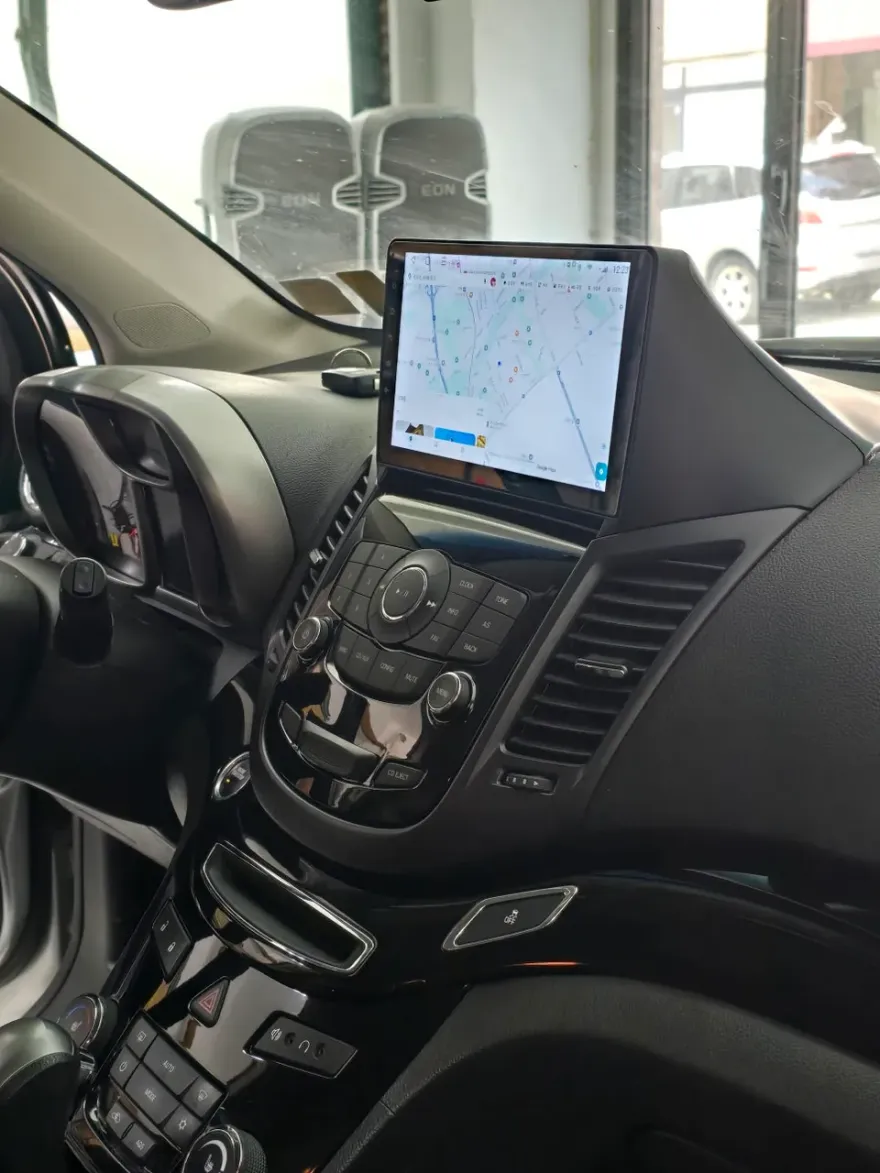
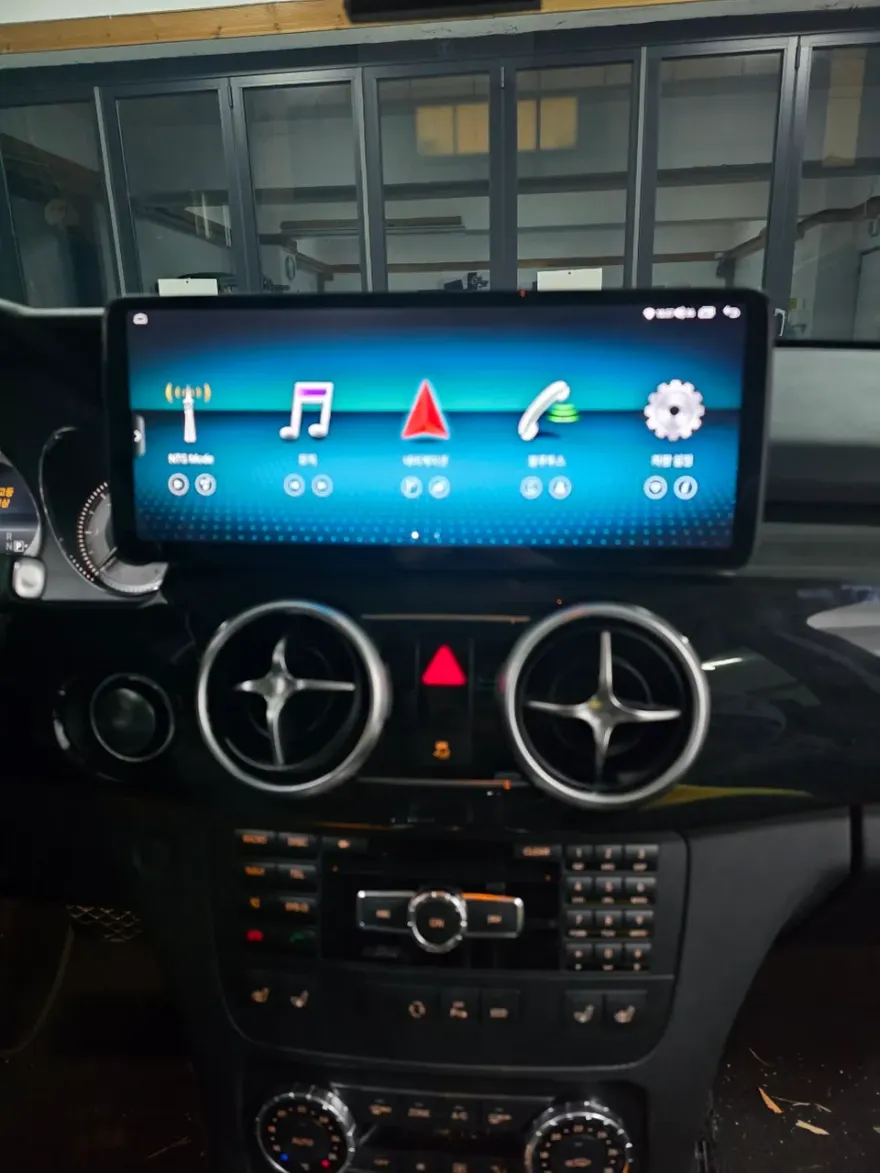
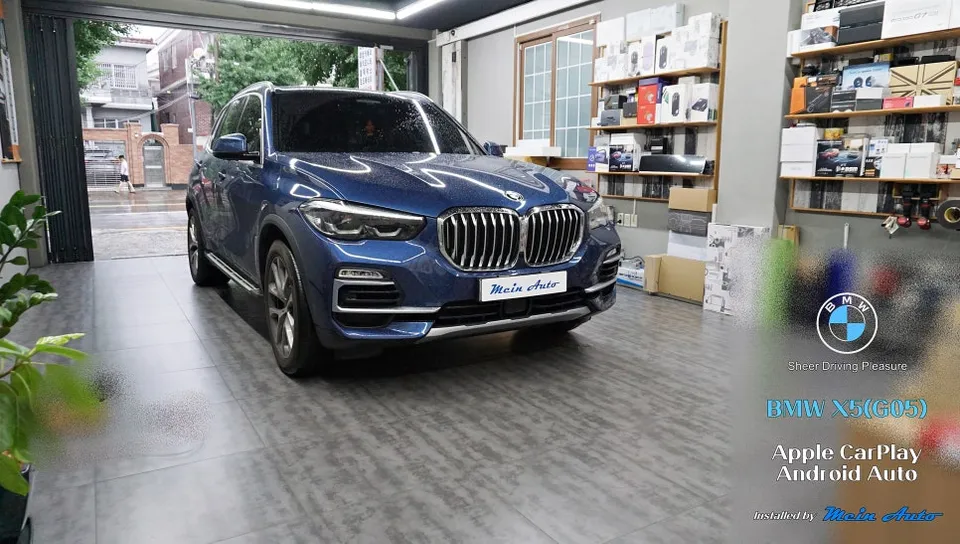
Mercedes-Benz E-Class W212 Android Head Unit Review
Service Price
$under approx. $400
Estimated price · Actual price may vary by shop
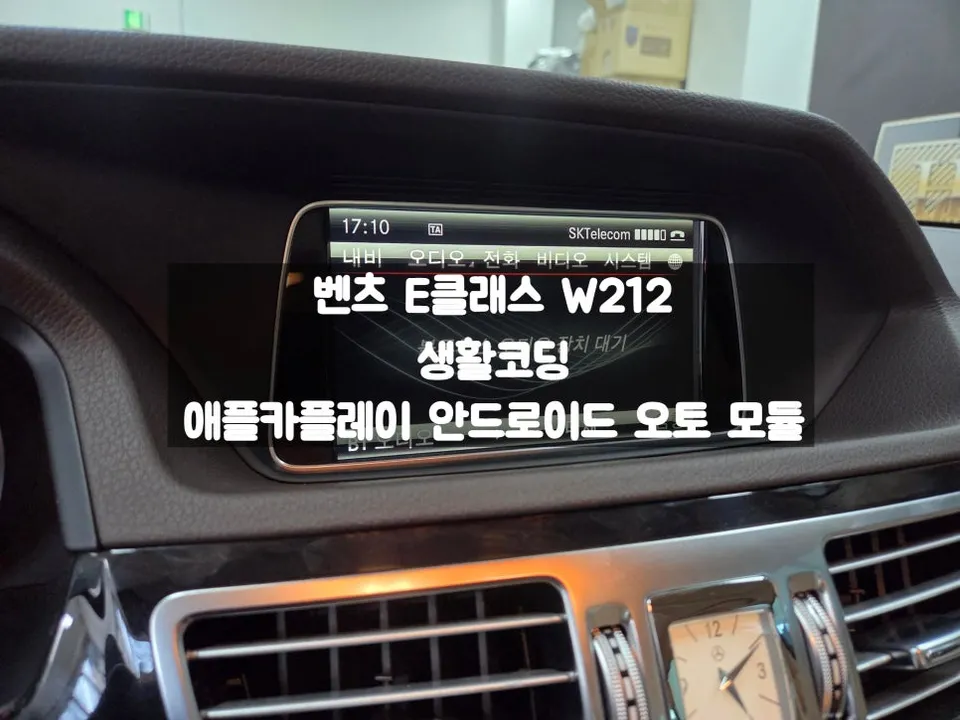
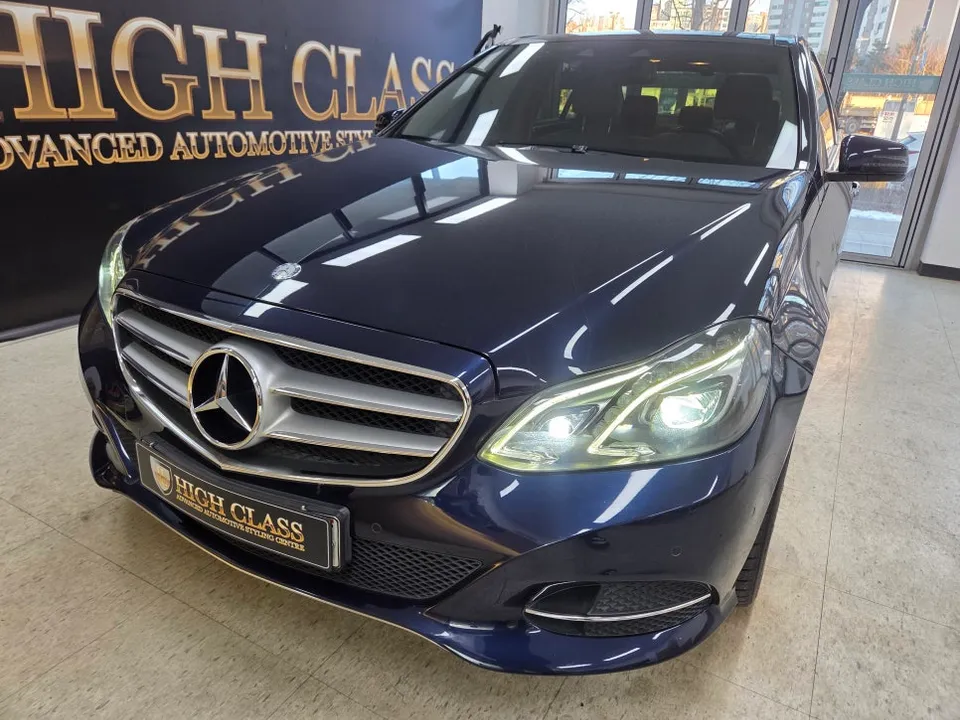
Mercedes-Benz E-Class W212 Android head unit/CarPlay retrofit: Starts around ₩300,000. Adds smartphone integration.
Mercedes-Benz E-Class W212 Infotainment Upgrade: Android Head Unit & CarPlay Retrofit
For owners of the Mercedes-Benz E-Class W212, the lack of modern smartphone integration like Apple CarPlay and Android Auto can feel like a significant drawback. While newer vehicles come equipped with these features, older models often require an upgrade. This review explores the process, cost, and benefits of installing an Android head unit or a dedicated CarPlay module in your W212 E-Class, transforming your driving experience.
Why Upgrade Your W212 Infotainment System?
Many Mercedes-Benz E-Class W212 models, particularly those with COMAND version 4.5, do not natively support Apple CarPlay or Android Auto. This means you can't easily mirror your smartphone's navigation apps, music, or messaging services onto your car's display. This can lead to a less convenient and potentially distracting driving experience, forcing you to rely on your phone mounted on the dash. An Android head unit or CarPlay retrofit solves this by bringing these essential features directly to your car's built-in screen. This upgrade not only enhances convenience but also modernizes the interior feel of your vehicle, making it more enjoyable for daily commutes and long journeys alike. The process often involves installing a separate module that integrates seamlessly with your existing COMAND system, allowing you to switch between the original Mercedes interface and the new smartphone mirroring capabilities with ease.
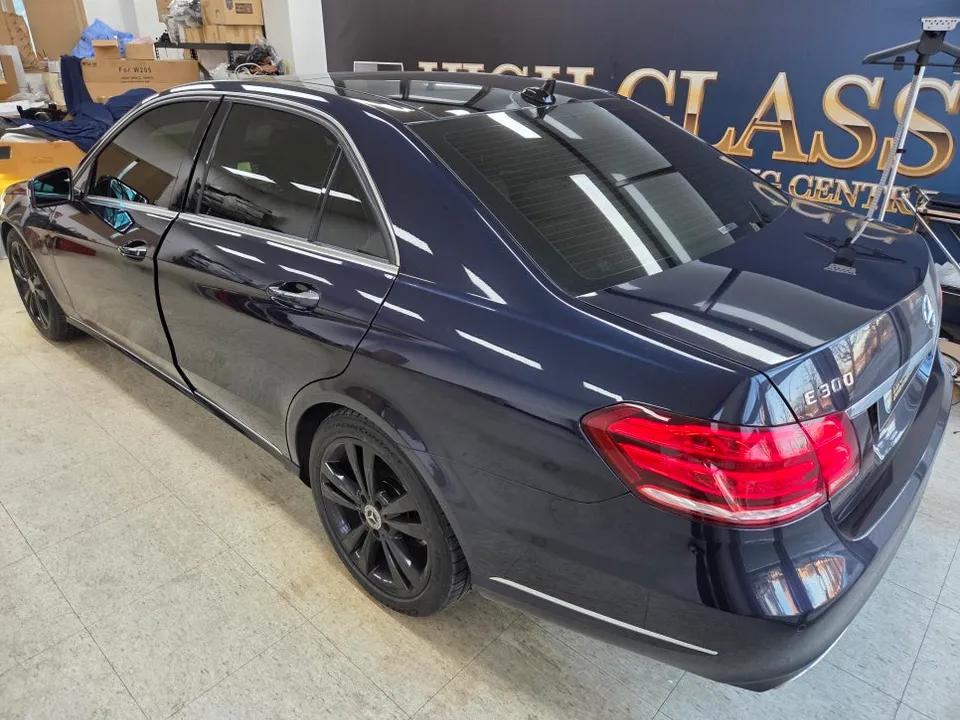
Android Head Unit vs. CarPlay Module: Choosing the Right Upgrade
When upgrading your Mercedes-Benz E-Class W212's infotainment, you generally have two main options: a dedicated CarPlay module or a full Android All-in-One (AIO) head unit. A CarPlay module is typically a more straightforward installation that adds Apple CarPlay and often Android Auto functionality to your existing screen. It's a good choice if your primary goal is seamless smartphone integration and you prefer to keep the original Mercedes look and feel. On the other hand, an Android AIO unit replaces your existing head unit with a larger, aftermarket Android-based display. This offers a more comprehensive upgrade, providing access to the full Android operating system, allowing you to install apps directly onto the unit, and often featuring a larger, more modern screen. The choice depends on your budget, desired features, and how much you want to alter the original dashboard aesthetic. Both options support wired and wireless connections for your smartphone.
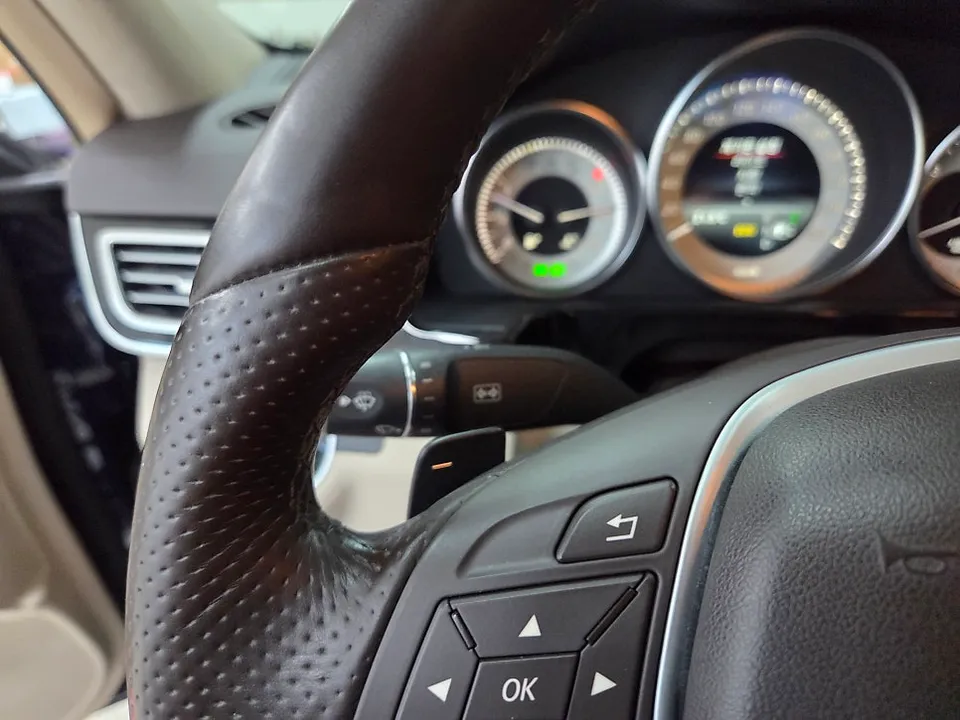
Installation Process and Added Conveniences
The installation of an Android head unit or CarPlay module in a Mercedes-Benz E-Class W212 is typically a non-destructive process that can be completed relatively quickly. For W212 models with COMAND version 4.5, a module installation is necessary as coding alone won't enable CarPlay or Android Auto. The process usually takes around one hour and can often be completed the same day. Before the main installation, many installers offer 'convenience coding' services. This involves activating various hidden comfort features within the car's existing systems, such as adjusting the turn signal blink count, changing tire pressure display units, or disabling seatbelt warning chimes. These small tweaks can significantly improve the daily usability and comfort of your vehicle.
Installation Process:
- Accessing the existing COMAND unit by carefully removing dashboard trim panels.
- Connecting the CarPlay/Android Auto module or the new Android head unit harness to the vehicle's wiring.
- Integrating the module with the COMAND system, ensuring proper display and control functionality.
- Testing all features, including smartphone connectivity (wired/wireless), navigation apps, and switching between original and new interfaces.
- Reassembling dashboard trim panels for a clean, factory-like finish.
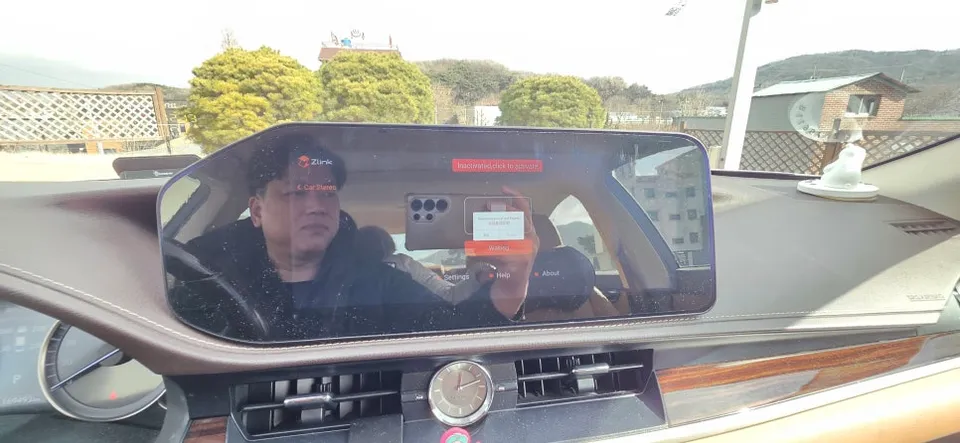
After installation, you can enjoy using your favorite navigation apps like KakaoNavi, TMAP, or Naver Maps directly on your car's screen, eliminating the need for a separate phone mount. The system allows for easy switching between the original Mercedes interface and the CarPlay/Android Auto display using the car's existing controls.
Frequently Asked Questions
Q. How much does Android head unit or CarPlay installation cost for a Mercedes-Benz E-Class W212?
In Korea, the cost for an Android head unit or CarPlay module installation for a Mercedes-Benz E-Class W212 typically starts around ₩300,000 (approximately $220 USD). Prices can vary based on the specific product and installation location.
Q. How long does Android head unit installation take on a Mercedes-Benz E-Class W212?
Installation of an Android head unit or CarPlay module usually takes about one hour and can be completed on the same day. These systems are generally durable, but regular cleaning of the screen with a microfiber cloth is recommended for maintenance.
Q. Is a CarPlay or Android Auto retrofit worth it for a Mercedes-Benz E-Class W212?
A CarPlay or Android Auto retrofit is highly recommended for W212 owners who want modern smartphone integration, especially if their COMAND system doesn't support it natively. It significantly enhances convenience and usability by bringing familiar navigation and media apps to the car's display.
Q. How is an Android head unit installed in a Mercedes-Benz E-Class W212?
Installation involves carefully removing dashboard trim to access the existing COMAND unit. A CarPlay/Android Auto module or new Android head unit harness is then connected to the car's wiring. The system is integrated with the COMAND unit, and all functions are tested before reassembling the trim for a clean finish.
Q. What is the difference between an Android head unit and a factory infotainment system for a Mercedes-Benz E-Class W212?
The key difference is that an Android head unit or CarPlay module adds modern smartphone mirroring (like Apple CarPlay and Android Auto) and often an Android OS interface to your W212, while the factory system is limited to its original, often older, functionality. For most users seeking modern features, the retrofit offers a significant improvement.
OhCar Partner Shop