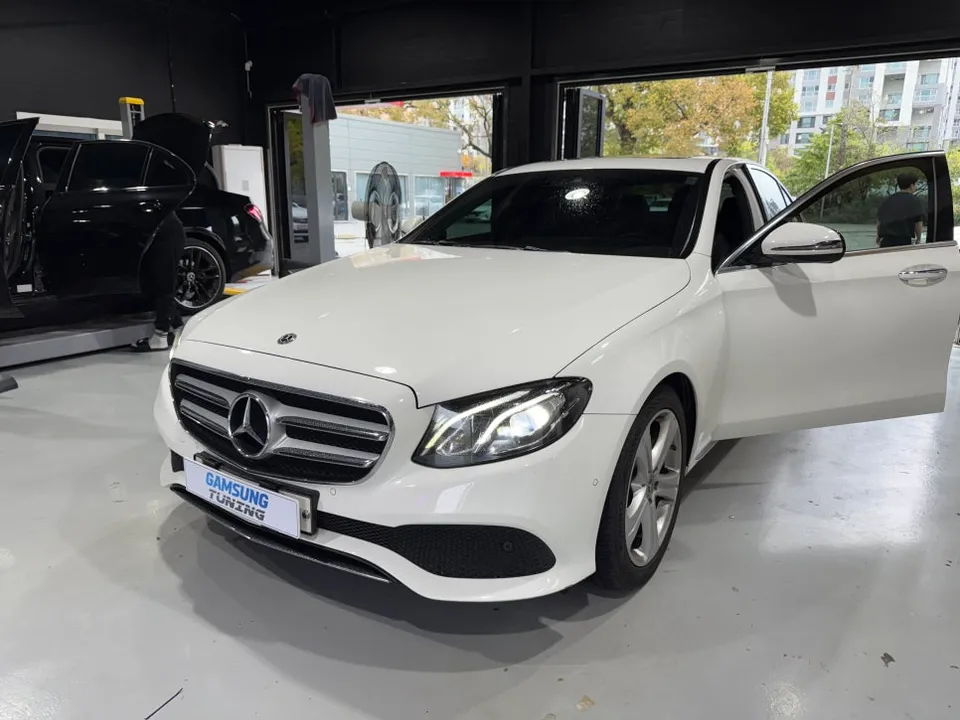
Mercedes-Benz E-Class W213 Android Head Unit Review
Service Price
$75–115
Estimated price · Actual price may vary by shop
Before
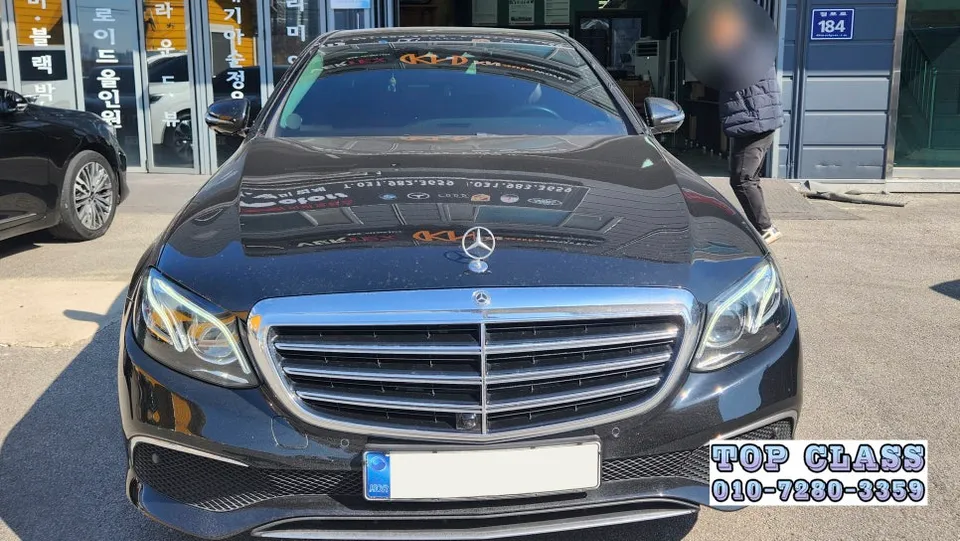
After
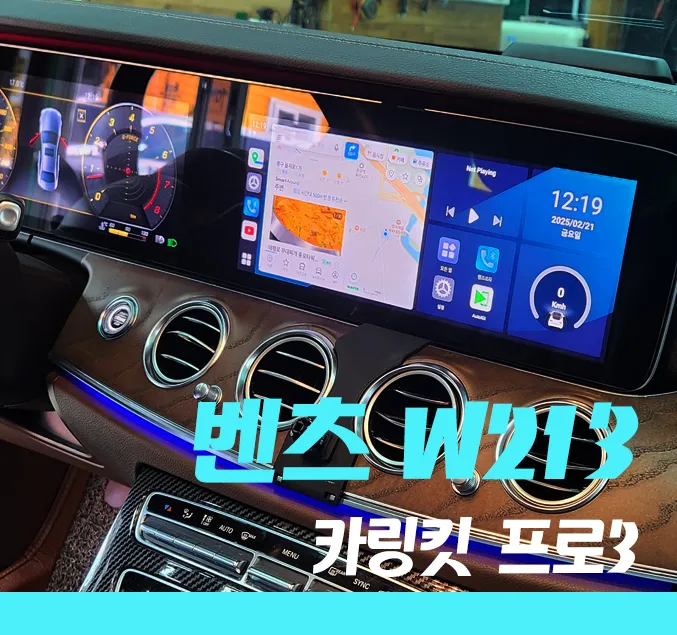
Process photos
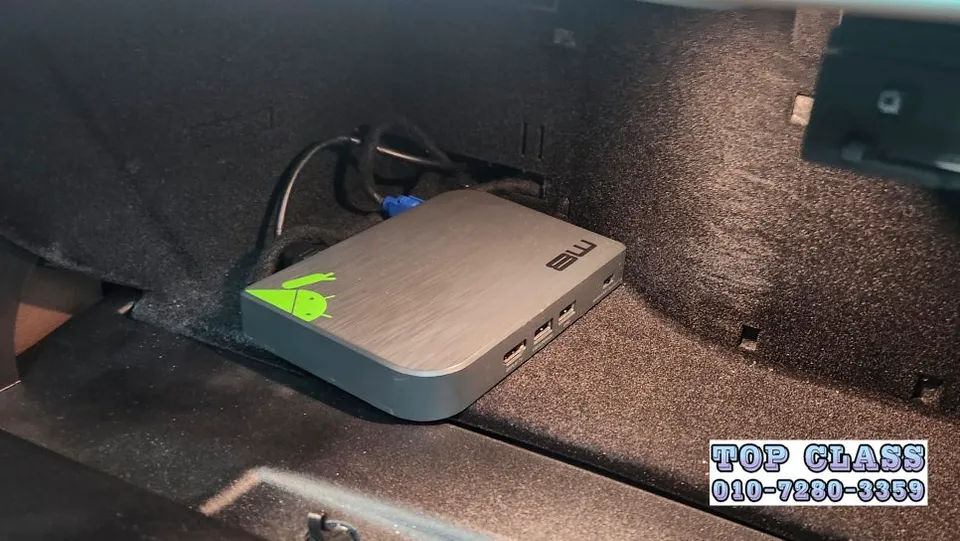
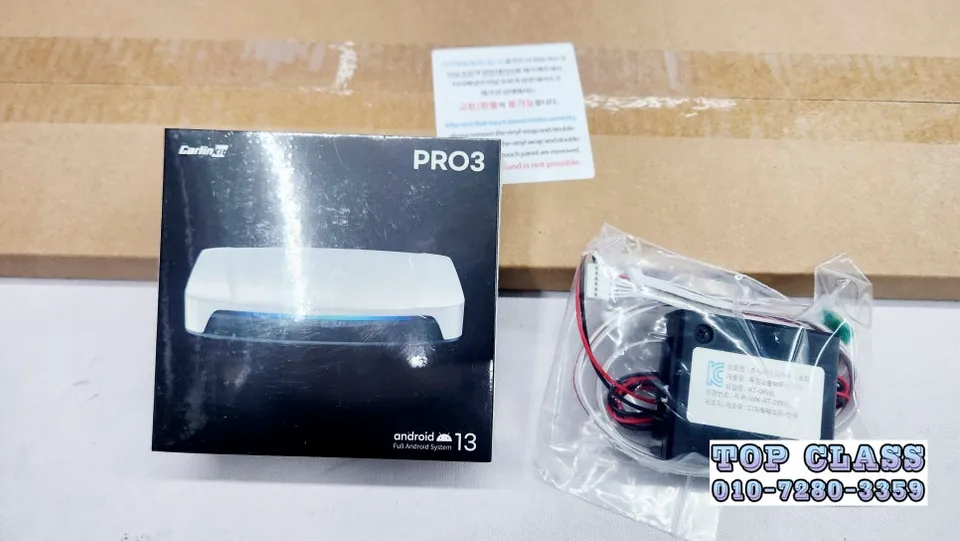
Mercedes-Benz E-Class W213 Android Head Unit upgrade with Carlinkit Pro3. Costs $75–115. Adds wireless CarPlay, Android Auto, and app support.
Upgrade Your Mercedes-Benz E-Class W213 Infotainment
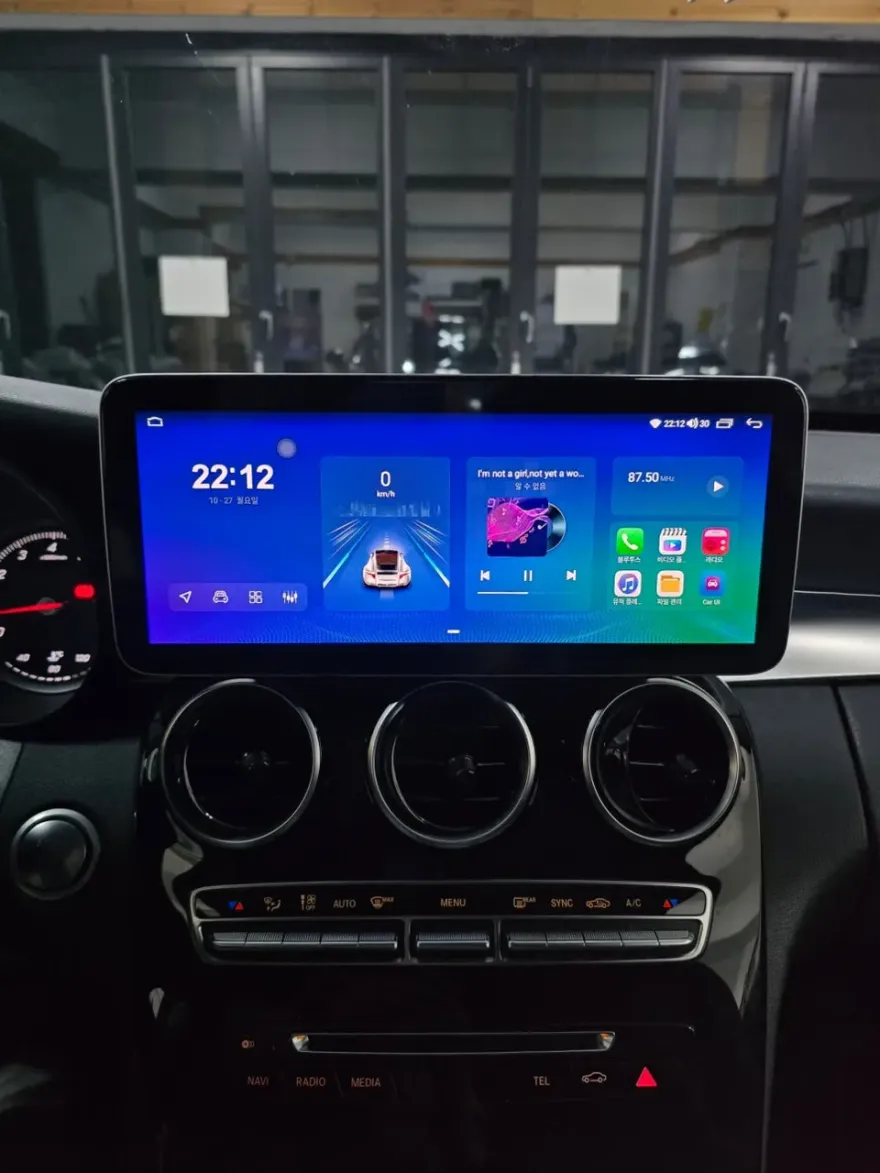
For owners of the Mercedes-Benz E-Class W213, the desire for a more modern and versatile infotainment system is common. This review focuses on the Carlinkit Pro3, an Android-based solution designed to overcome the limitations of traditional wired connections and unlock a world of entertainment and navigation possibilities. Unlike basic CarPlay or Android Auto adapters, the Carlinkit Pro3 operates on its own Android OS, allowing for direct installation of apps like YouTube, Netflix, and various music streaming services without needing to mirror your smartphone. This review details a recent installation on a W213 E-Class, highlighting the benefits of the Pro3 unit, especially when paired with an optional air touch panel for intuitive screen control.
Carlinkit Pro3 Installation and Features
The installation process for the Carlinkit Pro3 is remarkably straightforward, primarily involving a USB connection. This avoids complex wiring, ensuring a clean finish. Upon starting the vehicle, the unit boots up quickly, showcasing a significant speed improvement over previous generations thanks to doubled RAM and ROM. Compatibility checks with the vehicle's existing system are crucial, especially for models like the W213. If a previous aftermarket unit, such as the discontinued Motoroid M8 mentioned in the source context, was installed, its safe removal is a necessary preliminary step. Once connected, users can choose their internet connection method: either using a smartphone's hotspot or installing a dedicated 4G LTE SIM card directly into the Carlinkit unit for independent online access. This allows for seamless use of all Android applications without relying on a paired phone.
Enhancing Usability with Air Touch Panel
While the Carlinkit Pro3 can be operated using the car's original jog dial or a touch mouse, these methods can feel less intuitive. To address this, an optional air touch panel was installed during this W213 E-Class upgrade. This addition transforms the screen into a fully responsive touch interface, similar to a tablet. Navigating menus, launching apps, and interacting with content becomes significantly easier and faster. The capacitive touch technology ensures quick and accurate responses, minimizing driver distraction and contributing to safer operation. This feature greatly enhances the user experience, making the infotainment system feel more integrated and modern.
Versatile Entertainment and Navigation Options
The true power of the Carlinkit Pro3 lies in its ability to run a wide array of Android applications directly. Access to the Google Play Store allows users to download and install their favorite entertainment apps, including streaming services like Netflix and YouTube, as well as music platforms such as Spotify and Genie Music. This capability transforms long drives into more enjoyable experiences. Furthermore, the split-screen functionality is a standout feature, enabling simultaneous use of two applications. For instance, a driver can follow navigation from TMAP or Kakao Navi while a passenger watches a video on YouTube or Netflix. This dual-functionality significantly boosts the utility of the car's infotainment system for all occupants.
Installation process:
- Connect the Carlinkit Pro3 unit to the vehicle's USB port using the provided cable.
- Ensure the unit boots correctly and check for system compatibility.
- Configure internet connectivity via smartphone hotspot or a 4G LTE SIM card.
- (Optional) Install the air touch panel for direct screen interaction.
- Download and install desired Android applications from the Google Play Store.
Frequently Asked Questions
Q. How much does Android head unit or CarPlay installation cost for a Mercedes-Benz E-Class W213?
The Carlinkit Pro3 unit itself is estimated to cost between $75–115 USD. Professional installation costs can vary depending on the complexity and your location.
Q. How long does Android head unit installation take on a Mercedes-Benz E-Class W213?
The Carlinkit Pro3 installation is generally quick, often taking less than an hour due to its simple USB connection. Durability is typically high, with minimal maintenance required beyond software updates.
Q. Is a CarPlay or Android Auto retrofit worth it for a Mercedes-Benz E-Class W213?
A CarPlay or Android Auto retrofit is highly recommended for W213 owners seeking modern infotainment features like app support and wireless connectivity. It significantly enhances the user experience and entertainment options.
Q. How is an Android head unit installed in a Mercedes-Benz E-Class W213?
Installation typically involves connecting the Android head unit module to the vehicle's existing USB port. Ensure compatibility, then configure internet settings and optionally install an air touch panel for screen control.
Q. What is the difference between an Android head unit and a factory infotainment system for a Mercedes-Benz E-Class W213?
An Android head unit offers significantly more flexibility, allowing direct installation of apps like Netflix and YouTube, whereas the factory system is typically limited to pre-installed features and smartphone mirroring.
OhCar Partner Shop