Lexus UX 250h CarPlay Retrofit Review — Seamless Integration
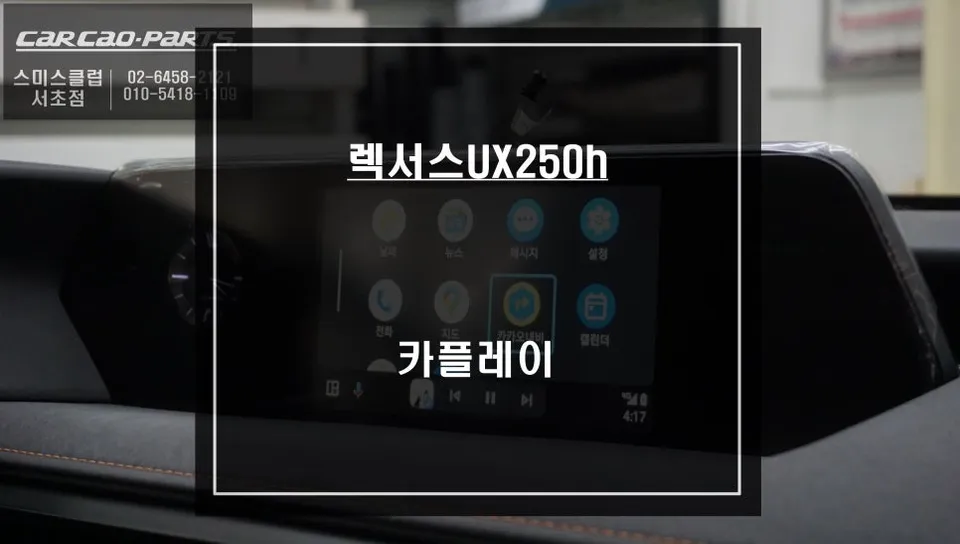
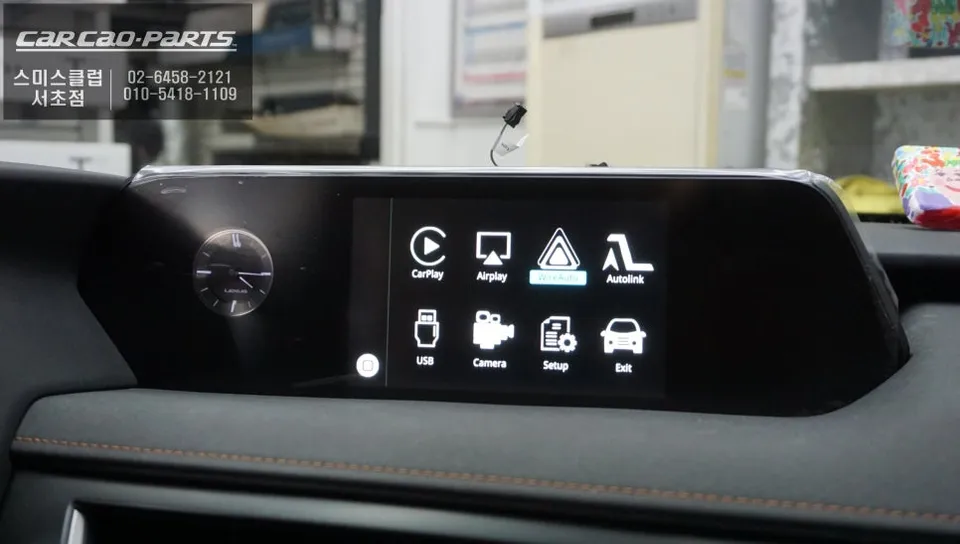
Lexus UX 250h CarPlay module installation offers TMAP/KakaoMap integration. Seamless upgrade.
Why Your Lexus UX 250h Needs a CarPlay Module
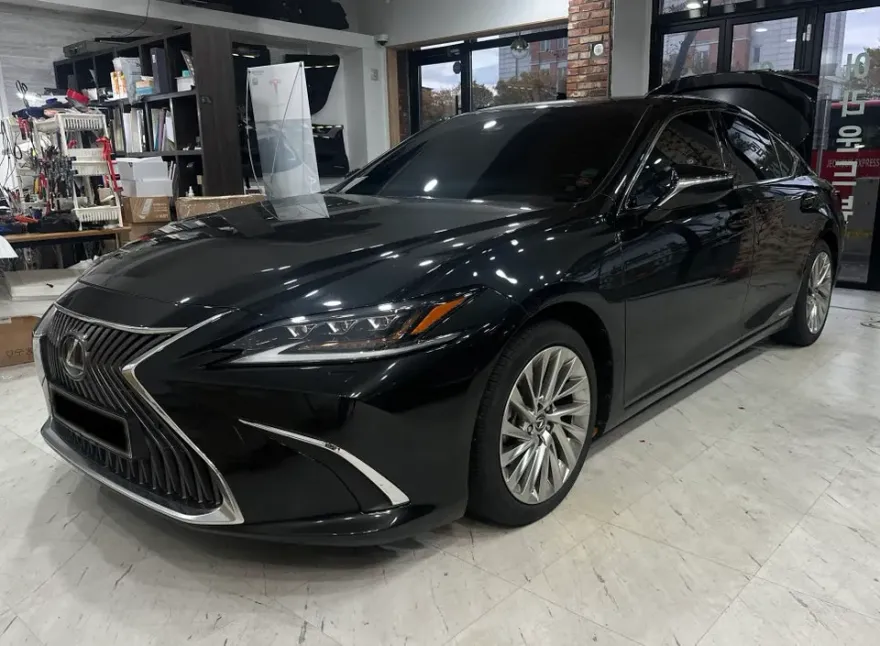
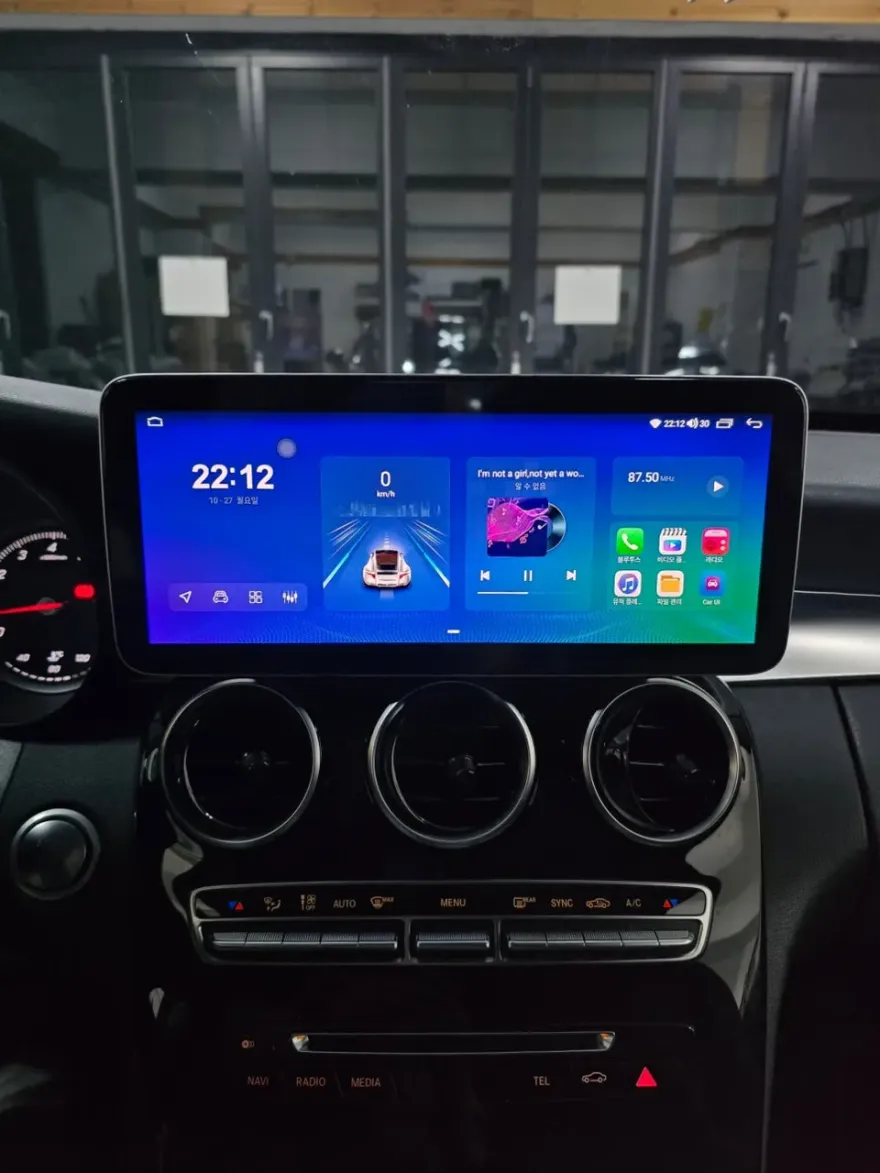
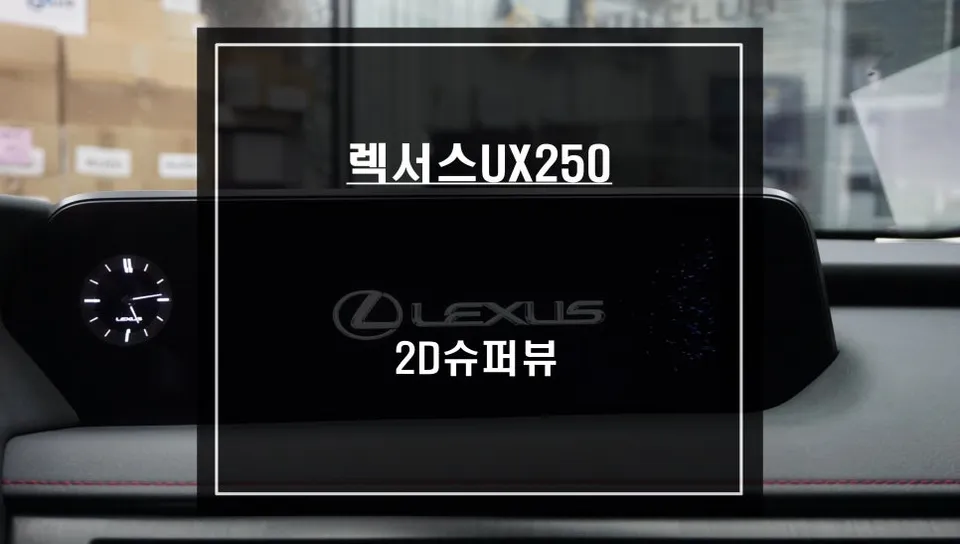
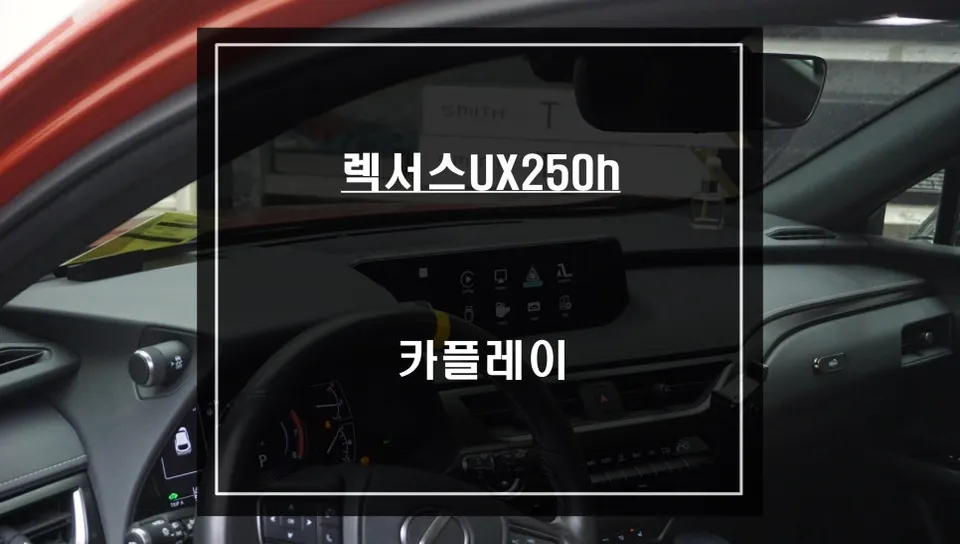
The Lexus UX 250h is a popular premium compact SUV, praised for its sleek design and comfortable ride. However, early models lacked native Apple CarPlay support, leaving many owners wanting a more modern navigation and infotainment experience. To address this, specialists like those at Ojun-ui-Car in Seocho, South Korea, offer a solution: integrating a genuine, compatible CarPlay module directly into the UX 250h's existing infotainment system. This upgrade allows drivers to use popular navigation apps like TMAP and KakaoMap, complete with real-time traffic data, directly on the car's native display. In today's connected world, this isn't just about convenience; it's about safer, more informed driving.
Seamless Installation for Your Lexus UX 250h
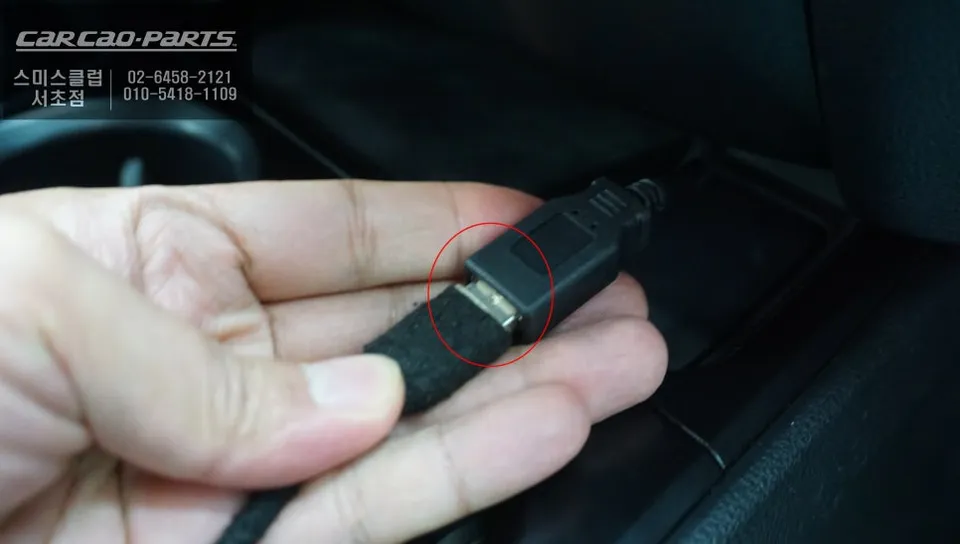
Installing a CarPlay module in the Lexus UX 250h requires precision, especially to avoid damaging the original wiring. Reputable installers use Lexus-specific designed modules that ensure a perfect fit. The process typically involves carefully disassembling the factory display panel and disconnecting the existing wiring without causing any harm. A crucial aspect of this installation is the "jack-by-jack" (or "clip-by-clip") connection method. This technique uses plug-and-play connectors, meaning no factory wires are cut. This ensures that the system can be perfectly reverted to its original state if needed. Power and signal wires for the CarPlay module are connected to the Lexus factory connectors, and a new USB port is installed, strategically placed to avoid interfering with existing ports. The final, critical step involves a thorough check of all original functions, including the reverse camera, steering wheel controls, and voice commands, to ensure everything operates flawlessly post-installation.
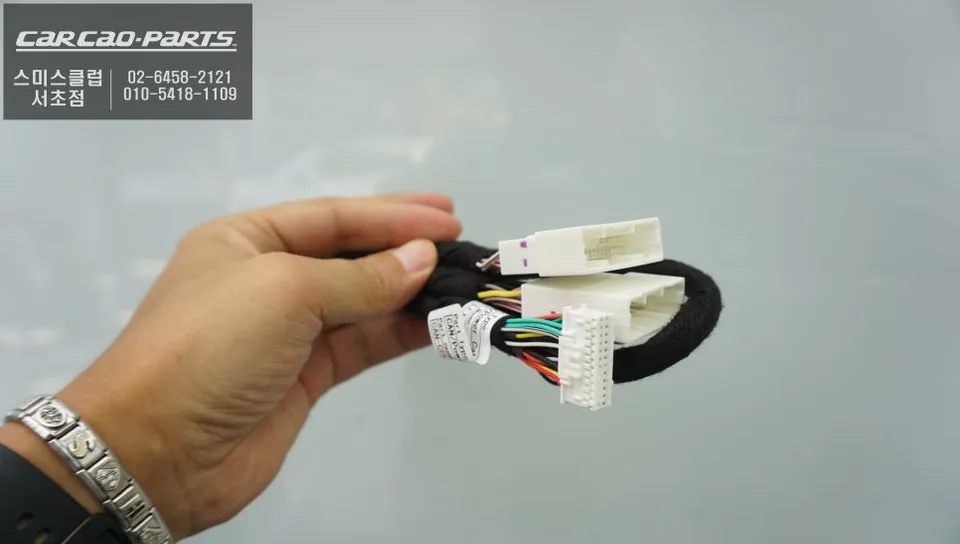
Retaining Factory Functions with Your New Infotainment Upgrade
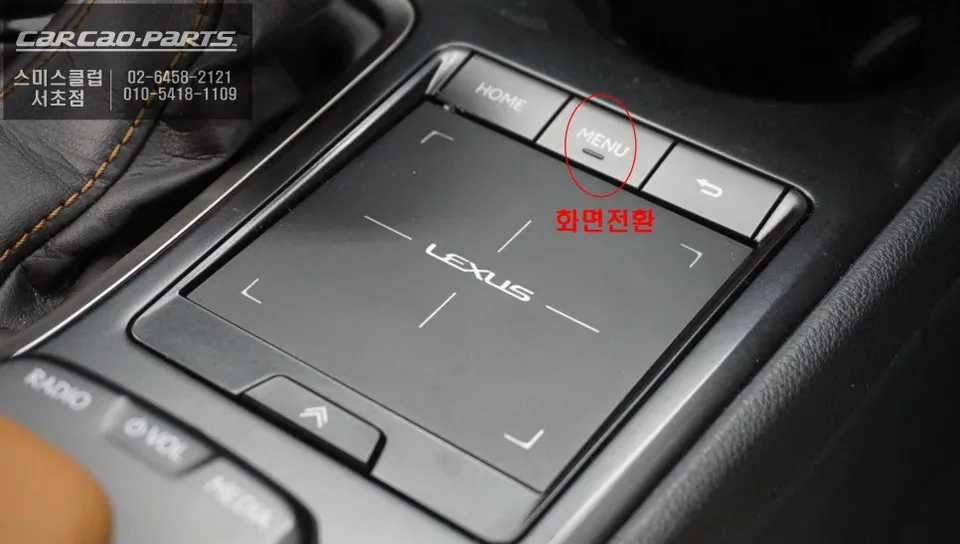
A common concern is whether installing an aftermarket module compromises the car's original features. The good news is that with a properly installed CarPlay module, all factory functions remain 100% intact. Switching between the CarPlay interface and the original Lexus system is effortless. Typically, a long press (around 2 seconds) of the original "MENU" button toggles the display to CarPlay, and another press returns you to the native vehicle interface. This simple toggle mechanism prevents confusion. Once in CarPlay mode, simply connect your smartphone via USB, and it's automatically recognized. The system supports both Android Auto and Apple CarPlay, ensuring compatibility regardless of your phone's operating system. While wireless connectivity is an option, wired connections are often recommended for their superior stability, especially during long drives or when relying on complex navigation routes.
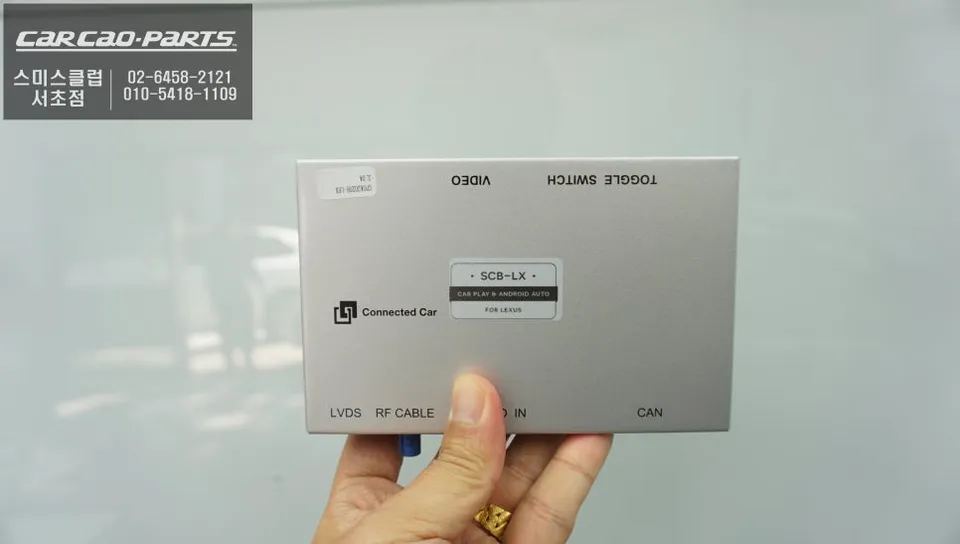
The Real Benefits of TMAP and KakaoMap on Your UX 250h
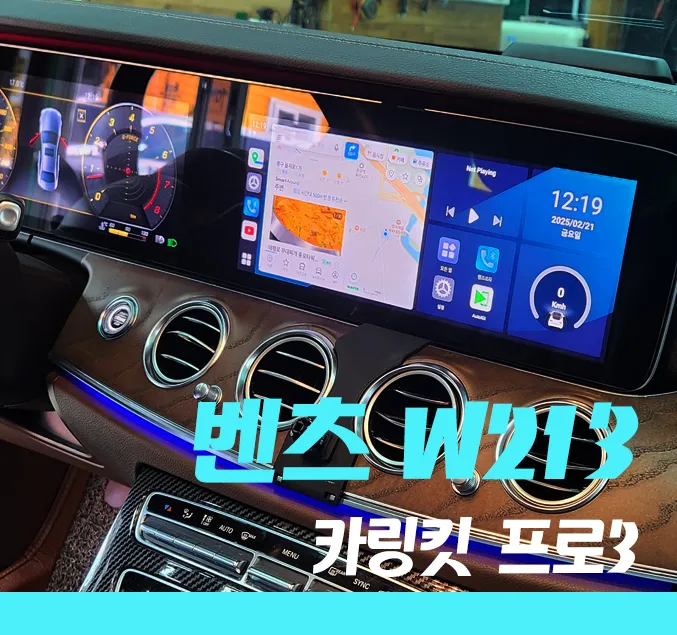
While the factory navigation system is functional, apps like TMAP and KakaoMap offer significantly more accurate real-time traffic information, helping you avoid congestion and plan the most efficient routes. Voice command integration allows for destination searches without taking your hands off the wheel. All your familiar smartphone app features, including favorites, search history, and saved locations, sync seamlessly. Navigating on the larger, integrated display enhances safety compared to using a smaller phone screen. Furthermore, music streaming apps like Melon and YouTube Music can be linked, with steering wheel controls allowing you to manage playback, making your commute more enjoyable.
Voice Control and Audio Settings Post-Installation
To hear navigation prompts from your CarPlay system through your car's speakers, you'll need to set your vehicle's audio source to AUX mode. While this sounds like an extra step, it typically becomes automatic after the initial setup, so it doesn't present a practical inconvenience. Voice recognition is activated using the original steering wheel controls or the factory voice button. Commands like "Set destination" or "Search address" are accurately understood, and music playback can also be controlled via voice. This integration effectively transforms your Lexus UX 250h into a smart, modern vehicle, comparable to the latest models on the market.
Frequently Asked Questions
Q. How much does an Android head unit or CarPlay installation cost for a Lexus UX 250h?
In South Korea, this CarPlay module installation for the Lexus UX 250h typically costs around ₩400,000 to ₩600,000 (approximately $300-$450 USD). Prices can vary based on the specific module and installer.
Q. How long does Android head unit installation take on a Lexus UX 250h?
The installation of a CarPlay module is a precise process that usually takes about 2-3 hours to complete. Proper maintenance involves ensuring the USB connection remains clean and the module's software is kept up-to-date if updates are available.
Q. Is a CarPlay or Android Auto retrofit worth it for a Lexus UX 250h?
A CarPlay or Android Auto retrofit is highly recommended for Lexus UX 250h owners who desire modern navigation and app integration. It significantly enhances the infotainment experience, offering a more connected and convenient drive.
Q. How is an Android head unit installed in a Lexus UX 250h?
Installation involves carefully disassembling the factory display, connecting the CarPlay module using plug-and-play "clip-by-clip" wiring harnesses without cutting original wires, and installing a separate USB port. Finally, all original functions like the reverse camera and steering controls are tested.
Q. What is the difference between an Android head unit and a factory infotainment system for a Lexus UX 250h?
The key difference is functionality: the factory system is limited, while an integrated Android head unit or CarPlay module allows access to advanced navigation apps like TMAP and KakaoMap with real-time traffic. This retrofit provides a vastly superior and more up-to-date user experience.
Kakao Parts