Mercedes-Benz E300 CarPlay Retrofit Review
Service Price
$150+
Estimated price · Actual price may vary by shop
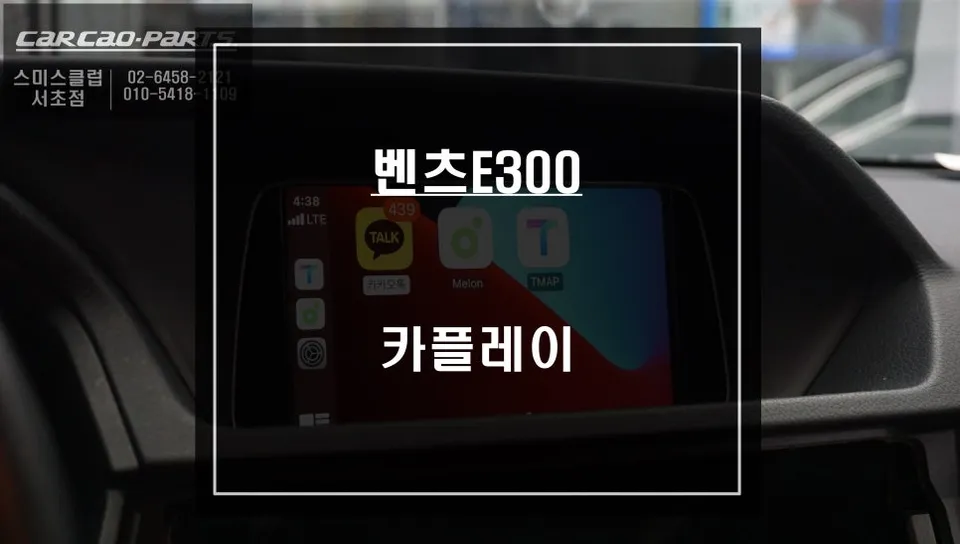
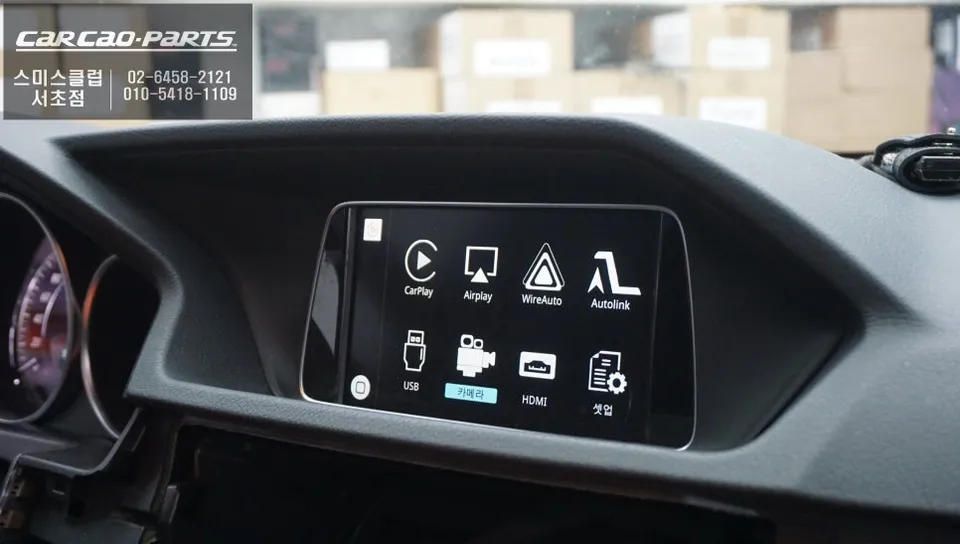
Mercedes-Benz E300 CarPlay retrofit: ~$150+. Seamless smartphone integration for navigation and entertainment.
Transform Your Mercedes-Benz E300 with a CarPlay Upgrade
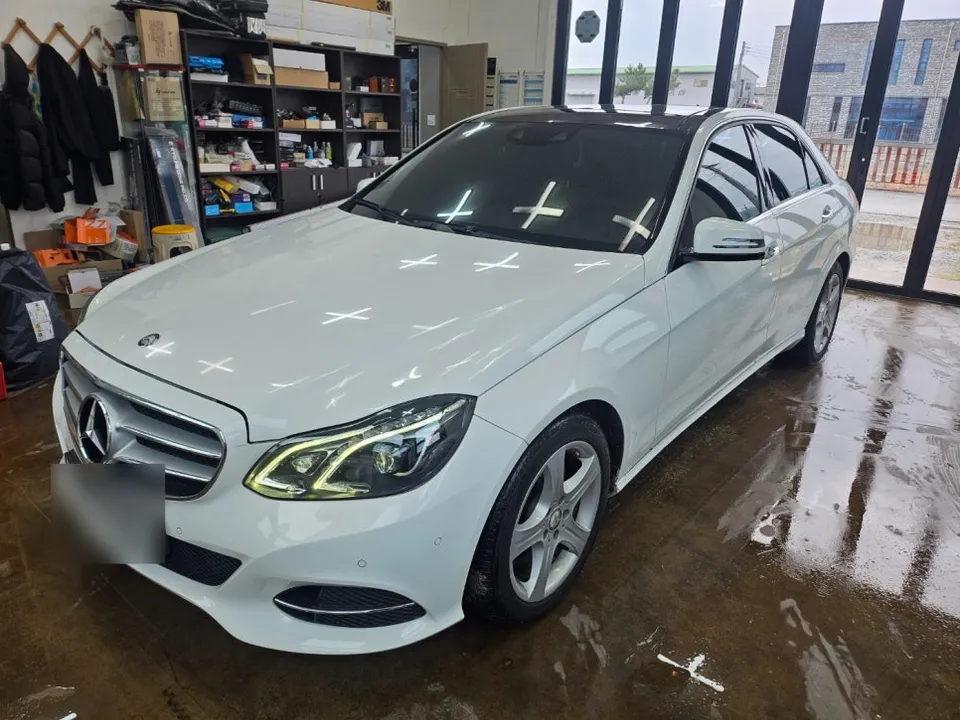
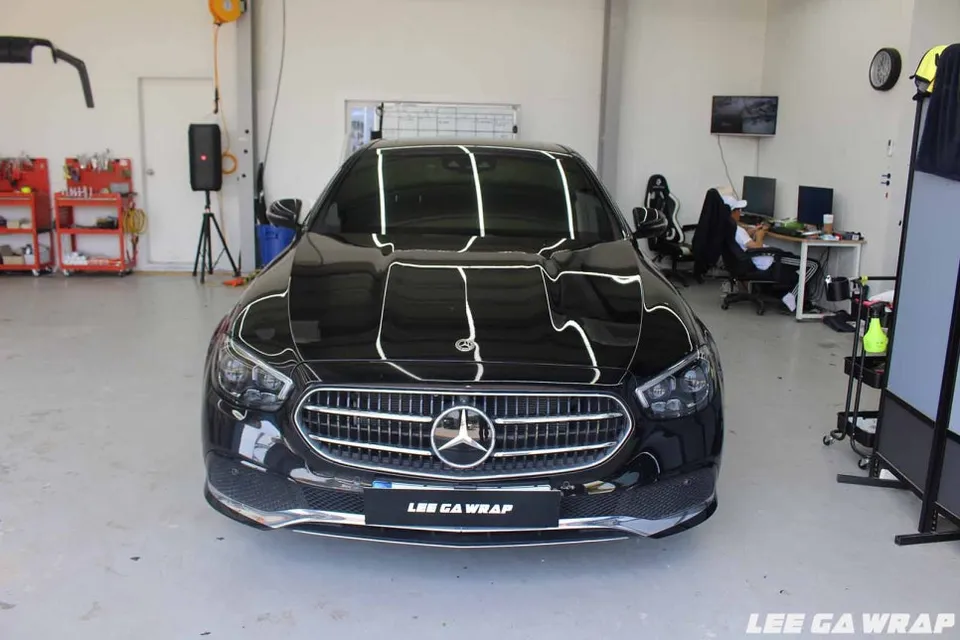
Vehicle: Mercedes-Benz E300
Service: CarPlay Module Installation
Compatible Navigation: NTG4.5 Factory Monitor
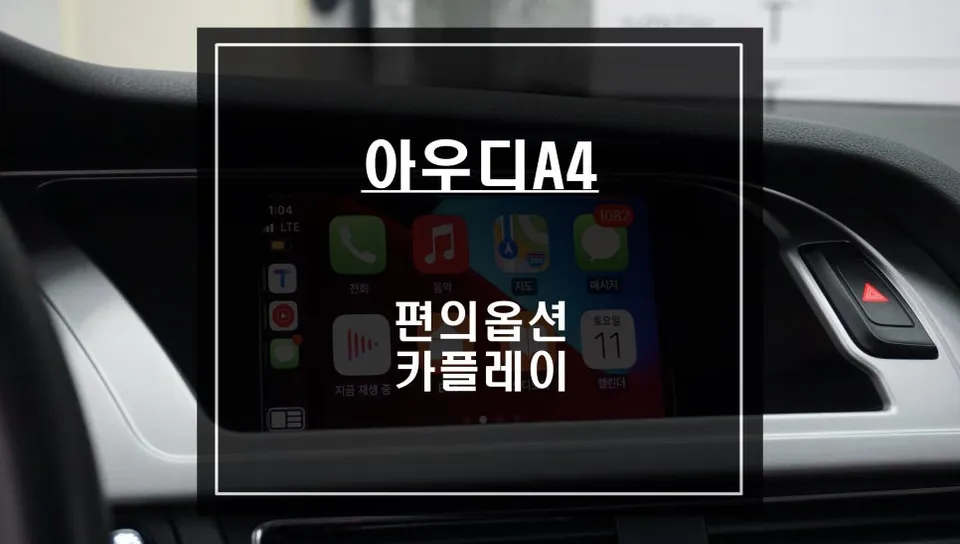
Supported Features: Wired/Wireless CarPlay, Android Auto, Screen Mirroring
If you own a Mercedes-Benz E300 and find its built-in navigation system lacking, a CarPlay module installation is the definitive solution. This upgrade is increasingly popular among E300 owners, allowing seamless integration of your smartphone with the car's existing NTG4.5 monitor. You can enjoy high-definition navigation from apps like Google Maps or Waze, directly on your factory screen. This review details a recent installation experience, highlighting the benefits and process.
Why Upgrade Your Mercedes-Benz E300 with CarPlay?
While the Mercedes-Benz E-Class offers a capable factory navigation system, its primary drawback is slow map updates and outdated traffic information. In rapidly developing areas or regions with frequent road construction, the stock navigation can provide inefficient routes. In contrast, smartphone navigation apps like Google Maps, Waze, or Apple Maps utilize real-time traffic data to offer the fastest and most current directions. A CarPlay module installation bridges this gap, bringing the intelligence of your smartphone to your Mercedes's integrated display. You gain intuitive control via touch, voice commands, or the steering wheel's jog dial, minimizing driver distraction.
How Does the CarPlay Module Installation Work?
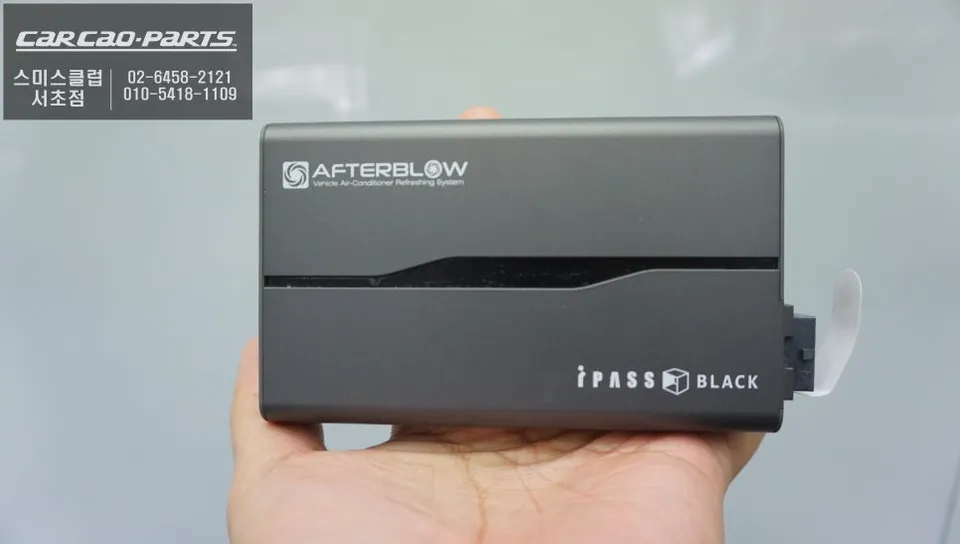
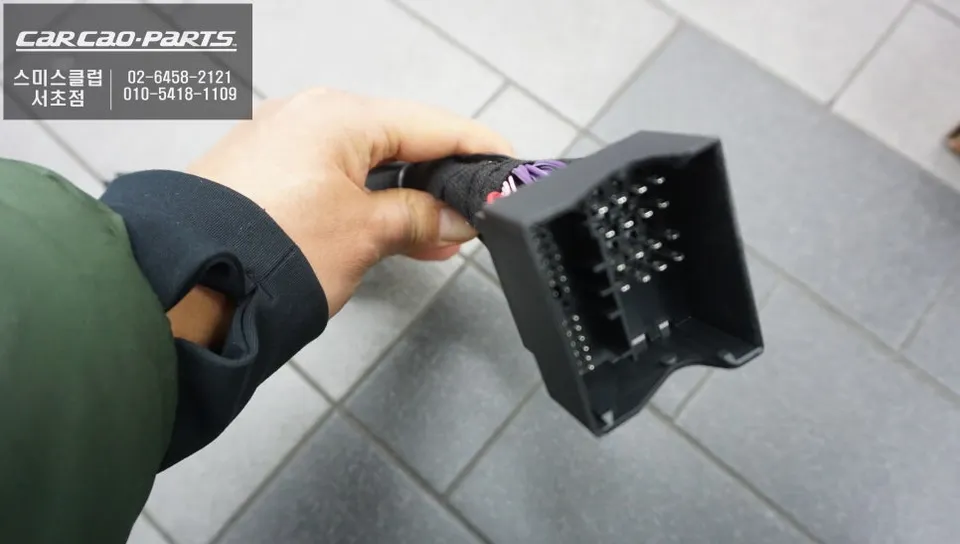
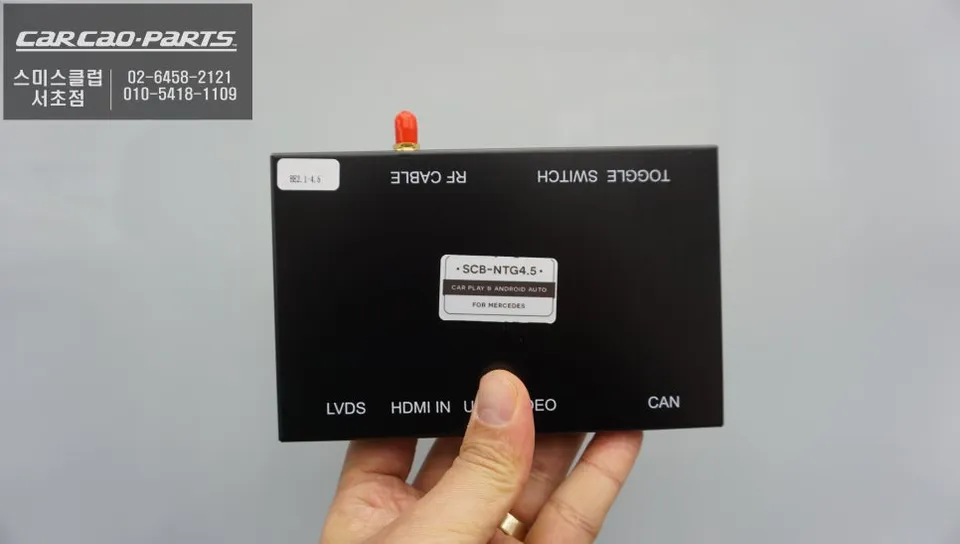
The process begins with installing a CarPlay interface module specifically designed for the Mercedes-Benz E300. This module connects directly to the NTG4.5 navigation system using a plug-and-play method, meaning it integrates without damaging the original wiring. It utilizes existing connectors, simplifying the installation and avoiding complex wiring harnesses.
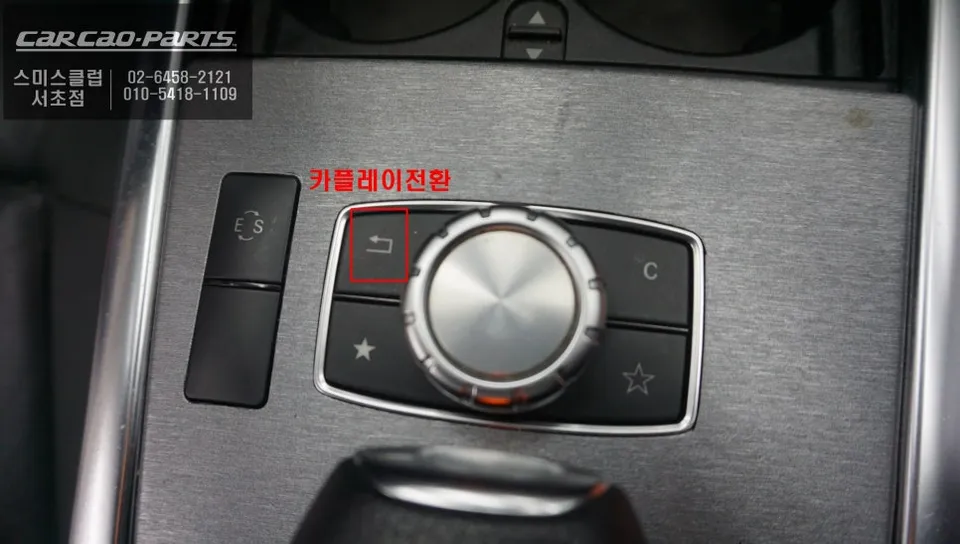
After installation, when you start the car, the original Mercedes infotainment screen appears. A simple press and hold of the CarPlay button for two seconds will switch the display to the CarPlay interface. Connecting your iOS or Android smartphone via USB or Bluetooth pairing will then automatically mirror your phone's compatible apps onto the car's screen.
Wired vs. Wireless CarPlay: Which is Better?
While both wired and wireless CarPlay are supported, we strongly recommend using a wired USB connection. Wireless CarPlay, though convenient, can be susceptible to signal interference, especially in urban environments with many buildings, leading to occasional disconnections. A wired USB connection, however, provides a stable and reliable data link, ensuring uninterrupted performance and simultaneously charging your smartphone's battery. The installation team will ensure the USB cable is routed neatly within the cabin for a clean look.
Real-World Benefits of CarPlay in Your E300
The most significant advantage is the enhanced navigation experience. Displaying Google Maps or Waze on the large factory monitor makes it easier to view traffic information and route options at a glance. Music streaming apps like Spotify or Apple Music can be played directly through the car's speakers, with voice commands allowing you to control playback without taking your hands off the wheel. The screen mirroring function also allows you to display other smartphone content, such as YouTube, on the monitor, though this is best used when parked.
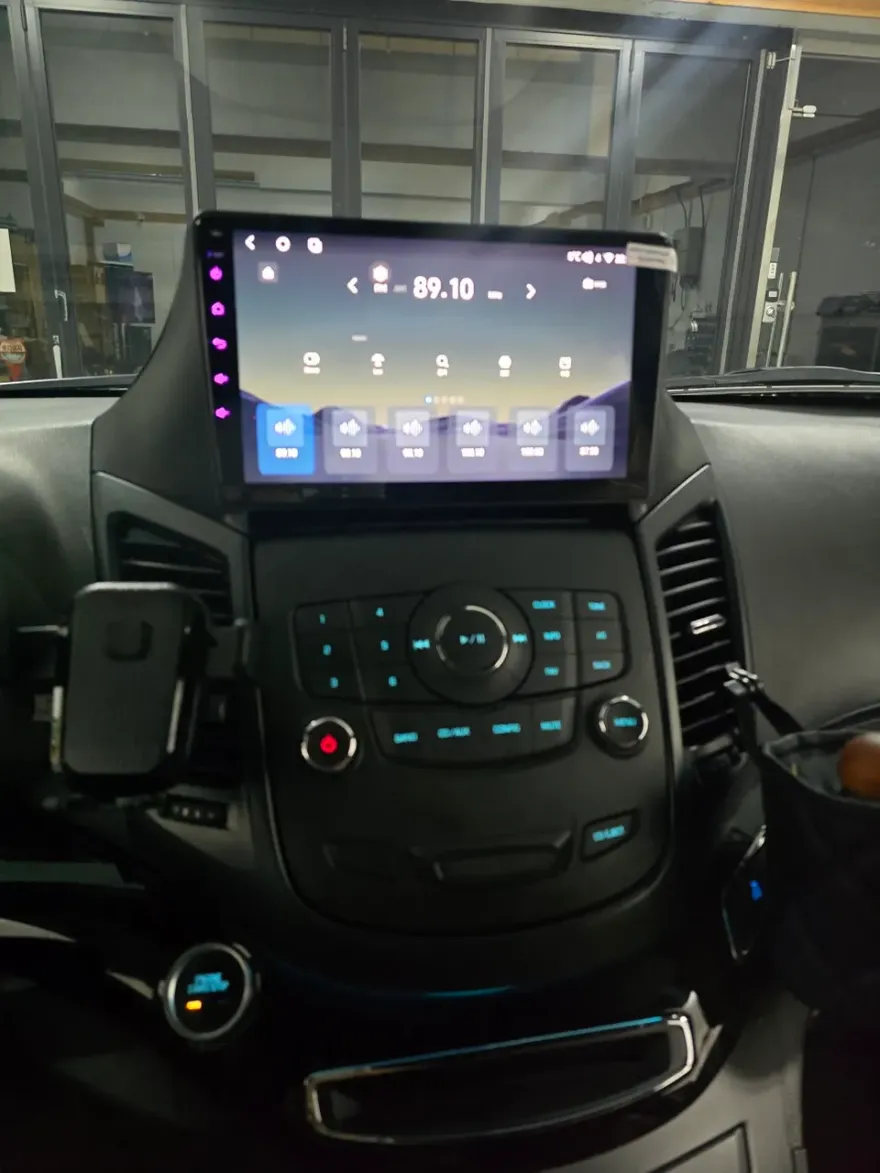
Android Head Unit Installation Cost and Process
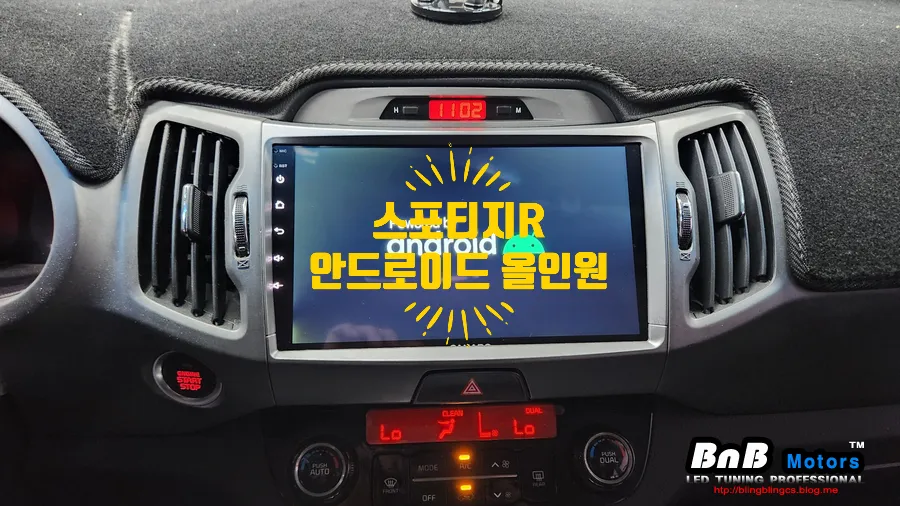
The estimated cost for an Android head unit or CarPlay retrofit for a Mercedes-Benz E300 typically starts around $150 in the US, though prices can vary based on the specific unit and installation complexity. The installation process itself is generally straightforward due to the plug-and-play nature of modern modules. It involves carefully removing trim pieces to access the factory head unit, disconnecting the original wiring, connecting the new Android head unit's harness, and then reassembling the dashboard. The entire process usually takes between 1 to 3 hours.
Installation Process:
- Carefully remove dashboard trim panels to access the factory infotainment system.
- Disconnect the original wiring harness from the factory head unit.
- Connect the new Android head unit's plug-and-play wiring harness to the vehicle's connectors.
- Mount the new Android head unit securely in place.
- Reassemble dashboard trim panels and test all functions.
Regarding durability, these aftermarket head units are designed to withstand the vibrations and temperature fluctuations within a vehicle. Maintenance is minimal, usually involving occasional cleaning of the touchscreen and ensuring software updates are applied for optimal performance and security. The key benefit is the vastly improved infotainment experience, offering modern features like advanced navigation, app integration, and often a larger, higher-resolution display compared to the original system.
Deciding if this upgrade is worth it depends on your priorities. If you frequently rely on your smartphone for navigation and entertainment and find your E300's current system outdated, the investment can significantly enhance your driving experience. The ability to use familiar apps like Google Maps, Waze, Spotify, and more on a larger, integrated screen provides a modern, connected feel to your vehicle.
Frequently Asked Questions
Q. How much does Android head unit or CarPlay installation cost for a Mercedes-Benz E300?
The estimated cost for an Android head unit or CarPlay retrofit for a Mercedes-Benz E300 typically starts around $150 in the US. Prices can vary based on the specific unit and installation complexity.
Q. How durable is an Android head unit installation on a Mercedes-Benz E300?
Android head units are designed for automotive use and are generally durable. Regular screen cleaning and applying software updates are recommended for optimal performance and longevity.
Q. Is a CarPlay or Android Auto upgrade worth it for a Mercedes-Benz E300?
Yes, a CarPlay or Android Auto upgrade is highly recommended for Mercedes-Benz E300 owners who want modern navigation and entertainment features. It significantly enhances the infotainment experience by integrating familiar smartphone apps.
Q. How is an Android head unit installed in a Mercedes-Benz E300?
Installation involves accessing the factory head unit, disconnecting the original wiring, and connecting a new plug-and-play harness for the Android unit. Trim panels are removed and reinstalled to complete the process.
Q. What is the difference between an Android head unit and a factory infotainment system for a Mercedes-Benz E300?
An Android head unit offers modern smartphone integration, real-time navigation, and app support, which the factory NTG4.5 system lacks. For most users, the Android head unit provides a superior and more up-to-date infotainment experience.
Kakao Parts