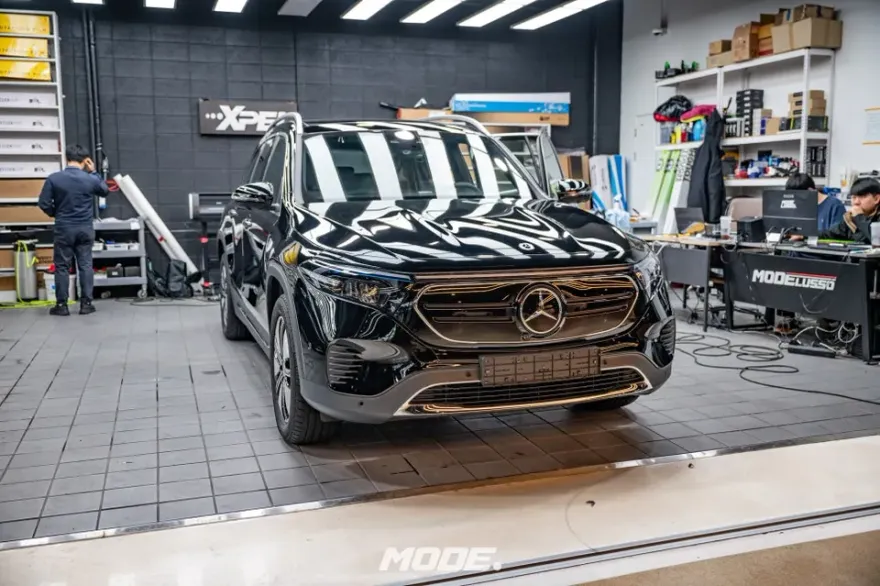
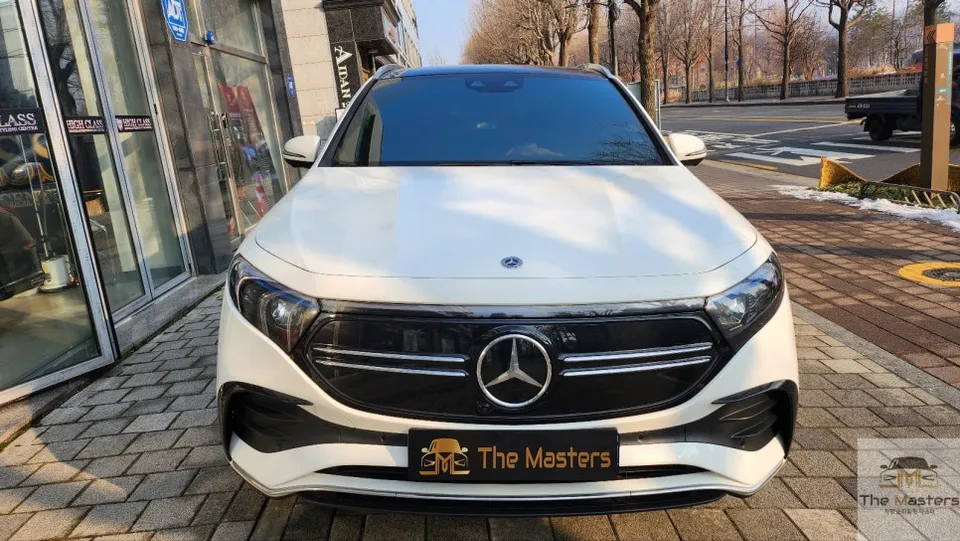
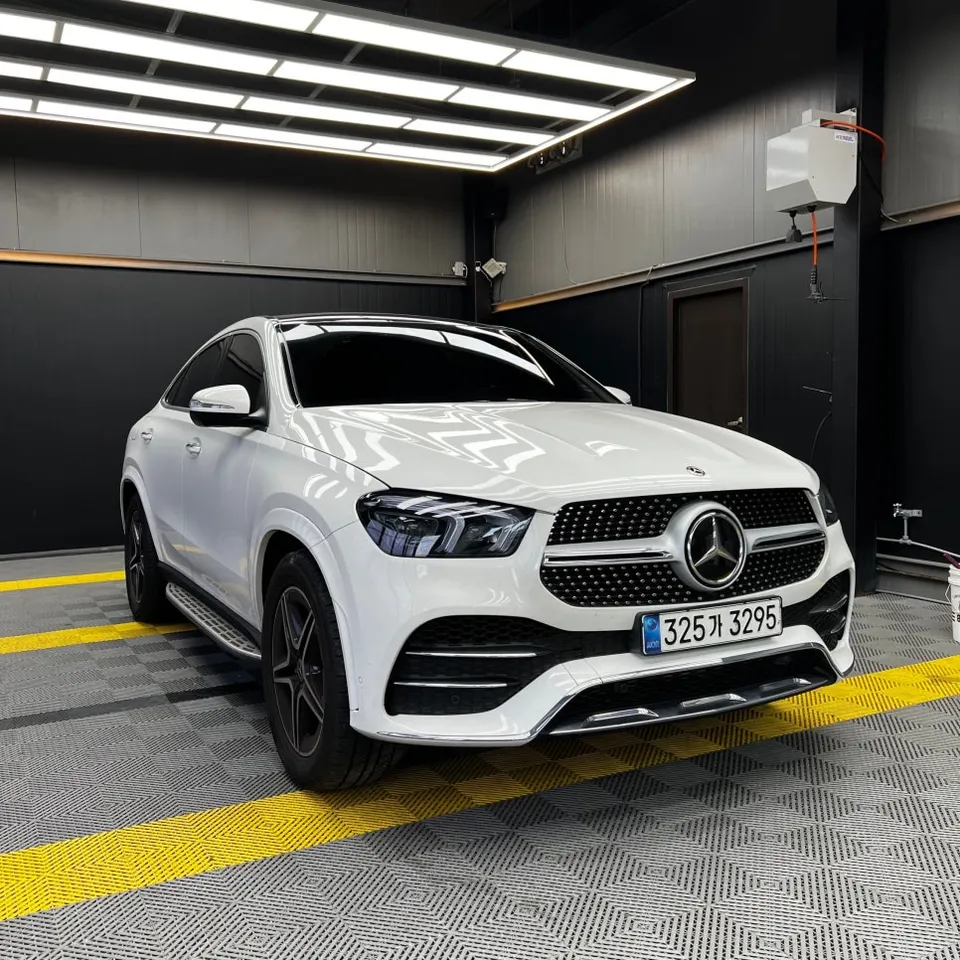
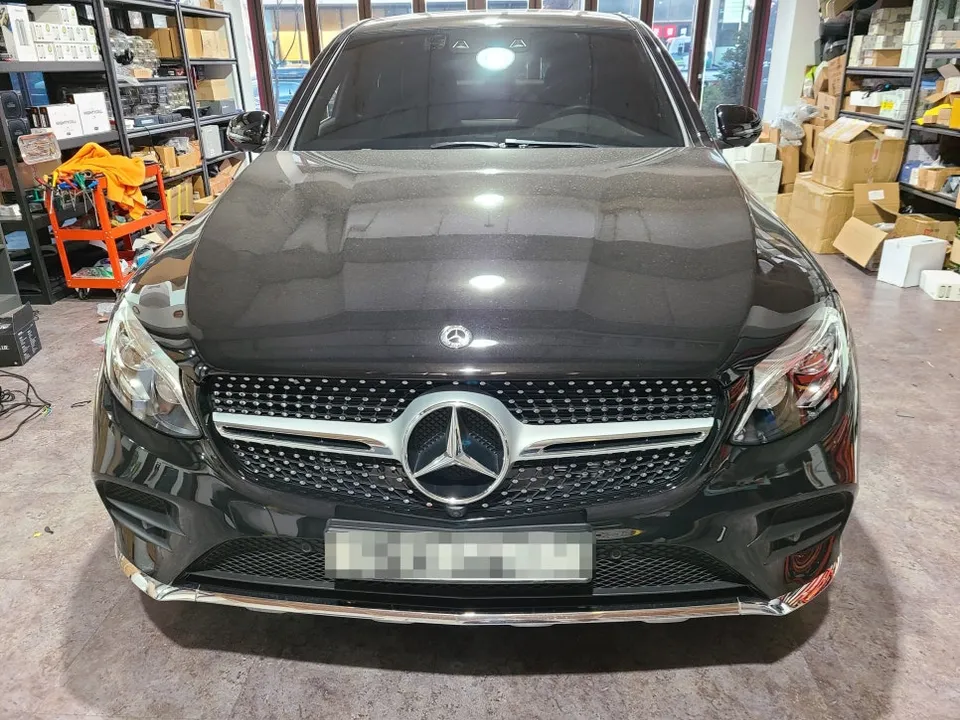
Mercedes-Benz GLC 43 AMG Android Head Unit Review — Smart Drive U
Service Price
$approx. $1,500+
Estimated price · Actual price may vary by shop
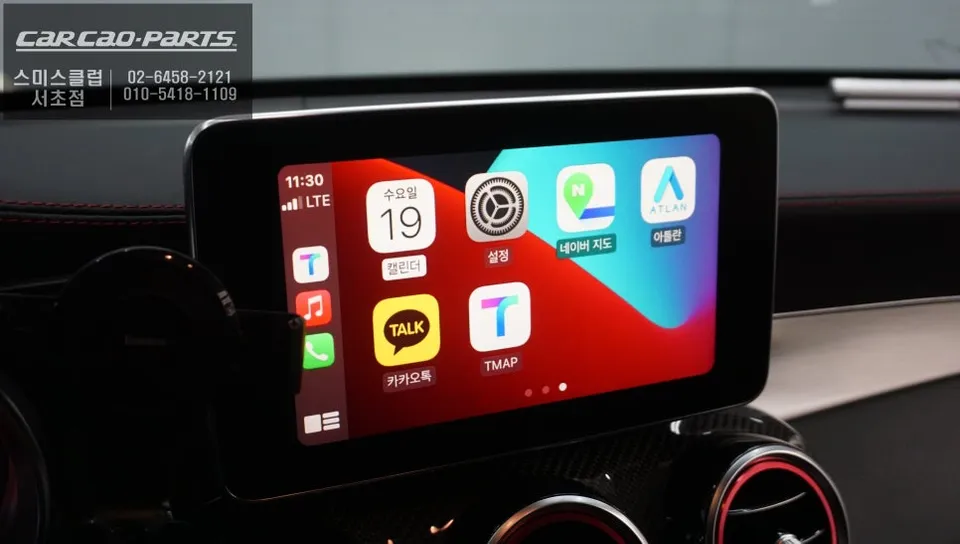
Android Head Unit upgrade for Mercedes-Benz GLC 43 AMG: Seamless TMAP, YouTube Music, mirroring. Retains original screen, plug-and-play install.
Why Your Mercedes-Benz GLC Needs an Android Head Unit Upgrade
Many Mercedes-Benz GLC owners find the stock navigation system lacking. Slow traffic updates and complex controls can detract from the driving experience. While you might prefer using popular navigation apps like TMAP or KakaoMap, integrating them with the factory system is often difficult. This is where a dedicated Android Head Unit module for the Mercedes-Benz GLC becomes essential.
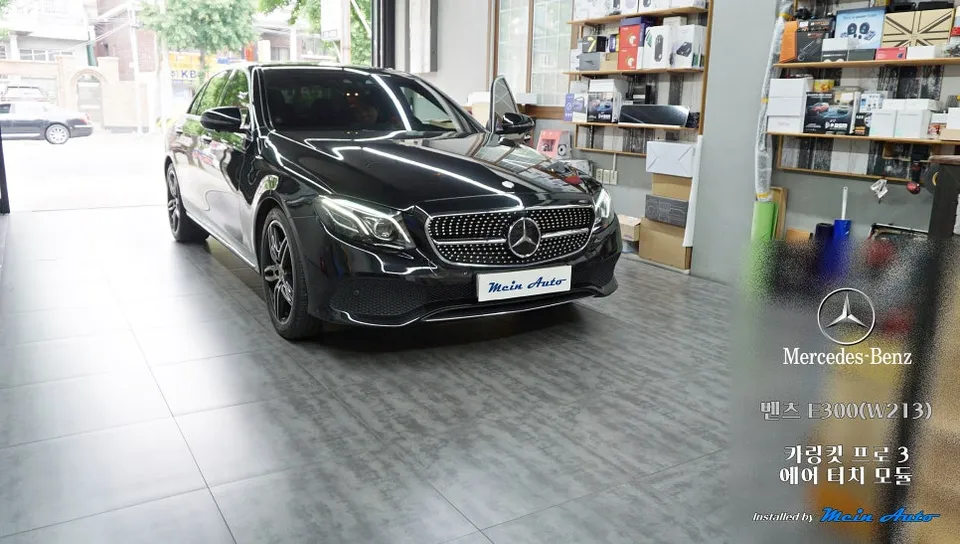
This review covers a real-world installation of a professional Android Head Unit module on a Mercedes-Benz GLC43 AMG. We'll explore the benefits of this upgrade, demonstrating how it seamlessly integrates smart features like TMAP, KakaoMap, Melon, and YouTube Music without compromising the original monitor or wiring.
Stock Navigation vs. Android Head Unit: The Key Differences
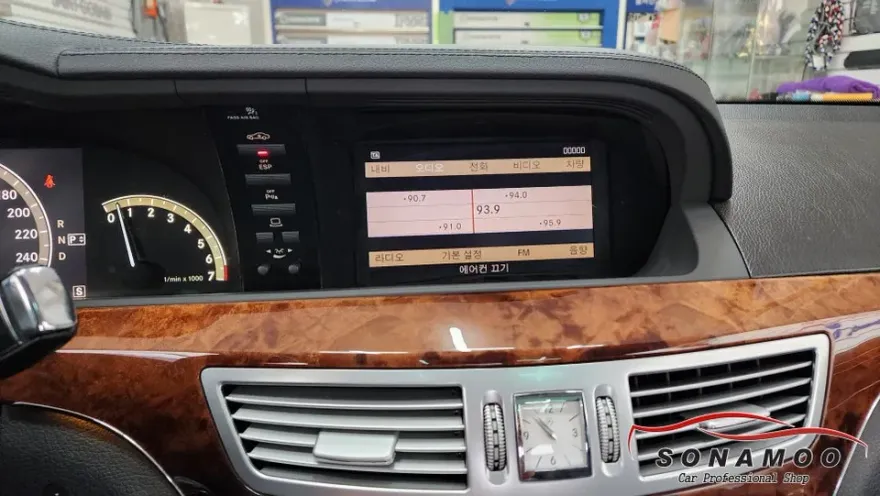
The limitations of the original Mercedes-Benz navigation are clear: outdated map data, delayed information on new establishments, and cumbersome voice or dial controls for route planning. This can lead to frustration and distraction while driving.
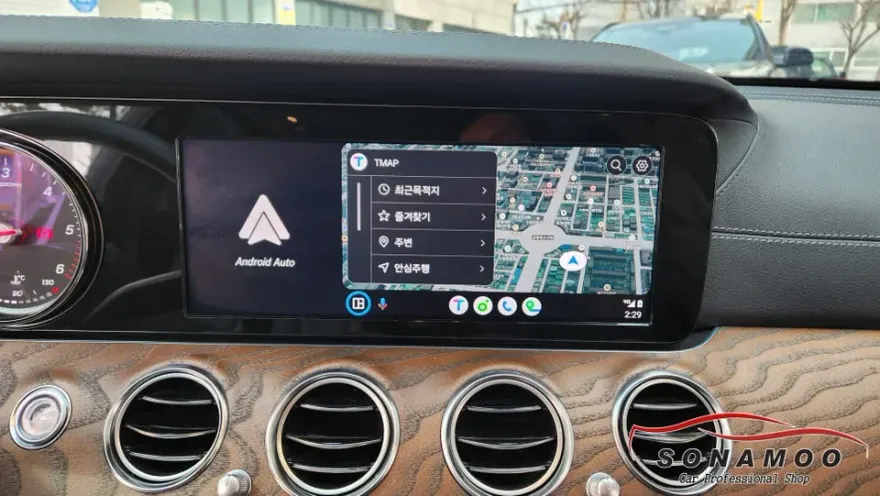
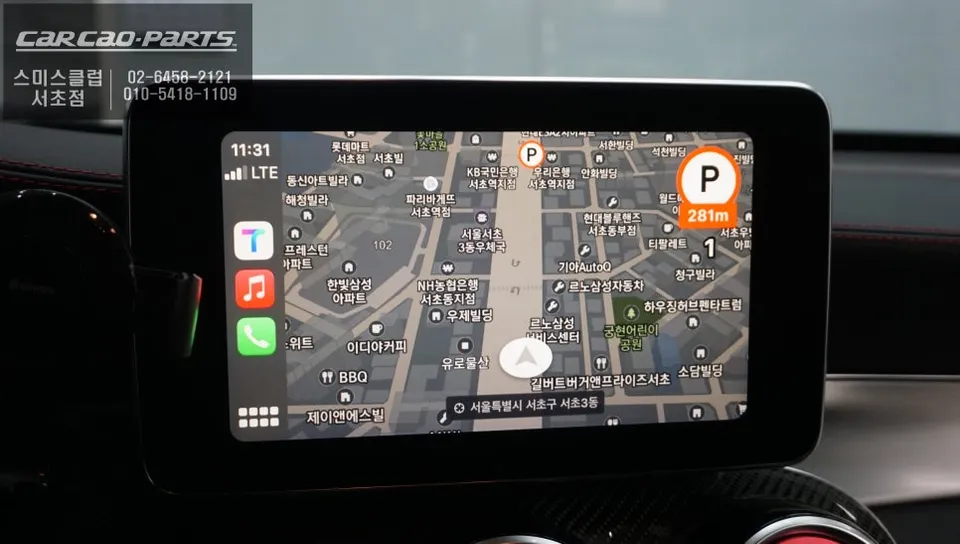
In contrast, an Android Head Unit module allows you to display smartphone apps like TMAP and KakaoMap directly on your car's screen. Enjoy real-time traffic updates, automatic rerouting around congestion, and more intuitive voice commands. Furthermore, streaming apps like Melon and YouTube Music can be played through your car's speakers, transforming your entire driving experience. A significant advantage is the mirroring function, which displays your smartphone's screen content on the car monitor, enabling video playback—a feature impossible with the stock system.
The Installation Process for Your Mercedes-Benz GLC
The core of this upgrade is maximizing compatibility while preserving the original vehicle structure. The Mercedes-Benz specific Android module utilizes the existing factory monitor and transmits high-definition LVDS (Low-Voltage Differential Signaling) video. LVDS is a digital signal method that minimizes electromagnetic interference, ensuring picture quality comparable to the original system.
Wiring is intricate. To avoid altering the factory wiring harness, a 'Jack by Jack' connection method is employed. This plug-and-play approach uses existing connectors, allowing for a seamless installation and easy reversion to the original system if desired. This level of precision is typically only achievable by professional installers.
Installation Process:
- Disconnect the vehicle battery for safety.
- Carefully remove trim pieces to access the factory head unit and screen connectors.
- Connect the Android module's harness using the 'Jack by Jack' connectors, integrating it with the original wiring.
- Mount the module securely behind the dashboard.
- Reconnect the battery and test all functions, including navigation, media playback, and screen mirroring.
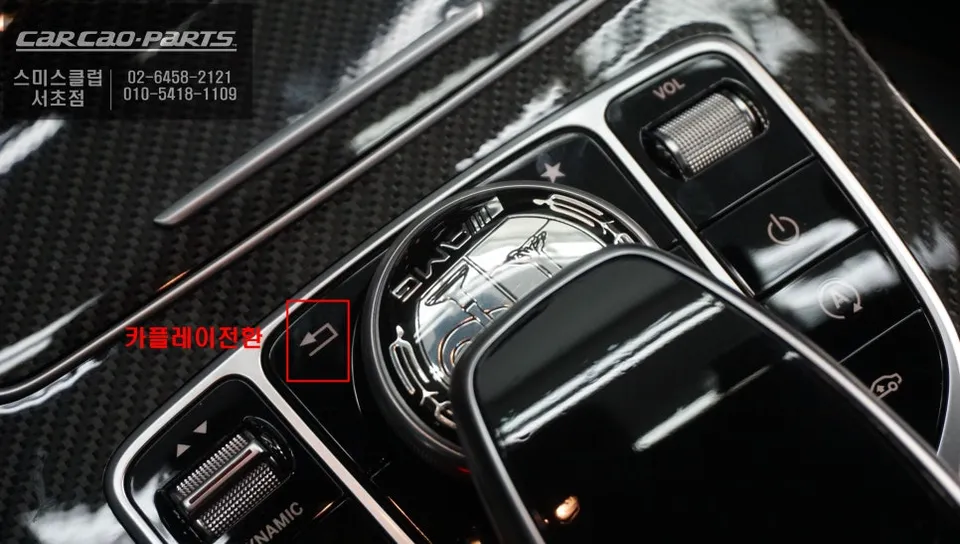
Post-installation, operation is straightforward. A simple 2-second press of the 'Return' button switches the system to the Android Head Unit interface. Connect your smartphone, and you can immediately use TMAP, KakaoMap, and other apps. Pressing the 'Return' button again seamlessly switches back to the original Mercedes-Benz navigation.
Audio Integration and Voice Control
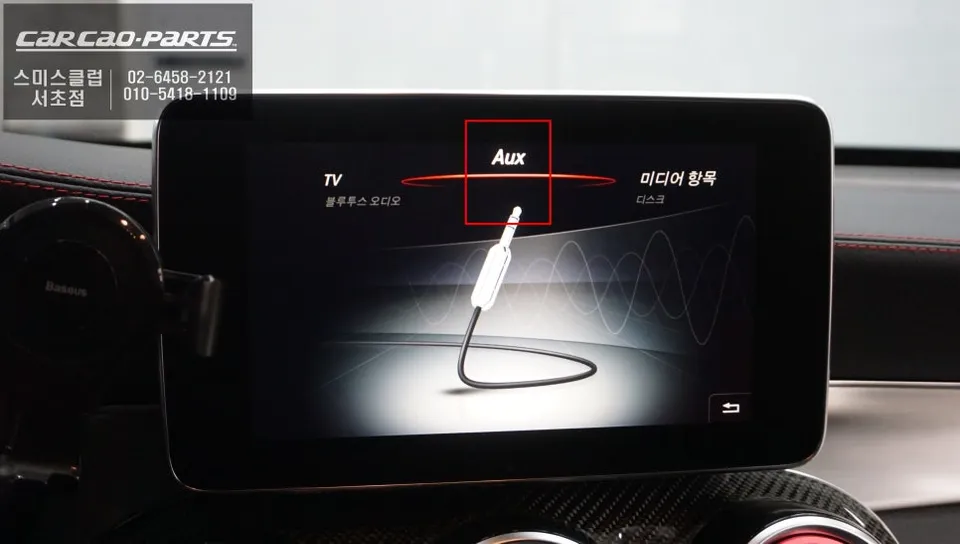
Enhanced voice control and speaker integration are key benefits. To enable full audio functionality, AUX (Auxiliary Input) coding is required. Once coded, the module integrates with your car's existing speaker system, delivering clear navigation prompts and music playback through the premium factory audio.
Streaming services like Melon and YouTube Music are also routed through your car's speakers, eliminating the need for additional sound equipment. If your vehicle's audio system has been further tuned, you can expect an even more immersive sound experience.
Wired vs. Wireless Connectivity
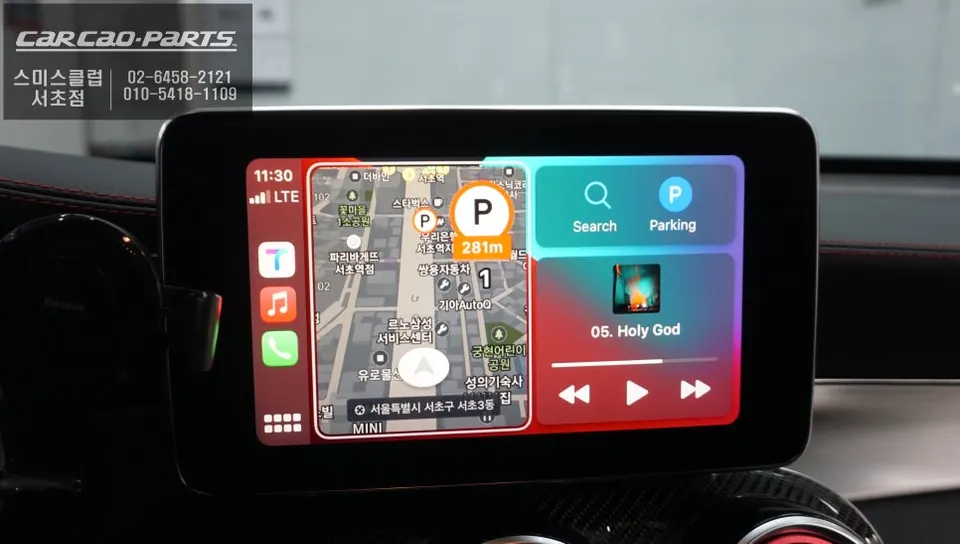
The Android Head Unit supports both wired and wireless CarPlay/Android Auto connections. Wireless offers the convenience of automatic connection upon entering the vehicle, while wired connections provide maximum stability and charging capabilities for your smartphone during longer journeys.
Frequently Asked Questions
Q. How much does an Android Head Unit upgrade cost for a Mercedes-Benz GLC 43 AMG?
The Android Head Unit upgrade for the Mercedes-Benz GLC 43 AMG typically costs around ₩700,000 to ₩1,200,000 in Korea. In the US, similar systems can range from $500 to $1000 depending on features and installation.
Q. How long does the Android Head Unit installation take on a Mercedes-Benz GLC 43 AMG?
Installation usually takes between 2 to 4 hours, depending on the complexity of the vehicle's dashboard and the specific module. Ensure the system is updated regularly for optimal performance and security.
Q. Is an Android Head Unit upgrade worth it for a Mercedes-Benz GLC 43 AMG?
Yes, an Android Head Unit upgrade is highly recommended for Mercedes-Benz GLC 43 AMG owners who desire modern navigation, seamless smartphone integration, and entertainment features. It significantly enhances the infotainment experience beyond the capabilities of the stock system.
Q. How is the Android Head Unit installed on a Mercedes-Benz GLC 43 AMG?
Installation involves carefully accessing the original head unit, connecting the new Android module using a plug-and-play harness that doesn't alter factory wiring, and securing the module. The system then integrates with the original screen and audio.
Q. What is the difference between an Android Head Unit and the original Mercedes-Benz navigation system?
The Android Head Unit offers real-time traffic updates, access to popular apps like TMAP and YouTube Music, and screen mirroring, which the original Mercedes-Benz navigation lacks. The Android system provides a vastly more modern and versatile user experience.
Kakao Parts