Mercedes-Benz GLC Android Head Unit Review — Seamless Integration
Service Price
$115–150
Estimated price · Actual price may vary by shop
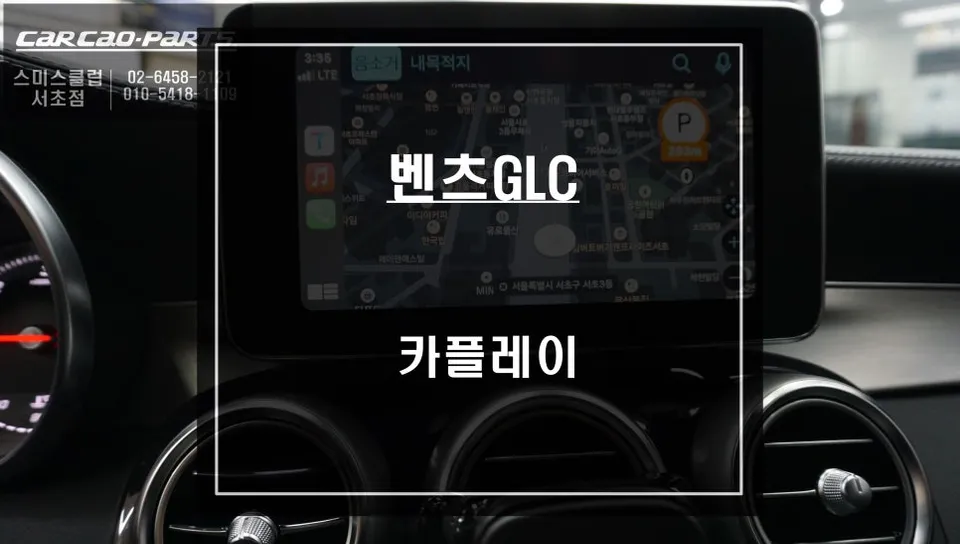
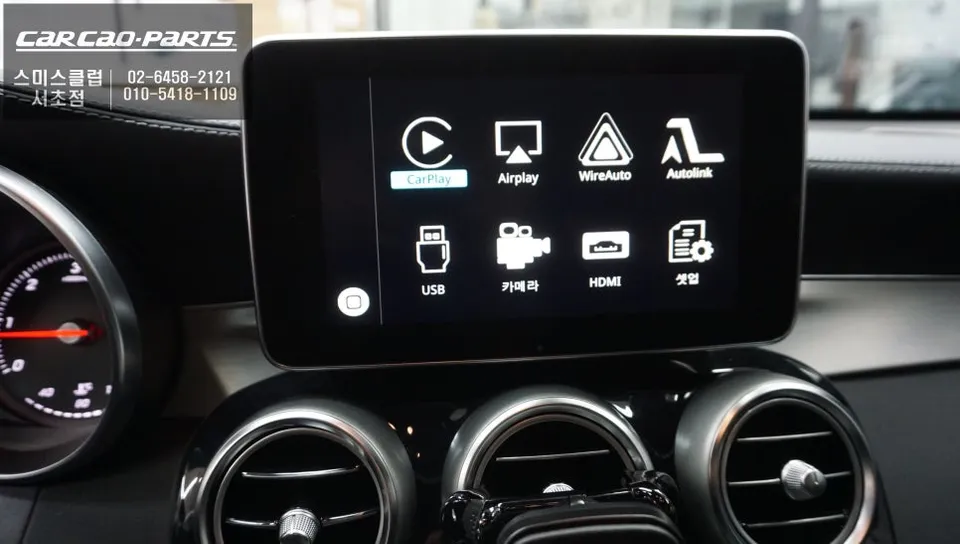
Mercedes-Benz GLC Android Head Unit upgrade integrates CarPlay/Android Auto seamlessly. Installation takes 2-3 hours, enhancing navigation and enterta
Why Your Mercedes-Benz GLC Needs an Android Head Unit Upgrade
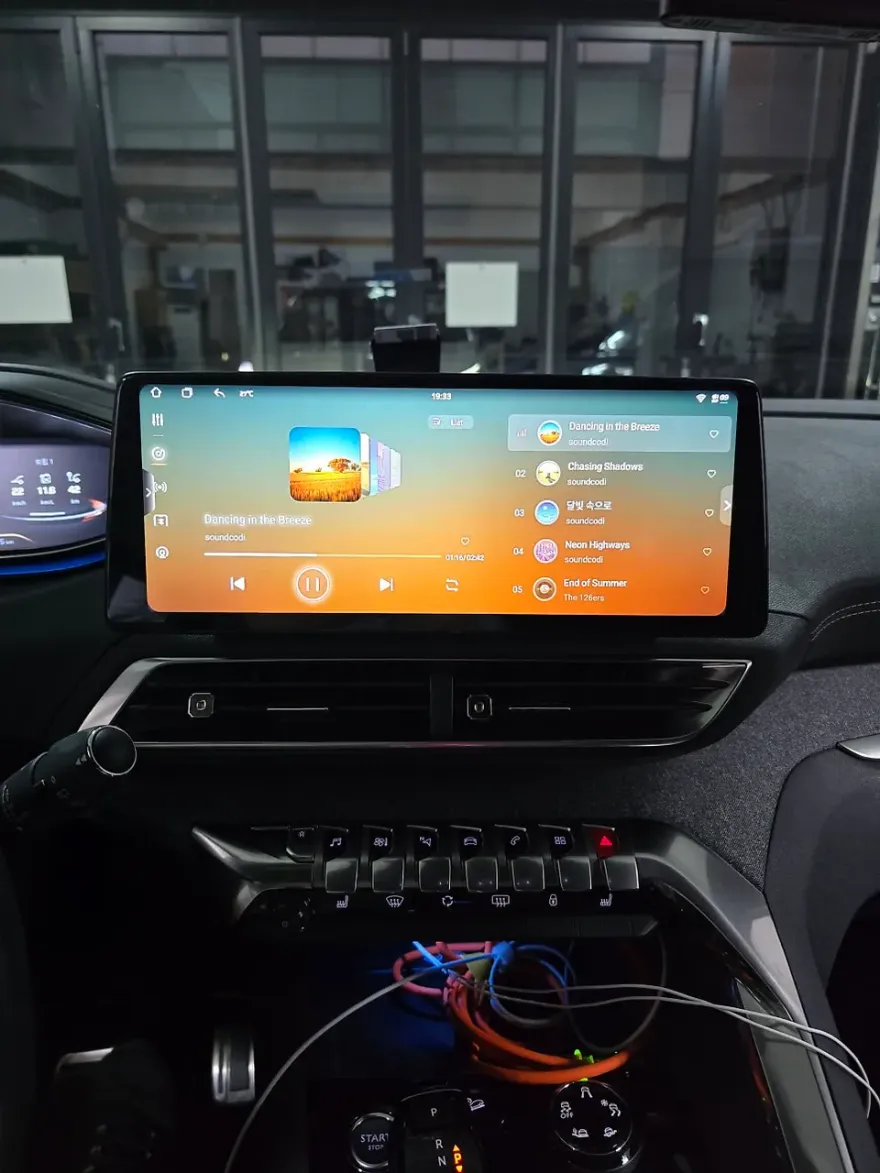
While the Mercedes-Benz GLC is a premium SUV, its stock navigation system can feel dated, particularly with slow map updates and a lack of real-time traffic information. This often leads to suboptimal routing. The solution? A CarPlay/Android Auto module installation. This upgrade allows you to utilize the real-time navigation and features of your favorite mobile apps, like Google Maps or Waze, directly on your car's original display. For GLC owners accustomed to the vehicle's sophisticated audio and multimedia interface, adding this functionality significantly enhances the overall infotainment experience. As seen in recent installations, it's possible to integrate these modules without damaging the original wiring, using a plug-and-play (direct connection) method.
Seamless CarPlay/Android Auto Integration for Your GLC
The most crucial aspect of this upgrade is preserving the vehicle's original wiring. Unlike some installations that involve adding new wires, potentially risking the car's electrical system, this method utilizes the existing factory connections. The GLC's original monitor is connected to the MMI (Multi-Media Interface) controller. The new CarPlay module is seamlessly integrated into this existing setup. After installation, switching between the native Mercedes-Benz interface and the CarPlay/Android Auto display is as simple as pressing and holding the screen-switching button on the steering wheel for two seconds.
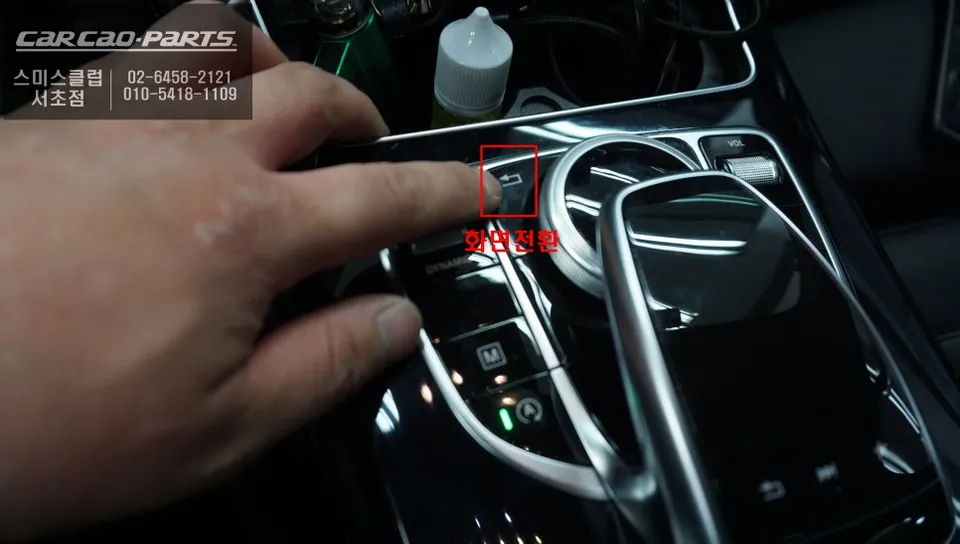
The Installation Process: Precision and Care
Installation begins with carefully disassembling the dashboard's upper trim to access the internal wiring. The GLC's intricate electronic control components require precise identification of each wire's function to avoid errors. Before starting, the vehicle's manual is consulted, and signal flow through each pin is tested. The CarPlay module itself is compact, typically no larger than a fingernail, and is discreetly hidden within the dashboard trim or behind the glove box. Post-installation, thorough testing ensures the steering wheel controls correctly operate the new interface and that audio commands are processed through the car's speakers.
The entire process takes approximately 2 to 3 hours. This timeframe accounts for careful wiring mapping, module integration, and multiple testing phases. For sophisticated vehicles like the GLC, a meticulous installation minimizes future issues, making the time investment worthwhile.
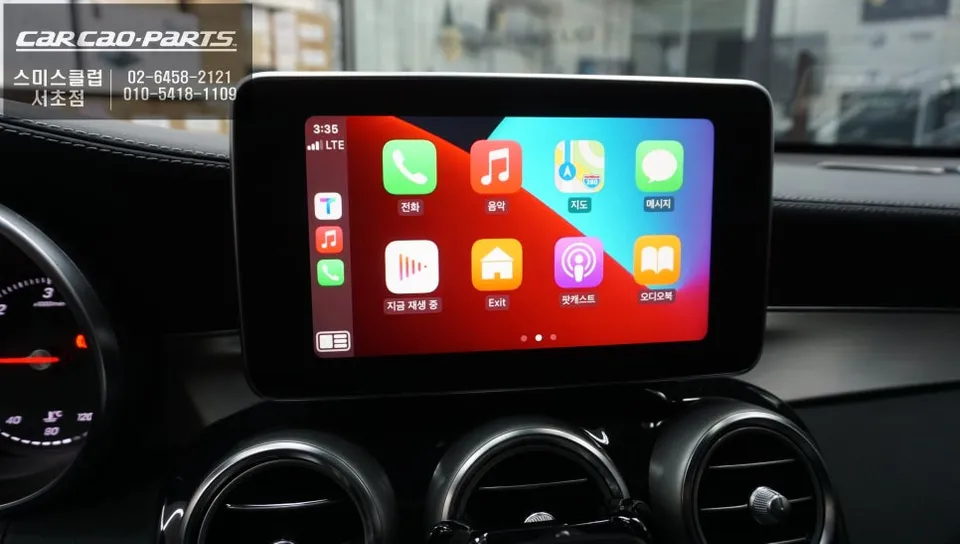
Android Auto and Apple CarPlay: Dual Support
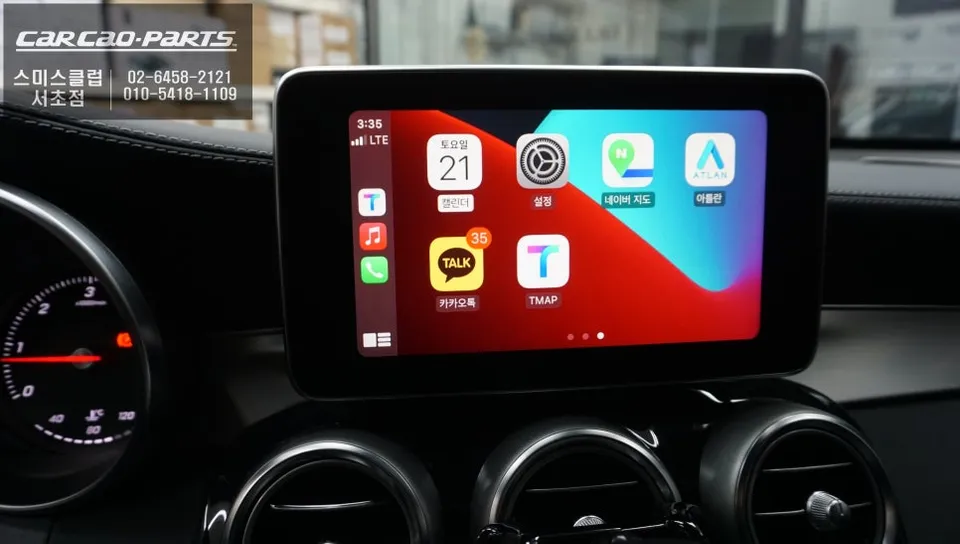
This versatile module supports both Apple CarPlay and Android Auto, catering to both iOS and Android smartphone users. While both wired and wireless connections are possible, a wired connection is generally recommended for its superior signal stability and reliability, minimizing interruptions during driving. Simply connect your smartphone via a USB-C or Lightning cable, and the system automatically activates CarPlay or Android Auto, enabling voice commands through the car's audio system.
The primary advantage of using CarPlay or Android Auto is access to real-time navigation data. Unlike the factory Mercedes-Benz navigation, which may update monthly, apps like Google Maps or Waze provide instant updates on road conditions, new routes, closures, and traffic congestion. Voice control is another significant benefit; simply stating a destination, such as "Google Maps, navigate to the nearest gas station," will automatically set the route.
Frequently Asked Questions
Q. How much does an Android Head Unit upgrade cost for a Mercedes-Benz GLC?
The cost for this Android Head Unit module installation for a Mercedes-Benz GLC typically ranges from ₩400,000 to ₩700,000 in South Korea. In the US, similar upgrades can range from $300 to $600 depending on the module and installation complexity.
Q. How long does an Android Head Unit installation take on a Mercedes-Benz GLC?
The installation process for an Android Head Unit module on a Mercedes-Benz GLC usually takes between 2 to 3 hours. To ensure longevity, it's recommended to keep the module's firmware updated and avoid exposing the connected smartphone to extreme temperatures during charging.
Q. Is an Android Head Unit upgrade worth it for a Mercedes-Benz GLC?
An Android Head Unit upgrade is highly beneficial for Mercedes-Benz GLC owners who frequently use navigation apps or desire a more modern infotainment experience. It offers a significant value proposition by vastly improving navigation accuracy and media integration without compromising the original vehicle aesthetics.
Q. How is an Android Head Unit module installed on a Mercedes-Benz GLC?
Installation involves: 1. Carefully disassembling the dashboard trim to access wiring. 2. Identifying and connecting the module to the existing MMI controller using plug-and-play connectors. 3. Discreetly hiding the module within the dashboard. 4. Testing the functionality of steering wheel controls and audio output.
Q. What is the difference between wired and wireless CarPlay/Android Auto connection?
Wired connections offer superior stability and reliability, minimizing signal loss and interruptions, making them ideal for driving. Wireless connections provide convenience but can be more susceptible to interference and occasional dropouts.
Kakao Parts