Mercedes-Benz S-Class W222 Android Auto & CarPlay Review
Service Price
$75–115
Estimated price · Actual price may vary by shop
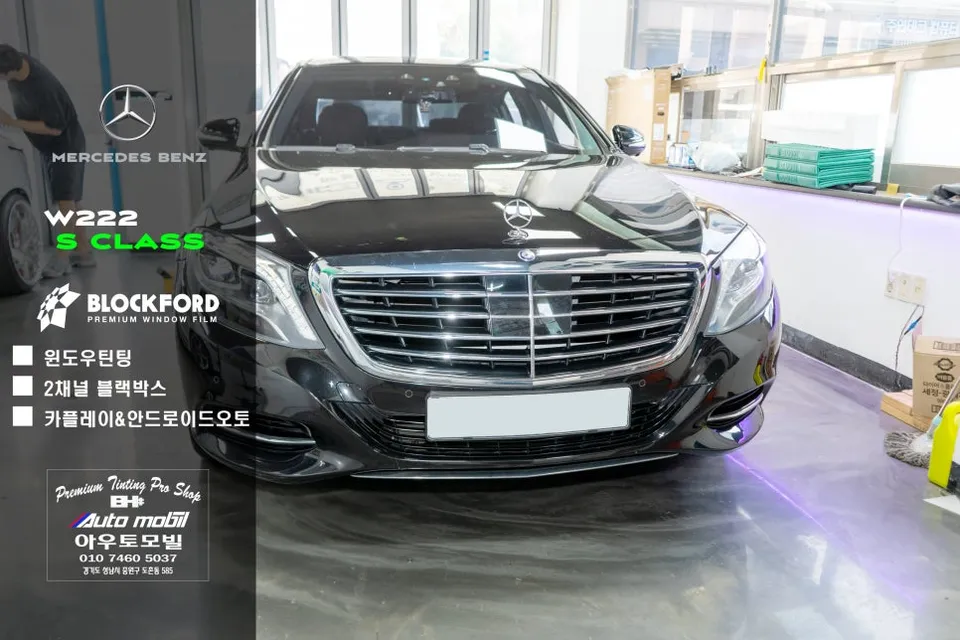
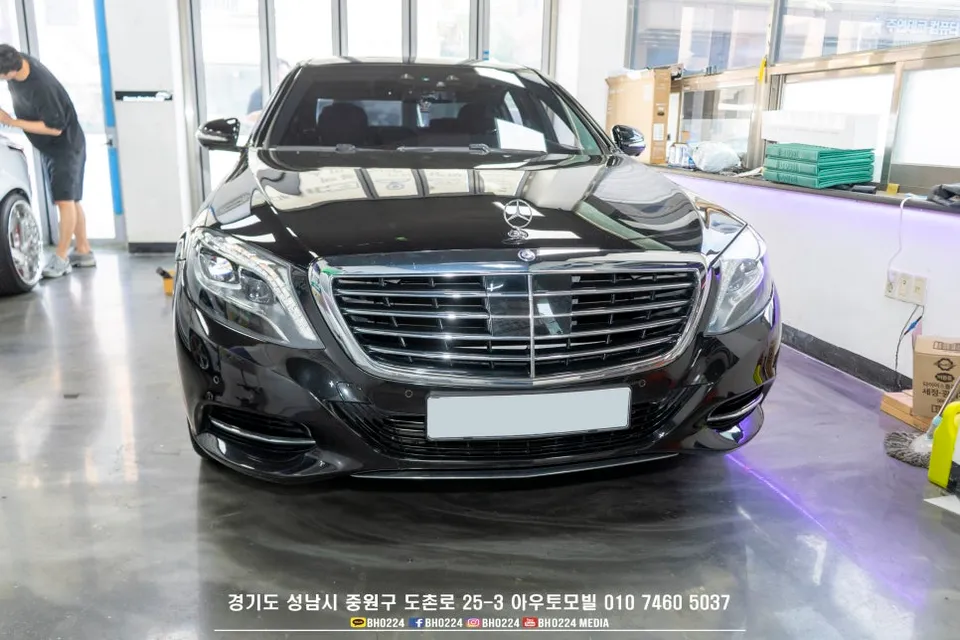
W222 S-Class Android Auto & CarPlay upgrade: Seamless smartphone integration via AUX line. Enhances connectivity and audio quality.
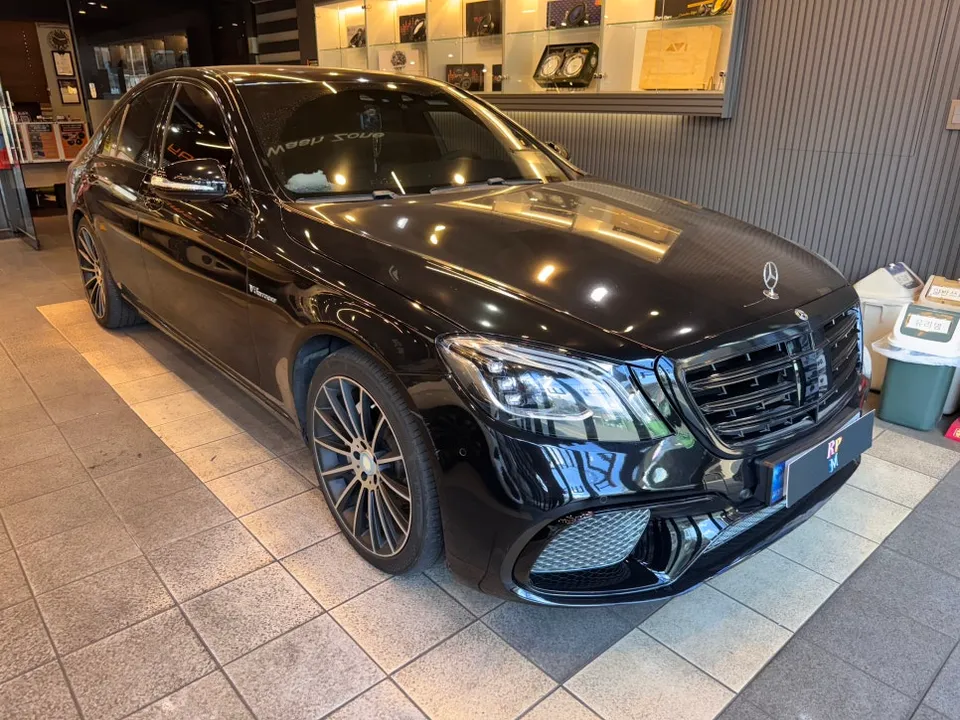
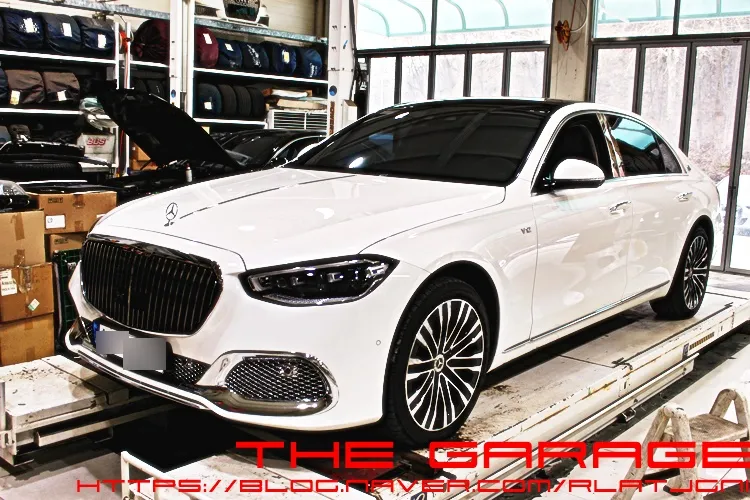
W222 S-Class Pre-Facelift: Seamless Android Auto & CarPlay Integration
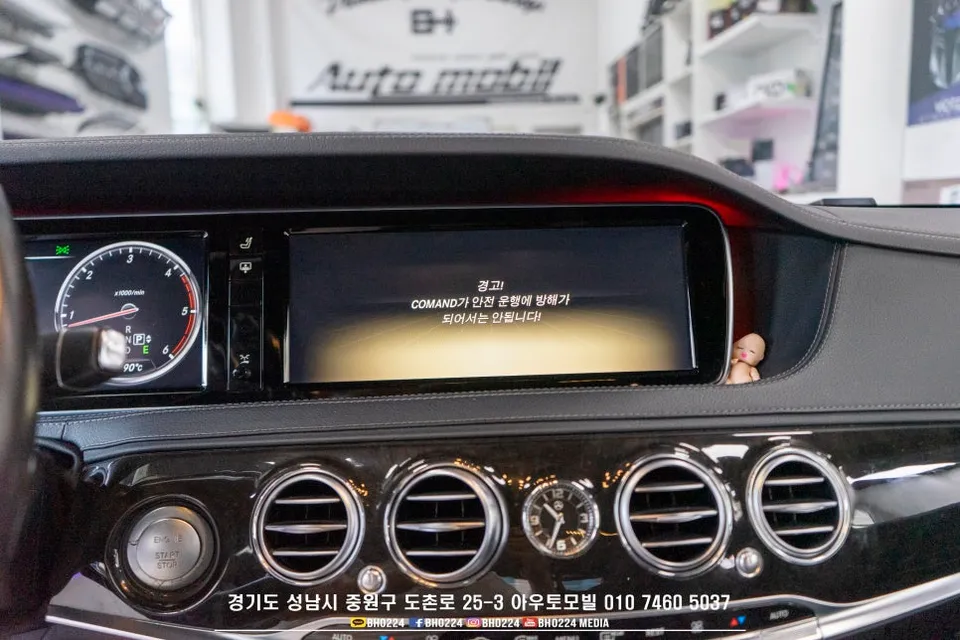
The Mercedes-Benz S-Class W222 pre-facelift model often presents limitations with its native navigation system, making Android Auto and CarPlay functionality restricted. However, specialized installers can now enable wireless Android Auto and CarPlay, leveraging the existing factory display. This 'non-touch' upgrade integrates modern smartphone features without altering the vehicle's original aesthetic. Unlike systems requiring additional monitors, this method utilizes the car's current setup, preserving its clean interior. Audio is routed through the AUX line, ensuring high-fidelity sound with minimal loss or noise, delivering a near-OEM audio experience. Switching between the native system and your smartphone interface is easily managed via the existing navigation or reverse camera buttons.
Installation Process & Additional Upgrades
The process begins with a thorough inspection of the W222 S-Class to ensure a smooth installation. The core of the upgrade involves coding the NTG5 system and activating the AUX line for optimal audio output. This ensures a more direct and higher quality audio stream compared to Bluetooth alternatives. The entire installation typically takes around 3 to 4 hours, though this can vary based on the specific vehicle and system configuration. Post-installation, the rotary dial controller is used to navigate the Android Auto or CarPlay interface, maintaining a safe, non-touch operation while driving.
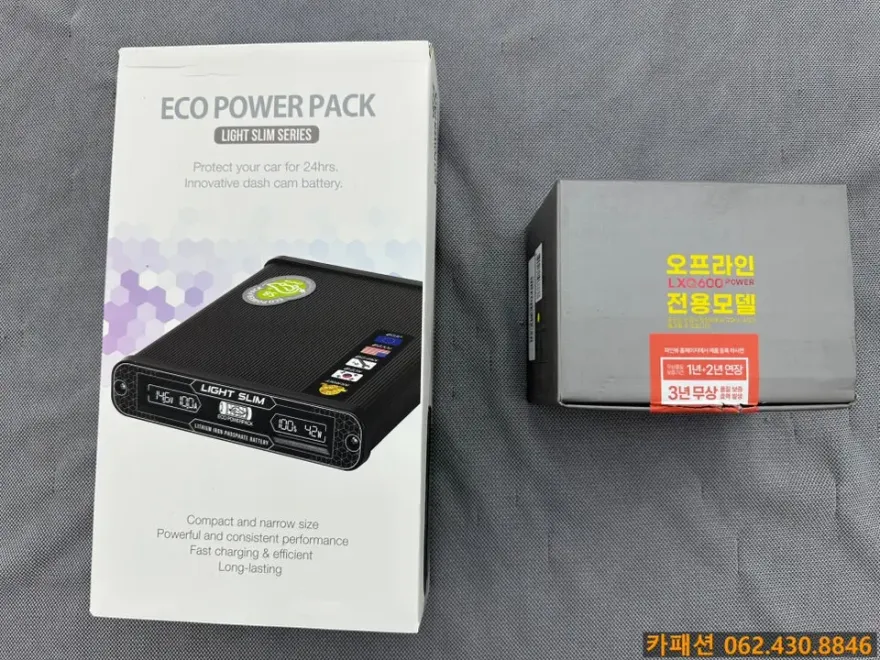
In addition to the head unit upgrade, this W222 S-Class also received an iNAND QXD1 Connected dashcam installation. This essential safety device provides high-definition recording and utilizes connected features for remote monitoring of the vehicle's status and footage via a smartphone. Wiring is meticulously managed, following factory routes and ensuring no interference with airbags. Cable management is designed for a clean, factory-like finish, using sleeves to prevent the common issue of adhesive residue from tape over time. Professional installation is crucial for both the head unit and dashcam to ensure optimal performance and longevity.
Installation Process:
- Vehicle system diagnostic and preparation.
- NTG5 system coding and AUX line activation.
- Wireless Android Auto/CarPlay module integration.
- Audio output testing via AUX line.
- Interface functionality check using the rotary controller.
Frequently Asked Questions
Q. How much does an Android Auto & CarPlay upgrade cost for a Mercedes-Benz S-Class W222?
The cost for this specific Android Auto & CarPlay upgrade on a W222 S-Class, as detailed in the review, was performed in Korean Won. Typical US pricing for similar non-touch integration upgrades can range from $500 to $1500, depending on the system and installer.
Q. How long does an Android Auto & CarPlay upgrade take on a Mercedes-Benz S-Class W222?
This upgrade typically takes about 3 to 4 hours to complete. To ensure longevity, always keep your smartphone's operating system and the head unit's firmware updated.
Q. Is an Android Auto & CarPlay upgrade worth it for a Mercedes-Benz S-Class W222?
This upgrade is most beneficial for W222 owners who frequently use smartphone navigation and media apps. It significantly enhances the vehicle's infotainment system, offering a modern and convenient user experience.
Q. How is the Android Auto & CarPlay upgrade performed on a Mercedes-Benz S-Class W222?
The upgrade is performed through software coding of the vehicle's NTG5 system and activation of the AUX line for audio output. A wireless module is integrated, and the system is tested using the original rotary controller.
Q. What is the difference between a touch and non-touch Android Auto/CarPlay upgrade for a Mercedes-Benz S-Class W222?
A non-touch upgrade, like the one reviewed, uses the car's existing controls (rotary dial) to operate smartphone interfaces, preserving the original dash. A touch upgrade would involve adding a touchscreen overlay or replacing the entire unit, which can alter the factory look.
OhCar Partner Shop