MINI Countryman CarPlay Installation Review — Seamless Smartphone
Service Price
$115–150
Estimated price · Actual price may vary by shop

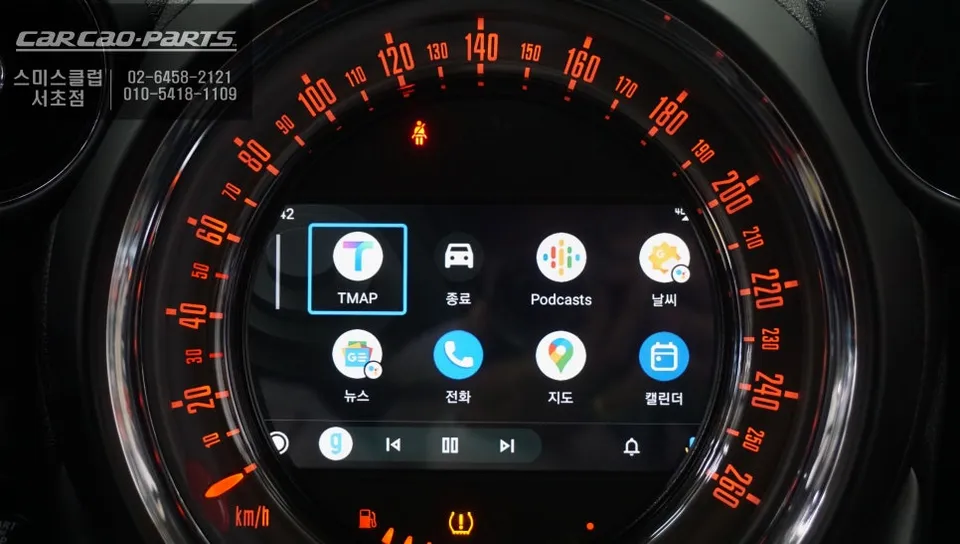
MINI Countryman CarPlay upgrade: Seamless smartphone navigation integration. Enjoy wireless TMAP/KakaoMap on your original screen.
Upgrade Your MINI Countryman with Seamless CarPlay Integration
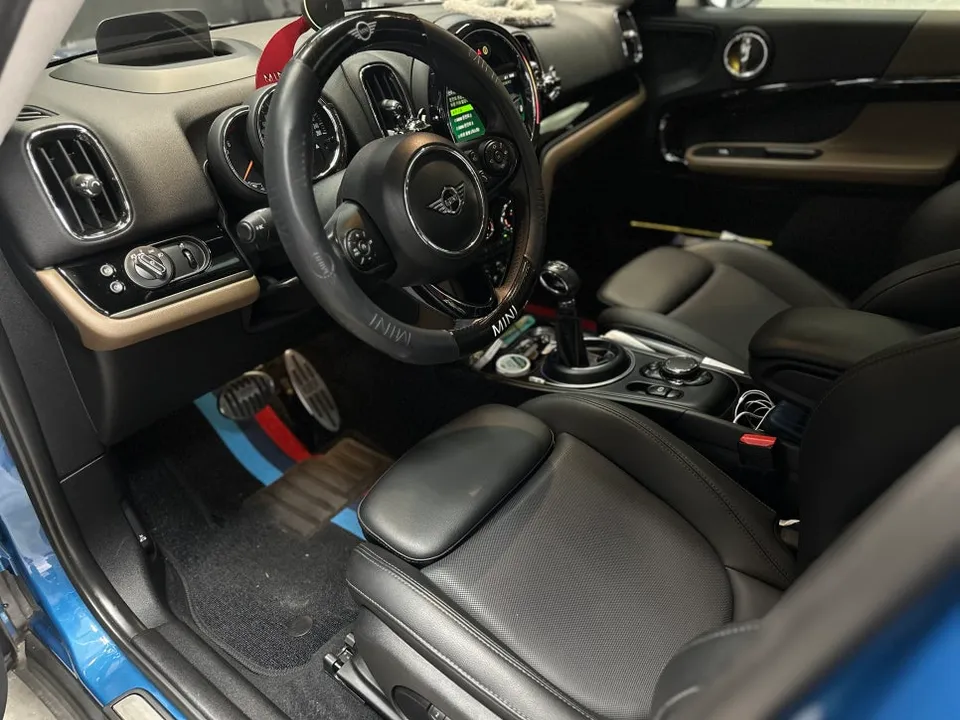
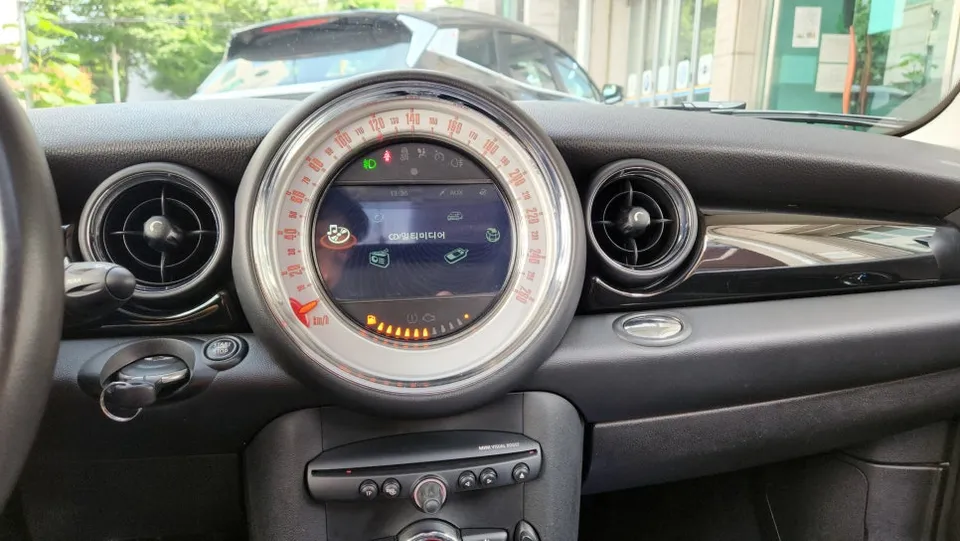
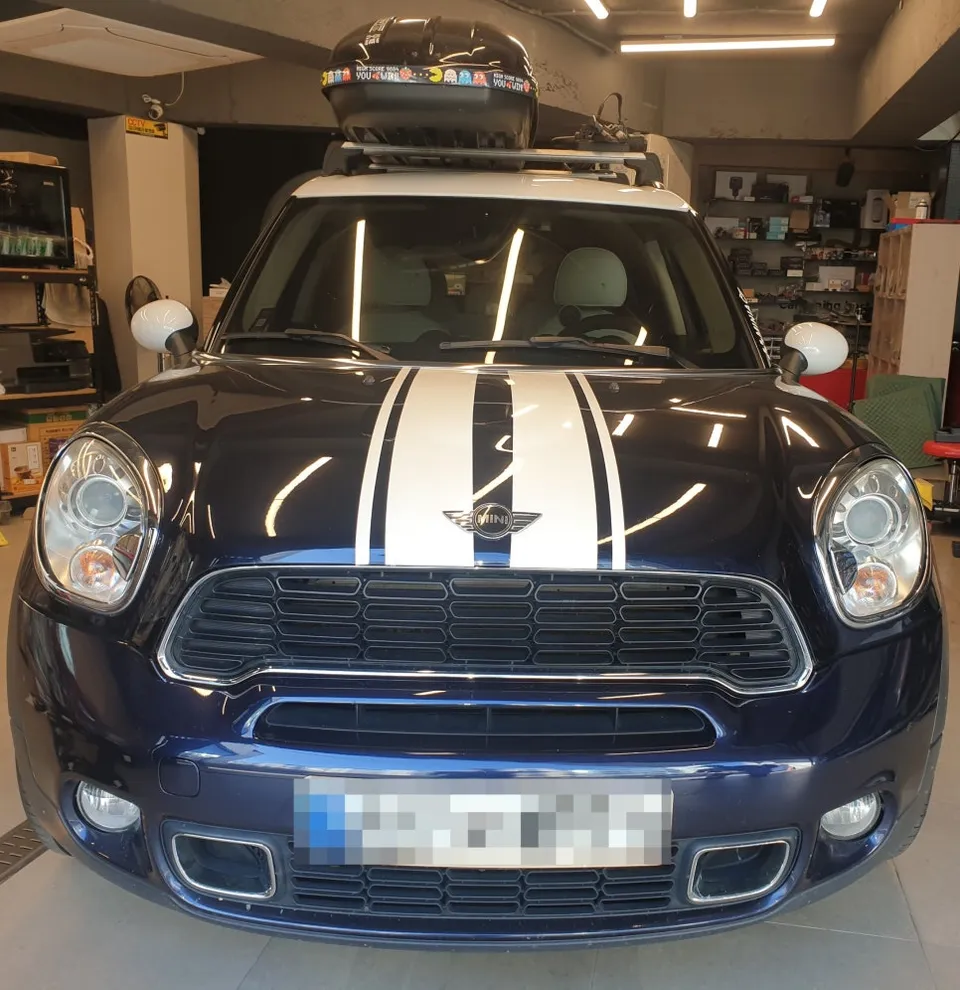
This review details the process of upgrading a MINI Countryman by removing its outdated navigation system and installing a modern CarPlay module. The vehicle previously had an older M-BOX set-top box with iNavi 3D maps. Our service at Today's Car Seocho removed this legacy system and integrated a CarPlay solution, allowing the use of smartphone-based navigation apps like TMAP and KakaoMap directly on the car's original monitor.
A significant advantage of this MINI-specific CarPlay installation is its non-invasive nature. The process avoids damage to the original wiring. Utilizing an LVDS cable direct connection, it ensures high-definition output to the factory screen, resulting in a clean and integrated look, unlike installations that require an additional separate monitor.
Removing the Old System and Preparing for CarPlay
The initial step involved carefully removing the existing M-BOX set-top box. This is not a simple unplug-and-play process; it requires meticulous attention to the internal wiring. We safely detached the unit by unscrewing dashboard fasteners and disconnecting wire harnesses, taking great care to prevent any damage to the vehicle's original components.
Understanding the location of the original USB port and existing wiring is crucial for correctly connecting the new CarPlay module. While the wiring in this older model showed some signs of age, its overall condition was good, facilitating a smooth transition.
Installing the CarPlay Module and Connecting Wires
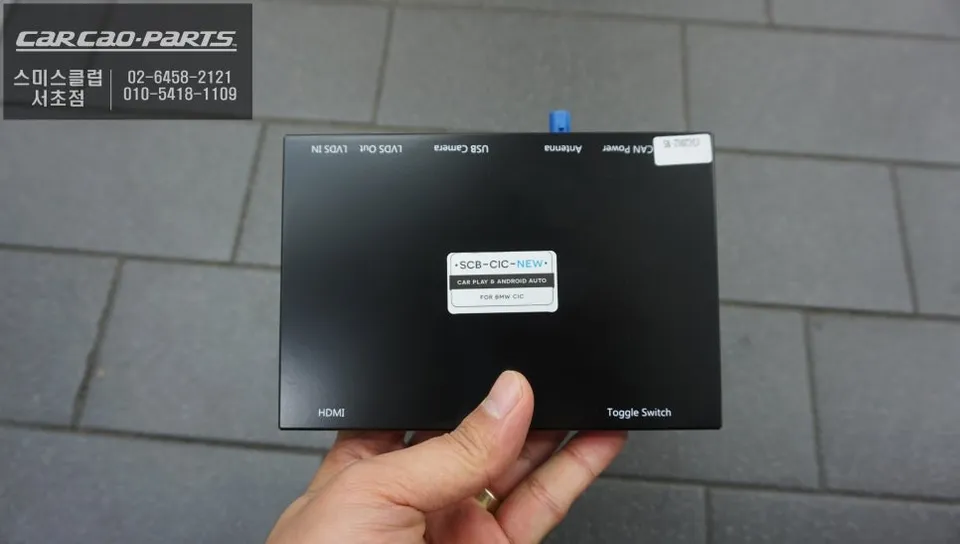
The new, compact MINI-exclusive CarPlay module was then installed in the space freed up by the M-BOX. The core of this module's technology is its LVDS direct connection. This digital signal transmission method bypasses the limitations of older analog systems, delivering high-quality video directly to the OEM monitor with minimal signal loss, ensuring crisp map displays.
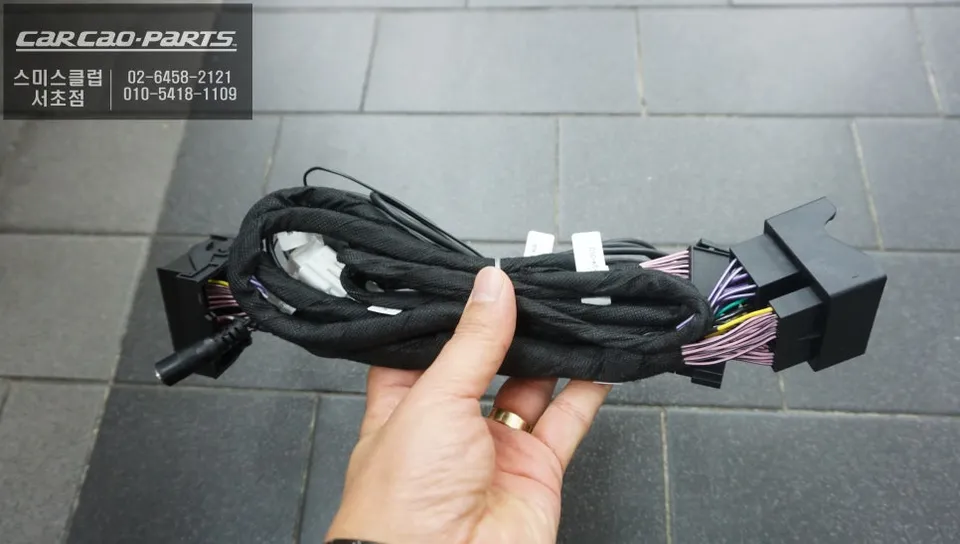
The module's wiring typically involves four key connections: the LVDS cable for video output to the original monitor, power supply wiring, a connection for the jog dial control signals, and a USB port for smartphone connectivity.
Installation process:
- Carefully remove the existing navigation module (e.g., M-BOX).
- Identify and prepare the original wiring harness and USB ports.
- Connect the new CarPlay module's LVDS, power, control, and USB cables, ensuring correct polarity.
- Secure the module and reassemble the dashboard components.
- Test CarPlay functionality and smartphone connectivity.
Crucially, during wiring, verifying polarity, especially for the power connections, is vital to prevent module damage. Using a tester ensures the positive and negative terminals are correctly identified before connection. The clear color-coding of the MINI Countryman's factory wiring simplified this critical step.
Activating CarPlay and Setting Up Connectivity
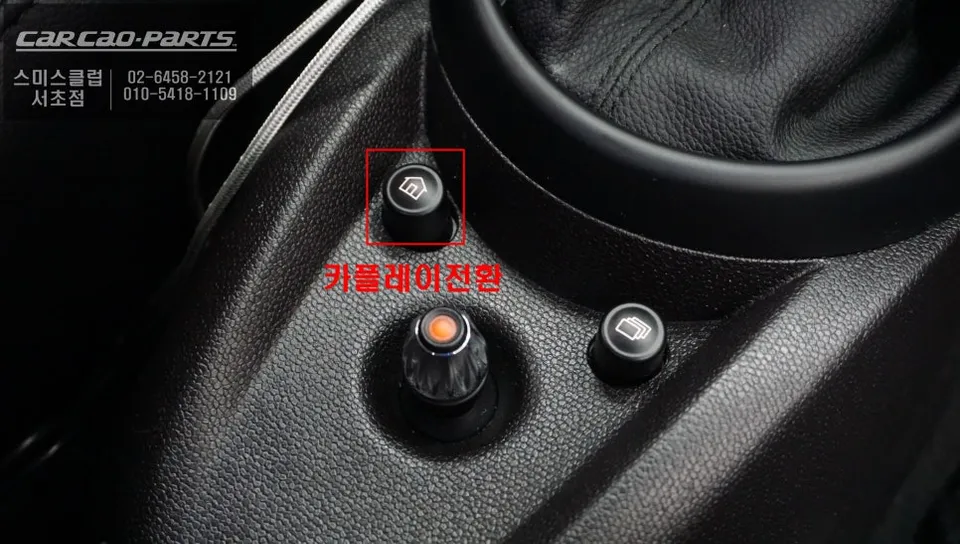
Post-installation, the first check is the seamless transition to the CarPlay interface. On the original MINI system, holding the home button for two seconds typically activates CarPlay. We confirmed this function worked flawlessly, switching to the CarPlay screen smoothly.
Connectivity options include both wired (via USB) and wireless (Bluetooth). While wired connection offers the most stable initial pairing, wireless Bluetooth provides automatic connection upon starting the car after the initial setup. For the best first-time experience, a wired connection is recommended.
The jog dial control is fully functional, allowing intuitive navigation through the CarPlay menus. Users can rotate the dial to scroll through options and press the center to select, mimicking a rotary commander. Voice control is also supported, enabling safe and convenient operation of navigation and other functions while driving.
Frequently Asked Questions
Q. How much does a CarPlay installation for a MINI Countryman cost?
The CarPlay installation for the MINI Countryman detailed in this review was performed in South Korea. Typical US pricing for similar aftermarket CarPlay integrations can range from $300 to $800, depending on the specific module and vehicle.
Q. How long does a CarPlay installation take on a MINI Countryman?
The installation process for a CarPlay module typically takes 2-4 hours. Proper integration ensures long-term reliability, and regular checks of the USB connection and software updates are recommended for optimal performance.
Q. Is a CarPlay upgrade worth it for a MINI Countryman?
A CarPlay upgrade is highly beneficial for drivers who rely on smartphone navigation and apps. It significantly enhances the infotainment system's functionality, providing a modern and user-friendly interface on the original screen.
Q. How is a CarPlay system installed in a MINI Countryman?
Installation involves removing the existing infotainment module, connecting the new CarPlay module via LVDS for high-definition video, integrating power and control wiring, and establishing a USB connection for smartphone pairing. The system is then tested for seamless screen transition and functionality.
Q. What is the difference between a factory CarPlay system and an aftermarket one for a MINI Countryman?
Factory CarPlay is integrated by the manufacturer, offering seamless compatibility but limited upgrade options. Aftermarket CarPlay modules, like the one reviewed, can be retrofitted to older vehicles, providing modern features on the original screen, often at a lower cost than a new car.
Kakao Parts