MINI Countryman R60 Android Head Unit Upgrade Review
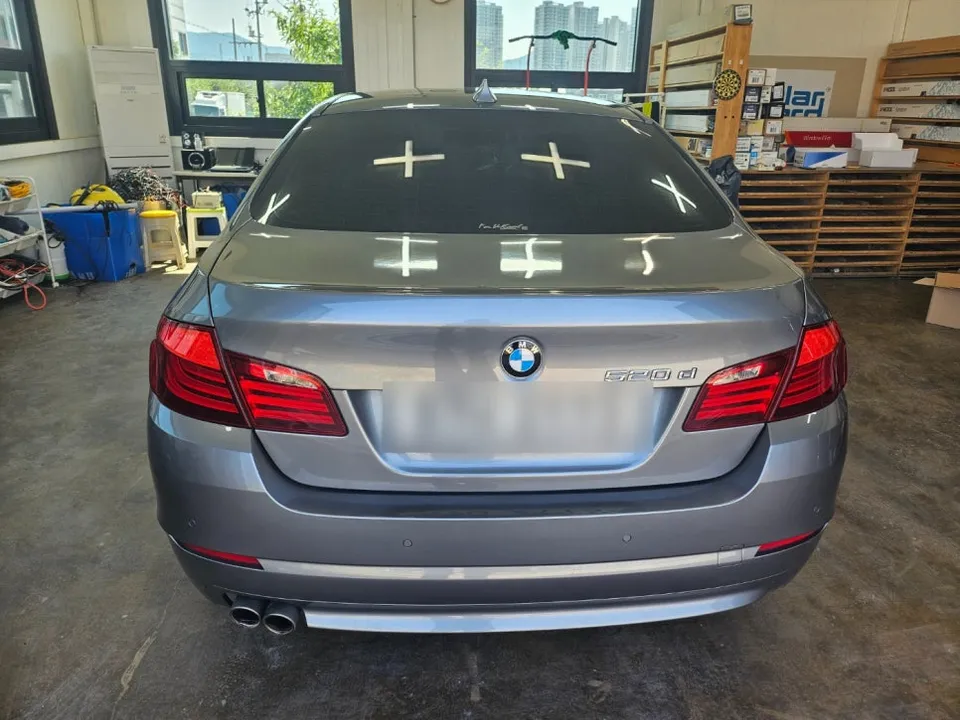
Before

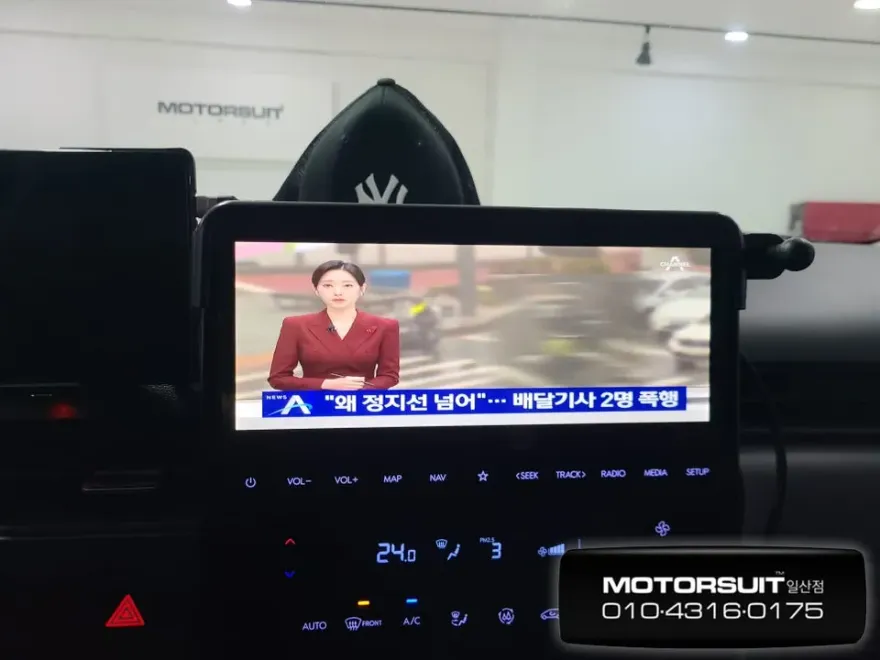
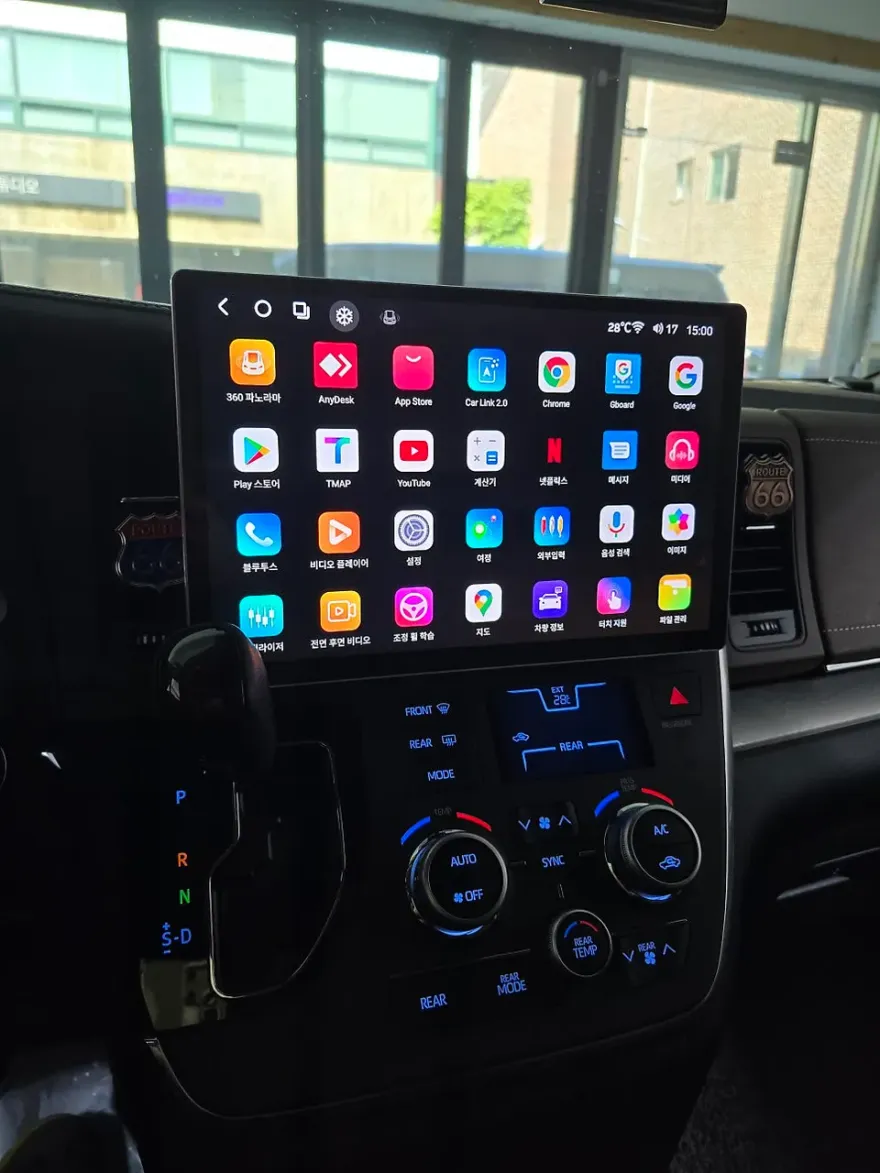
After
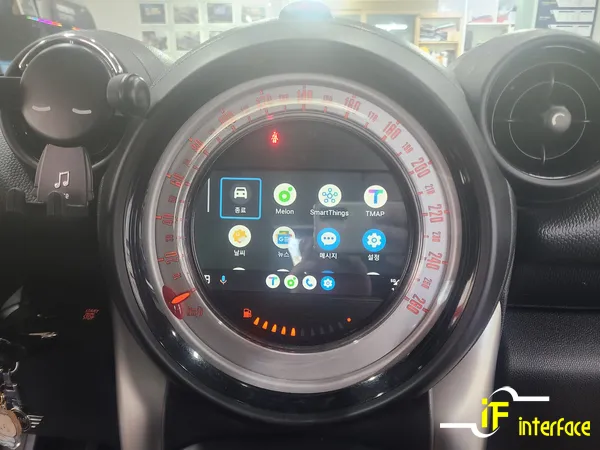
Process photos
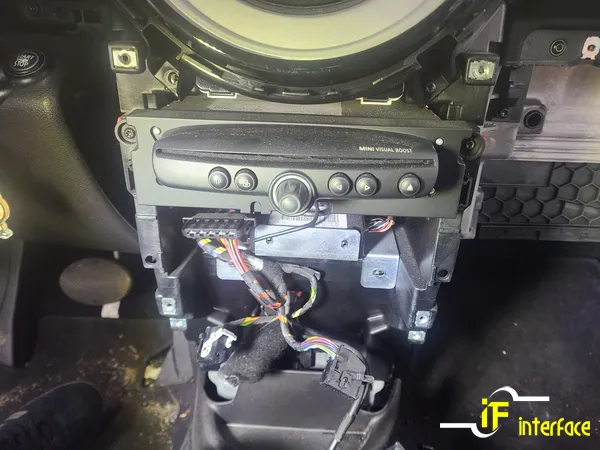
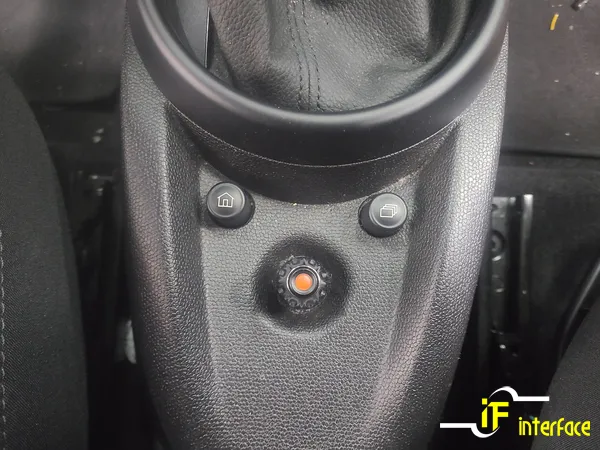
MINI Countryman R60 Android Head Unit upgrade with CarPlay/Android Auto. Replaced faulty MBOX. Enhanced infotainment.
MINI Countryman R60 Android Head Unit Installation and Review
This review covers the installation of an Android head unit, specifically a CarPlay and Android Auto upgrade, for a MINI Countryman R60. The original MBOX navigation system in this vehicle was malfunctioning, prompting the owner to seek a modern infotainment solution. This upgrade replaces the outdated system with a versatile Android head unit, offering enhanced functionality and a seamless user experience. The process, performed by Interface, a specialist in imported car navigation systems in Gimhae Jangyu, South Korea, demonstrates a significant improvement over the factory setup.
Before and After: A Modern Infotainment Experience
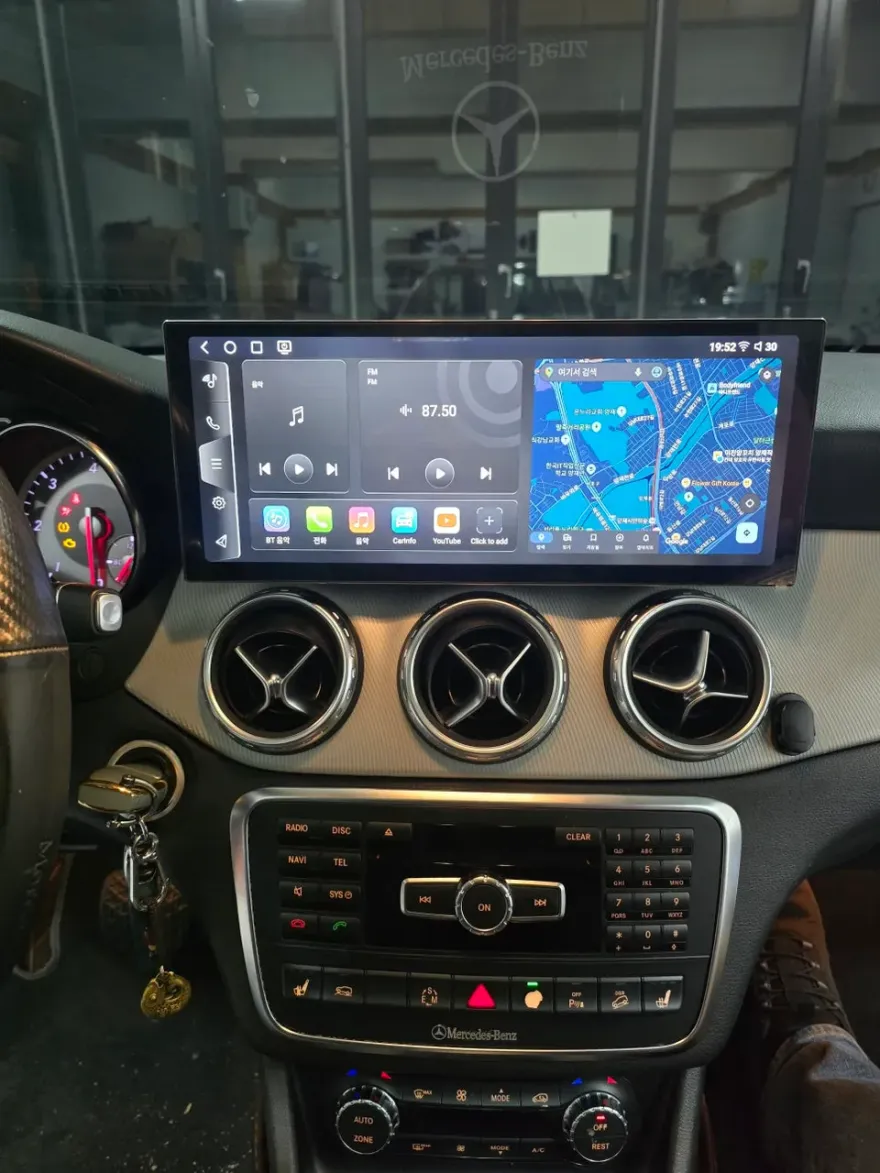
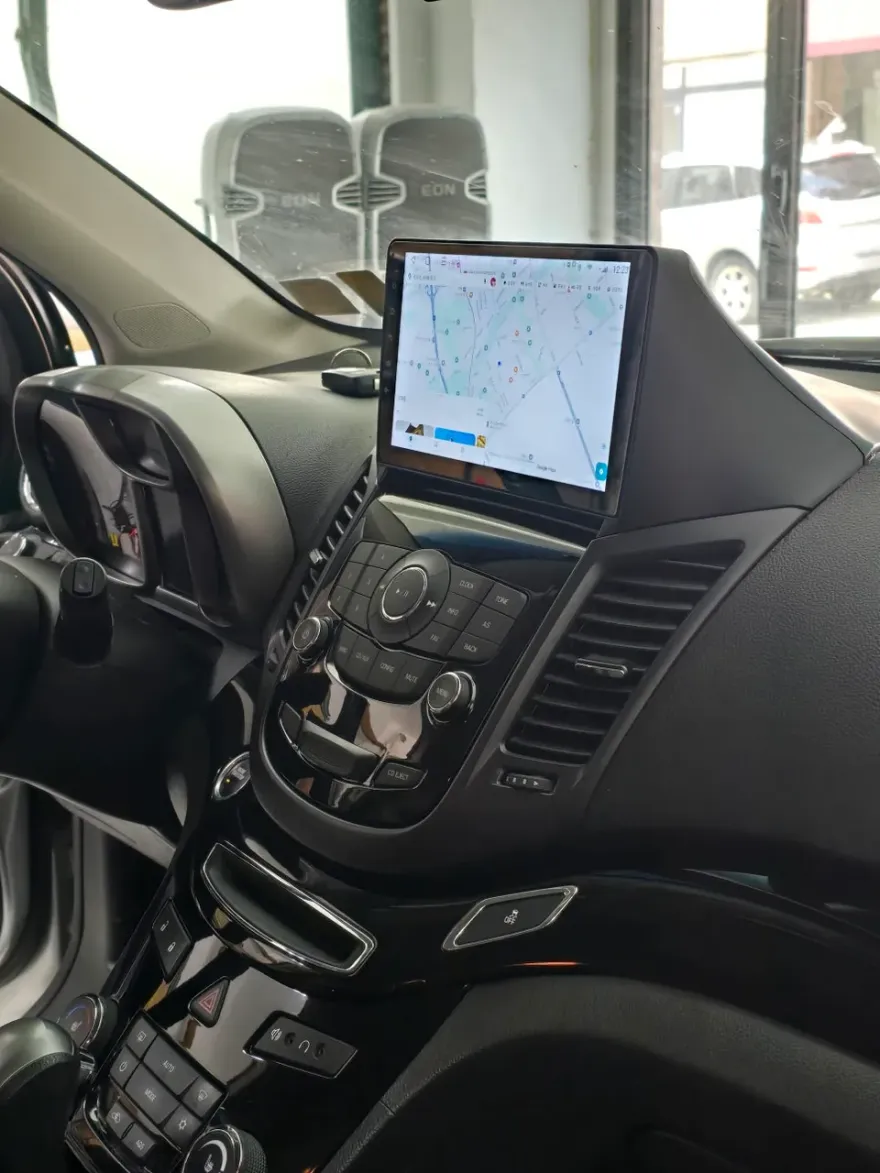
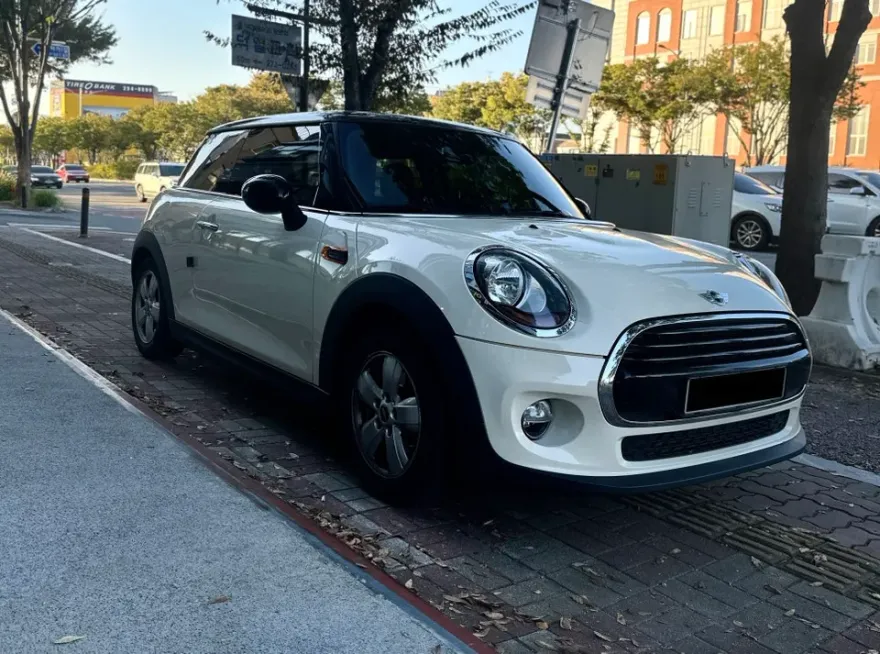
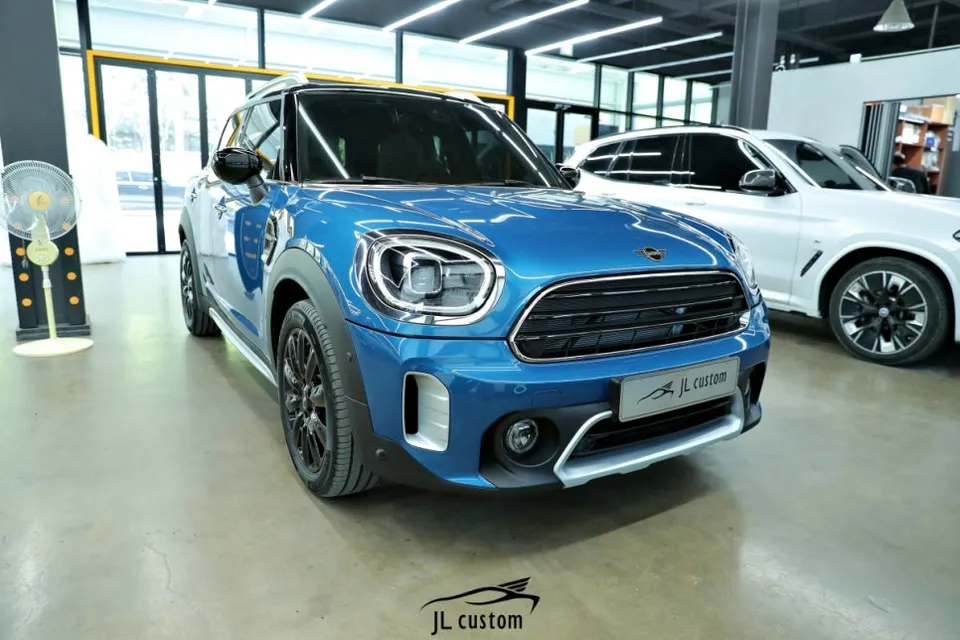
The most striking aspect of this upgrade is the transformation of the MINI Countryman R60's dashboard. Before the installation, the MBOX system was failing, limiting the car's multimedia and navigation capabilities. After installing the new Android head unit, the vehicle gains a modern, responsive touchscreen interface. This allows for easy access to features like Apple CarPlay and Android Auto, enabling drivers to use their smartphones for navigation (Google Maps, Waze), music streaming (Spotify, Apple Music), and communication apps directly through the car's display. The new unit provides an all-in-one navigation and entertainment solution, significantly boosting the car's appeal and functionality. The visual upgrade is substantial, with a cleaner, more integrated look compared to the previous system.
Installation Process and Durability Considerations
The installation of an Android head unit in a MINI Countryman R60 involves carefully removing the existing MBOX unit and integrating the new system. This requires specialized knowledge to ensure all wiring is correctly connected and the unit fits seamlessly into the dashboard. The process is typically completed within a few hours by experienced technicians.
Installation process:
- Careful removal of the original MBOX navigation system.
- Connecting the new Android head unit's wiring harness to the vehicle's existing connectors.
- Mounting the new head unit securely into the dashboard cavity.
- Testing all functions, including touch response, audio output, and connectivity for CarPlay/Android Auto.
Regarding durability, modern Android head units are built to withstand the rigors of daily driving. They are designed with robust components and software optimized for automotive use. Regular software updates from the manufacturer can further enhance performance and introduce new features over time. Maintenance is minimal, primarily involving keeping the software updated and ensuring the screen is clean. The longevity of the unit is expected to be comparable to other electronic components in the vehicle, offering years of reliable service.
For owners considering this upgrade, the decision hinges on the desire for modern connectivity and improved navigation. Given the original MBOX system's failure and the significant enhancement offered by an Android head unit with CarPlay and Android Auto, this is a worthwhile investment for MINI Countryman R60 owners looking to modernize their vehicle's technology.
Frequently Asked Questions
Q. How much does Android head unit or CarPlay installation cost for a MINI Countryman R60?
The installation cost for this specific Android head unit upgrade in South Korea was covered by the replacement of the faulty MBOX system. In the US, similar CarPlay or Android Auto retrofit kits for a MINI Countryman R60 can range from $500 to $1500, depending on the brand and features.
Q. How long does Android head unit installation take on a MINI Countryman R60?
Android head unit installation typically takes a few hours to complete. For long-term durability, ensure the unit receives regular software updates and keep the screen clean.
Q. Is a CarPlay or Android Auto retrofit worth it for a MINI Countryman R60?
A CarPlay or Android Auto retrofit is highly recommended for MINI Countryman R60 owners seeking modern navigation and entertainment features, especially if the original system is outdated or malfunctioning. It significantly enhances the driving experience and vehicle's technological appeal.
Q. How is an Android head unit installed in a MINI Countryman R60?
Installation involves carefully removing the original MBOX unit, connecting the new Android head unit's wiring harness, securely mounting the new unit into the dashboard, and testing all functions.
Q. What is the difference between an Android head unit and a factory infotainment system for a MINI Countryman R60?
An Android head unit offers modern smartphone integration like CarPlay and Android Auto, along with access to apps, which is often lacking or limited in the factory infotainment system. It provides a more versatile and up-to-date user experience.
OhCar Partner Shop