Porsche Macan Android Auto Upgrade Review — Seamless Smartphone I
Service Price
$under $40
Estimated price · Actual price may vary by shop
Before
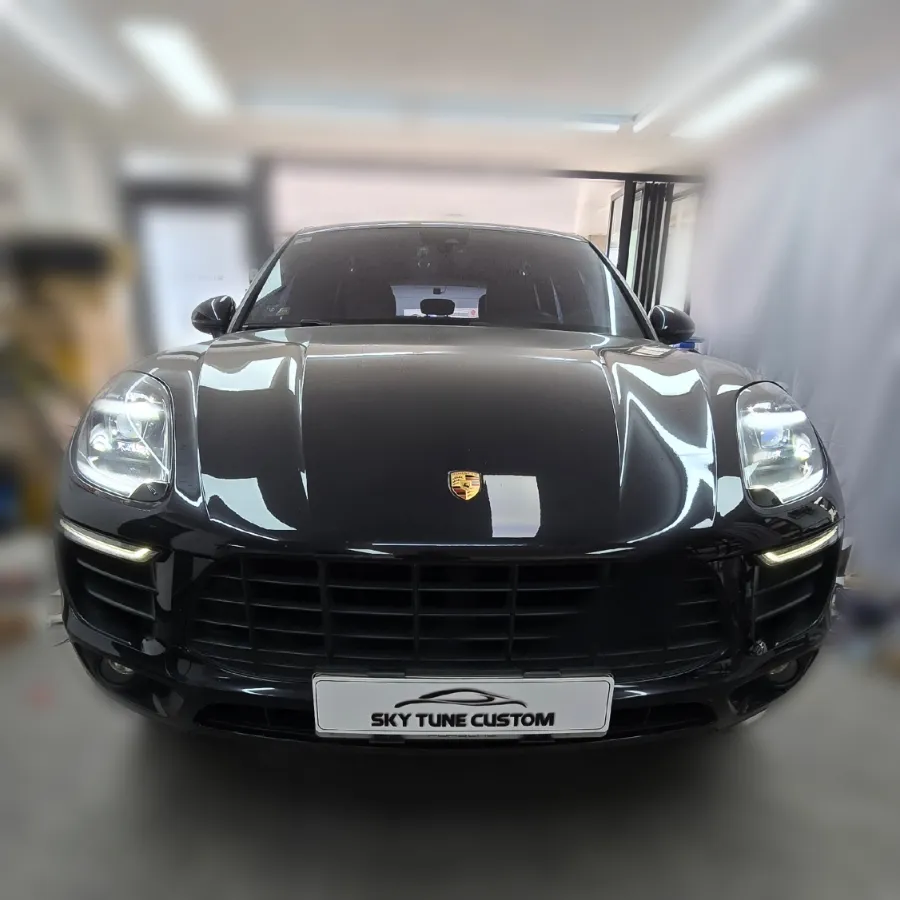
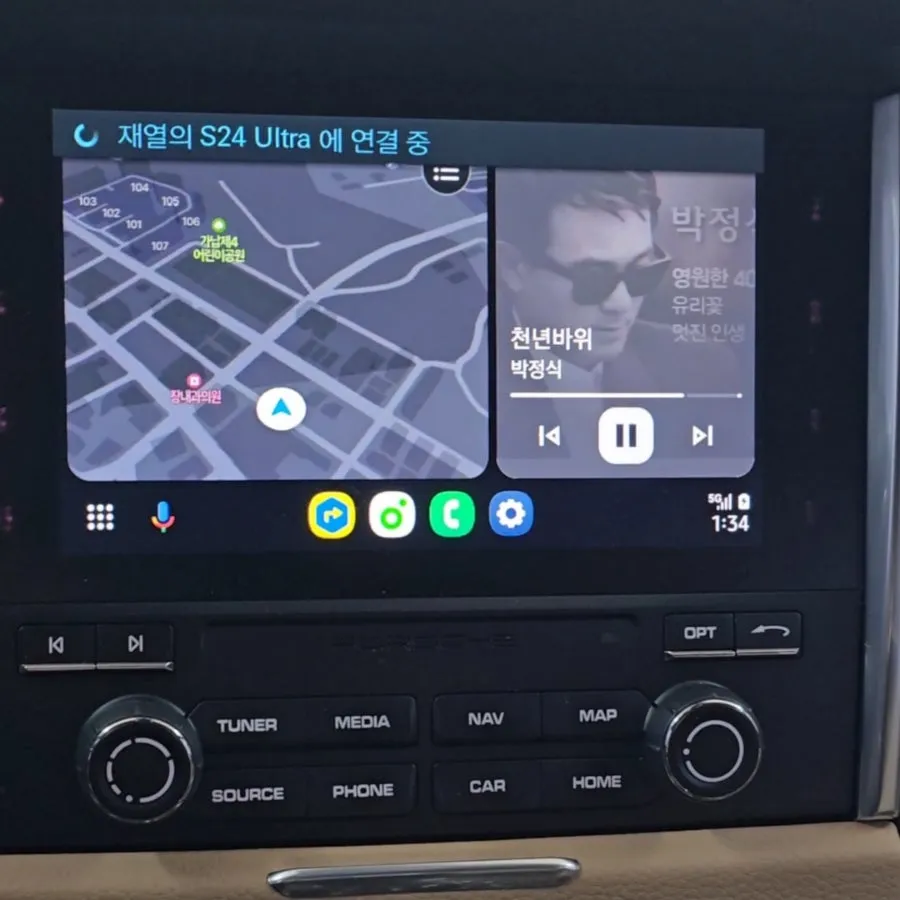
After
Process photos
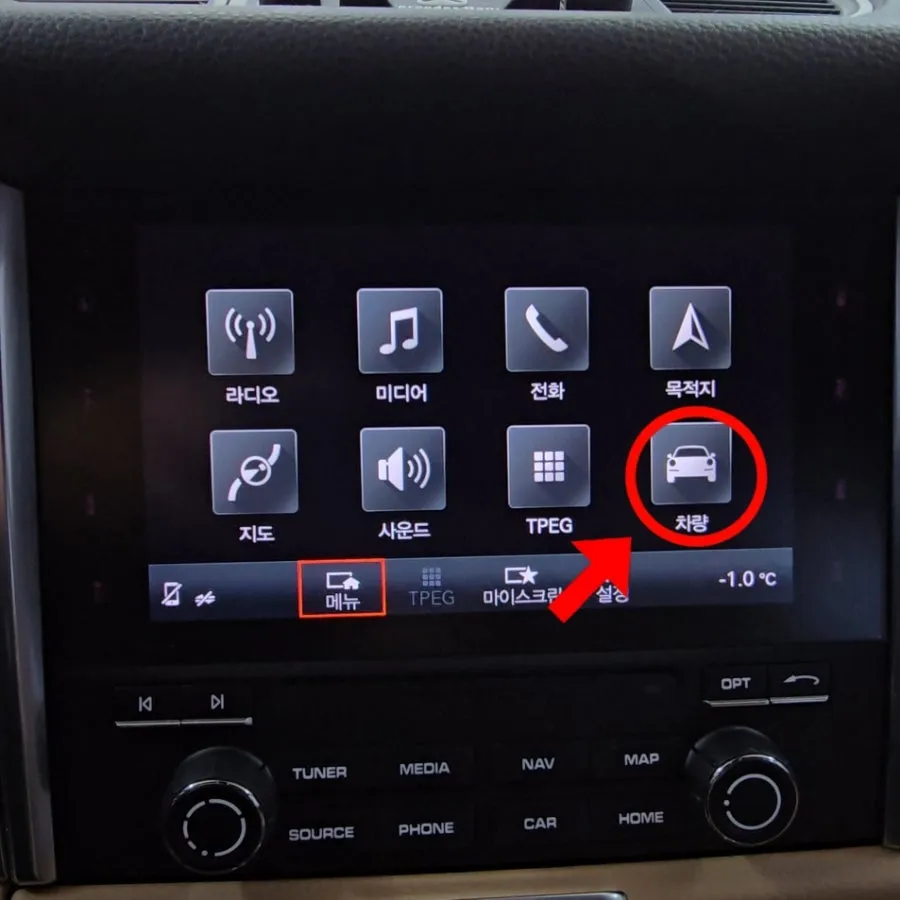
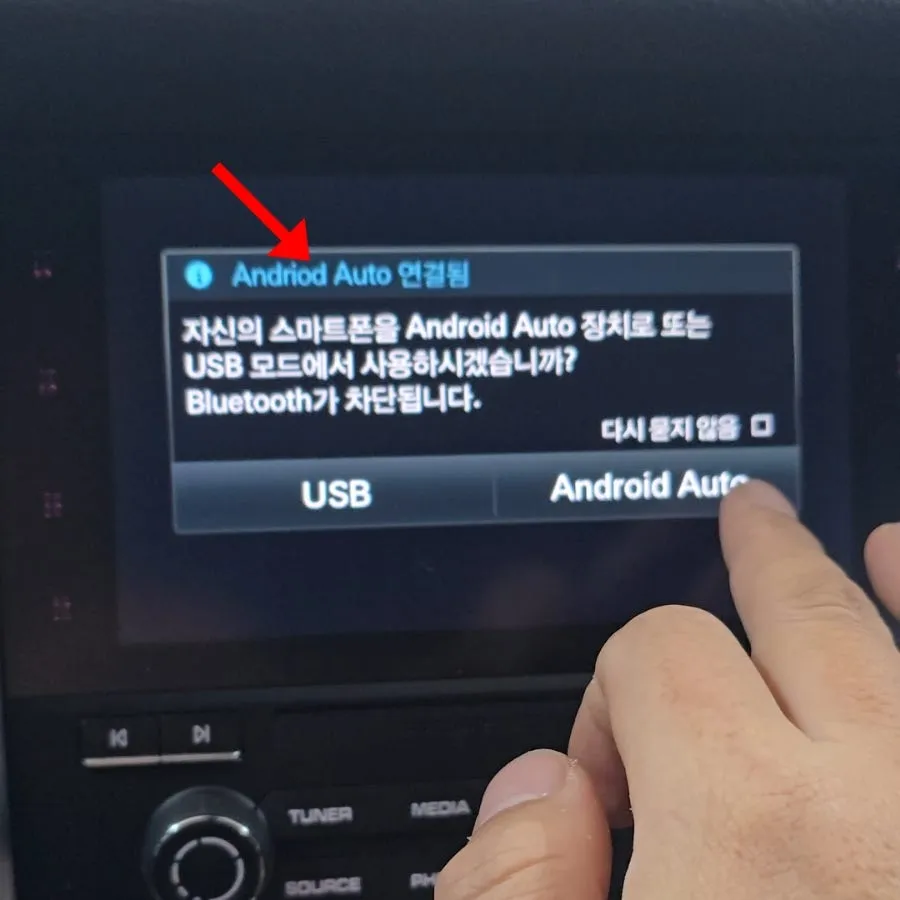
Porsche Macan Android Auto activation via software update. No extra modules needed for PCM 4.0+. Enjoy seamless smartphone integration. Wireless dongl
Unlock Your Porsche Macan's Smart Potential with Android Auto
Many Porsche Macan owners, especially those with 2018 models or earlier PCM 4.0 systems, find themselves missing the convenience of smartphone integration like Apple CarPlay and Android Auto. While these vehicles often come with Bluetooth for calls, the ability to use navigation apps, stream music seamlessly, and access other essential smartphone functions directly on the car's display is frequently absent. This can be a significant drawback, turning a premium driving experience into a less connected one. Fortunately, there's a way to activate these much-desired features without resorting to complex aftermarket installations. This guide explores how to enable native Android Auto functionality on your Porsche Macan, enhancing your daily drives with smart connectivity.
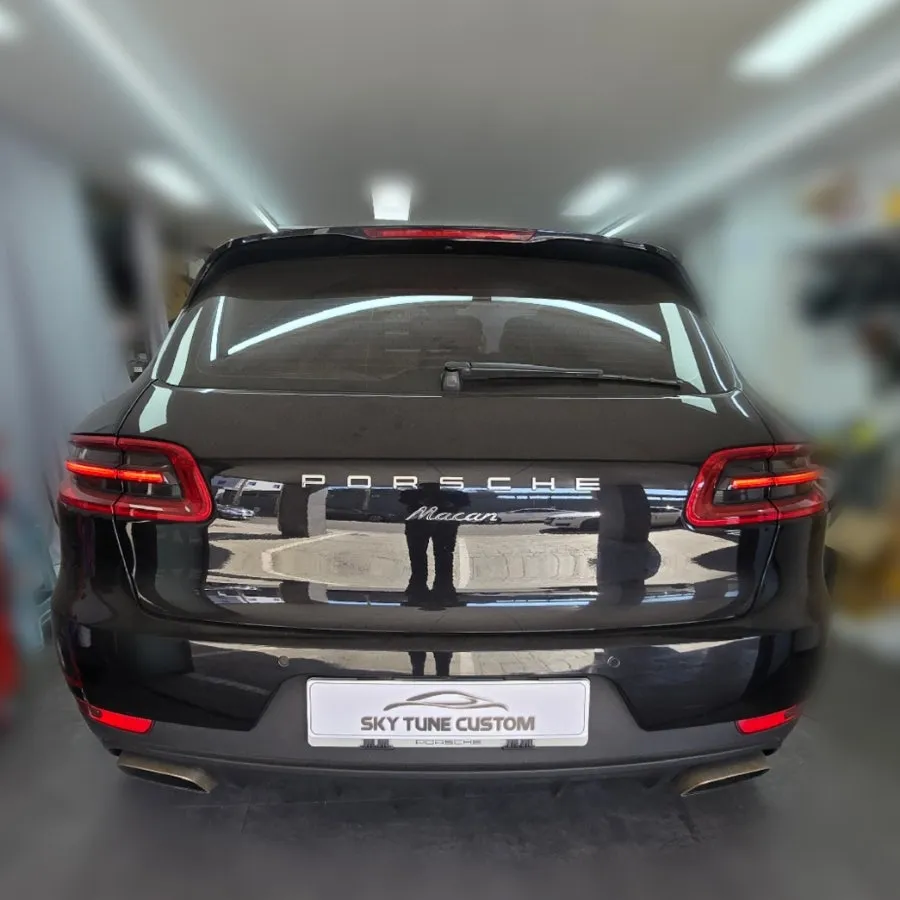
Seamless Software Activation for PCM 4.0+ Macans
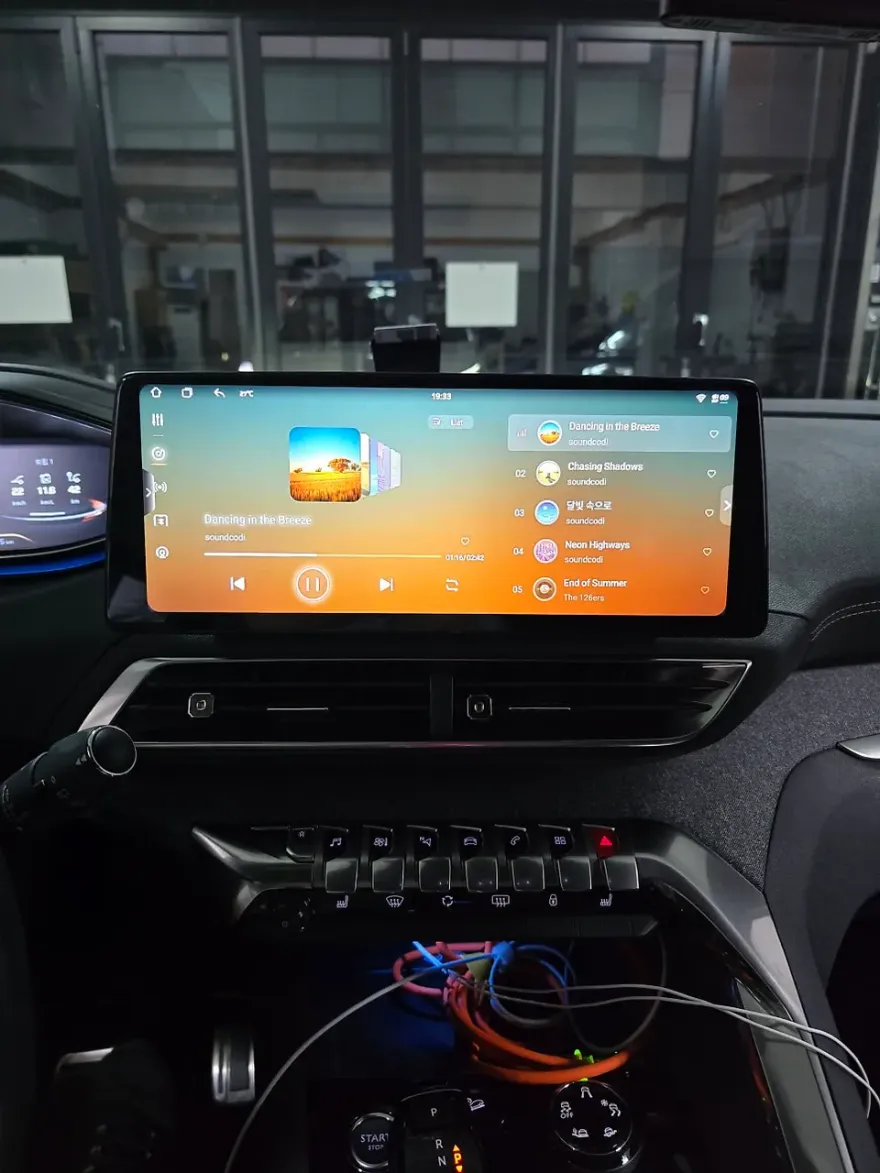
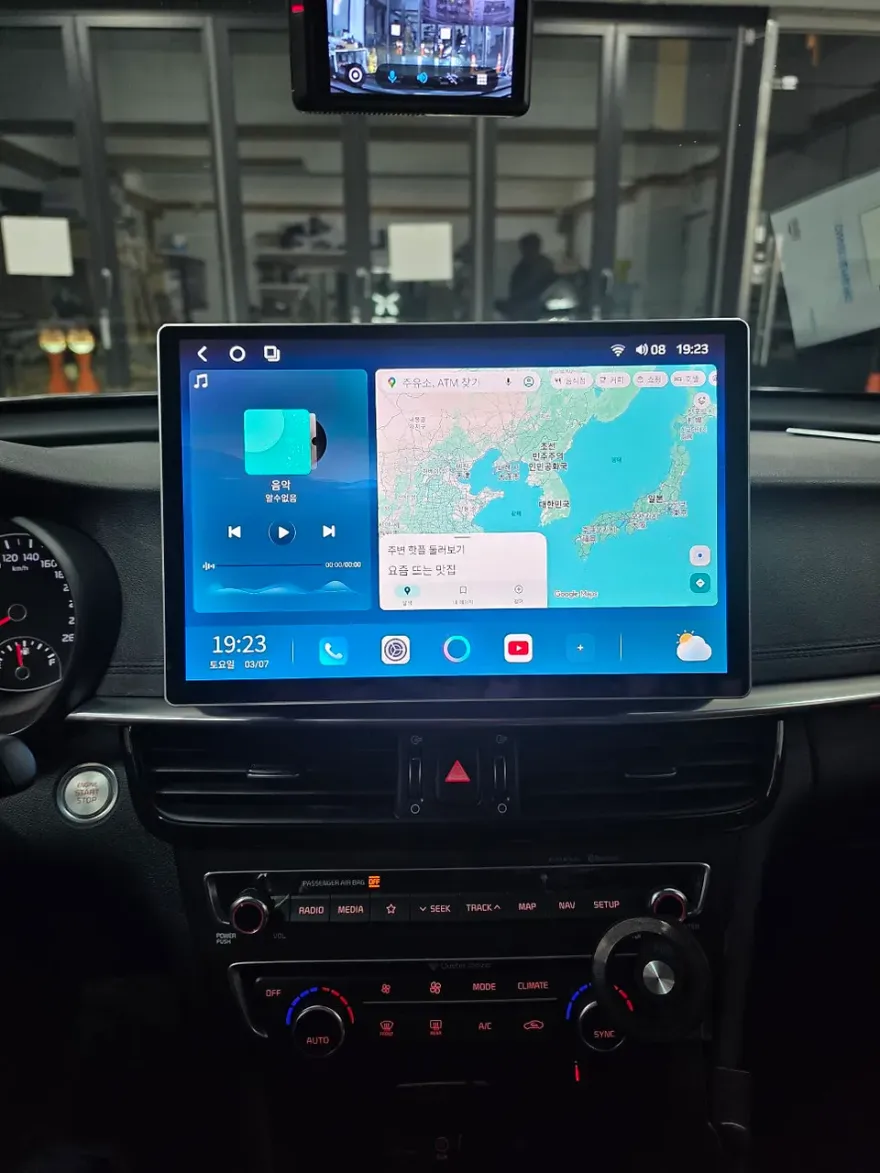
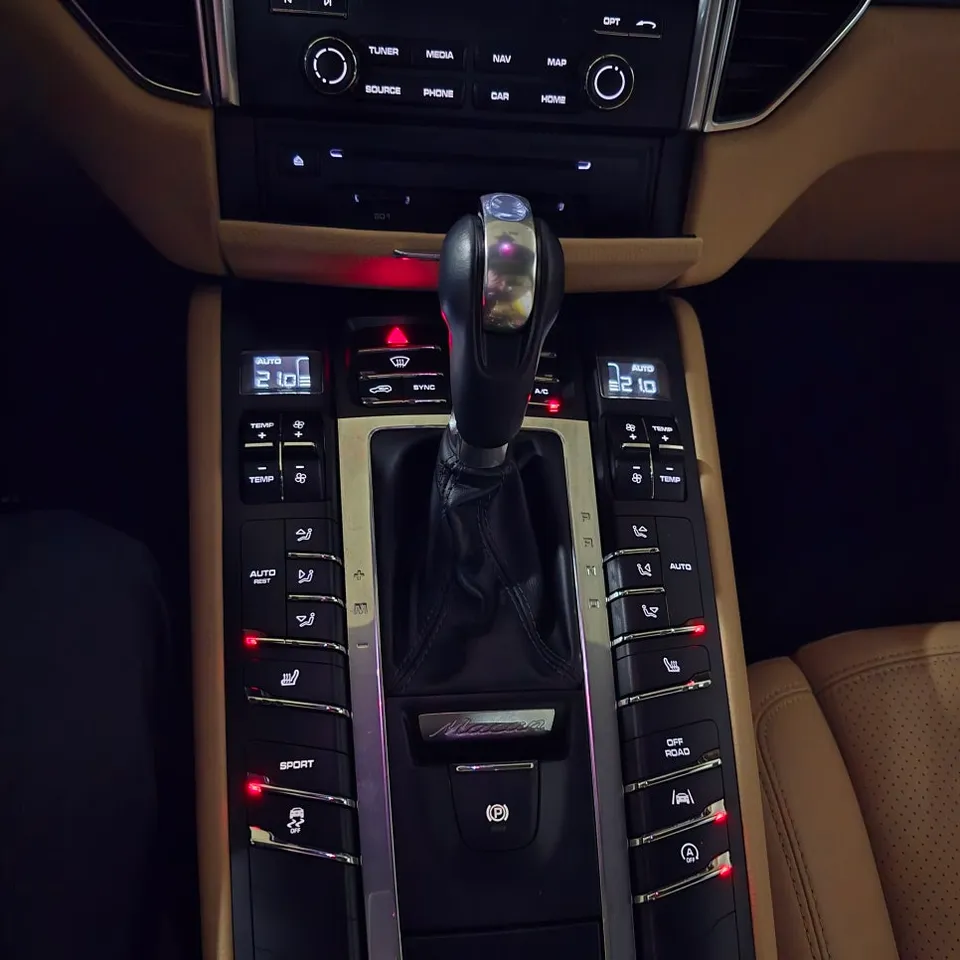
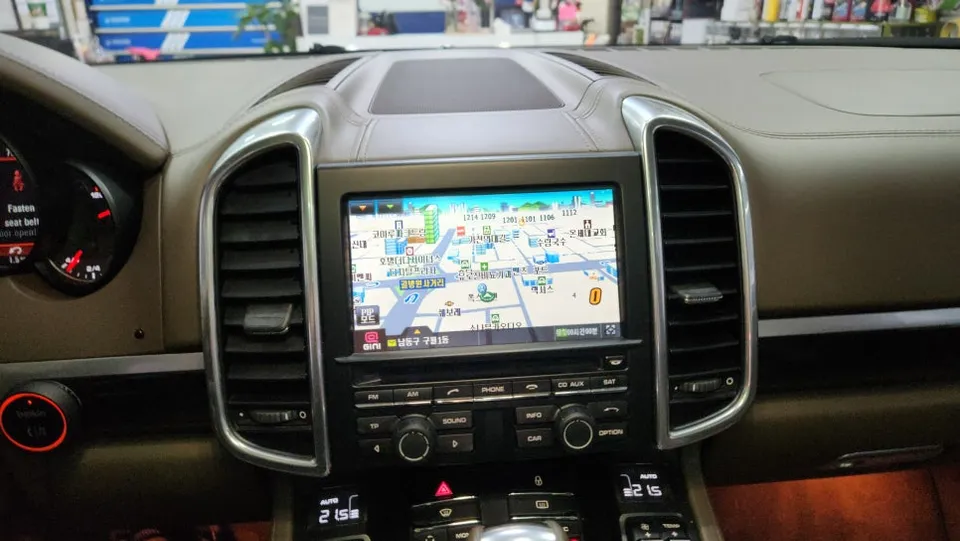
For Porsche Macan models equipped with PCM 4.0 or newer systems, activating Android Auto is surprisingly straightforward. Unlike older systems that might require additional hardware, these models can often enable the feature through a software update. The process typically involves using a USB port located in the center console. By connecting your smartphone via a data-enabled USB cable, the car's system can be prompted to recognize and activate the Android Auto interface. Once enabled, the familiar 'Android Auto' icon will appear on your PCM display, replacing or augmenting the standard 'Vehicle' icon. This allows for direct access to your favorite navigation, music, and messaging apps. The entire procedure usually takes about 1 to 2 hours to complete, after which you can immediately begin enjoying a more integrated and convenient driving experience.
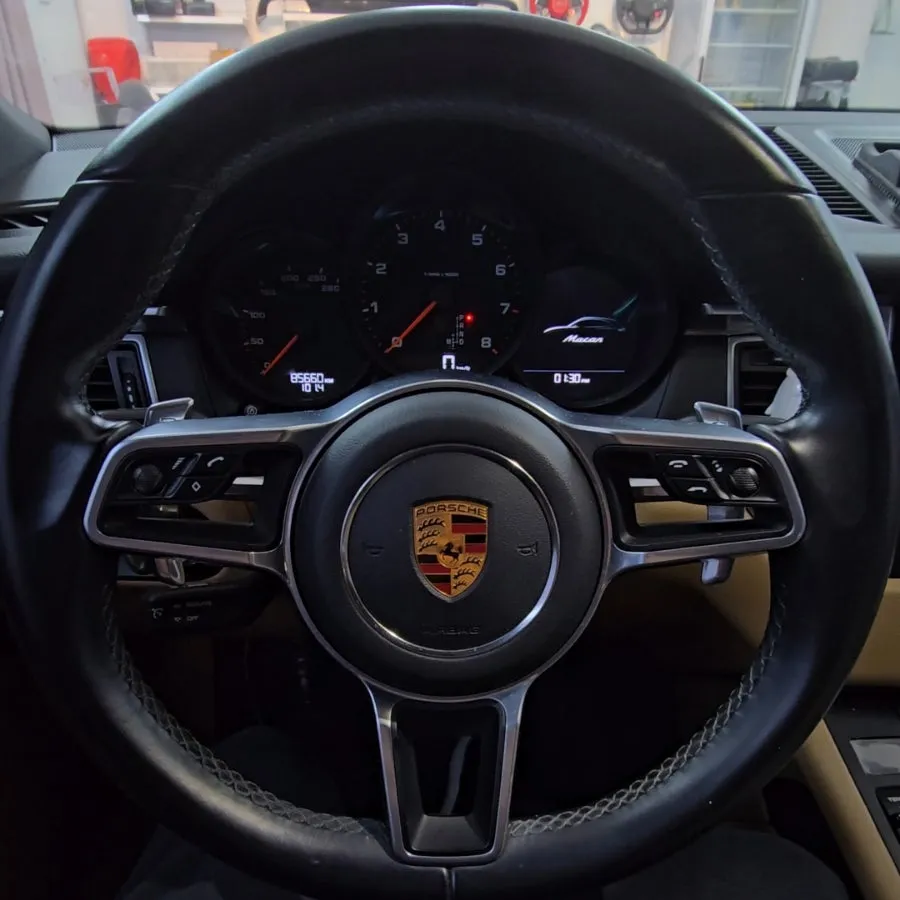
Enhancing Connectivity: Wired vs. Wireless Android Auto
While the native activation provides a robust wired Android Auto experience, many users prefer the convenience of wireless connectivity. For those who find managing USB cables cumbersome, a simple solution is available: a wireless Android Auto dongle. These compact devices plug into your car's USB port and create a wireless bridge to your smartphone. This allows you to use Android Auto without any physical connection, mimicking the functionality of factory-integrated wireless systems. These dongles are widely available and typically range from 50,000 to 150,000 Korean Won, offering an affordable upgrade for enhanced convenience. By leveraging either the wired connection or a wireless dongle, you can significantly improve your Porsche Macan's infotainment system, making every journey more enjoyable and connected.
Frequently Asked Questions
Q. How much does Android Auto activation cost for a Porsche Macan?
The cost for activating Android Auto on a Porsche Macan via software update can vary, but typically ranges from 50,000 to 150,000 Korean Won when considering optional wireless dongles. Standard US pricing for similar activations can range from $100 to $300.
Q. How long does the Android Auto activation process take on a Porsche Macan?
The software activation process for Android Auto on a Porsche Macan typically takes between 1 to 2 hours. Regular maintenance for your infotainment system involves ensuring your PCM software is up-to-date and periodically checking USB connections for optimal performance.
Q. Is activating Android Auto worth it for a Porsche Macan?
Activating Android Auto is highly recommended for Porsche Macan owners who frequently use their smartphones for navigation, music, or communication, as it significantly enhances convenience and safety. The value lies in seamlessly integrating essential apps into the car's native display without costly aftermarket solutions.
Q. How is Android Auto activated on a Porsche Macan?
Android Auto is activated on a Porsche Macan through a software update, typically performed via the car's USB port. 1. Connect your smartphone using a data-enabled USB cable. 2. Follow on-screen prompts to enable the Android Auto connection. 3. Once activated, the Android Auto icon will appear on your PCM display for easy access.
Q. What is the difference between wired and wireless Android Auto on a Porsche Macan?
Wired Android Auto requires a physical USB connection between your smartphone and the car, ensuring a stable connection. Wireless Android Auto, often enabled by an optional dongle, allows for a cable-free experience, offering greater convenience but potentially requiring a stable Wi-Fi connection for optimal performance.
OhCar Partner Shop