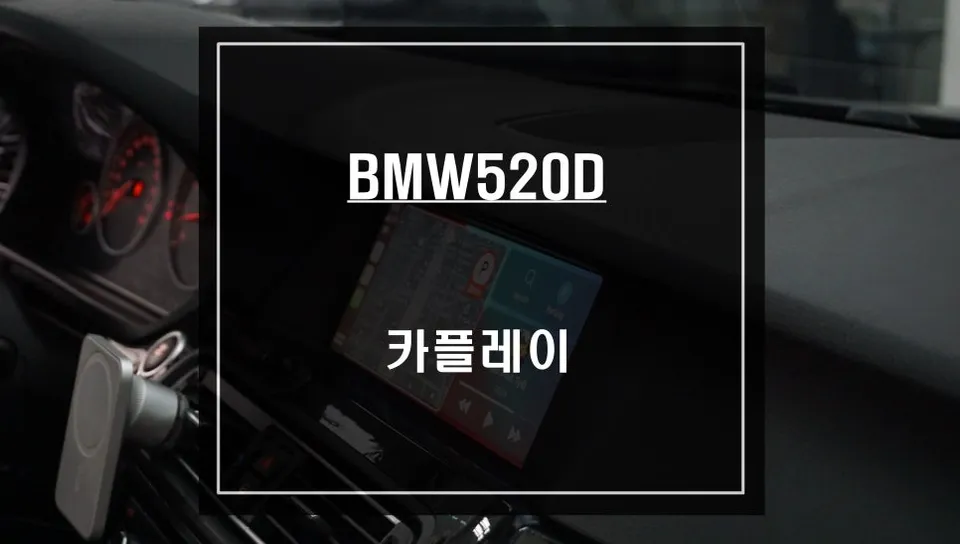
BMW F10 520d Android Head Unit Upgrade: Seamless CarPlay & Voice
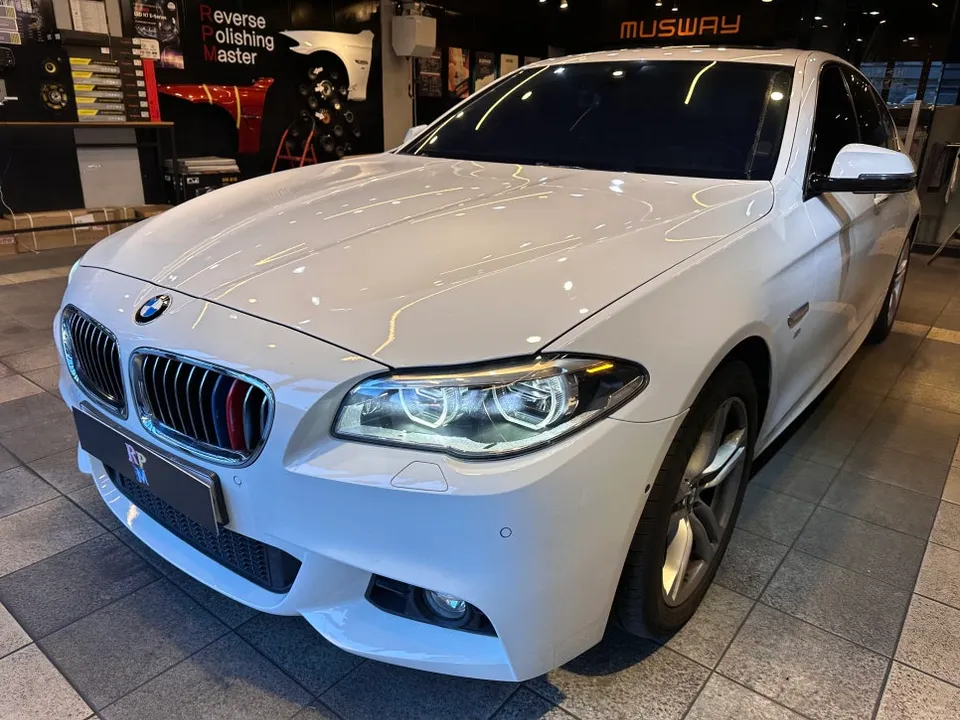
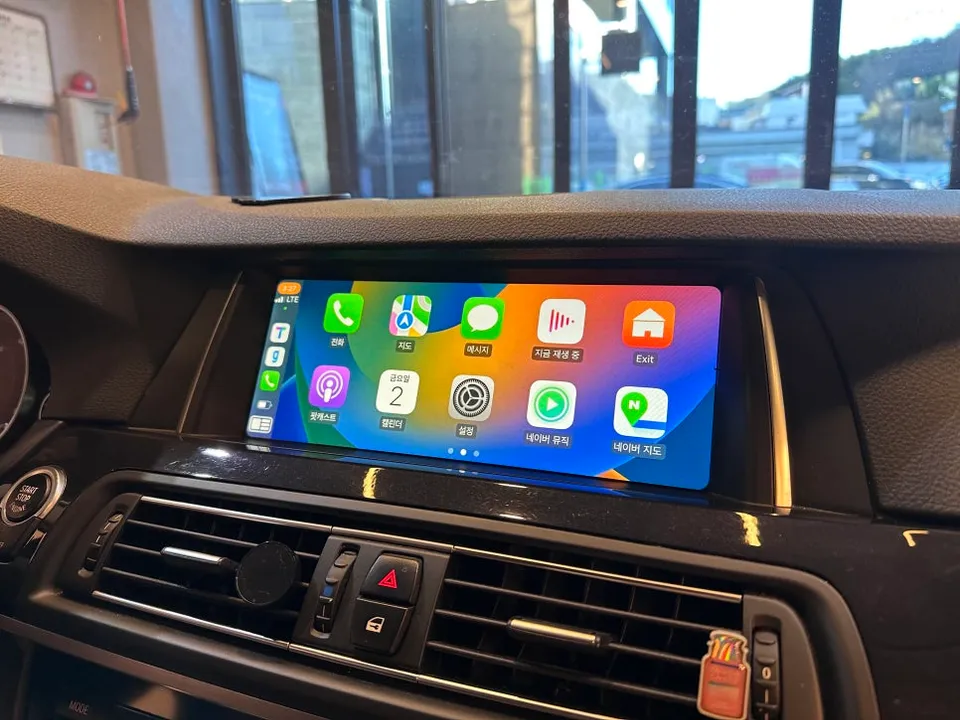
BMW F10 520d Android Head Unit upgrade: Seamless wireless Apple CarPlay & voice control. Retains original wiring. Enhances navigation & entertainment.
Why Your BMW F10 520D Needs a Wireless Android Head Unit
The BMW 520d F10 generation, while a capable vehicle, often lacks the advanced smartphone integration expected in modern cars. Many units from this era either lack smartphone connectivity altogether or rely solely on wired connections. This can be particularly frustrating when using the original iDrive navigation system, which can feel clunky and complex for everyday use. Integrating a wireless Android Head Unit, which also supports Apple CarPlay, transforms your driving experience. It allows for seamless integration of your iPhone or Android device, enabling you to effortlessly use popular navigation apps like Google Maps or Waze, stream music via Spotify or Apple Music, and manage calls and messages directly from your car's dashboard display. This upgrade brings your F10 520d into the 21st century, offering convenience and enhanced functionality.
Key Considerations for F10 520D Android Head Unit Installation
Installing an Android Head Unit in a BMW F10 520d requires precision due to the intricate nature of the vehicle's original wiring and iDrive system. The most crucial aspect of this installation is preserving the integrity of the existing setup. This is achieved through a plug-and-play, or 'Jack-by-Jack', installation method. This approach ensures that no original wiring is cut or permanently altered, meaning the vehicle's factory systems remain untouched. This is vital for maintaining the car's resale value and avoiding potential electronic issues. The process involves carefully connecting the new head unit's harness to the existing connectors, ensuring a secure and reliable link. The system is designed to work in harmony with your car's original display and controls, providing a factory-like integration. The result is a fully functional, modern infotainment system that enhances both the usability and enjoyment of your BMW 520d.
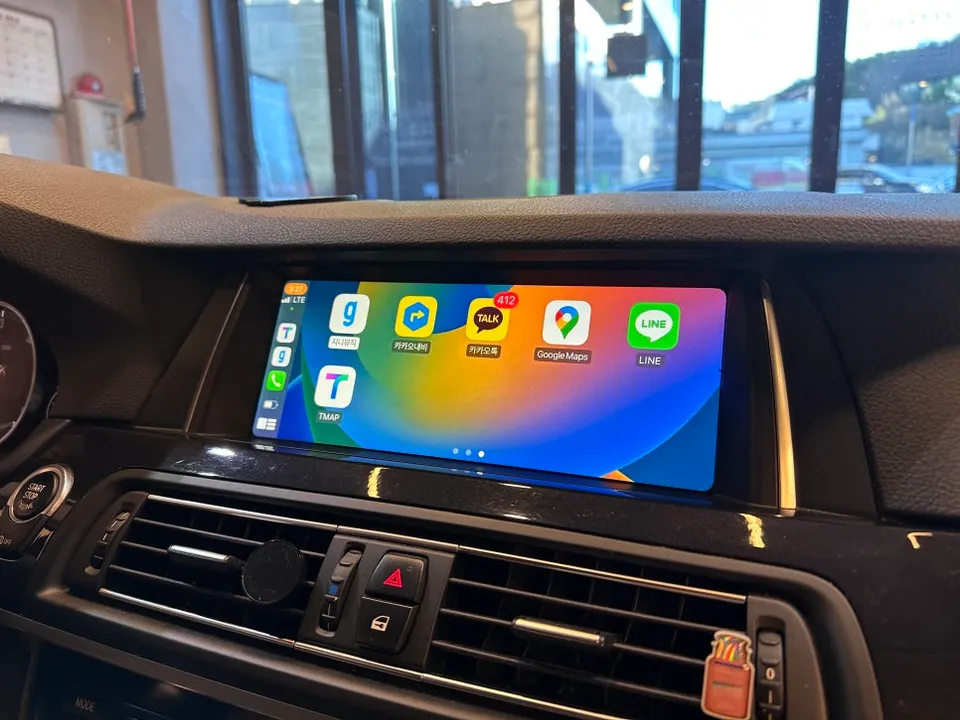
Installation Process:
- Disassembly: Carefully remove the original iDrive trim pieces and head unit to gain access to the wiring harness.
- Connection: Utilize the provided 'Jack-by-Jack' harness to connect the new Android Head Unit to the vehicle's original connectors without any cutting or splicing.
- Integration: Connect the necessary cables for Wi-Fi, GPS, and any other required peripherals.
- Testing: Power on the system and test all functions, including wireless Apple CarPlay/Android Auto, navigation apps, and audio output.
- Reassembly: Securely mount the new head unit and reassemble all trim pieces for a clean, factory-finished look.
This meticulous process ensures that your BMW F10 520d benefits from the latest in-car technology while maintaining its original electrical integrity. The seamless integration of wireless Apple CarPlay and Android Auto, along with enhanced navigation and entertainment options, makes this upgrade a significant enhancement for any F10 520d owner.
Frequently Asked Questions
Q. How much does an Android Head Unit cost for a BMW 520d F10?
The cost for this specific Android Head Unit installation on a BMW F10 520d was not explicitly stated in Korean Won, but similar professional installations in the US typically range from $600 to $1500 depending on the unit's features and installation complexity.
Q. How long does an Android Head Unit last on a BMW 520d F10?
A professionally installed Android Head Unit, using quality components and the plug-and-play method, is designed to last for many years, often matching the lifespan of the vehicle's original electronics. Regular software updates and avoiding physical damage will help ensure its longevity.
Q. Is an Android Head Unit worth it for a BMW 520d F10?
An Android Head Unit is highly worth it for BMW F10 520d owners who desire modern smartphone integration, improved navigation, and access to streaming apps directly on their car's display. It significantly enhances the user experience for those who find the original iDrive system outdated or cumbersome.
Q. How is an Android Head Unit installed on a BMW 520d F10?
Installation involves carefully removing the original head unit, connecting the new Android unit using a specialized 'Jack-by-Jack' harness that avoids cutting factory wires, integrating necessary peripherals like Wi-Fi and GPS, testing all functions, and then reassembling the interior trim for a seamless finish.
Q. What is the best Android Head Unit option for a BMW 520d F10?
The best option focuses on seamless integration using a plug-and-play 'Jack-by-Jack' harness to preserve factory wiring, offering robust wireless Apple CarPlay and Android Auto support. Look for units that are specifically designed for the F10 chassis to ensure optimal fit and function.
OhCar Partner Shop