Mercedes-Benz GLC Android Head Unit Review — Upgrade
Service Price
$150+
Estimated price · Actual price may vary by shop
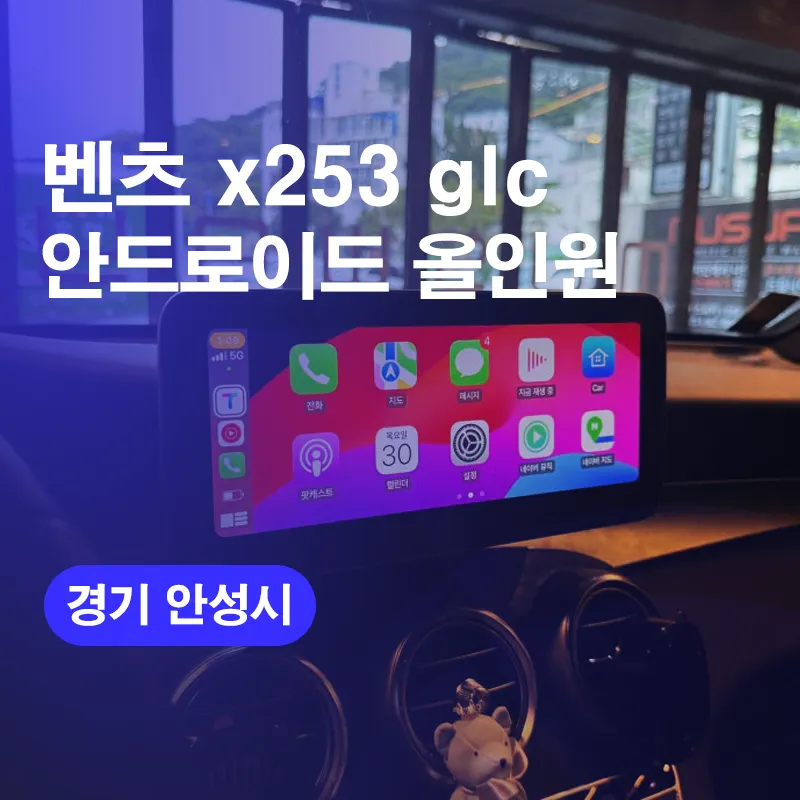
Mercedes-Benz GLC Android head unit upgrade: ~$150+. Replaces old nav with 10.25" screen, supports modern apps & CarPlay.
Upgrade Your Mercedes-Benz GLC with a Modern Android Navigation System
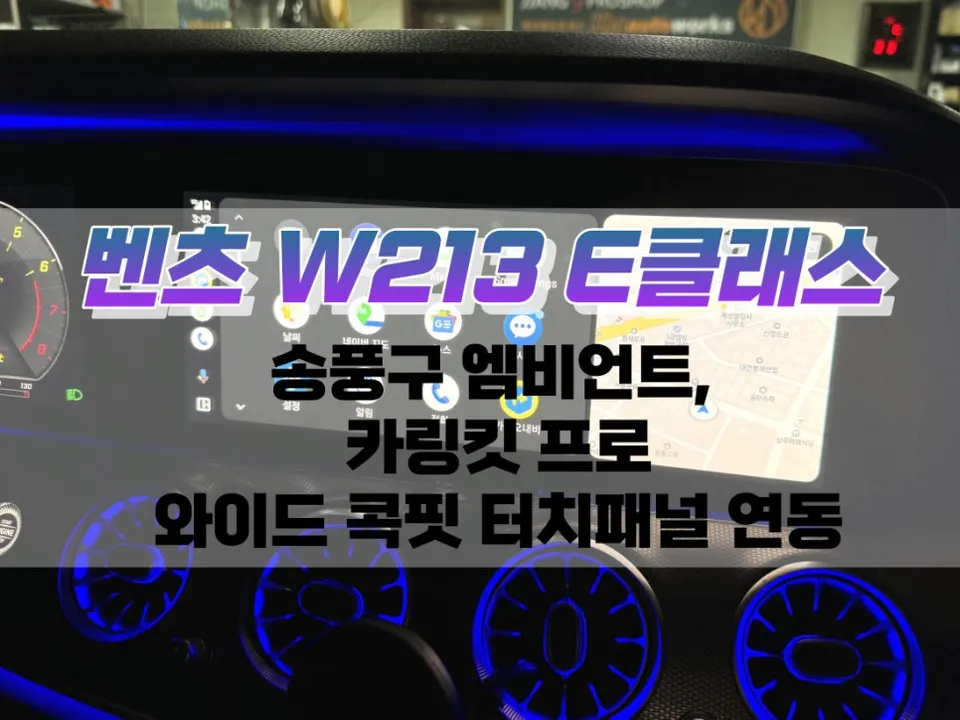
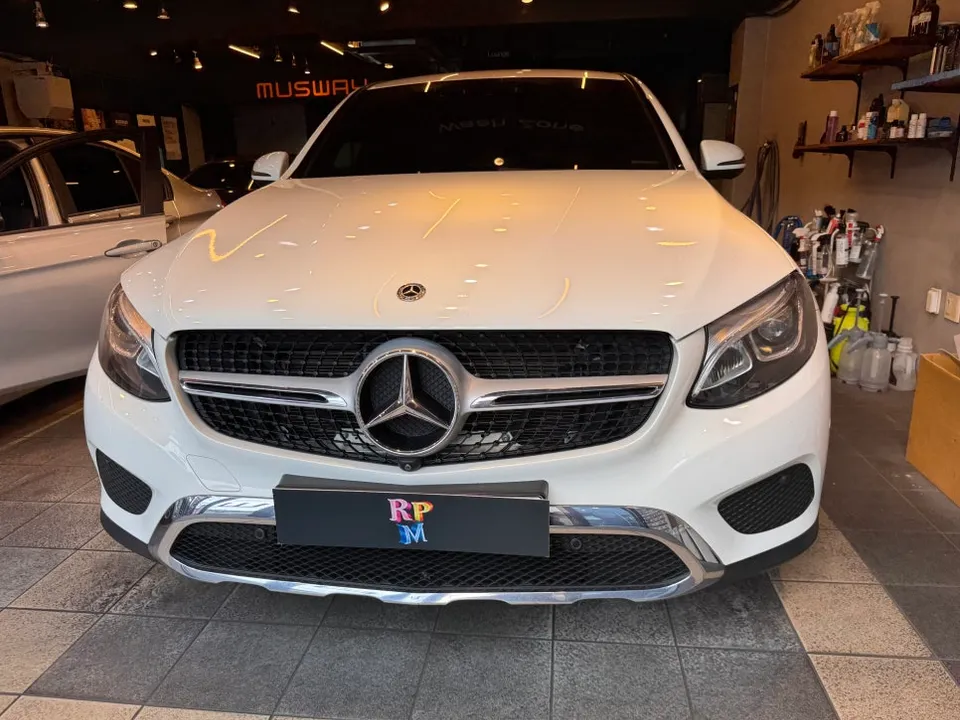
Many Mercedes-Benz GLC owners find their factory navigation systems outdated, struggling to support essential modern apps like TMAP, Kakao Map, or Naver Map. This often leads to relying on phone mounts or basic Bluetooth audio, which detracts from the premium feel of the vehicle. This review details the process of replacing the original 8-inch navigation unit in a Mercedes-Benz X253 GLC with a 10.25-inch Android All-in-One system, bringing contemporary functionality and a sleek aesthetic to the dashboard. The installation, performed at the 'Today's Car Anseong branch' in Korea, typically takes about 2 hours, with additional options extending the time to 3-5 hours.
Why Upgrade to an Android Head Unit in Your GLC?
Even luxury vehicles like Mercedes-Benz can suffer from aging infotainment systems. When the stock navigation stops receiving updates, it becomes obsolete. This forces owners into less integrated solutions, such as using a smartphone holder, which can look out of place and be less stable. The dedicated space for navigation in a Mercedes-Benz dashboard is significant, and an outdated system fails to utilize it effectively. An Android All-in-One unit transforms this by providing smartphone-level capabilities directly within the car's integrated display. This offers a much more seamless and modern user experience, enhancing both convenience and the vehicle's interior appeal.
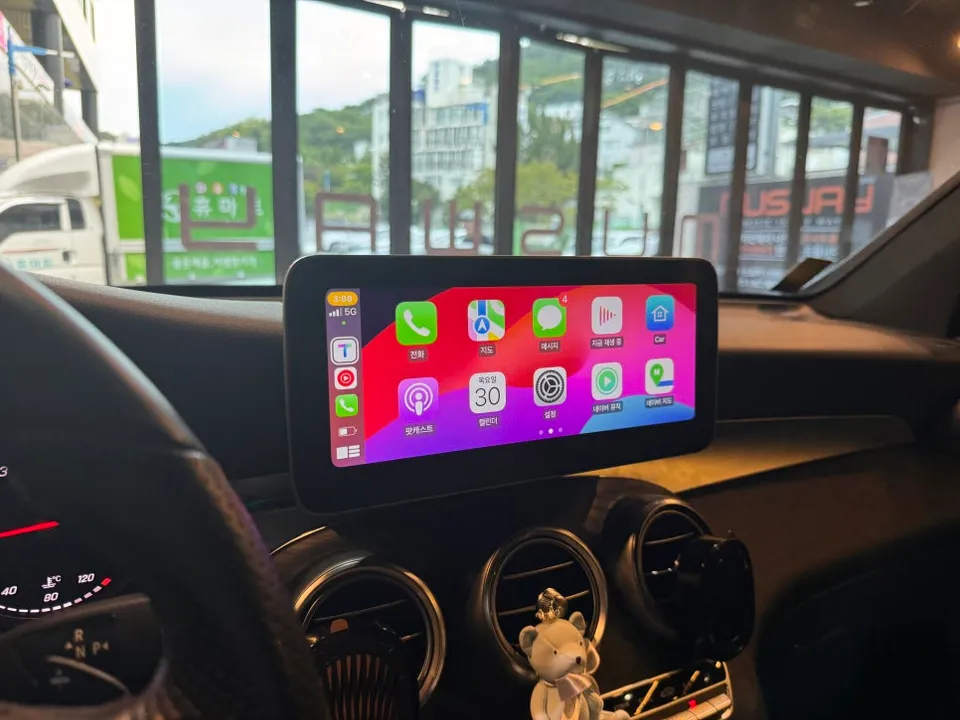
Android All-in-One vs. Apple CarPlay: Understanding the Difference
It's important to distinguish between an Android All-in-One unit and Apple CarPlay. Apple CarPlay is essentially a mirroring technology that displays your iPhone's interface on the car's screen. In contrast, an Android All-in-One unit is a standalone system running the Android operating system. This means it has its own processor and memory, allowing you to download and run apps directly from the Google Play Store, much like a tablet. For vehicles like the Mercedes-Benz GLC, an All-in-One system is often superior because it's designed to fit perfectly into the existing dashboard space. It operates independently of your smartphone, meaning it won't drain your phone's battery and offers greater stability.
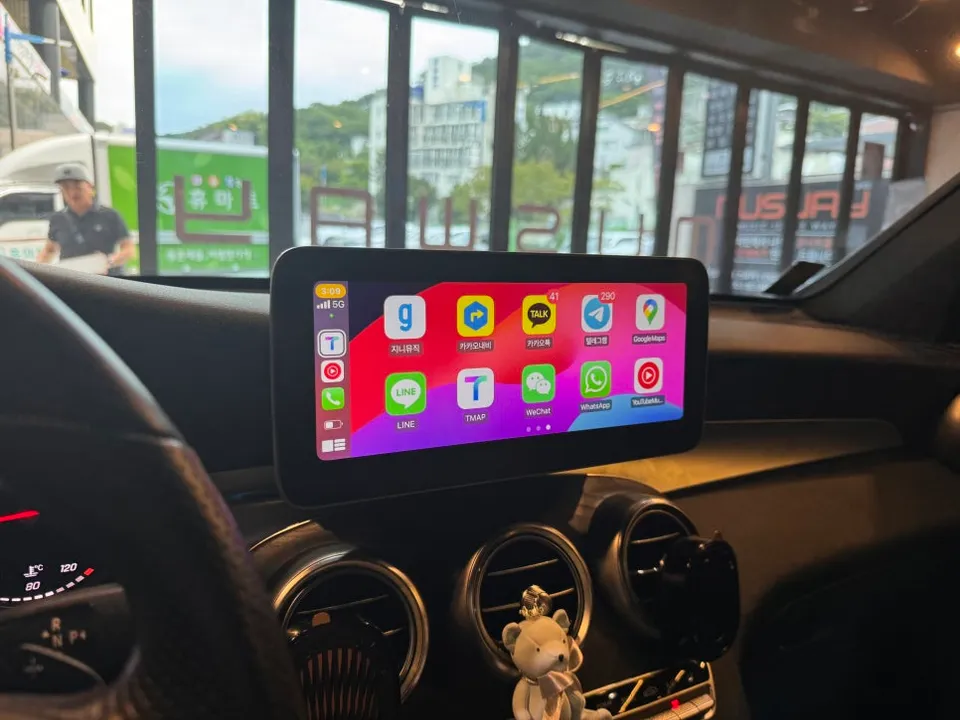
Installation Process: Replacing the Factory Navigation
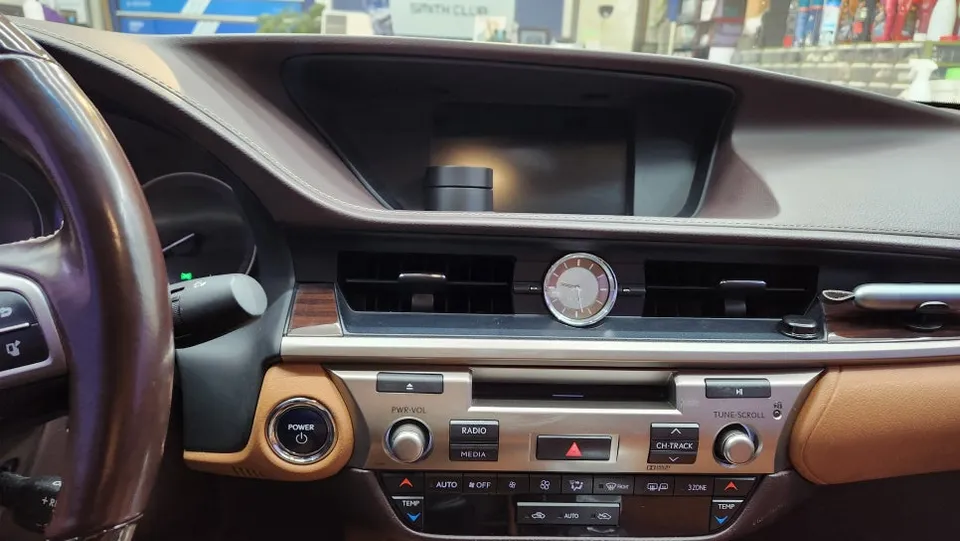
The process begins with the careful removal of the original 8-inch navigation system. Given the premium materials and precise fit of a Mercedes-Benz interior, this requires a delicate approach to avoid damaging the dashboard trim. Specialized plastic tools are used to gently pry away surrounding trim pieces, minimizing the risk of scratches or dents. Once the trim is removed, the factory navigation unit's mounting screws and electrical connectors are disconnected. Extreme care is taken to ensure no wiring is disturbed. After the original unit is out, the space is prepped for the new 10.25-inch Android All-in-One display. A custom-fit mounting bracket or fascia adapter is used to ensure the new unit sits flush and securely within the dashboard opening, integrating seamlessly with the vehicle's aesthetics and electrical system.
Frequently Asked Questions
Q. How much does Android head unit or CarPlay installation cost for a Mercedes-Benz GLC?
The Android All-in-One installation for a Mercedes-Benz GLC starts at approximately ₩180,000 (around $150 USD). Typical US installation costs can range from $200 to $800 depending on the unit's complexity and labor rates.
Q. How long does Android head unit installation take on a Mercedes-Benz GLC?
Basic installation typically takes around 2 hours. For durability, ensure all connections are secure and the unit is properly seated; regular cleaning with a microfiber cloth is recommended for maintenance.
Q. Is a CarPlay or Android Auto retrofit worth it for a Mercedes-Benz GLC?
This upgrade is highly recommended for GLC owners who want to use modern navigation and streaming apps seamlessly. It significantly enhances the infotainment experience, offering a more integrated and user-friendly interface than relying on phone mounts.
Q. How is an Android head unit installed in a Mercedes-Benz GLC?
Installation involves carefully removing the original factory navigation unit using specialized tools to protect the dashboard trim. 1. The existing unit is disconnected from its wiring harness. 2. A new, custom-fit 10.25-inch Android All-in-One unit is connected to the vehicle's electrical system. 3. The unit is secured in place, and dashboard trim pieces are reinstalled for a factory-like finish.
Q. What is the difference between an Android head unit and a factory infotainment system for a Mercedes-Benz GLC?
An Android head unit is a standalone system running the Android OS, allowing direct app installation from the Play Store, while the factory system is integrated by the manufacturer with limited functionality. The Android unit offers significantly more flexibility and access to modern applications.
Today's Car