Audi A7 Wireless CarPlay Upgrade: Modern Navigation for Older MMI
Service Price
$115–150
Estimated price · Actual price may vary by shop
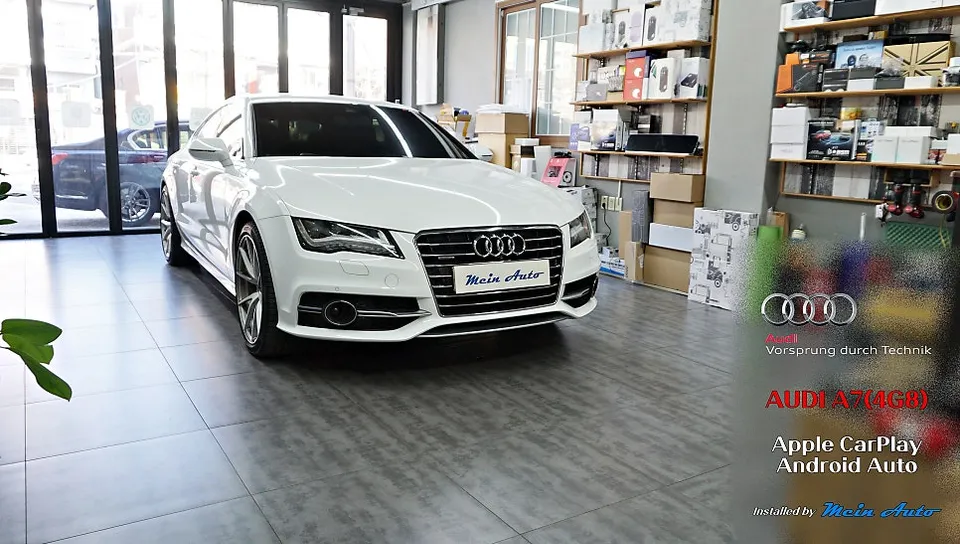
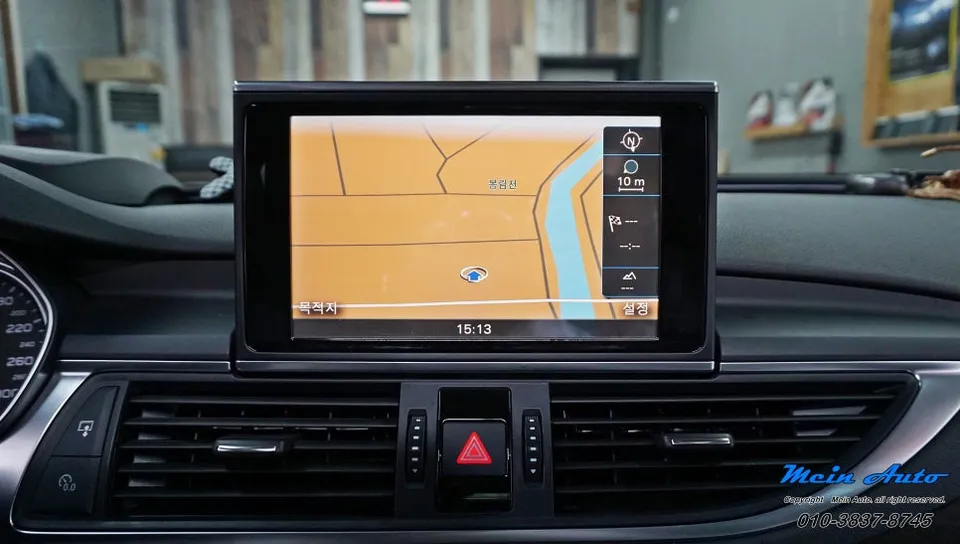
Audi A7 (4G8) wireless CarPlay upgrade integrates modern navigation apps like TMAP and KakaoMap. Installation takes 1-2 hours, preserving original MMI
Why Your Audi A7 Needs a CarPlay Module
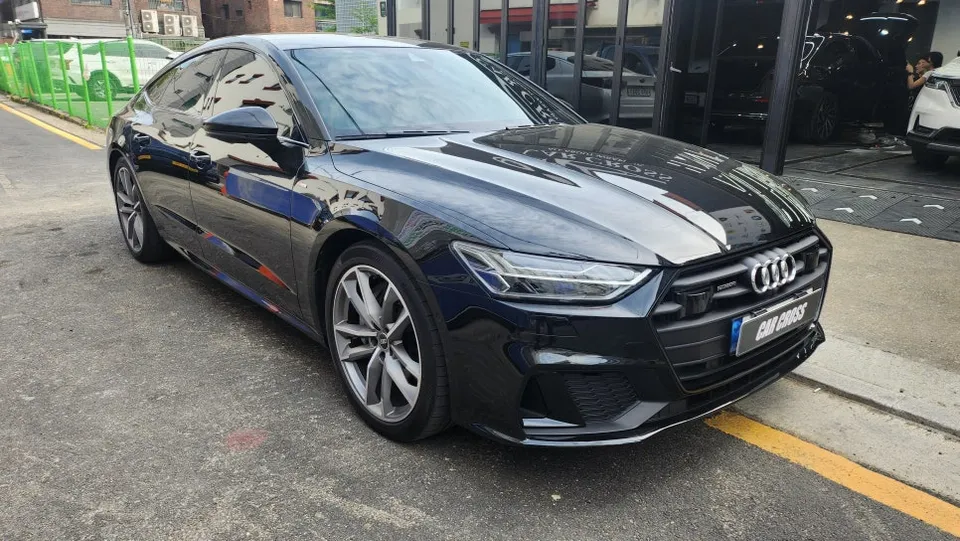
The 2014 Audi A7 (4G8), despite its luxury status, suffers from an outdated infotainment system. The original MMI system is limited to factory navigation data, rendering popular real-time navigation apps like TMAP, KakaoMap, and Naver Maps unusable. This is where a wireless CarPlay module becomes essential. It bridges the technological gap, allowing your sophisticated Audi A7 to utilize modern navigation solutions.
The beauty of the module-based installation is its non-invasive nature. It integrates CarPlay functionality without requiring a complete overhaul of the existing MMI system. Your smartphone connects wirelessly via Bluetooth, offering automatic pairing and eliminating the need for constant cable connections – a significant convenience for Audi A7 owners.
Limitations of the Audi A7 (4G8) 8-inch MMI
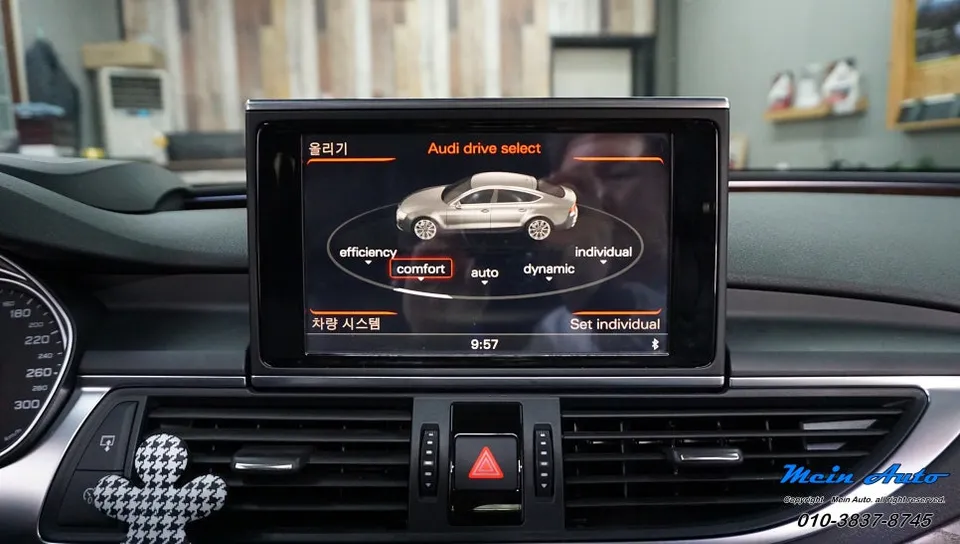
Sharing much of its interior with the A6, the Audi A7 (4G8) features an 8-inch tilting monitor. However, this generation of Audi MMI systems is prone to issues like head unit failure and screen blackouts, common problems in vehicles over a decade old due to aging electronics. When the original navigation falters, switching to a smartphone-based CarPlay system is a far more practical solution.
Furthermore, updating the MMI's navigation maps is nearly impossible. This means it cannot reflect real-time road changes, new constructions, or evolving commercial areas, leading to navigation difficulties. The ability to use constantly updated, modern navigation apps via CarPlay is a substantial advantage in such scenarios.
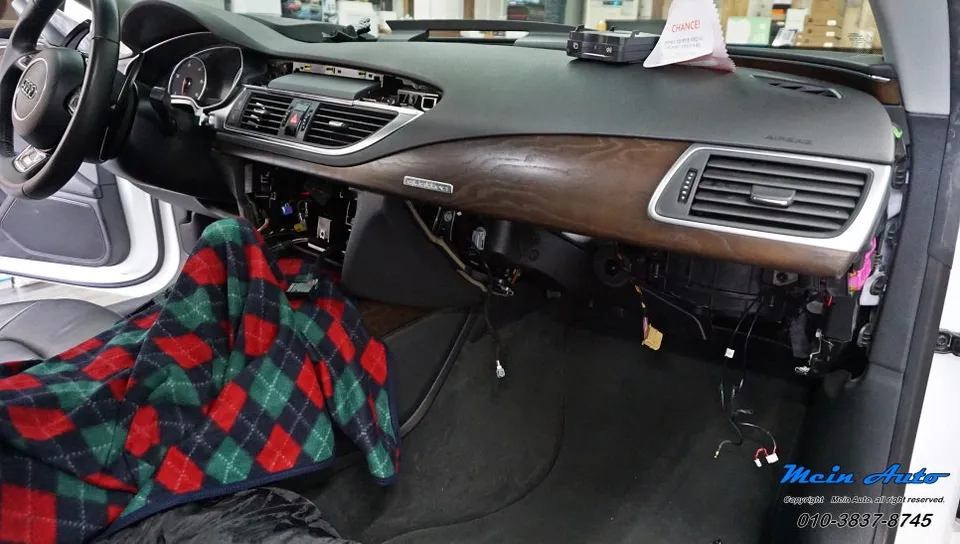
Audi A7 Wireless CarPlay Module Installation Process
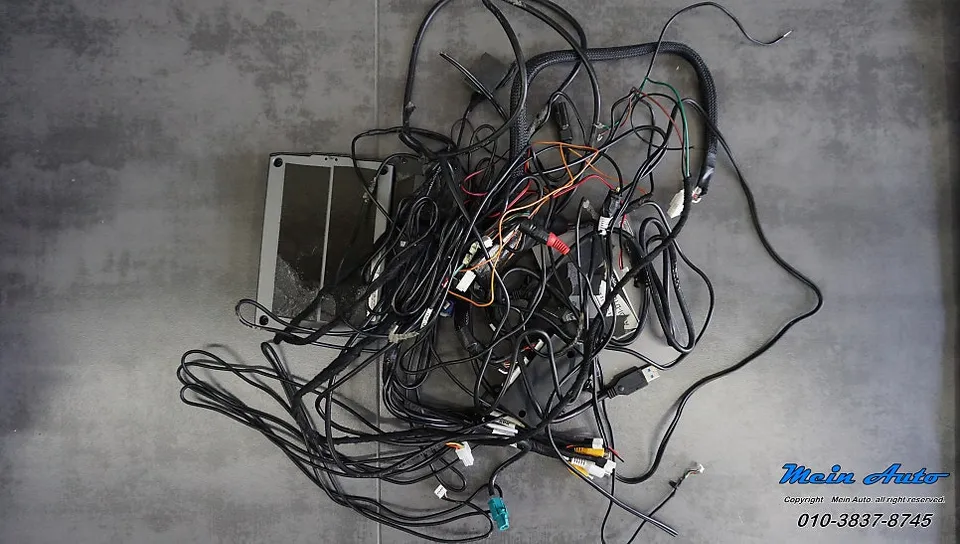
Installation begins with carefully removing the MMI head unit and the passenger side storage compartment trim. Any existing video interfaces or older navigation modules are then removed before installing the dedicated CarPlay module. The process utilizes manufacturer-supplied jack-by-jack cables, ensuring a clean connection that doesn't damage the original vehicle wiring.
Installation Process:
- Remove MMI head unit and passenger trim.
- Disconnect and remove old video interface/navigation module.
- Connect the new CarPlay module using provided jack-by-jack cables.
- Test all functions to ensure proper operation.
- Reassemble trim and head unit.
After intermediate testing confirms all functions are working correctly, the module is secured, and the removed trim pieces are reinstalled. The entire process typically takes about 1 to 2 hours. While seemingly straightforward, it requires precision, making professional installation at an experienced shop highly recommended.
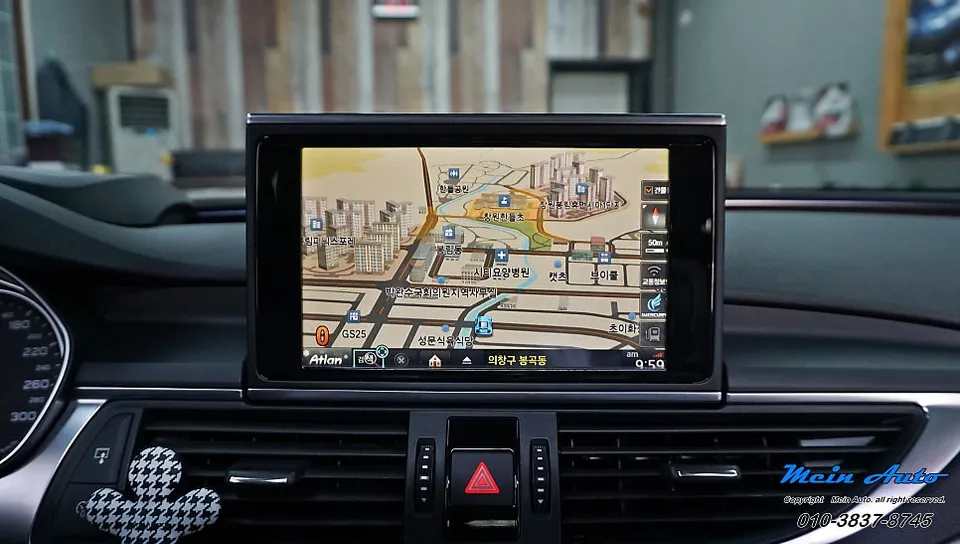
Seamless Integration and Undisturbed Aesthetics
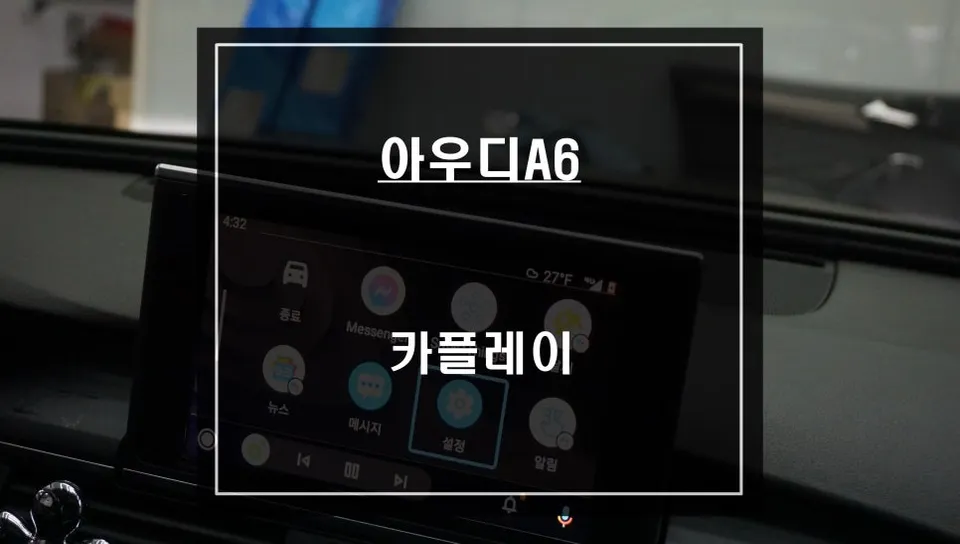
A key benefit of this CarPlay module is its ability to maintain the car's original exterior and interior look. Unlike replacing the entire head unit, there's no feeling of the interior being compromised. The existing 8-inch monitor remains, and you can switch to the CarPlay interface using the original MMI controller, often by pressing the 'NAV' button, preserving the factory feel.
Navigation within the CarPlay interface is controlled via the MMI's jog dial. While an aftermarket touchscreen can be added for an additional cost (typically ₩300,000-₩500,000), it's often unnecessary as the jog dial provides intuitive control. Most users find the dial sufficient for easy operation without the added expense.
Effortless Wireless Connectivity
Once initially paired with your smartphone via Bluetooth during installation, the CarPlay module automatically connects every time you enter the vehicle. iPhone users will see Apple CarPlay launch, while Android users will have Android Auto displayed on the screen, ready for use.
Frequently Asked Questions
Q. How much does a wireless CarPlay module cost for an Audi A7?
The cost for a wireless CarPlay module for an Audi A7 typically ranges from ₩300,000 to ₩500,000 in Korea, plus installation fees. US pricing can vary significantly based on the brand and installer.
Q. How long does a wireless CarPlay module last in an Audi A7?
With proper installation and care, a wireless CarPlay module can last for many years, often outlasting the vehicle's original electronics. Regular software updates from the module manufacturer can help maintain optimal performance and compatibility.
Q. Is a wireless CarPlay module worth it for an Audi A7?
Yes, a wireless CarPlay module is highly recommended for Audi A7 (4G8) owners seeking modern navigation and infotainment features. It significantly enhances usability by allowing access to real-time map applications and a familiar smartphone interface.
Q. How is a wireless CarPlay module installed on an Audi A7?
Installation involves removing the MMI head unit and passenger trim, disconnecting the old navigation module, and connecting the new CarPlay module using specialized jack-by-jack cables. After testing, the trim is reassembled, typically taking 1-2 hours.
Q. What is the best wireless CarPlay option for an Audi A7?
The best option is a module that integrates seamlessly with the existing 8-inch MMI and uses the original controls, like the jog dial. Avoid options that require extensive dashboard modification or add-on touchscreens unless absolutely necessary, as they increase cost and complexity.
OhCar Partner Shop